
Improve your workflow while managing KeyStores certificates with the help of this all-encompassing and efficient piece of software. #Keystore manager #Create keystore #File signature #Keystore #Signature #Certificate

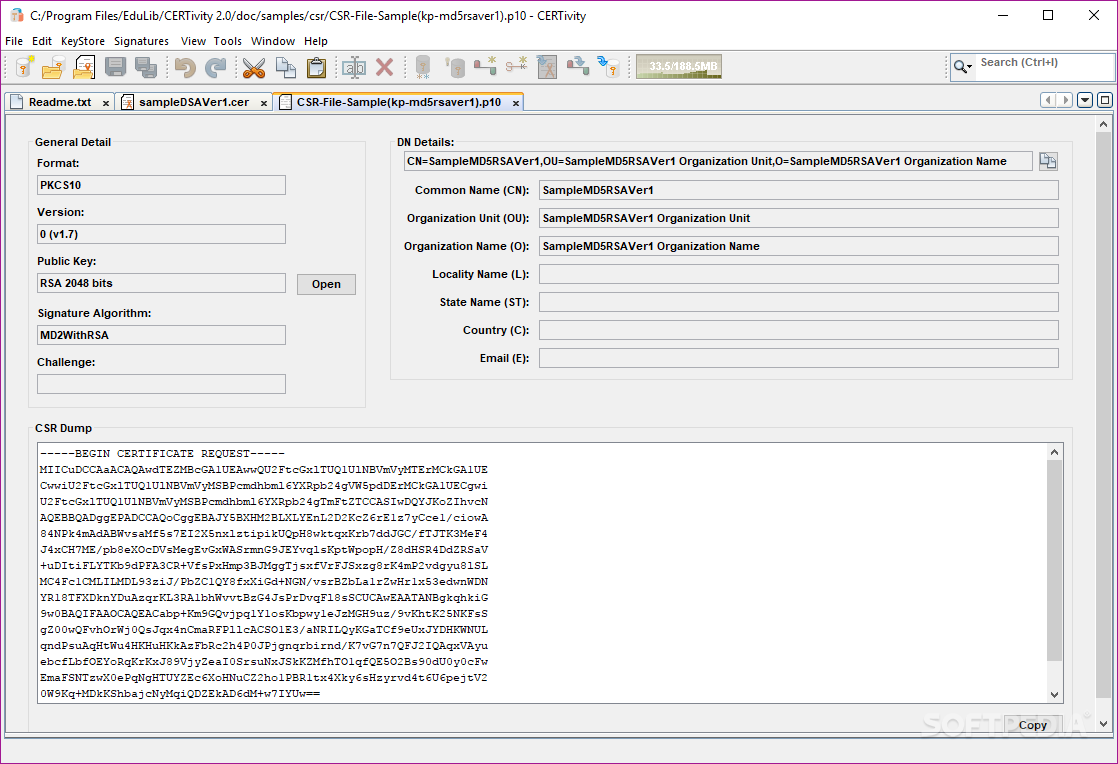
Note: In order to use this application, users have to request a trial license.
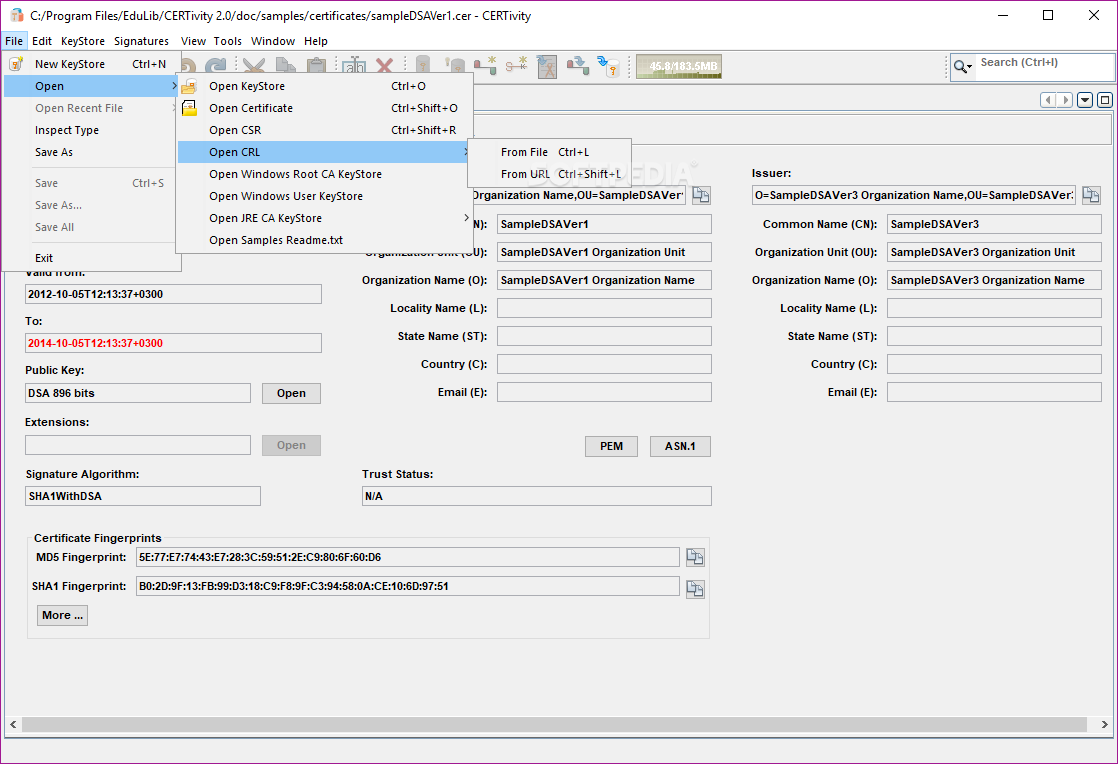
Java KeyStores (also found under the abbreviation of JKS) can be described as bundles of SSL-encrypted security files, such as public key or authorization certificates.
As you can imagine, having to deal with scores of JKSs and all their associated complex details can prove challenging even for the most experienced developer or system administrator, especially without the proper tools at their disposal.
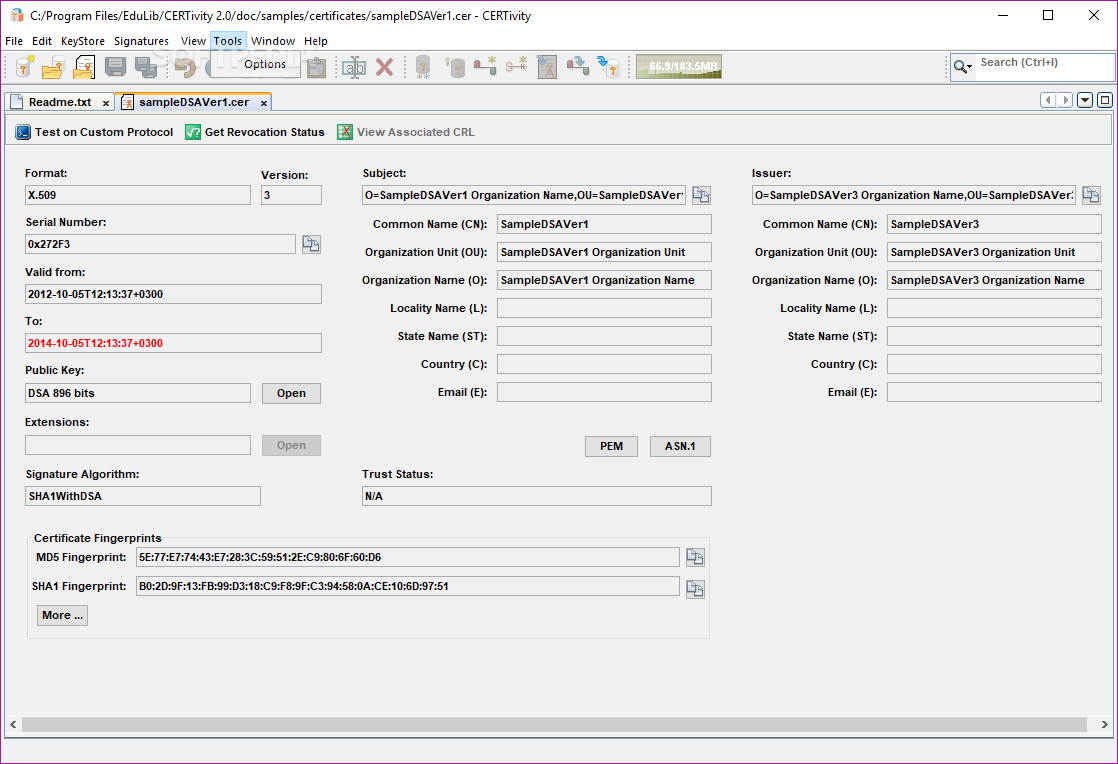
If this is your case as well, then you might want to consider giving CERTivity KeyStores Manager a chance. Simply put, this powerful KeyStores manager aims to improve your workflow by providing you with a functional and intuitive environment for dealing with KeyStores like JKS, JCEKS, PKCS12, the Bouncy Castle types BKS and UBER, or Windows Native, Certificates, Key Pairs, and even Secret Keys.
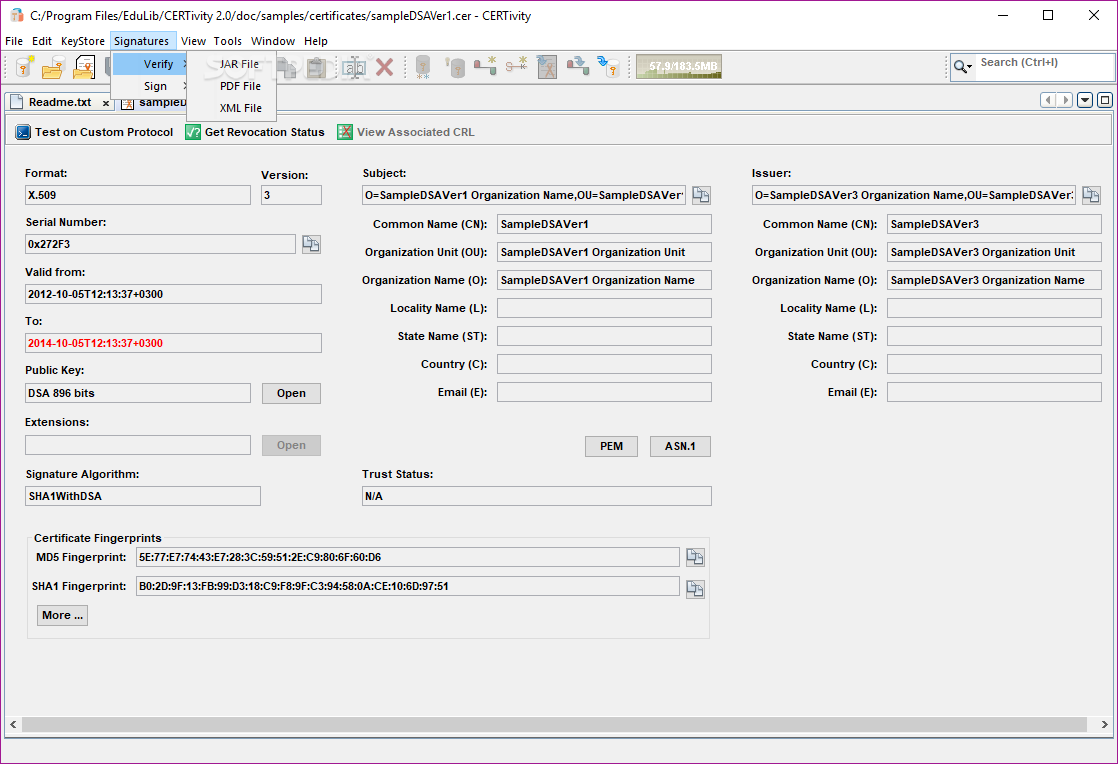
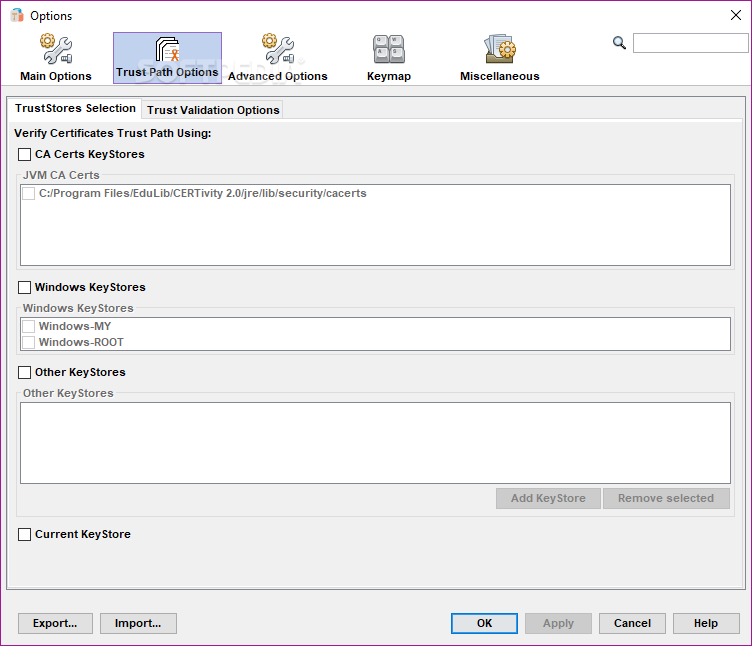
But that just the tip of the iceberg, so to speak. To prove this point, the app can also help you create, sign and even verify PDF, JAR, XML, or CSR files. The app bundles a few beneficial import/export options, as well. It allows you to retrieve certificates from multiple sources and export them to a great number of formats. Setting or removing TrustStores is also something that this app is capable of doing, without requiring you to restart the application.
What's more, the utility can also help you with various certificate authority-related features. For example, you can generate and sign certificate signing requests, import CA replies, check PKI file types, and even append and remove signer certificates.
You should be able to get started with the app in just a few minutes time, as you only need to download the app's installer and deploy it on your computer's system. However, please note that if don't already own a license key, you are required to request a trial key before you can actually use it.
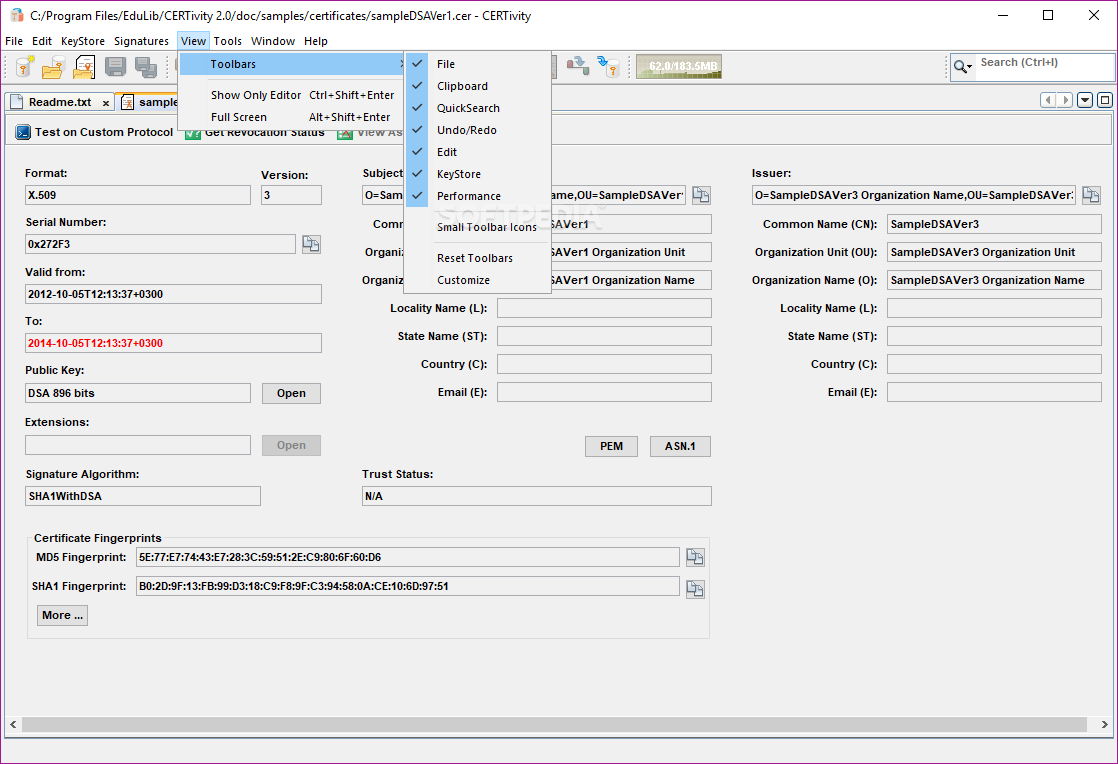
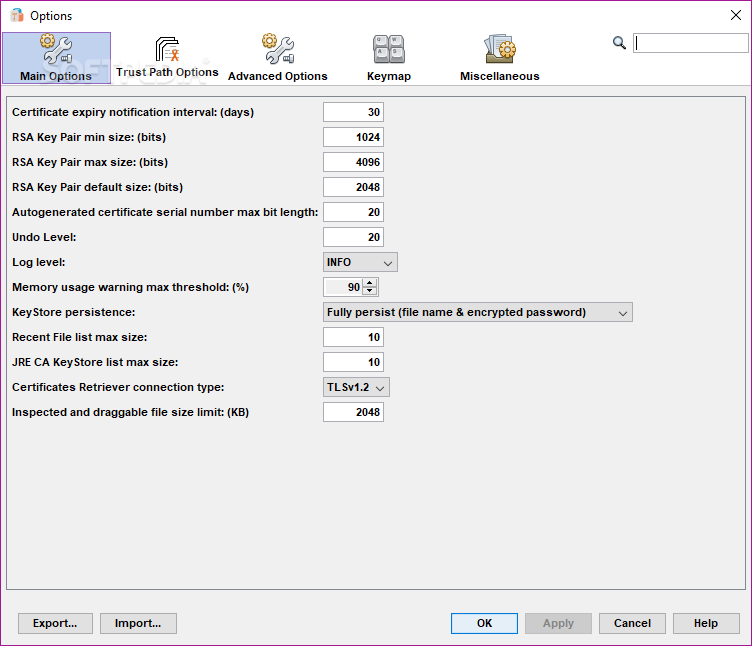
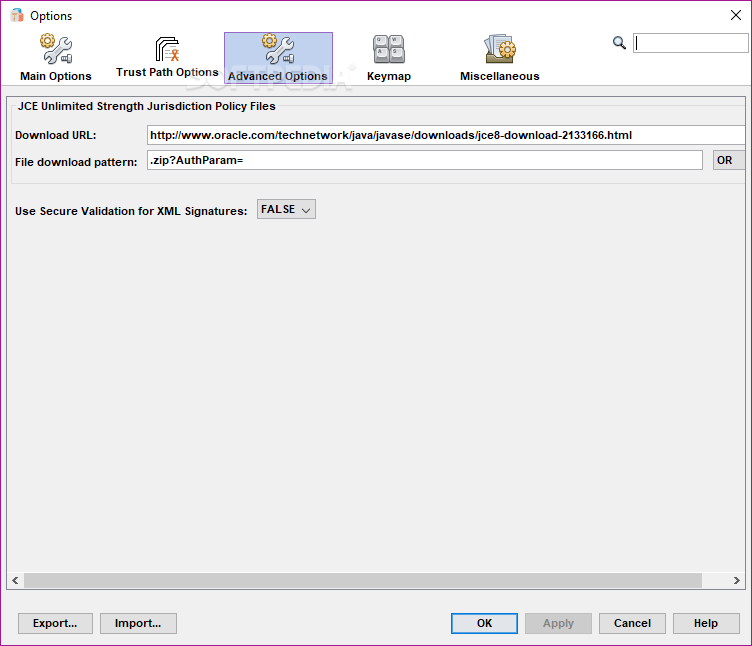
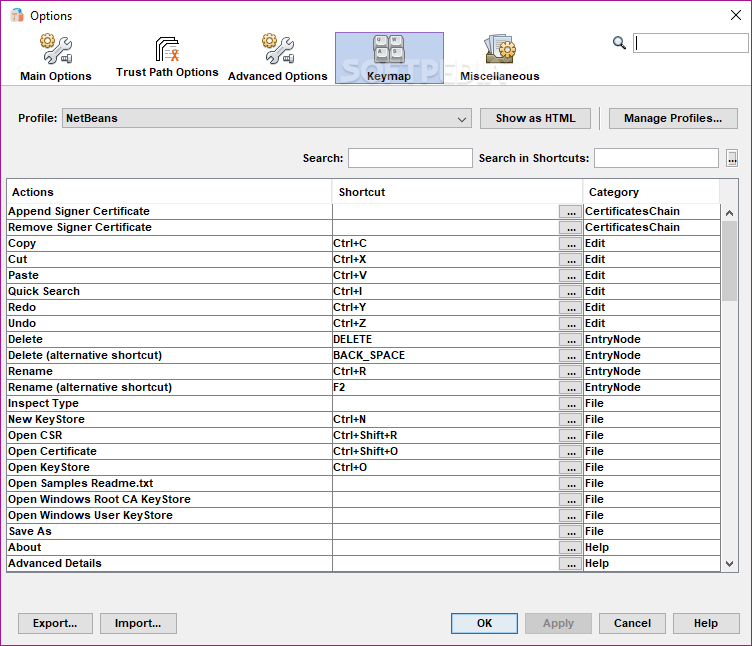
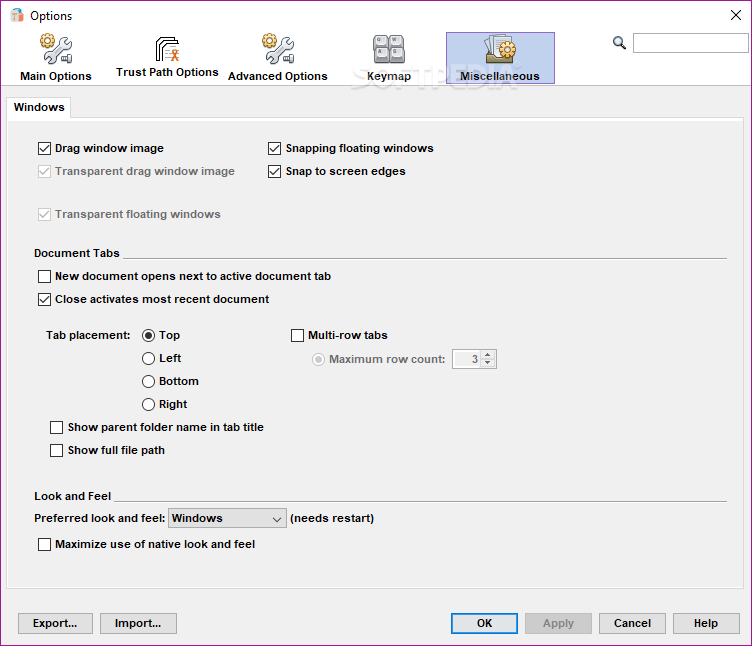
It's also well worth pointing out that this is a well-sorted application, with a clear-cut, intuitive user interface and a surprisingly comprehensive documentation section that should come in handy for novice and more advanced users alike.
Since it's capable of simplifying the whole certificate management and signing processes to such a great extent, it's safe to say that CERTivity KeyStores Manager is a must have for any developer or administrator who is dealing with such files on a daily basis.
What's new in CERTivity KeyStores Manager 2.0 Build 15:
- New Features:
- Added support for Timestamp Information when signing Jar files.
- Bug Fixes:
CERTivity KeyStores Manager 2.0 Build 15
add to watchlist add to download basket send us an update REPORT- runs on:
-
Windows 10 32/64 bit
Windows 8 32/64 bit
Windows 7 32/64 bit
Windows Vista 32/64 bit
Windows XP - file size:
- 85.4 MB
- filename:
- CERTivity-windows-2.0_with_jre-32.exe
- main category:
- Programming
- developer:
- visit homepage
paint.net

4k Video Downloader

Zoom Client

IrfanView

ShareX

calibre

Microsoft Teams

Windows Sandbox Launcher

Bitdefender Antivirus Free

7-Zip

- Windows Sandbox Launcher
- Bitdefender Antivirus Free
- 7-Zip
- paint.net
- 4k Video Downloader
- Zoom Client
- IrfanView
- ShareX
- calibre
- Microsoft Teams