
Miniclip Games Display Interface uses PHP and Javascript that makes using this service much easier. #Miniclip Games #Display Interface #PHP script #PHP #Script #Miniclip
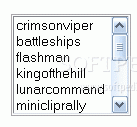
There are a lot of ways to add interactive content to your website. One of them is to download and host online games such as the ones provided by miniclip.com.
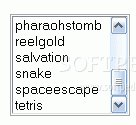
Our programmers have come up with a simple interface application which uses PHP and Javascript that makes using this service much easier. The script handles everything, once you've coppied the game files into the proper directories you don't have to do any more work. New additions are recognized automatically, and each game is opened up in a smaller window that's sized to fit each individual game.
1. Download a game from http://www.miniclip.com/Downloads.htm
2. Unzip it
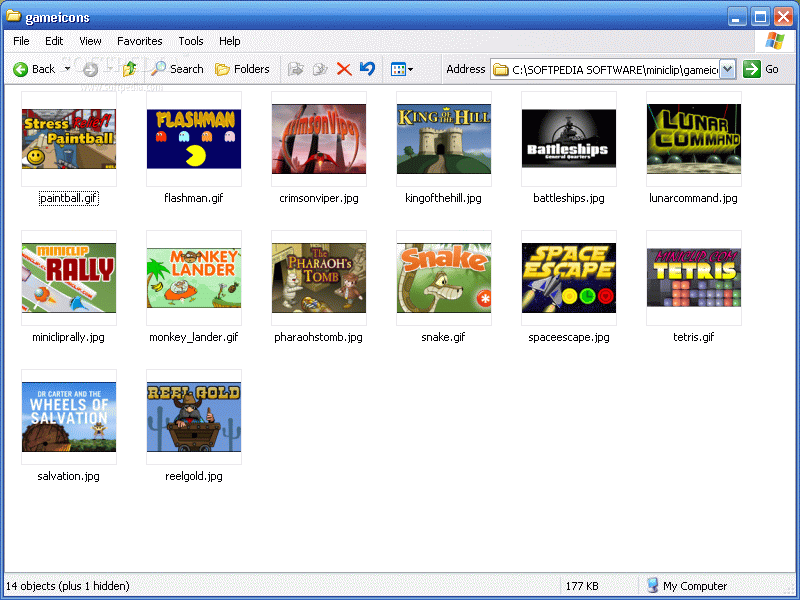
3. There should be about 4 files to the game: 1 html file, 1 swf file, and 2 graphic files (one small and the other big or medium). Pick the larger graphic file and rename it to the same name as the html file. For example if the file is named coolgame.html, rename the graphic to coolgame.gif (or coolgame.jpg)
4. Delete the smaller graphic file, you won't need it.
5. Put the graphic file into the gameicons directory
6. Put the html file and the swf file into the gameplay directory
Miniclip Games Display Interface 1.0
add to watchlist add to download basket send us an update REPORT- runs on:
- Windows All
- file size:
- 5.4 MB
- main category:
- Programming
- developer:
- visit homepage
Zoom Client

7-Zip

ShareX

Bitdefender Antivirus Free

Windows Sandbox Launcher

Microsoft Teams

calibre

IrfanView

4k Video Downloader

paint.net

- IrfanView
- 4k Video Downloader
- paint.net
- Zoom Client
- 7-Zip
- ShareX
- Bitdefender Antivirus Free
- Windows Sandbox Launcher
- Microsoft Teams
- calibre