
Extracts files from a variety of executable files and resources, while also decompressing and revealing hidden or encrypted content. #File Unpacker #Decompress File #Resource Extractor #Extract #Unpack #Resource

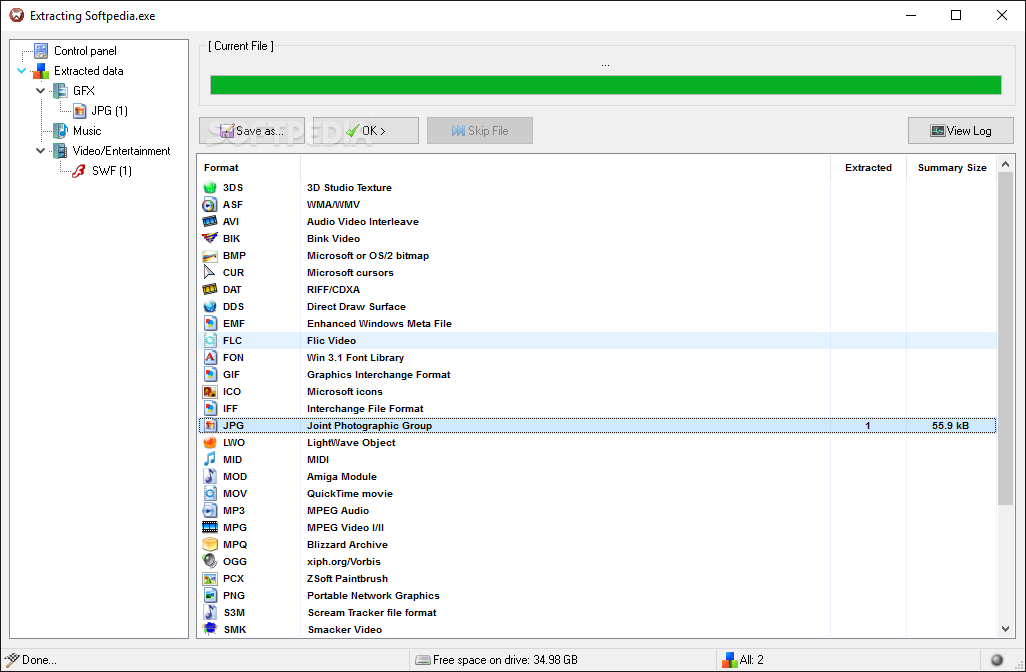
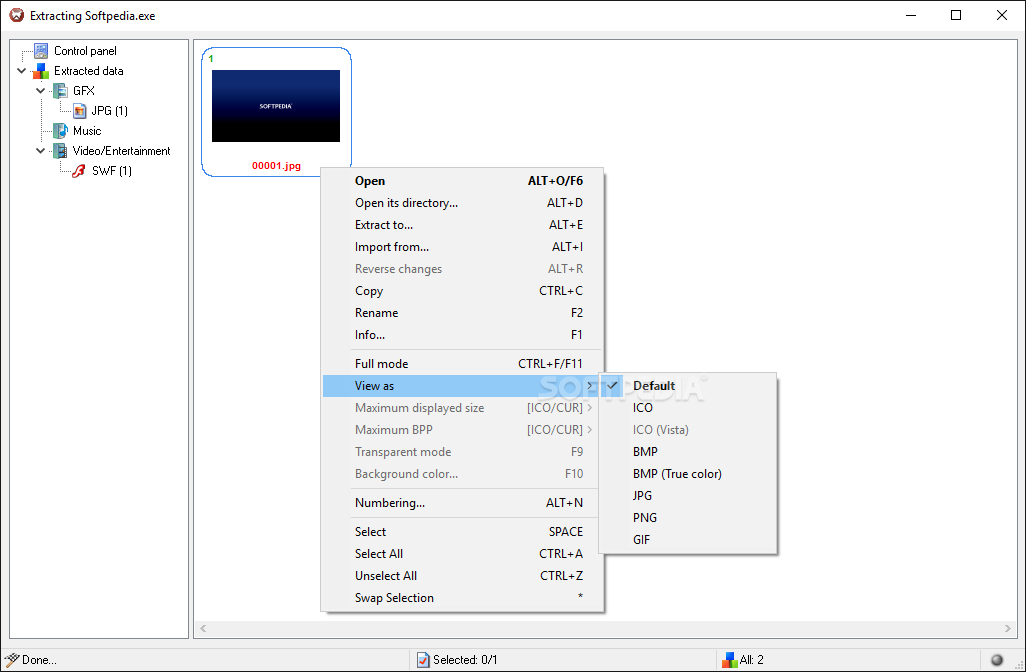
MultiExtractor is a small tool with an abundant amount of extraction features, capable of targeting, analyzing, and exporting or decompressing components from executables, videos and movies, corrupted TIB archives, regular ZIP archives, HTML help files, MSI installers, and many other file types.
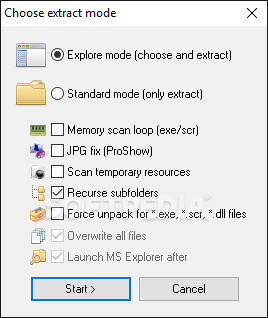
MultiExtractor is a program with a small footprint on your system's resources, and it integrates well with Windows OS. The tool opens up in a tiny desktop window and has five different buttons — the file/process upload function, the directory selection and extraction feature, the process start command (at the center), respectively, the settings and the help options.
Due to a discrete and unobstructive layout, you can process file/directory extractions in the background while working on something else.
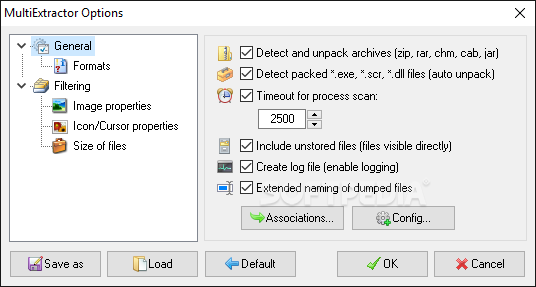
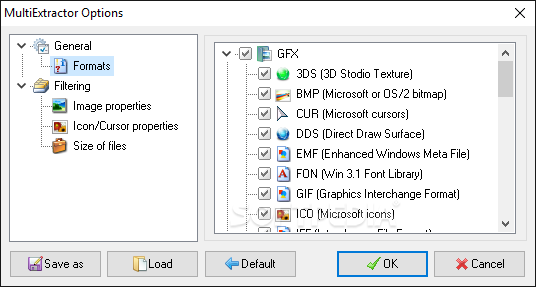
The settings window targets two main areas: the general configuration options and the filtering methods. As such, in the first section, you can opt for automatic archive detection and unpacking, set up the process scanning timeout, enable logs registration and reporting, manage file format naming and associations (e.g., associate PNG images with PNG file formats or associate MP4 files with JPEG content), select the types of file formats you enable MultiExtractor to process, decompress, decode, and process.
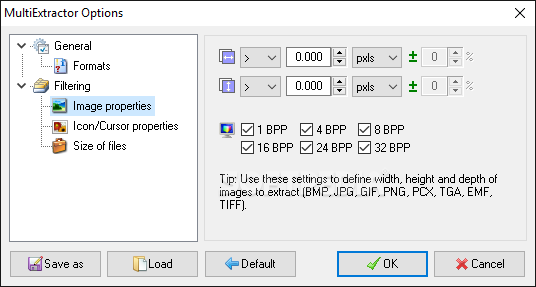
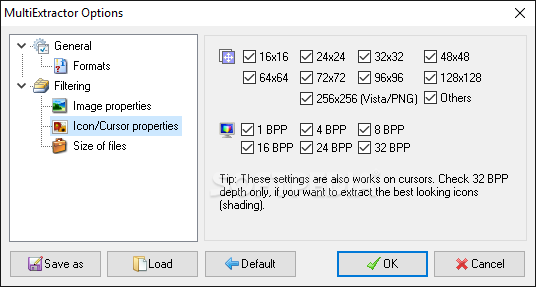
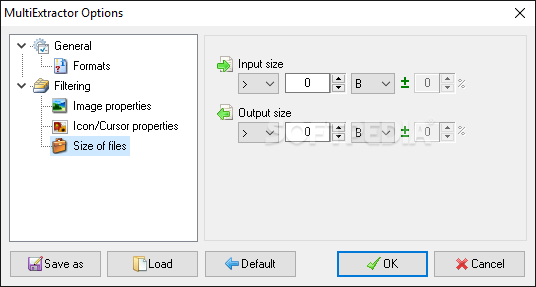
In the filtering settings area, you can set up the image resolution properties for picture extractions and the bit depth for primary colors — also referred to as bits per pixel —, (a feature used for setting the image output quality, based on the number of pixels you assign for defining a color; more pixels = higher image quality).
To conclude, executables, archives, files such as videos or soundtracks, and documents (PDF, TXT, DOC/DOCX, XLS, PowerPoint content) are composed of smaller components and elements. You can submit any of these aforementioned instruments for extraction and split them (using tools like MultiExtractor) into their individual, constitutive components (e.g., extract selectively, with user-defined size, dimension, and quality, the icon of a program).
Finally, related to MultiExtractor's overall performance, it is important to note that this application is Windows-optimized, decompresses and converts files at a fast pace, supports a wide range of file formats and filtering methods, and can detect and encrypted and hidden content.
What's new in MultiExtractor 4.8.1:
- New Code Signing Certificate
- Optimized graphic view
- Small fixes
MultiExtractor 4.8.1
add to watchlist add to download basket send us an update REPORT- runs on:
-
Windows 11
Windows 10 32/64 bit
Windows 8 32/64 bit
Windows 7 32/64 bit
Windows Vista 32/64 bit
Windows XP 32/64 bit - file size:
- 4.8 MB
- filename:
- MultiExtractor.exe
- main category:
- Multimedia
- developer:
- visit homepage
4k Video Downloader

calibre

Context Menu Manager

ShareX

Windows Sandbox Launcher

7-Zip

Zoom Client

IrfanView

Bitdefender Antivirus Free

Microsoft Teams

- IrfanView
- Bitdefender Antivirus Free
- Microsoft Teams
- 4k Video Downloader
- calibre
- Context Menu Manager
- ShareX
- Windows Sandbox Launcher
- 7-Zip
- Zoom Client