
Create virtual disc images under various popular formats like ISO, BIN, and CUE, create bootable disks, and mount them in one or more virtual drives. #ISO creator #Convert ISO #Create image #Virtual image #Virtual drive #ISO

Because they contain an exact copy of the data, file structure, and often the boot information, ISO files are often considered as a digital alternative to physical DVDs. While some may still use physical disks, their virtual counterpart come with the advantage of portability, sharing and more efficient backup.
PowerISO is a powerful tool for handling CD, DVD, and Blu-ray disk image files on your computer.
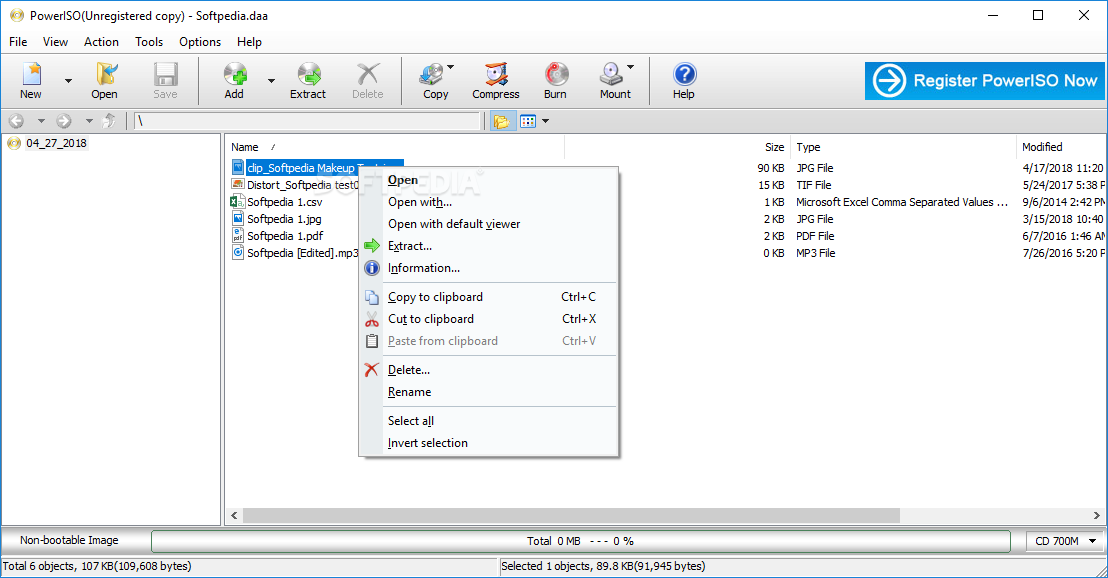
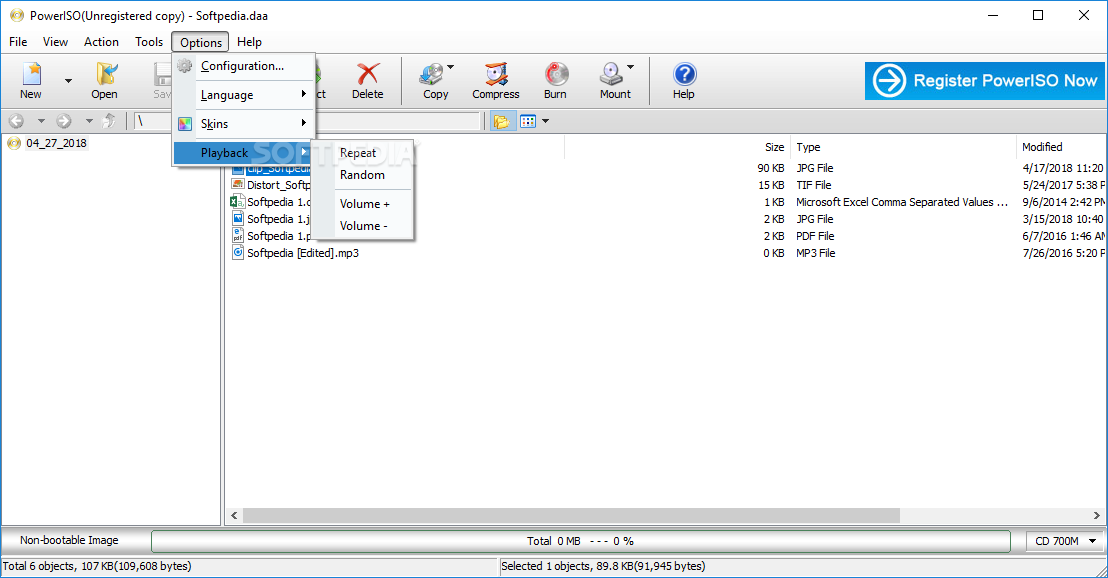
The program boasts a relatively old-school interface, but it’s intuitive and unlikely to give you troubles, irrespective of your experience with similar tools. Simply add the desired ISO file - or other image file you want to explore - and you can immediately preview its content and perform various operations.
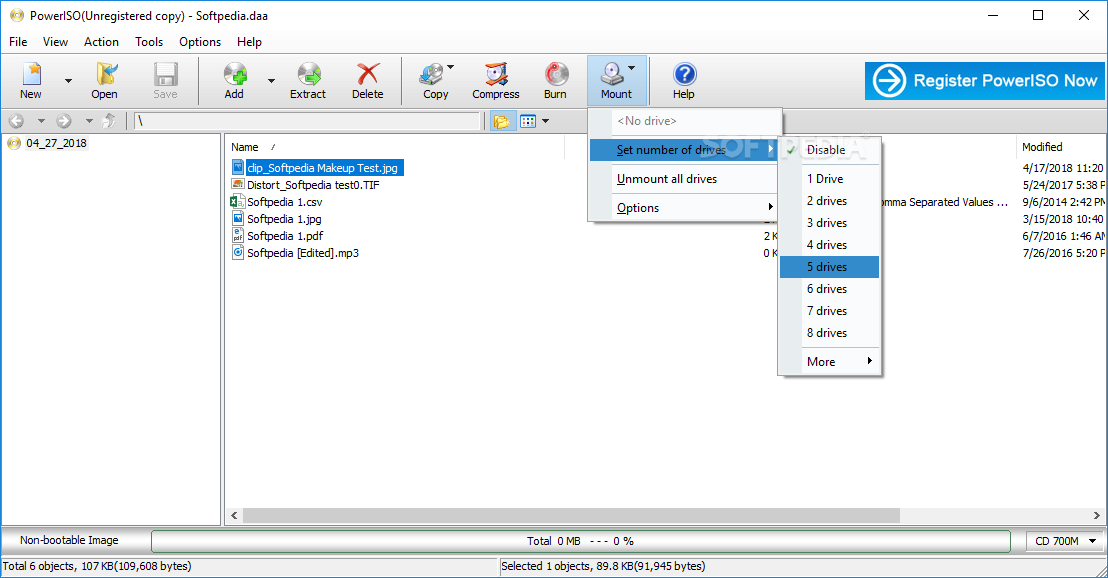
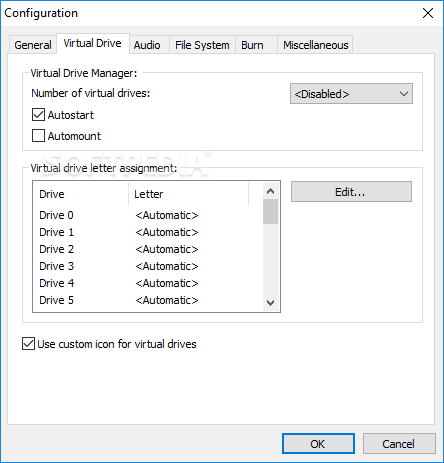
You will be happy to learn that you can open the ISO files directly, thanks to the internal virtual drive, which is best described as a make-belief disk drive inside your PC. You don’t need to rely on any physical media to manage your data.
The app can be especially beneficial for newer computers who typically don’t have the DVD physical media. Moreover, you can use it for software installations, particularly large video games, or operating systems.
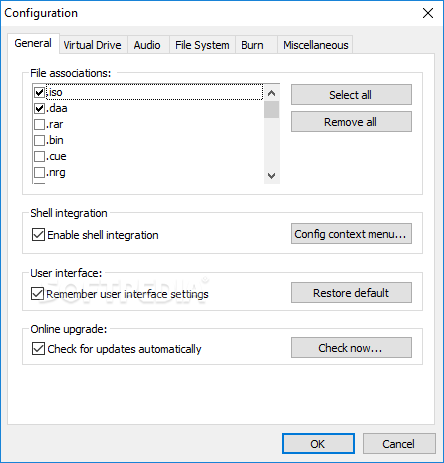
The program is versatile and can cater to a wide variety of CD/DVD/BD-ROM image file formats, ensuring compatibility with ISO, BIN, NRG, CDI, DAA, and many others. The extensive support means you can effortlessly handle different types of disk image files, whether it's an ISO file, a BIN file, or other formats.
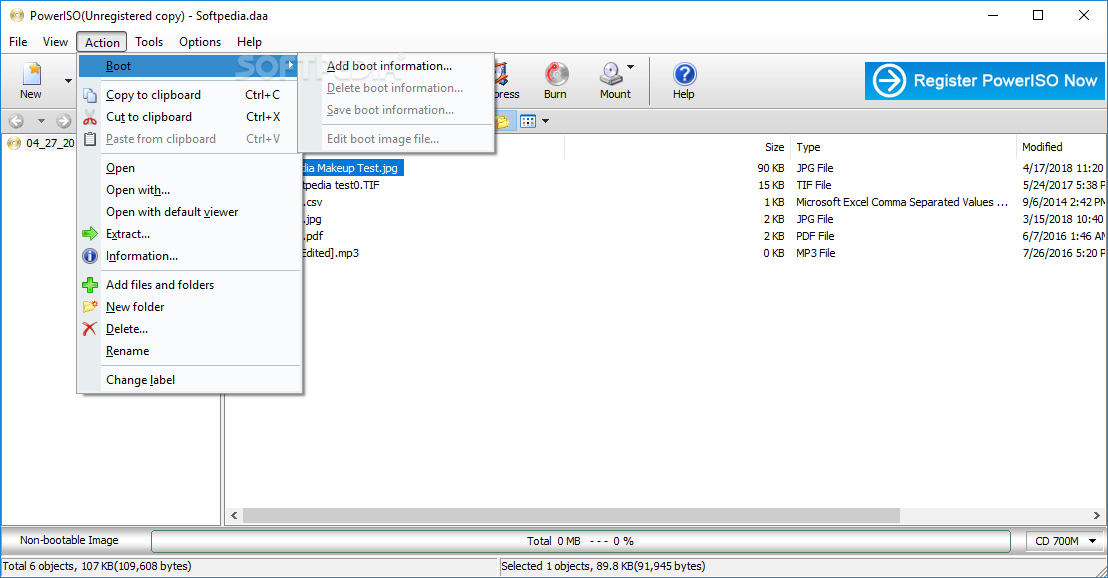
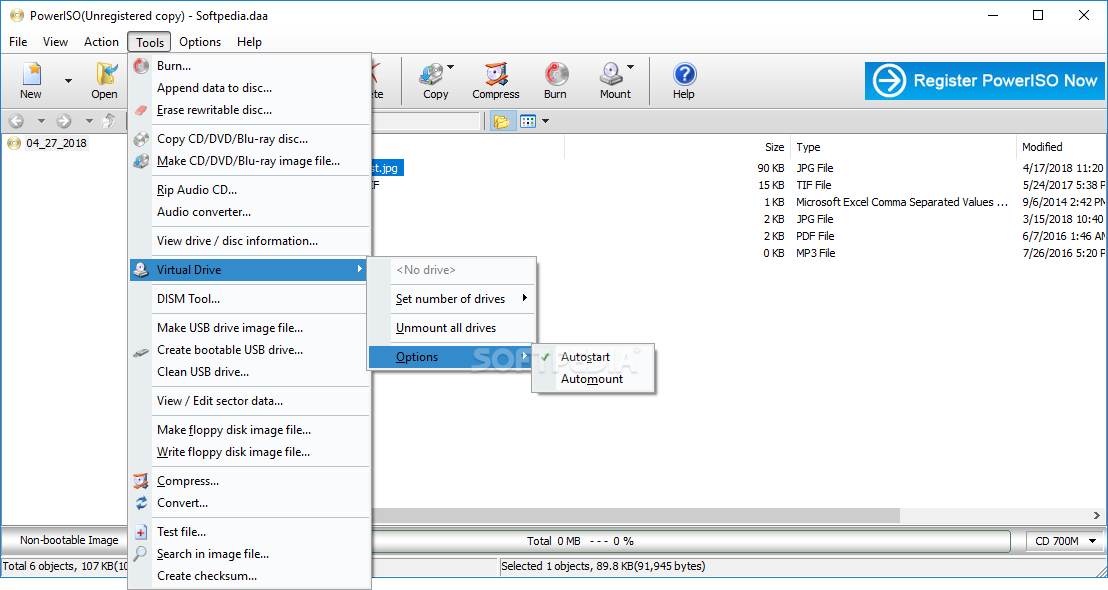
Overall, PowerISO is a multifaceted application that packs a wide range of capabilities for managing ISO files. You can seamlessly open, extract, burn, create, edit, compress, encrypt, split, and convert ISO files as well as perform diverse operations on disk image files efficiently.
Download Hubs
PowerISO is part of these download collections: Create ISO, Open NRG, CD Burner, Open ISO
What's new in PowerISO 8.7:
- Supports m3u files.
- Improves the function of creating bootable USB drive.
- Some minor bug fixes and enhancements.
PowerISO 8.7
add to watchlist add to download basket send us an update REPORT- runs on:
- Windows All
- file size:
- 4.4 MB
- filename:
- PowerISO8.exe



- main category:
- CD / DVD / Blu-ray Tools
- developer:
- visit homepage
Zoom Client

paint.net

4k Video Downloader

IrfanView

Windows Sandbox Launcher

Microsoft Teams

calibre

Bitdefender Antivirus Free

ShareX

7-Zip

- Bitdefender Antivirus Free
- ShareX
- 7-Zip
- Zoom Client
- paint.net
- 4k Video Downloader
- IrfanView
- Windows Sandbox Launcher
- Microsoft Teams
- calibre