
Create stable web-based applications using a JavaScript-based platform that features an visual model editor, a resource manager and a GUI builder. #Build web application #Application creator #JavaScript editor #JavaScript #Web application #Designer
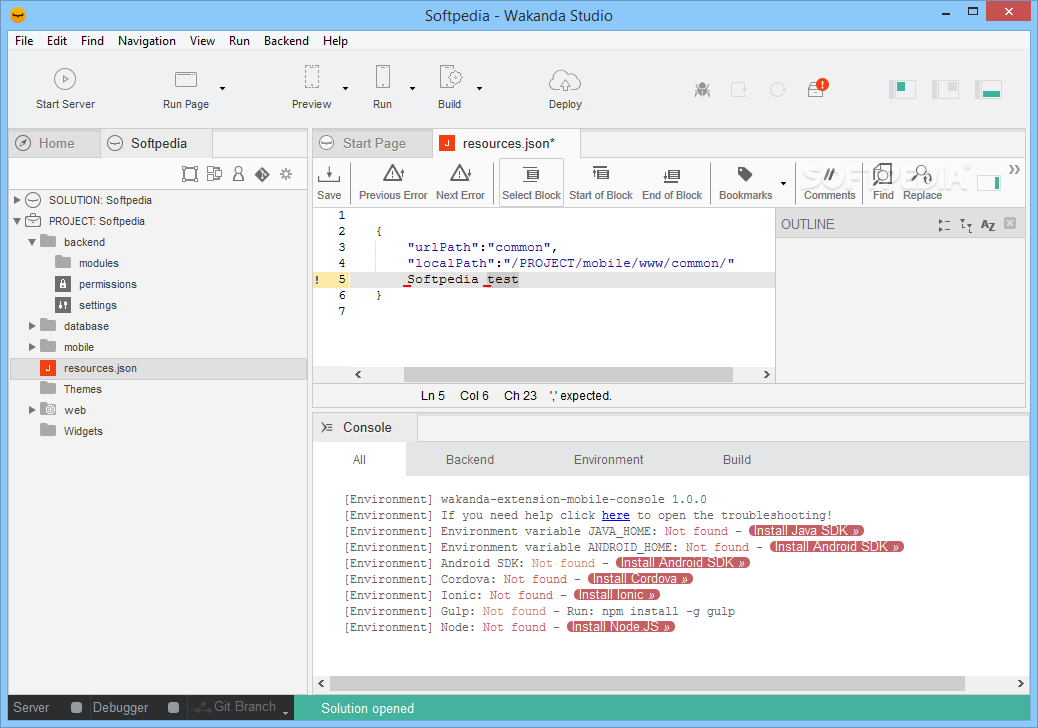
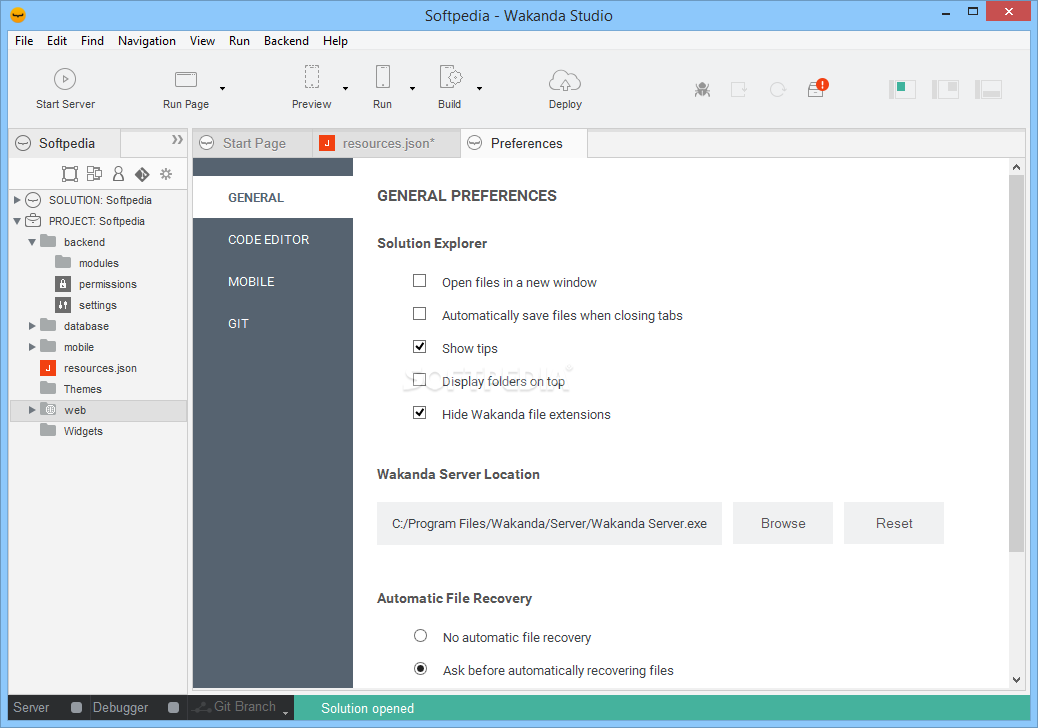
Wakanda Studio is a powerful tool meant to ease the work of those who are looking to develop apps for both PCs and mobile devices. The application bundles a large number of features that are housed by a very good looking GUI which you should definitely find appealing.
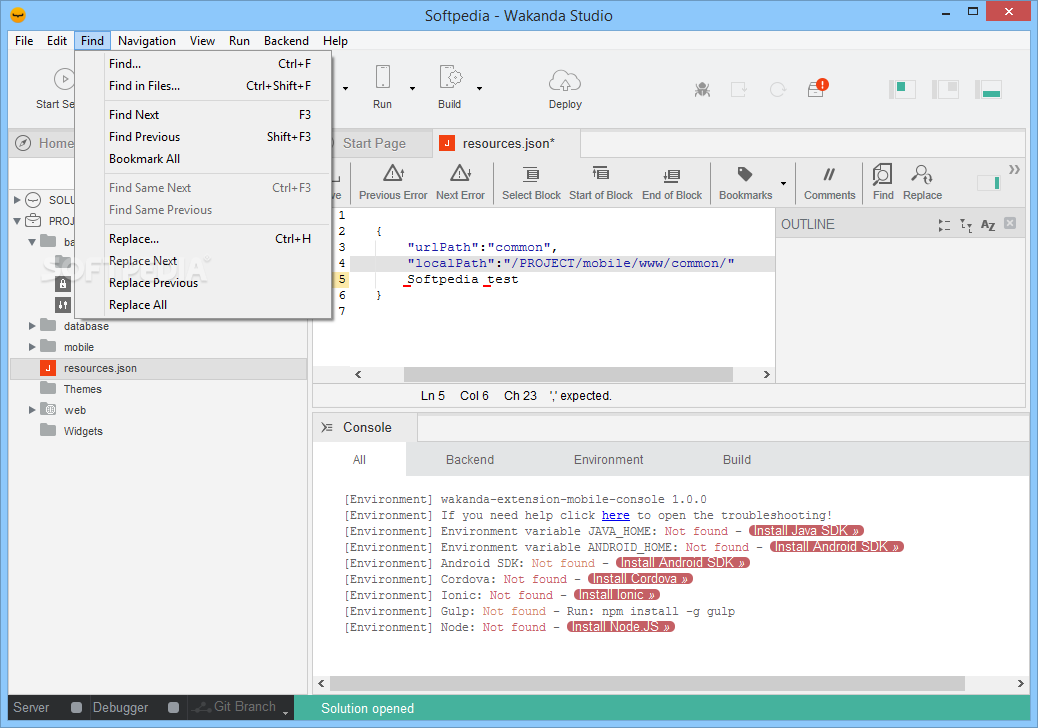
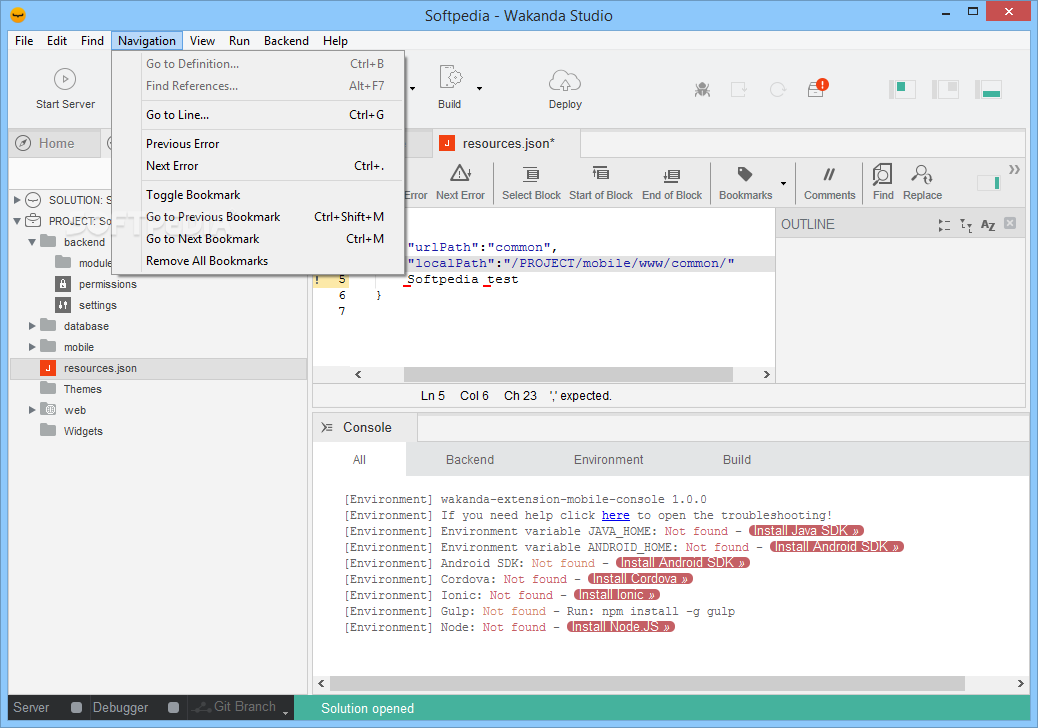
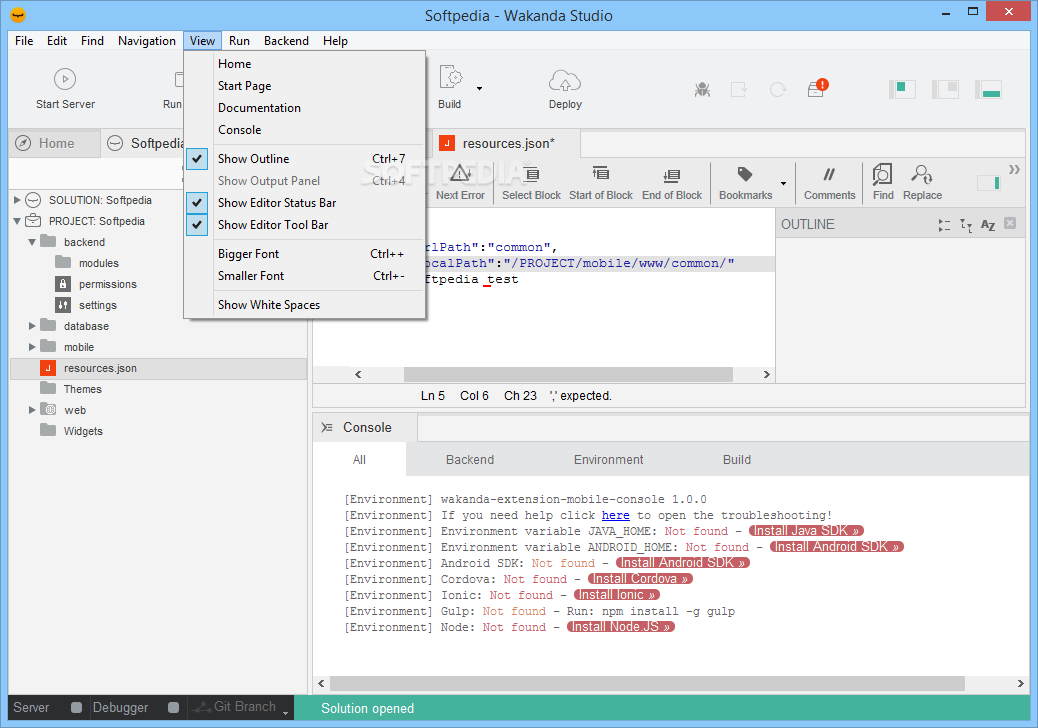
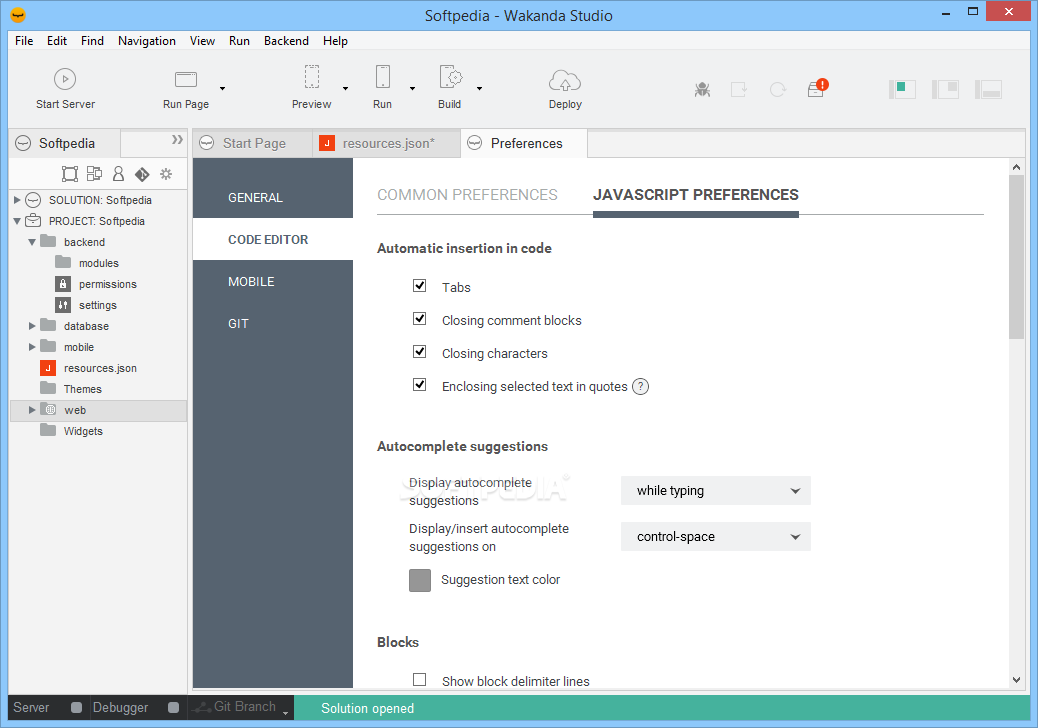
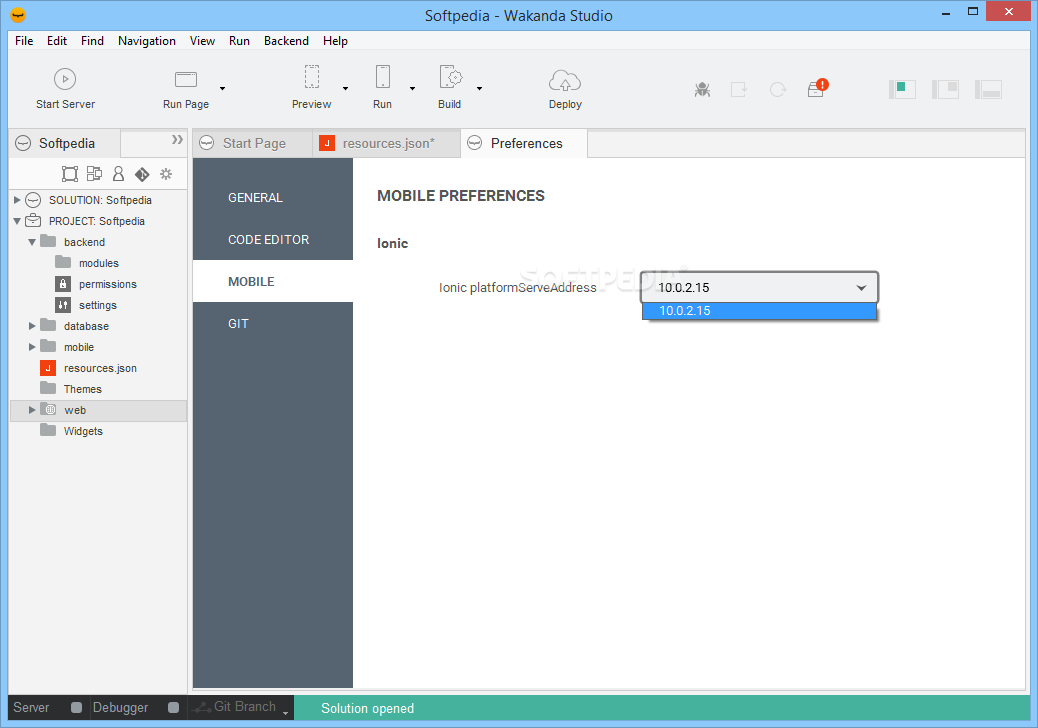
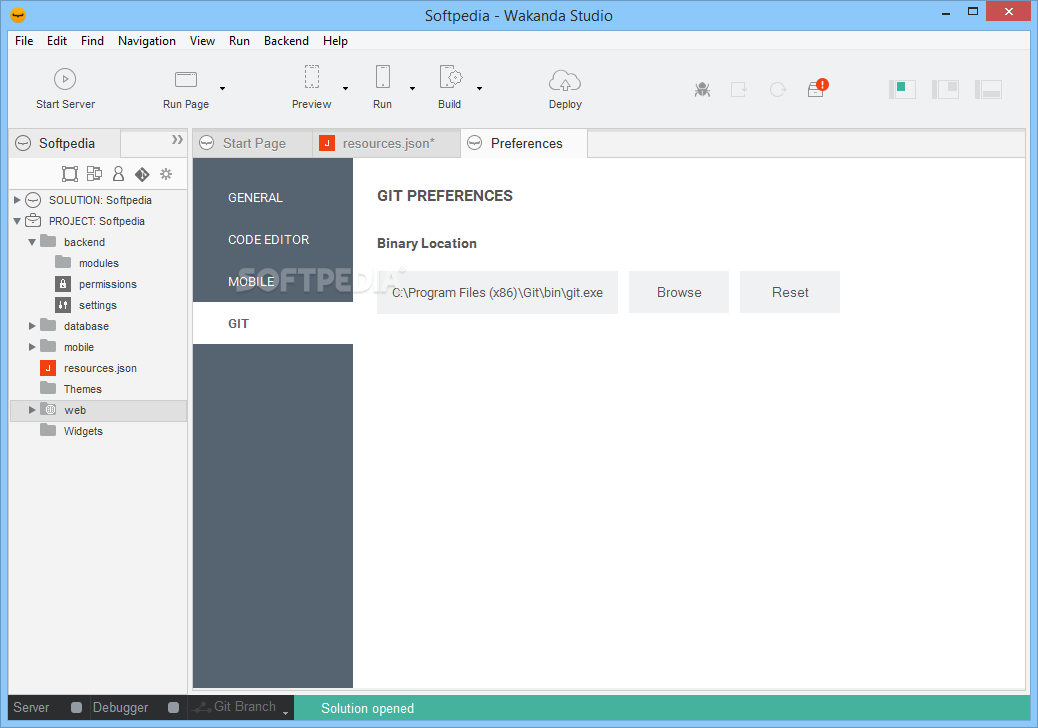
Wakanda Studio displays a more than comprehensive interface which should be easy to make out for first time users, and intuitive for experienced developers. At a first glance of the application’s main window, you get to see just how far its capabilities stretch.
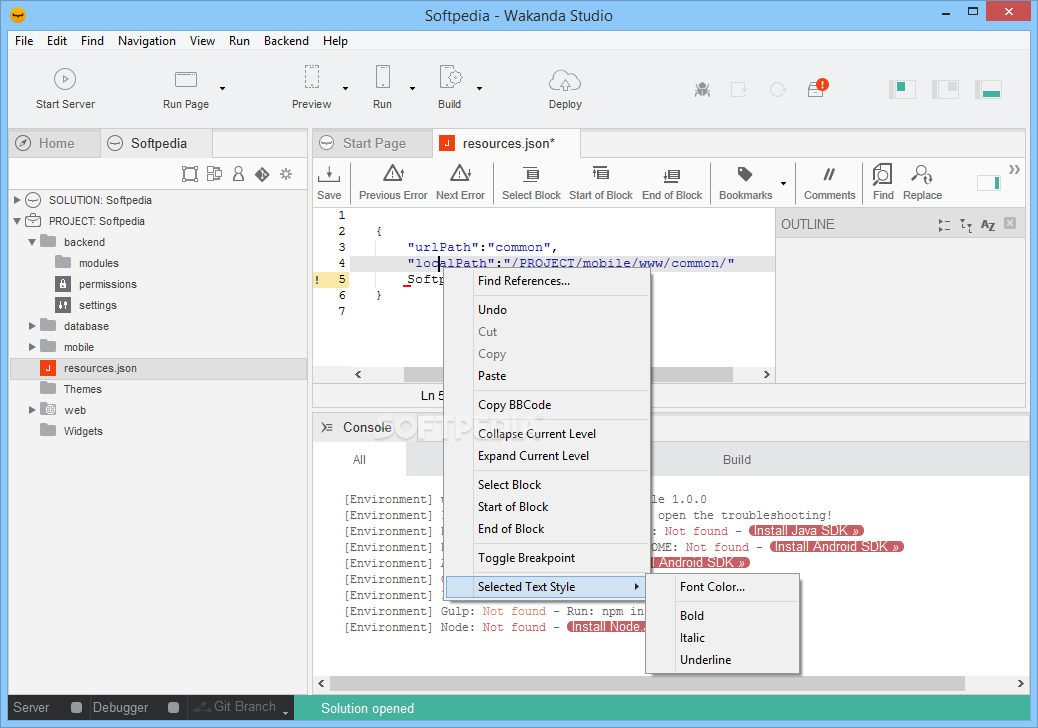
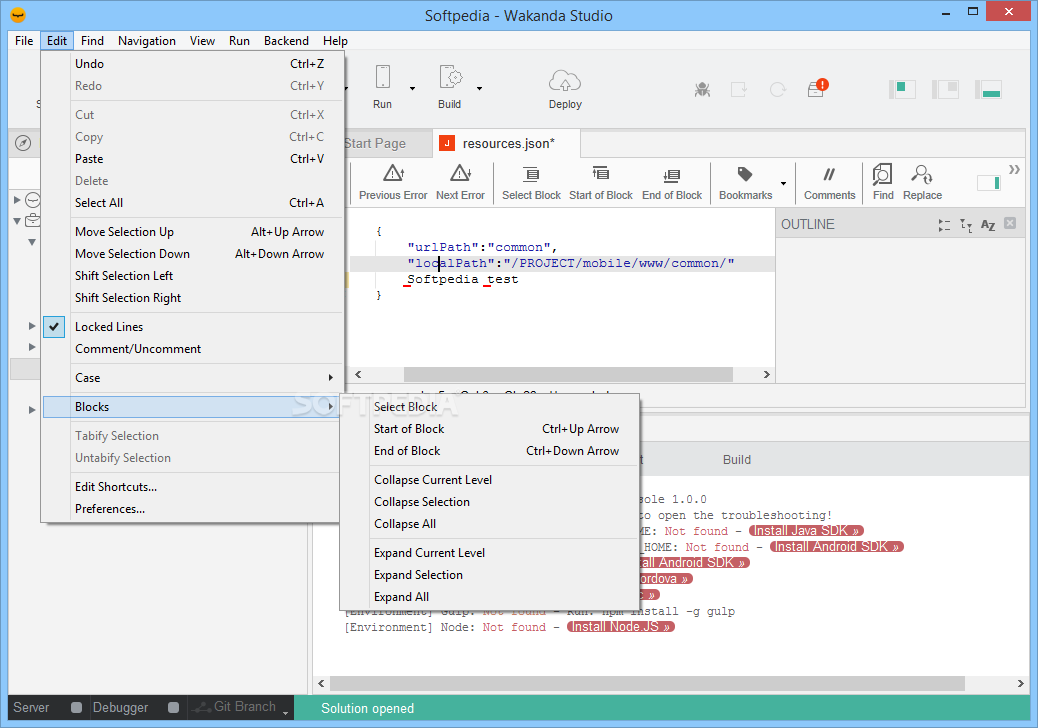
The application is a model and GUI designer, a code editor, debugger, directory editor and solution manager. To make things even simpler, Wakanda Studio supports drag and drop for layouts which not only makes project assembly fun, but it also saves you precious time.
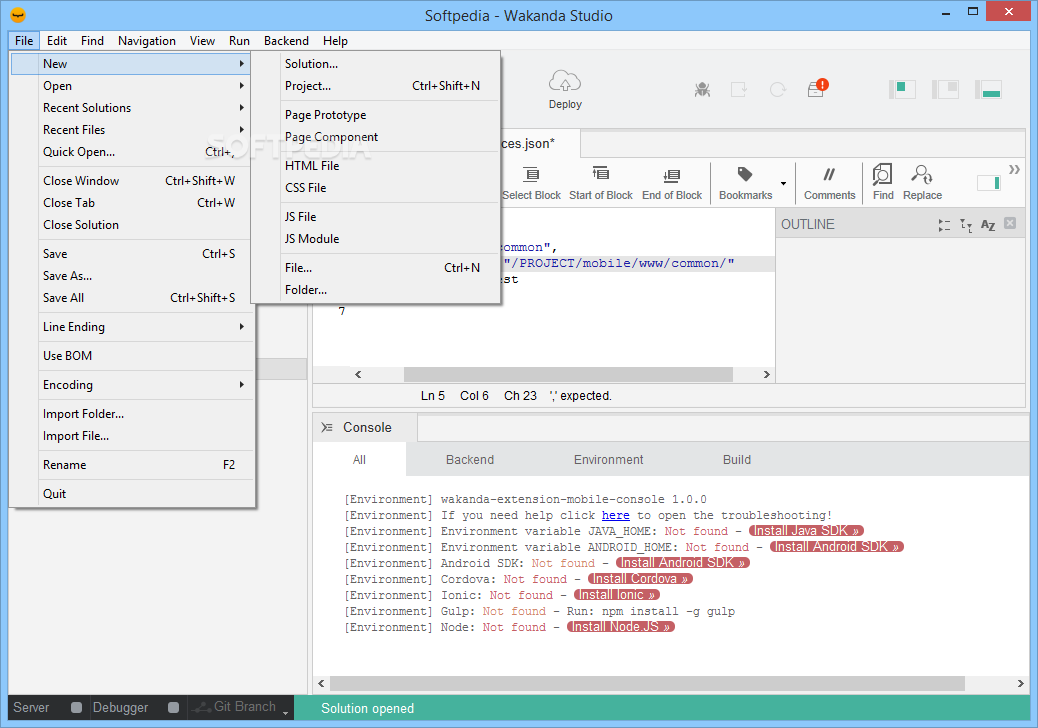
Moreover, you also benefit from a very simple and practical means of managing all your files. You get to view project items in a tree structure and it’s very easy to create new folders and items, rename and relocate them.
Wakanda Studio enables you to create an app from the ground up and since that implies a large number of steps, you are provided with a simple means of creating data classes, attributes and methods.
Based on the Wakanda platform, the amount of support you get from both inside the studio and outside, connecting with the community, it’s a cinch to code everything you need.
Knowing that looks are what count in a good app, Wakanda Studio makes it so that you are able to effortlessly create user interfaces. You are free to drag and drop widgets into the page, bind data, create new themes or use existing ones and among others, you can also use CSS3 to enhance the design.
With the above to consider and much more to discover, it’s safe to say that, if you’re looking for a complete Java development solution for both desktop and mobile device apps, then you should try Wakanda Studio.
What's new in Wakanda 2.6.0:
- Ubuntu 18.04 support
- Upgrade Ubuntu package from upstart to systemd (#152, #213, #220, #243, #244)
- Fix: Readable error on wrong relatedEntity/ies (#209)
Wakanda 2.6.0
add to watchlist add to download basket send us an update REPORT- runs on:
-
Windows 10 32/64 bit
Windows 8 32/64 bit
Windows 7 32/64 bit - file size:
- 138 MB
- filename:
- wakanda-community-all_2.6.0_x64.msi



- main category:
- Programming
- developer:
- visit homepage
Windows Sandbox Launcher

ShareX

4k Video Downloader

7-Zip

calibre

Microsoft Teams

Bitdefender Antivirus Free

IrfanView

Zoom Client

paint.net

- IrfanView
- Zoom Client
- paint.net
- Windows Sandbox Launcher
- ShareX
- 4k Video Downloader
- 7-Zip
- calibre
- Microsoft Teams
- Bitdefender Antivirus Free