
A useful development kit you can use in your projects to add comments, annotations or custom stamps as well as bookmarks to any PDF. #PDF Editor #Application development #Editor Toolkit #PDF-XChange #SDK #Toolkit
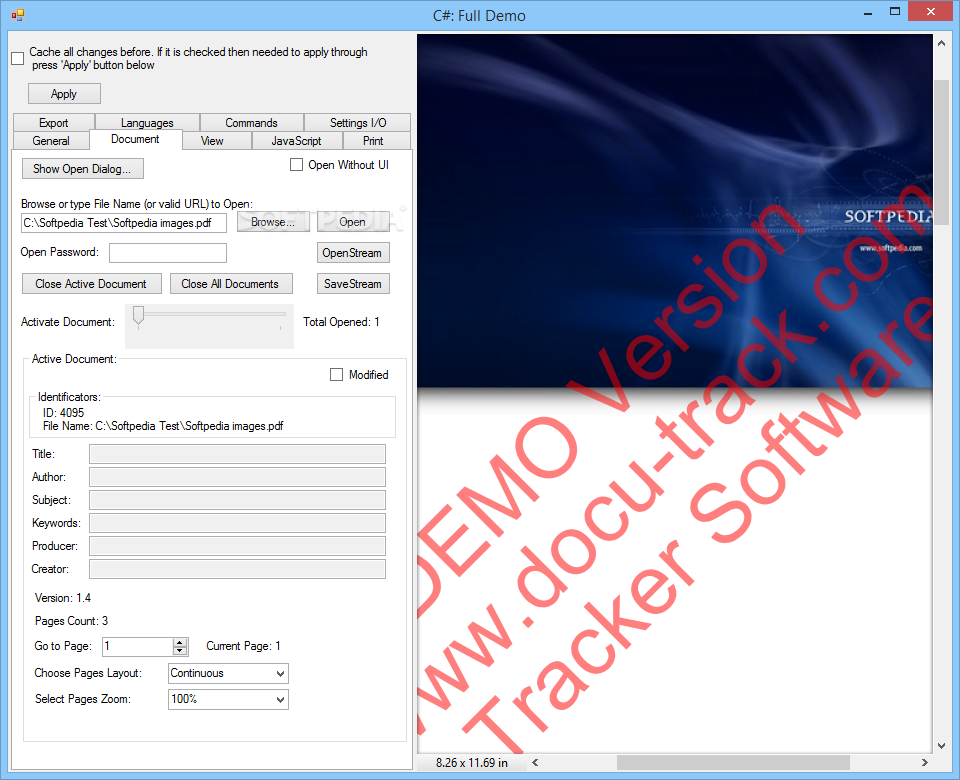
PDF-XChange Viewer ActiveX SDK is a comprehensive bundle of components and libraries that allows you to implement PDF editing functions in your developing applications.
The toolkit comes with several samples and partially compiled GUI components that you can test and use as examples.
PDF-XChange Viewer ActiveX SDK can be used with the development environment of your choice and with several programming languages that are ActiveX compliant.
The package contains already compiled functions, created with C#, C, Delphi, Visual Basic, VB.NET and Web languages - ASP.NET and HTML JavaScript.
The toolkit is designed as a development assistant, which enables you to quickly implement PDF editing functions in your applications. You may use it to create functions to add annotations, comments, custom stamps or bookmarks in PDFs.
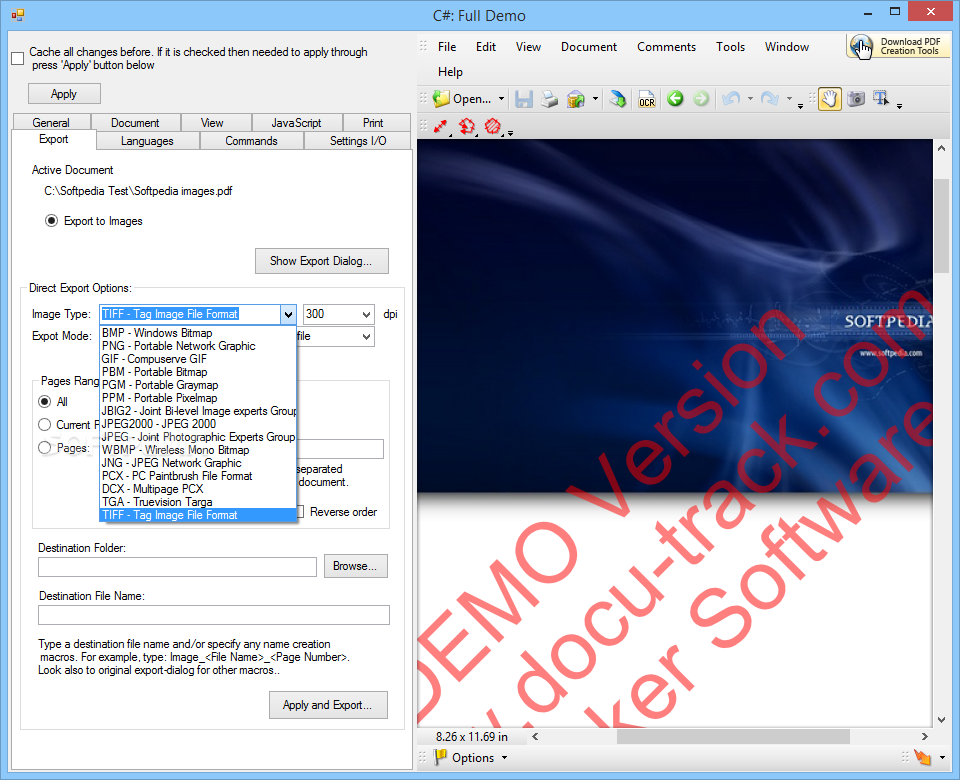
Basic functions can also be configured, including creating new PDFs, importing text, inserting pictures or other objects, as well as exporting the contents to the preferred format.
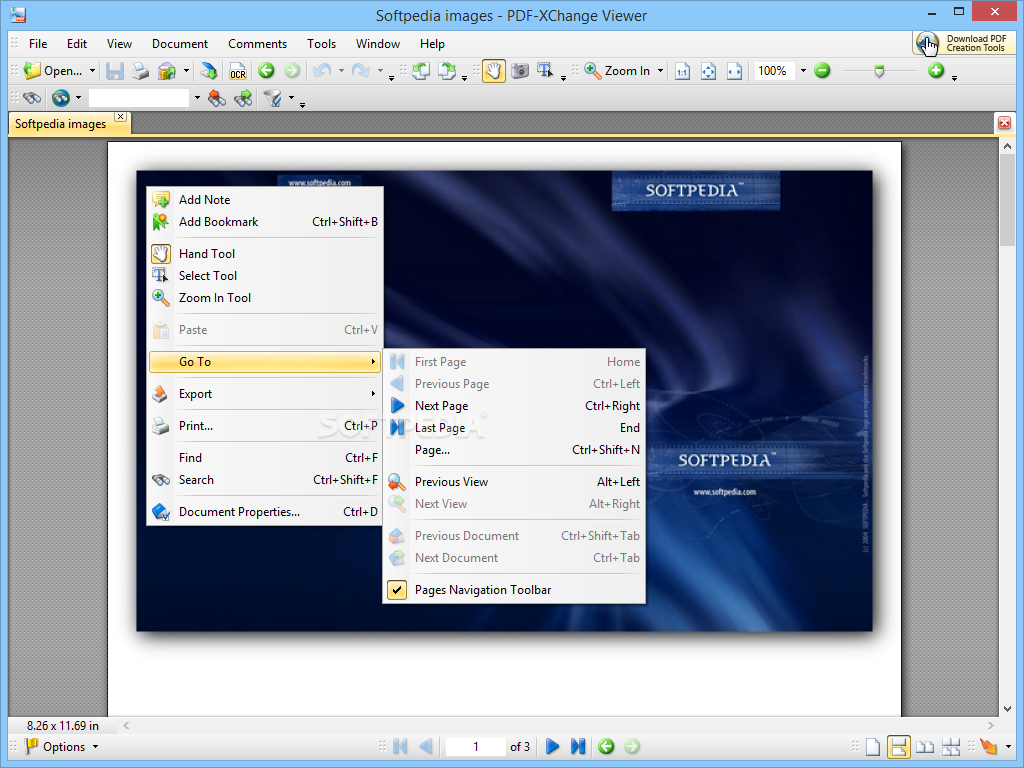
Other tools include rotate, zoom, find text, measure, display properties, add attachments, extract text, compress images or move pages.
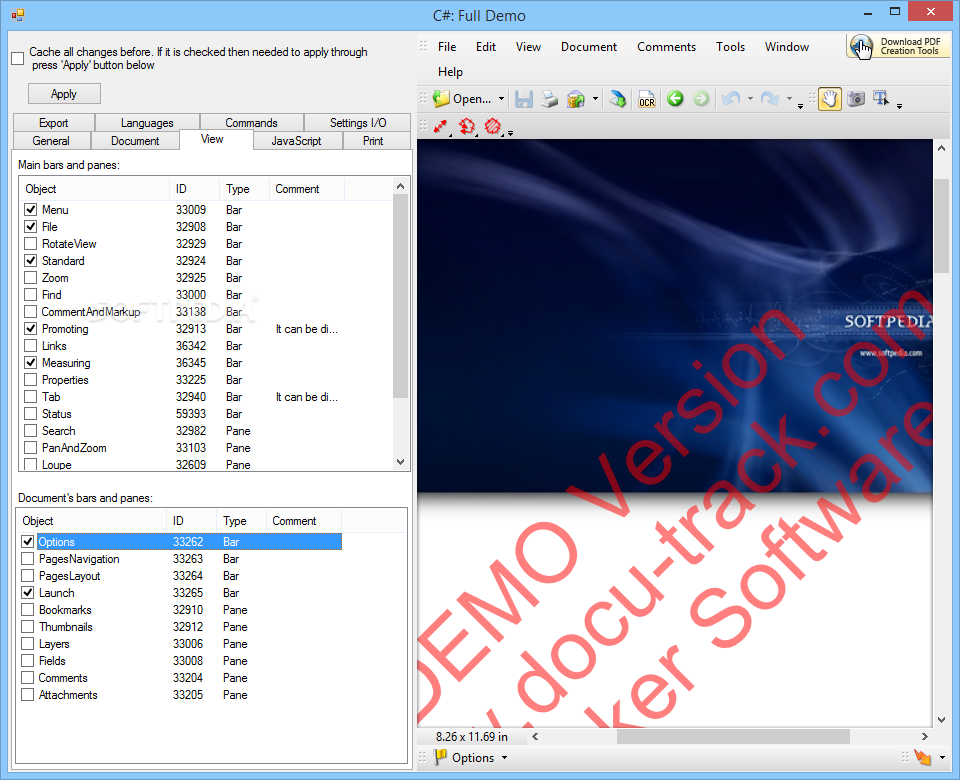
The tool allows you to develop PDF viewing and editing applications, from the complex functions to the simplest ones, such as display panels, thumbnails and navigate through the document.
The tool also enables you to insert digital signatures, as well as custom stamps, plus you can create PDFs straight from text or RTF documents.
Moreover, you can implement multi-level undo/redo functions, which are highly useful for PDF editing.
PDF-XChange Viewer ActiveX SDK includes a powerful JavaScript engine, which allows you to write code fragments, compile them and preview the results.
Moreover, you can manually configure the registry entries or the DAT file used for activating I/O settings.
Limitations in the unregistered version
- Demo watermark placed on every page of any PDF created or modified with the evaluation version
PDF-XChange Viewer ActiveX SDK 9.5.368.0
add to watchlist add to download basket send us an update REPORT- runs on:
-
Windows 11
Windows 10 32/64 bit
Windows 2008 R2
Windows 2008 32/64 bit
Windows 2003
Windows 8 32/64 bit
Windows 7 32/64 bit
Windows Vista 32/64 bit
Windows XP 32/64 bit - file size:
- 14.2 MB
- filename:
- pdfvActiveXSDK.zip
- main category:
- Programming
- developer:
- visit homepage
calibre

4k Video Downloader

ShareX

Zoom Client

Microsoft Teams

7-Zip

Windows Sandbox Launcher

IrfanView

Bitdefender Antivirus Free

paint.net

- IrfanView
- Bitdefender Antivirus Free
- paint.net
- calibre
- 4k Video Downloader
- ShareX
- Zoom Client
- Microsoft Teams
- 7-Zip
- Windows Sandbox Launcher