Softpedia
 

WINDOWS CATEGORIES:


GLOBAL PAGES >>
SOFTPEDIA REVIEWS >>
MEET THE EDITORS >>
WEEK'S BEST
  • Sticky Password FR...
  • Parallels Workstat...
  • ESET NOD32 Antivir...
  • BitDefender Total ...
  • WinPatrol 24.6.201...
  • PerfectDisk Free D...
  • Adobe Photoshop CS...
  • PerfectDisk Profes...
  • Windows 8 Consumer...
  • Atlantis Word Proc...
  • Home > Windows > Others > Scheduling
     Report malware

    ClockIt: Easy Schedule Creator 7.1

    download button

    Part of the Employee Managers download hub
    Downloads: 20,859  Tell us about an update
    User Rating:
    Rated by:
    Good (3.0/5)
    88 user(s)
    Developer:

    License / Price:

    Size / OS:

    Last Updated:

    Category:

    Freeware / $0
    20.4 MB / Windows All
    [view history]
    C: \ Others \ Scheduling

     Read user reviews (0)  Send to friend   Follow (0 users)

    Softpedia Editor's Review for ClockIt: Easy Schedule Creator

    EDITOR'S RATING:

    A schedule maker that allows you to easily create work schedules for your employees

    Written by Elena Opris on March 2nd, 2012

    ClockIt: Easy Schedule Creator is an application with a pretty self-explanatory title - it allows you to create a schedule. The tool is ideal for employers.

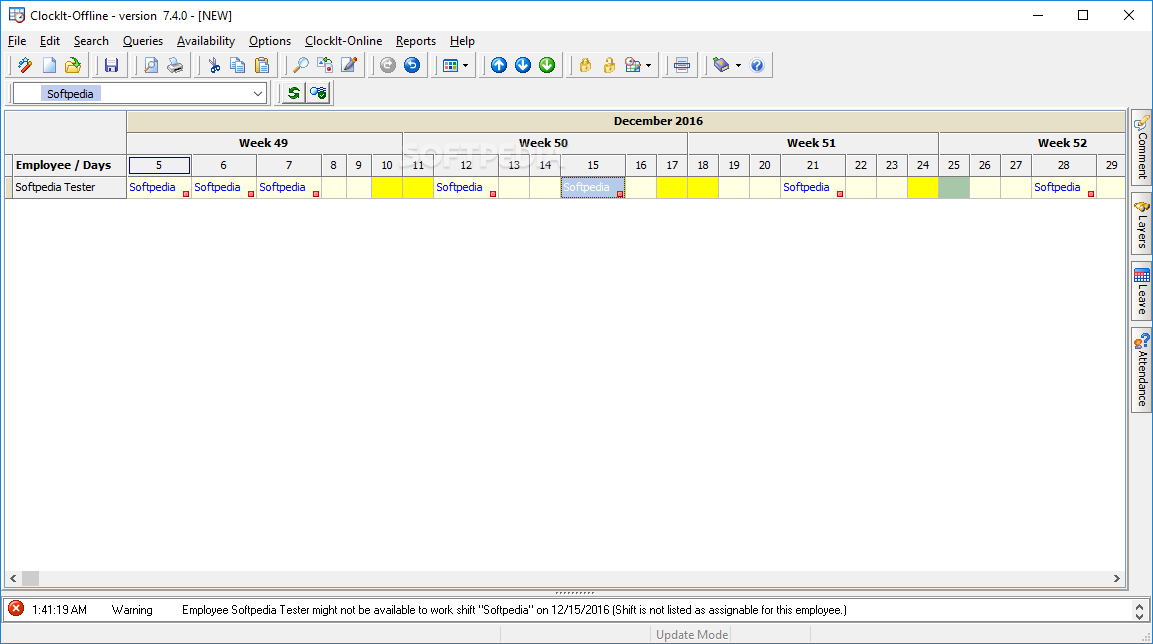
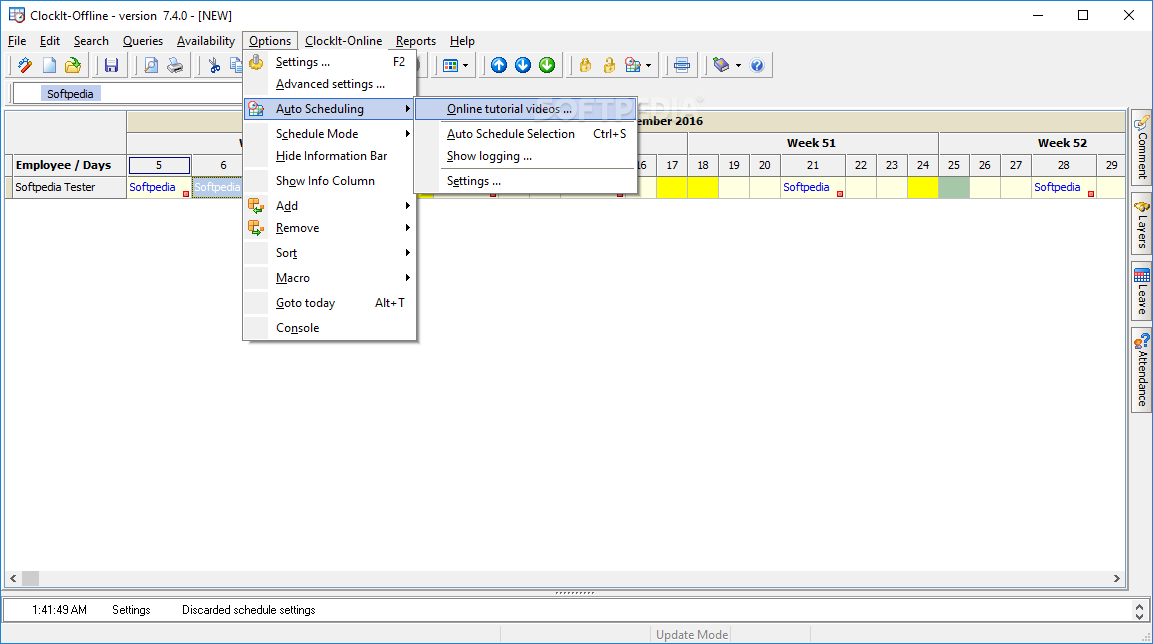
    The interface of the program is plain and simple. You can create a new project from a template or wizard.

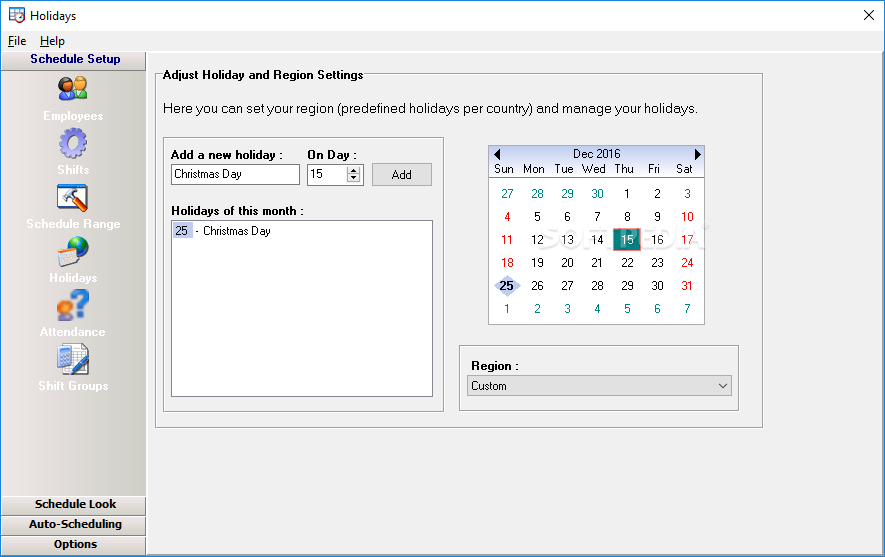
    In the ClockIt wizard you can set up the schedule range, define holiday and region settings, and add employees (you can also import them from a Vcard).

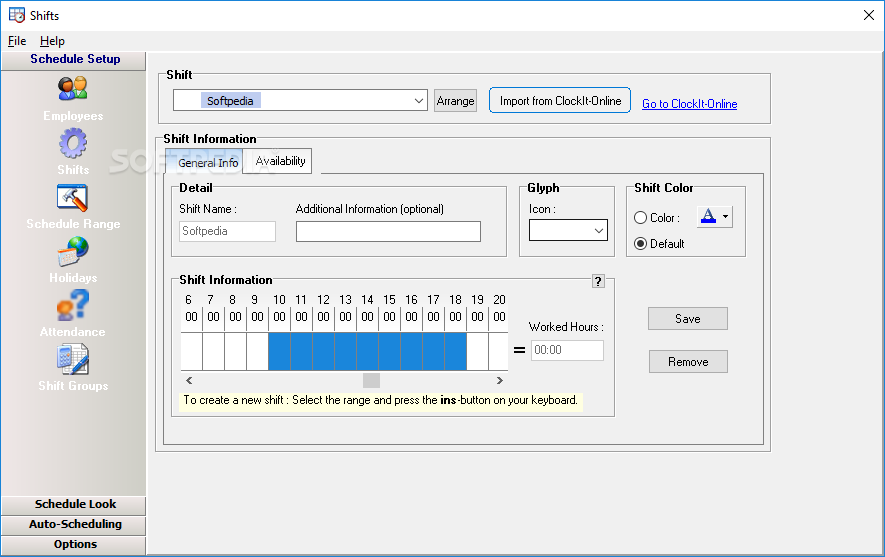
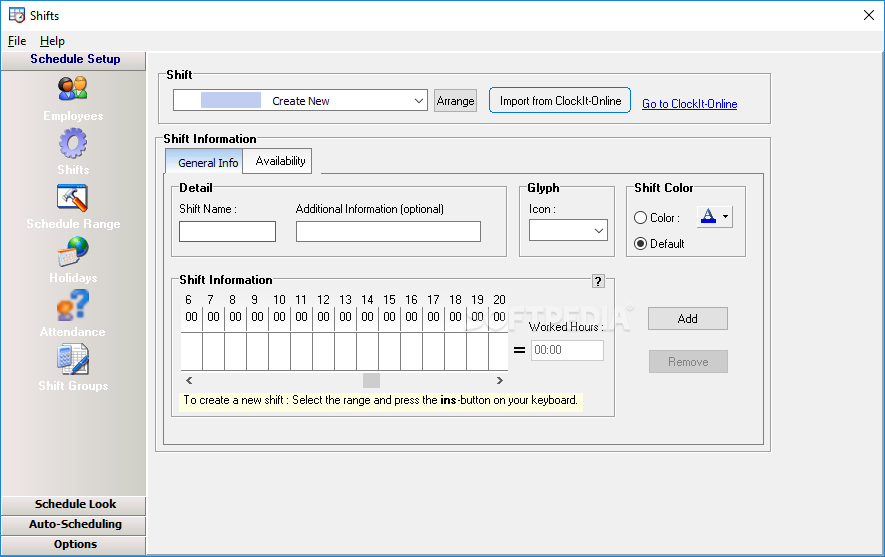
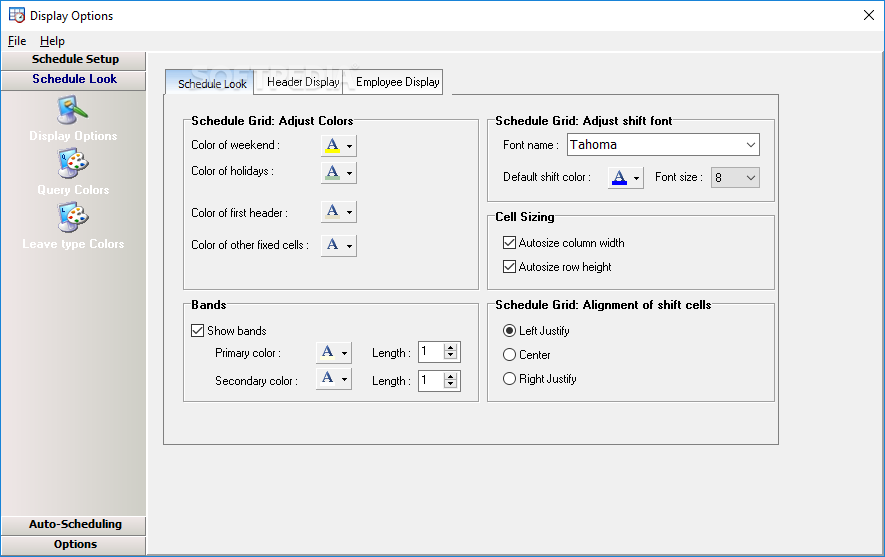
    But you can also create shifts and adjust the color settings for holidays and weekends.

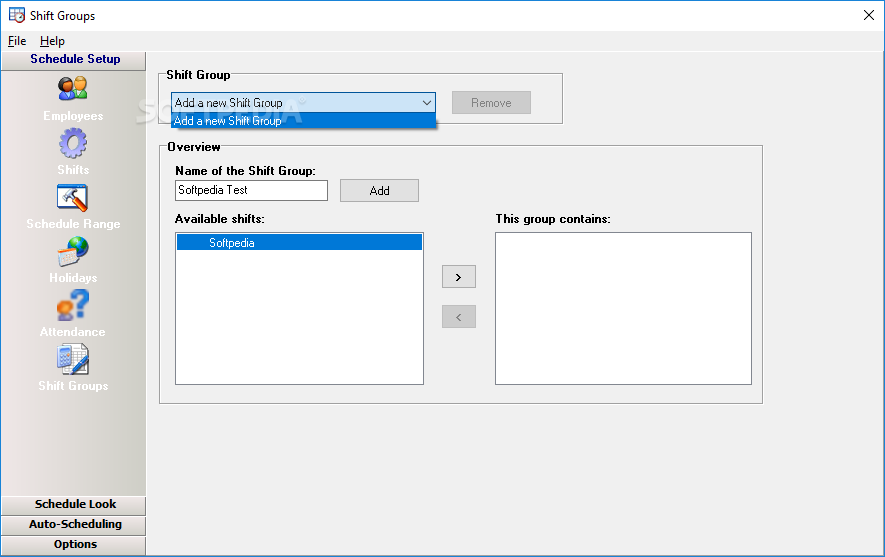
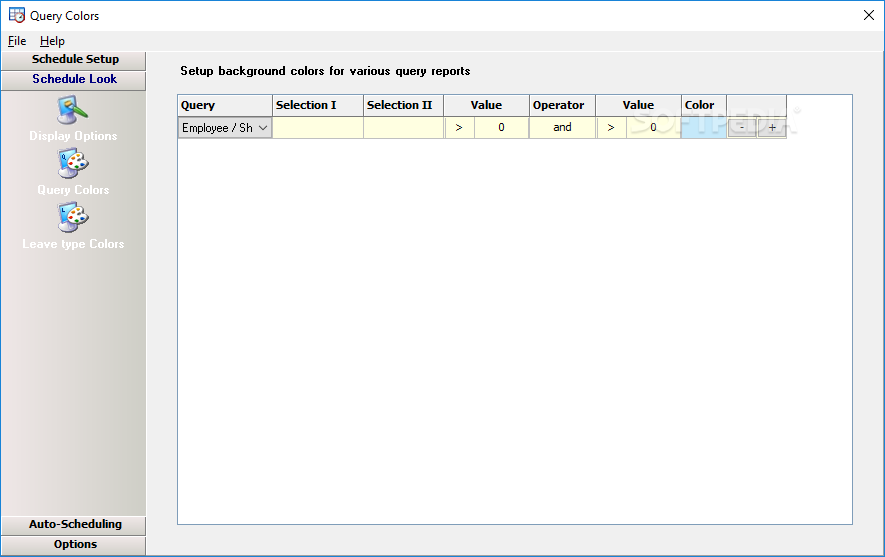
    In addition, you can edit the employee field (e.g. work arrangement, availability, assignable shifts, extra), set up attendance types, create shift groups and select background colors for various query reports.

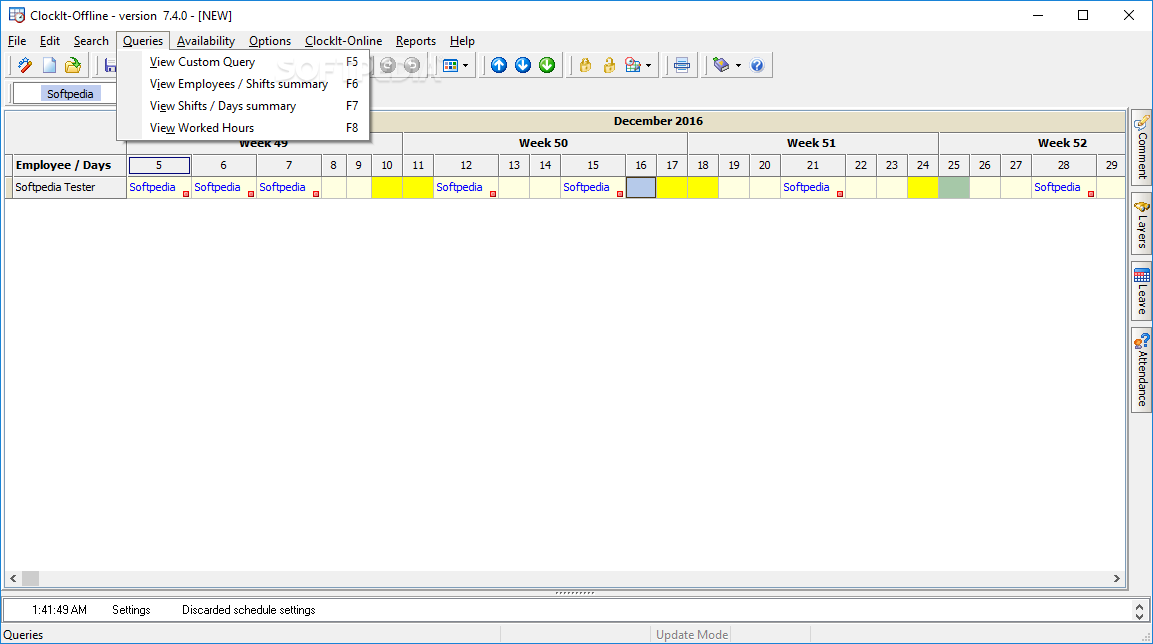
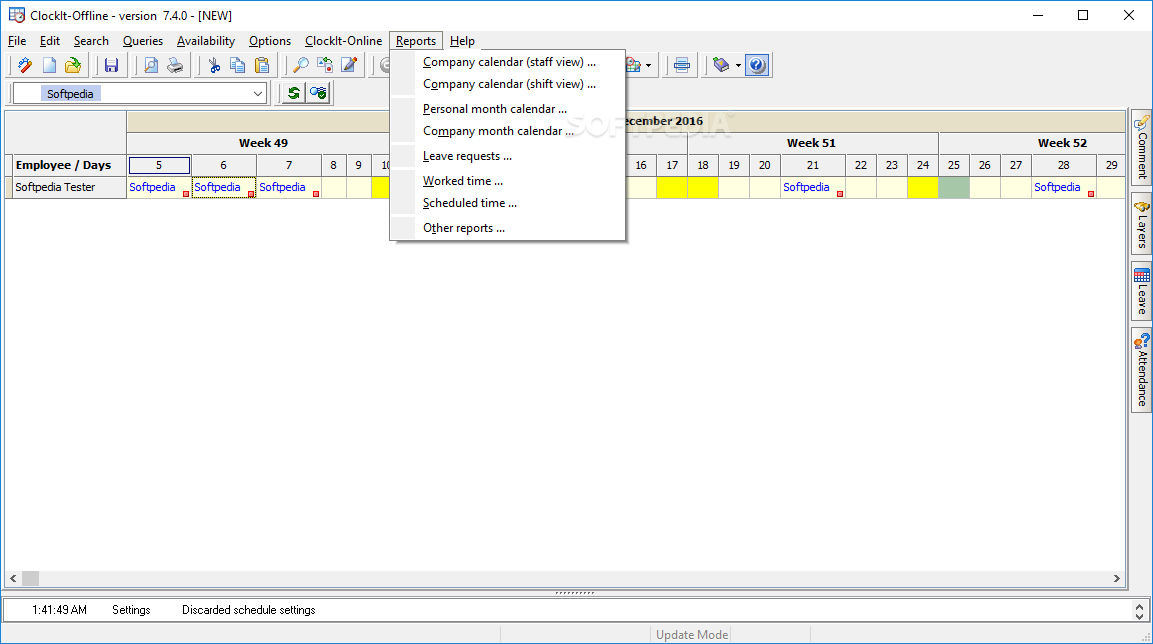
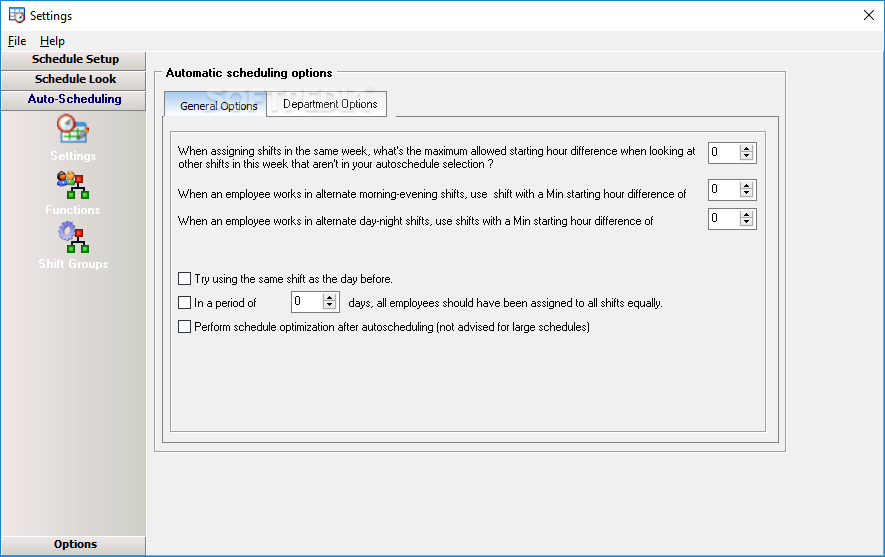
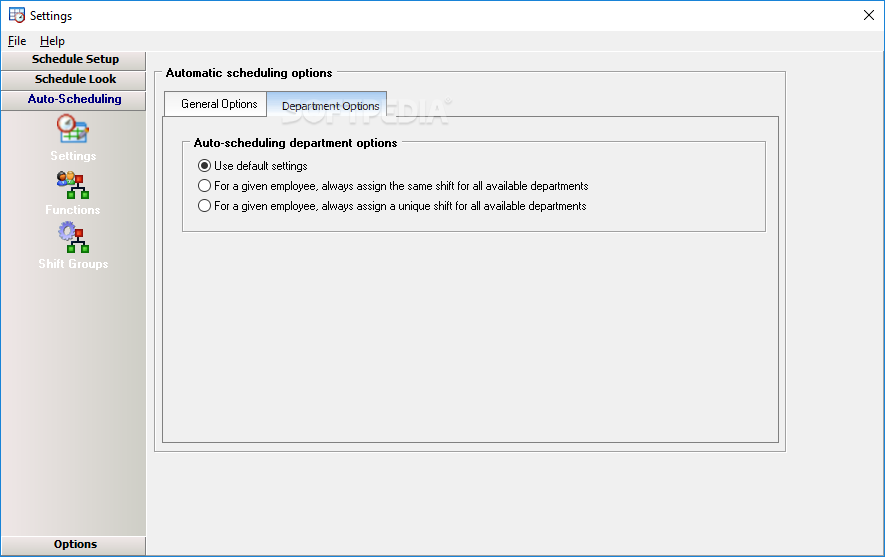
    Furthermore, you can configure auto scheduling department options, specify the minimum and maximum occurrence per function and shift per day, find assigned employees, manage availability exceptions, as well as view a custom query, shifts/days summary and worked hours.

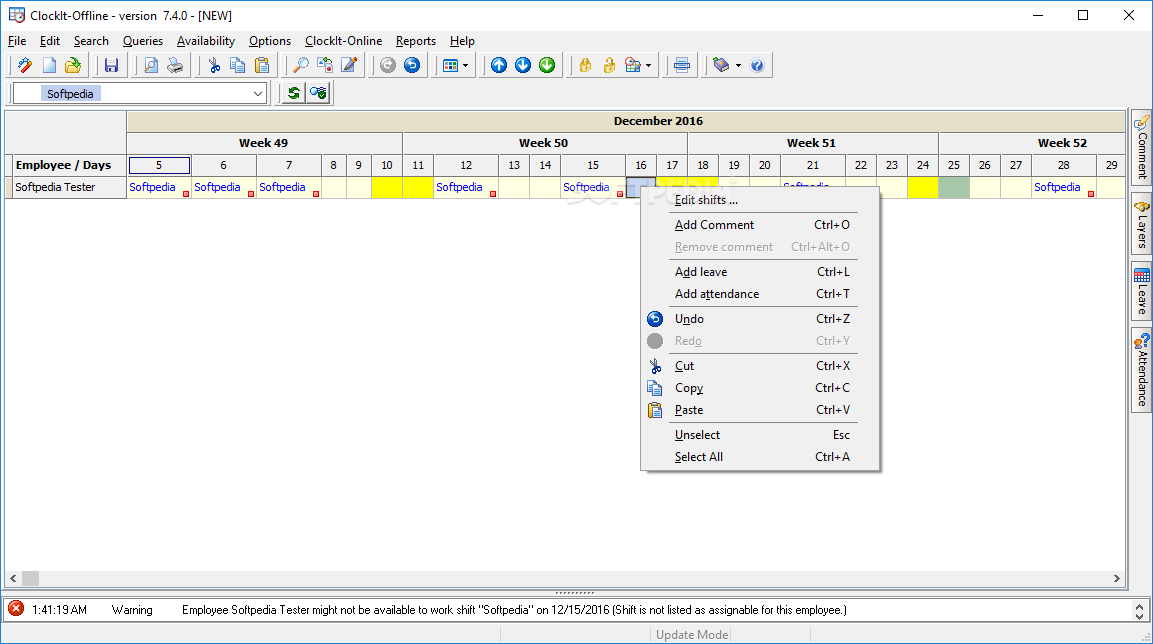
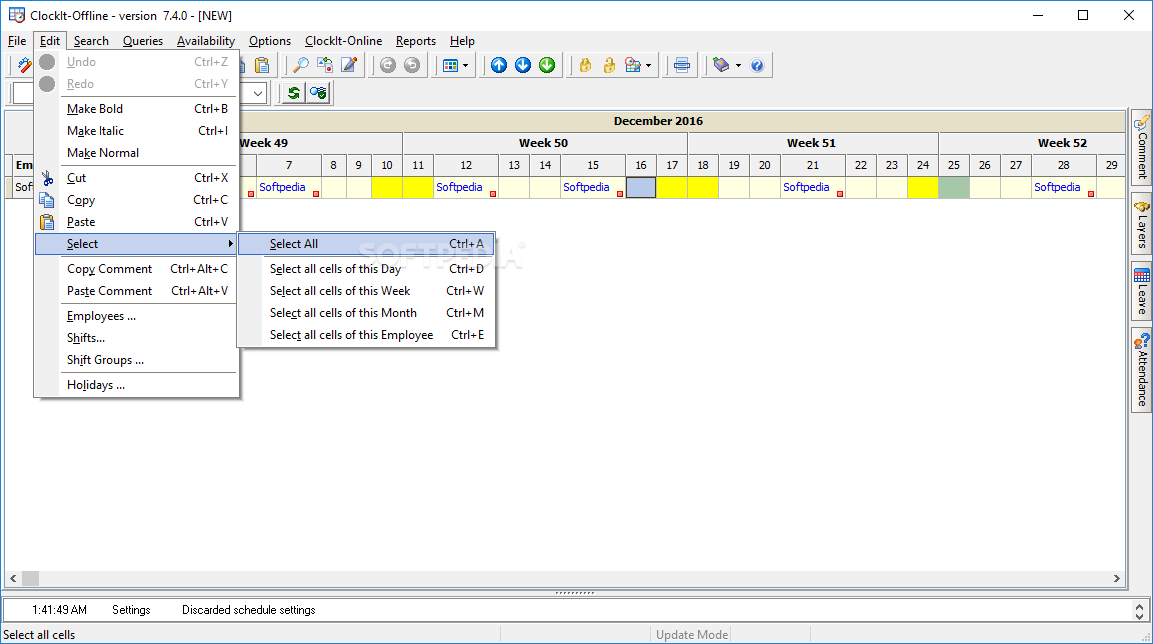
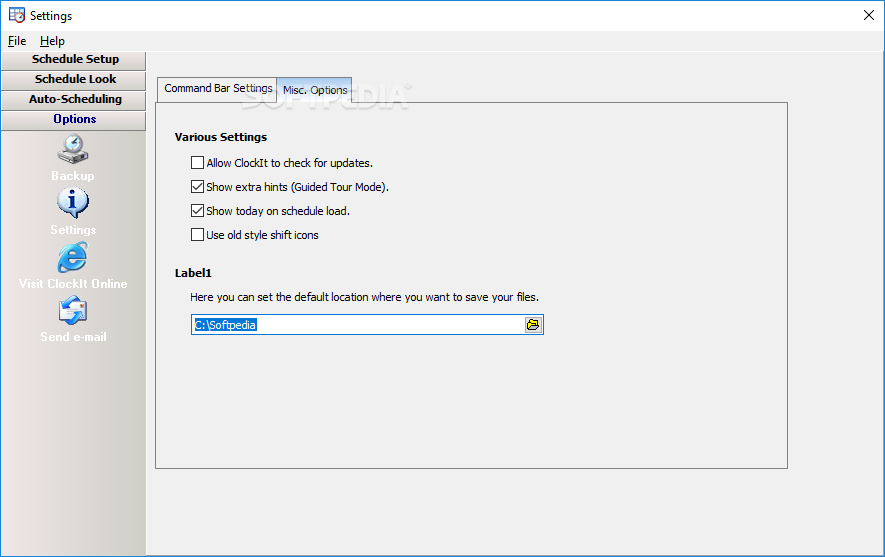
    Moreover, you can enable automatic backups, export a ClockIt file to the HTML, Excel, Word or XML format, use the "undo", "redo" and search functions, copy and paste comments, and others.

    The program takes up a low-to-moderate amount of system resources and includes a well-drawn help file with snapshots. We haven't encountered any kind of problems during our tests.

    Except for the interface which could use some minor improvements, we strongly recommend ClockIt: Easy Schedule Creator to all users.


    Read an in-depth analysis in our professional review for ClockIt: Easy Schedule Creator

    ClockIt: Easy Schedule Creator description

    Here are some key features of "ClockIt: Easy Schedule Creator":

    Various queries to check worked hours and assignments:
    · This schedule maker allows you to easily create shift schedules for your staff. Different tools are included for fast calculation of worked hours and shifts, displayed per day, month, employee, ... Not enough? Well, then: create your own queries with the provided tool!

    Custom schedule range:
    · With ClockIt, shift planning has never been easier. This new version release includes creation of schedules starting from a day up to several months!

    A help tool that double checks your assignments:
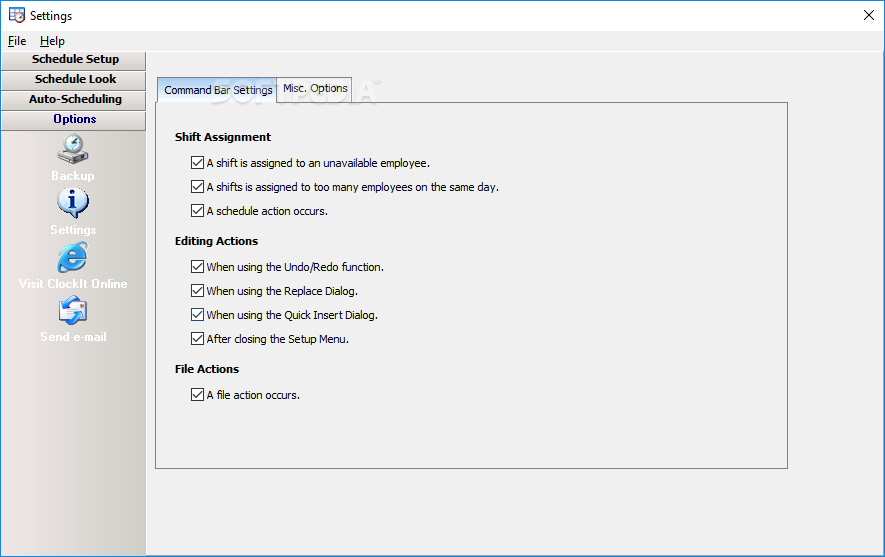
    · This tool can help you while setting up your duty roster. When assigning a shift, you'll get a warning when the employee might not be available, has already to many hours to work ...

    Auto-scheduling option to let ClockIt automatically assign shifts to your employees:
    · ClockIt supports auto-scheduling of your schedule. Simply set up your employee and shift data, select the range to schedule and press the auto-scheduling button!
    · Employee setup includes telling ClockIt when the employee is available, how many hours he/she can work per week/month and also which shifts can be assigned.

    Manage leave and attendance:
    · Manage leave, overtime and absent time of your employees.
    · You can setup the specific leave types for your company, by using one of the various reports, you'll get a clear overview of your employees availability!

    Various display options: edit holidays, month headers and date format:
    · With each new release the custom display option are extended. Now you can setup the color of holidays, weekends, define the start day of the week, define your holidays (or use the predefined ones [per region] ), use a custom display format to setup the date shown in the header and only show the headers you need.

    Portability: all data is stored within one file:
    · Most other scheduling software use a database to hold your scheduling data. well .. not here. We want to offer you an easy way to use your files on other computers, or make adjustments at home, without having to be logged in on your company's network. Therefore all data (=your schedule and all your settings) are stored into one file.

    File exporting to Excel, Word and HTML file:
    · Besides saving your schedule as a clockit-file, we also support exporting to an excel, word and HTML file. For HTML exports, we've provided an additional settings menu to setup your internet/intranet page.

    Requirements:

    · Pentium III processor
    · 512 MB RAM
    · 60 MB free disk space
    · minimum screen resolution of 1024x768

    What's New in This Release: [ read full changelog ]

    · Assignment notification in the shift/day query issue solved.
    · New main grid menu items: edit employee, add to assignable shift list.
    · Smaller fixes & updates.

       Softpedia guarantees that ClockIt: Easy Schedule Creator 7.1 is 100% CLEAN, which means it does not contain any form of malware, including spyware, viruses, trojans and backdoors. [read more >]


    TAGS:

    task manager | track employee | task scheduler | schedule | manage | tracker


    HTML code for linking to this page:


    Go to top

    WindowsGamesDriversMacLinuxScriptsMobileHandheldNews

    SUBMIT PROGRAM   |   ADVERTISE   |   GET HELP   |   SEND US FEEDBACK   |   RSS FEEDS   |   UPDATE YOUR SOFTWARE   |   ROMANIAN FORUM