Softpedia
 

WINDOWS CATEGORIES:


GLOBAL PAGES >>
SOFTPEDIA REVIEWS >>
MEET THE EDITORS >>
WEEK'S BEST
  • Bitdefender Total ...
  • Hard Disk Sentinel...
  • FlashFXP [DISCOUNT...
  • Ocster Backup Pro ...
  • Kaspersky Internet...
  • DVDFab DVD Copy [D...
  • Avast! Internet Se...
  • Avira Internet Sec...
  • Webroot SecureAnyw...
  • McAfee Total Prote...
  • Home > Windows > Science / CAD
     Report malware

    ArchiCAD 16

    download button buy button

    Downloads: 18,646  Tell us about an update
    User Rating:
    Rated by:
    Fair (2.8/5)
    11 user(s)
    Developer:

    License / Price:

    Size / OS:

    Last Updated:

    Category:

    Trial / $ N/A buy button
    699 MB / Windows XP / Vista / XP 64 bit / Vista 64 bit / 7 / 7 64 bit
    [view history]
    C: \ Science / CAD

     Read user reviews (0)  Send to friend   Follow (0 users)

    Softpedia Editor's Review for ArchiCAD

    EDITOR'S RATING:   4.5/5

    Open design collaboration between architects and engineers

    Written by Mihaela Citea on April 23rd, 2013

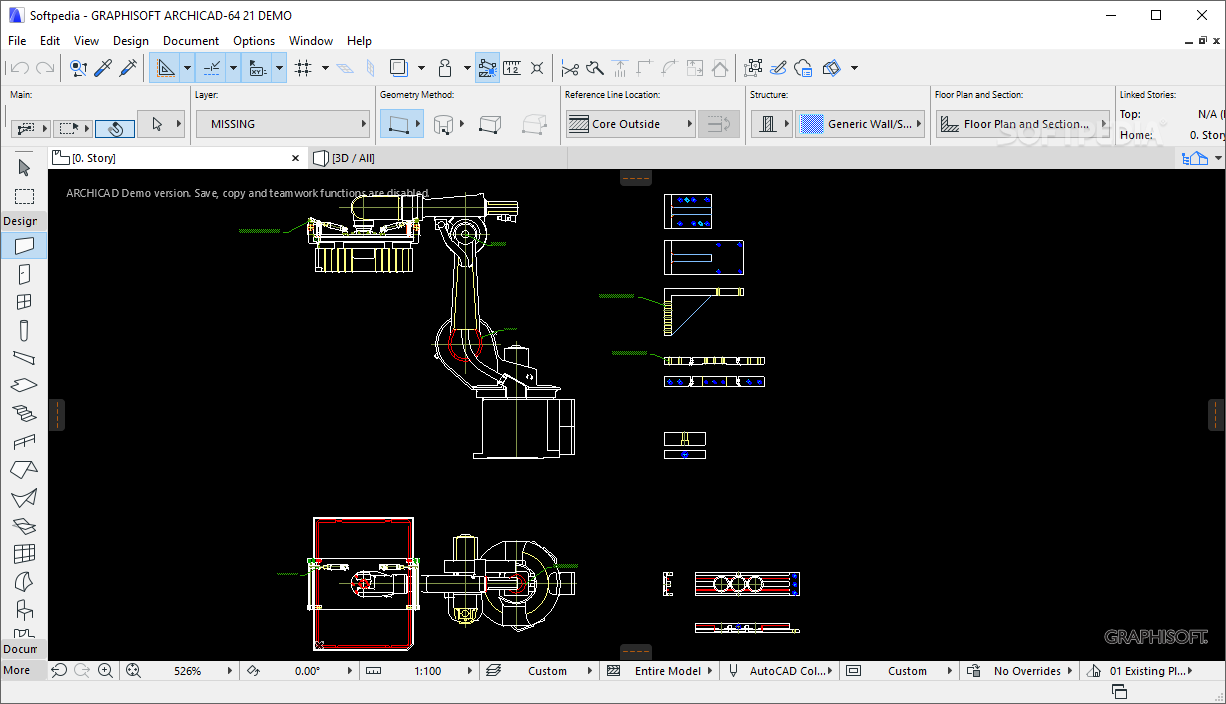
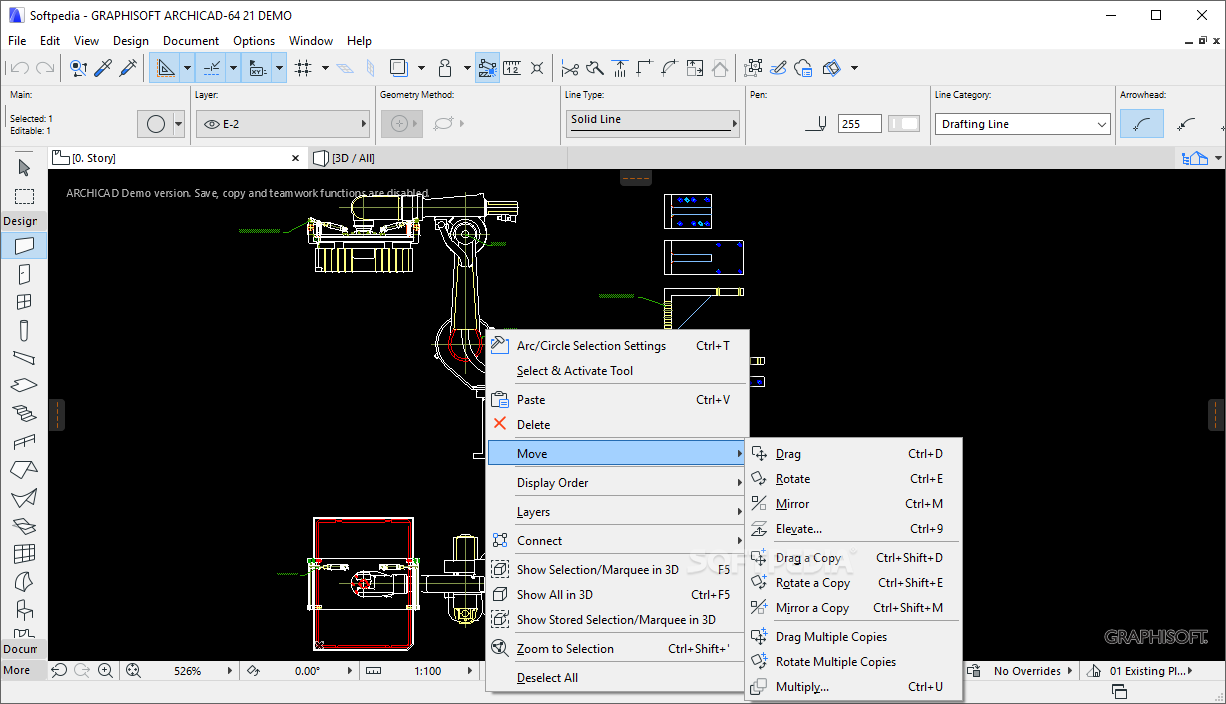
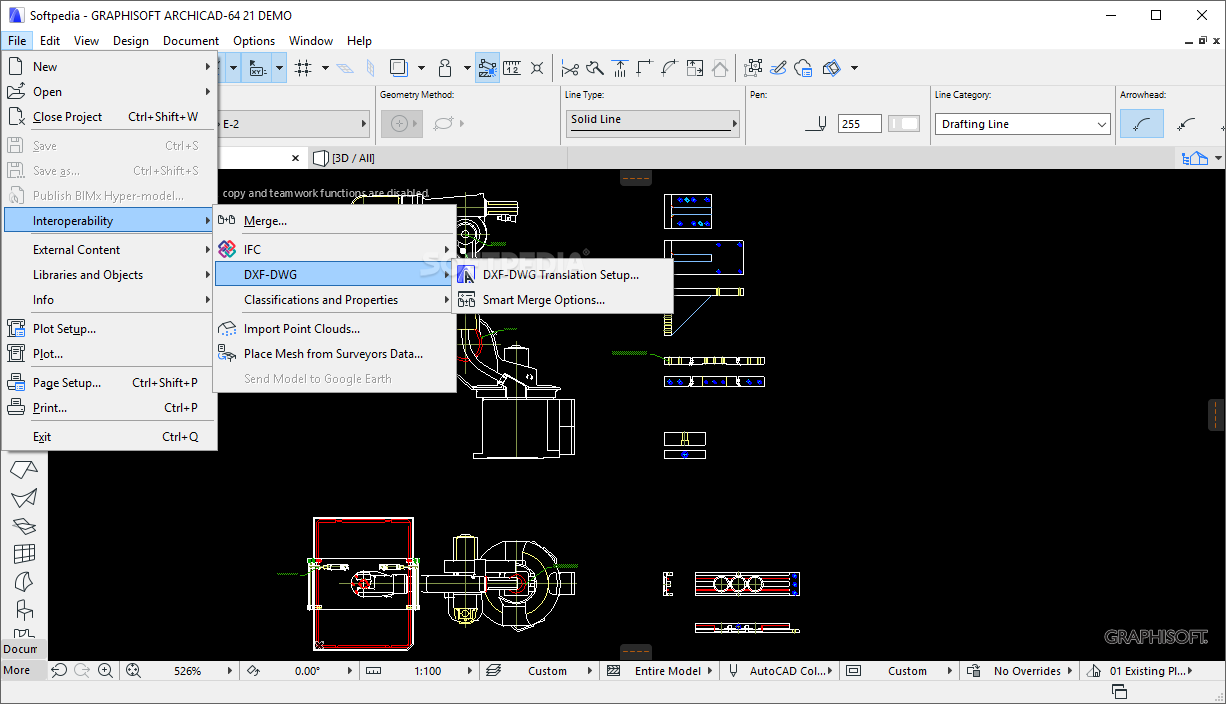
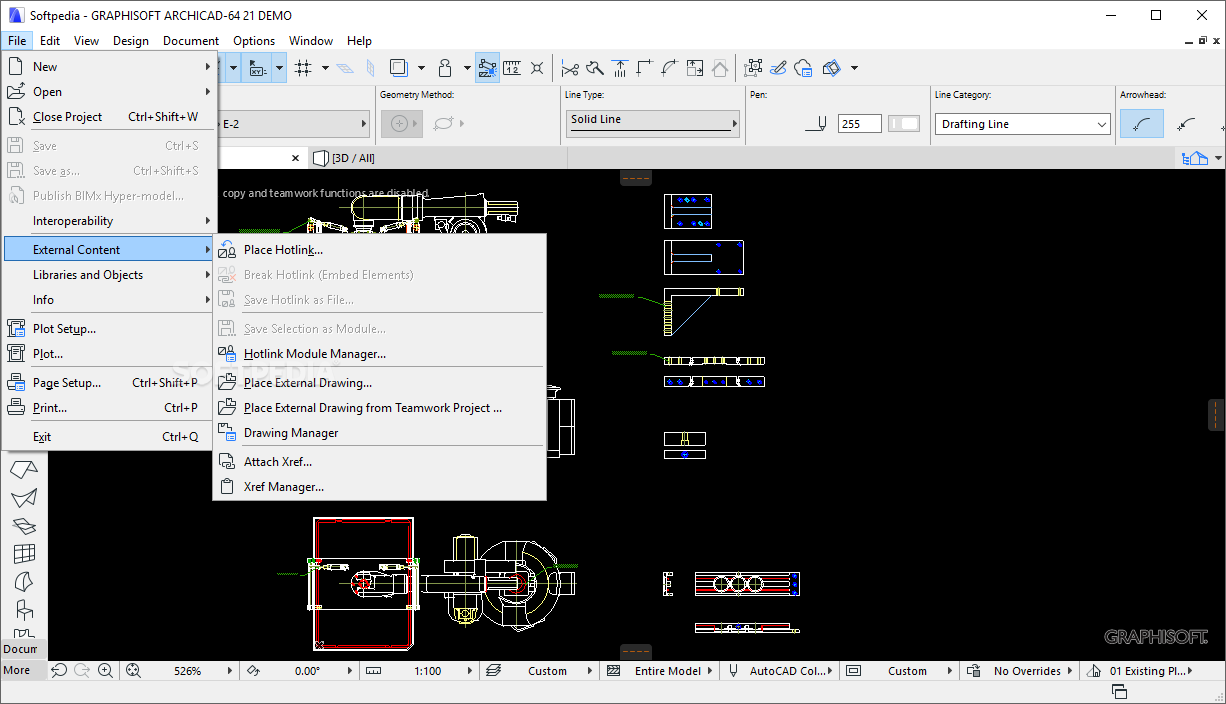
    ArchiCAD provides you with a native building information modeling platform designed to help professional architects create realistic digital representations of their vision. Combining ease of use with advanced modeling capabilities, this application can fasten the designing process, from the initial concept to the final architectural sketch and documentation level.

    The application comes with direct modeling capabilities, enabling you to create custom elements with any geometry type (so-called 'MORPH' objects) by editing, shaping and moving surfaces, corners, edges and parameters without any restrictions.

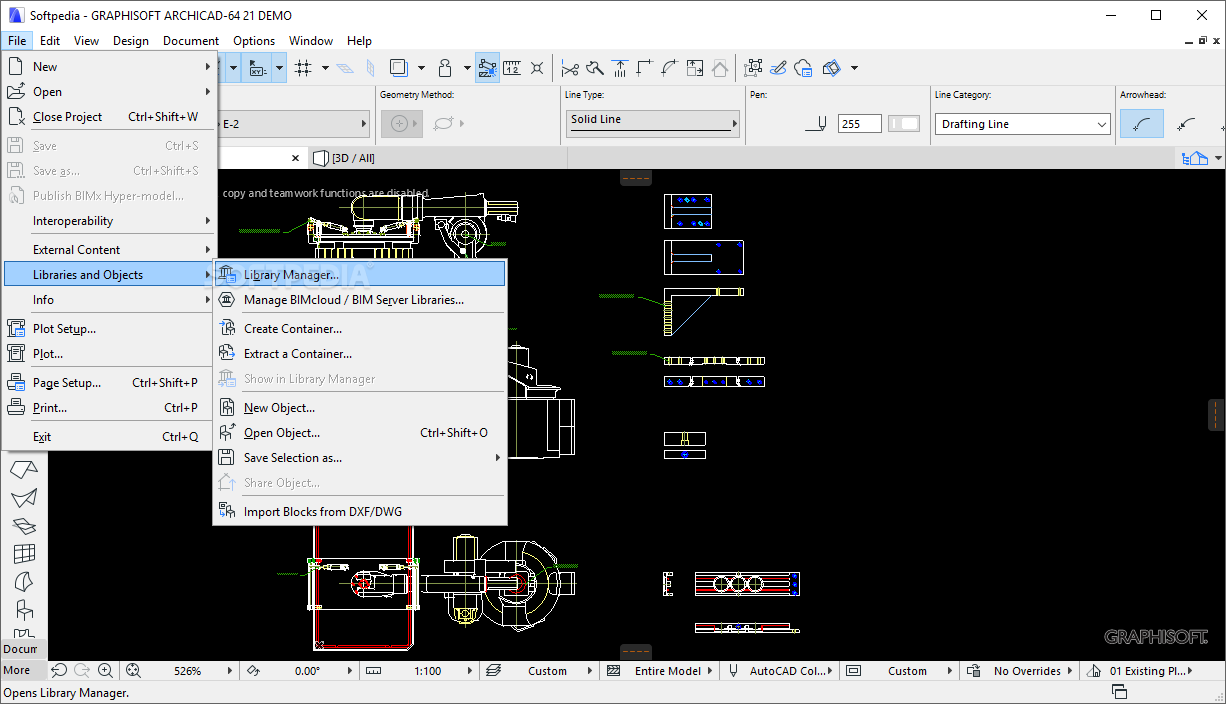
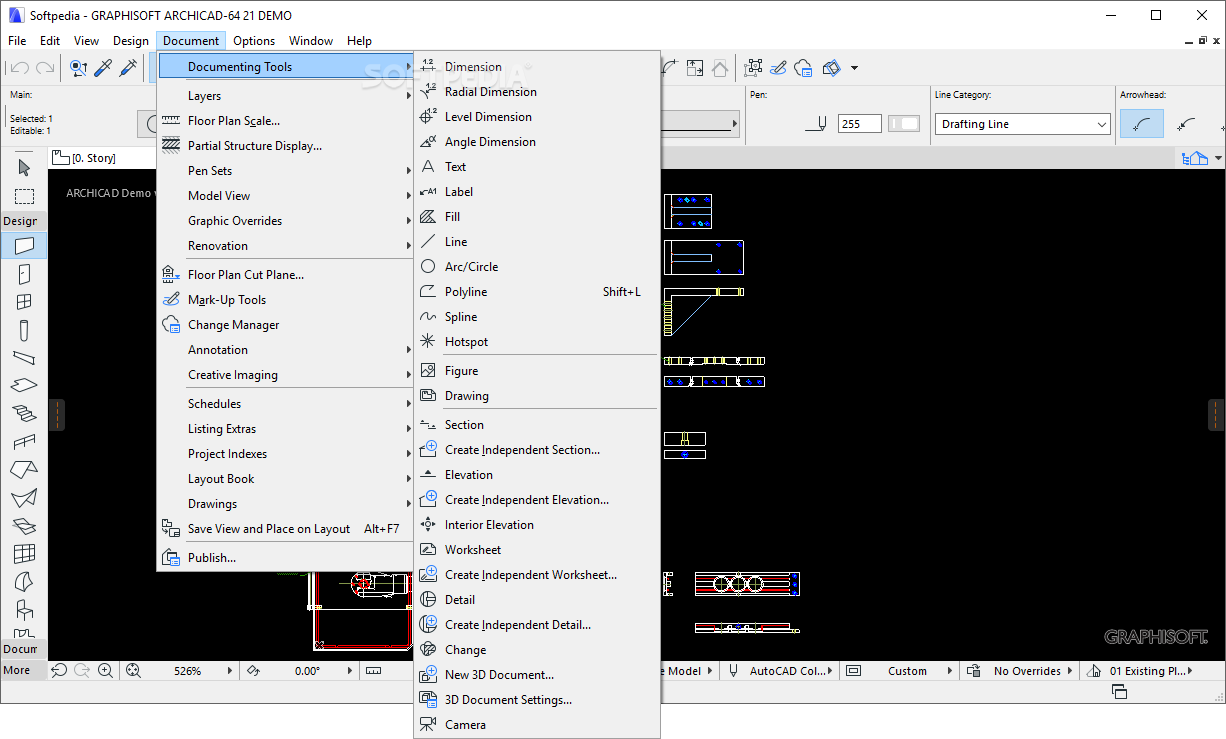
    The cloud-based BIM database provides access to a collection of thousands of GDL objects that can be included in your projects and managed using the built-in library. The powerful, yet comprehensive set of tools helps you focus on the design, while the necessary documentation (dimensioning, door / window schedules, layout book, floor, foundation or beam plans) is automatically created, without compromising any detail, even for complex projects.

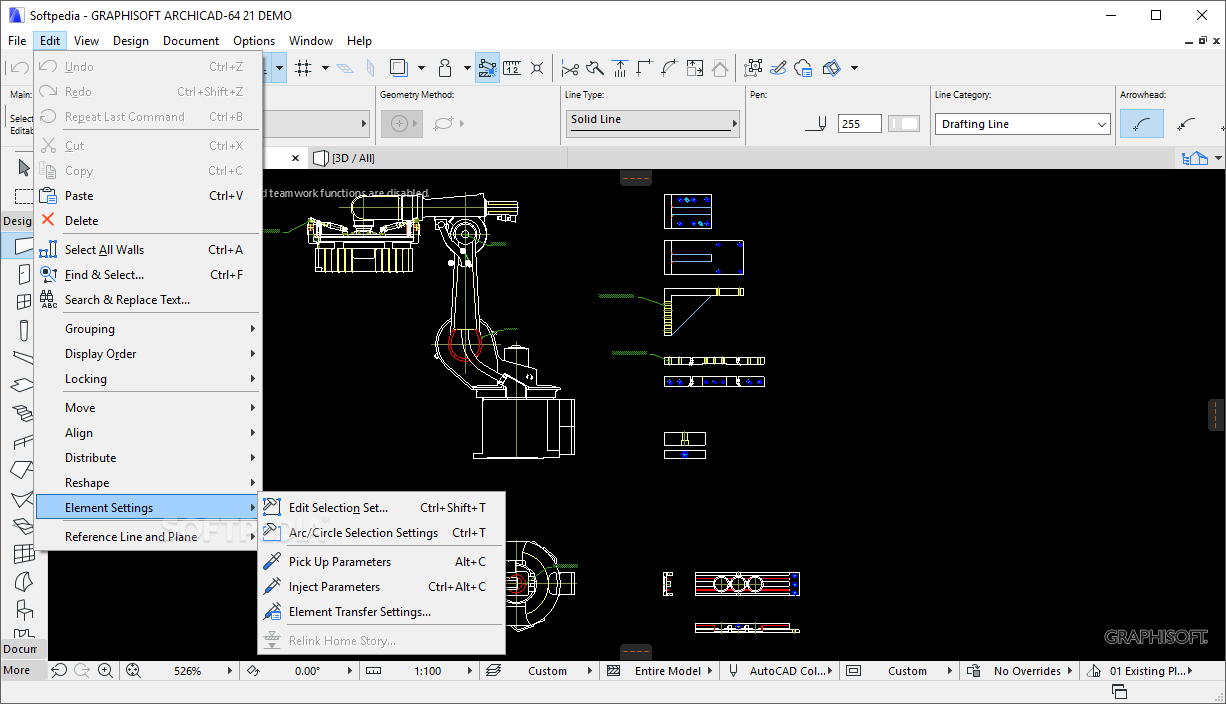
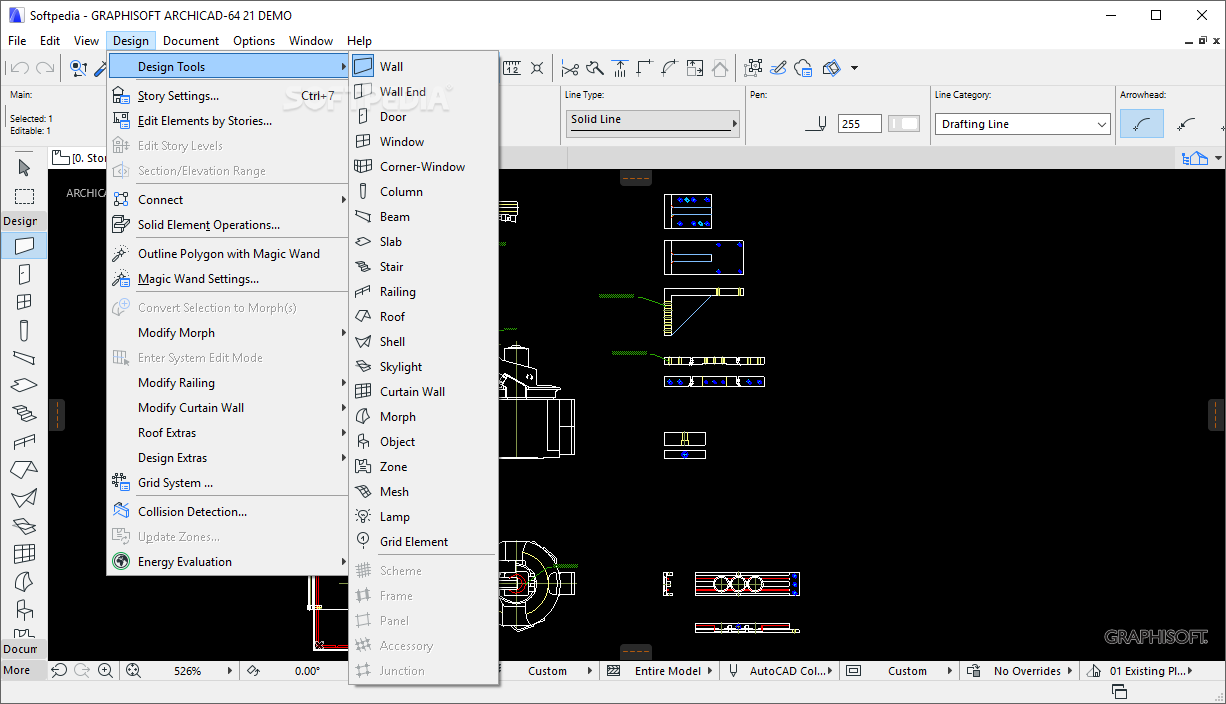
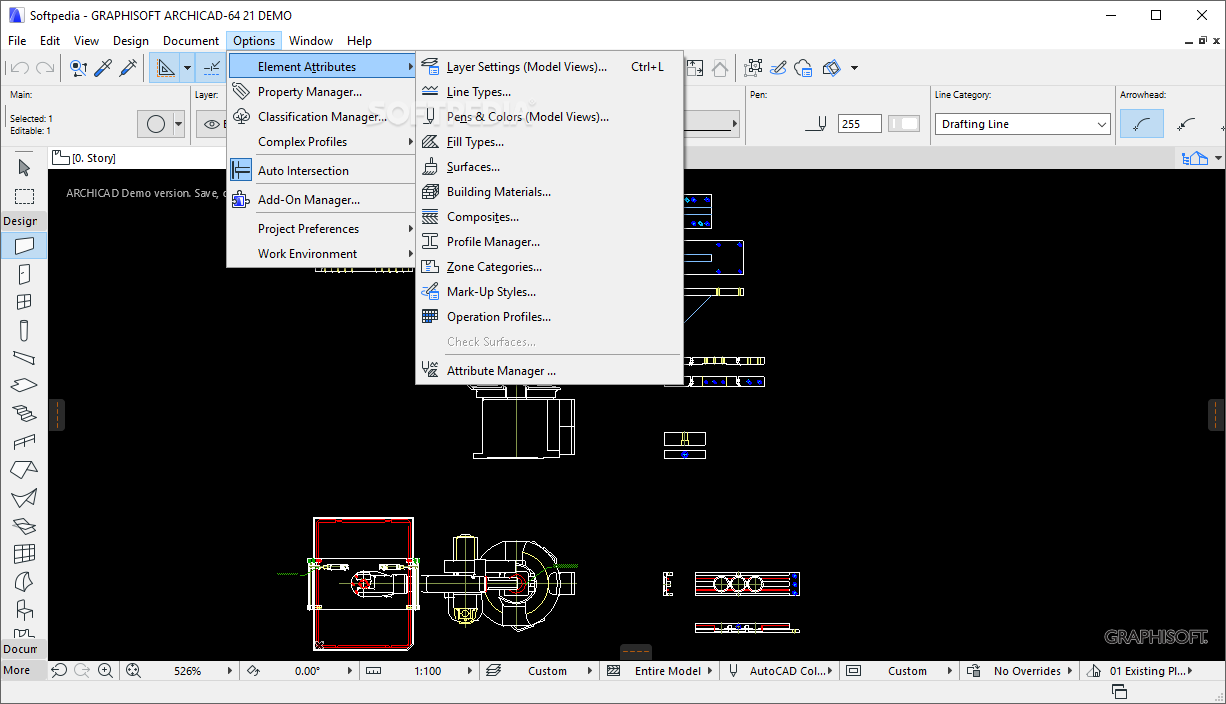
    ArchiCAD enables you to manage building sections and plan rooms, interior and exterior elevations, custom materials, 3D textures, walls, stairs, columns, doors and windows with composite structures, as well as connections and solid element operations. Furthermore, you can create your own customized line types, vectors, symbols and images.

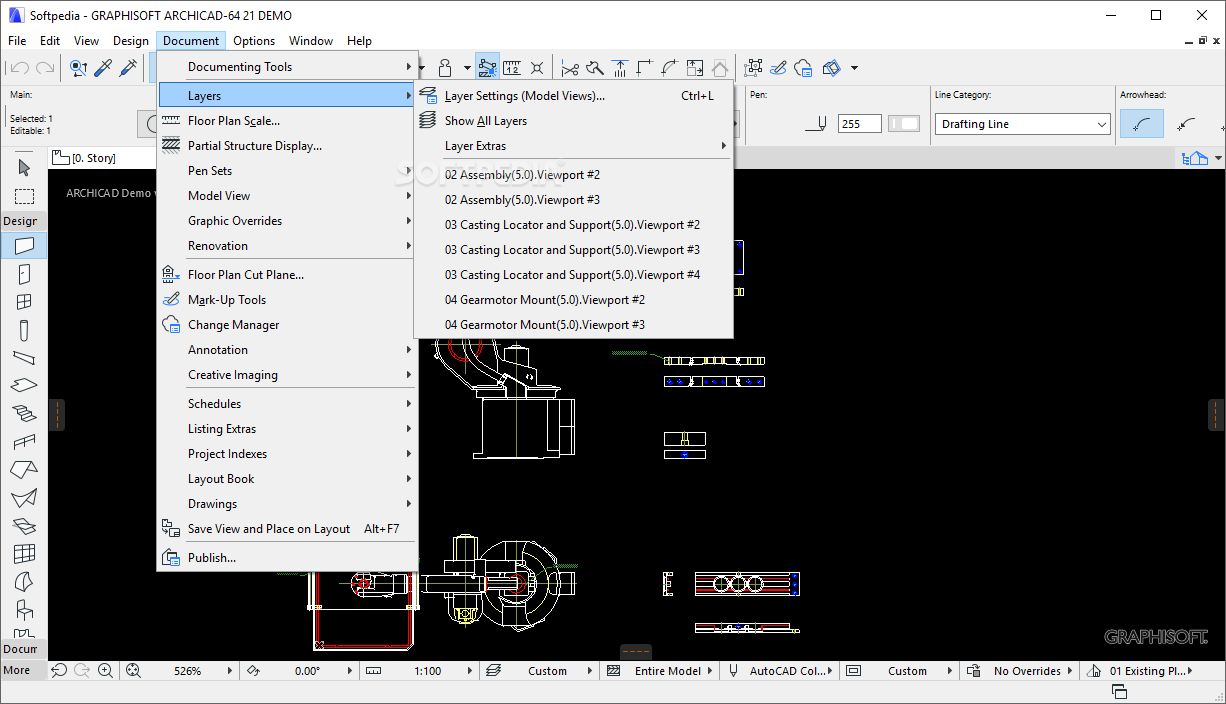
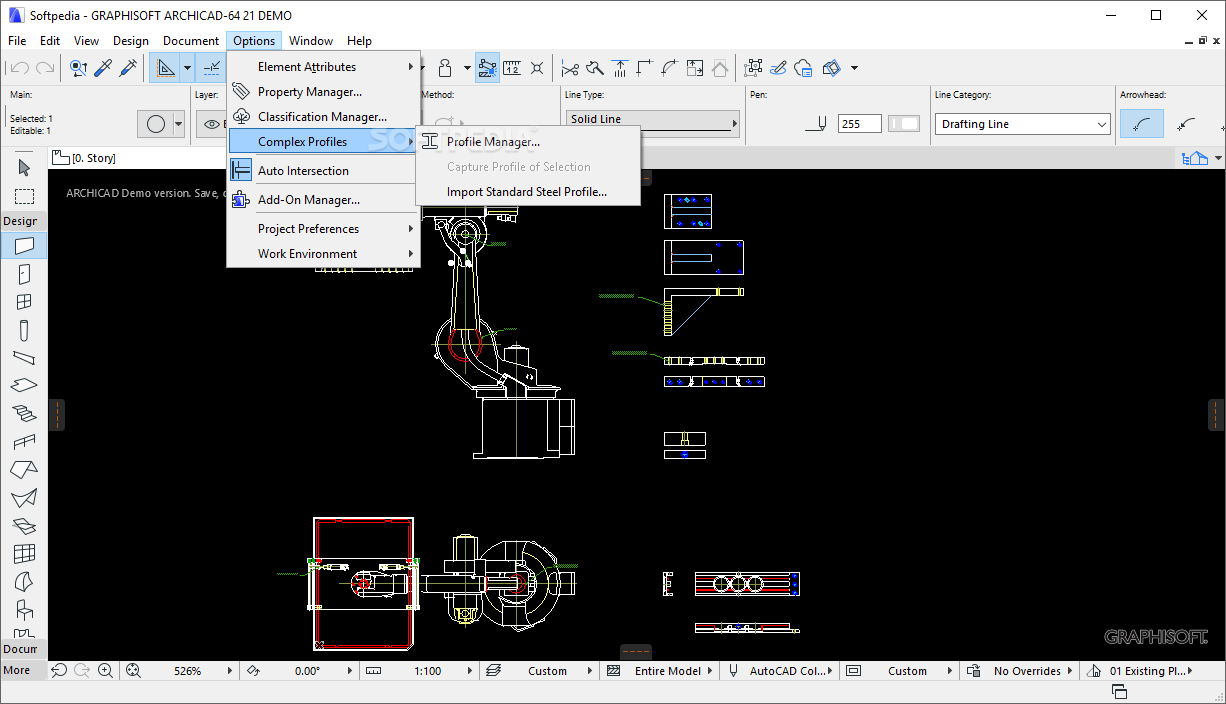
    Layer management, auto-intersection, object smoothing, partial display, advanced 2D drafting and advanced shadowing and lighting options are features designed to help you create fully interactive 3D models, with details about functionality and the physical structure. Furthermore, is allows architects to perform dynamic building energy calculations, based on model geometry analysis.

    Combining its 3D visualization capabilities with the powerful set of modeling tools, ArchiCAD enables you to create complex models in an intuitive working environment. Designed to help architects communicate their design to construction engineers, this application is capable of simulating the way a building is constructed, allowing architects to view design ideas come to life.

    ArchiCAD description

    Here are some key features of "ArchiCAD":

    Shadows in Open GL 3D View:
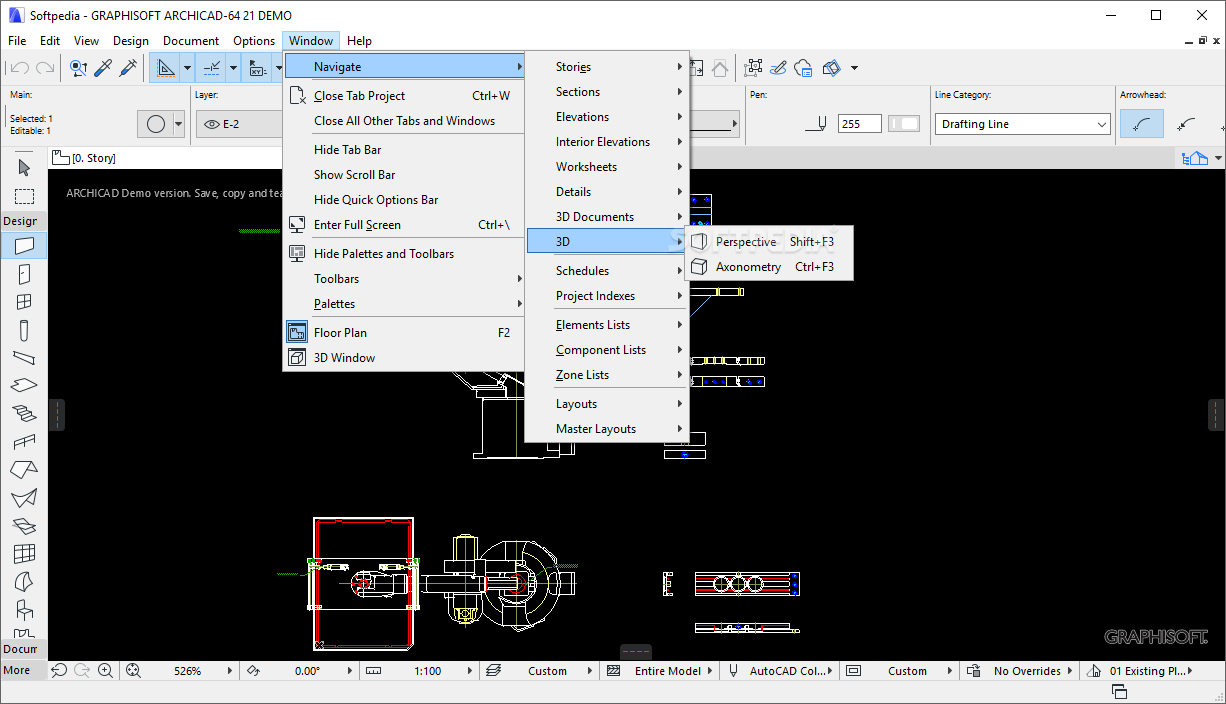
    · ArchiCAD greatly improves in-model visualization with shadow casting in 3D OpenGL views. Live 3D views of the BIM model in addition to being work-views also become a standard basis for communicating the design intent with clients.

    Extended Options for Doors & Windows:
    · ArchiCAD offers users increased control over model-based sections and details of doors and windows. An extended set of Reveal and Wall Closure setting options make creation of refined details a fully automatic process.

    Dimension Text Prefix & Suffix:
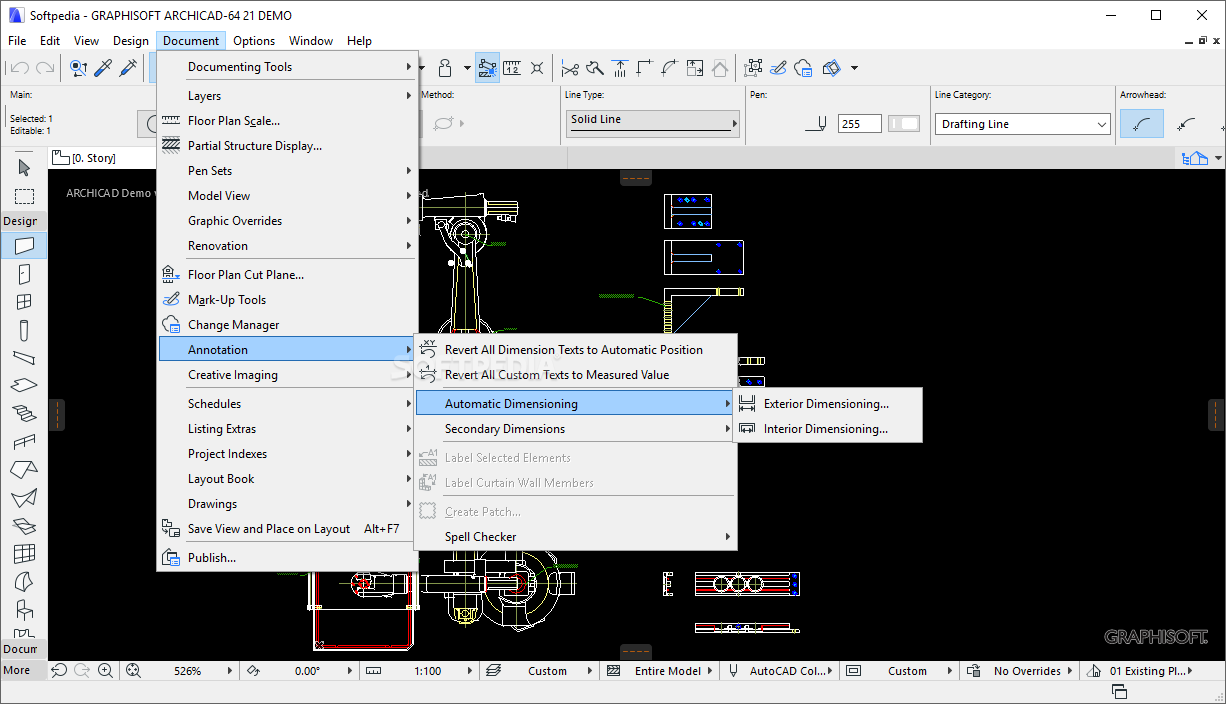
    · Model-based annotation is key to an effective BIM workflow. Custom prefixes & suffixes added to associative dimensions - while keeping their real measured values - can boost documentation productivity by an order of magnitude.

    Improved Handling of Schedules:
    · ArchiCAD introduces standard spreadsheet editing techniques to improve productivity in Schedule and Index windows. Quantity take-offs can now be exported to Excel with graphical information included for WYSIWYG results.

    Direct Import of Site-Survey Data:
    · Site survey data coming directly from theodolites can now be imported into ArchiCAD with a single click. XYZ coordinates automatically convert into an ArchiCAD Mesh element providing an accurate 3D model of the environment.

    Requirements:

    · Intel Pentium 4, or compatible processors with equal or higher performance
    · 2 GB RAM is required, 4 GB or more is recommended
    · 5 GB free disk space required for a full installation of ArchiCAD. Additional 10 GB hard disk space required per project for work with complex models and 3D visualization
    · 1024x768 resolution is required; 1280x1024 or higher is recommended
    · Open GL and DirectX 9 compatible graphic card with 256 MB or more on-board video memory is recommended to fully exploit hardware acceleration capabilities.
    · QuickTime 7 or later
    · Java 6 or later

    Limitations:

    · 30 days trial period
    · Watermark on prints

    What's New in This Release: [ read full changelog ]

    · Morph Tool, Transform Existing Elements Into Morphs, Transform Morphs Into Objects, Free Graphical Editing of Morphs, Integrated Energy Evaluation, Automatic Model Geometry Analysis, Single Thermal Block Energy Model, Space Boundary Categories, Multiple Energy Model Visualization Options, Export Geometry in Excel Format, Export Second-Level Space Boundary Data via IFC, Extensive Built-in Building Material Lists, MEP System Lists, Green System and Energy Source Lists, Import Analytic Weather Data Files, Gridded Climate Information from the Online Weather Server, Quick Energy Evaluation Report, Certified VIPCore Engine Calculation, Improved Search Function for Finding Library Parts Faster in the Loaded, Embedded and BIM Server Libraries and on the Internet, BIM Components Portal, One Click Object Download and Embed, Drag & Drop Objects from the BIM Components Portal, Share Objects, Evaluate and Recommend Objects, All Model-Based Library Parts Can be Saved from the Floor Plan and 3D Win...

     Softpedia guarantees that ArchiCAD 16 is 100% CLEAN, which means it does not contain any form of malware, including spyware, viruses, trojans and backdoors. [read more >]


    TAGS:

    3D Visualization | Architecture Design | Design Construction | Architecture | Design | Construction

    Go to top

    WindowsGamesDriversMacLinuxScriptsMobileHandheldNews

    SUBMIT PROGRAM   |   ADVERTISE   |   GET HELP   |   SEND US FEEDBACK   |   RSS FEEDS   |   UPDATE YOUR SOFTWARE   |   ROMANIAN FORUM