Softpedia
 

WINDOWS CATEGORIES:


GLOBAL PAGES >>
SOFTPEDIA REVIEWS >>
MEET THE EDITORS >>

WEEK'S BEST

  • DAEMON Tools Pro (...
  • FlashFXP [ DISCOUN...
  • PowerISO 4.9
  • WebcamMax [DISCOUN...
  • Zemana AntiLogger ...
  • System Mechanic Pr...
  • Glary Utilities Pr...
  • All My Movies [DIS...
  • Ad-Aware Internet ...
  • Atlantis Word Proc...
  • Home > Windows > Science / CAD
     Report malware

    AutoCAD 2012

    download button

    Part of the 3D Model Makers download hub (+25 others)
    Downloads: 1,294,114  View global page  Tell us about an update
    User Rating:
    Rated by:
    Very Good (4.0/5)
    851 user(s)
    Developer:

    License / Price:

    Size / OS:

    Last Updated:

    Category:

    Trial / USD 3995.00 buy button
    1,085.4 MB / Windows XP / Vista / 7
    [view history]
    C: \ Science / CAD

     Read user reviews (14)  Send to friend   Follow (6 users)

    EDITOR'S RATING

    Softpedia Editor's Review for AutoCAD

    Design, visualize, and document your ideas clearly and efficiently

    Written by Elena Opris on October 21st, 2011

    AutoCAD 2012 is a software which offers speed documentation and the possibility of building 3D concepts in a strong environment, while having powerful tools at your disposal.

    Selecting to download the AutoCAD 2012 free 30-day trial will automatically redirect you to Autodesk.com, where you need to input some personal information, and then install a download manager called Akamai NetSession Interface.

    After that phase is complete, downloading AutoCAD takes several minutes.

    After 5-7 minutes of extracting files, you have the option of installing AutoCAD 2012, Autodesk Design Review (optional), and Autodesk Inventor Fusion 2012 (without it, AutoCAD can't have the plugin for Inventor Fusion – a new feature in the 2012 version).

    By choosing the first and last option, the installation required 2.20GB of free space available.

    About a half an hour later, our computers managed to install it.

    When you enter AutoCAD, you must register for the free trial version with a basic e-mail address.

    The 2012 version includes new features, such as: associate array (create a new array object that is associative by default), Autodesk exchange (online connection with the product; for any help or information), and content explorer (index design content for quick access, catalog objects in each file, search for content in local folders).

    Let's not forget auto-complete command entry, model documentation and the possibility of importing a few new CAD formats, Inventor Fusion (easily edit and validate models from almost any source).

    In addition, you can find in canvas viewport controls, editable UCS icon, as well as performance improvements (faster startups on Vista and 7, almost instant switch ribbon tabs etc).

    In conclusion, AutoCAD 2012 should be heavily used by designers, architects, web developers, and so on. AutoCAD still remains amongst the favorite tools to be used in these fields.

    AutoCAD description

    Here are some key features of "AutoCAD":

    Ribbon:
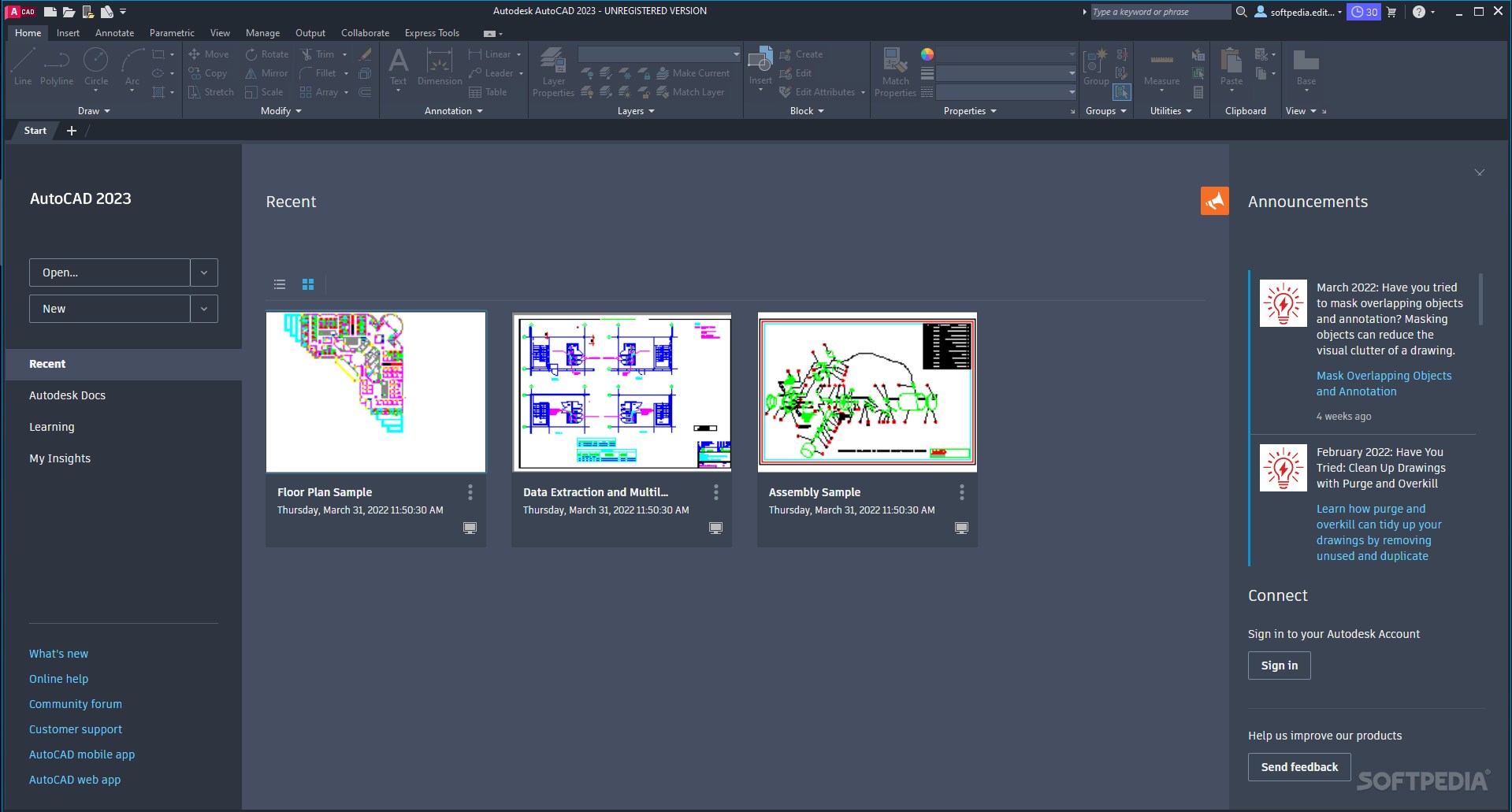
    · With the ribbon interface, overall drafting productivity is increased as the number of steps to reach a command is decreased. The ribbon interface presents command options in a concise visual format, allowing you to quickly select commands based on the work you're doing.
    · Moving between applications is now quick and intuitive. The ribbon is both customizable and expandable so that it can be optimized for each user and meet each company's standards.
    ViewCube and SteeringWheels:
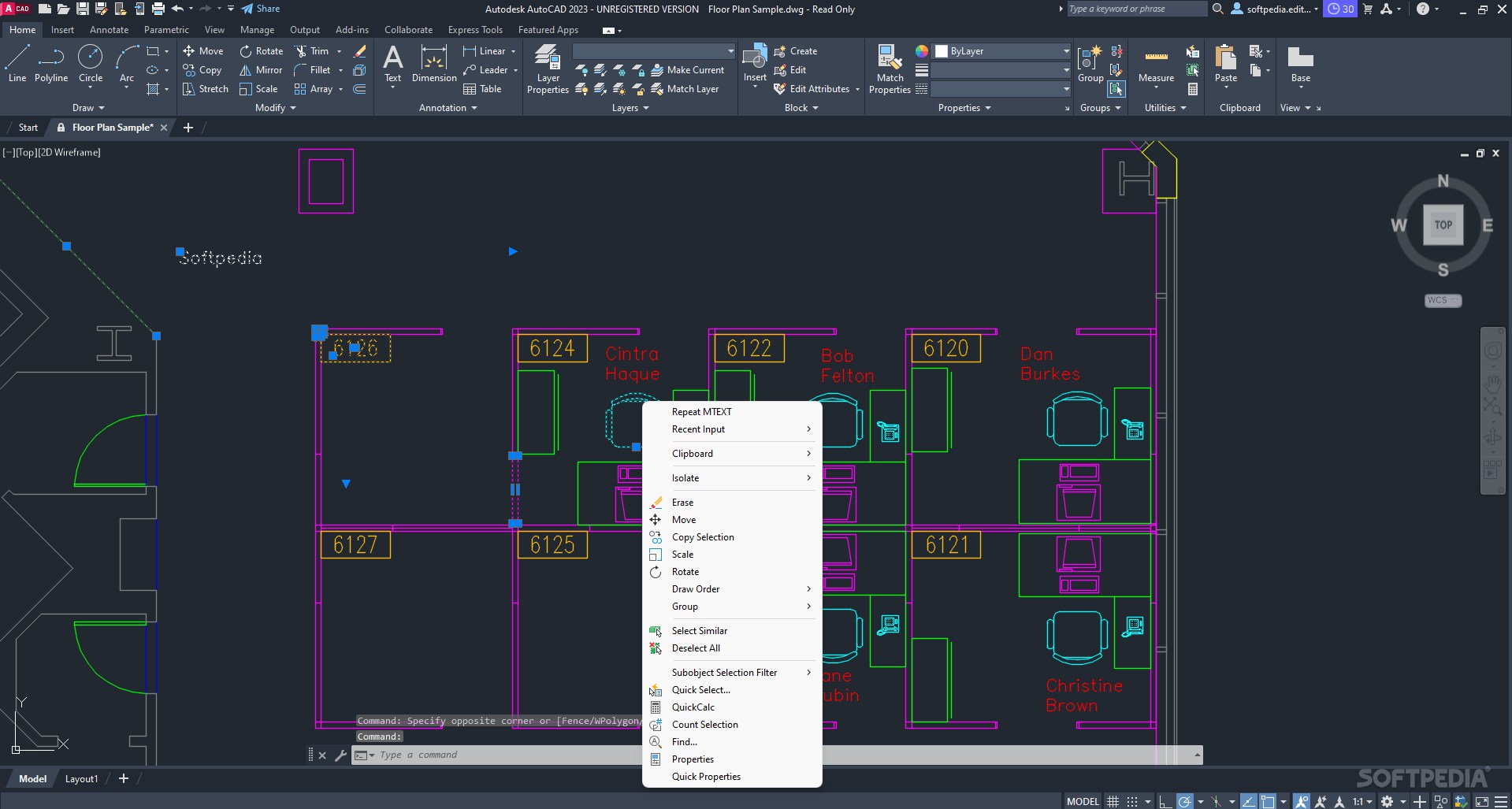
    · The ViewCube is an interactive tool used to rotate and orient any solid or surface model in AutoCAD. Selecting a face, edge, or corner of the cube brings the model quickly to that predefined orientation.
    · Clicking and holding the ViewCube allows the model to be freely roated in any direction. Since the cube is in a fixed location on the screen, it provides at-a-glance orientation. The ViewCube will be introduced in all Autodesk products as a common tool for working with 3D models.
    · In addition to allowing quick access to the orbit command, the new SteeringWheels tool allows quick access to the pan, center, and zoom commands. The SteeringWheels is highly customizable so you can add walk through commands to help create and record a walk-through of your model.
    Menu Browser:
    · Reviewing and working with several files is no longer a tedious and time-consuming process. The new menu browser interface allows you to browse files and examine thumbnail images and provides detailed information about file size and file creator. Plus, you can organize recently used files by name, date, or title.
    Action Recorder:
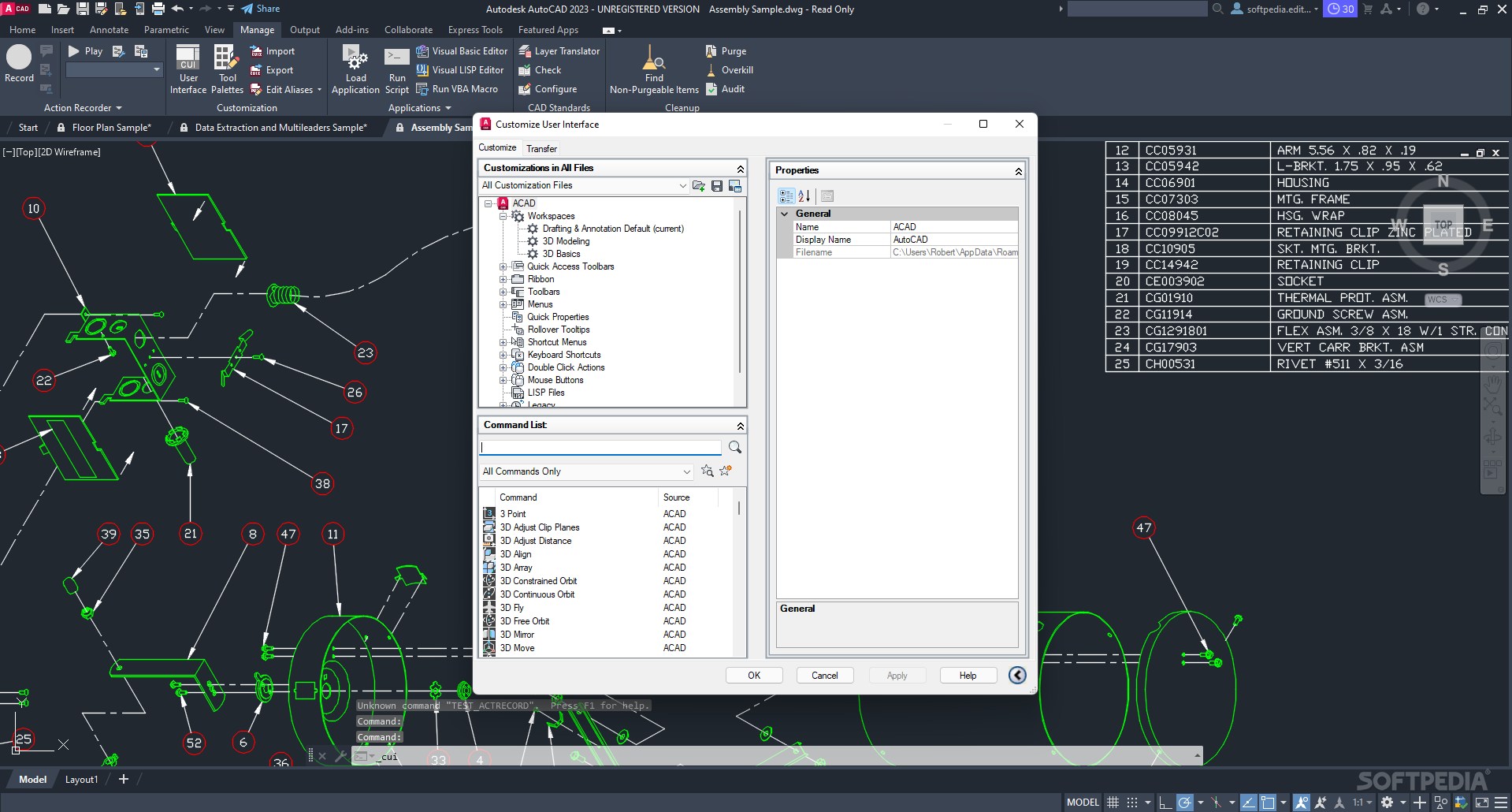
    · The new action recorder saves time and increases productivity by automating repetitive tasks without requiring the skill or assistance of a professional CAD manager. Users can quickly record a task, add text messages and requests for input, then quickly select and play back recorded files.
    Layer Dialog:
    · The new layer dialog makes creating and editing layer properties faster and less prone to error. Changes are instantly reflected in the drawing as they are made in the dialog.
    · The manipulation of the dialog box has been simplified, and columns in the dialog can be individually resized so the contents of that column or its title are not truncated. Individual columns can be fixed in place so that the rest of the columns can be scrolled through and referenced to a fixed column such as the layer name.
    Quick Properties:
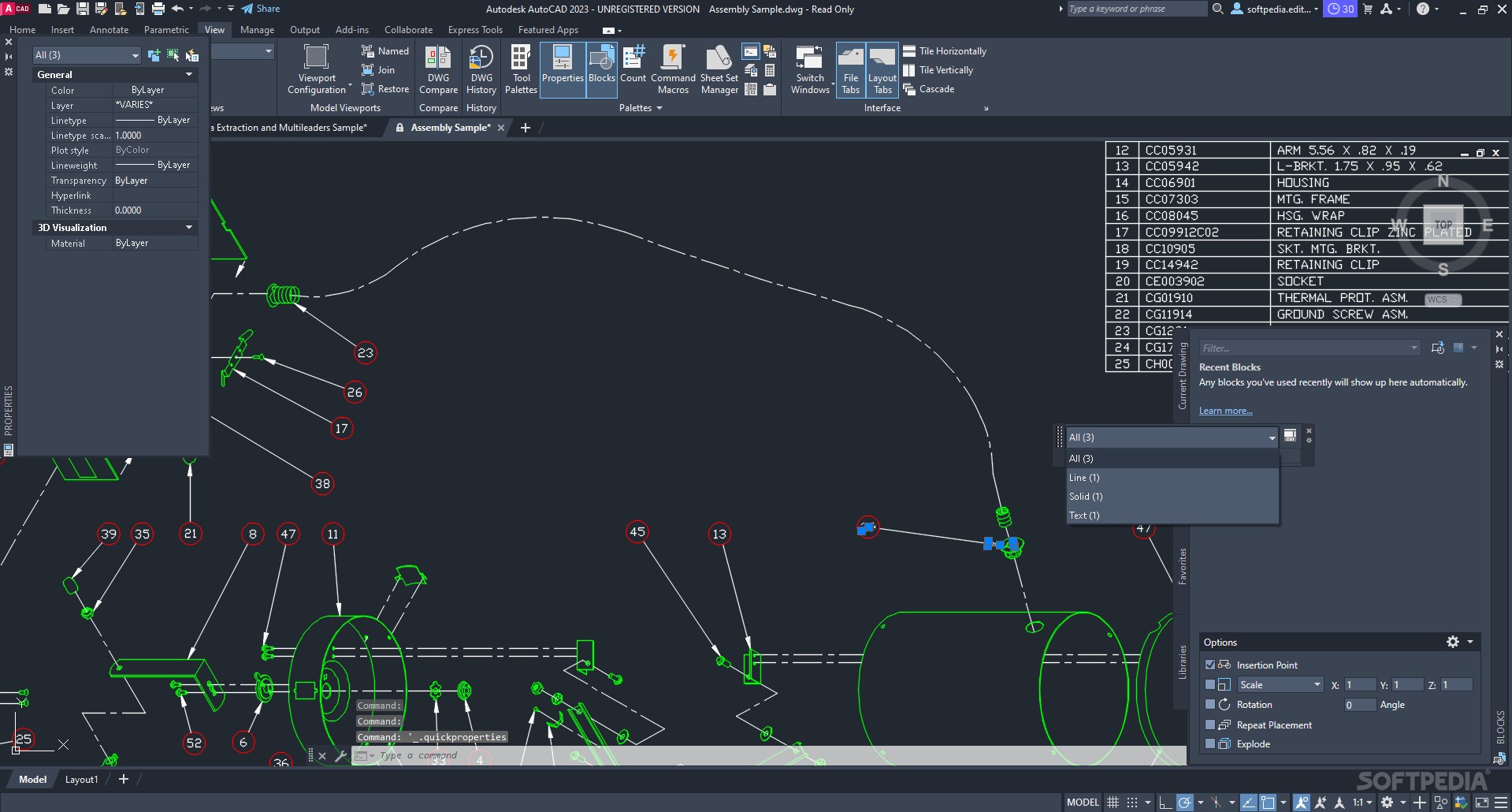
    · The easily customizable quick properties menu increases productivity by reducing the steps to access properties information, ensuring that information presented is optimized for that particular user and project.
    Quick View:
    · The quick view feature uses thumbnails instead of file names, making opening the correct drawing file and layout faster and decreasing the time spent opening incorrect drawing files.

    Requirements:

    · For Windows Vista or Windows 7: Intel Pentium 4 or AMD Athlon dual-core processor, 3.0 GHz or higher with SSE2 technology
    · For Windows XP: Intel Pentium 4 or AMD Athlon dual-core processor, 1.6 GHz or higher with SSE2 technology
    · 2 GB RAM
    · 2 GB free disk space for installation
    · 1,024 x 768 display resolution with true color
    · Microsoft Internet Explorer 7.0

    Limitations:

    · 30 days trial
    · Nag screen

    What's New in This Release: [ read full changelog ]

    Model Documentation Tools:
    · Save time by automatically generating intelligent documentation for AutoCAD, Autodesk Inventor software, and other models. Import a wide variety of other formats including SolidWorks, Pro/ENGINEER, CATIA, Rhino, and NX. Drawing views, edge display, and location are instantly updated when an engineering change is made.

    Associative Array Functionality:
    · Save valuable rework time by establishing and maintaining a set of relationships between arrayed objects, such as windows on a building or trusses on a bridge. Plus, you can now array objects along a specified path (rather than just rectangular or polar options), saving even more time when creating conceptual designs or finished documentation.

    AutoCAD WS:
    · With access directly from the AutoCAD 2012 interface, AutoCAD WS web and mobile application for AutoCAD software allows you to stay connected to your designs over the web or from your mobile device.

    Multi-function Grips:
    · The power of multi-functi...

     Softpedia guarantees that AutoCAD 2012 is 100% CLEAN, which means it does not contain any form of malware, including spyware, viruses, trojans and backdoors. [read more >]


    TAGS:

    3D design | 3D model designer | CAD software | CAD | 3D | design


    HTML code for linking to this page:


    Go to top

    WindowsGamesDriversMacLinuxScriptsMobileHandheldNews

    SUBMIT PROGRAM   |   ADVERTISE   |   GET HELP   |   SEND US FEEDBACK   |   RSS FEEDS   |   UPDATE YOUR SOFTWARE   |   ROMANIAN FORUM