
A versatile text-to-speech tool that can provide users with numerous features to leverage synthesized speech: automatic clipboard monitoring, timers, and much more. #Text to speech #Text reader #Read text #Text2speech #Speech #Voice

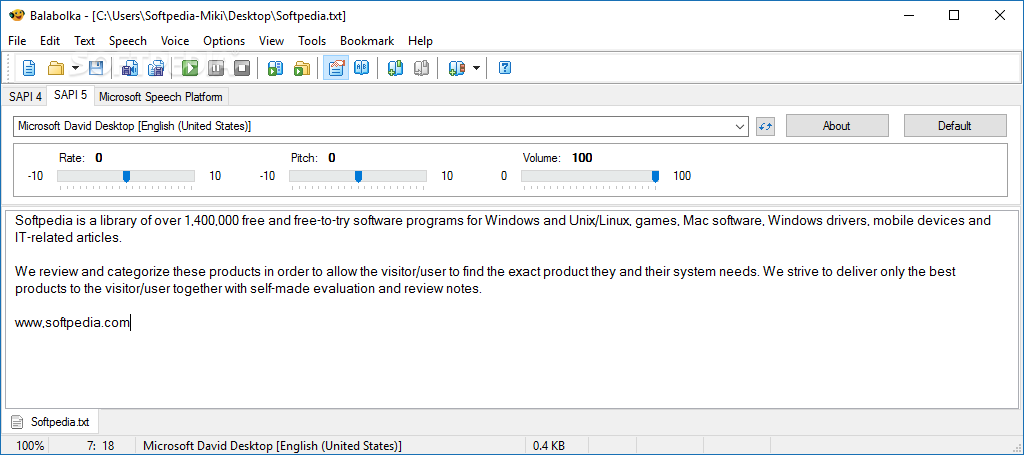
Text-to-speech can be used in a variety of ways. We see it time and again for translations and pronunciations, but its use cases don't end there. Having your computer read passages out loud to you is a popular way of using text-to-speech, and for that, dedicated software to make everything easier exists.
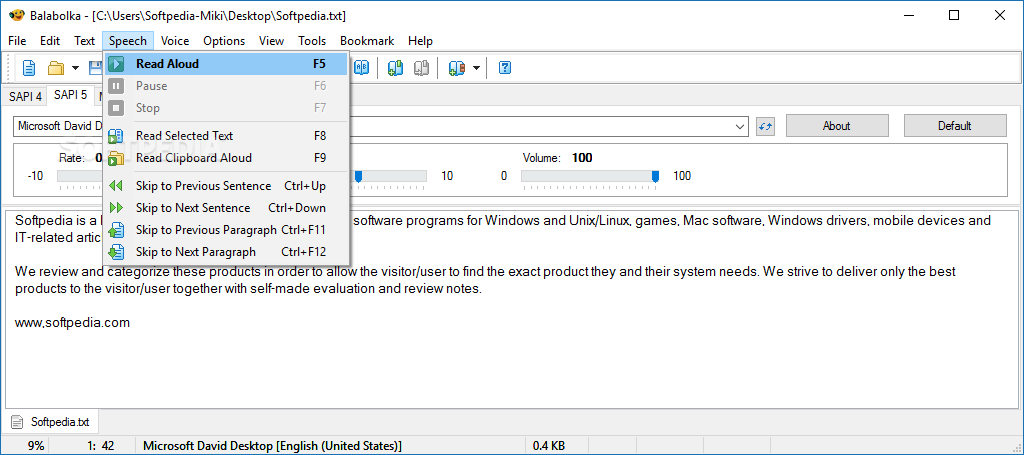
In that sense, Balabolka is a tool that was conceived to offer users such functionalities and then some. The program is quite versatile and entails many features to make use of: alter the rate and pitch of the voice, employ Clipboard Watch and Pronunciation Correction, save the audio for later, and much more.
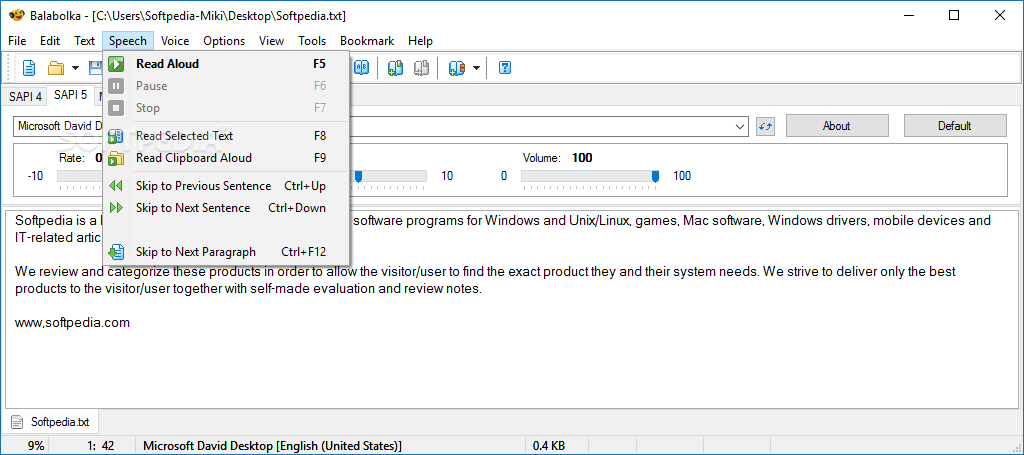
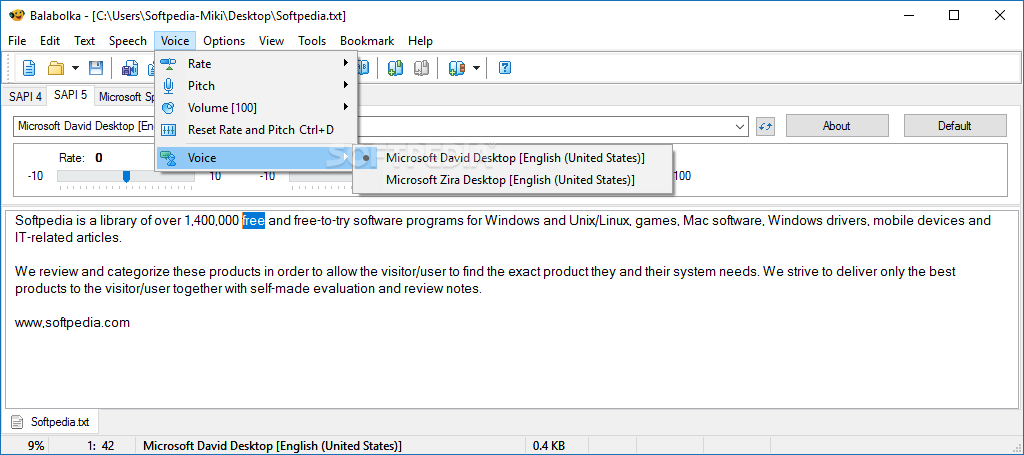
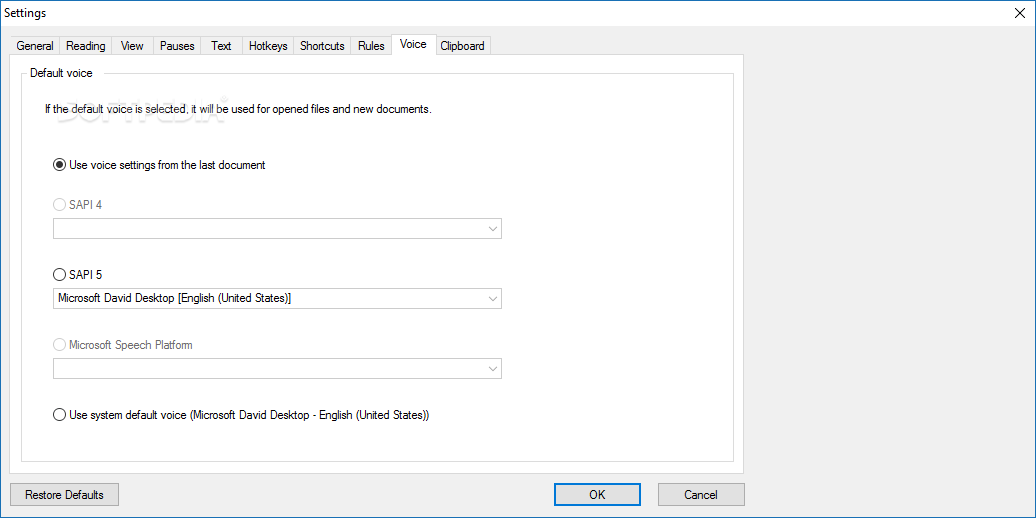
The great thing about computer-generated speech is that it can mold to the user's preferences without much fuss. Type in your text, press play, and the computer will read it aloud — it's just that simple. There's a male and female voice, and you can adjust their rate, pitch, and volume accordingly — we had a hoot making the male voice sound stern.
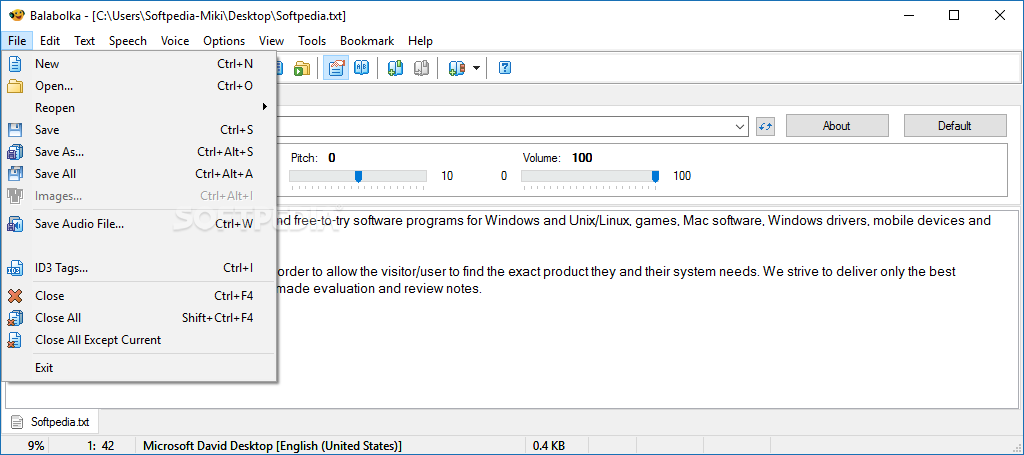
If you already have a document at the ready, you can import it into the app. The app is generous with the formats it supports: from .txt, .doc, .html, to .ppt, .pdf, .zip, and everything in between, you won't have a problem importing your stuff. Even Excel spreadsheets and email messages can be attached.
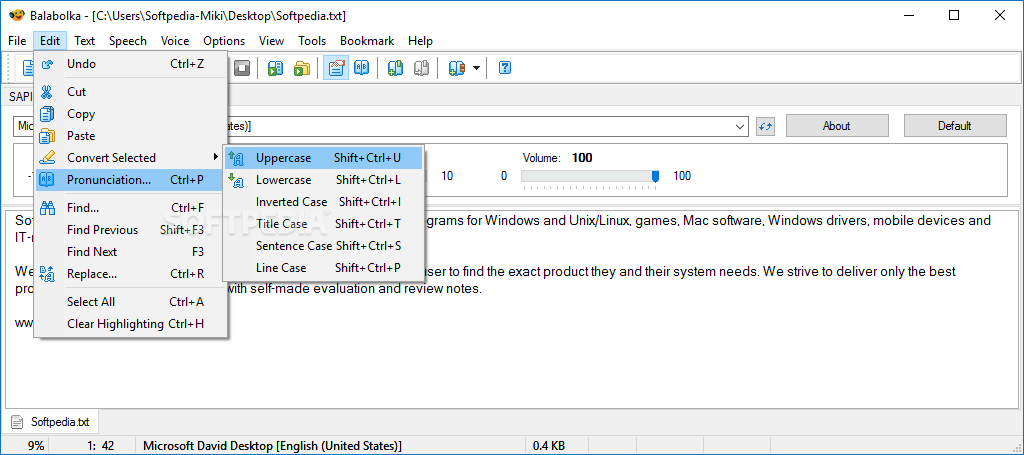
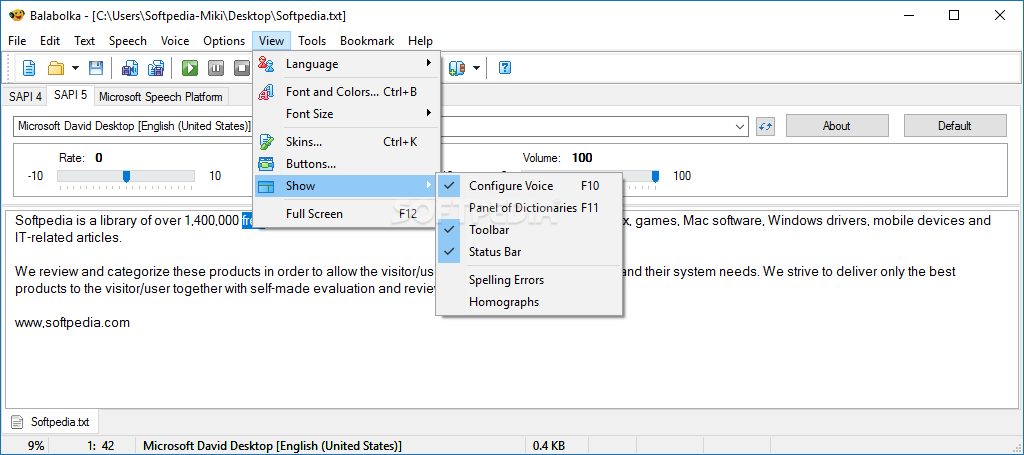
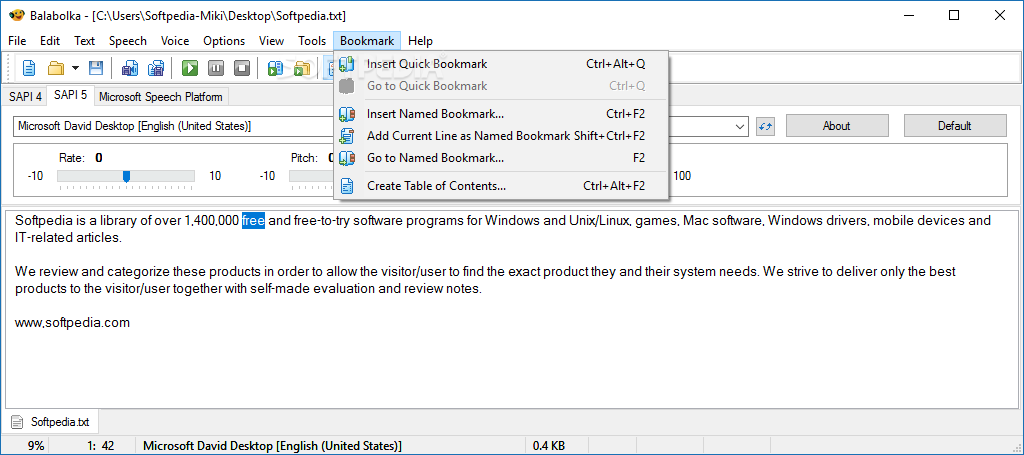
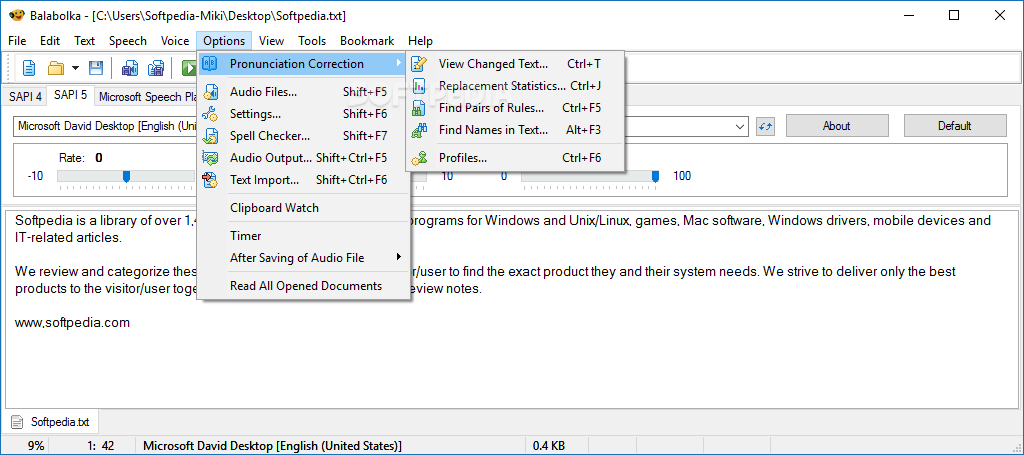
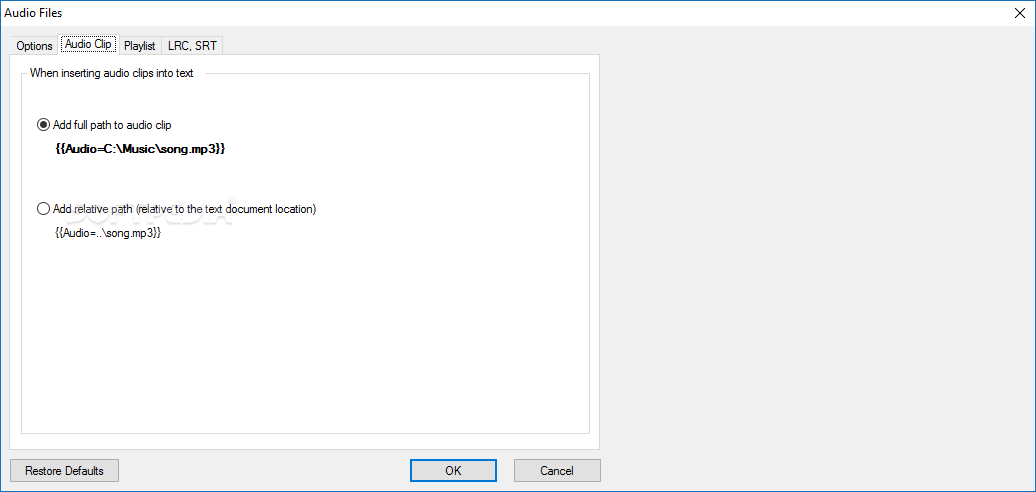
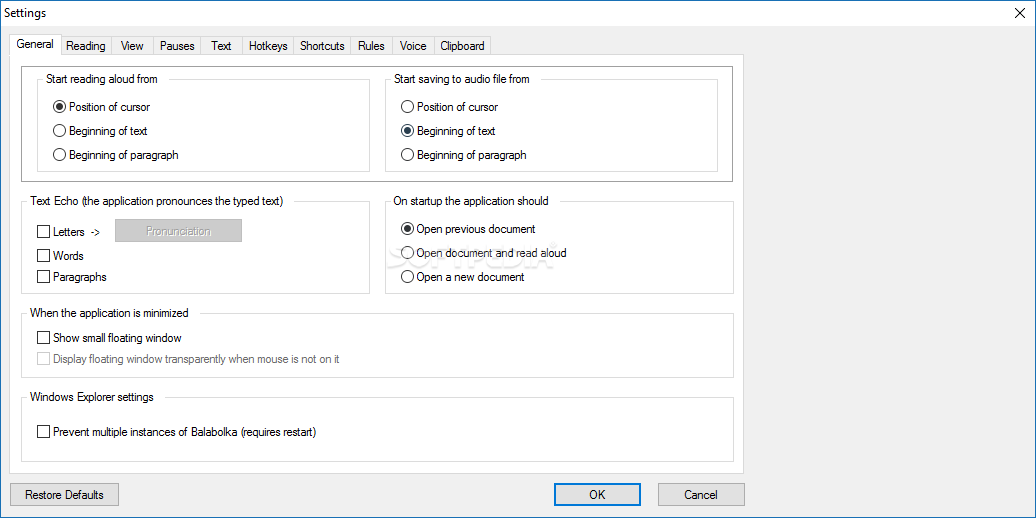
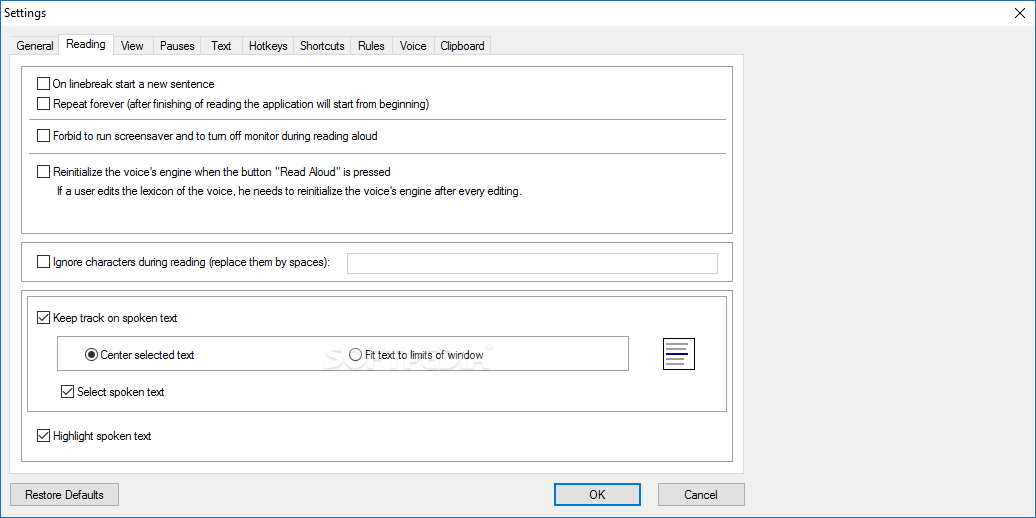
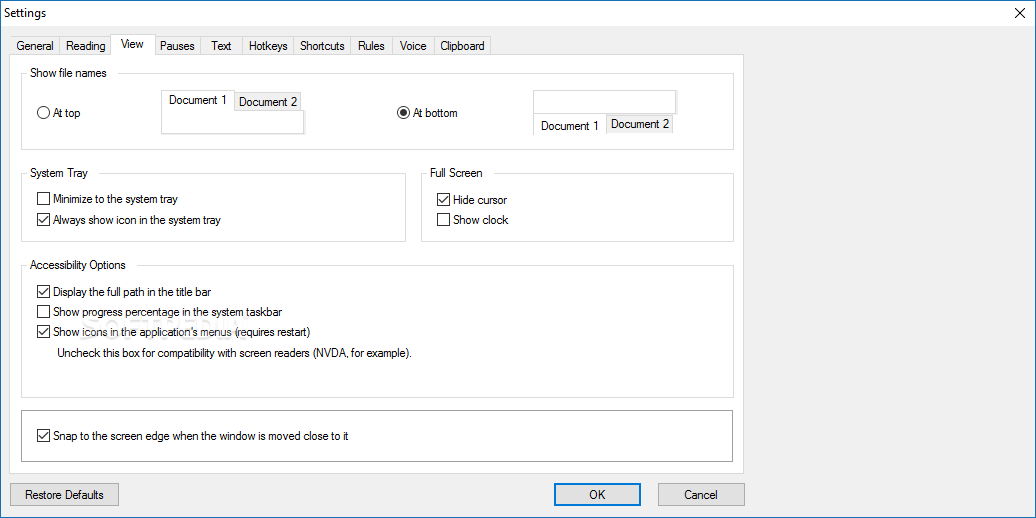
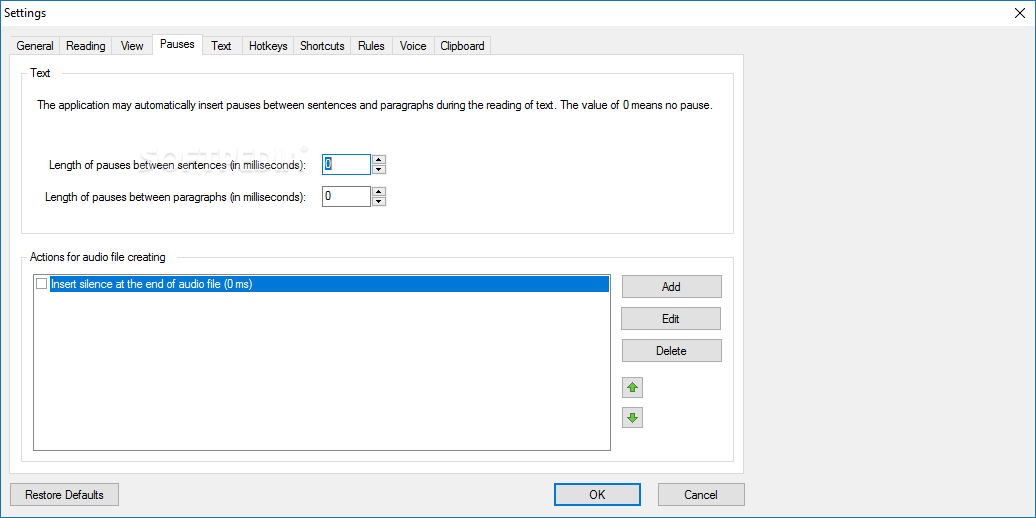
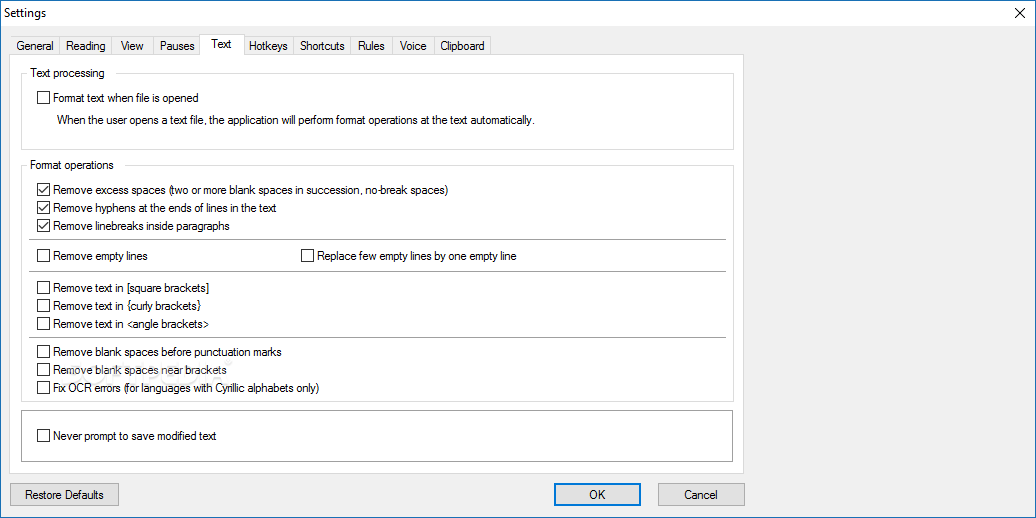
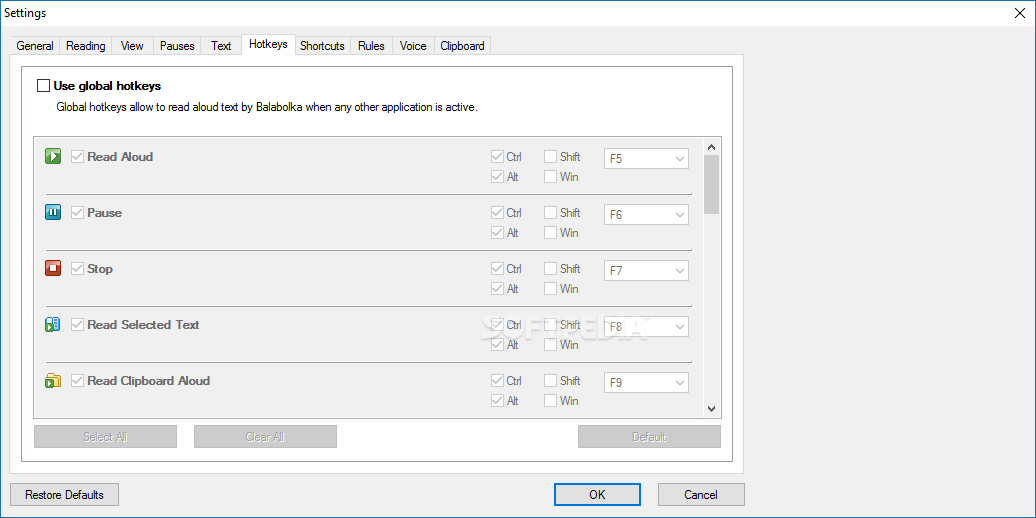
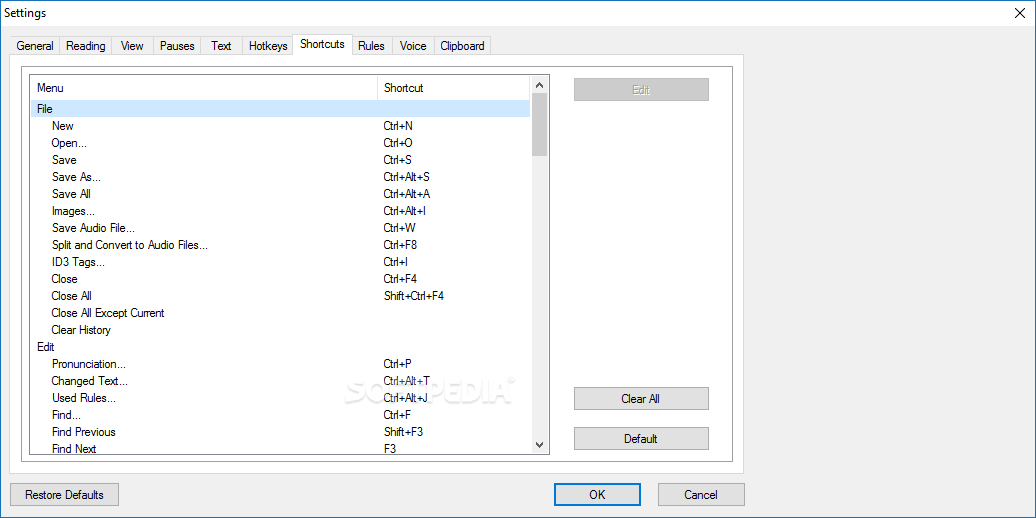
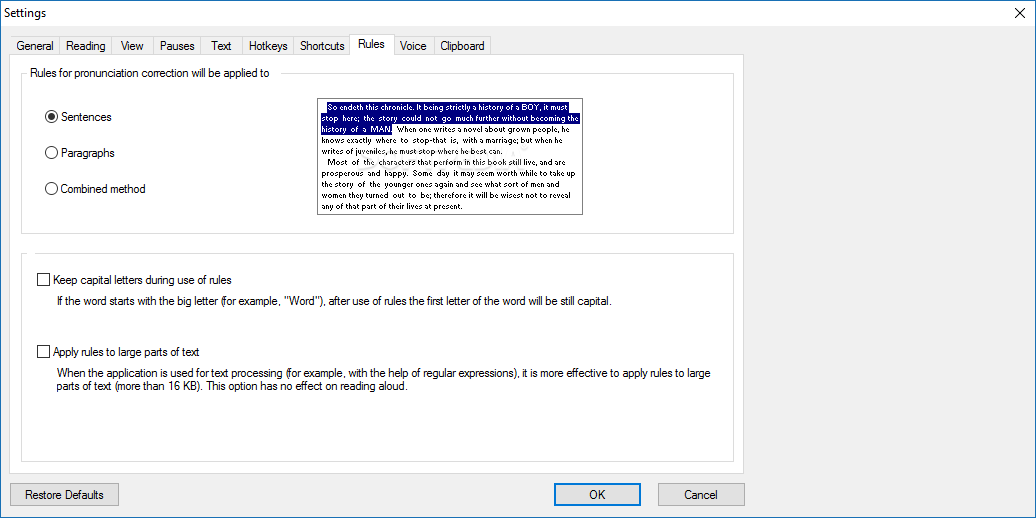
Navigating to the options will bring forth ways to personalize the experience: the program can format your text, find homographs, replace numbers with words, and so on.
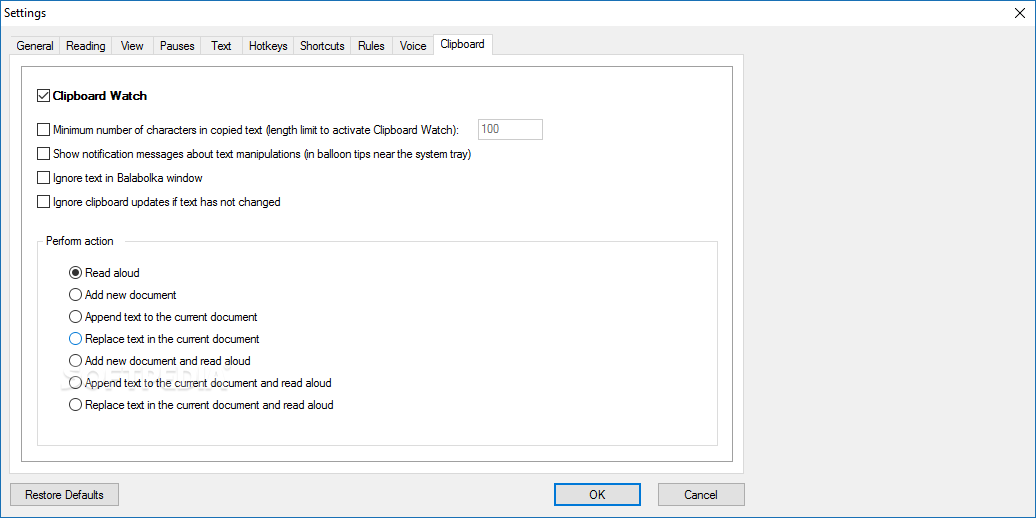
A useful feature present here lies in the software's ability to monitor your clipboard. Essentially, each time you copy something to your clipboard, the software will read the entry out loud to you.
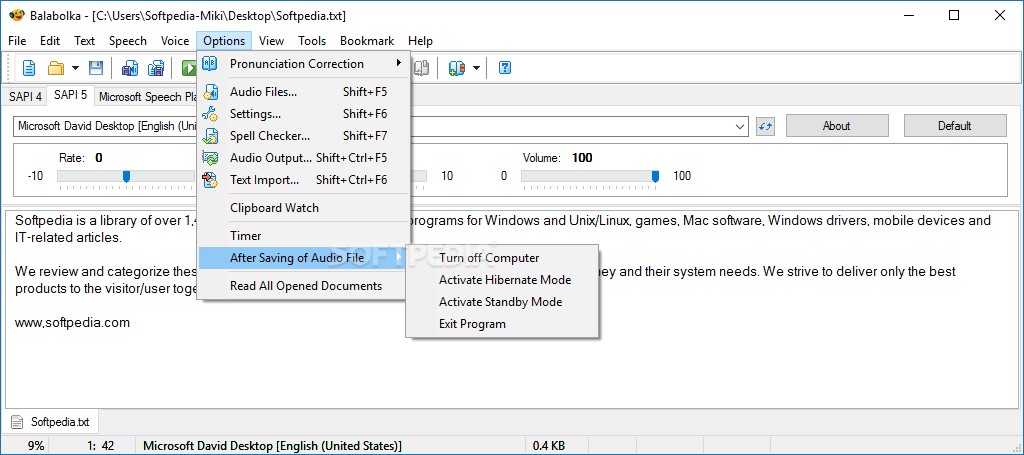
Let's say you want to use text-to-speech to have texts read before bedtime, and with the Timer function, you can do that just fine. Set a time interval for the reading, and choose what your computer should do after that period. You can have it shut down, stop reading aloud, and other such operations.
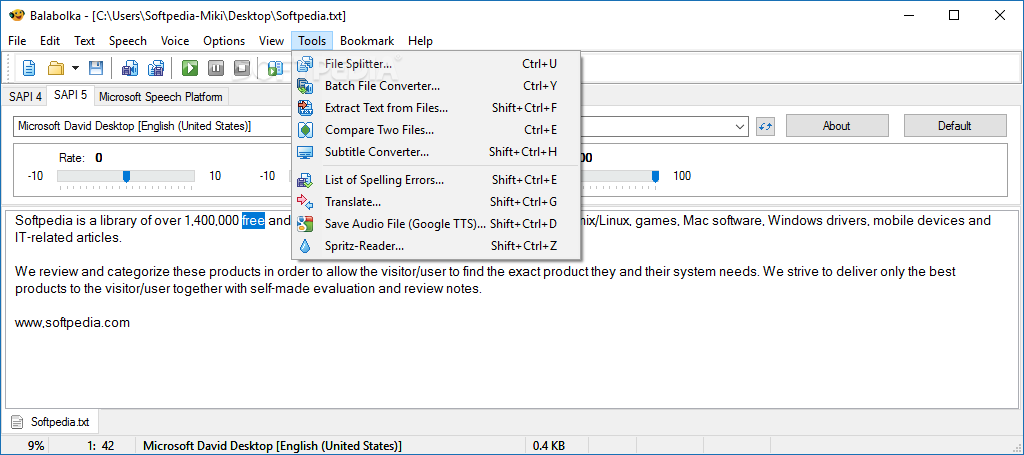
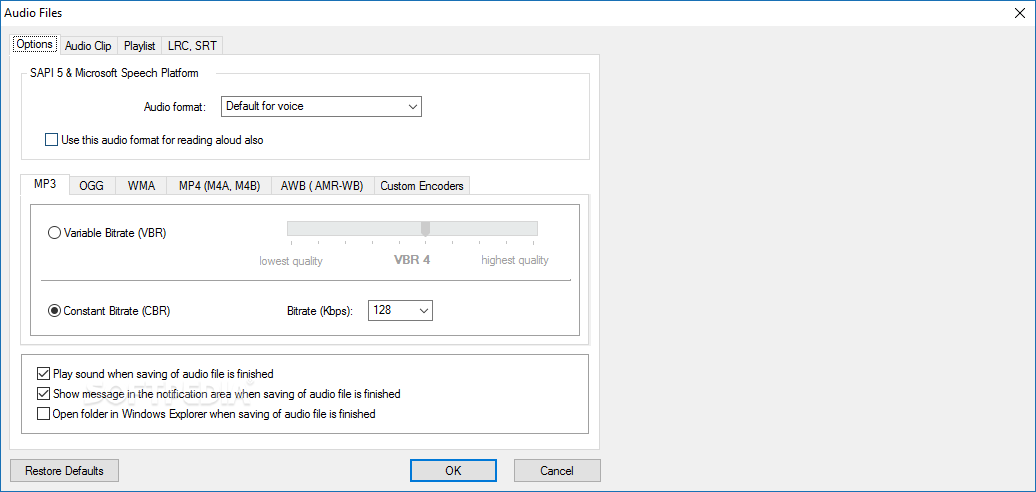
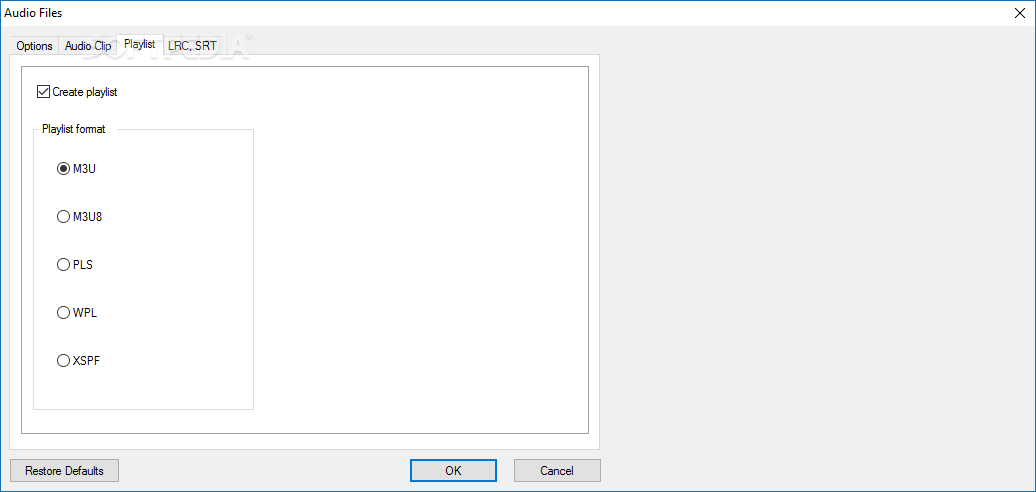
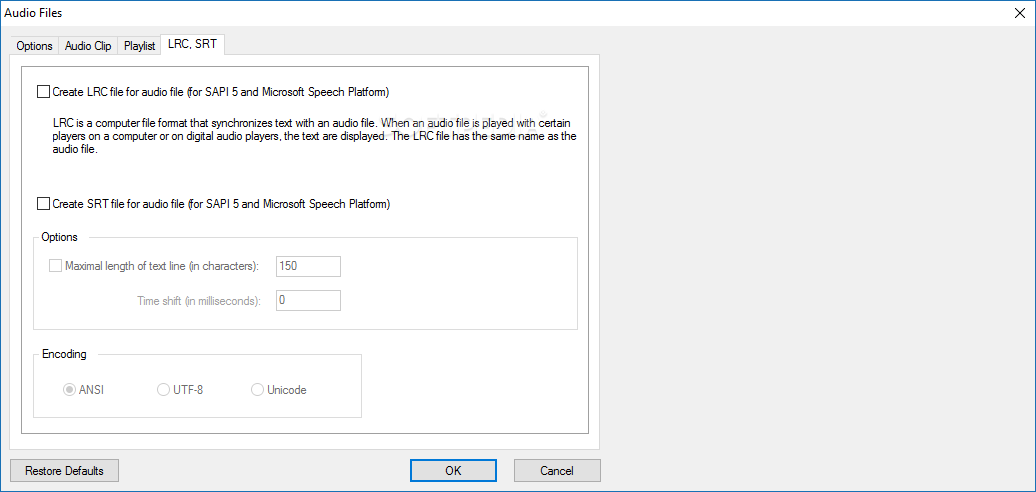
To further help with convenience, users can save the audio files for later. Whether it's in .mp3, .wav, .mpeg4, or the other supported audio formats, the app once again provides many options for users. You can even have the program split longer text and convert certain portions into audio files.
Balabolka is a convenient piece of software to use. It enables text-to-speech in many ways, allowing users to adapt it to best fit their use cases.
Download Hubs
Balabolka is part of these download collections: Text to Speech
What's new in Balabolka 2.15.0.869:
- Fixed the using of IBM Watson Text-To-Speech.
Balabolka 2.15.0.869
add to watchlist add to download basket send us an update REPORT- portable version
- Portable Balabolka
- runs on:
-
Windows 11
Windows 10 32/64 bit
Windows 8 32/64 bit
Windows 7 32/64 bit
Windows Vista 32/64 bit
Windows XP 32/64 bit - file size:
- 22.5 MB
- filename:
- balabolka.zip
- main category:
- Science / CAD
- developer:
- visit homepage
7-Zip

Context Menu Manager

ShareX

calibre

Bitdefender Antivirus Free

Windows Sandbox Launcher

4k Video Downloader

Microsoft Teams

IrfanView

Zoom Client

- Microsoft Teams
- IrfanView
- Zoom Client
- 7-Zip
- Context Menu Manager
- ShareX
- calibre
- Bitdefender Antivirus Free
- Windows Sandbox Launcher
- 4k Video Downloader