Softpedia
 

WINDOWS CATEGORIES:


GLOBAL PAGES >>
SOFTPEDIA REVIEWS >>
MEET THE EDITORS >>
WEEK'S BEST
  • Sticky Password FR...
  • Parallels Workstat...
  • ESET NOD32 Antivir...
  • BitDefender Total ...
  • WinPatrol 24.6.201...
  • PerfectDisk Free D...
  • Adobe Photoshop CS...
  • PerfectDisk Profes...
  • Windows 8 Consumer...
  • Atlantis Word Proc...
  • Home > Windows > Science / CAD
     Report malware

    BricsCad Classic 12.2.7 Build 37302

    download button

    Downloads: 3,972  Tell us about an update
    User Rating:
    Rated by:
    Very Good (4.4/5)
    7 user(s)
    Developer:

    License / Price:

    Size / OS:

    Last Updated:

    Category:

    Trial / USD 315.00 buy button
    129.5 MB / Windows All
    [view history]
    C: \ Science / CAD

     Read user reviews (1)  Send to friend   Follow (1 user)

    BricsCad Classic description

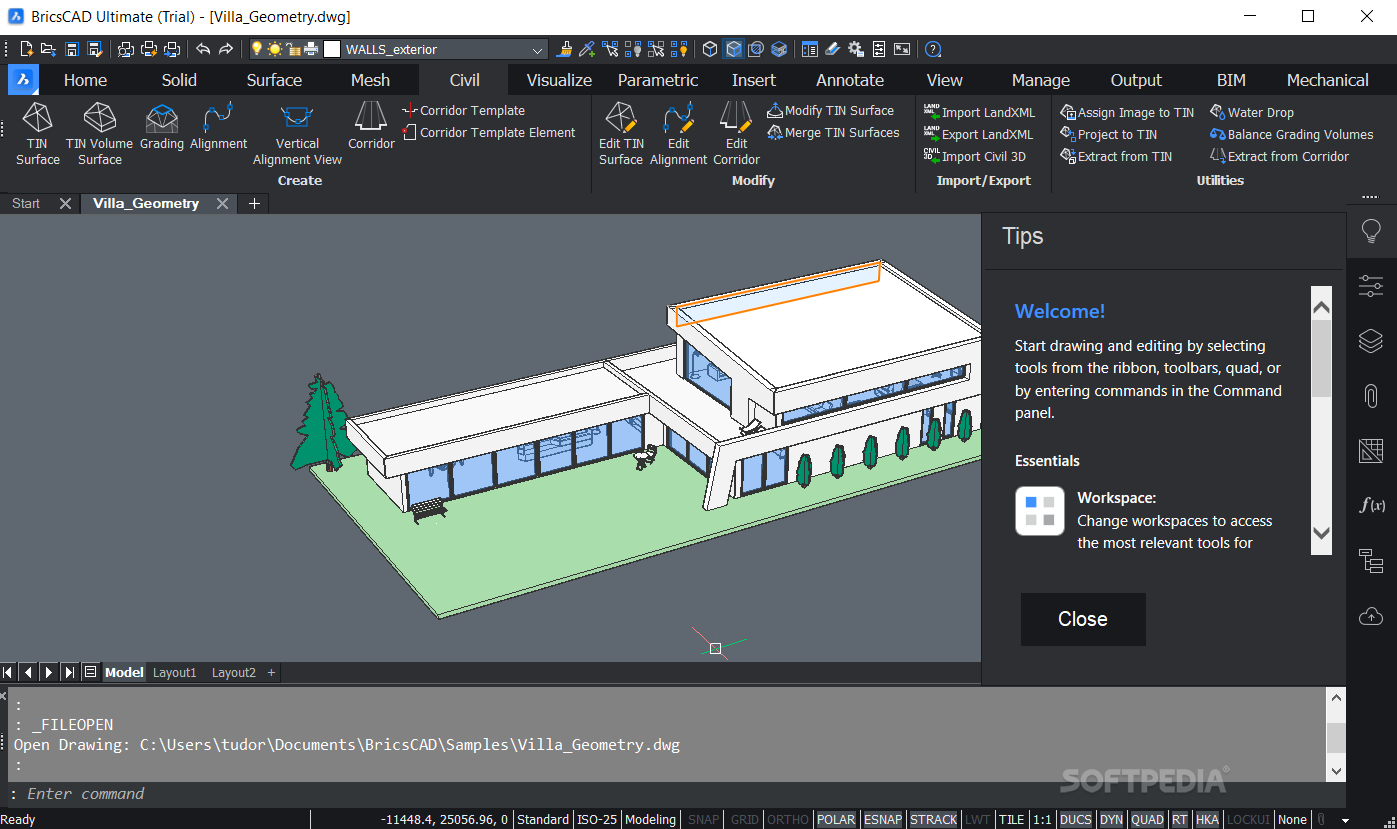
    A complete DWG CAD alternative application

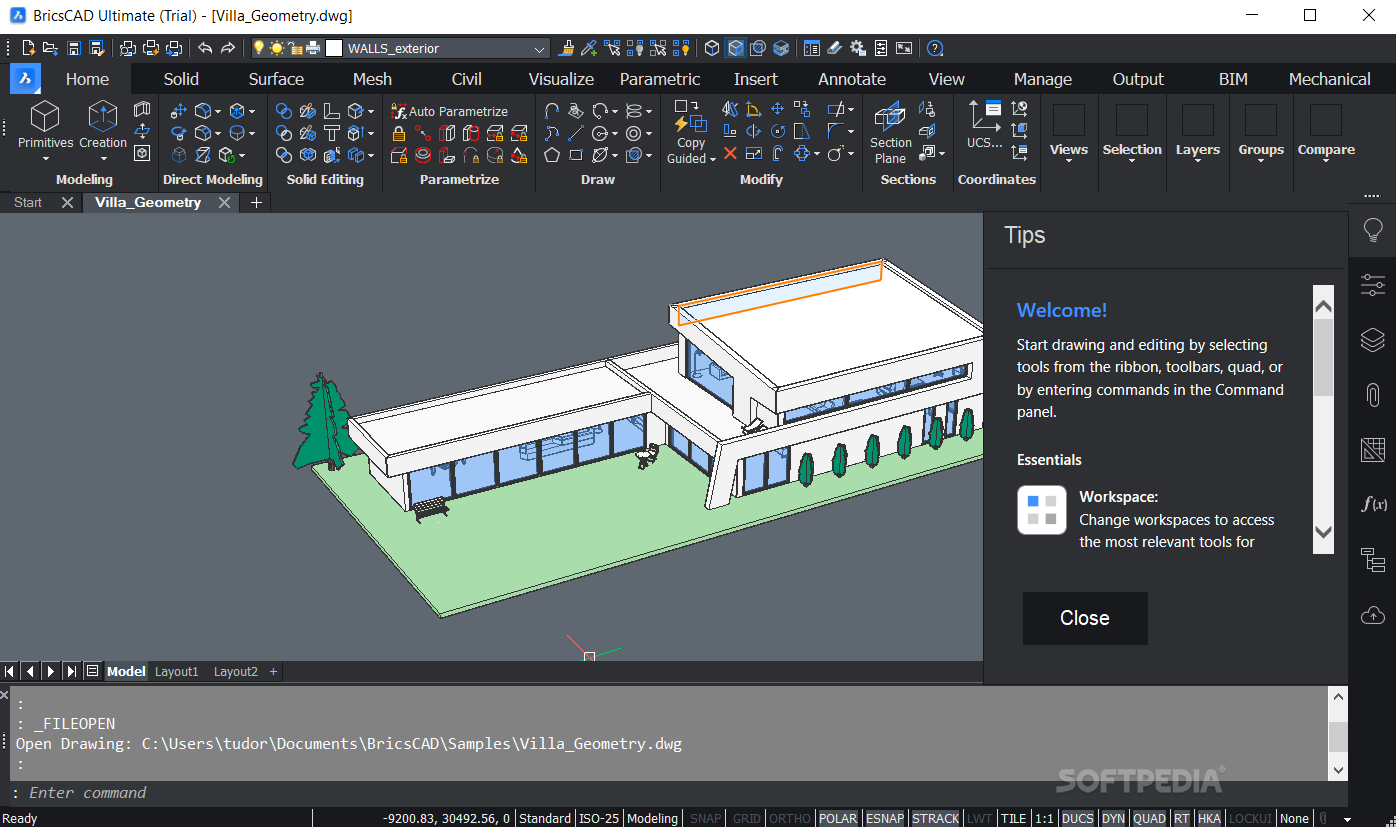
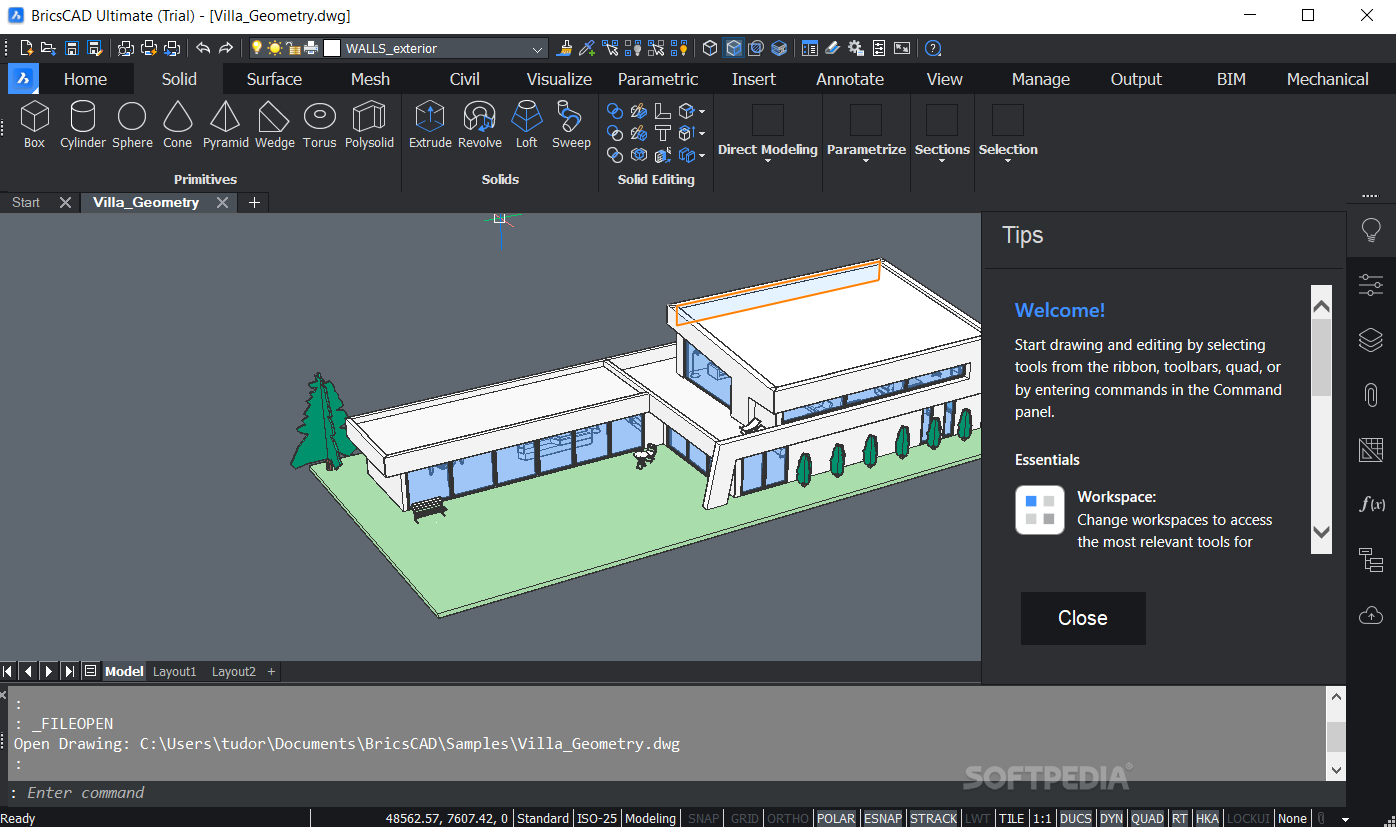
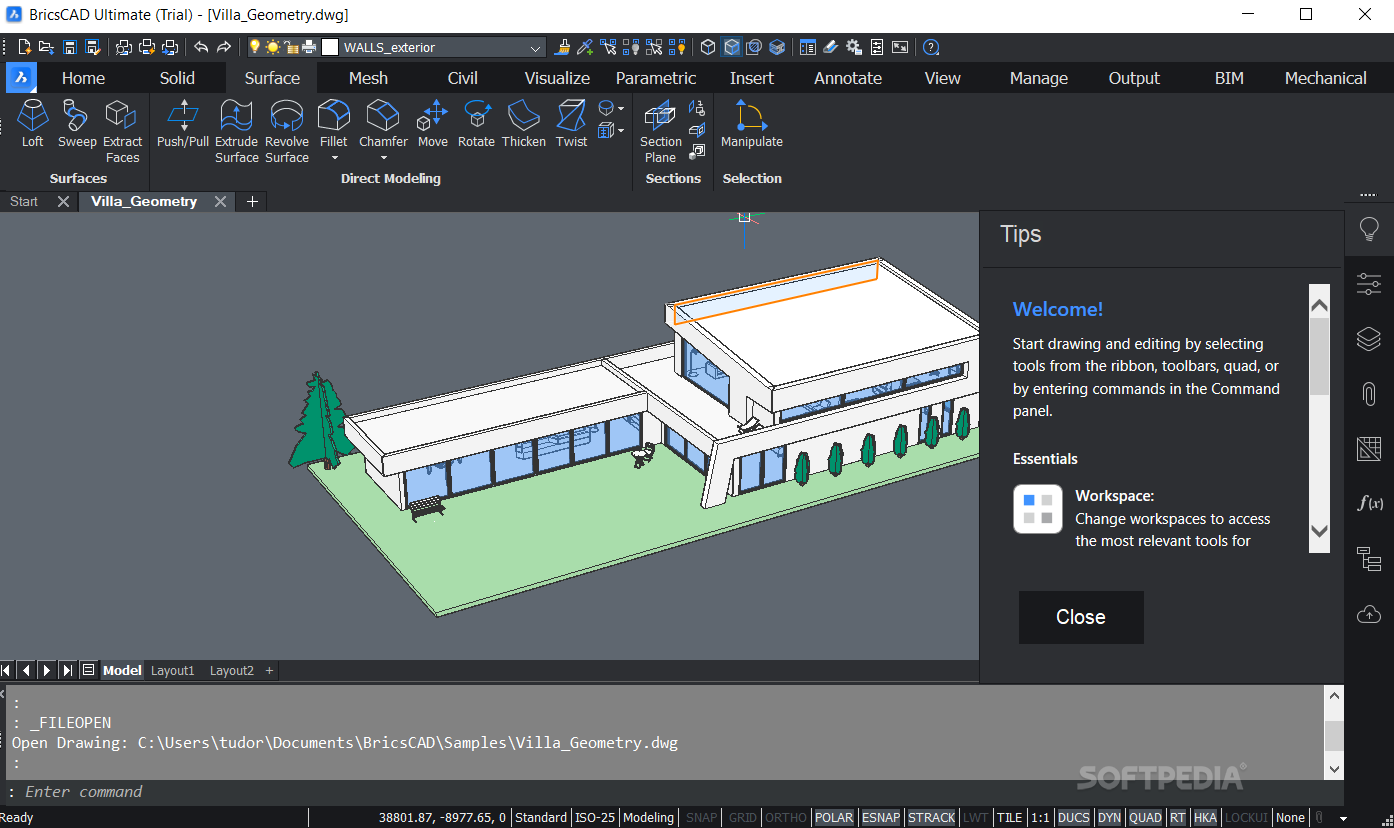
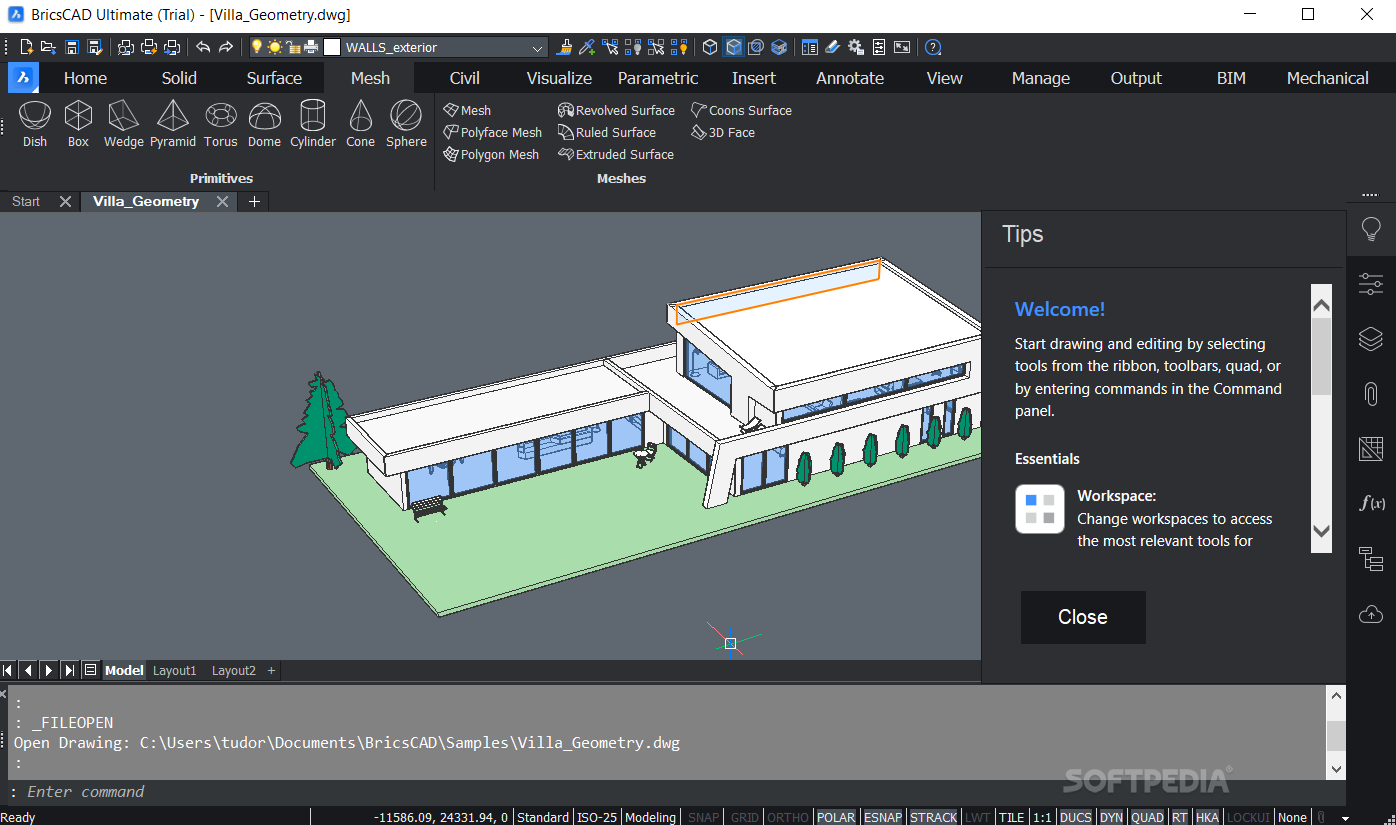
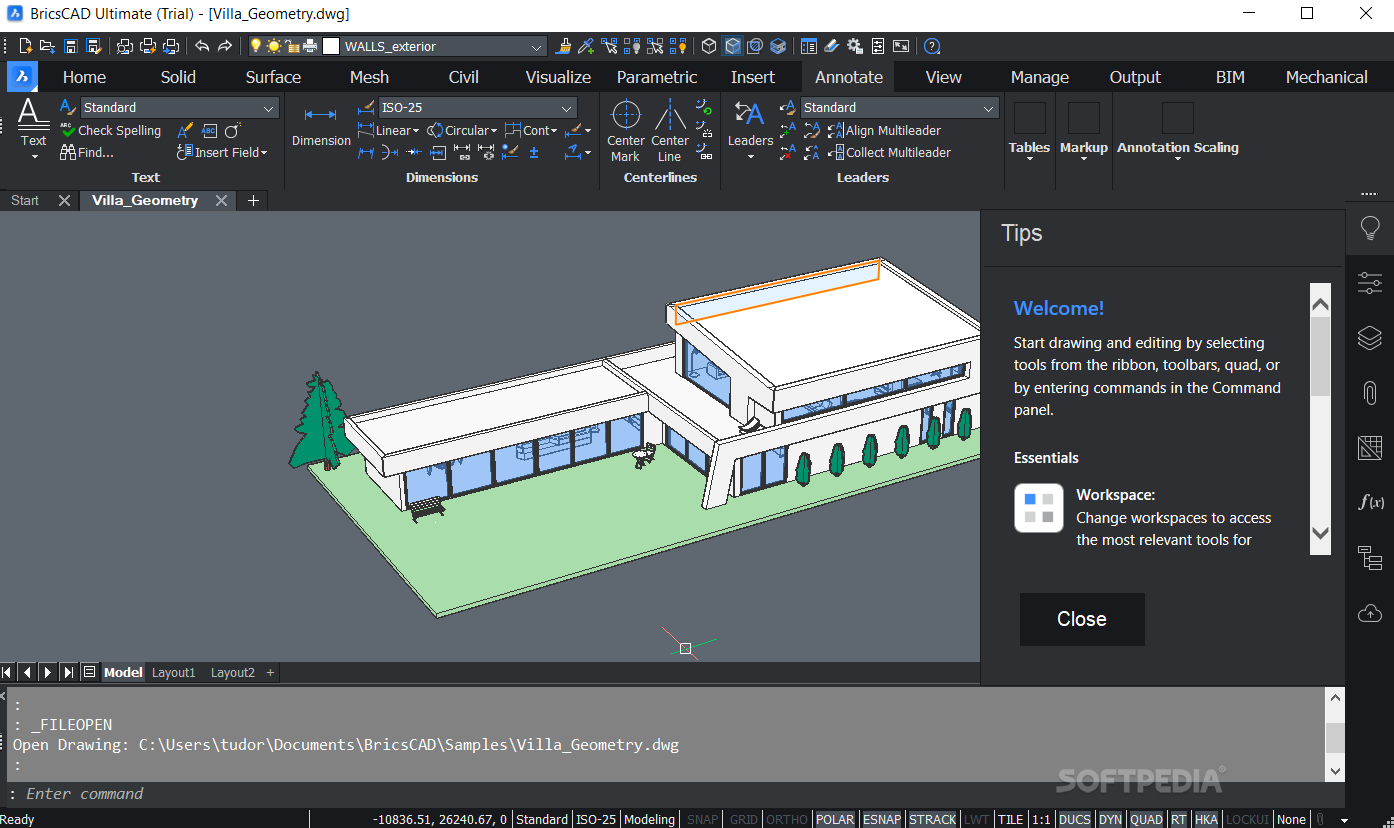
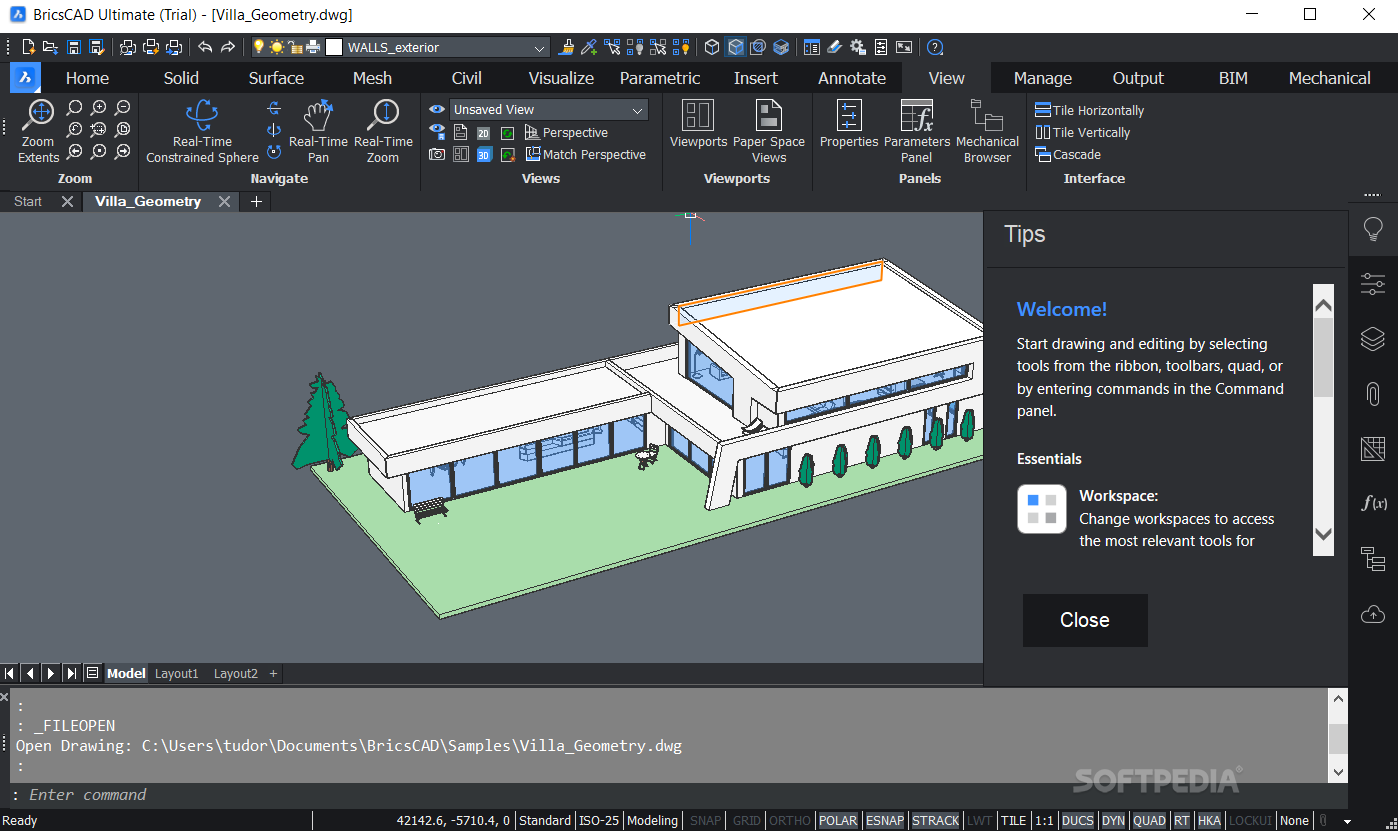
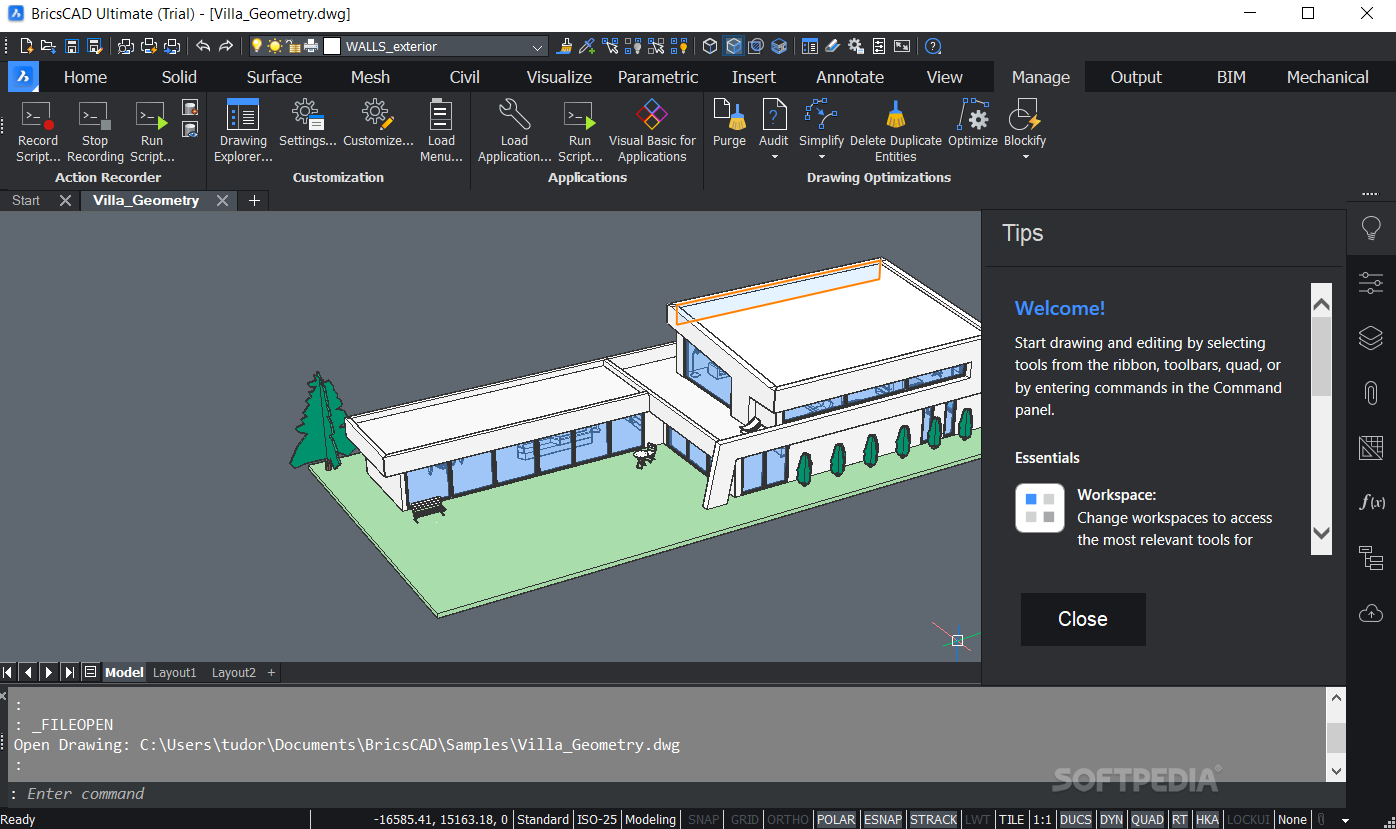
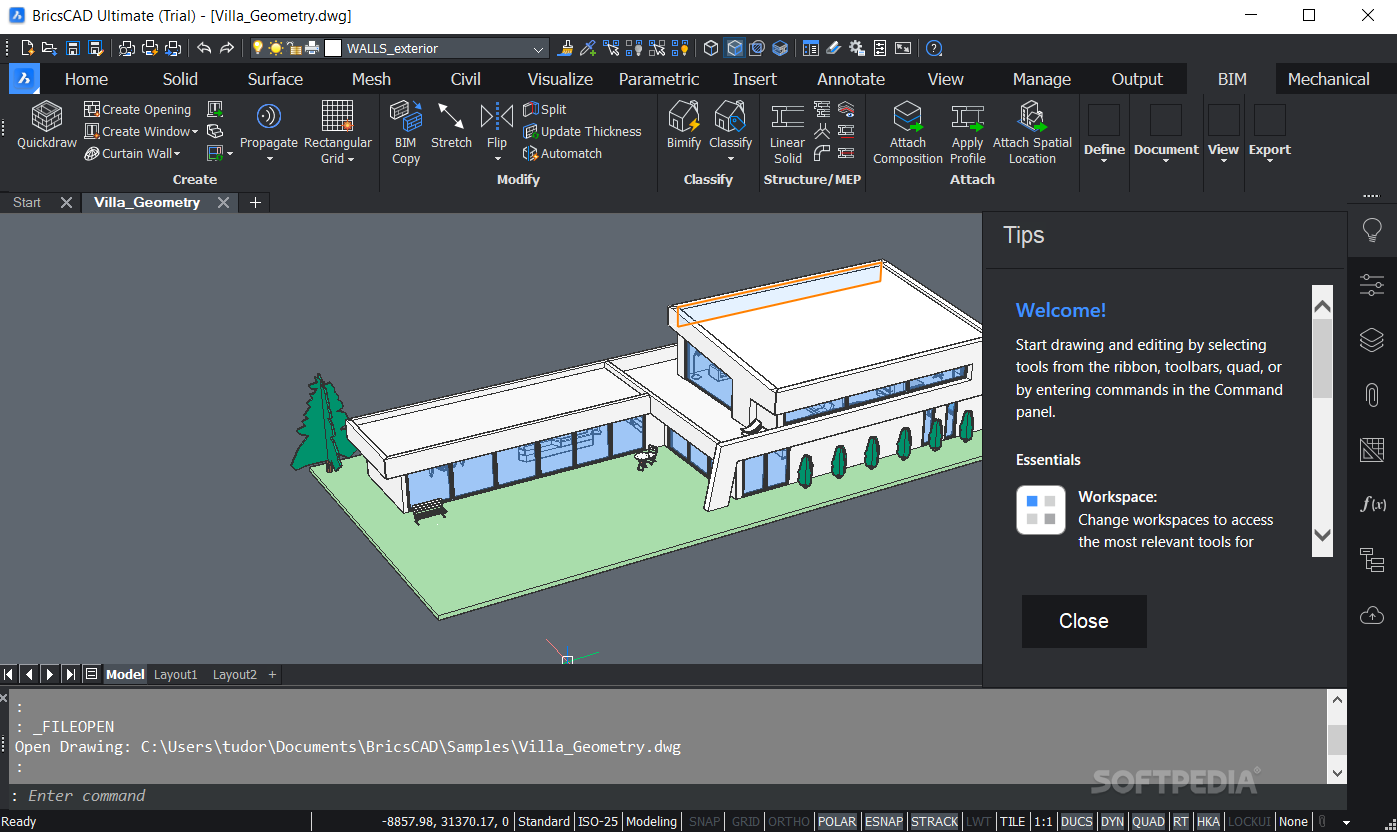
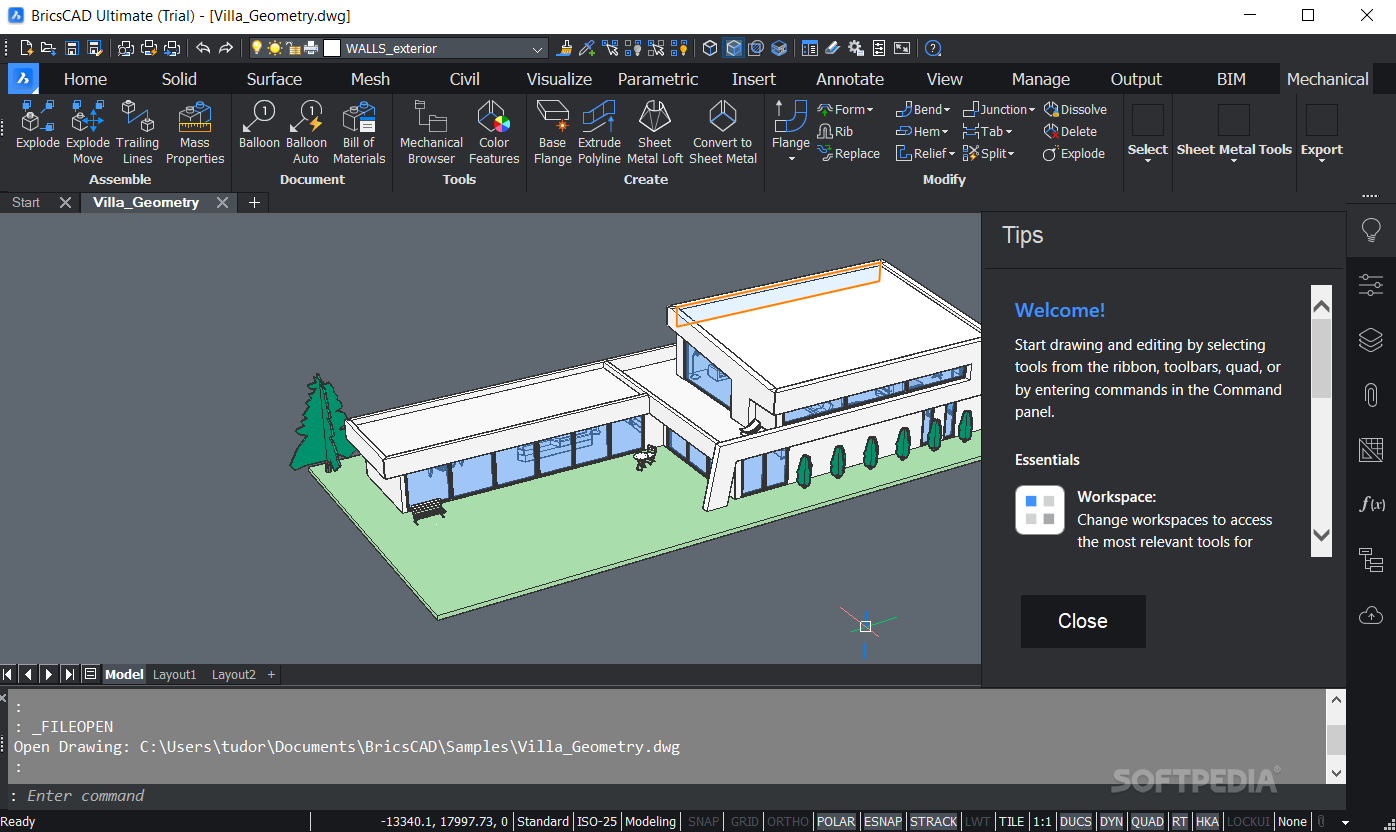
    Bricscad is a powerful DWG CAD alternative that provides a complete features set aimed towards professional users.

    Bricscad reads and writes the DWG format and offers high compatibility with AutoCAD 2009. Bricscad has a very recognizable intuitive user interface and requires no extra training.

    Dimensions are updated automatically when the geometry has changed. You can even dimension Model Space entities in Paper Space and see them being updated when you modify the entities in Model Space.

    In  BricsCad, Dimensions can be linked to entity snap points such as endpoints, midpoints and perpendicular. Associative dimensioning applies to both linear and angular dimensions.

    Layer states let you save and restore configurations of layer properties and states. You might want a layer to display in blue sometimes and green at other times, or you need some layers to be off or frozen or locked when editing a specific part of a drawing.

    After spending a lot of time adjusting all layer settings you can use layer states to save your settings. You can save multiple layer states in a each drawing

    Using BricsCad's Quick Select you can specify filters, such as entity type, color, linetype or any other entity property, to compose a selection set.

    After composing the filter criteria you can choose to add the matching entities to a new selection set, add the entities to the current selection set or remove them from the current selection. Quick Select applies to the entire drawing or to a previously created selection.

    Here are some key features of "BricsCad Classic":

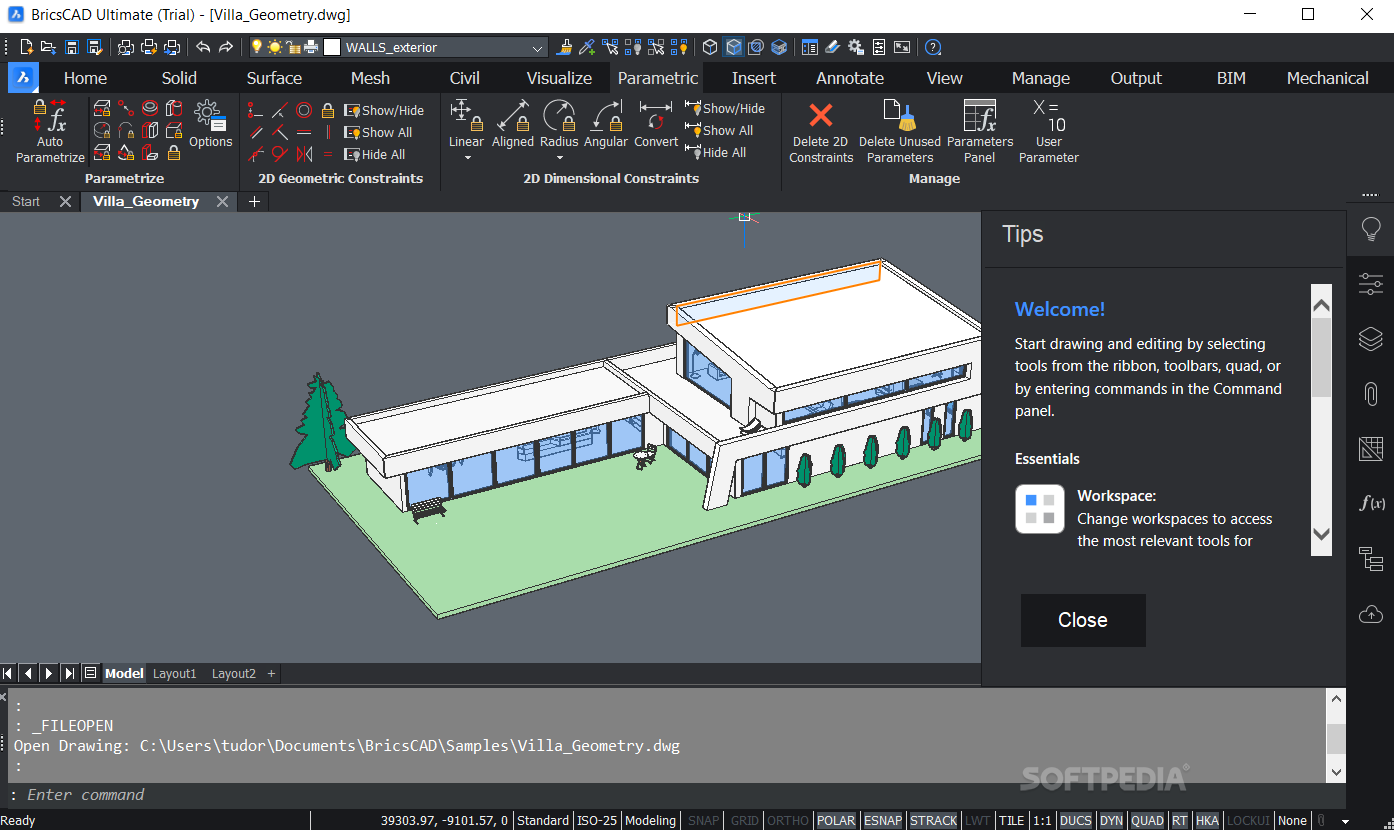
    2D and 3D constraint solving :
    · Bricscad offers powerful tools for direct solid modeling using geometric constraints solving. Solid models can be modified by defining constraints between its elements. If there is a 3D constraint which fixes the placement of faces or edges, this constraint will be preserved during your modeling operations. It allows you to parametrize any feature of the 3D model.

    Design Intent recognition:
    · For example, consider a model with a number of holes of the same radius. When the radius of a cylindrical face is modified, other faces that share the same diameter are recognized and modified automatically to keep the radii synchronized.

    New Raster Engine:
    · New in-house developed multi-platform engine with better support for large bitmap files.
    · Hatch trim and custom hatch patterns
    · You are now able to create user defined hatch patterns and you can trim hatches and gradient fills.

    Section planes with live sections:
    · You can define and save section planes in a drawing, which can then be used to either display an on-screen live section through a 3D model or to export the cross section to a block as a 2D cross section/elevation or a 3D cutaway section.

    New PDF Engine:
    · The new PDF Engine makes it even easier and faster to use PDF underlays. Attach any pdf file to your drawing and snap to the geometry contained in the pdf.

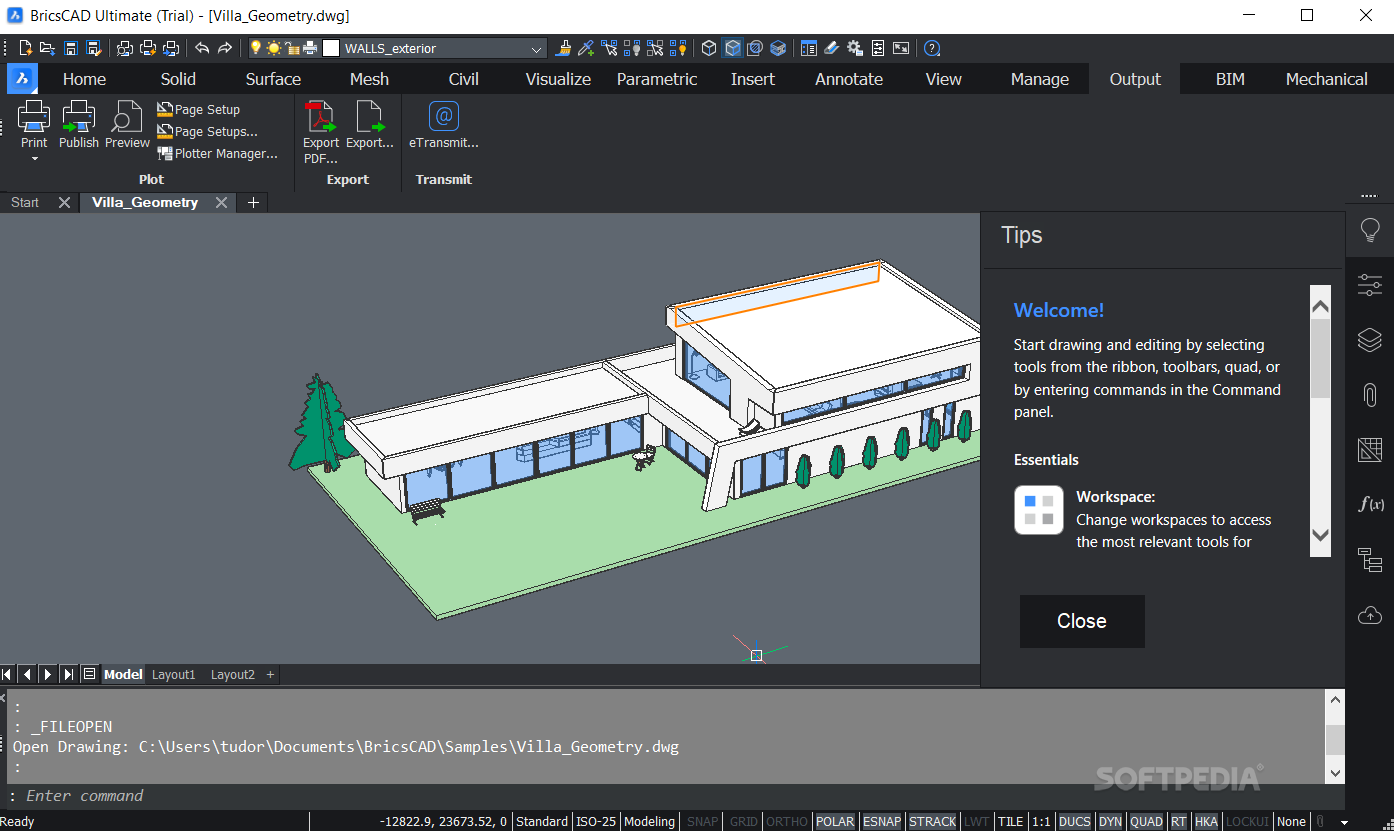
    Page setups:
    · Using page setups you don't have to go through all the options on the Print dialog each time you want to print your drawing. All settings can now be saved to a Page Setup, which can then be applied to a paperspace layout. Page Setups are saved in the drawing and can be copied between drawings.

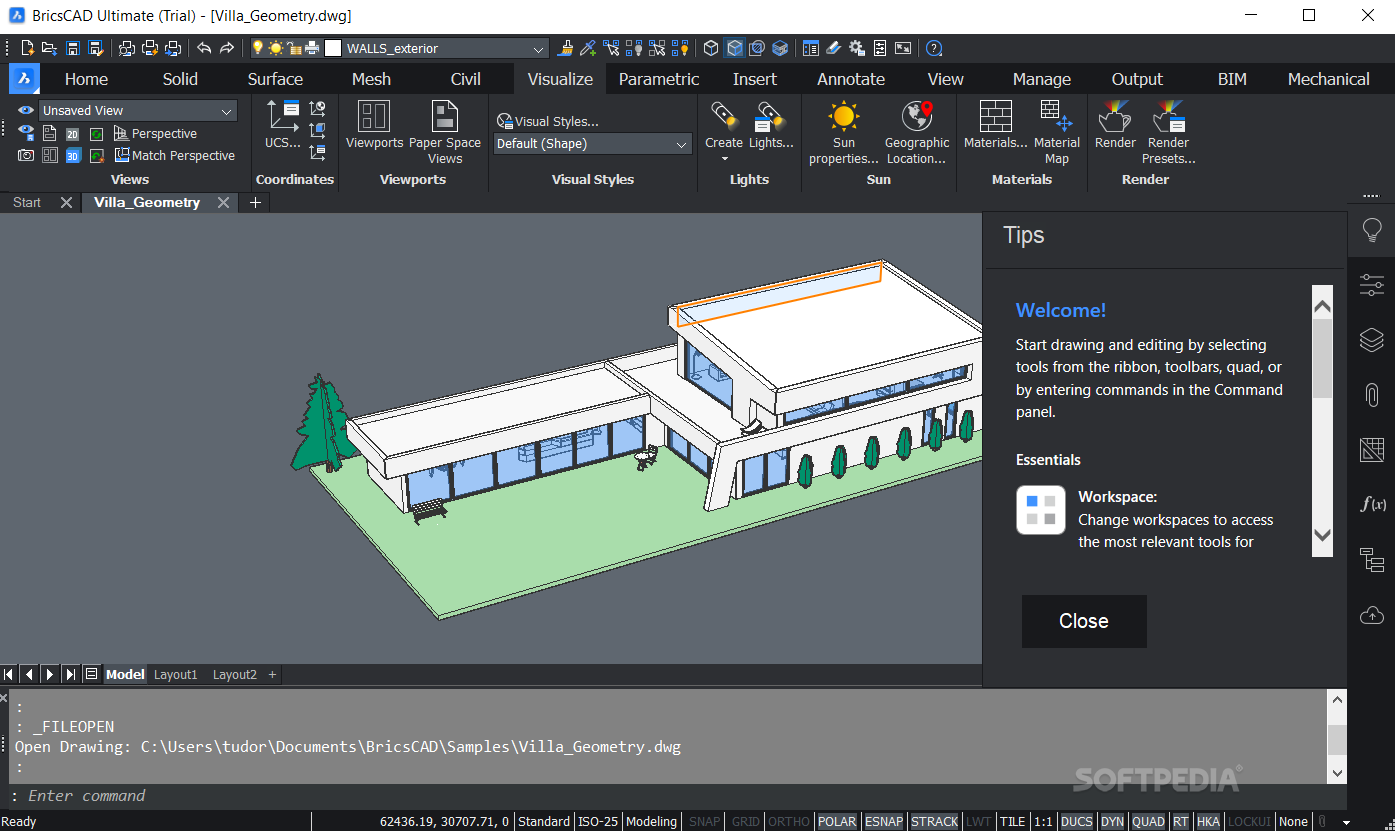
    Visual Styles:
    · With the implementation of visual styles Bricscad lets you control how 3D models are presented on-screen. You can control how faces and edges look, as well as whether or not to display a background, shadows, materials and lights, without rendering the drawing.

    Dynamic Input and Dynamic Dimensions:
    · Dynamic Dimensions are available while creating /editing entities. When moving a grip point, all related dimensions are displayed in real time and can be modified on the fly with Dynamic Input.

    Powerful 3D Render Engine and Materials editor:
    · Bricscad has an extremely powerful rendering engine allowing to work in permanent render mode. Materials and lights can be created and edited in the Materials section of the Drawing Explorer.

    eBridge to Vondle:
    · eBridge starts where eTransmit ends. eBridge Bricscad connects to Vondle™ and allows you to manage, view, share, log all file versions of a CAD project and much more. Files already on the server are checked automatically on modifications. Read more…

    Reference Editing:
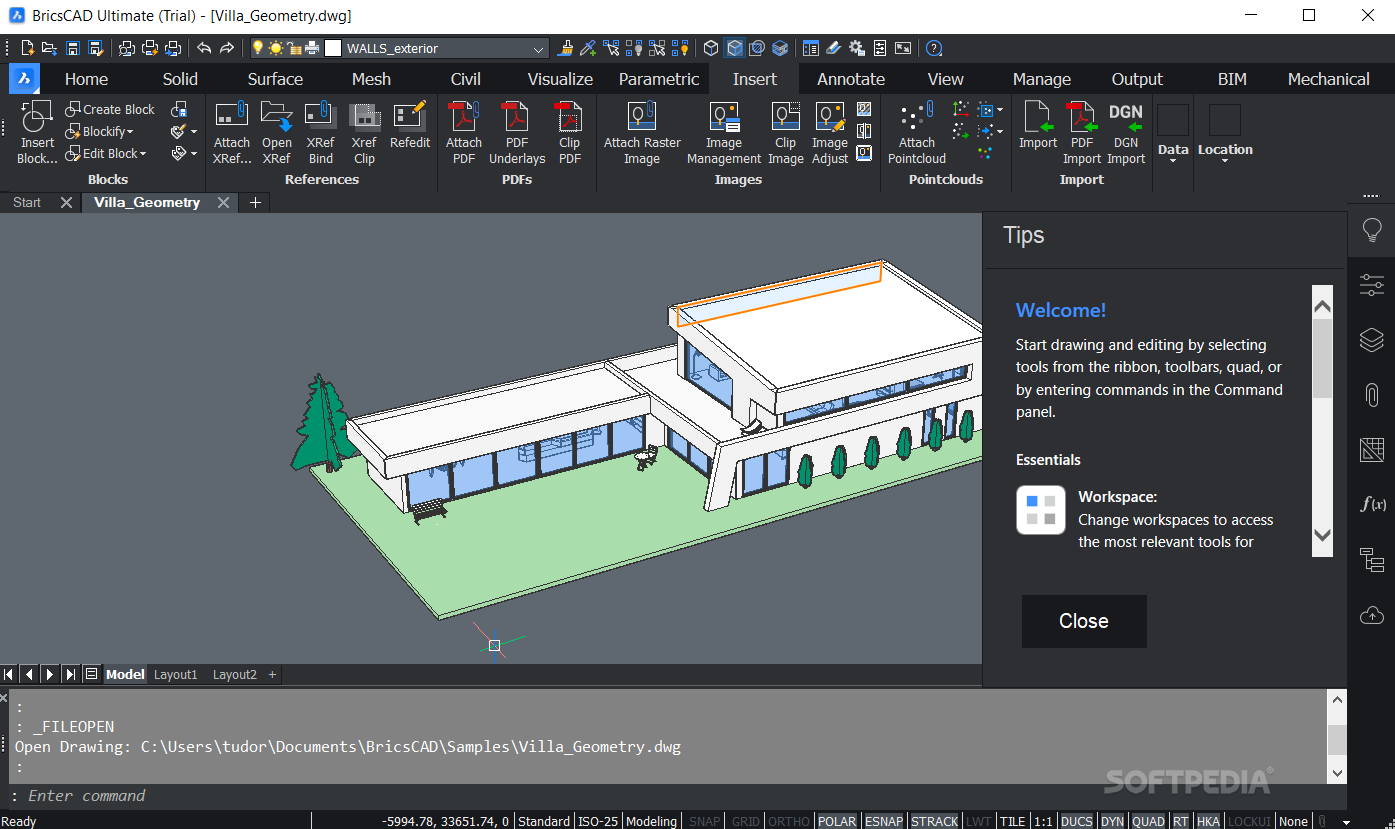
    · The Refedit tool allows to edit the content of external references (Xrefs) and block inserts from within the current drawing, which is referred to as in-place reference editing. RefEdit either works on a portion of the reference which you edit or on the entire drawing or all entities in the block.

    Associative Dimensions:
    · Dimensions are updated automatically when the geometry has changed. You can even dimension Model Space entities in Paper Space and see them being updated when you modify the entities in Model Space. Dimensions can now be linked to entity snap points such as endpoints, midpoints and perpendicular.

    Settings Manager:
    · In the Settings Dialog you can check or modify the current value of all settings. The settings can be viewed alphabetically or categorized, grouping related settings in a tree view. The built-in search feature lets you find settings quickly and intuitively.

    Requirements:

    · Intel Pentium III 1 Ghz processor or faster
    · Minimum 256 MB of RAM, 1GB recommended
    · 200 MB Hard Drive
    · 1024x768 XGA with true color

    Limitations:

    · 30 days trial

    What's New in This Release: [ read full changelog ]

    Improvements:
    · PUBLISH: when choosing a 'default' page setup while multiple sheets are selected, the page setups of all selected sheets are restored to the default.

    Fixes:
    · MODELERPROPERTIES: command was ill-behaved when used with Classic license.
    · PAGE SETUP Explorer: in Grid view, the editor for the name field should only be shown after the second click. For page setups it was shown after the first click, causing an error message "Layouts cannot be renamed or deleted." when a layout or model name was clicked, while all you wanted to do was select the row.
    · SR22584, SR34568, SR34656, SR34710 - SELECTION SET: when the layer status of entities contained in the active selection set was changed to OFF or FROZEN, these entities were not removed from the selection set, while they should be.
    · SR31786 - PAGE SETUP: switched print paper units were not saved in page setup when inappropriate configuration file (pc3) was used.
    · SR33775, SR34500 - OLE: drawings with OLE entities with extreme ...

     Softpedia guarantees that BricsCad Classic 12.2.7 Build 37302 is 100% CLEAN, which means it does not contain any form of malware, including spyware, viruses, trojans and backdoors. [read more >]


    TAGS:

    DWG CAD | CAD drawing | DWG creator | geometry | draw | drawing


    HTML code for linking to this page:


    Go to top

    WindowsGamesDriversMacLinuxScriptsMobileHandheldNews

    SUBMIT PROGRAM   |   ADVERTISE   |   GET HELP   |   SEND US FEEDBACK   |   RSS FEEDS   |   UPDATE YOUR SOFTWARE   |   ROMANIAN FORUM