
Take advantage of the large variety of advanced tools put at your disposal in order to create maps from scratch or edit existing ones. #Geographic information system #Map creator #Map viewer #GIS #Geographic information #Create
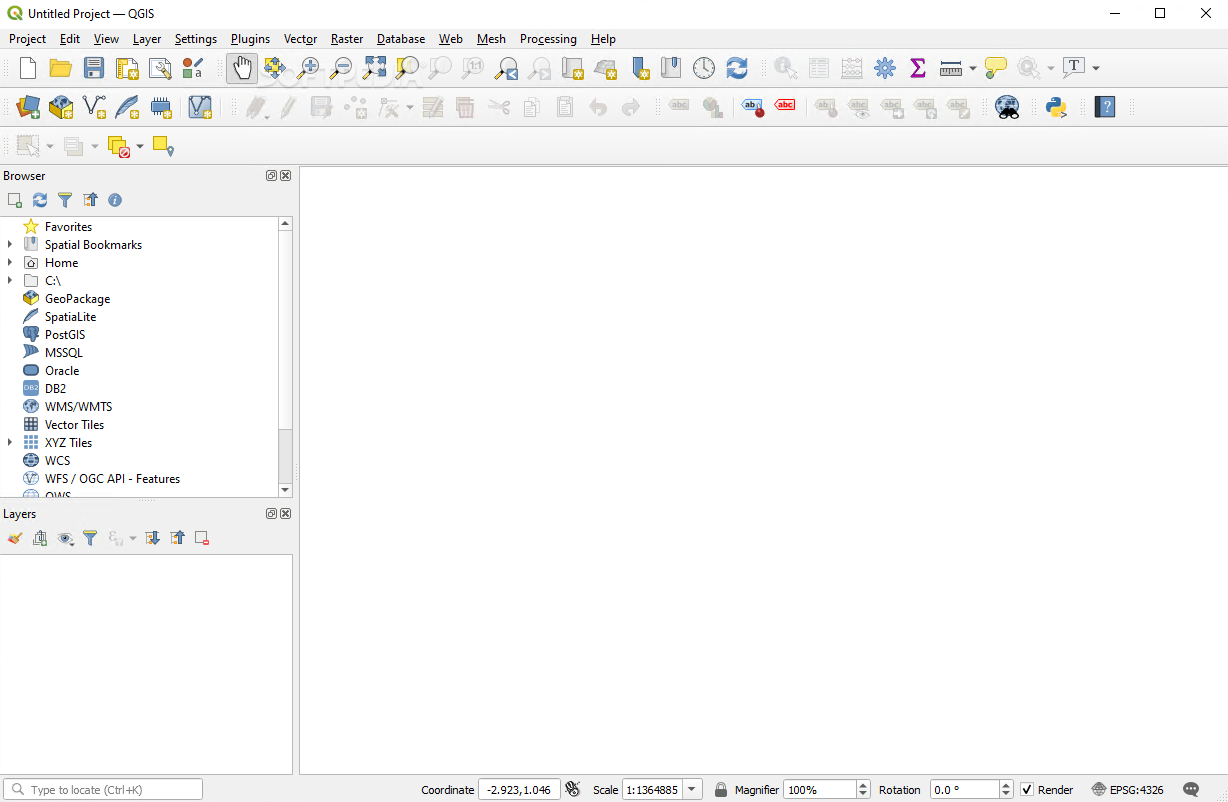
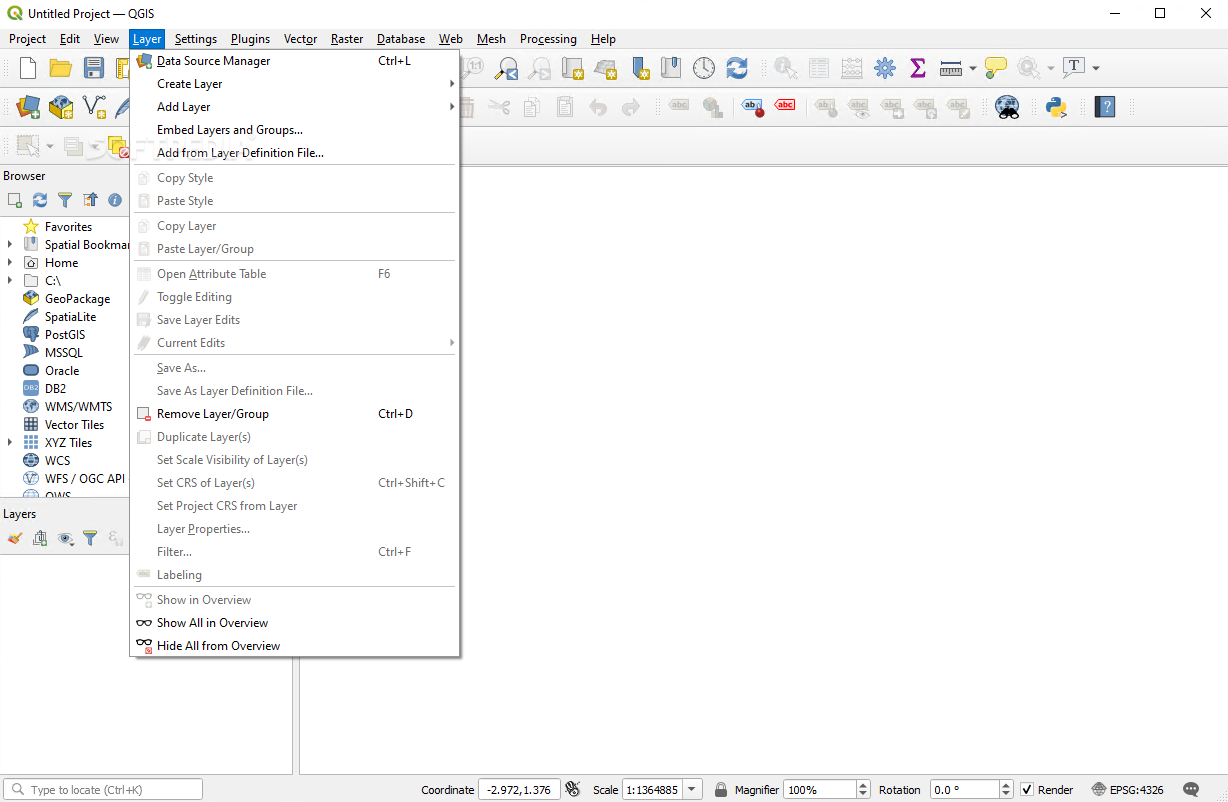
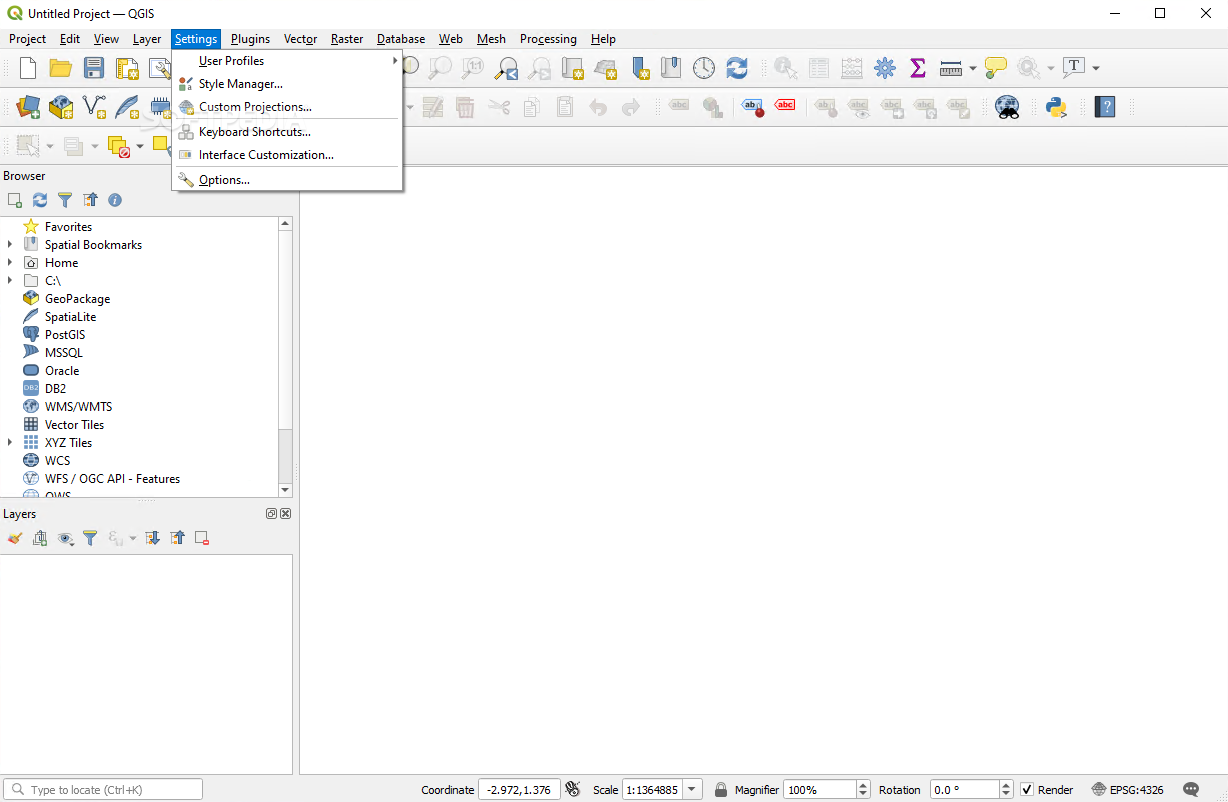
Quantum GIS provides you with a Geographic Information System (GIS) to help you quickly and easily create or just browse existing map data. The application also supports a wide array of vectors, rasters as well as database formats alongside GPS data such as waypoints.
The main objectives of this particular program revolve around various formats and projections of vector and raster direct viewing, spatial data mapping, interactive exploration, creation, editing, and analysis, map Internet publishing or adaptation for you very needs due to its expandable plugin-enabled framework.
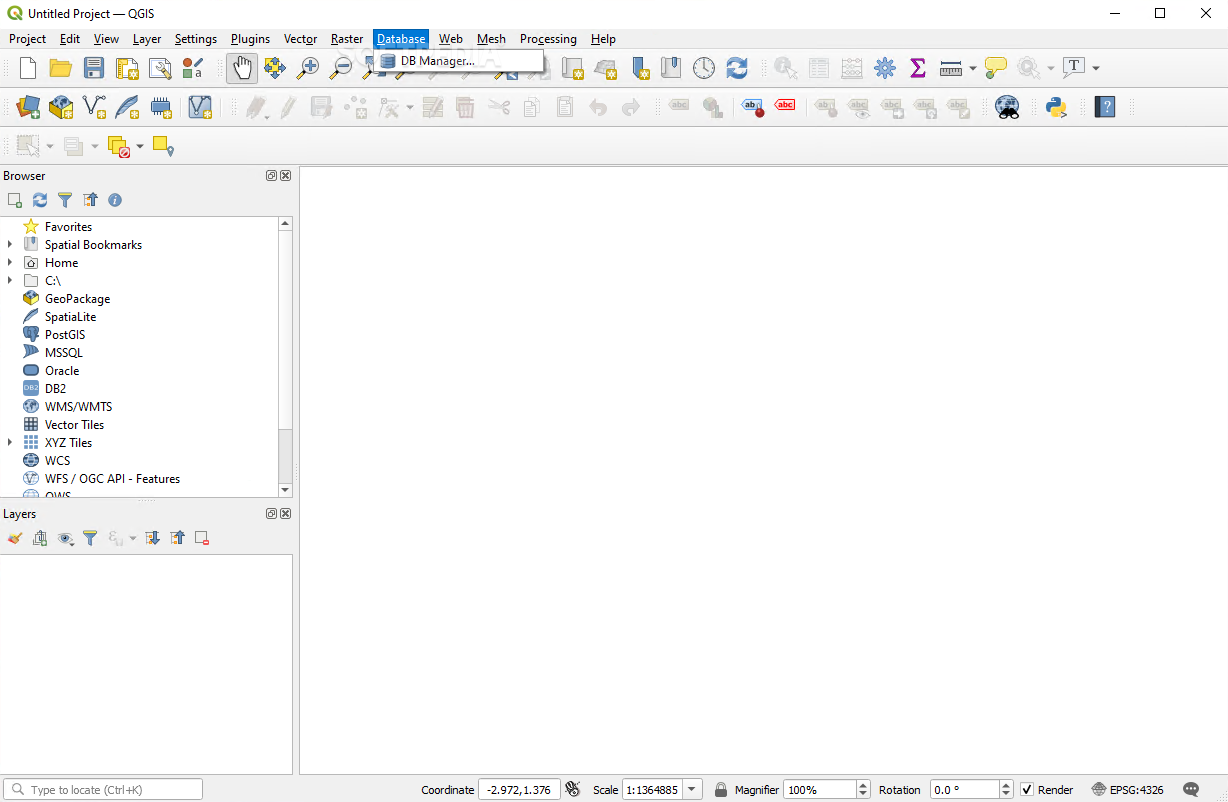
Quantum GIS’ graphic user interface may seem a bit crowded on the first run and while it could be more simple, it would lose the interest of a more advanced user which is the perfect candidate for the tedious job of working with spatial data. Although it requires a certain level of know-how, Quantum GIS presents very detailed documentation to help you accomplish what you have planned.
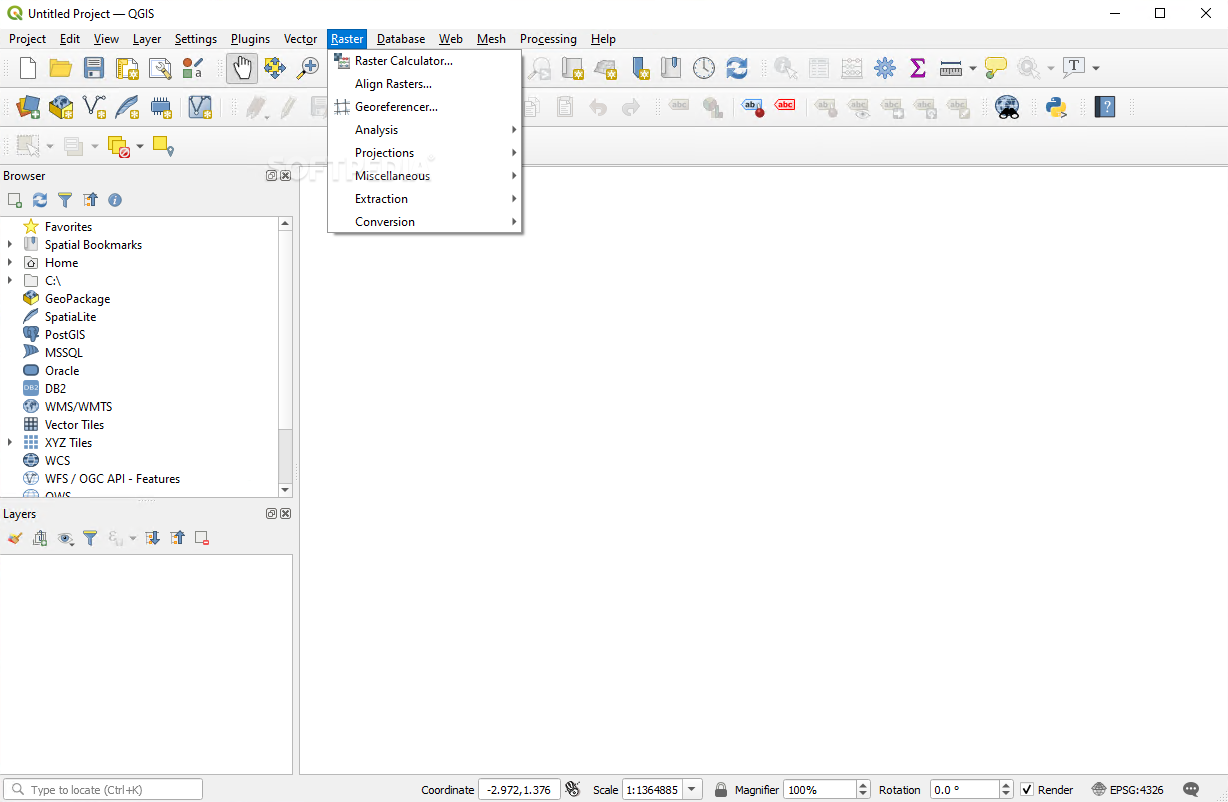
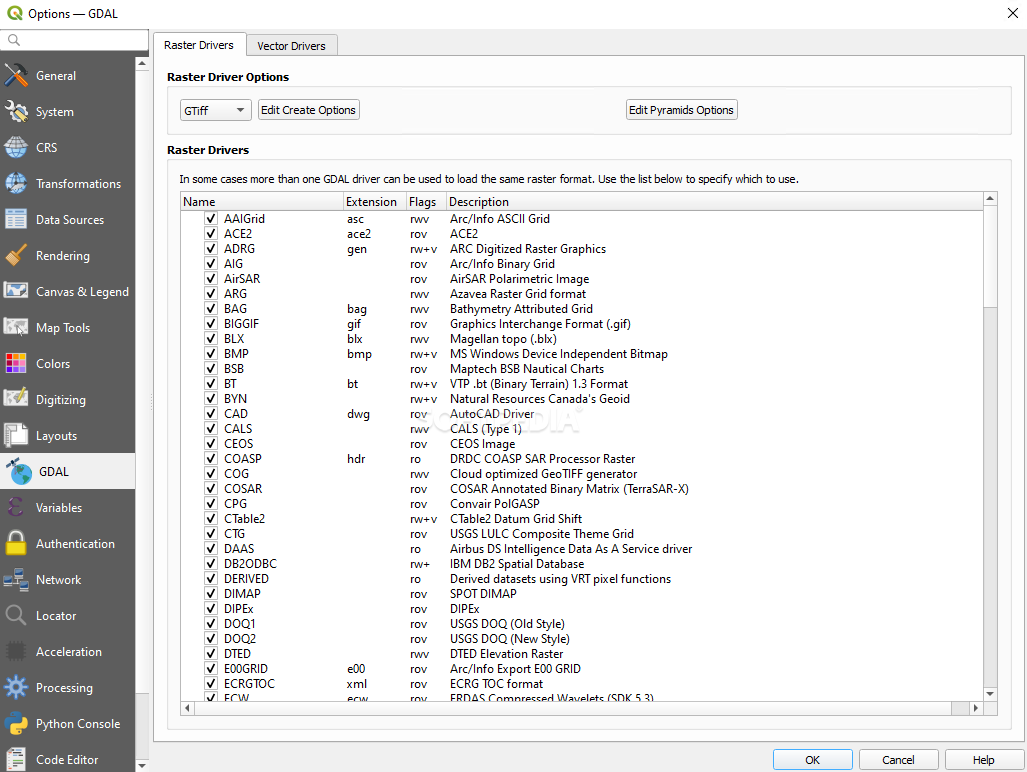
Once you have acquainted with Quantum GIS, you can start using its comprehensive set of tools to successfully manipulate formats such as PostGIS or SpatiaLite as well as virtually all the vector and raster formats supported by the OGR and GDAL (Geospatial Data Abstraction Library) including ESRI shapefiles, GML (Geography Markup Language), MapInfo or SDTS.
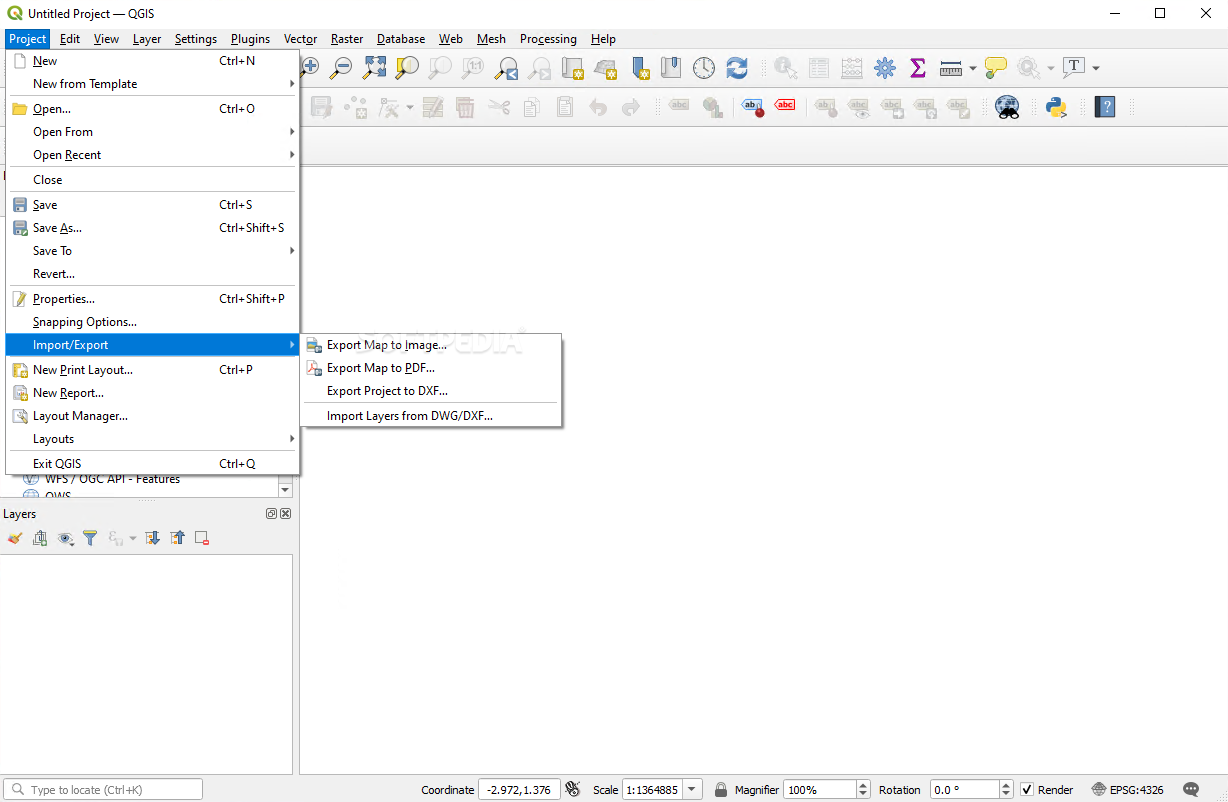
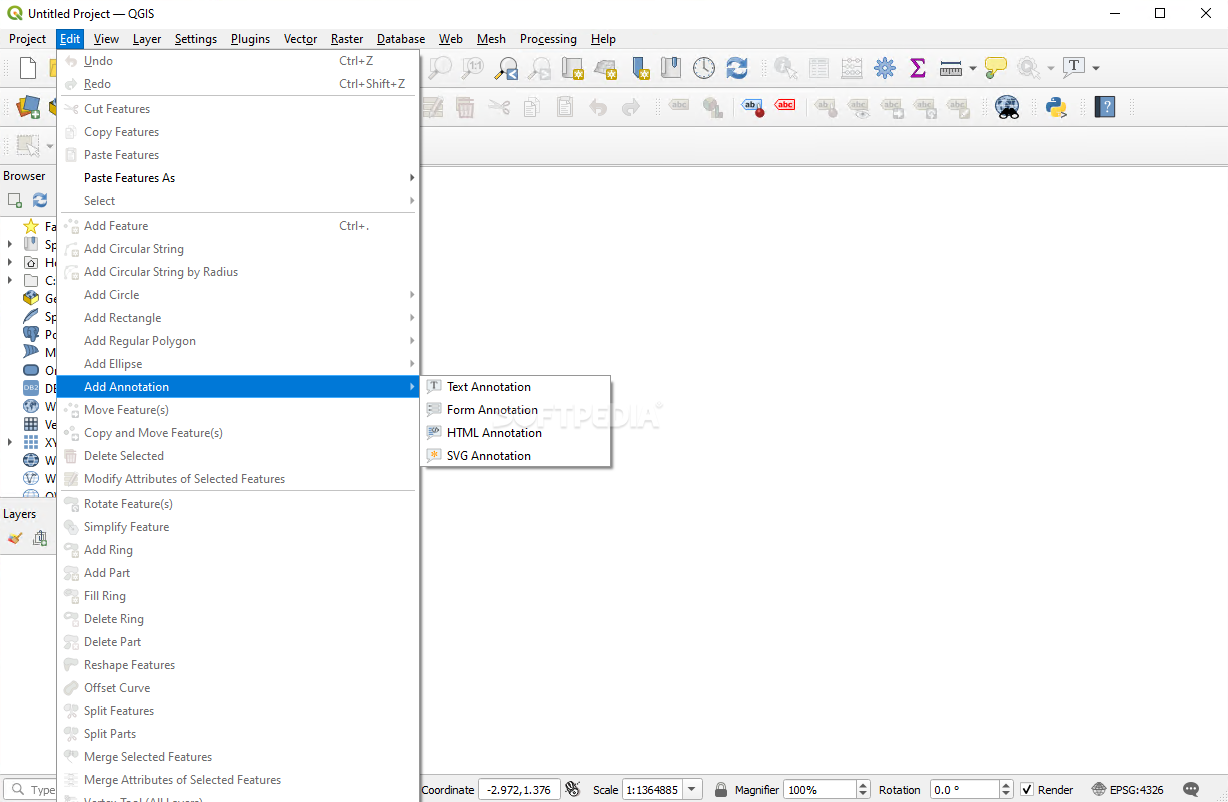
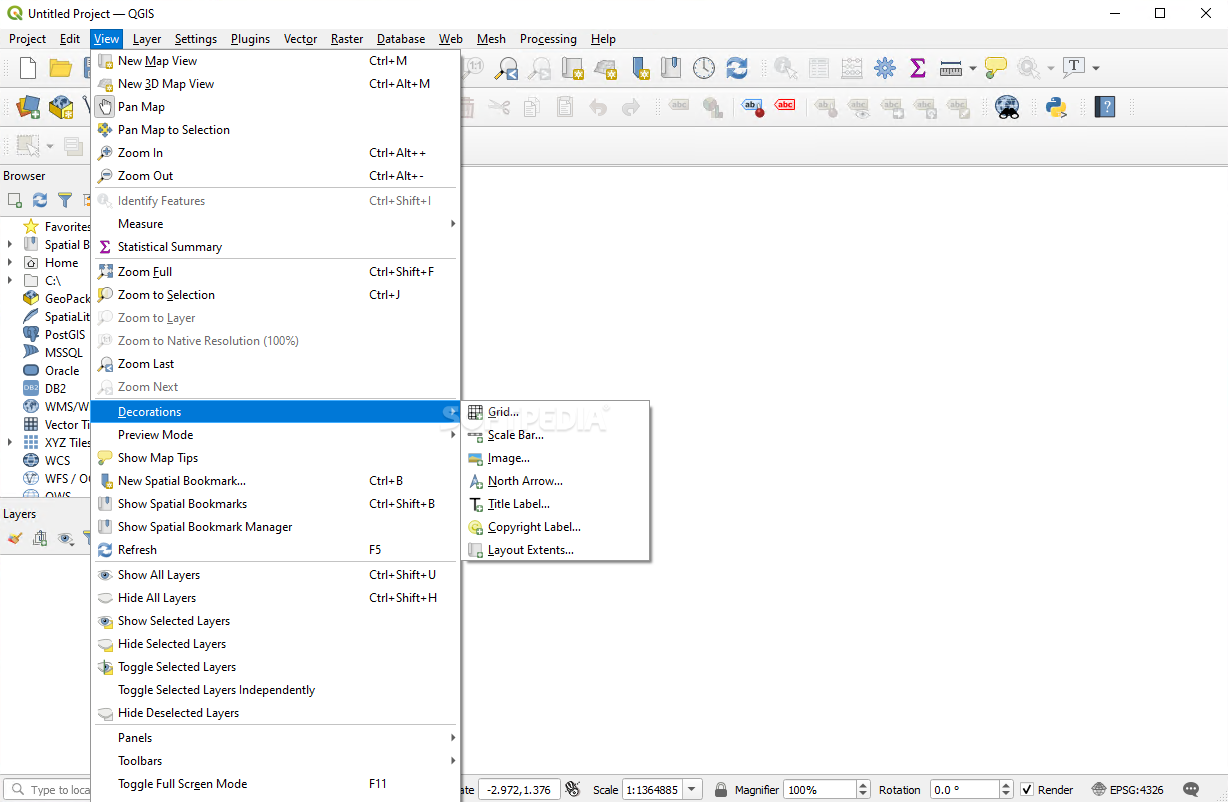
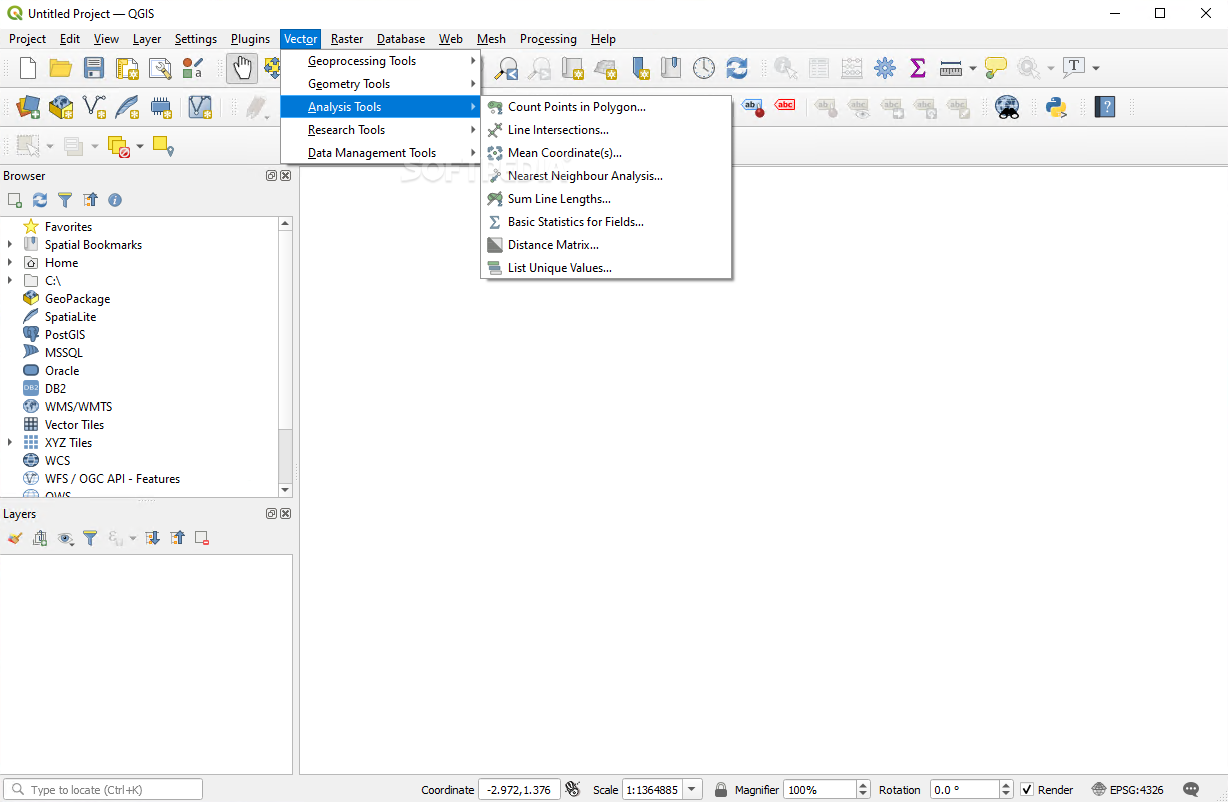
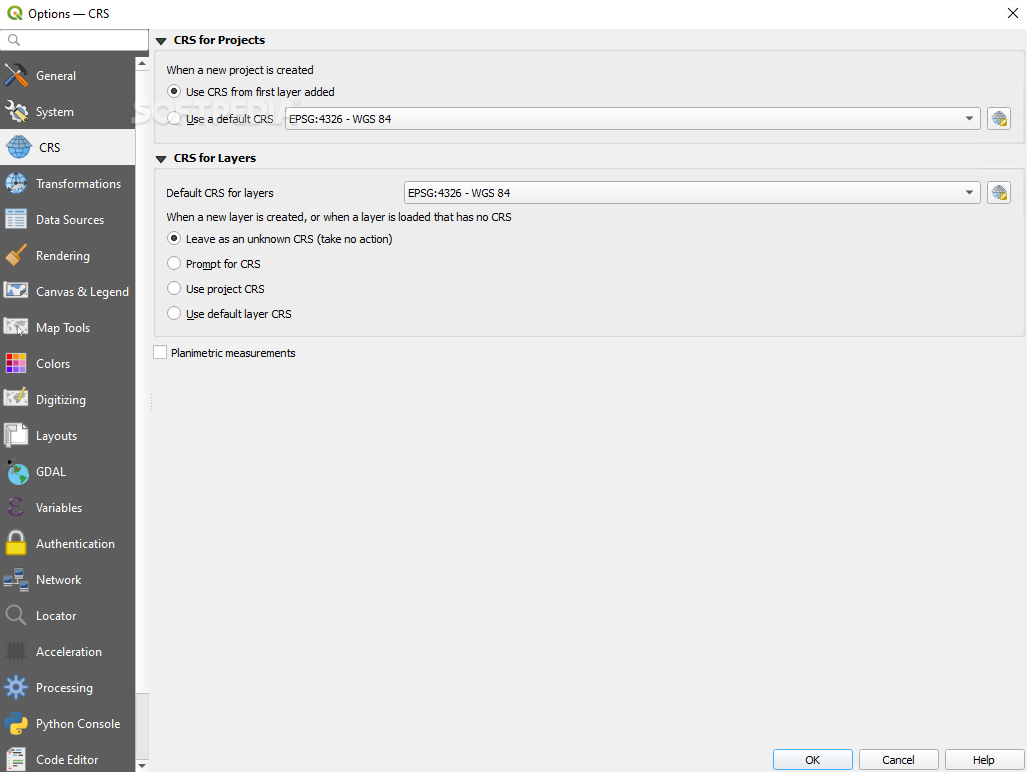
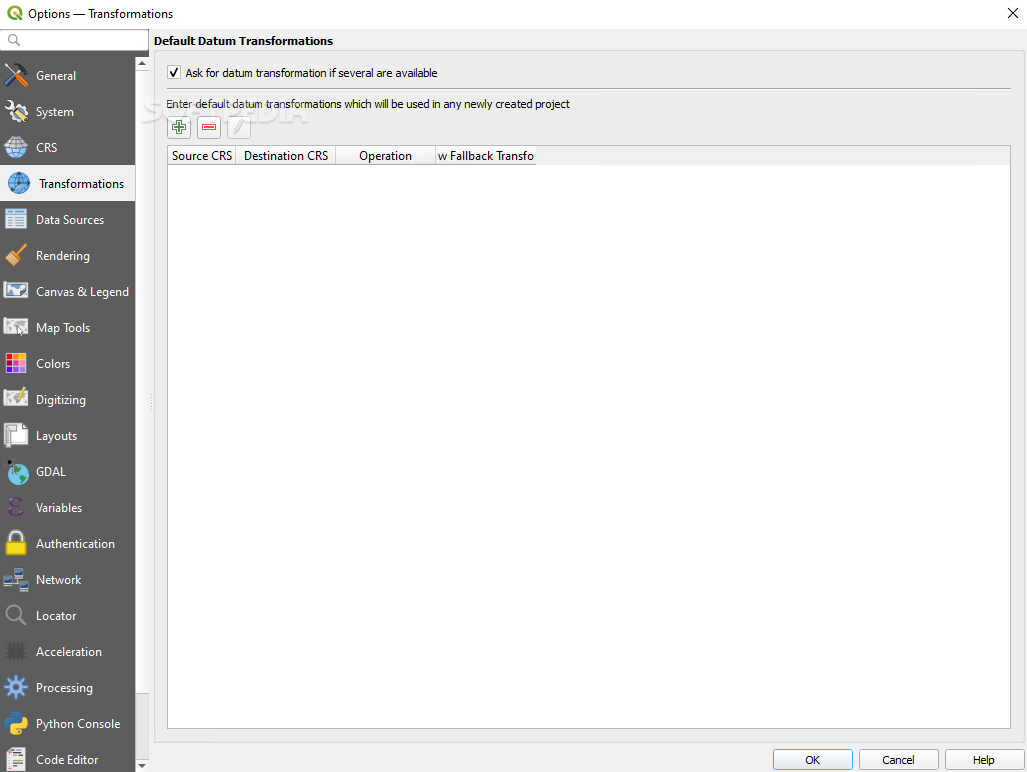
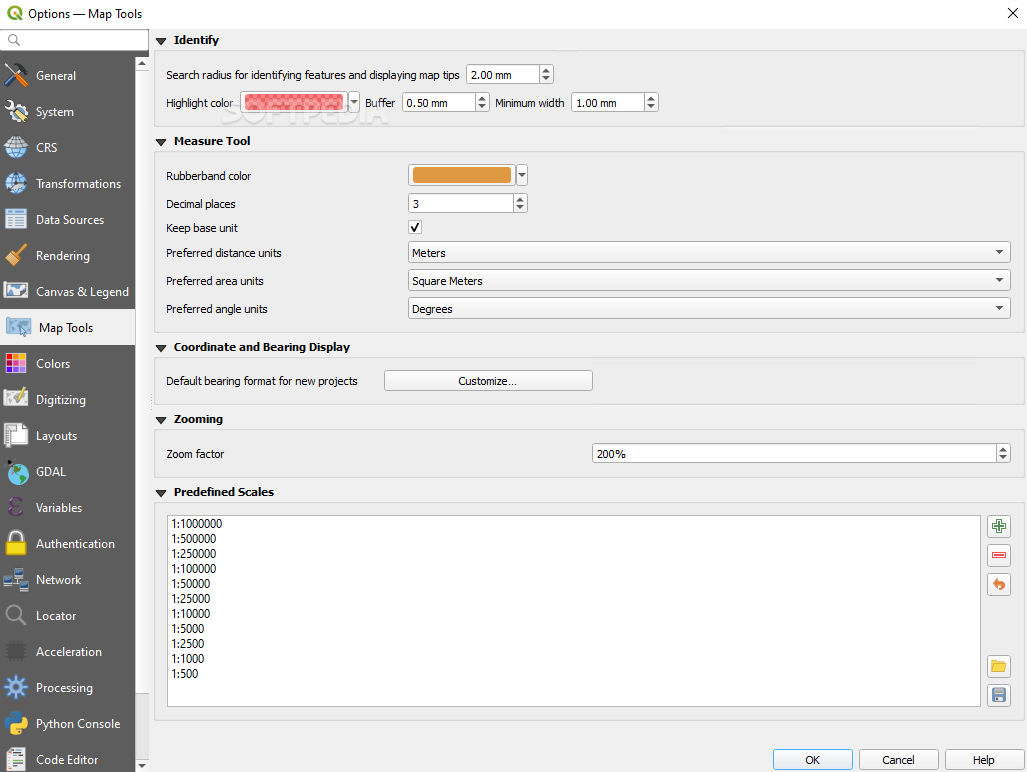
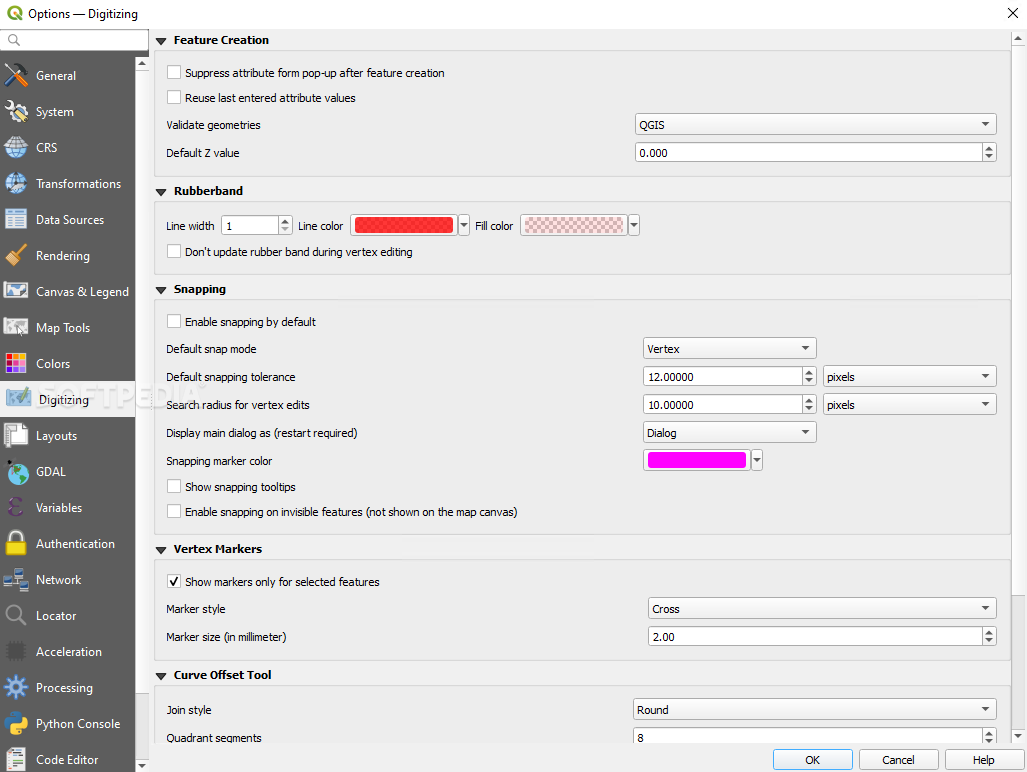
You can also perform on-the-fly reprojections, spatial bookmarks, feature labeling, vector diagram overlay, graticule layer, compose prints, identify features or edit attributes. With the help of the digitizing tools you can manage your vector features too. The field and raster calculator accompanied by the georeferencer plugin and the GPS tools also aid you in creating, editing as well as exporting your spatial data.
The bottom line is that Quantum GIS can prove to be a great set of tools as long as you want to learn a thing or two about GIS or you already posses the required knowledge. Its functionality and feature pack makes it stand out of the ever-growing crowd of software win this particular category and that is why the community appreciates it.
Download Hubs
Quantum GIS is part of these download collections: GIS Tools
Quantum GIS 3.36.1 / 3.28.15 LTR
add to watchlist add to download basket send us an update REPORT- runs on:
- Windows All
- file size:
- 1.2 GB
- filename:
- QGIS-OSGeo4W-3.36.1-1.msi

- main category:
- Science / CAD
- developer:
- visit homepage
ShareX

calibre

IrfanView

Bitdefender Antivirus Free

Context Menu Manager

7-Zip

Microsoft Teams

Zoom Client

Windows Sandbox Launcher

4k Video Downloader

- Zoom Client
- Windows Sandbox Launcher
- 4k Video Downloader
- ShareX
- calibre
- IrfanView
- Bitdefender Antivirus Free
- Context Menu Manager
- 7-Zip
- Microsoft Teams