
Design high-quality printed circuit boards layouts using a comprehensive array of tools packed into an intuitive UI, with this powerful software solution. #PCB designer #Circuit board #Schematic editor #PCB #Circuit #Board

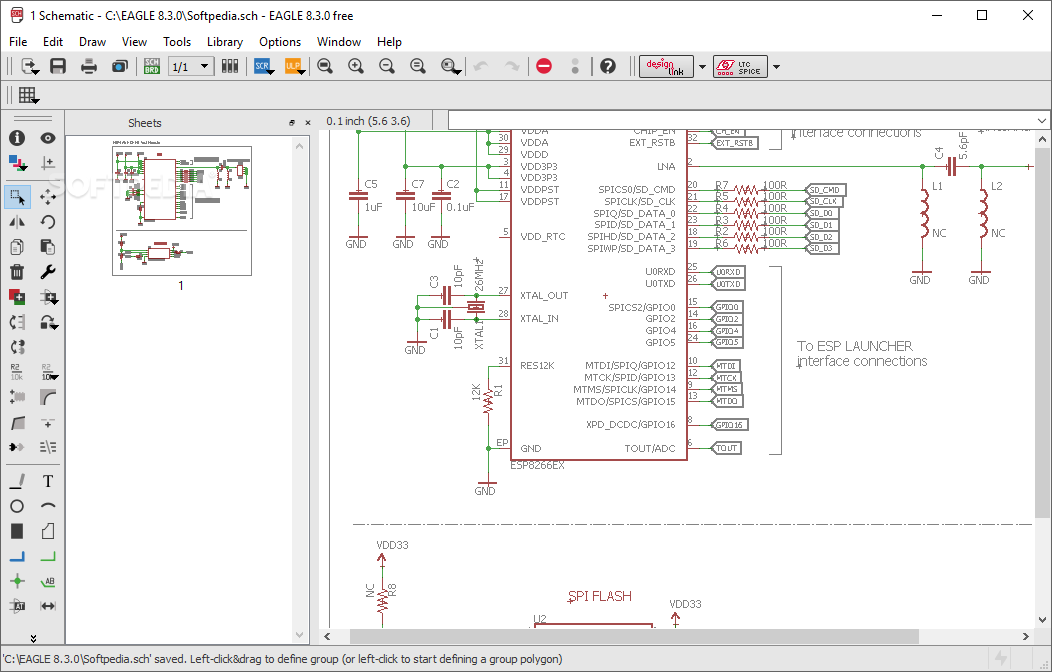
EAGLE is a professional Windows utility built specifically for helping you design printed circuit boards.
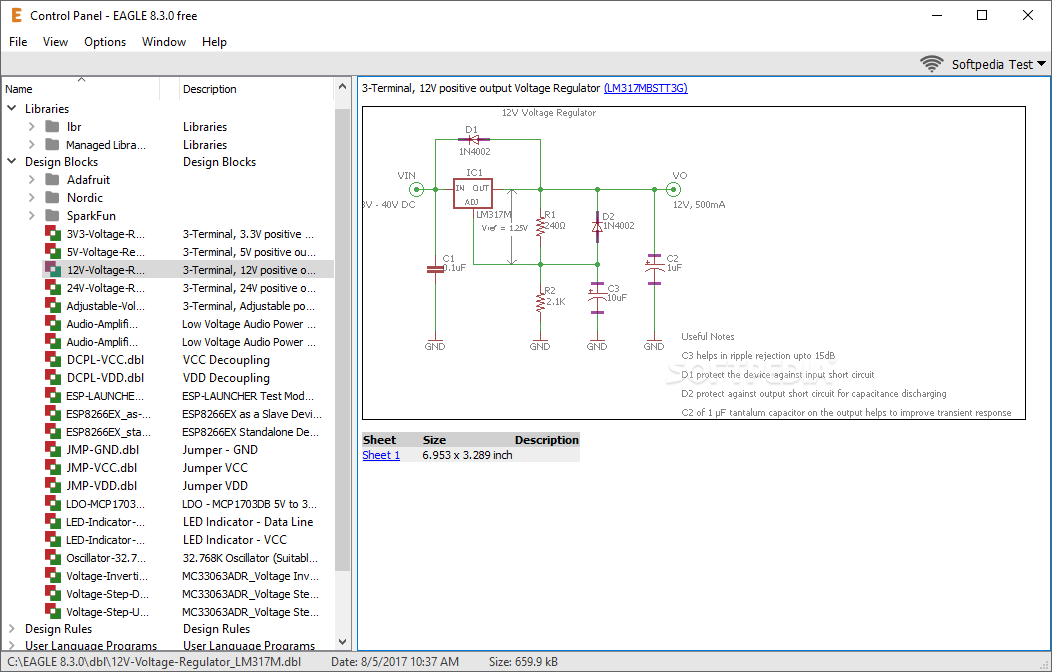
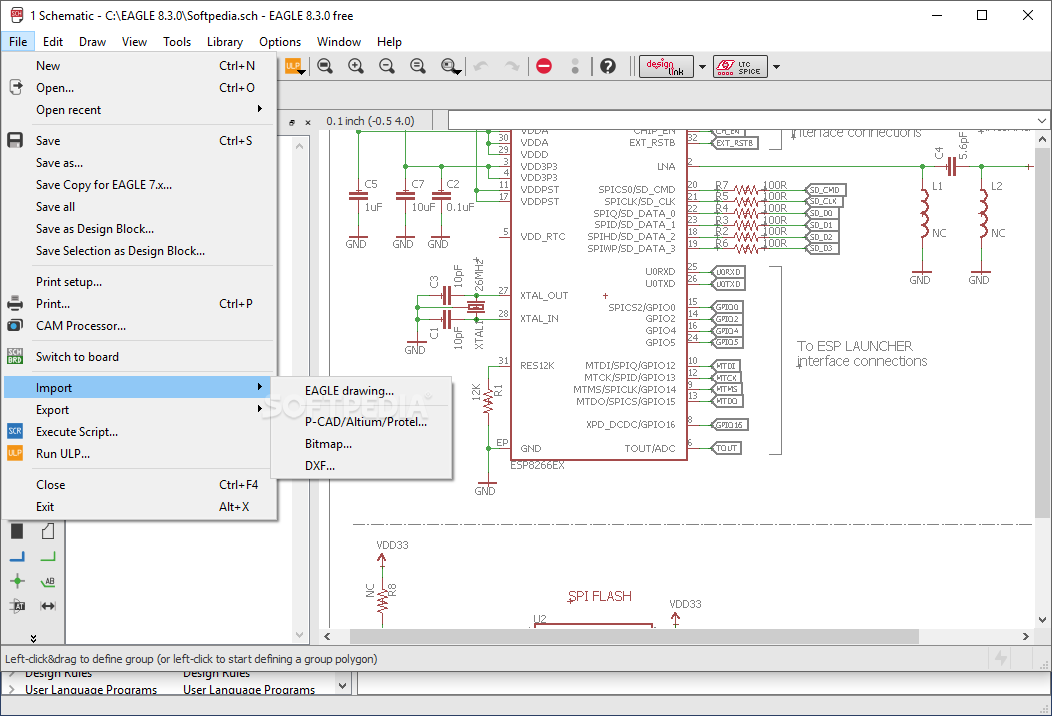
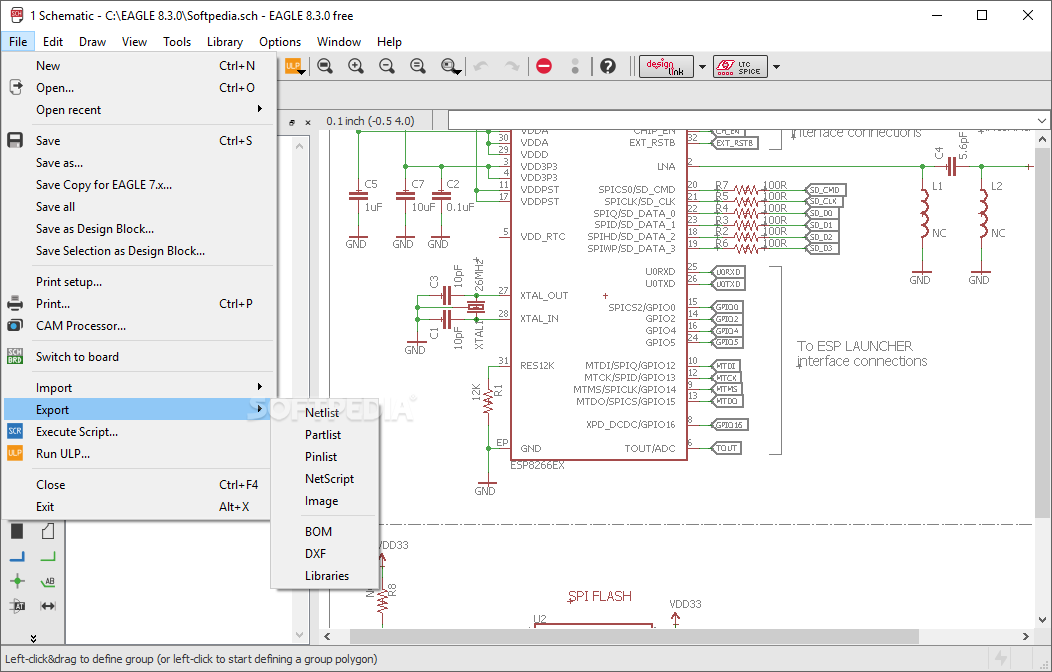
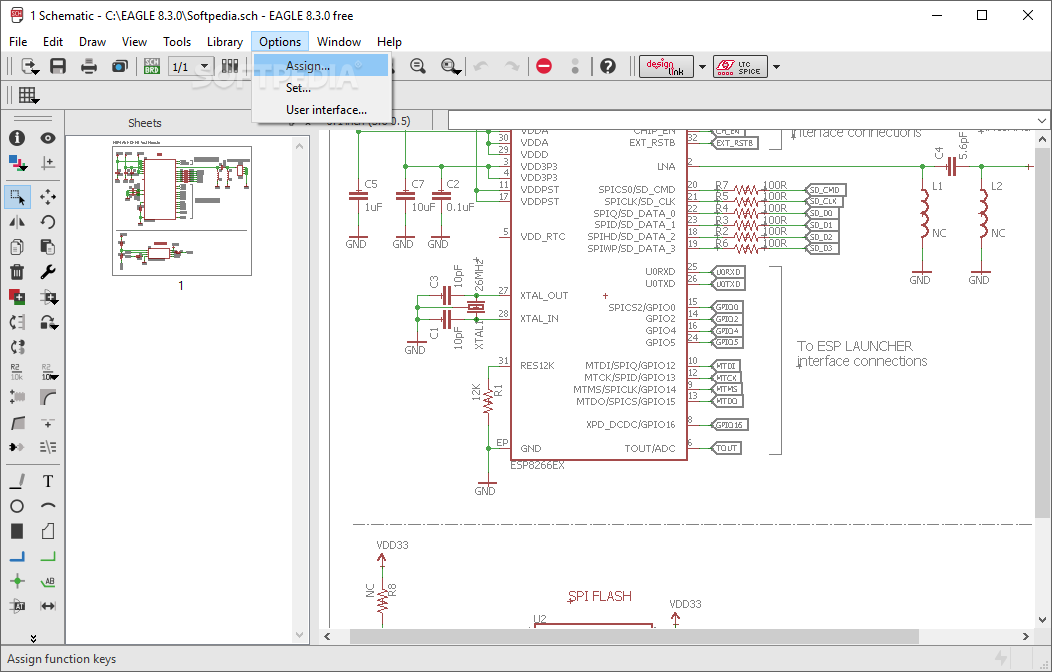
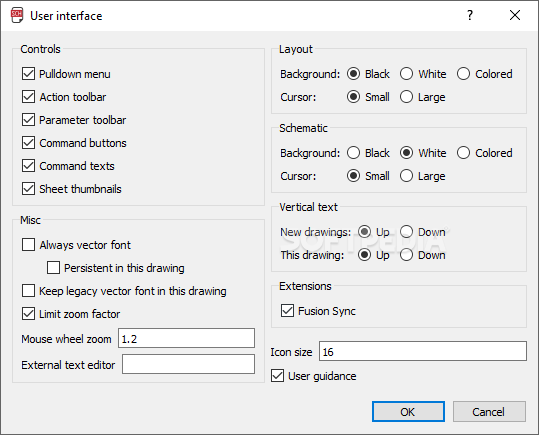
It sports a straightforward interface that gives users the possibility to create a new project by using the library, schematic, board, or text editor.
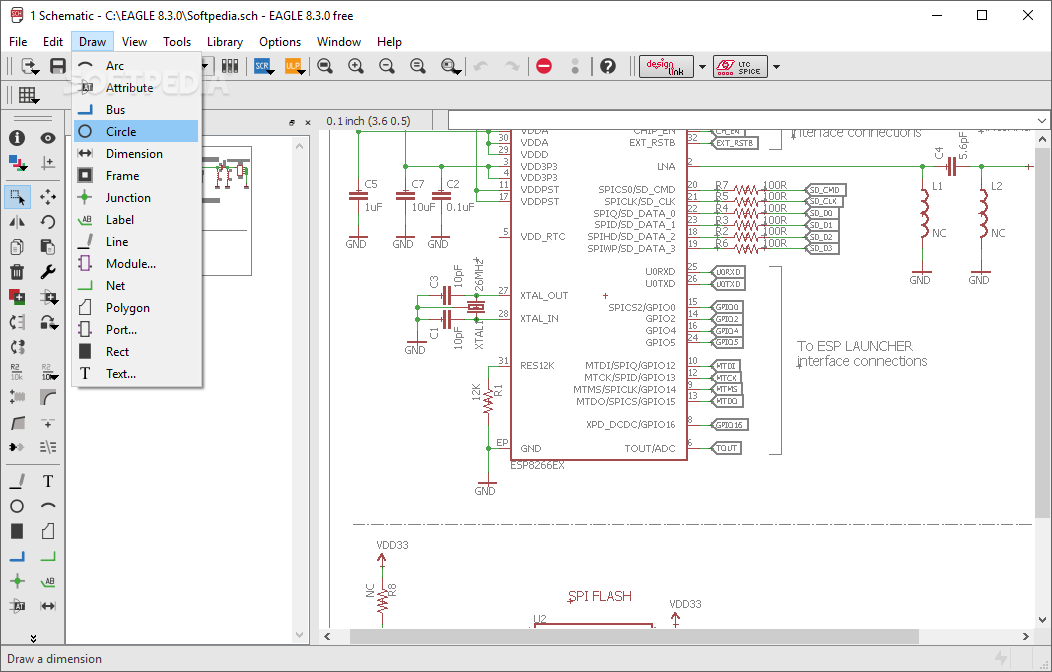
The board editor comes packed with a wide range of dedicated tools that allow users to draw arcs, circles, polygons, and rectangles, insert wires, embed text messages, and show or hide layers.
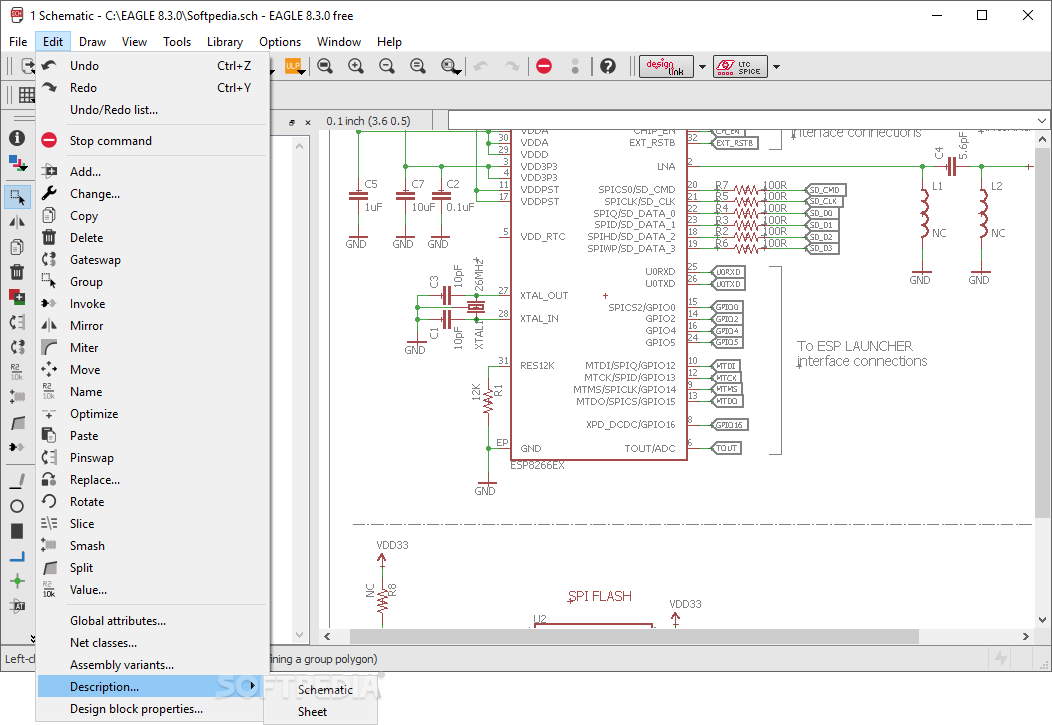
EAGLE enables users to move, copy or delete the selected objects, insert Clipboard content, select from various components which can be added to the working environment, and use the route function for converting connections into routed wires.
You can join wire segments, bend lines, rotate objects, zoom in or out, lock the position of a component, and change the object properties in terms of size, class, shape, font, diameter, class, alignment, and many others.
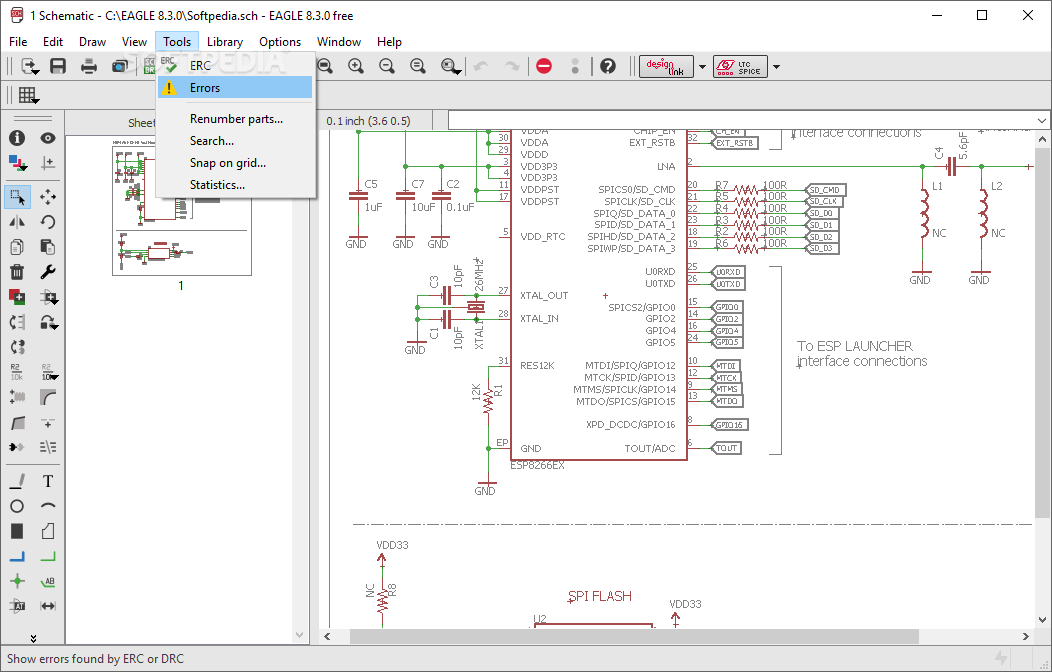
EAGLE keeps a history with the detected errors and allows users to print the generated circuit boards.
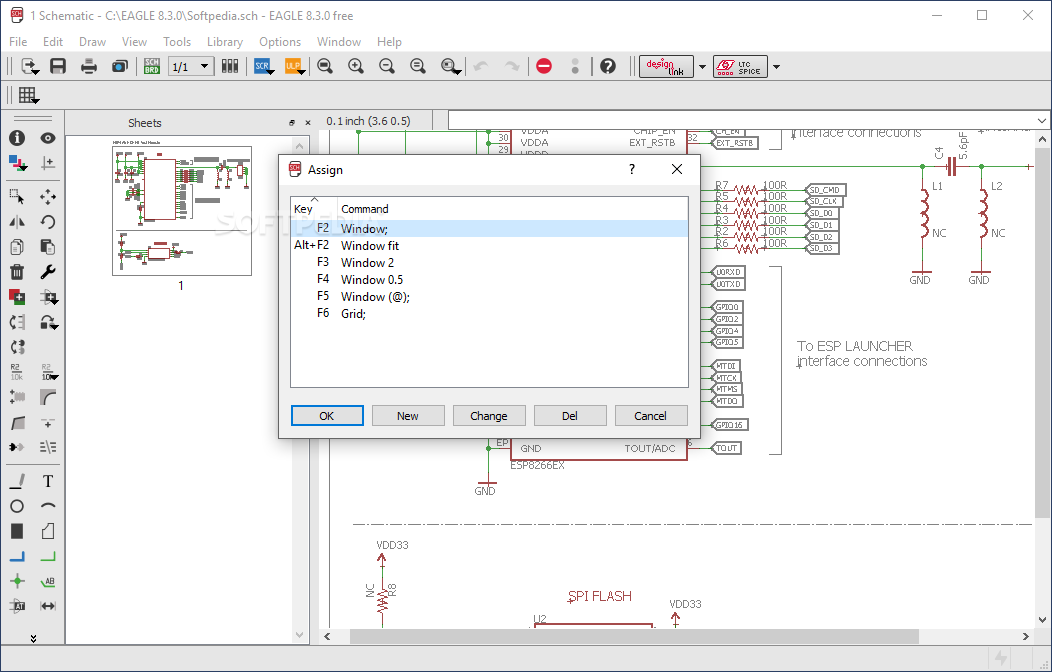
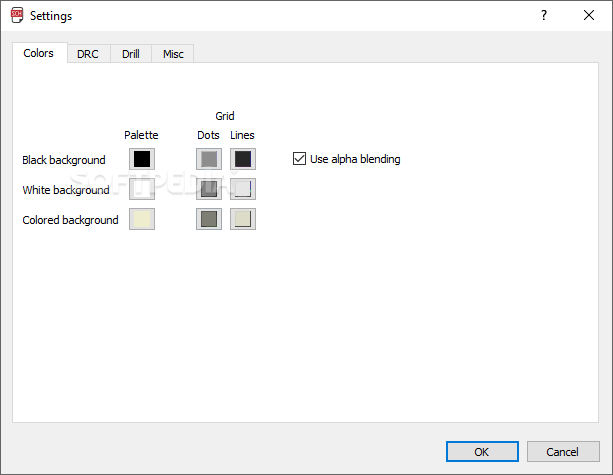
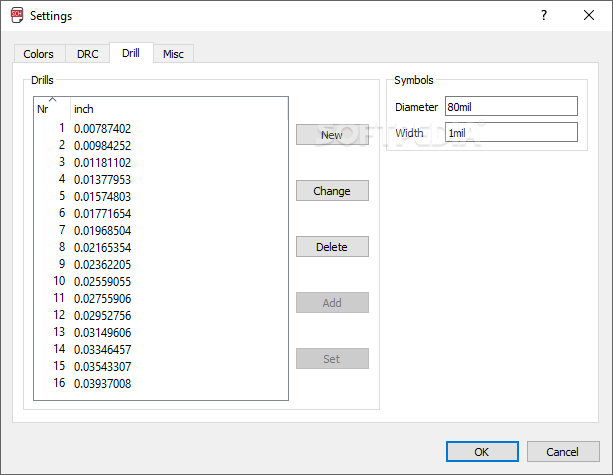
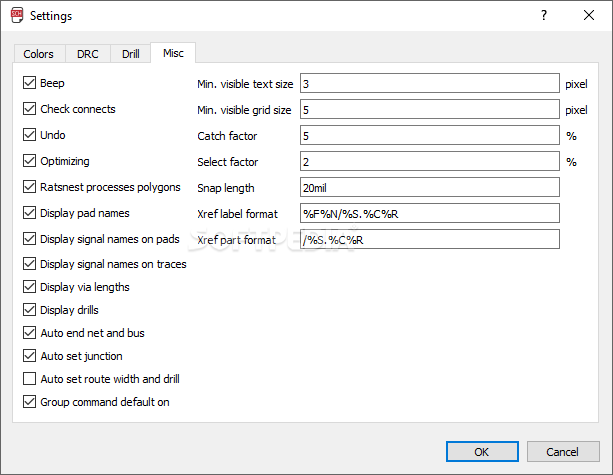
Plus, it offers support for command-line operations and script files, automatic backup options, and lets you configure the layer parameters, pick the same signals or different ones between objects, select the minimum distance between objects and the size of them, and set the thermal isolation parameters and masks.
All things considered, EAGLE comes packed with many useful features for helping you build circuit boards. It suits professional users, as it bundles a wide range of advanced tools.
What's new in EAGLE 9.6.2:
- Bugfixes:
- Fixed a crash that could occur when deleting net classes.
- Sometimes it happened that an issue stopped Fusion Sync from working with custom 3D Packages.
EAGLE 9.6.2
add to watchlist add to download basket send us an update REPORT- runs on:
-
Windows 10 64 bit
Windows 8 64 bit
Windows 7 64 bit - file size:
- 125 MB
- filename:
- Autodesk_EAGLE_9.6.2_English_Win_64bit.exe

- main category:
- Science / CAD
- developer:
- visit homepage
7-Zip

paint.net

calibre

Bitdefender Antivirus Free

Zoom Client

Windows Sandbox Launcher

4k Video Downloader

ShareX

Microsoft Teams

IrfanView

- ShareX
- Microsoft Teams
- IrfanView
- 7-Zip
- paint.net
- calibre
- Bitdefender Antivirus Free
- Zoom Client
- Windows Sandbox Launcher
- 4k Video Downloader