
Accessible and user-friendly application that enables users to easily convert old graphs and statistics charts into the numbers you need for your project. #Digitize image #Image to number #Image digitizer #Digitizer #Image2number #Digitize
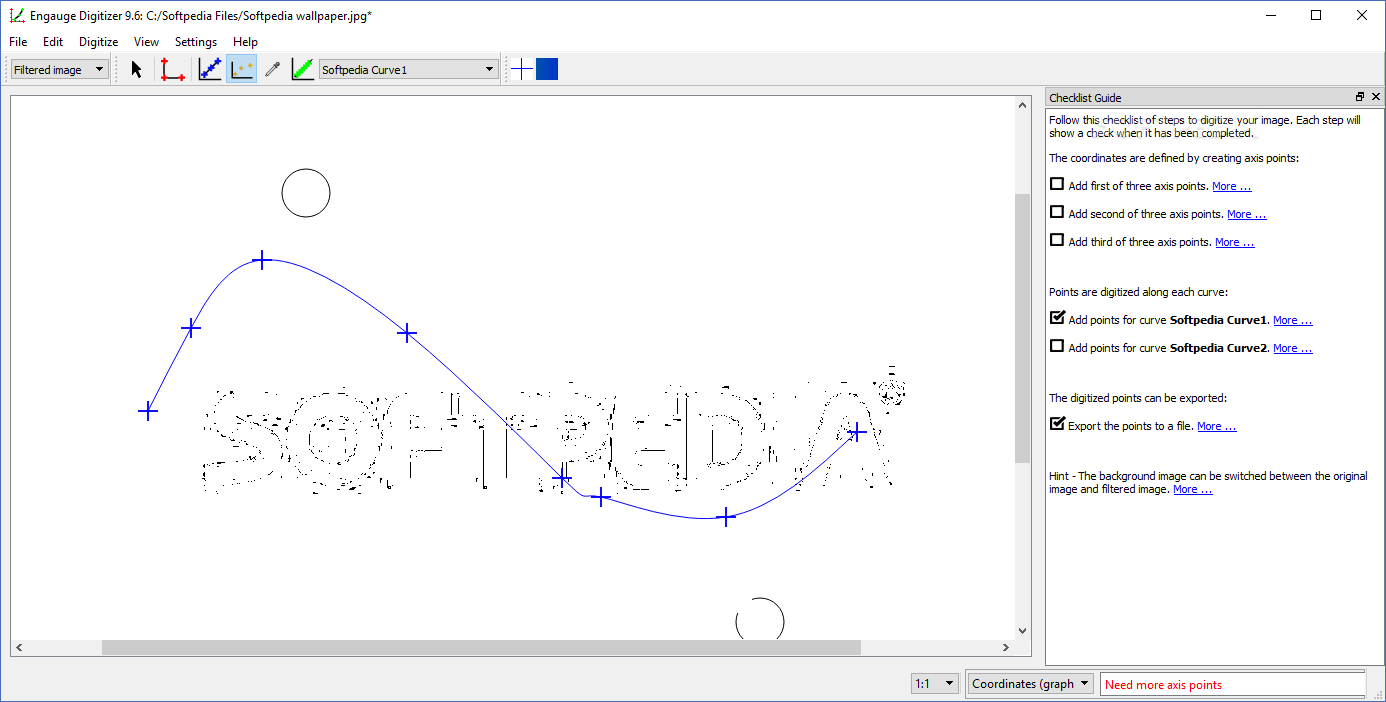
Adjusting charts, diagrams and statistics for presentations or inclusion in a business project that has to comply with certain structure and quality standards is not an easy job.
Fortunately, you can relief the load with the help of Engauge Digitizer, a handy conversion tool designed for processing for a variety of graphical elements that have to be translated into cold numbers.
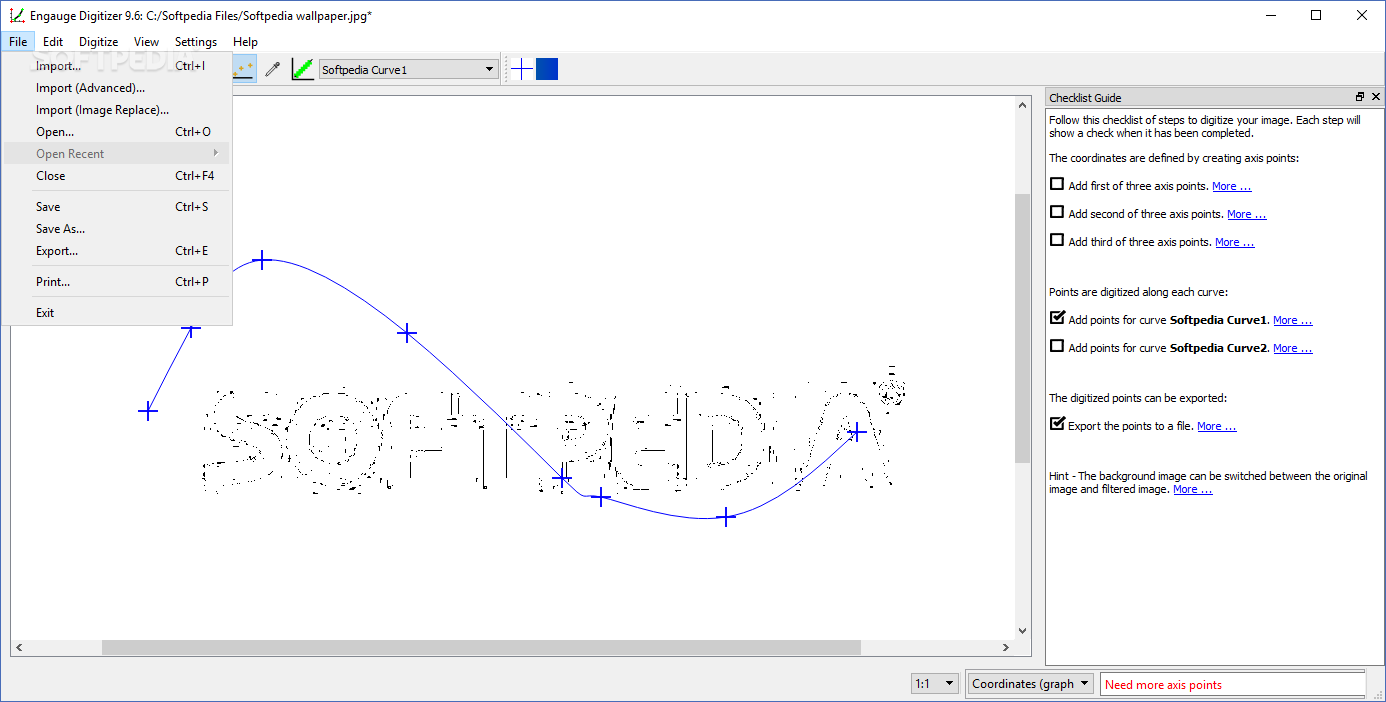
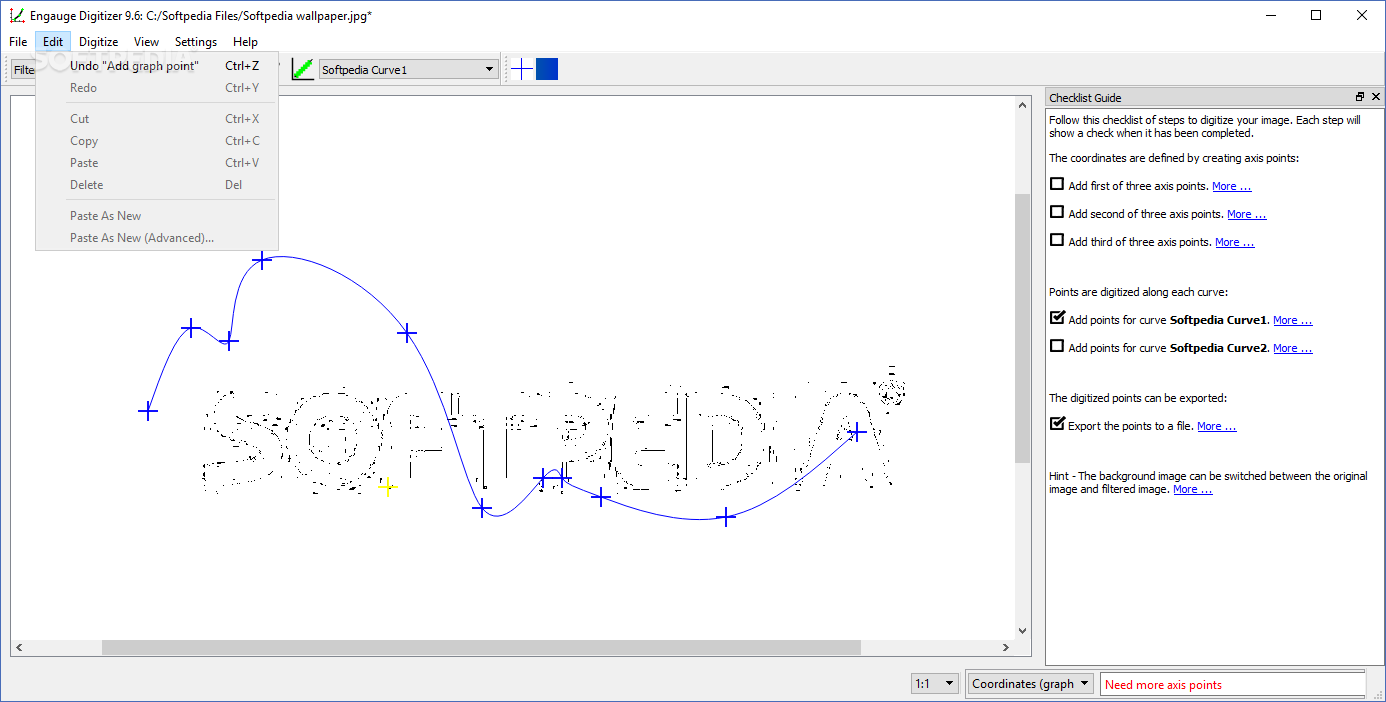
Through a simple and well-organized interface you are able to access all the functions that this program makes available for editing and transforming various kinds of data.
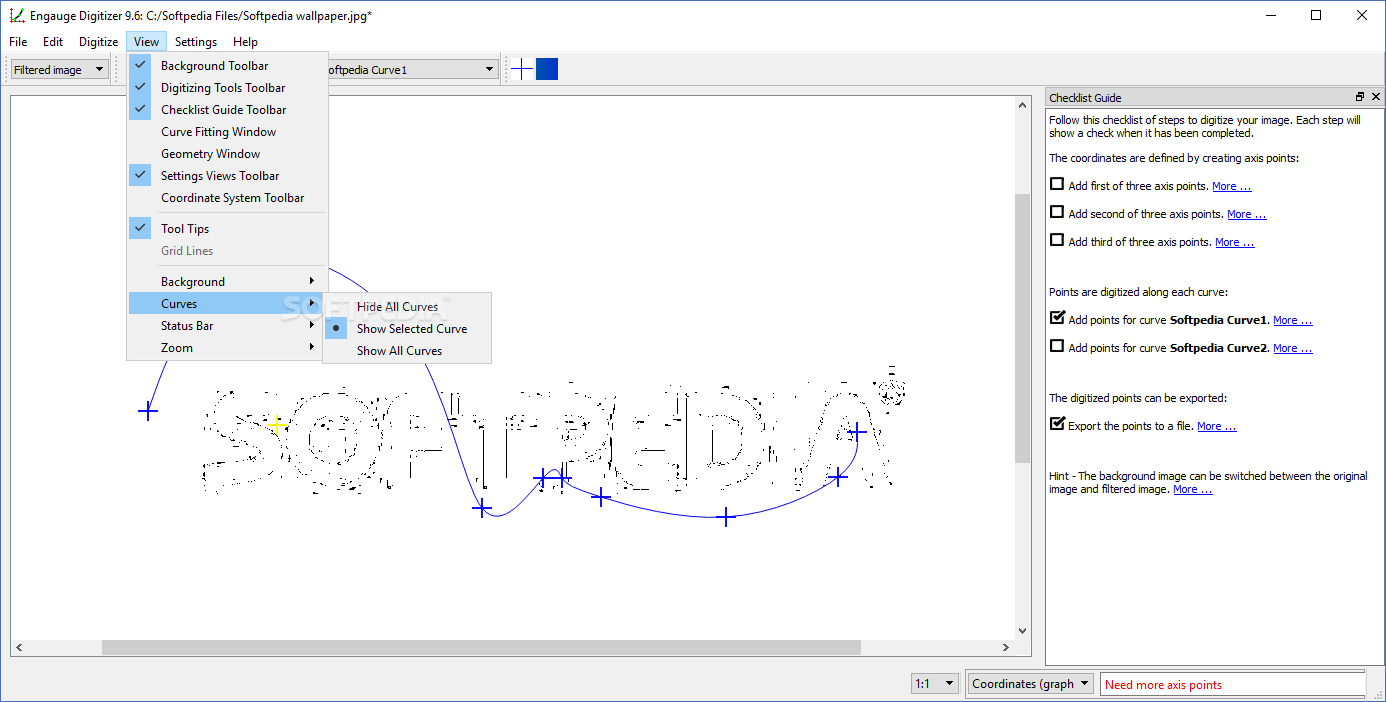
The images you have to process can be easily loaded and scaled to the desired dimension in order to analyze up close each plotted element included in the diagram. The level of details, insofar as the shown information is concerned, can be adjusted by selecting the points that are shown and the geometry.
Thus, you can have on display only the axes points, the scale bar, curve or measure points. If you care for a more comprehensive perspective, you can opt for having all of the previously mentioned types exhibited.
A preview of the source image compared to the currently edited one is, unfortunately, not available. Nonetheless, there is a way to peek at both, one after another. This can be done by selecting 'Original Image' and 'Processed Image' from the 'View' menu of the application.
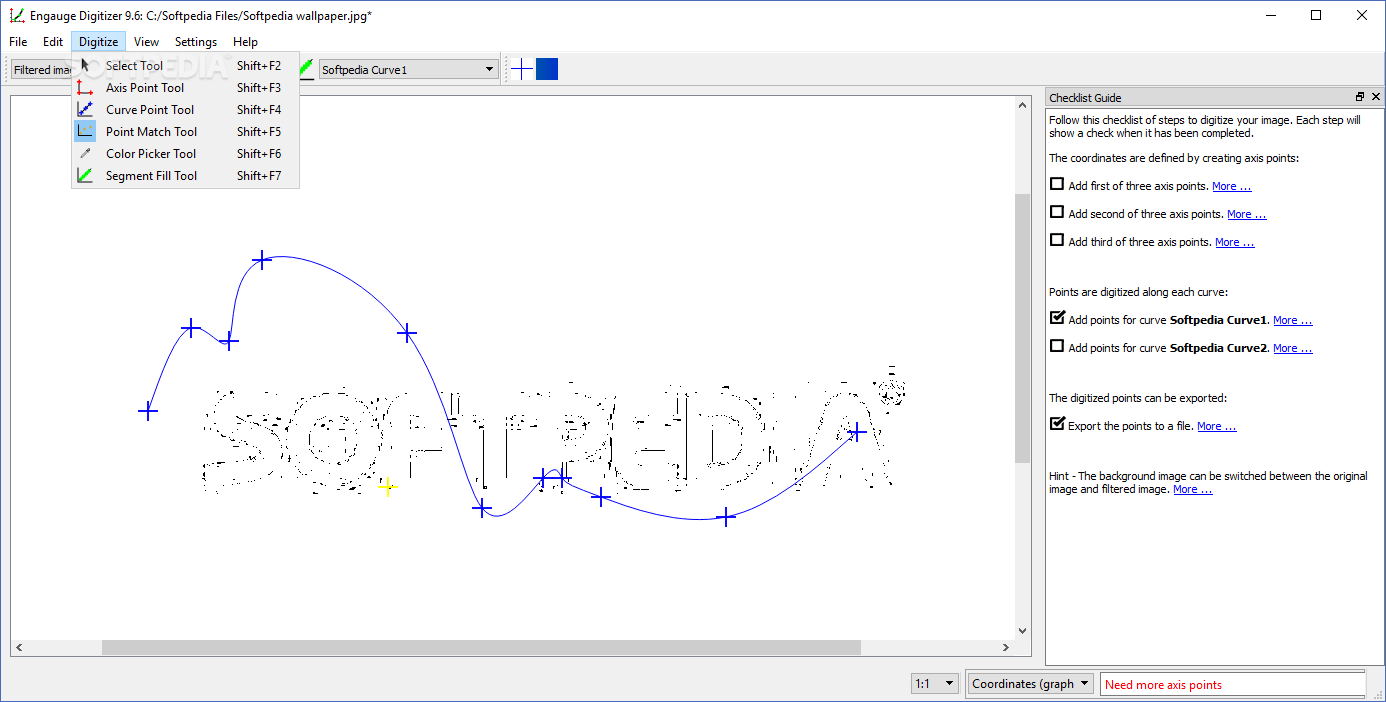
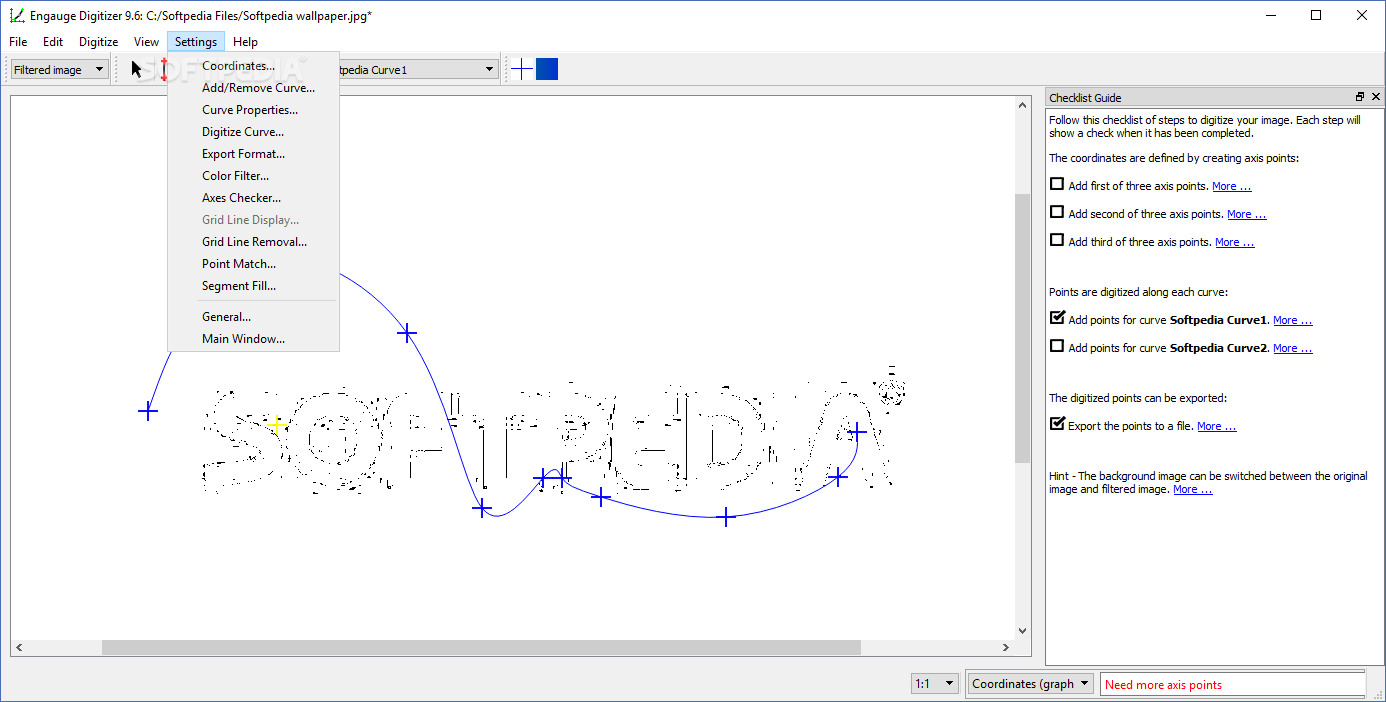
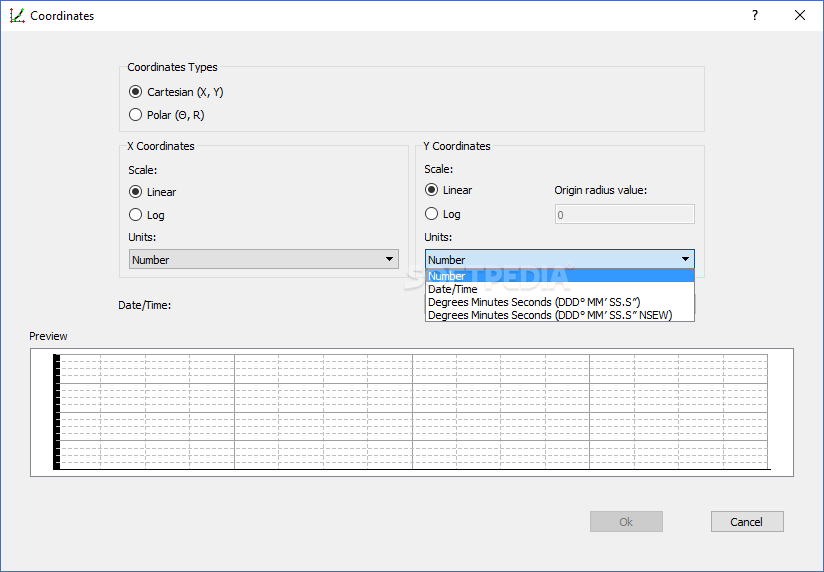
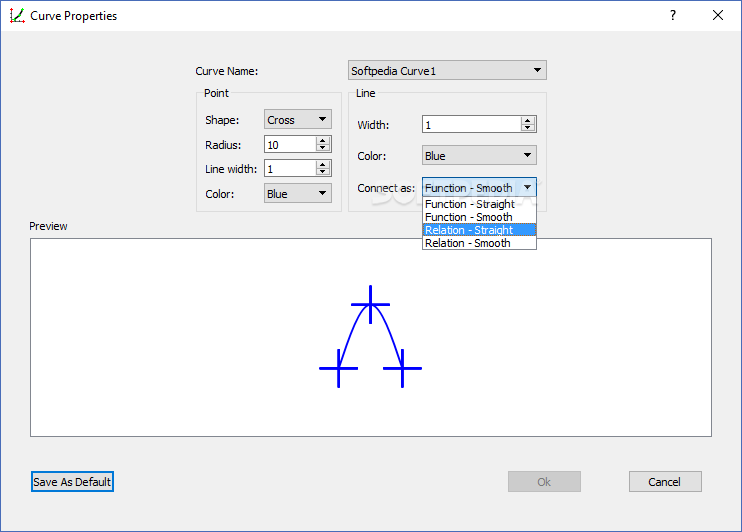
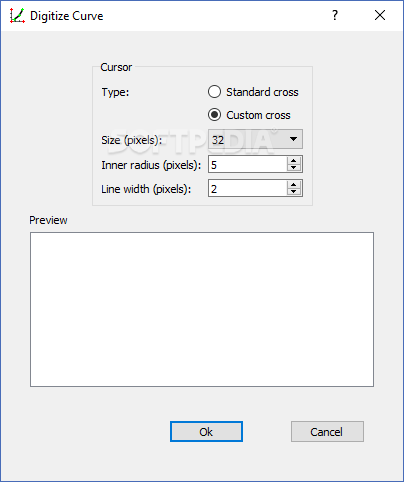
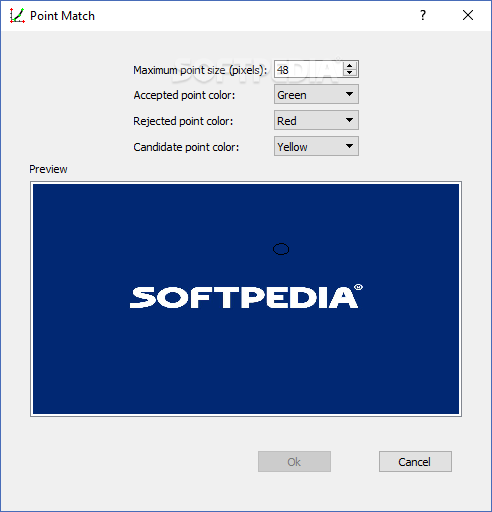
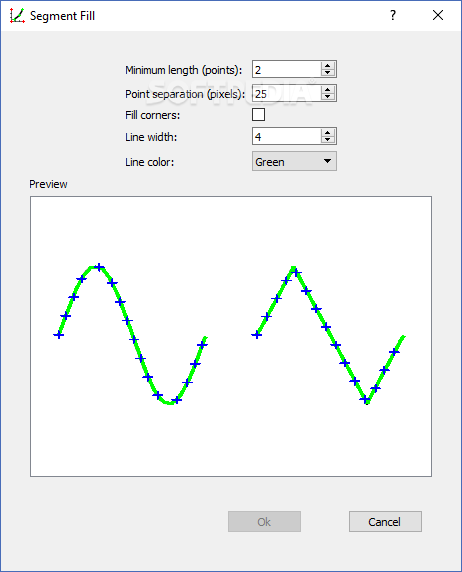
There are several digitizing tools you can use, more precisely those for curve points, segment fill, point match or point measurement. The curve geometry can also be customized from a dedicated area where you can specify the units and other elements of the chart you have loaded.
On the whole, Engauge Digitizer seems to be a proper means of dealing with diagrams and graphs that have to be converted to simple numbers.
What's new in Engauge Digitizer 12.1:
- Additional releases are available elsewhere:
- For all linux distributions using the Engauge release for Flathub as part of the Flathub Project
- For all linux distributions using the Engauge Digitizer for Snapcraft from the Snapcraft Store
Engauge Digitizer 12.1
add to watchlist add to download basket send us an update REPORT- PRICE: Free
- runs on:
-
Windows 10
Windows 8
Windows 7
Windows Vista - file size:
- 16.3 MB
- filename:
- digit-exe-windows10-32-bit-installer-12.1.msi
- main category:
- Science / CAD
- developer:
- visit homepage
7-Zip

Zoom Client

4k Video Downloader

IrfanView

Windows Sandbox Launcher

ShareX

calibre

Bitdefender Antivirus Free

Microsoft Teams

paint.net

- Bitdefender Antivirus Free
- Microsoft Teams
- paint.net
- 7-Zip
- Zoom Client
- 4k Video Downloader
- IrfanView
- Windows Sandbox Launcher
- ShareX
- calibre