
Work with six calculators: Scientific Calculator, Graphing Calculator 2D Numeric, Graphing Calculator 2D Parametric, Graphing Calculator 2D Polar, Integer Calculator, and Rational Calculator. #Math calculator #Calculate function #Function calculator #Calculate #Calculator #Mathematic


Math Center Level 2 is a lightweight CAD application whose purpose is to help you calculate various coefficients and polynomials.
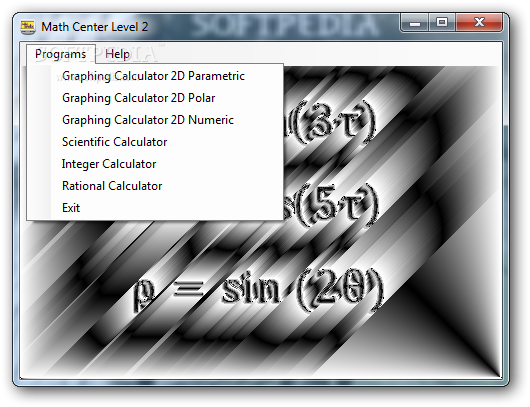
The utility comes packed with six calculators, namely Scientific Calculator, Graphing Calculator 2D Numeric, Graphing Calculator 2D Parametric, Graphing Calculator 2D Polar, Integer Calculator, and Rational Calculator.
You are welcomed by a dashboard that allows you to choose the calculator you want to work with. Each calculator can be handled from a different panel. An online help manual can be accessed in case you cannot decode the program’s features on your own.
The Scientific Calculator comes packed with advanced functions, such as Factorial, Sigma for sum series and Capital Pi, for helping you calculate Taylor polynomials, for example. It comes with support for arithmetic and logarithmic operations, trigonometric functions, as well as permutations, combinations, Newton Binomial Coefficients, and Gauss Binomial Coefficients.
The calculator treats all numbers in internal calculations in a scientific format and lets you save and print calculation history, change fonts, and perform clipboard-related tasks (cut, copy, paste).
Graphing Calculator 2D Numeric is designed for helping you build graphs for first and second derivatives, definite integral (area under curve), and length integral (length of curve).
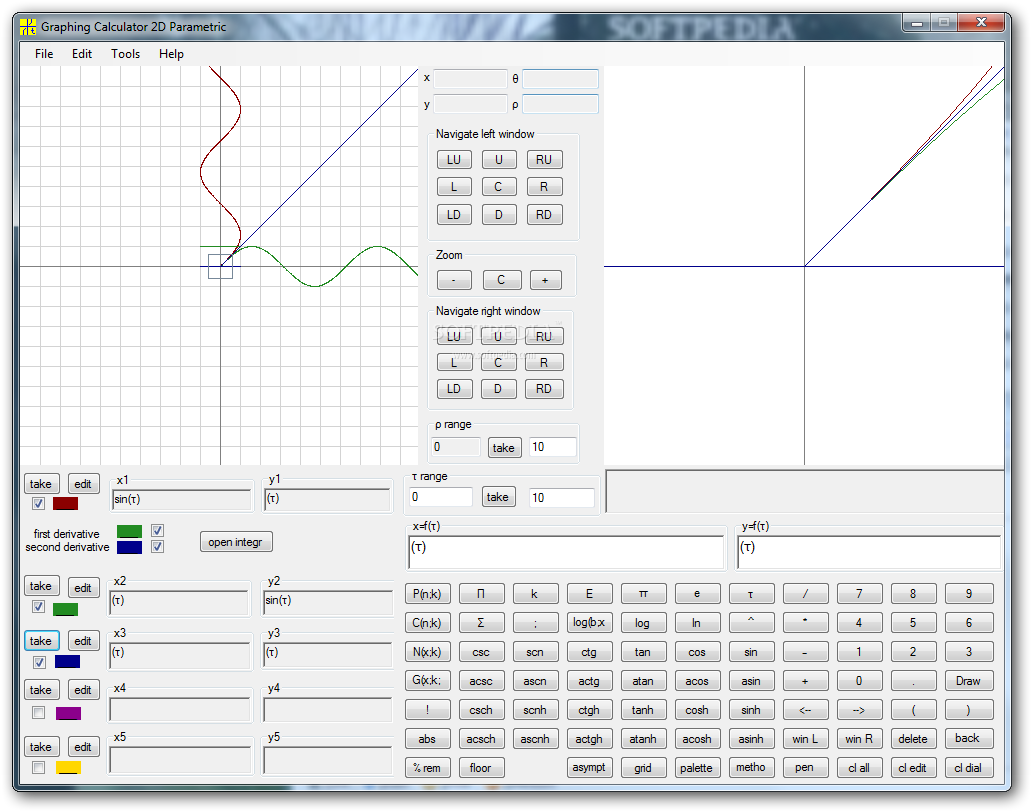
Graphing Calculator 2D Parametric is a generalization of Graphing Calculator 2D Numeric where x and y are functions on parameter ‘τ.’ Graphing Calculator 2D Polar represents a specialization of Graphing Calculator 2D Numeric where instead of x the argument is angle ‘θ.’
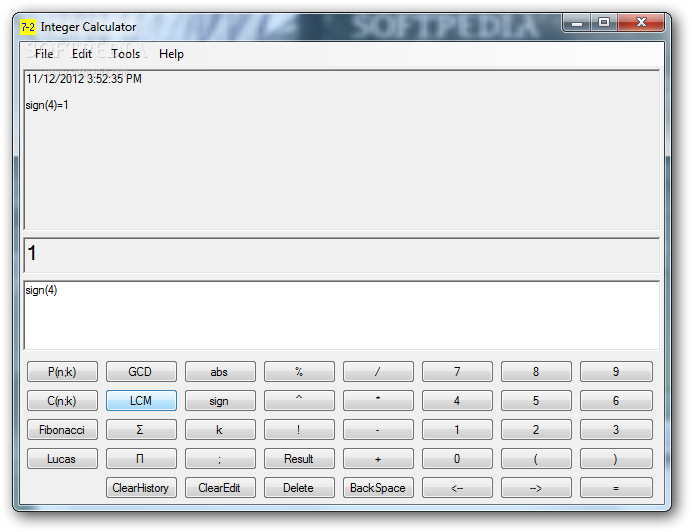
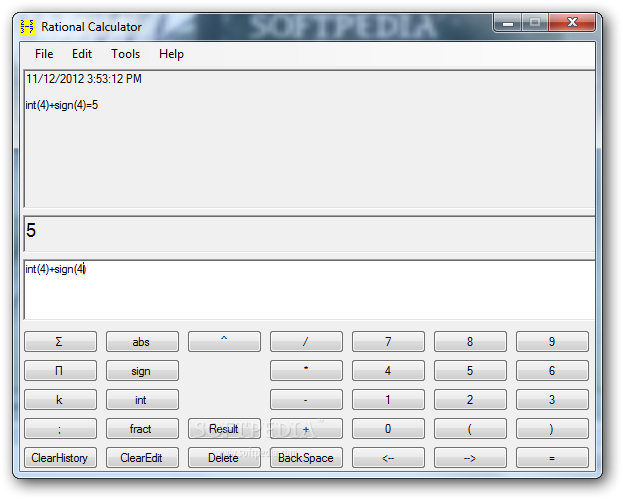
Integer Calculator is designed for operations with integer numbers, while the Rational Calculator is suitable for operations with rational numbers.
Tests have shown that Math Center Level 2 carries out calculations quickly. It doesn’t eat up CPU and memory resources so the overall performance of the computer is not hampered.
All things considered, Math Center Level 2 comes packed with several calculators useful for diverse math operations, and is suitable especially for professional users.
Math Center Level 2 1.0.2.1
add to watchlist add to download basket send us an update REPORT- runs on:
- Windows All
- file size:
- 1.3 MB
- filename:
- MathCenterLevel2.exe
- main category:
- Science / CAD
- developer:
- visit homepage
ShareX

Zoom Client

Context Menu Manager

calibre

Bitdefender Antivirus Free

7-Zip

IrfanView

4k Video Downloader

Microsoft Teams

Windows Sandbox Launcher

- 4k Video Downloader
- Microsoft Teams
- Windows Sandbox Launcher
- ShareX
- Zoom Client
- Context Menu Manager
- calibre
- Bitdefender Antivirus Free
- 7-Zip
- IrfanView