Softpedia
 

WINDOWS CATEGORIES:


GLOBAL PAGES >>
SOFTPEDIA REVIEWS >>
MEET THE EDITORS >>
WEEK'S BEST
  • Sticky Password FR...
  • Parallels Workstat...
  • ESET NOD32 Antivir...
  • BitDefender Total ...
  • WinPatrol 24.6.201...
  • PerfectDisk Free D...
  • Adobe Photoshop CS...
  • PerfectDisk Profes...
  • Windows 8 Consumer...
  • Atlantis Word Proc...
  • Home > Windows > Science / CAD
     Report malware

    Metes and Bounds 3.8.0

    download button

    Downloads: 10,204  View global page  Tell us about an update
    User Rating:
    Rated by:
    Good (3.1/5)
    38 user(s)
    Developer:

    License / Price:

    Size / OS:

    Last Updated:

    Category:

    Trial / USD 29.95 buy button
    21 MB / Windows All
    [view history]
    C: \ Science / CAD

     Read user reviews (1)  Send to friend   Follow (2 users)

    Metes and Bounds description

    Calculates square feet and acreage!

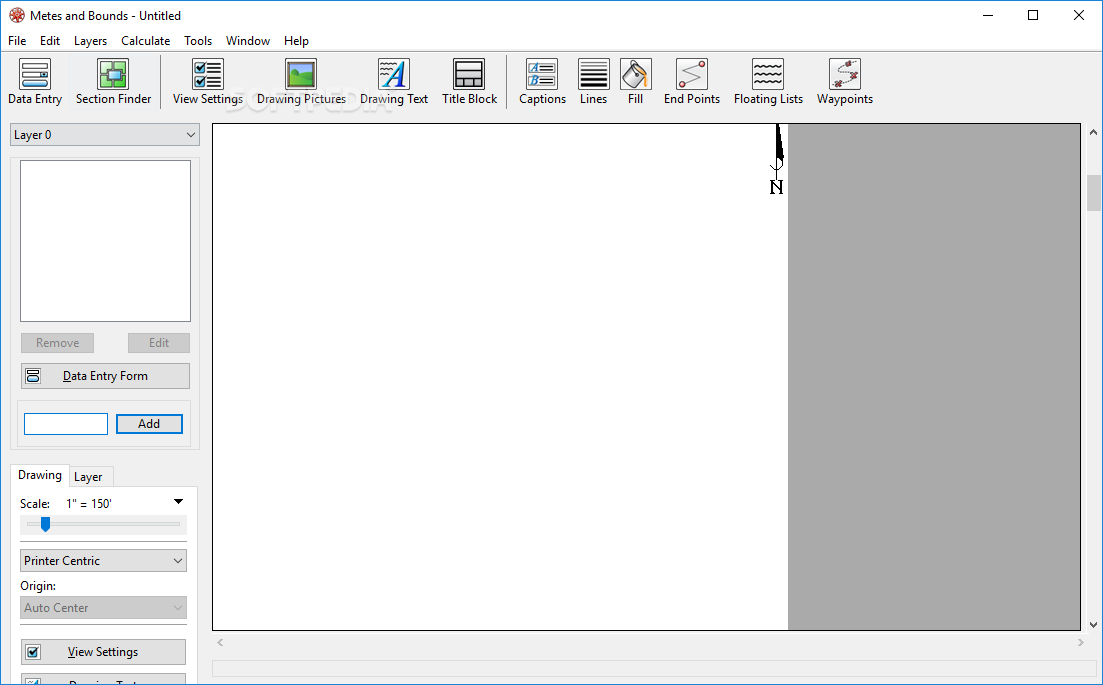
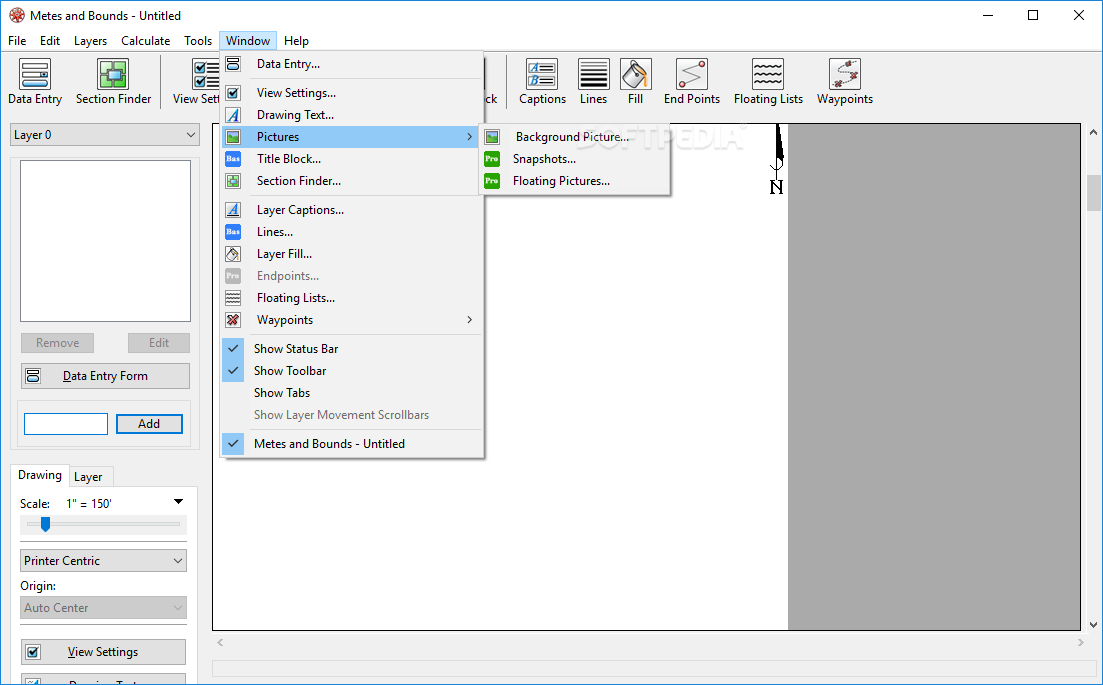
    Metes and Bounds is a software that can create plot maps, perform calculations in square feets, acres, hectares, perimeter distance and more.

    The Drawing Wizard is an optional way to start a new drawing. It will ask you several questions about what type of drawing you plan on creating. Based on your answers to these questions, the wizard will preset some of the drawing values to help you accomplish your goals.

    Using the wizard does not lock you into a particular workflow, it only presets a few options. You can always change any of the drawing options to better suit your needs.

    Simple:
    This option is optimized for working with a single layer. It will keep the drawing centered in the middle of your screen. It is very similar to the blank drawing that you get when you do not use the wizard.


    Complex:
    This option is optimized for working with multiple layers/plots/tracts in a single drawing. It also provides the option of using a scaled background image, such as a section or topographical map.


    Section:
    This option will start your drawing using the Section Finder. It allows for easy entry of section calls such as "The northwest quarter of the southeast quarter".

    Lat / Long:
    This option will start your drawing using the Lat/Long to Layer tool. Use this option to turn a list of Lat/Long coordinates into a series of metes and bounds calls.

    Here are some key features of "Metes and Bounds":

    · Perform calculations: Square Feet, Acres, Hectares, perimeter distance and more.

    · Easy to use data entry form: Enter lines or curve data.

    · Layers: Layers allow you to have multiple deeds on a single drawing. Layers can be free floating or locked to a common starting point.

    · Metes & Bounds will calculate if the survey closes or not. Calculate closure errors.

    · Auto-Completion of drawing. If you're missing the final segment of your land plotting data, let our Metes and Bounds land plotting software finish it for you. Have a bad or missing call? Enter a question mark (?) for the call and let the software find the missing call for you.

    · Multiple measurement types: Data can be inputted using Feet, meters, rods, chains, varas and many other measurement types

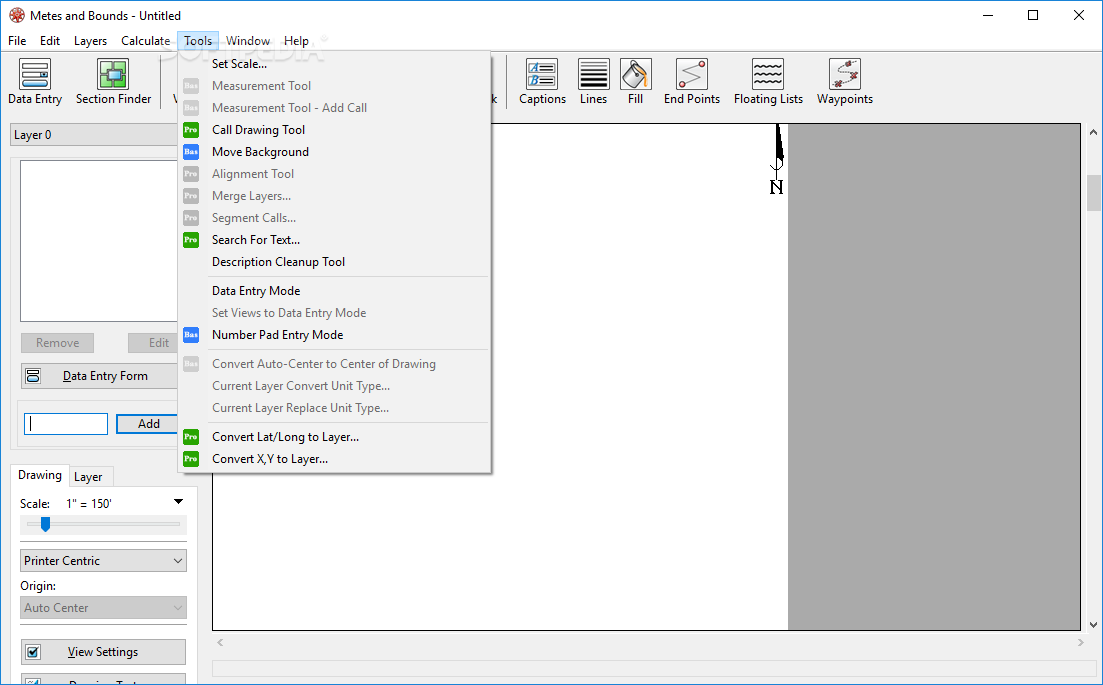
    · Easy to use measuring tool. Estimate the distance between any two points on the screen.

    · Automatic labeling: Each line can be automatically labeled with the length and call. End points can be marked for easier recognition. End points can also be labeled with information like the interior and exterior angles.

    Create custom labels and backgrounds. Labels can be rotated in 90 degree increments. Drawings can include a call list:

    · Backgrounds can be set to scale with your plot drawing.

    · Split a single plot into multiple plots. Split the plot by hand, or choose a starting point and let the Metes and Bounds software find the nearest halves automatically for you.

    · Create section drawings.

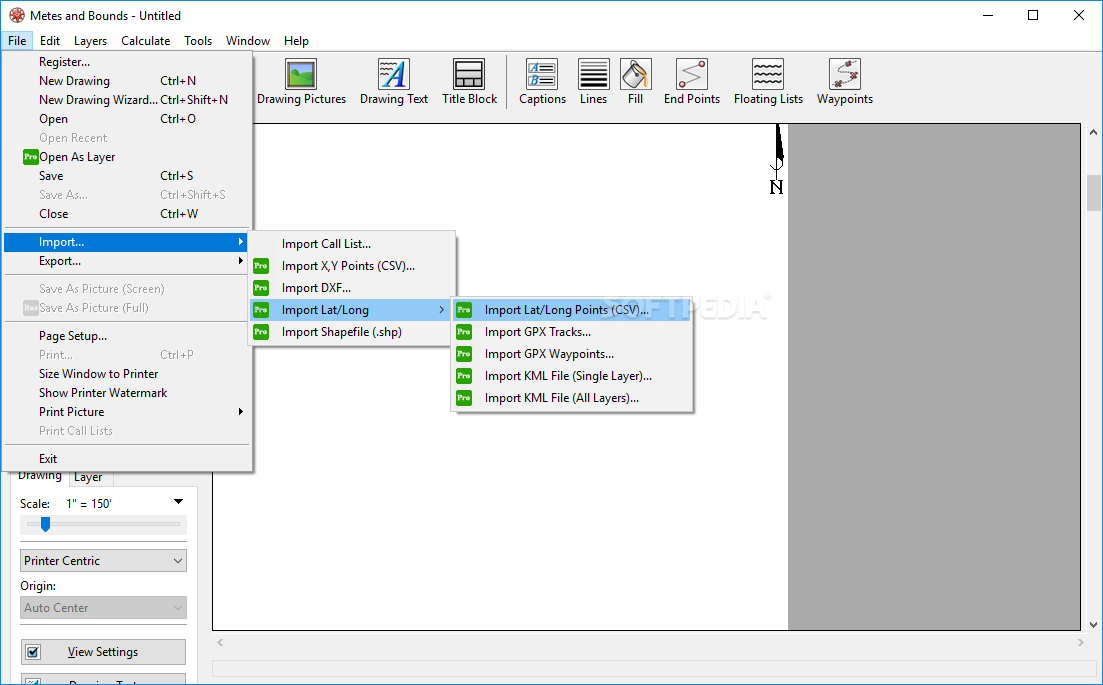
    · Exporting: Metes and Bounds data can be exported as a DXF file, KML File, CSV file and more.

    · Printing: Printouts can include borders, call list, north arrow and title block.

    · Real-world X,Y coordinates. Export real-world X,Y coordinates for integration with other mapping software such as GIS software.

    · Custom X,Y points. Use custom X,Y points to mark and label unique land features on the metes and bounds drawing.

    · Real-world Latitude and Longitude coordinates. Enter the latitude and longitude for a plot's POB and let the metes and bounds software calculate the latitude and longitude for each of the other end points.

    · Waypoints to metes and bounds calls. Convert a set of waypoints, x/y or Latitude/Longitude based, into a list of metes and bounds calls.

    · Enter Waypoints and Tracks. Add GPS waypoints and tracks to your drawings. Import GPX and KML files. Make calculations like the distance between two waypoints.

    Limitations:

    · 30 days trial
    · Some features are disabled
    · Unregistered watermark

    What's New in This Release: [ read full changelog ]

    · [New] The Section Finder can now save a picture of the screen when viewing all sections.
    · [New][Pro] The Section Finder can now calculate the plotted area of a section.
    · [New][Pro] The Section Finder can now calculate the plotted area of all of the visible sections.
    · [New][Pro] The Section Finder can now show the plotted area on the section drawing.
    · [New] The Section Finder can now print.
    · [New] The Section Finder's screen is now 30% larger.
    · [New][Pro] Added N/S/E/W Quarter Corners to the Data Entry Form's Corner tab.
    · [New] The Show Current Layer's Description can now export the description as a text file.
    · [Fix] The Show Current Layer's Description window can now handle descriptions that would have been longer than the screen size.
    · [Chg][Pro] When setting the background picture from the Section Finder, the background image will now set to scaled on the Pro version.
    · [Chg] Renamed the Copy Layer Description as Text menu to Show Current Layer's Description and moved it to the Calc...

     Softpedia guarantees that Metes and Bounds 3.8.0 is 100% CLEAN, which means it does not contain any form of malware, including spyware, viruses, trojans and backdoors. [read more >]


    TAGS:

    plot map | calculate square feet | calculate acreage | calculator | acreage | perimeter


    HTML code for linking to this page:


    Go to top

    WindowsGamesDriversMacLinuxScriptsMobileHandheldNews

    SUBMIT PROGRAM   |   ADVERTISE   |   GET HELP   |   SEND US FEEDBACK   |   RSS FEEDS   |   UPDATE YOUR SOFTWARE   |   ROMANIAN FORUM