
Create electrical diagrams by selecting from various preset components and embedding text messages and objects, with the possibility to export the circuits to PNG, BMP, EMF, or DXF. #Electrical Diagram #Electrical Schema #Diagram Designer #Diagram #Designer #Connector

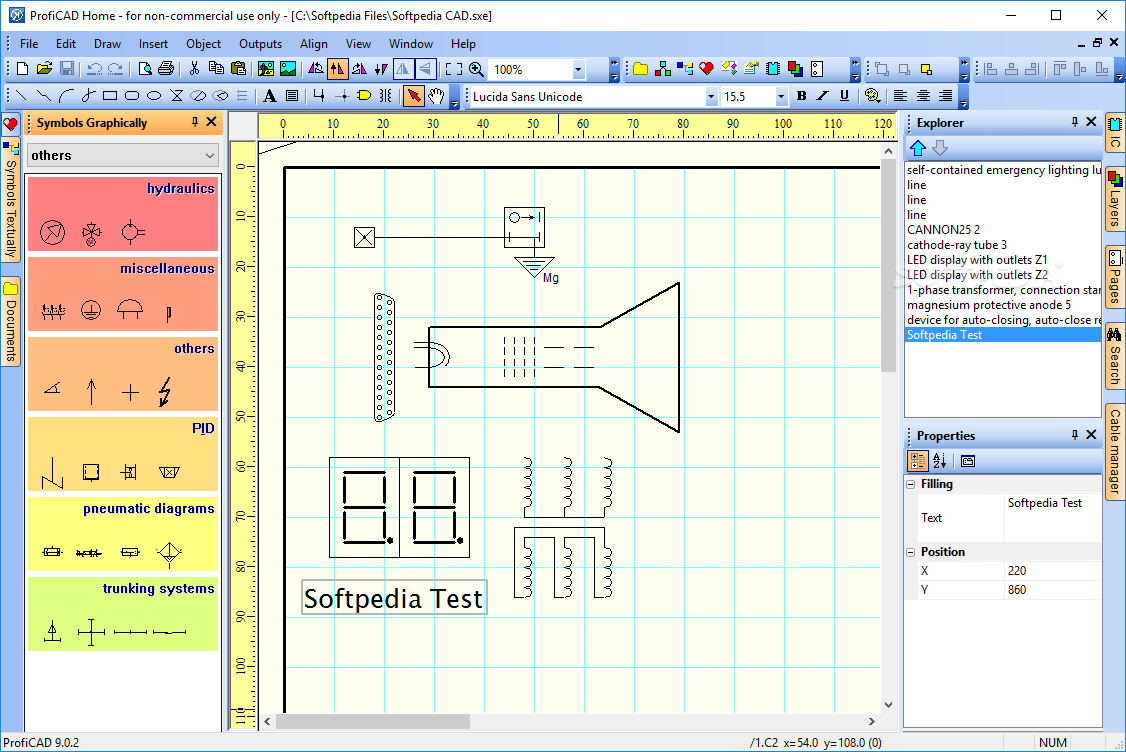
ProfiCAD is a professional software application that helps you create electrical designs and schematic diagrams.
Although it comes packed with a multitude of dedicated parameters, the user interface is clean and straightforward.
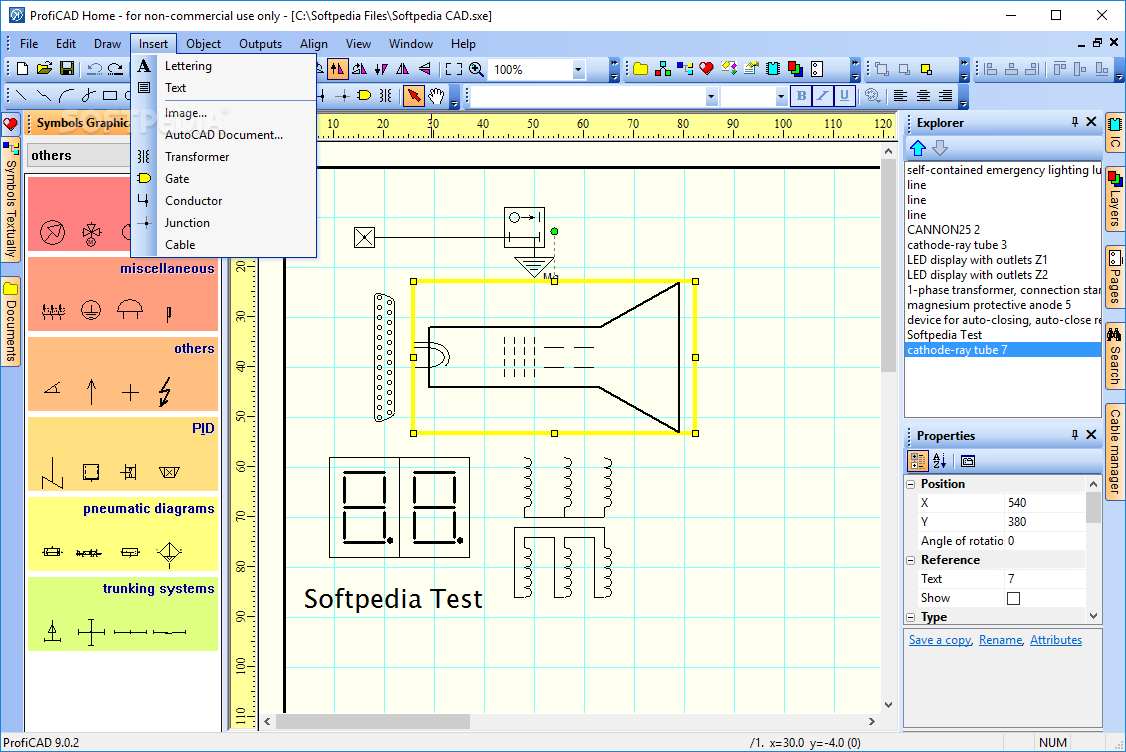
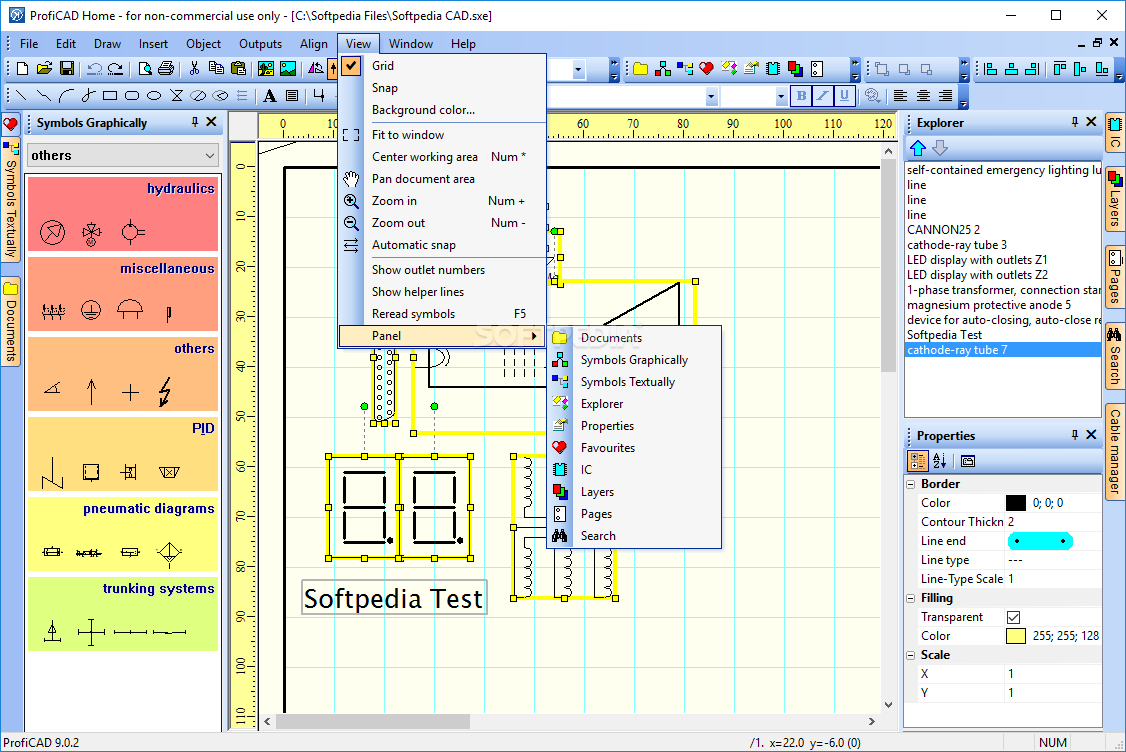
ProfiCAD bundles several preset electrical drawings related to electronic equipment, indoor and power installations, as well as other fields, which can be inserted into the working environment for creating similar circuits.
When it comes to embedding electrical components into the working area, the program offers quick access to various categories, namely distribution boards (e.g. switches, circuit breakers, indicator lights), machines (induction motors, reactors), outdoor installations (e.g. transformers, amplifying points), PLC, generators, switchgears, protective devices, and controlgears.
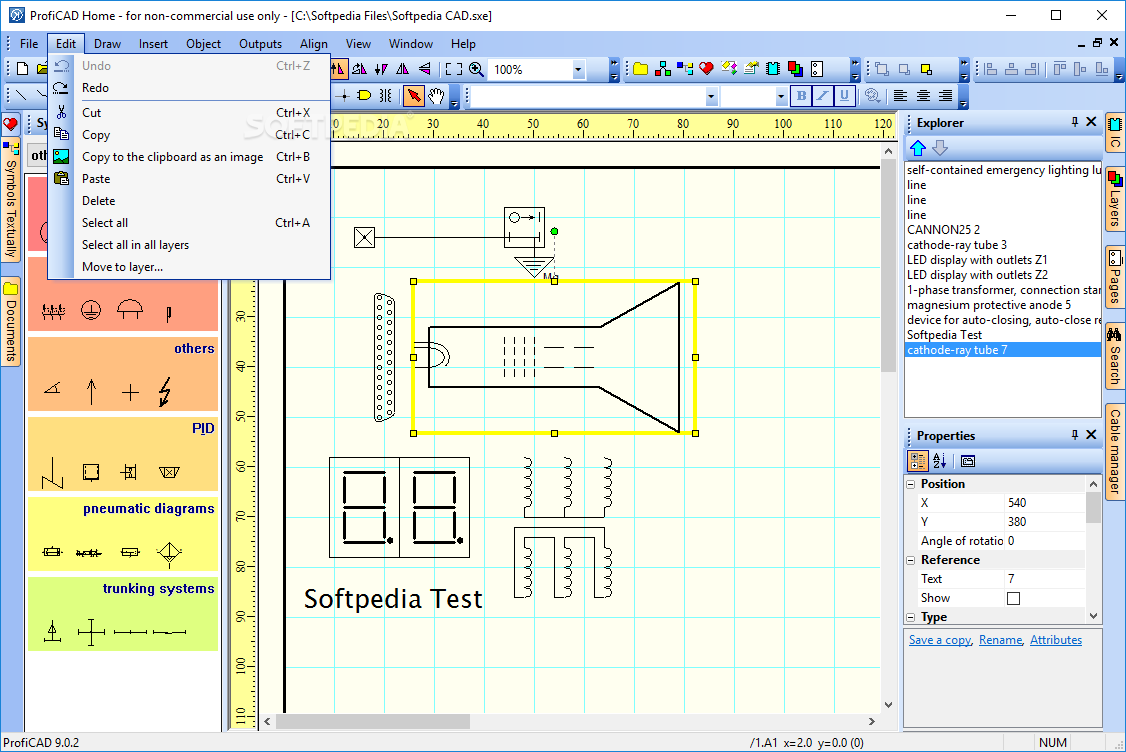
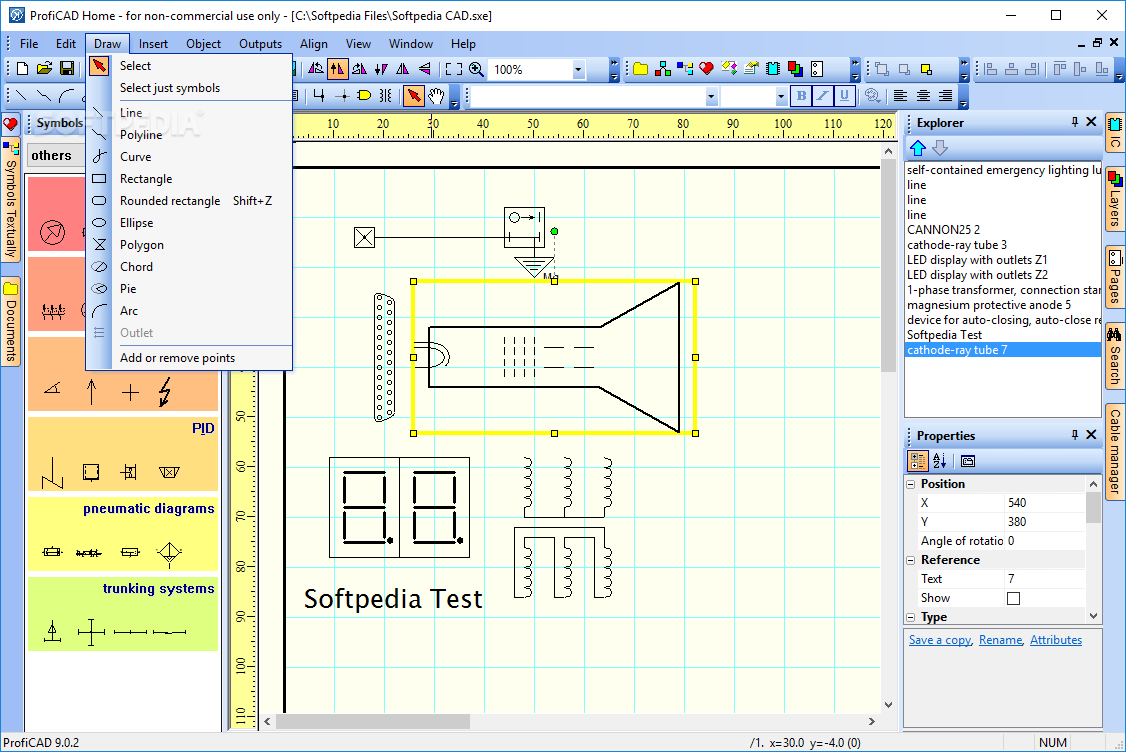
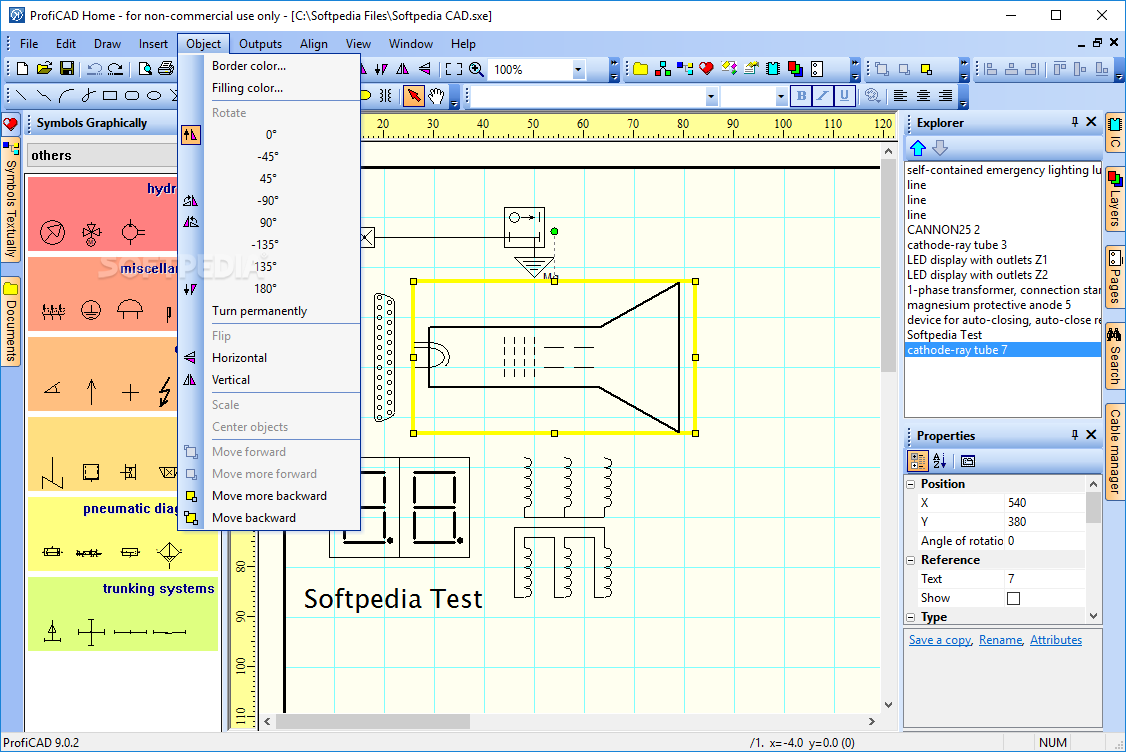
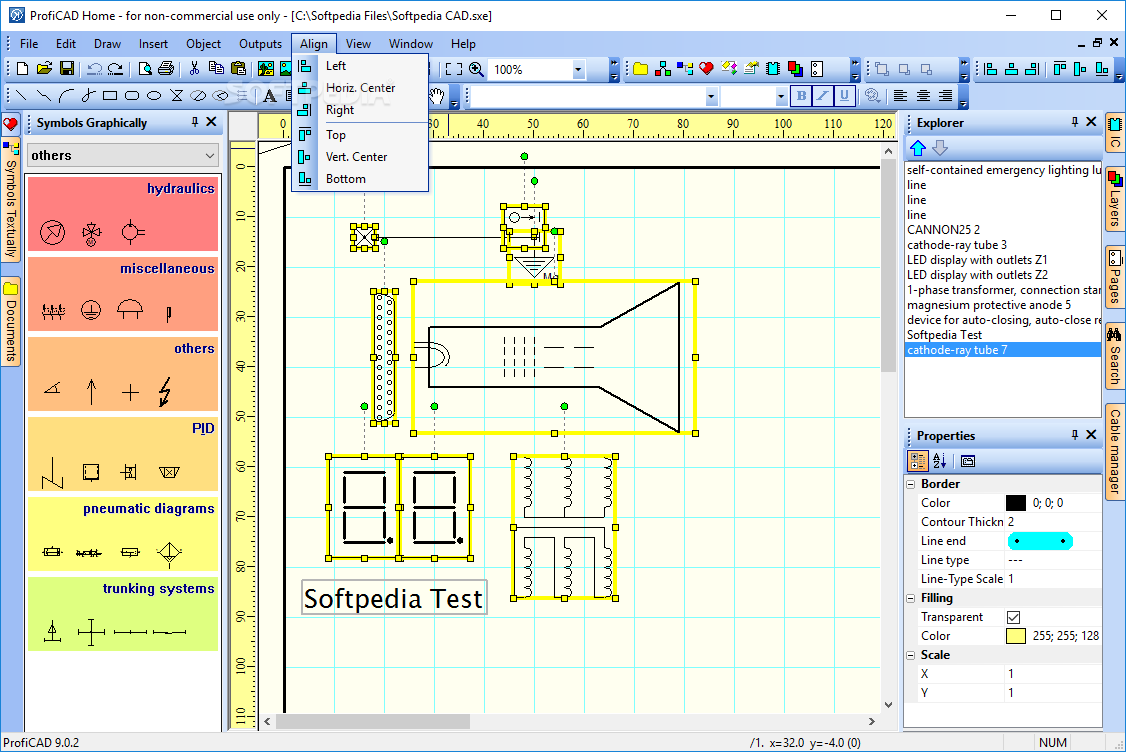
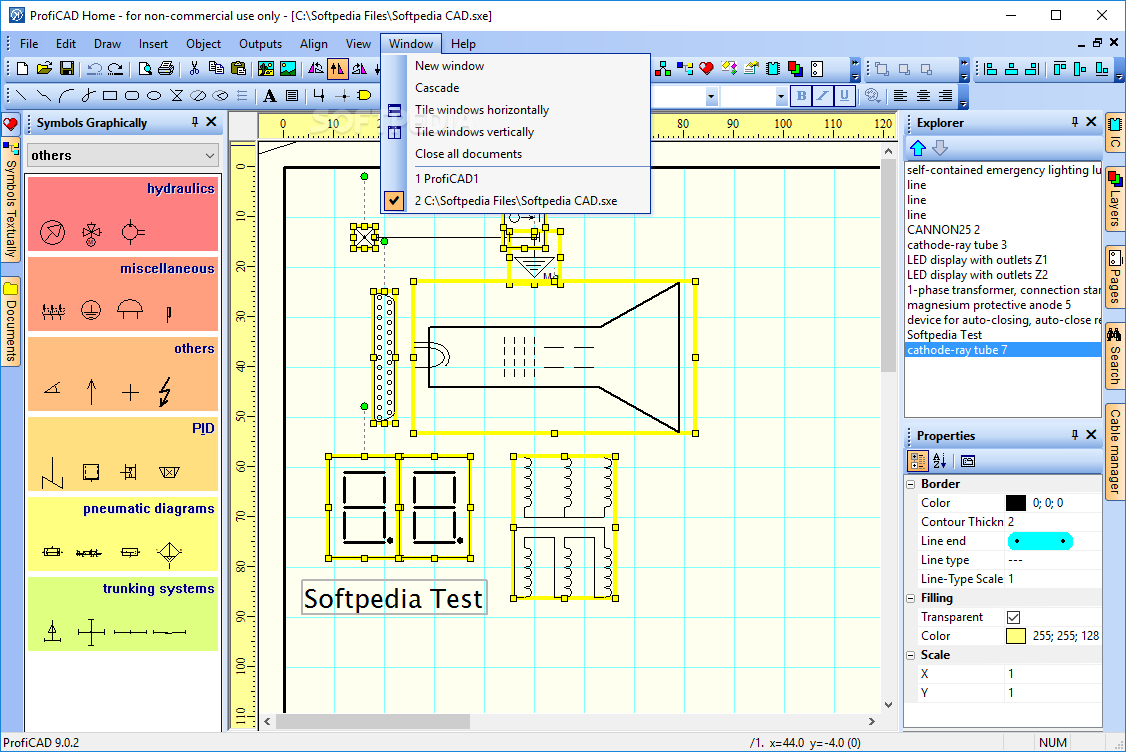
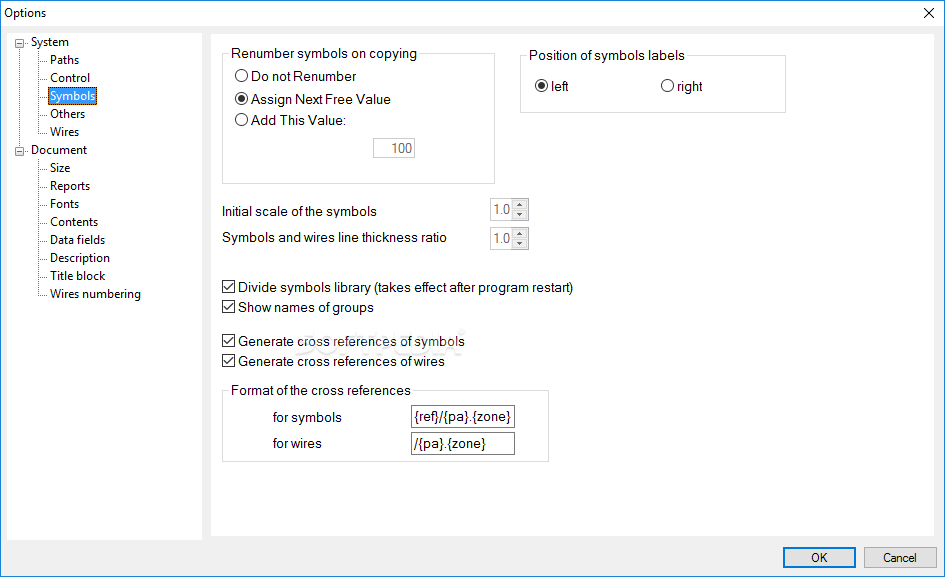
ProfiCAD enables users to work with multiple layers and pages, rotate or flip the selected components, zoom in or out, draw different objects (e.g. rectangles, ellipses, arcs, lines), as well as cut, copy, or paste the elements.
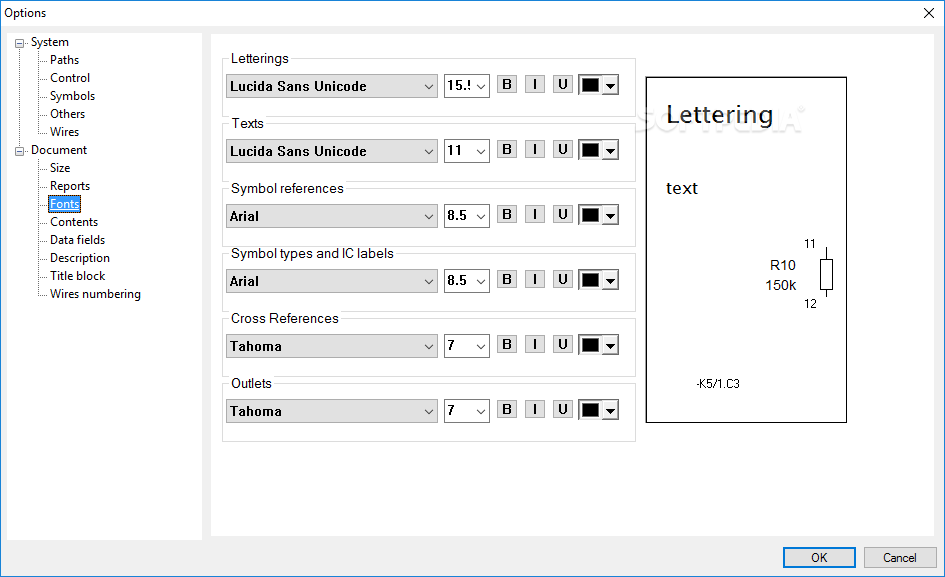
You can embed text messages which can be customized in terms of font style, size, number, color, and alignment. There are several options designed to help you change the border and filling color for each component, and create a list with your favorite objects.
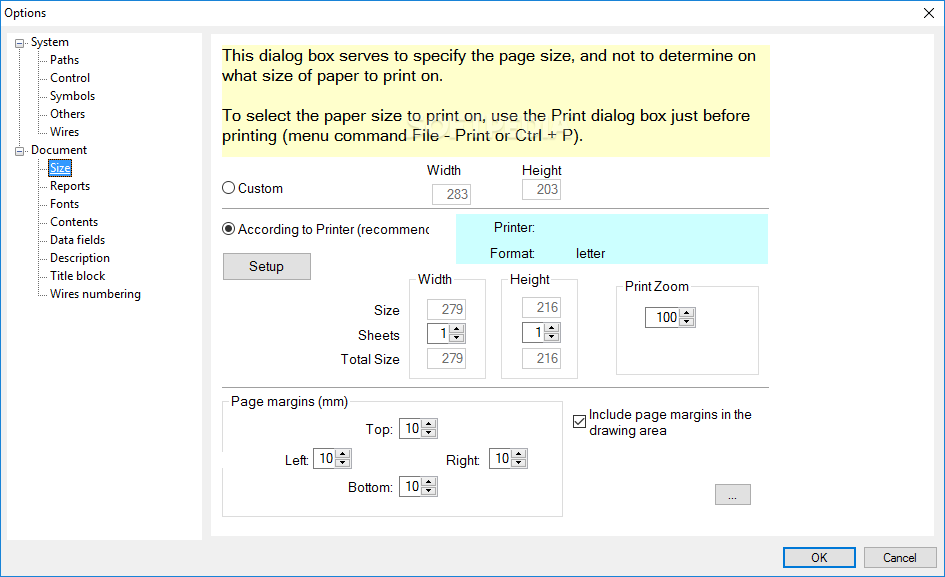
You can perform searches, change the background color of the circuit board, and specify the page size.
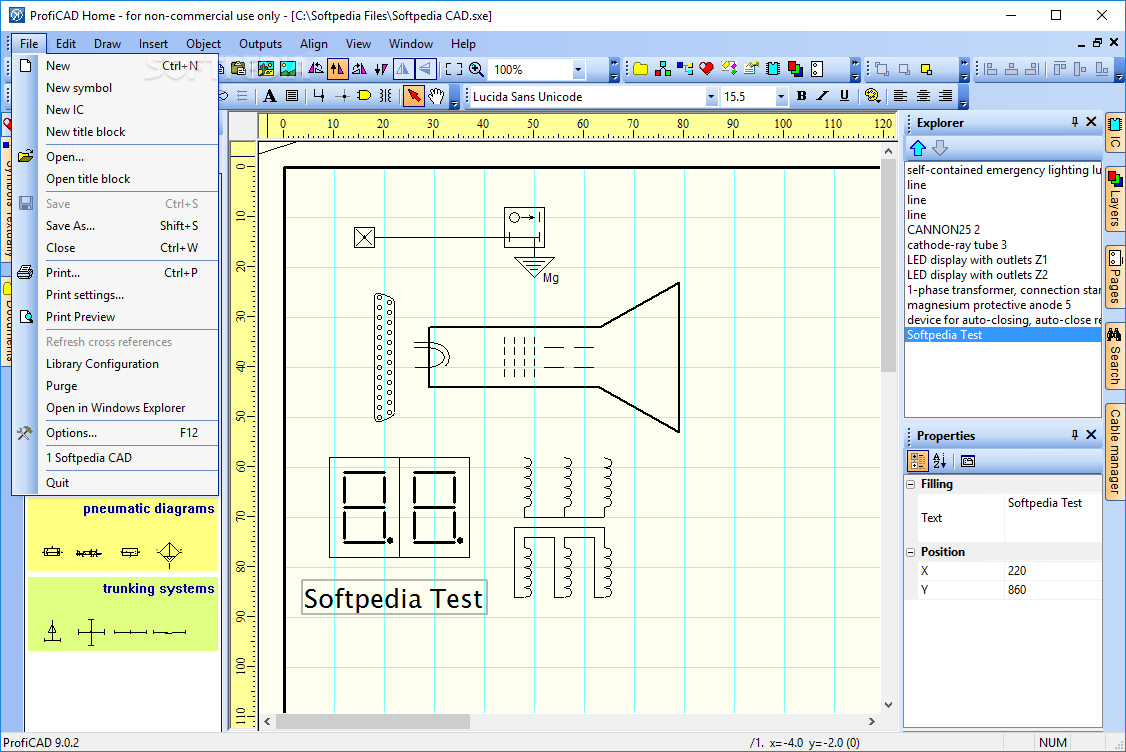
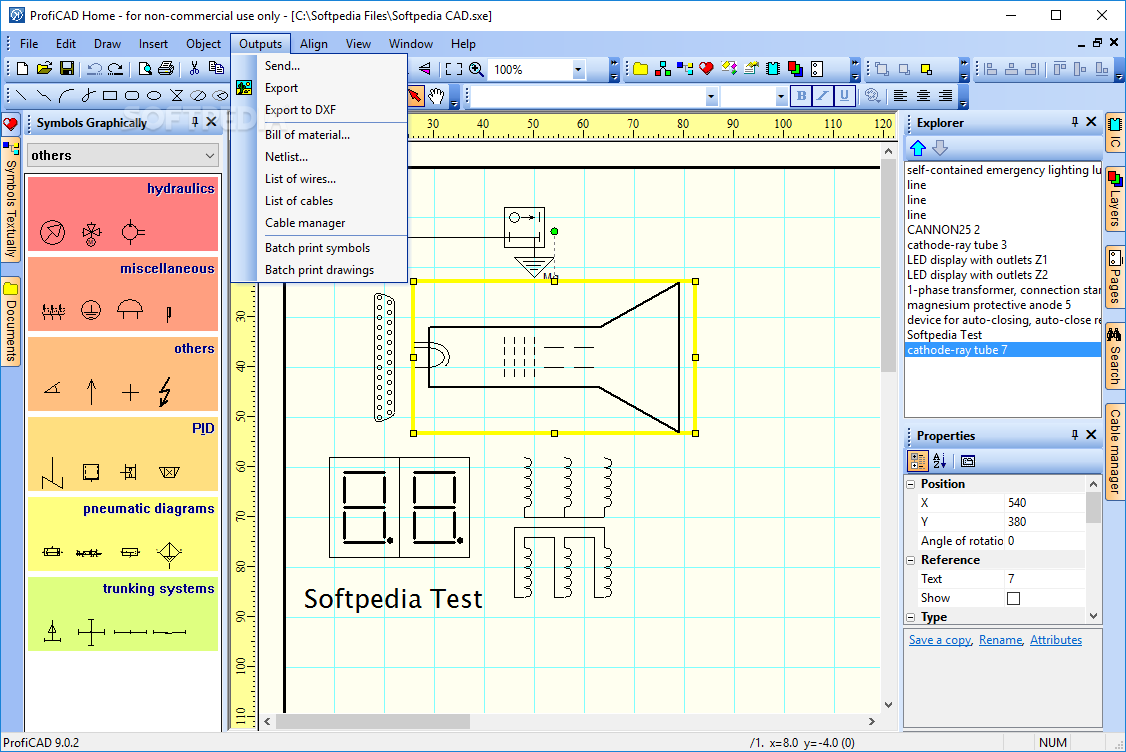
The generated project can be printed or exported to PNG, BMP, EMF, or DXF. Plus, you can copy the selected drawing to the Clipboard and paste it into other third-party applications.
All things considered, ProfiCAD proves to be a reliable utility when it comes to creating electrical diagrams. It comprises many useful features that can be configured by all types of users, regardless of their experience level.
What's new in ProfiCAD 12.4.4:
- Grids:
- Grids help users orient objects and improve the accuracy of placing graphical elements in a drawing.
ProfiCAD 12.4.4
add to watchlist add to download basket send us an update REPORT- runs on:
-
Windows 11
Windows 10 32/64 bit - file size:
- 10 MB
- filename:
- setup_full.exe
- main category:
- Science / CAD
- developer:
- visit homepage
calibre

IrfanView

Microsoft Teams

Windows Sandbox Launcher

Zoom Client

4k Video Downloader

Bitdefender Antivirus Free

7-Zip

Context Menu Manager

ShareX

- 7-Zip
- Context Menu Manager
- ShareX
- calibre
- IrfanView
- Microsoft Teams
- Windows Sandbox Launcher
- Zoom Client
- 4k Video Downloader
- Bitdefender Antivirus Free