Softpedia
 

WINDOWS CATEGORIES:


GLOBAL PAGES >>
SOFTPEDIA REVIEWS >>
MEET THE EDITORS >>
WEEK'S BEST
  • Sticky Password FR...
  • Parallels Workstat...
  • ESET NOD32 Antivir...
  • BitDefender Total ...
  • WinPatrol 24.6.201...
  • PerfectDisk Free D...
  • Adobe Photoshop CS...
  • PerfectDisk Profes...
  • Windows 8 Consumer...
  • Atlantis Word Proc...
  • Home > Windows > Science / CAD
     Report malware

    Revit Architecture 2012 Build 20110309_2315

    download button

    Part of the Edit DWG download hub
    Downloads: 51,579  View global page  Tell us about an update
    User Rating:
    Rated by:
    Good (3.5/5)
    62 user(s)
    Developer:

    License / Price:

    Size / OS:

    Last Updated:

    Category:

    Trial / USD 5495.00 buy button
    3,082.2 MB / Windows XP / Vista / XP X64 / Vista64 / 7 / 7 x64
    [view history]
    C: \ Science / CAD

     Read user reviews (1)  Send to friend   Follow (0 users)

    Revit Architecture description

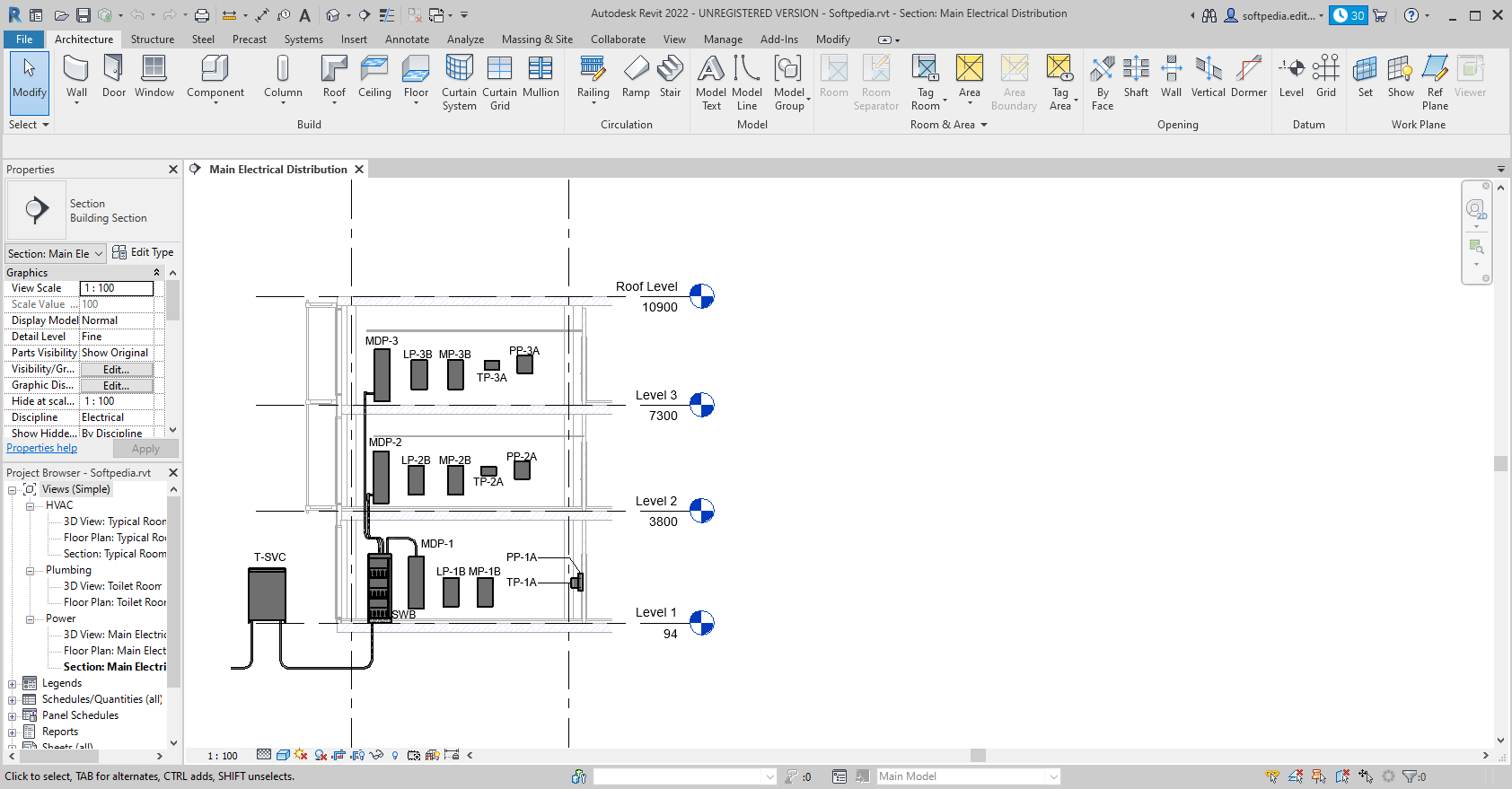
    Building design software purpose-built for building information modeling

    Revit Architecture software helps you gain a competitive advantage with tools that help keep all your design information complete, coordinated, and error free.

    Make a change and it's automatically coordinated throughout your project, so your designs and documentation stay consistent and complete. With Revit Architecture you get a full-featured solution for all building design requirements.

    Here are some key features of "Revit Architecture":

    Parametric Components:
    · Parametric Components, also known as families, are the basis for all building components designed in Autodesk Revit Architecture. They offer an open, graphical system for design thinking and form making as well as an opportunity to express design intent at increasingly detailed levels. Use Parametric Components for the most elaborate assemblies, such as cabinetry and equipment, as well as for the most elementary building parts, such as walls and columns. Best of all, no programming language or coding is required.

    Conceptual Design Tools
:
    · Autodesk Revit Architecture software offers easy-to-use conceptual design tools that support your creative flow. Sketch freely, create free-form models more easily, and manipulate forms interactively. You can define forms and geometry as real building components for a smoother transition to design development and documentation. As you design, Autodesk Revit Architecture automatically builds a parametric framework around your forms, offering greater levels of control, accuracy, and flexibility. Take your design from concept model all the way to construction documents all in one environment.

    64-Bit Support:
    · Native 64-bit support helps improve performance and stability for memory-intensive tasks such as rendering, printing, model upgrading, and file importing and exporting.

    Interference Check:
    · Use interference checking to scan your model for collisions between elements.

    Material Takeoff
:
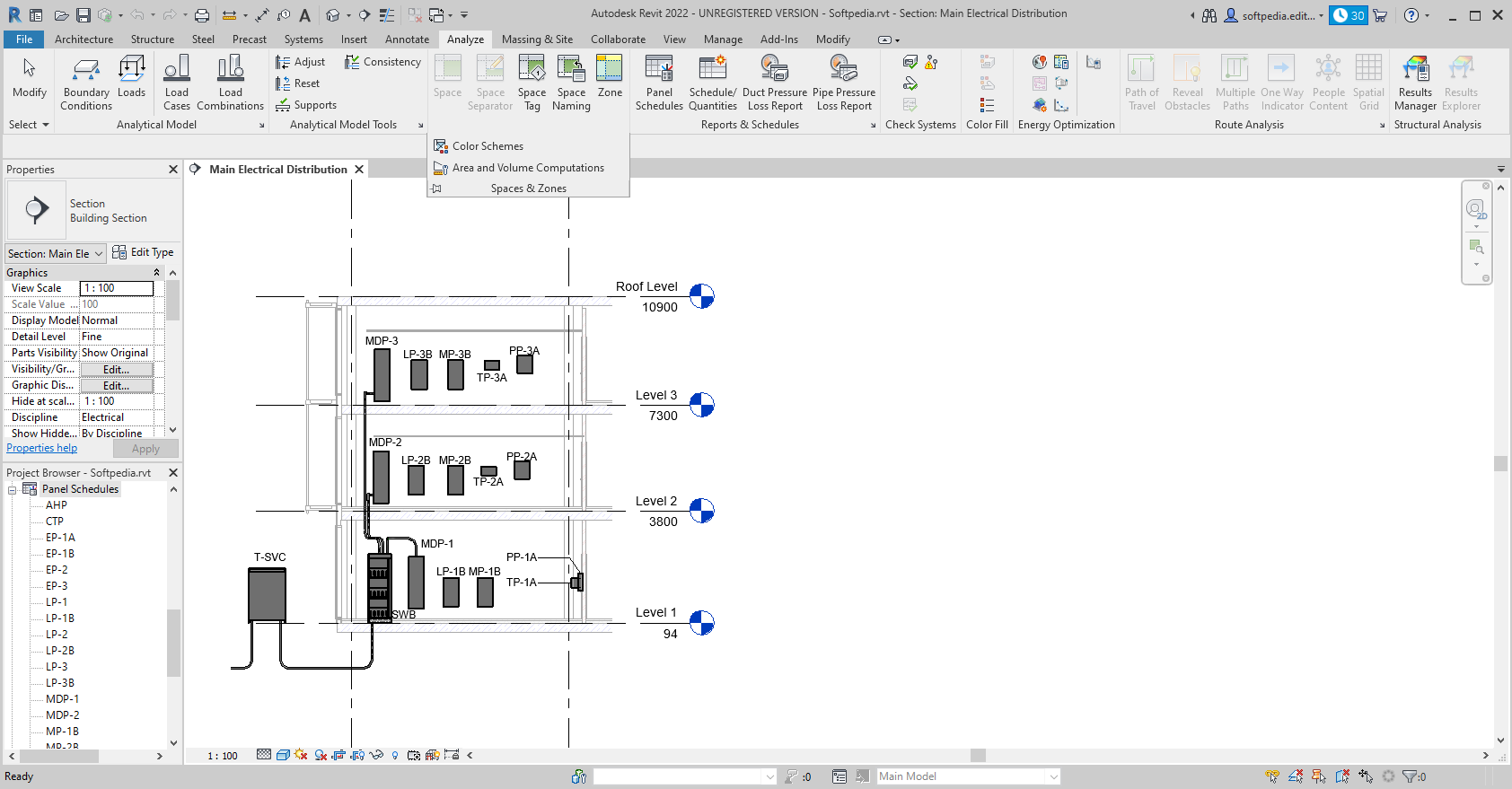
    · Use the Material Takeoff tool to help calculate detailed material quantities and track material quantities in cost estimates. The parametric change engine helps support more accurate material takeoffs.

    Task-Based User Interface:
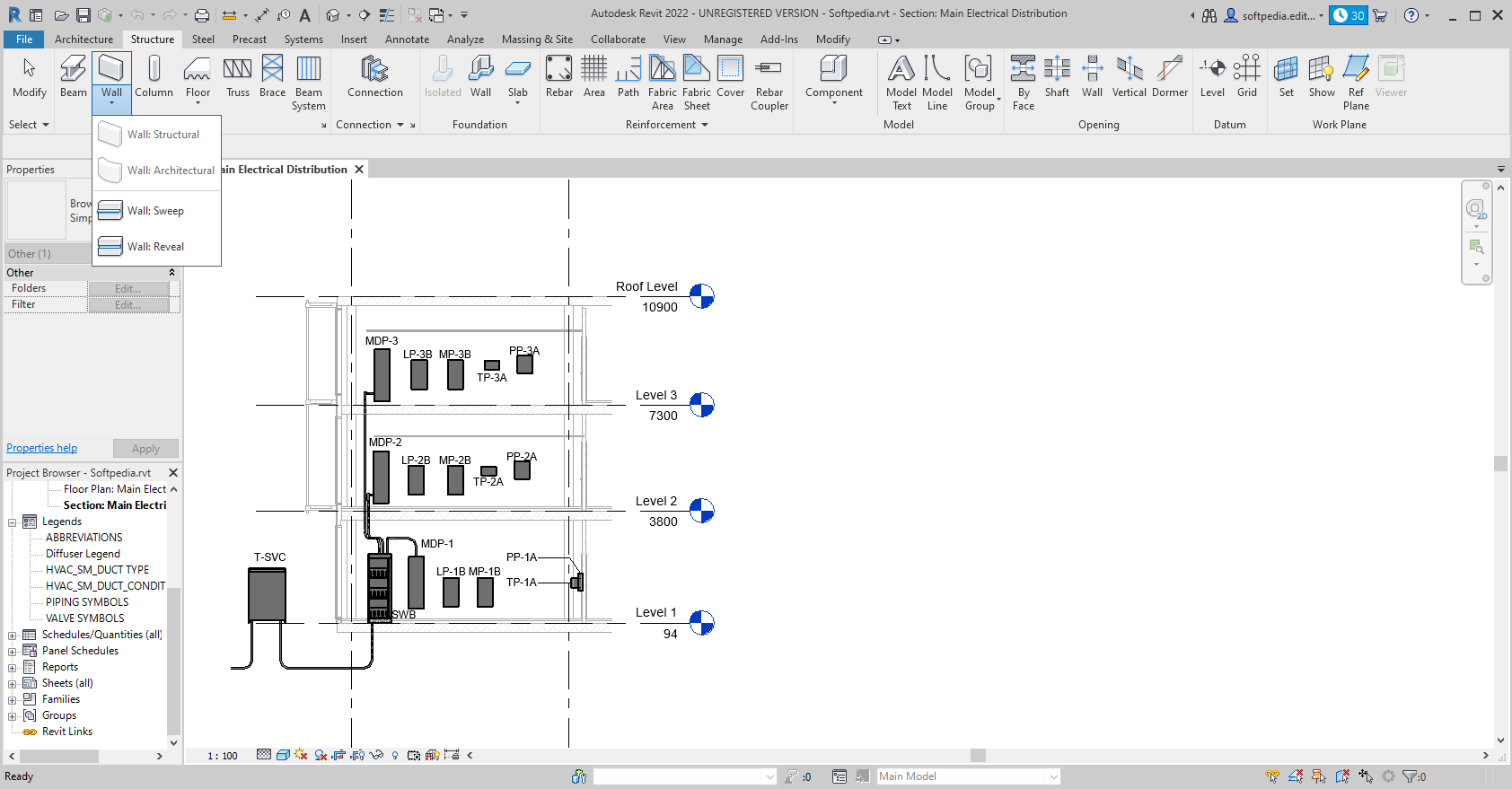
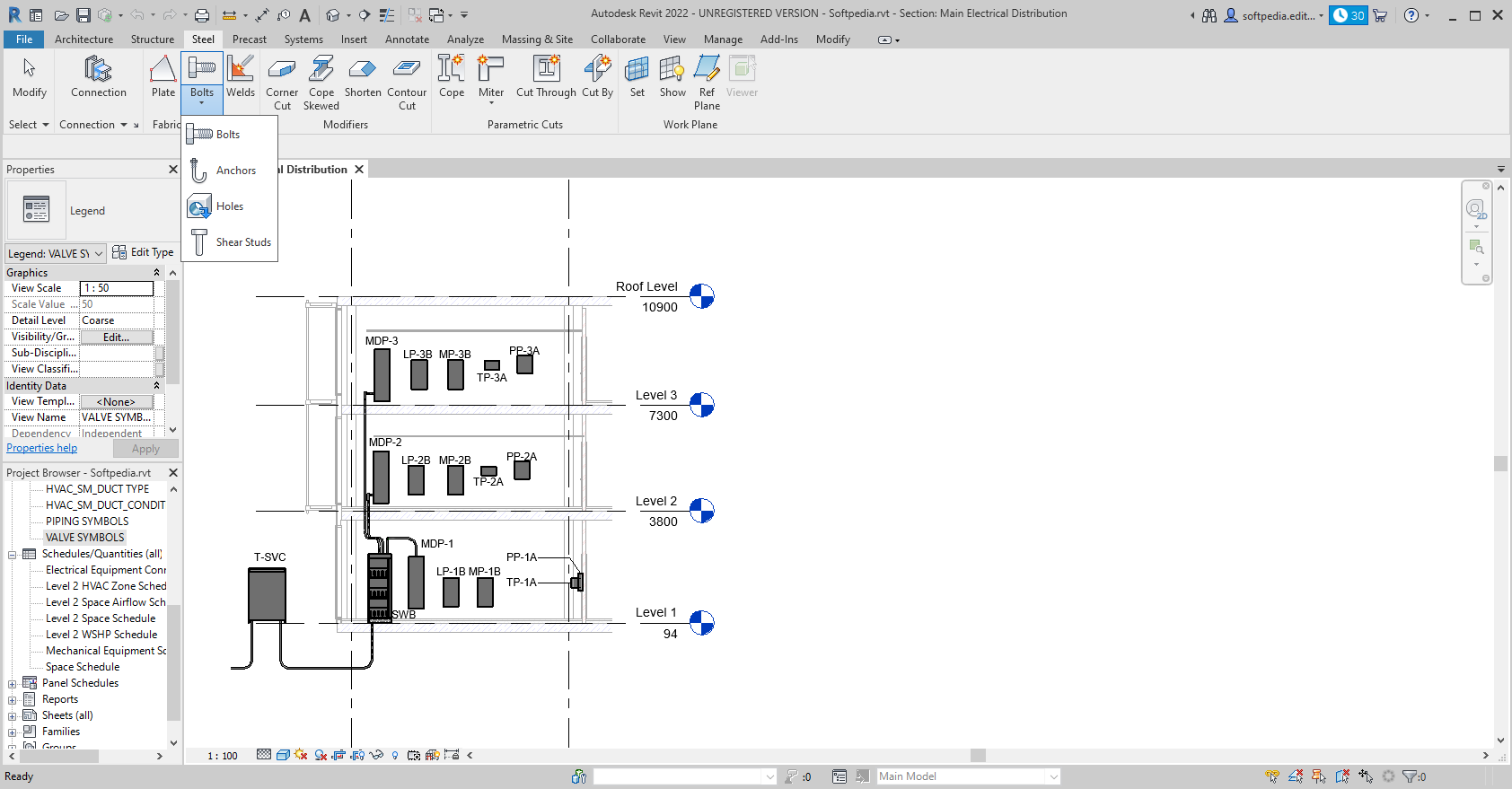
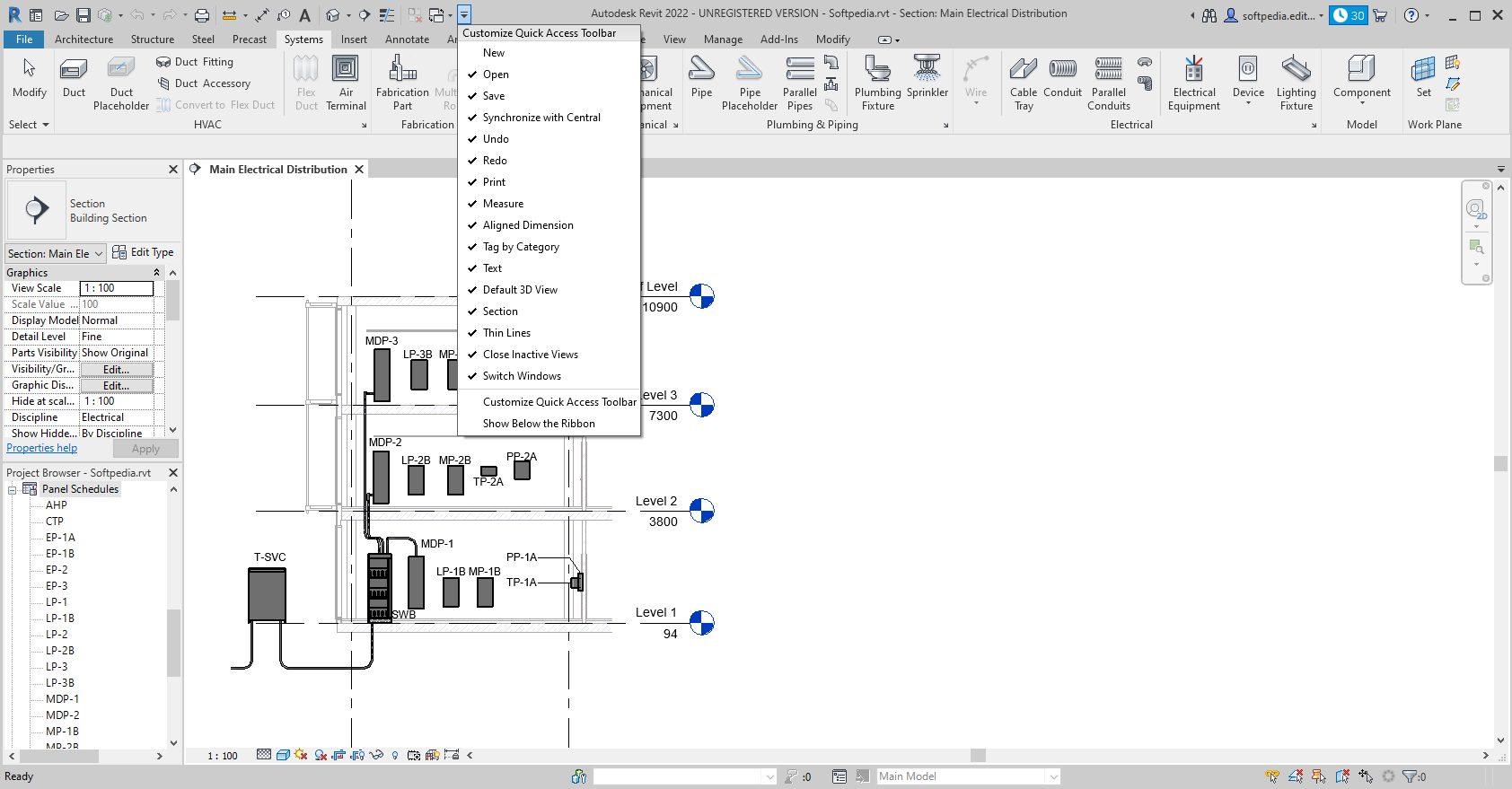
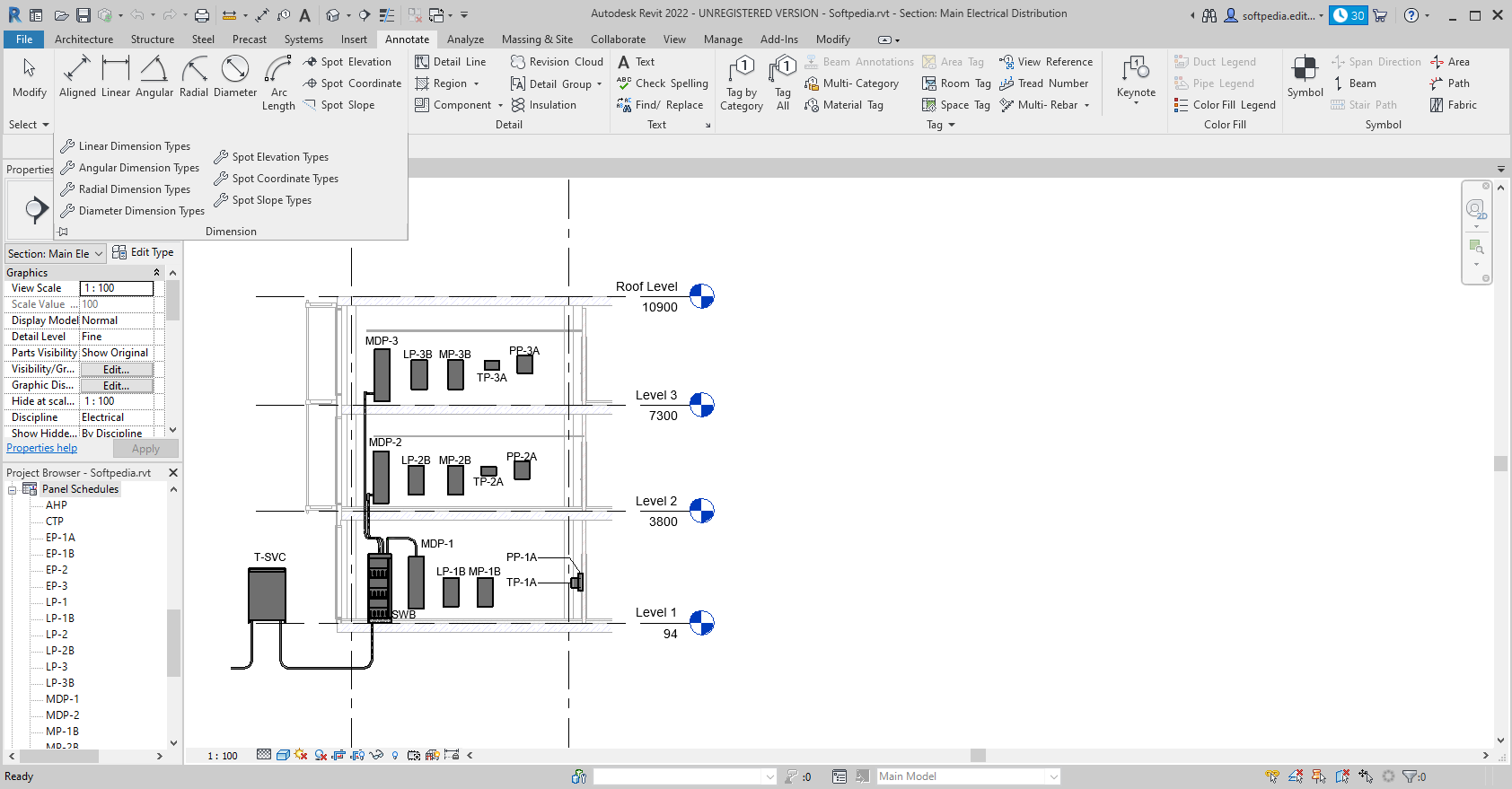
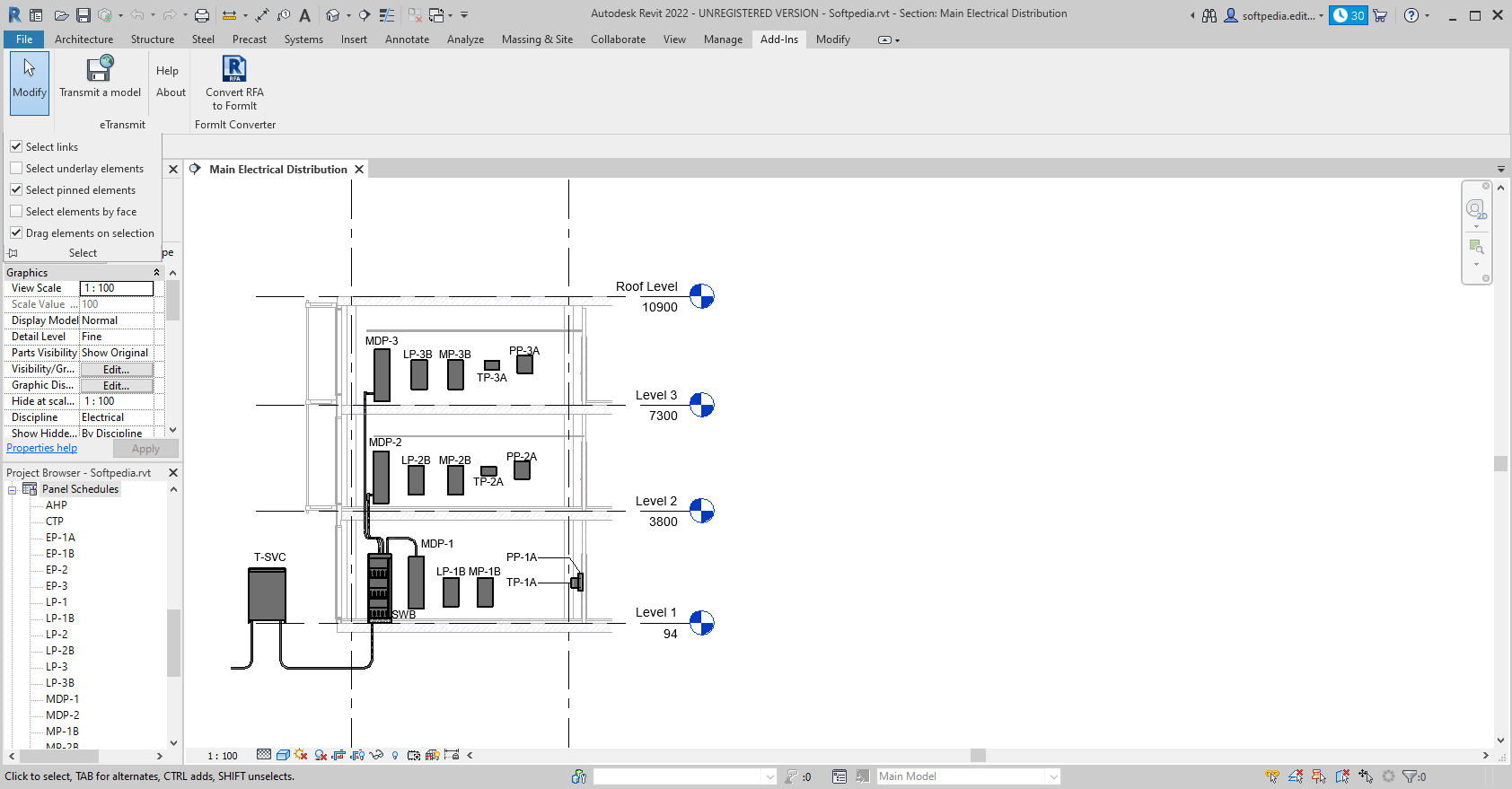
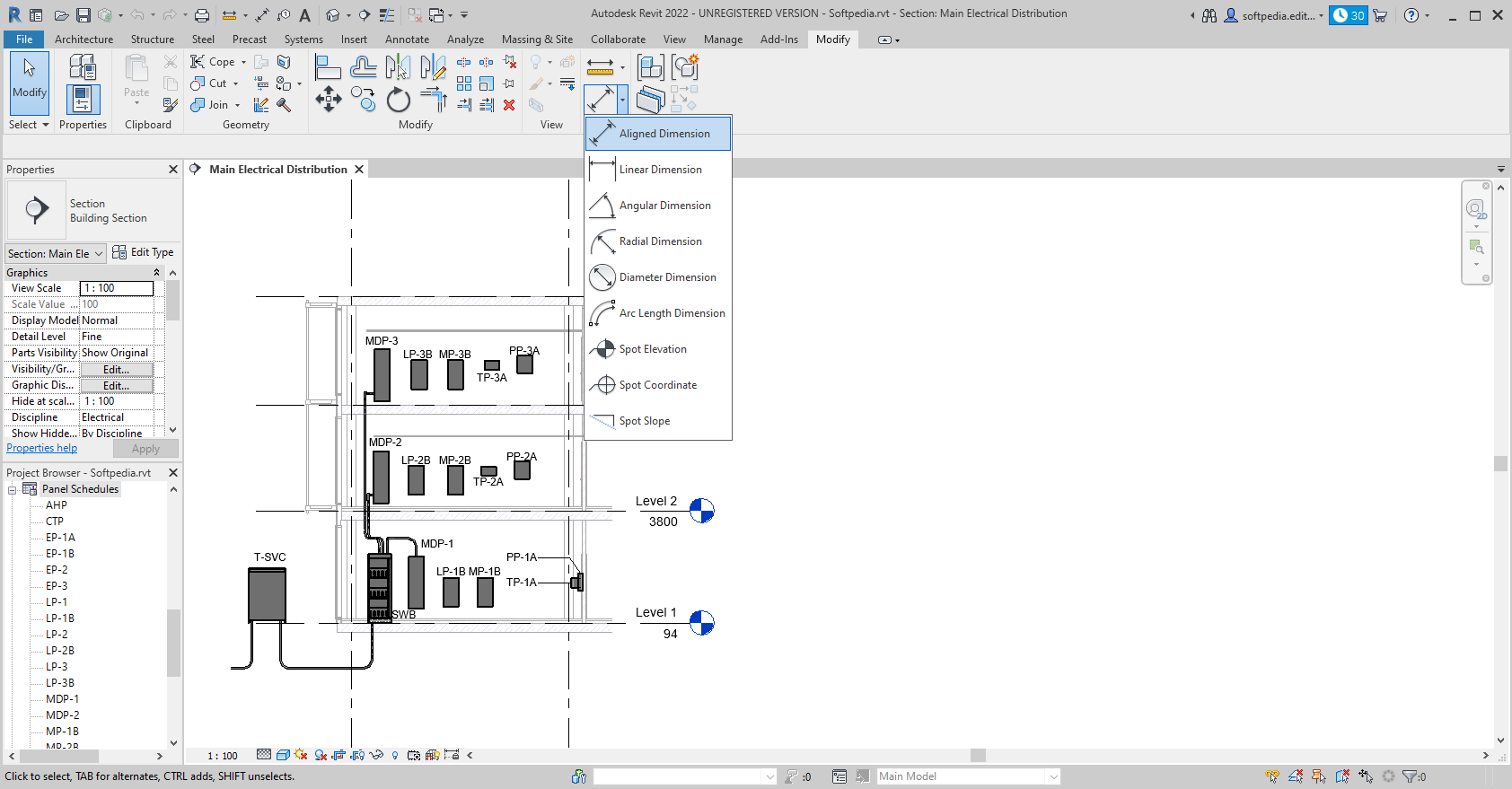
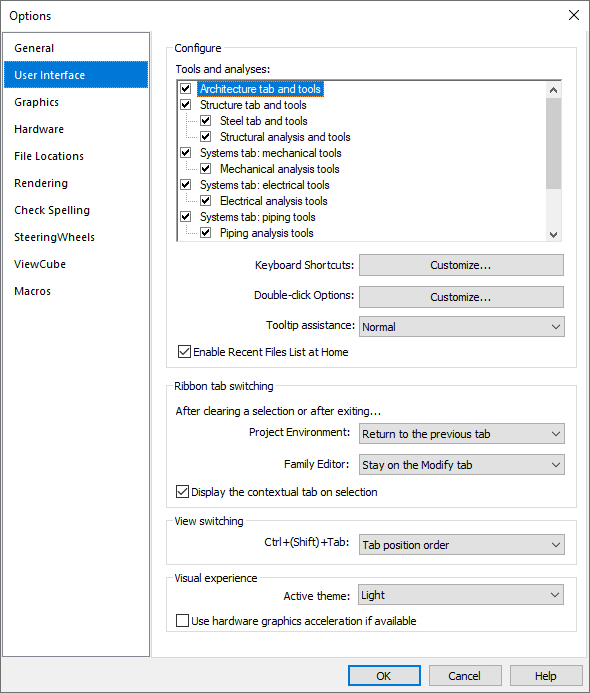
    · The interface offers desktop organization through a large drawing window and access to the tools and commands you need.

    Detailing
:
    · Take advantage of the extensive detail library and detailing tools that are part of Autodesk Revit Architecture. Presorted to align with the CSI format, detail libraries can be tailored to accommodate your office standards. Create, manage, and share your own detail library.

    Design Visualization:
    · Capture design ideas in a photorealistic state. With easy user interaction, high-quality output, and faster render times, the mental ray rendering engine enables superior design presentation.

    Design Options:
    · Develop and study multiple simultaneous design alternatives to help make key design decisions. Present multiple schemes to your clients more easily. Substitute each option into the model for visualization, quantification, and other data analysis to better inform decision making.

    Bidirectional Associativity:
    · A change anywhere is a change everywhere. In Autodesk Revit Architecture software, all model information is stored in one place. As a result, any information that gets changed is effectively changed throughout the model.

    Schedules
:
    · Schedules are just another view of the Autodesk Revit Architecture model. A change to a schedule view is automatically reflected in all other views. Functionality includes associative split-schedule sections and selectable design elements via schedule views, formulas, and filtering.

    Revit Building Maker:
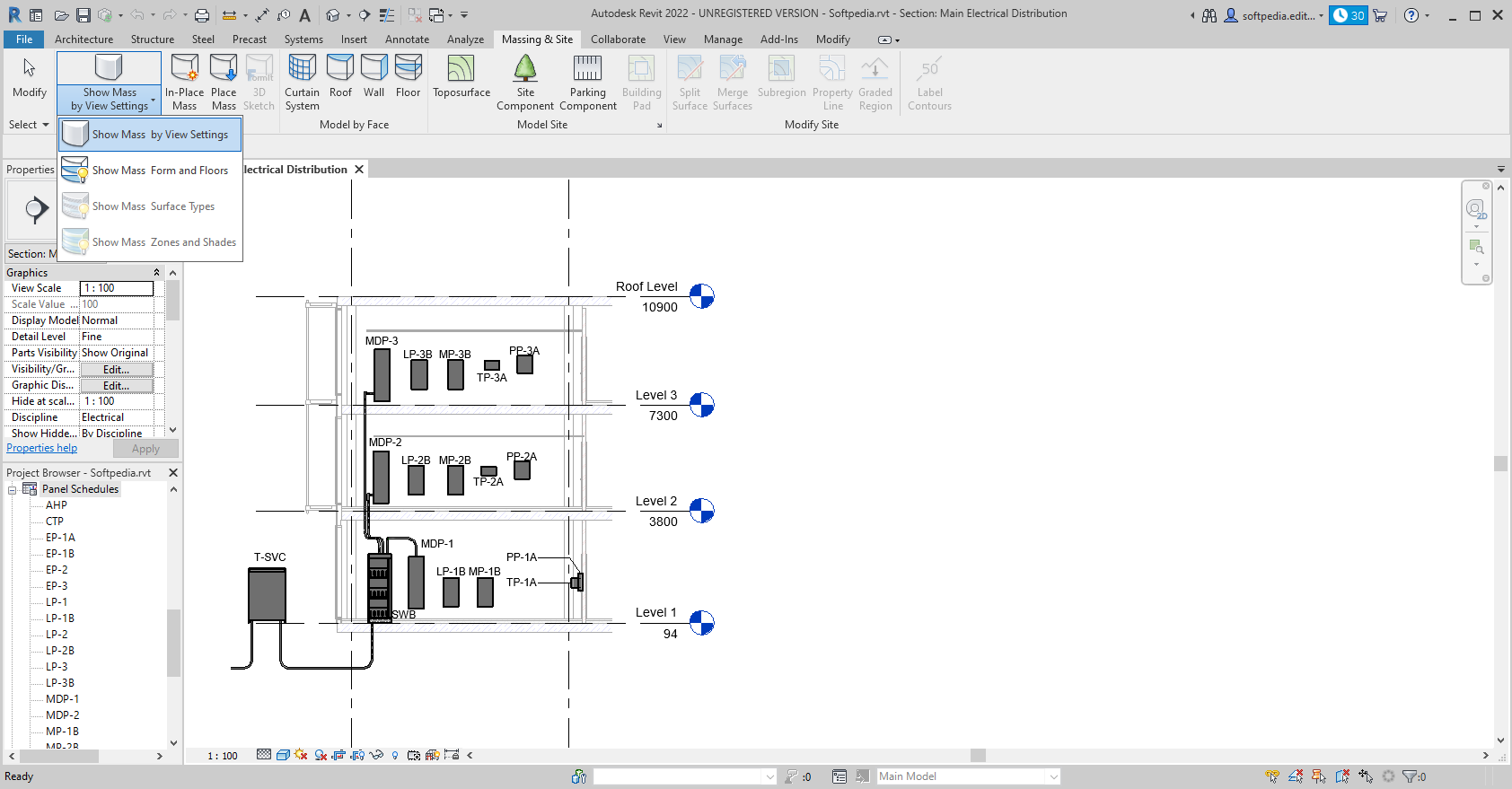
    · The Revit Building Maker feature provides a more seamless way to turn conceptual forms into functional designs. Select faces to generate walls, roofs, floors, and curtain systems. Use tools to extract important information about your building such as surface area or volume per floor. Conceptual forms may be created natively in Autodesk Revit Architecture or imported from applications such as AutoCAD, form-Z, Rhino, Google SketchUp, or other ACIS- or NURBS-based applications into Autodesk Revit Architecture software as mass objects.

    Interoperability:
    · Autodesk Revit Architecture interoperability features enable you to work more efficiently with members of your extended project team. You can export your building model or site, complete with critical metadata, to AutoCAD Civil 3D civil engineering software and you can import accurate models from Autodesk Inventor 3D mechanical design software.

    Requirements:

    · For 32-Bit Autodesk Revit Architecture:
    · For Microsoft Windows 7 32-bit or Microsoft Windows Vista 32-bit: Intel Pentium 4 or AMD Athlon dual core processor, 3.0 GHz (or higher) with SSE2 technology
    · For Microsoft Windows XP: Intel Pentium 4 or AMD Athlon dual core, 1.6 GHz (or higher) with SSE2 technology
    · 4 GB RAM
    · 5 GB free disk space
    · 1,280 x 1,024 monitor with true color
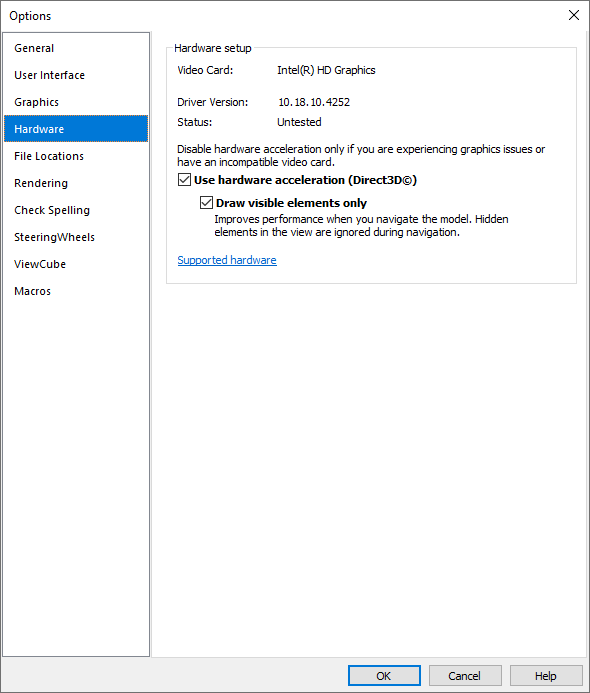
    · Display adapter capable of 24-bit color for basic graphics, 256 MB DirectX 10-capable graphics card with Shader Model 3 for advanced graphics (find out more about recommended graphics hardware)
    · Microsoft Internet Explorer 7.0 (or later)
    · Microsoft Mouse-compliant pointing device
    · Download or installation from DVD9
    · Internet connectivity for license registration
    · For 64-Bit Autodesk Revit Architecture:
    · For Windows 7 64-bit or Windows Vista 64-bit: Intel Core i5-2300 quad-core processor (2.8 GHz, 6 MB cache) or equivalent AMD processor.
    · For Windows XP Professional x64: Intel Pentium 4 or AMD Athlon dual core, 1.6 GHz (or higher) with SSE2 technology
    · 8 GB RAM
    · 5 GB free disk space
    · 1,680 x 1,050 monitor with true color
    · Display adapter capable of 24-bit color for basic graphics; 256 MB DirectX 10-capable graphics card with Shader Model 3 for advanced graphics (find out more about recommended graphics hardware)
    · Microsoft Internet Explorer 7.0 (or later)
    · Microsoft Mouse-compliant pointing device
    · Download or installation from DVD9
    · Internet connectivity for license registration

    Limitations:

    · 30-day trial
    · Nag screen

    What's New in This Release: [ read full changelog ]

    3D mouse:
    · Revit supports using a 3DConnexion 3D mouse to reorient and navigate a view.

    Ghost surfaces:
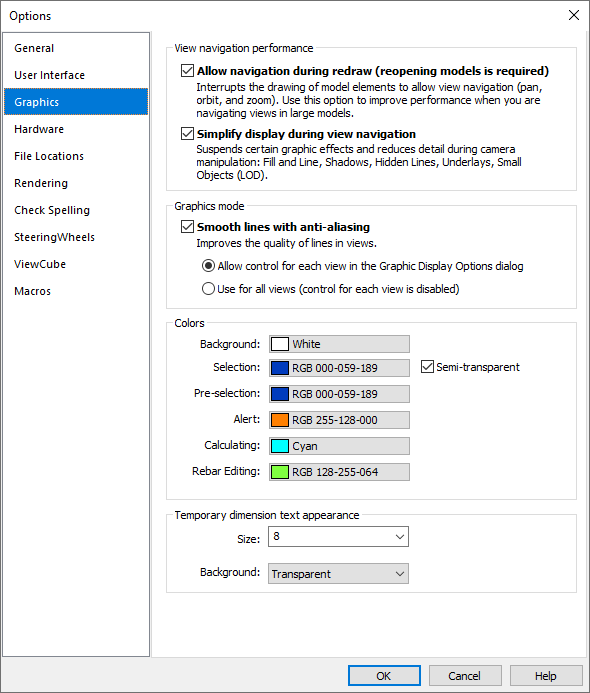
    · Use this new option in the Graphics Display Options dialog to see elements that are obstructed by a wall or a pipe, for example. You can select Ghost Surfaces as a view override, a category override, or an element override.

    Point Clouds:
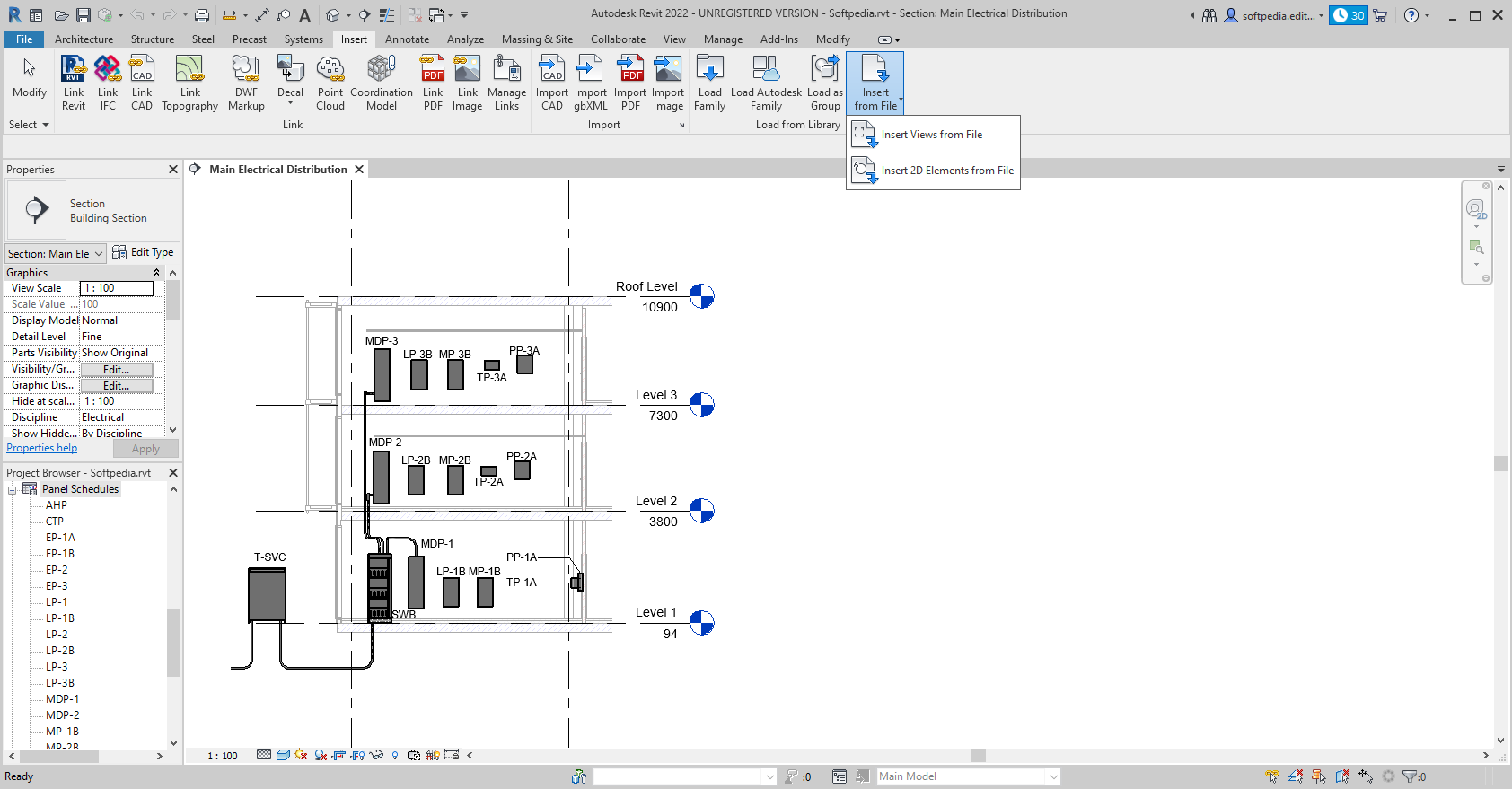
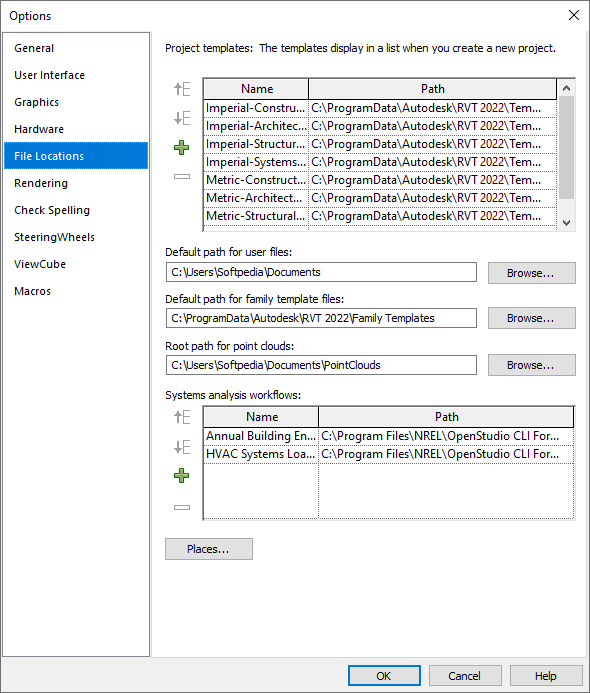
    · Insert an Autodesk-indexed point cloud file (.pcg) or convert a non-indexed file automatically. See Using Point Cloud Files in a Revit Project.
    · Once linked, the cloud integrates seamlessly with Revit concepts like Section Box and Manage Links.
    · Revit can extract planar references from the cloud data, making it easy to place elements (such as walls) using the cloud as a reference.

    Construction Modeling:
    Parts:
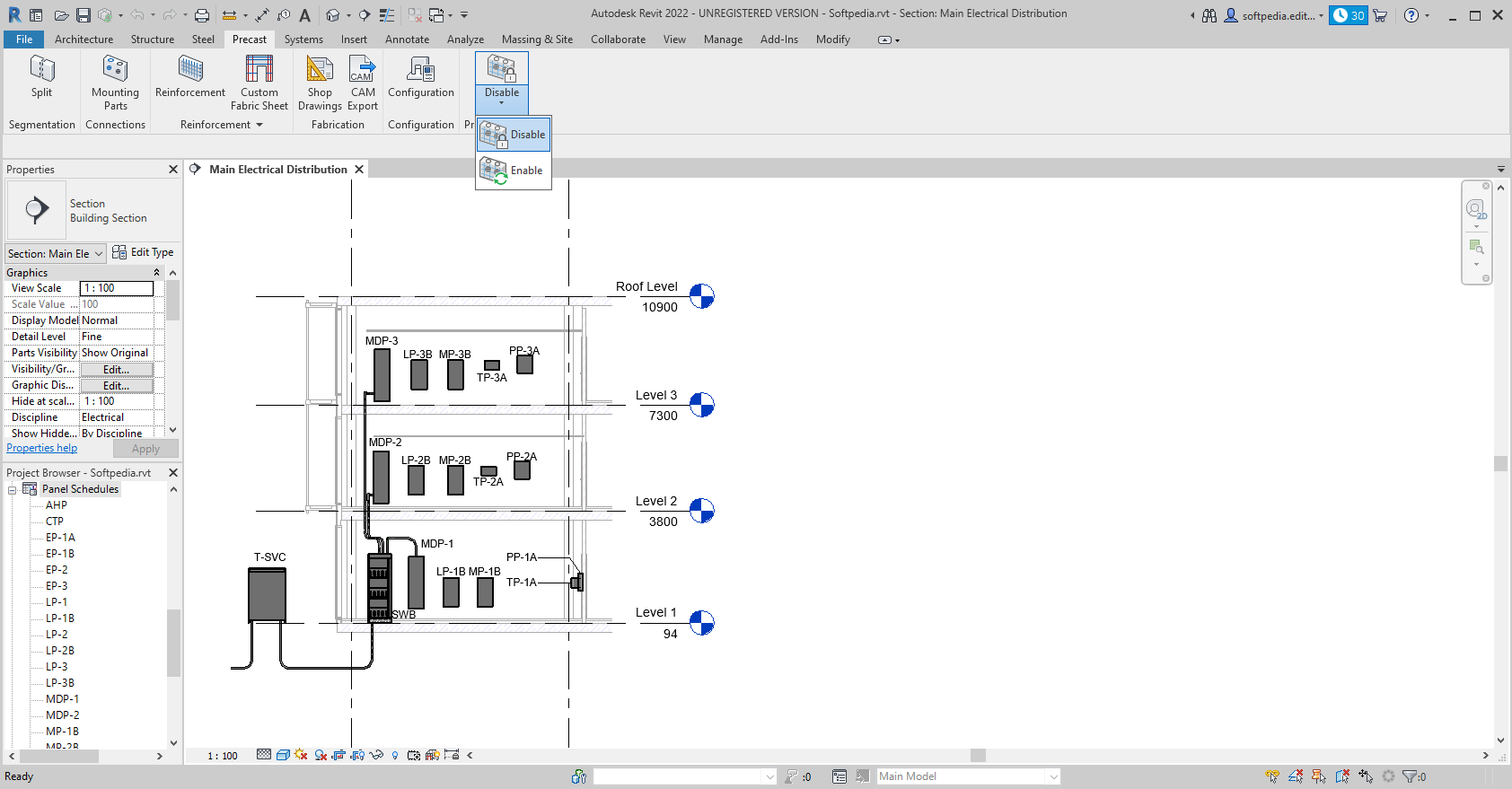
    · Divide model elements into discreet parts that can be independently scheduled, tagged, filtered, and exported. Parts can be divided into smaller parts, and they are automatically updated to reflect any changes to the element...

     Softpedia guarantees that Revit Architecture 2012 Build 20110309_2315 is 100% CLEAN, which means it does not contain any form of malware, including spyware, viruses, trojans and backdoors. [read more >]


    TAGS:

    building designer | architecture design | building design software | architecture | design | designer


    HTML code for linking to this page:


    Go to top

    WindowsGamesDriversMacLinuxScriptsMobileHandheldNews

    SUBMIT PROGRAM   |   ADVERTISE   |   GET HELP   |   SEND US FEEDBACK   |   RSS FEEDS   |   UPDATE YOUR SOFTWARE   |   ROMANIAN FORUM