
A powerful calculus environment with the help of which a large variety of numerical calculations and expressions are easily solved. #Numerical computation #Computing environment #Data modeler #Compute #Polynomial #Algebra
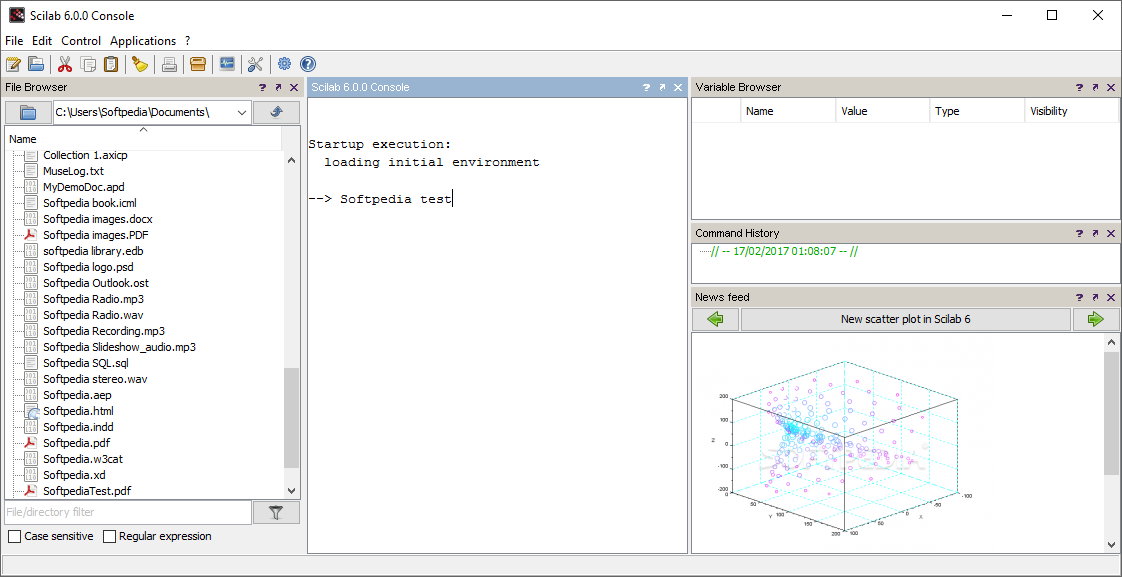
Since most research is done on a computer nowadays, various applications are available to aid with writing, calculations and design. Scilab is such an application and comes equipped with necessary tools to assure you that no mathematical function or expression is left unsolved.
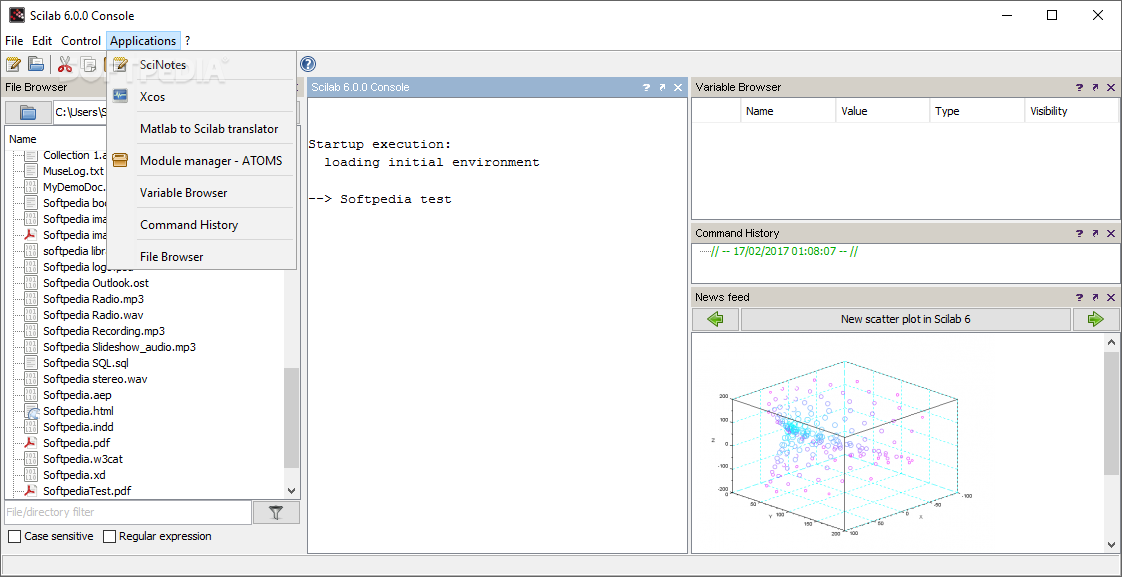
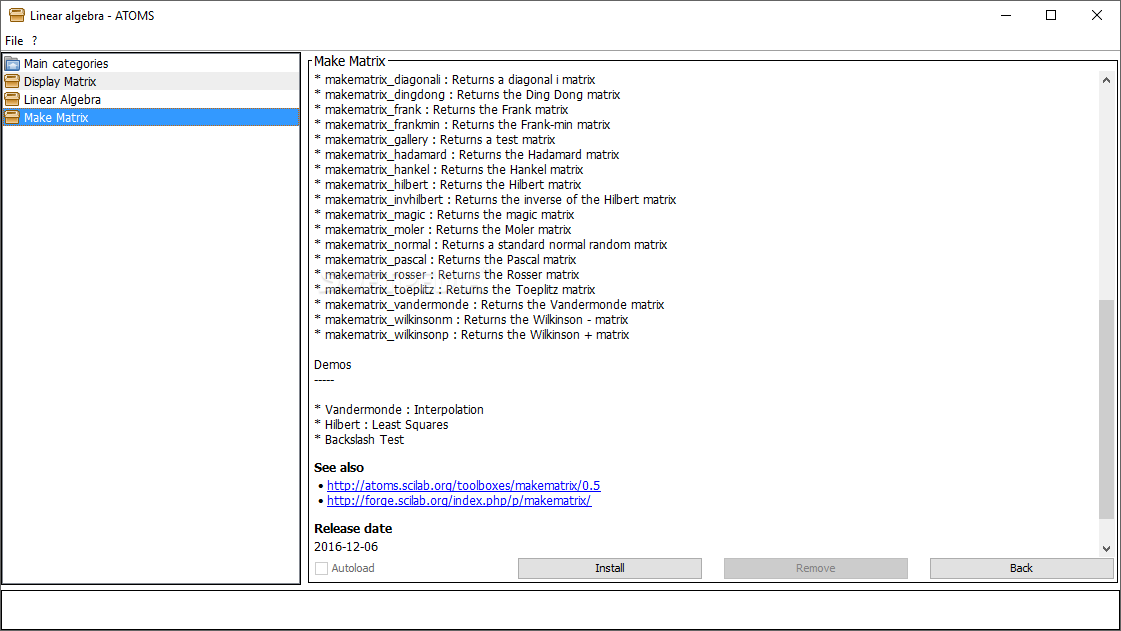
By default, the application mostly handles basic calculations you input in a dedicated requirement field. However, accessing the module manager brings up another window that further widen possibilities.
You manage to find an abundance of parent categories, like aerospace, data handling, education, numerical maths, technical and even processing. Nearly each category consists of multiple individual package that offer dedicated capabilities for what their name suggests.
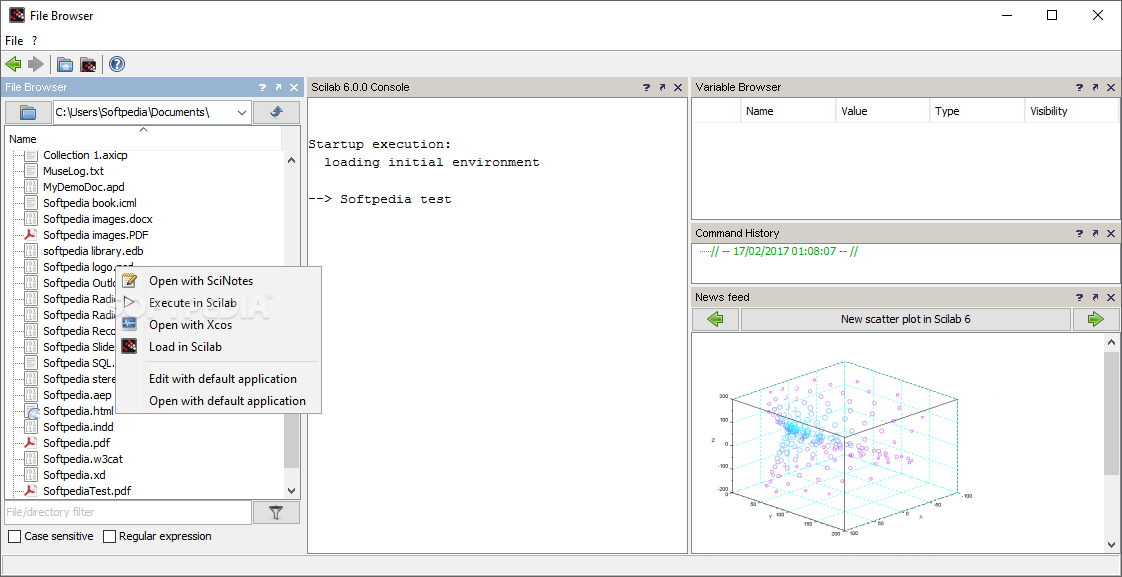
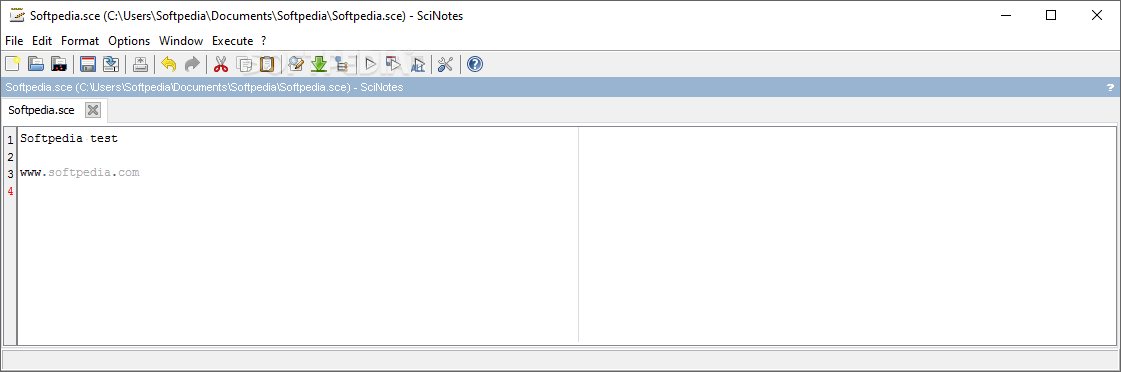
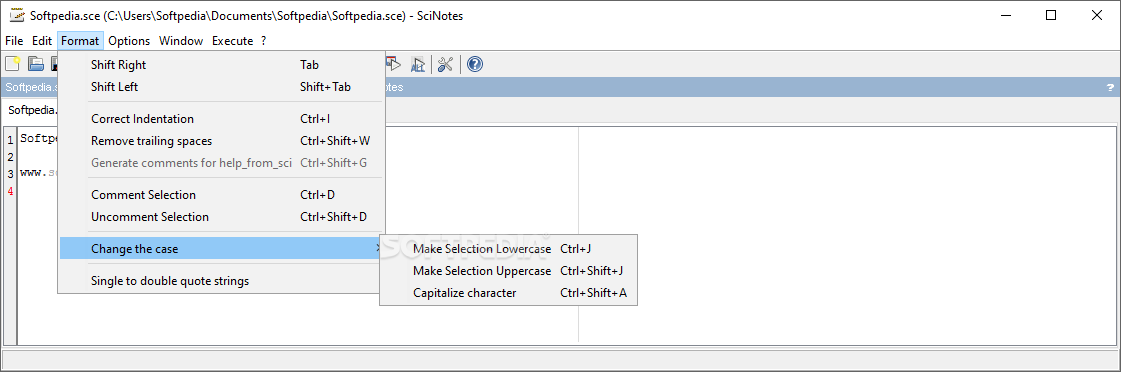
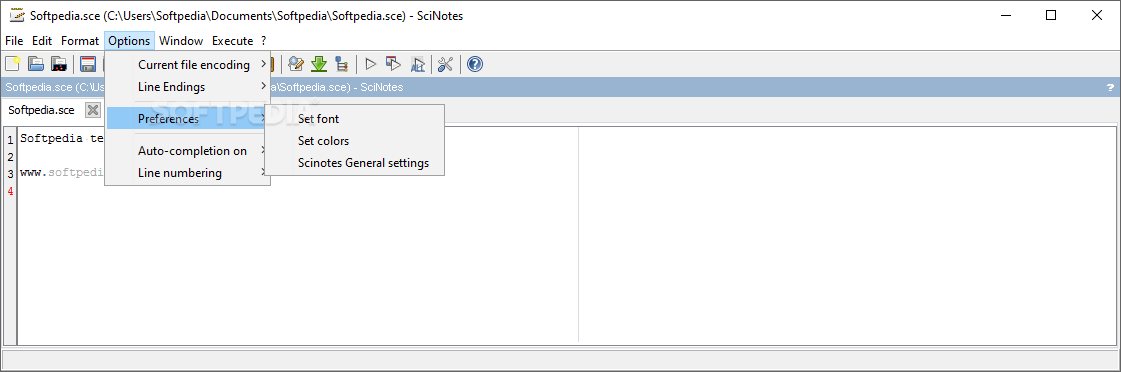
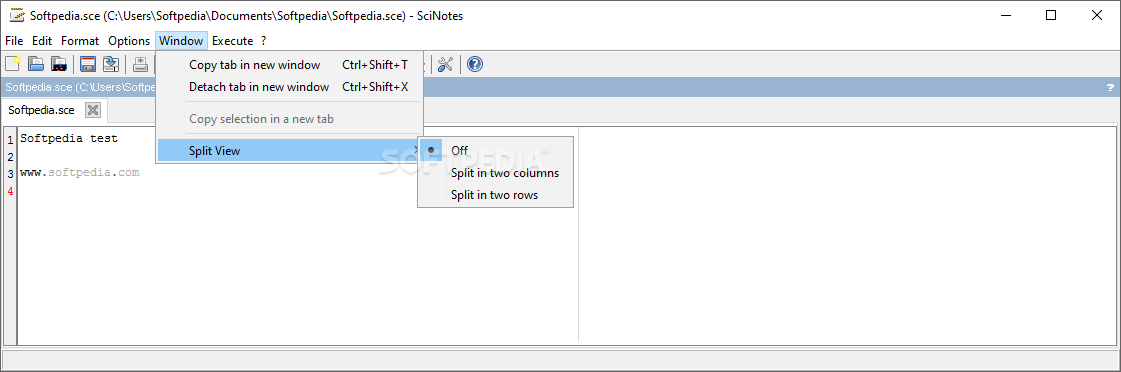
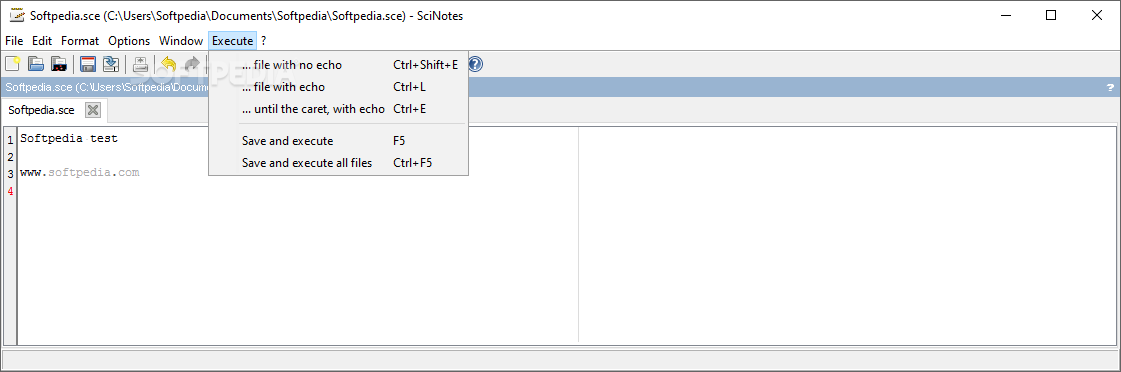
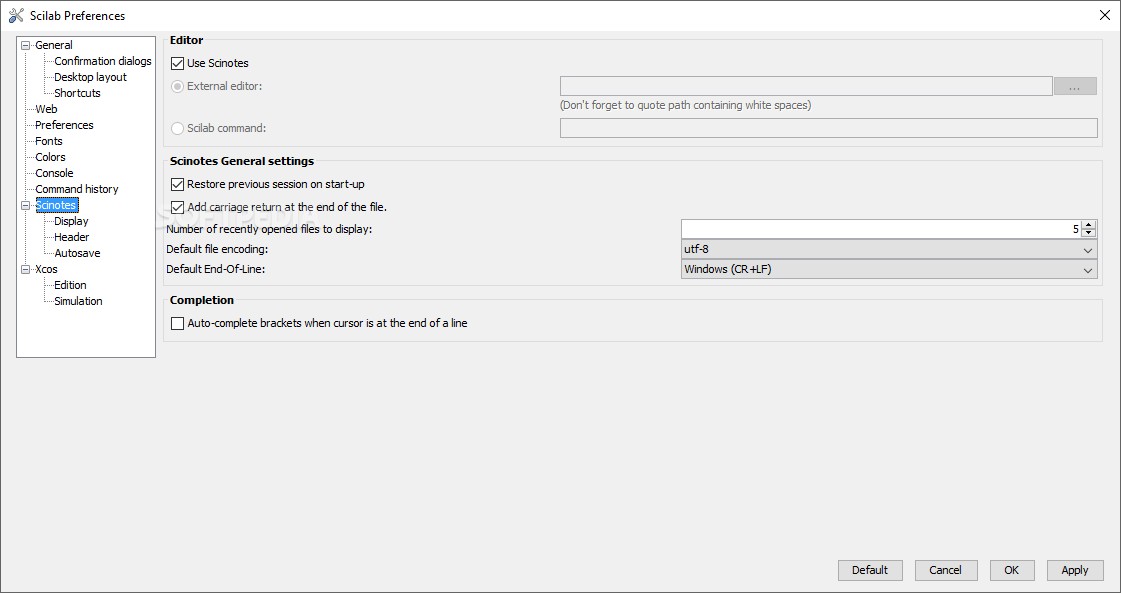
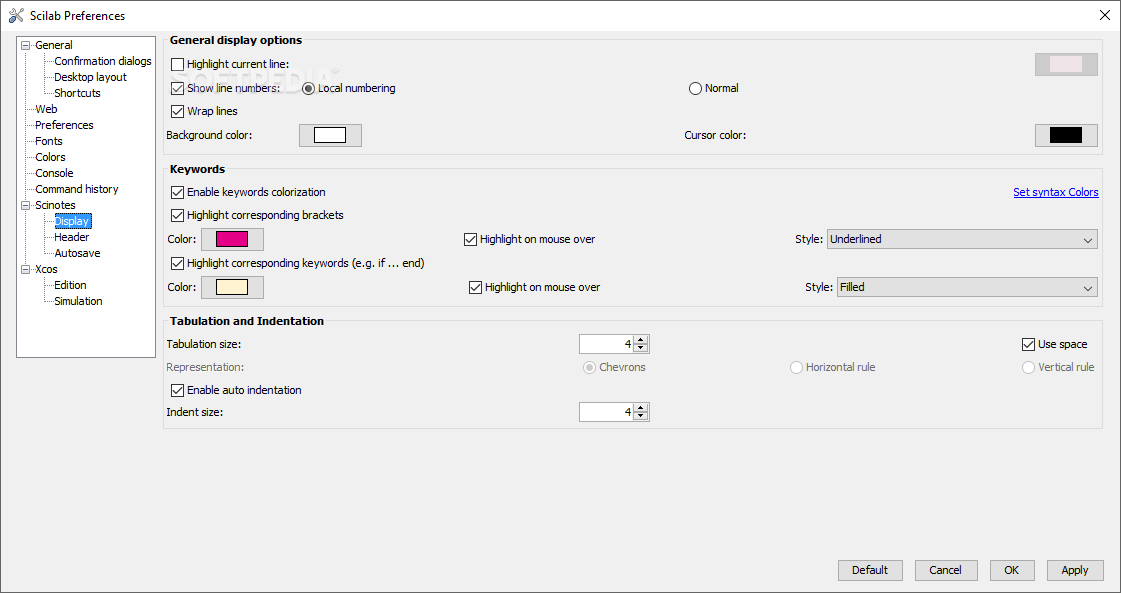
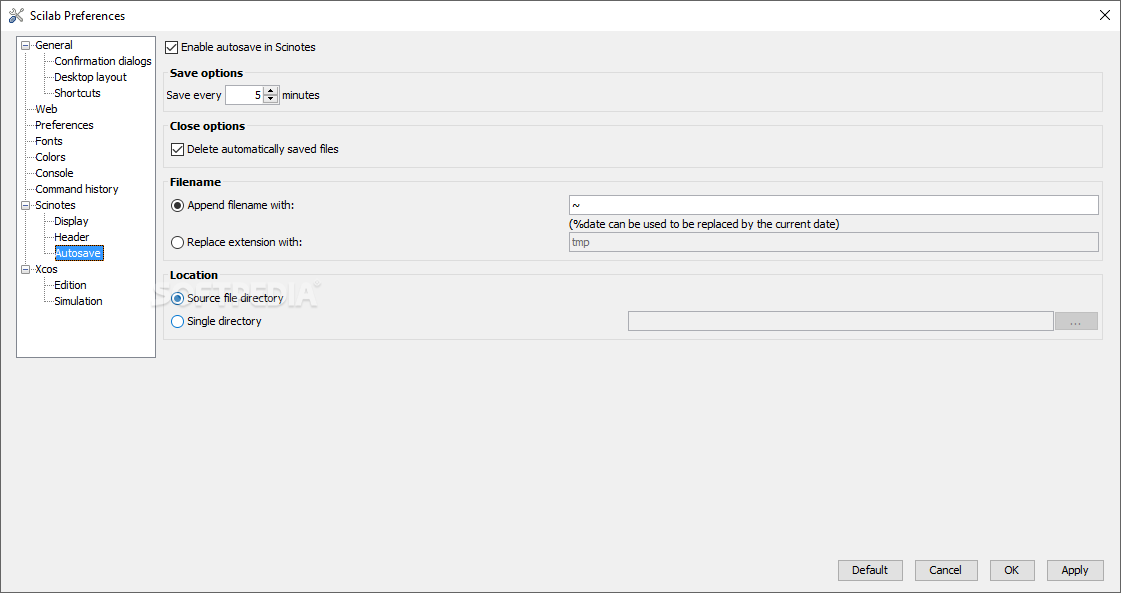
In addition to its basic features, you are also able to take advantage of an integrated text editing utility. Accessing SciNotes brings up a simple window equipped with a text field and several dedicated functions.
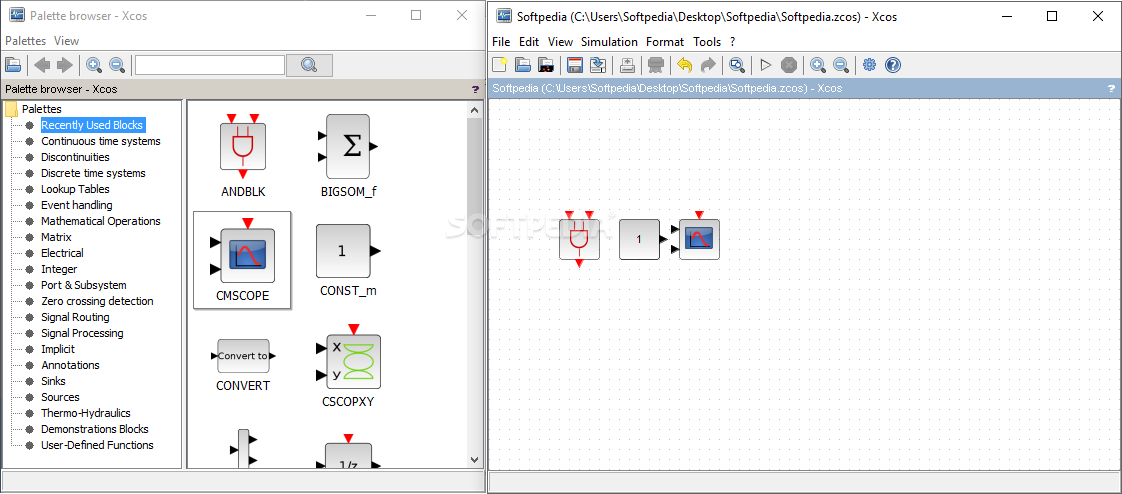
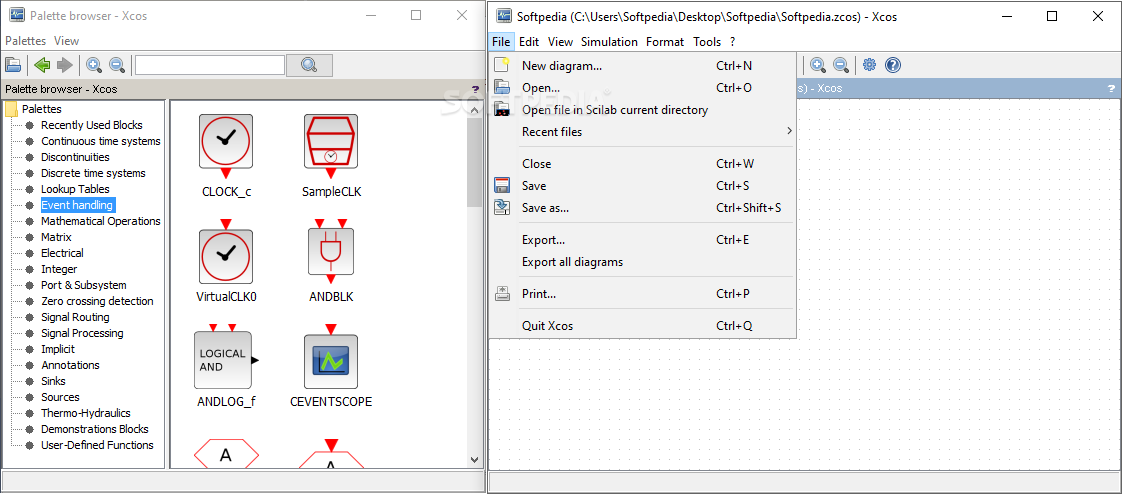
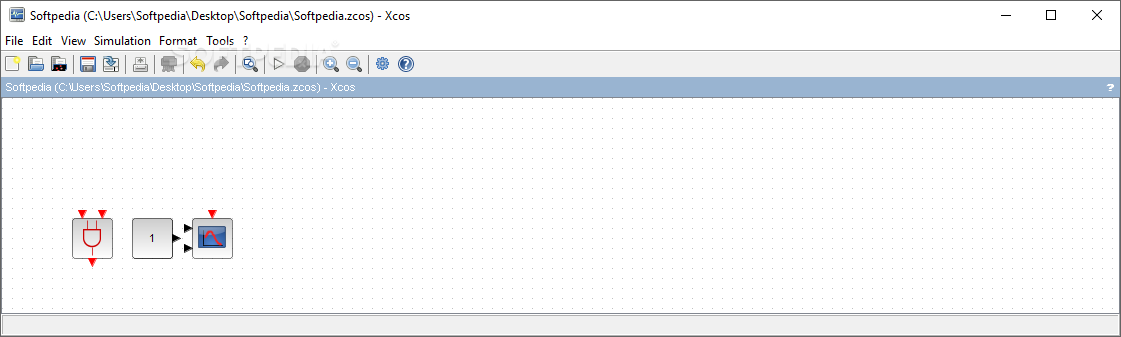
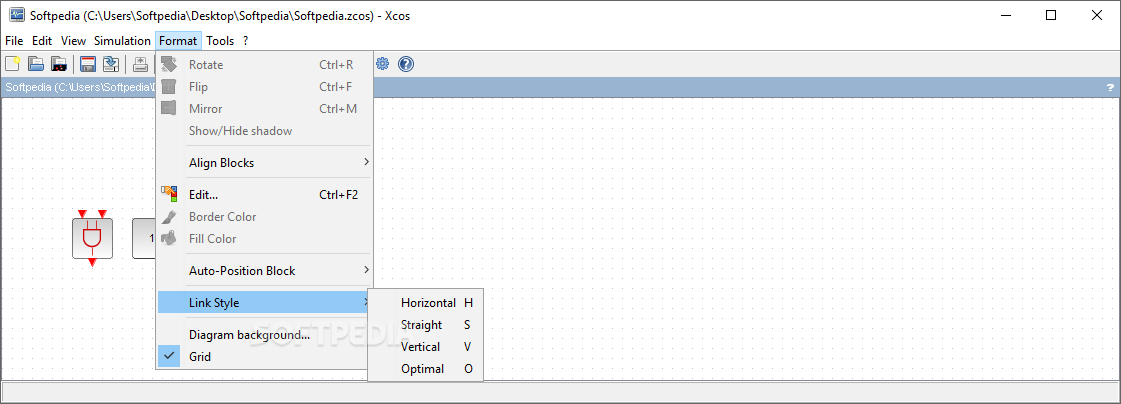
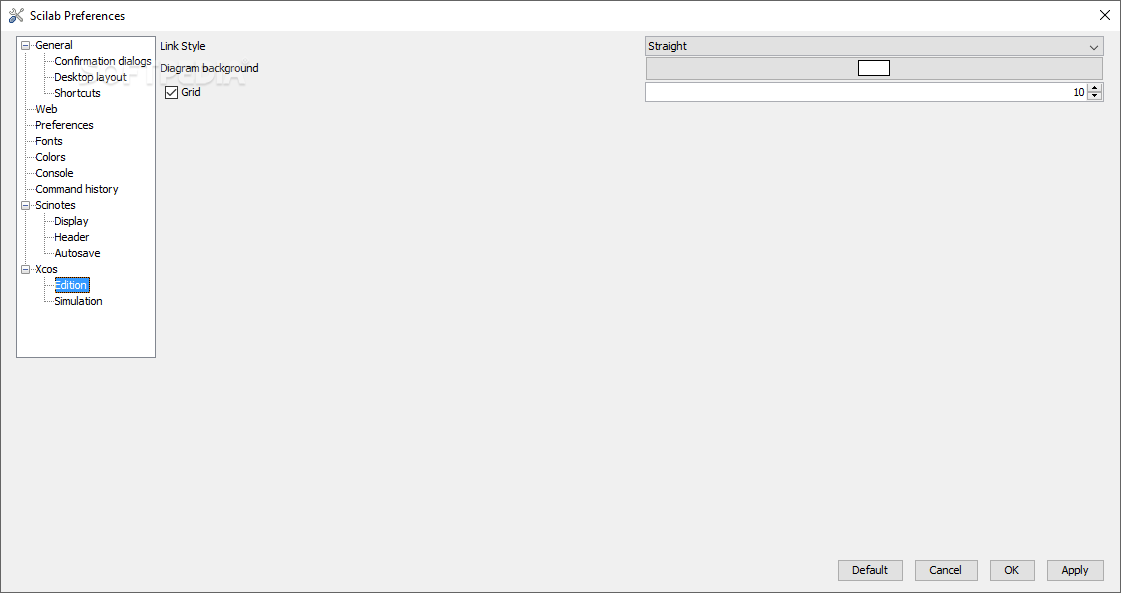
You can create schematics to use in other projects later on. A separate workspace allows you to place objects carefully aligned on a grid. These elements are easily selected from a list that ranges from but not limited to discontinuities, lookup tables, matrix, signal routing, annotations or demonstration blocks.
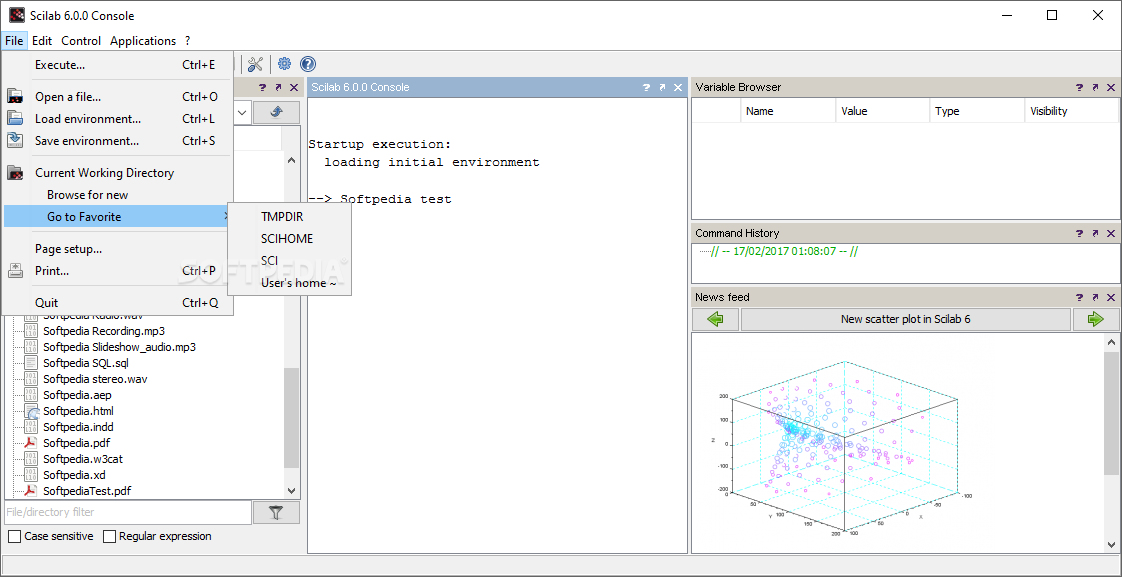
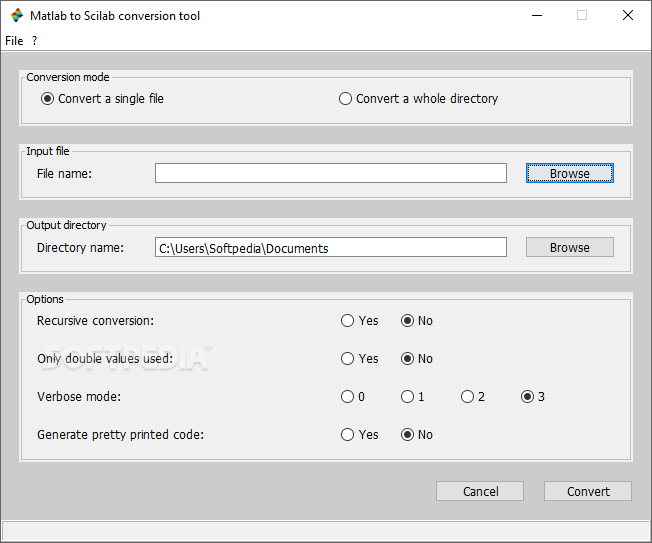
Moreover, the application can also be used to design electrical schematics using the previously mentioned tool. Once your work is concluded, it can be saved to several application specific formats, as well as a few image types. For enhanced ease of access, you can easily import Matlab files by having them converted.
Taking everything into consideration, we can say that Scilab is a powerful research tool on which you can rely for precision calculus. A little getting used to is required, seeing how most features are specialized, but it provides the expected result if managed correctly.
Scilab 6.1.1
add to watchlist add to download basket send us an update REPORT- PRICE: Free
- runs on:
-
Windows 10 32/64 bit
Windows 8 32/64 bit
Windows 7 32/64 bit - file size:
- 160 MB
- filename:
- scilab-6.1.1.exe

- main category:
- Science / CAD
- developer:
- visit homepage
Windows Sandbox Launcher

Context Menu Manager

Zoom Client

calibre

7-Zip

Microsoft Teams

IrfanView

4k Video Downloader

ShareX

Bitdefender Antivirus Free

- 4k Video Downloader
- ShareX
- Bitdefender Antivirus Free
- Windows Sandbox Launcher
- Context Menu Manager
- Zoom Client
- calibre
- 7-Zip
- Microsoft Teams
- IrfanView