
Create complex commands by combining mouse and keyboard controls, but also various computer actions with the help of this practical application. #Record keyboard #Record movement #Command recorder #Recorder #Macro #Record

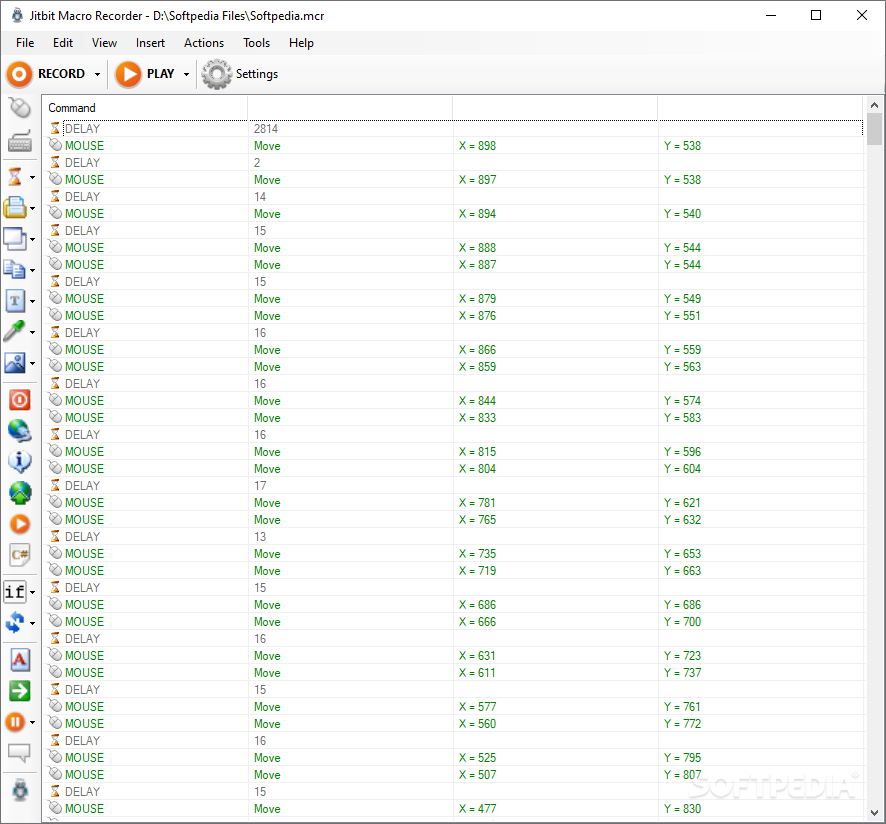
Jitbit Macro Recorder is a lightweight but powerful software that can record the activity of your keyboard and mouse.
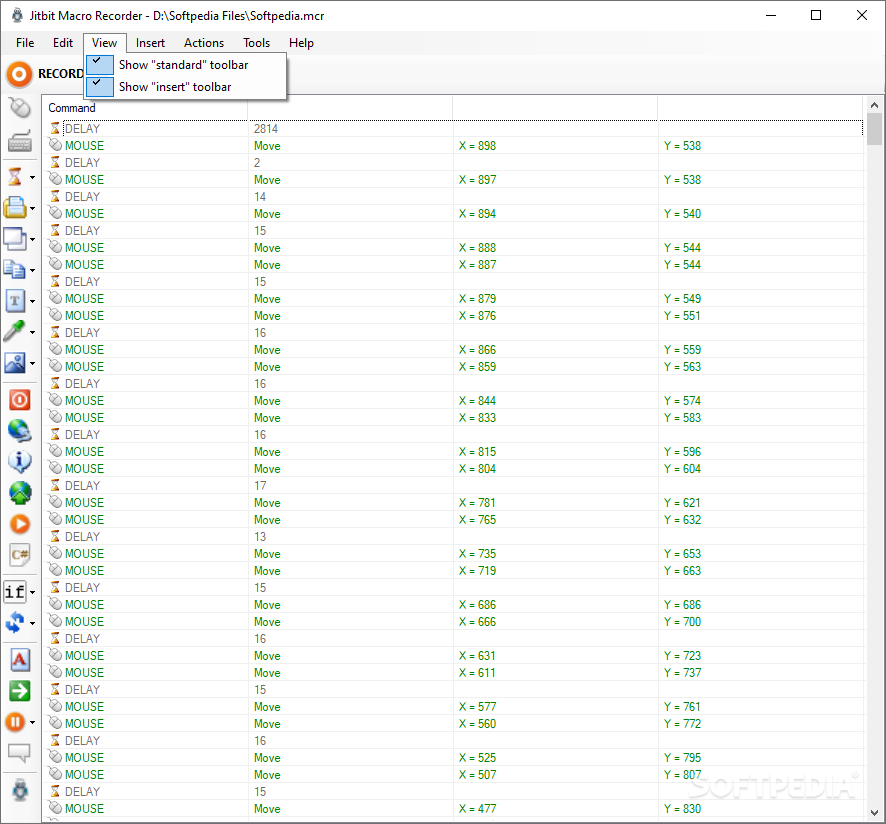
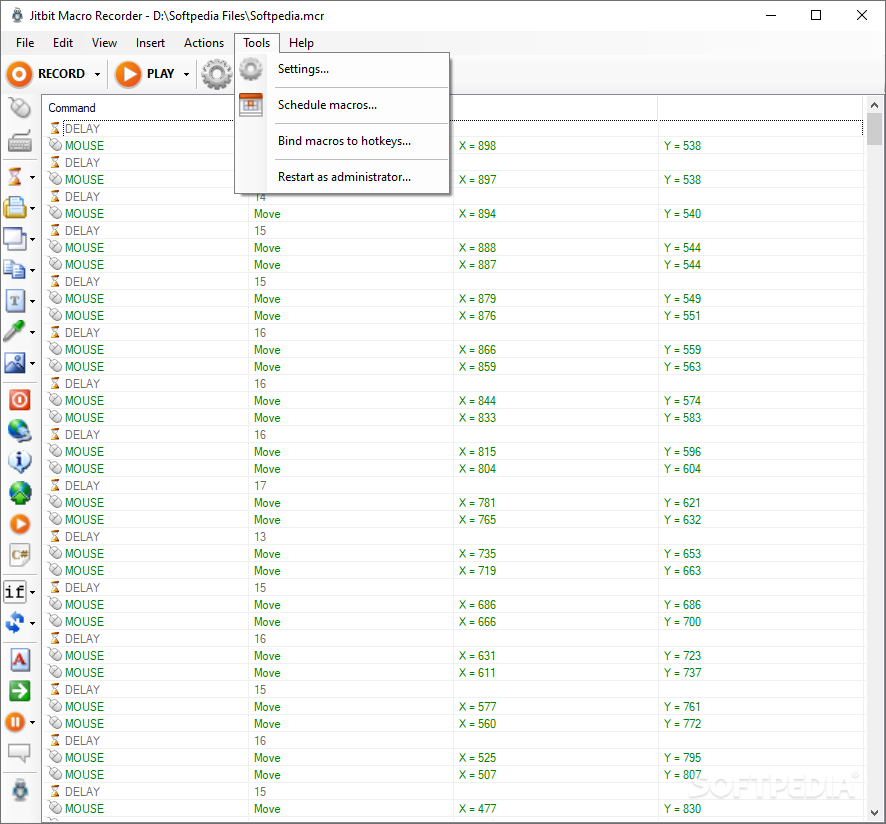
The user interface of the program is clean and intuitive. Once you have pressed the "Record" button, all the key presses, mouse movements and actions will be captured.
Thus, you can view the command, delay time and position (expressed in X and Y coordinates, in the cursor's case). The selected command can be edited when it comes to the event type and delay (in milliseconds).
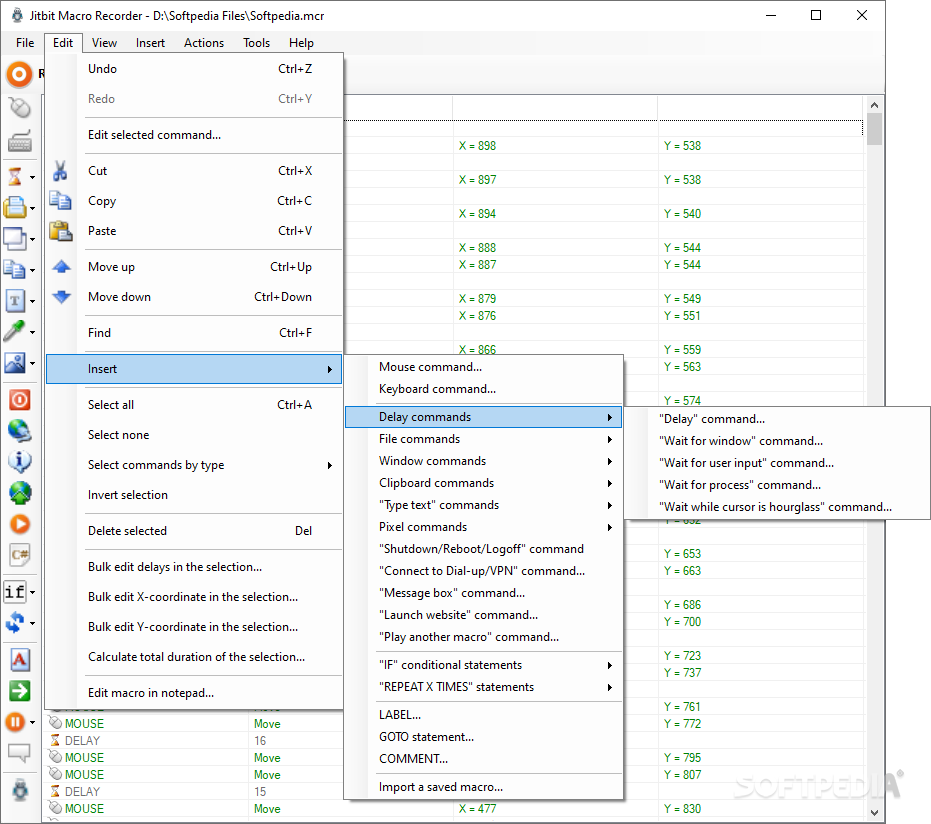
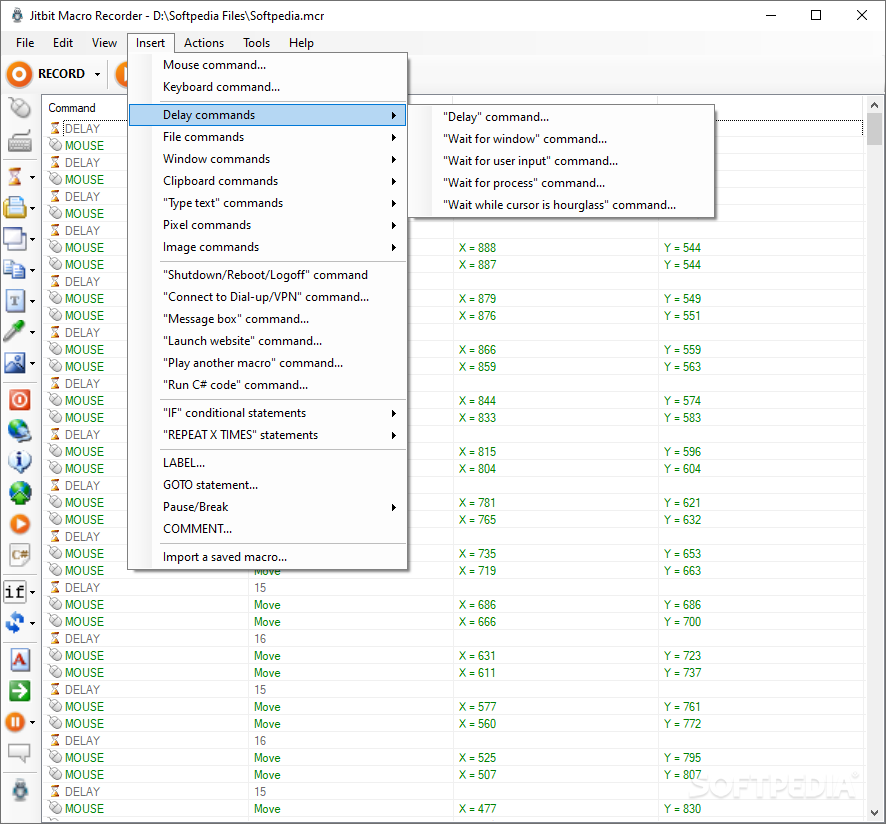
You can insert a new command regarding the mouse or keyboard, delay (e.g. wait for window, user input or process), file (e.g. open, copy, delete), windows (e.g. close, switch to, wait for), clipboard (e.g. clear, set value), text (e.g. type system date), finding a pixel by color or finding an image on the screen.
You can initiate a computer power command (shutdown, reboot, log off), connect to dialup or VPN, "message box" or "open website" command, as well as play another macro, "if" (e.g. if file exists, if message), "repeat x times", label, "goto" or "pause/break" commands.
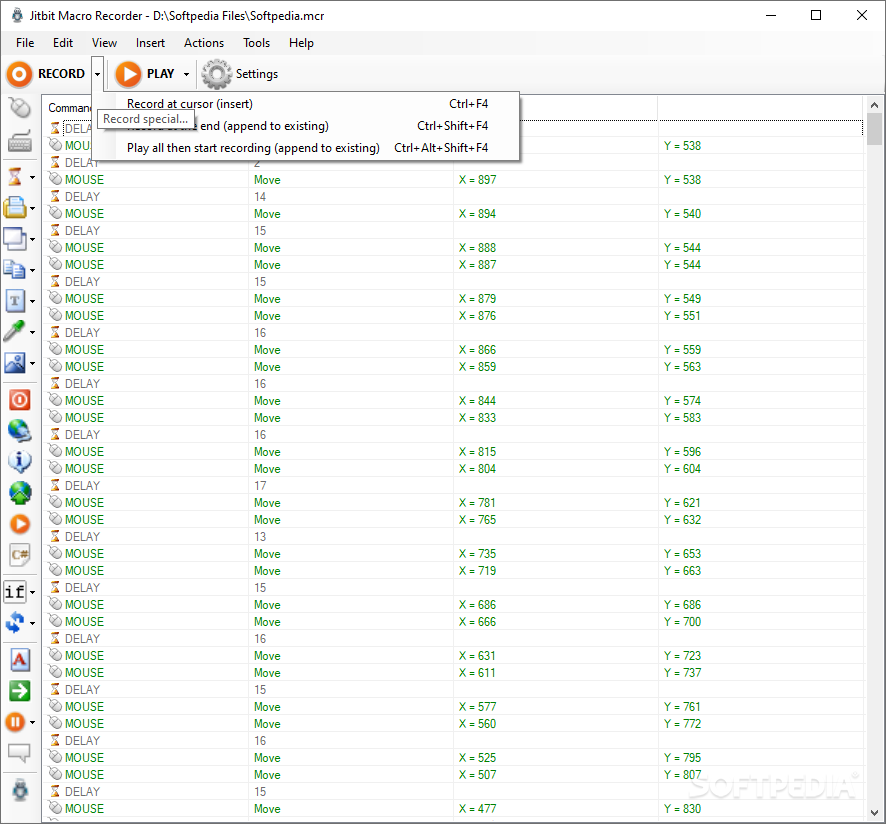
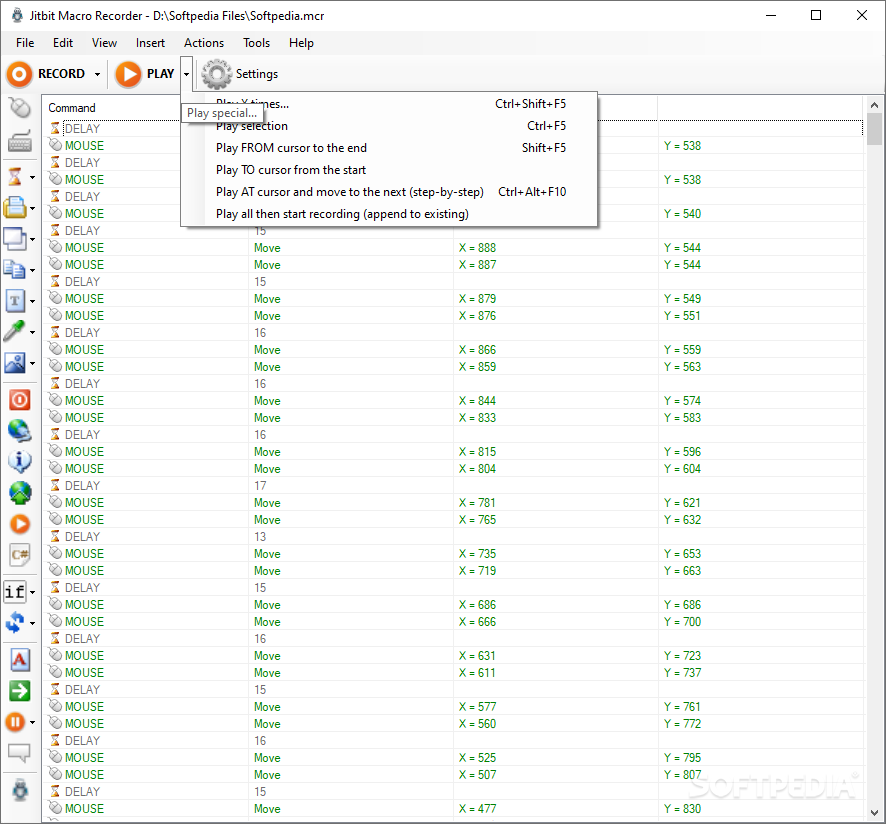
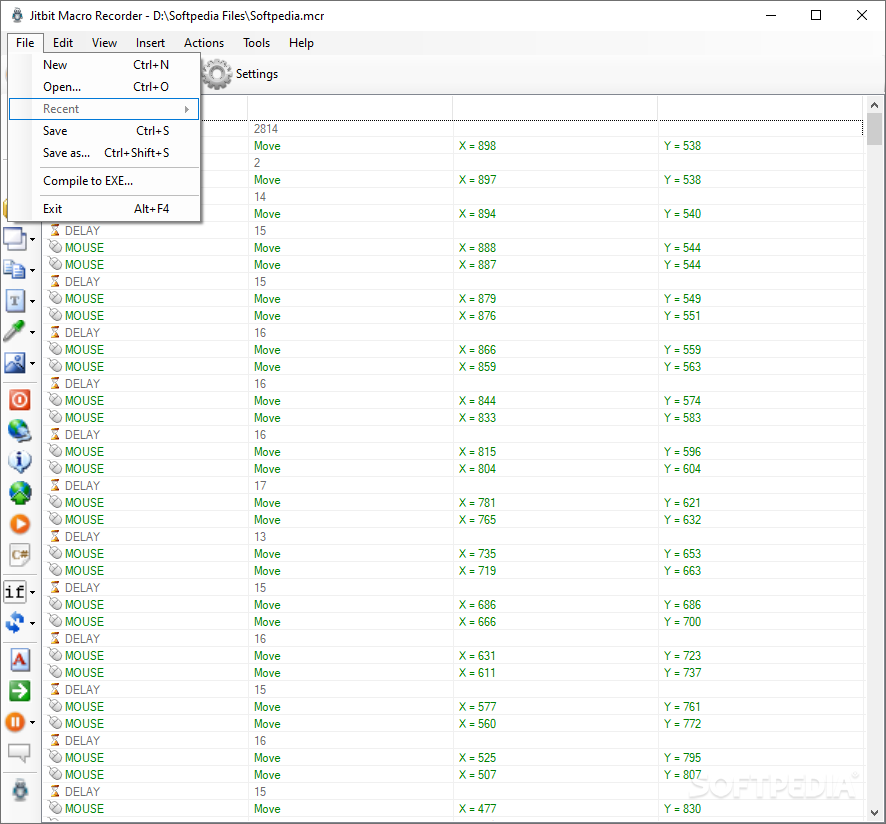
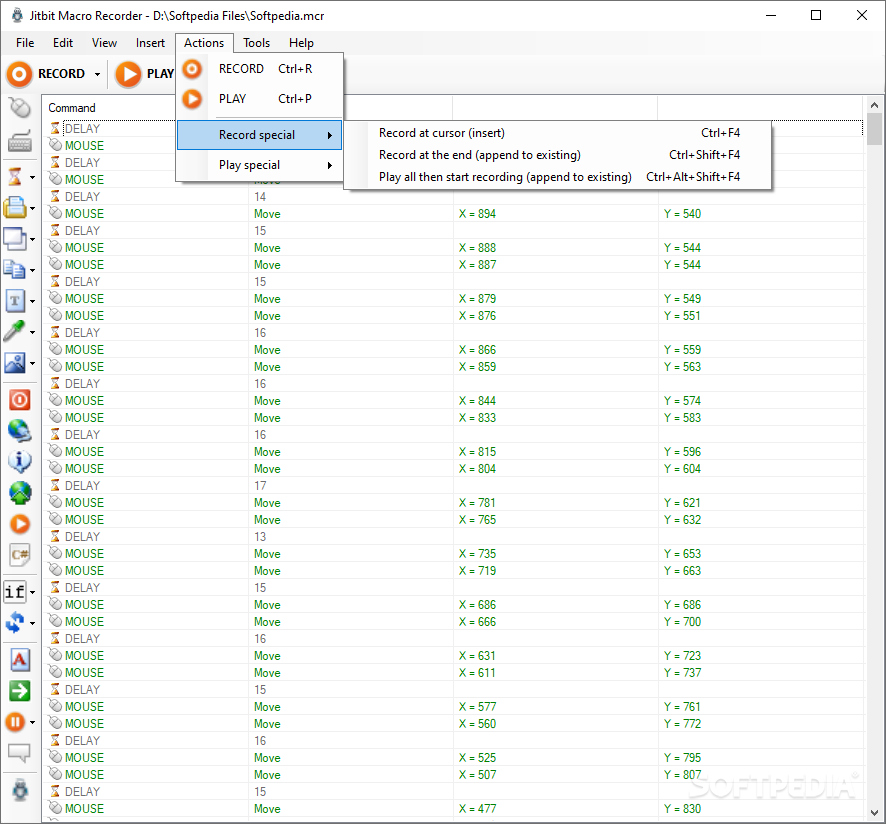
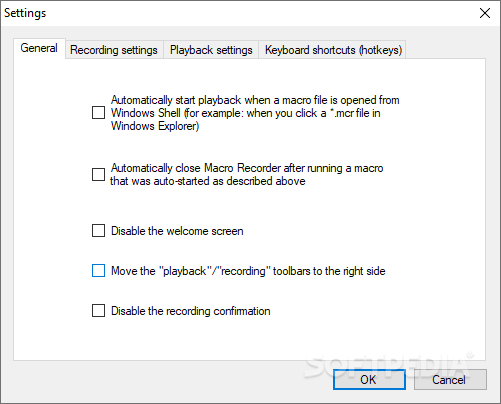
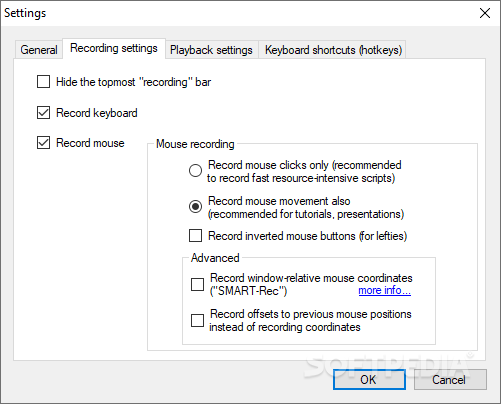
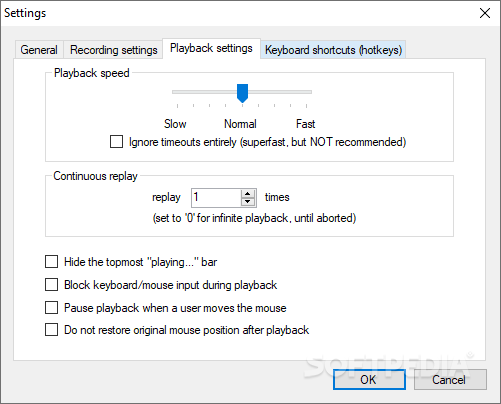
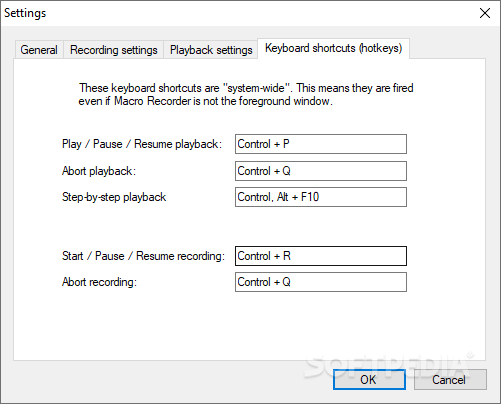
Plus, you can insert a comment, save and import macro, compile to EXE, record or play "special" (e.g. play selection, play to cursor from the start), bulk edit delays, edit macro in Notepad, schedule a task and configure settings (e.g. enable "spy mode" recording, adjust playback speed, reconfigure hotkeys).
The program uses a low-to-moderate amount of system resources and includes a comprehensive help file. We haven't come across any problems during our tests.
The bottom line is that Jitbit Macro Recorder is an excellent tool for recording your keyboard and mouse activity, and we strongly recommend it to all users.
What's new in Macro Recorder 5.9.0:
- Proper DPI support in Macro Launcher on non-standard screens
- Updated to .NET Framework 4.8
- Installer improvements
- New path to prevent win10 errors
Macro Recorder 5.9.0
add to watchlist add to download basket send us an update REPORT- runs on:
- Windows All
- file size:
- 2.6 MB
- filename:
- MacroRecorderSetup.exe
- main category:
- System
- developer:
- visit homepage
4k Video Downloader

paint.net

IrfanView

calibre

Windows Sandbox Launcher

Microsoft Teams

ShareX

Bitdefender Antivirus Free

7-Zip

Zoom Client

- Bitdefender Antivirus Free
- 7-Zip
- Zoom Client
- 4k Video Downloader
- paint.net
- IrfanView
- calibre
- Windows Sandbox Launcher
- Microsoft Teams
- ShareX