
Record your screen activity or independent applications, take screenshots, and share your created content with any audience you'd like to. #Video recorder #Record gameplay #Webcam recorder #Recorder #Capture #Screenshot

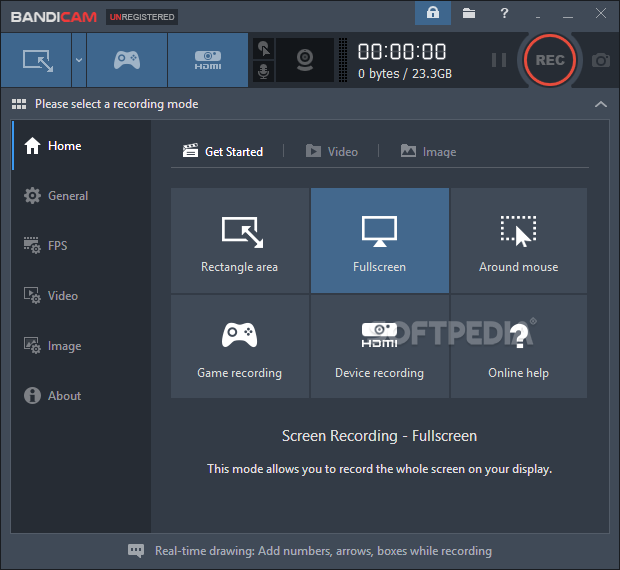
By this time, Bandicam doesn't really need much of an introduction. This one-stop shop for screen recording and capturing is probably one of the more popular choices when it comes to the above-mentioned actions. It has been constantly improved in order to give birth to a reliable and useful product. So far, this strategy seems to have worked well, as there aren't really a lot of apps that can match Bandicam's versatility.
The interface is straightforward
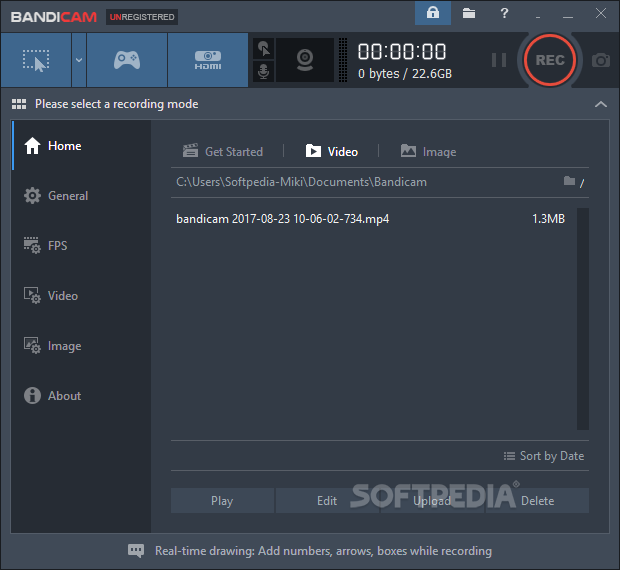
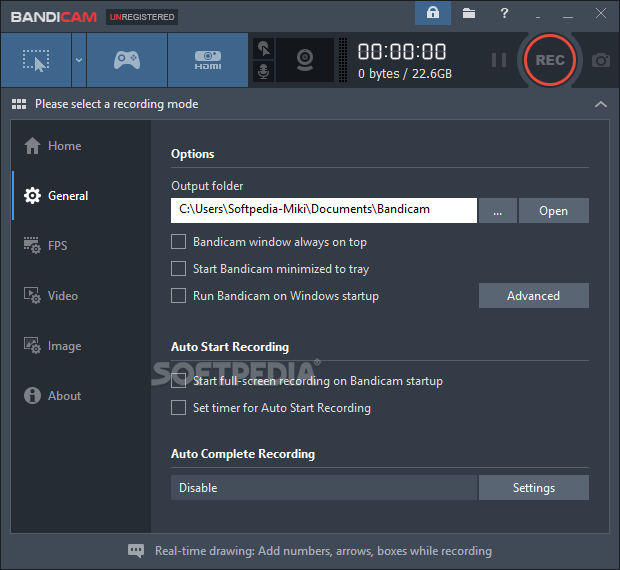
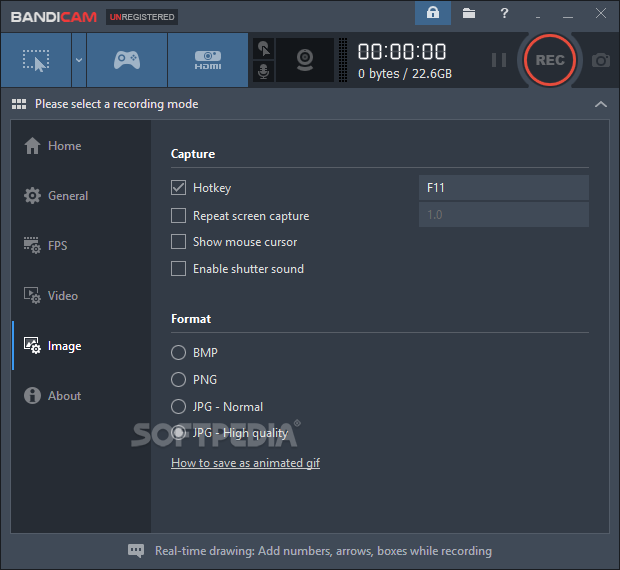
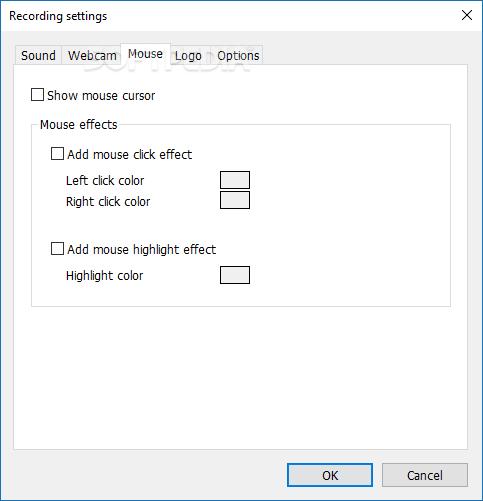
If you feared this app was one of those complicated programs that confuse you when it comes to accessing features, you were dead wrong. With Bandicam, all functions are visible from the start. Those options that are not shown on screen, right from the beginning, can be accessed just as easily thanks to an intuitive arrangement of menus. Looks aren't bad either. The app works with a Windows 10-like minimalist theme, so blending in with modern operating systems won't be an issue either. Depending on the task you'd like to pursue, the application offers various options.
Capturing your screen the right way
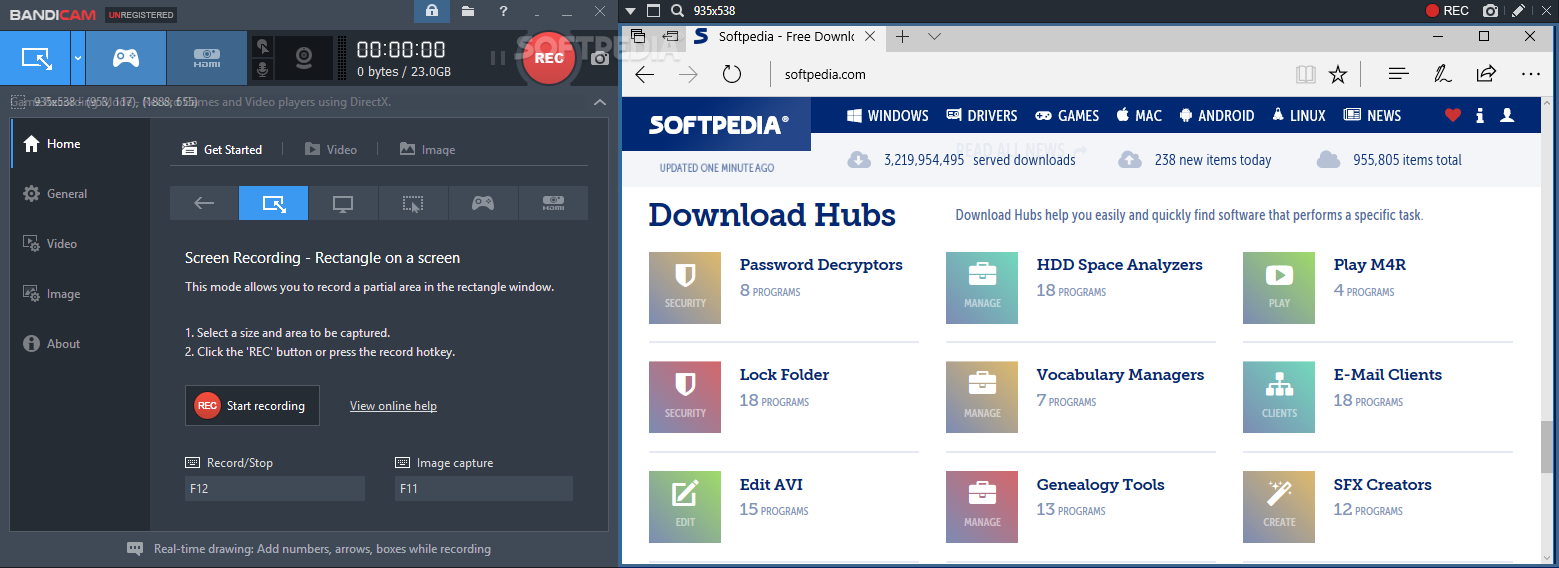
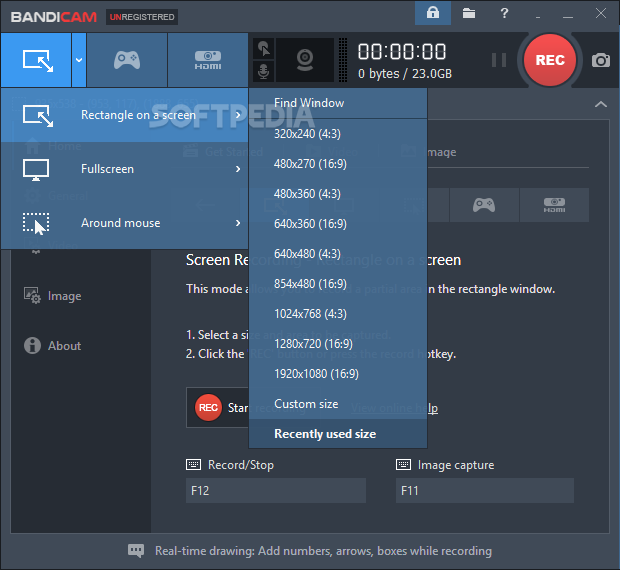
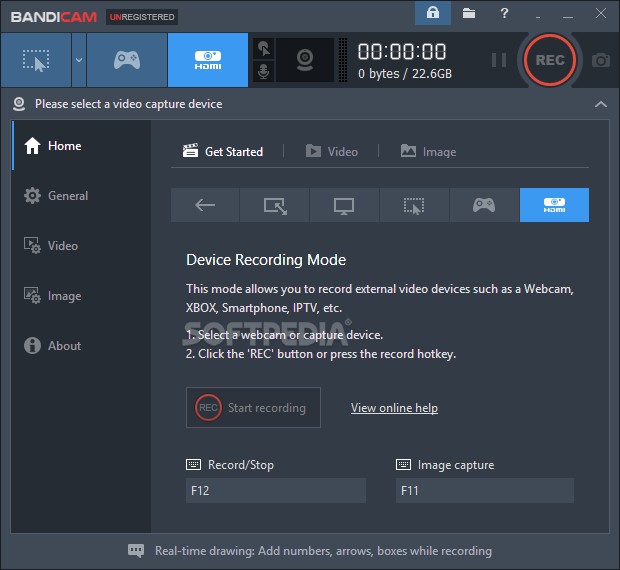
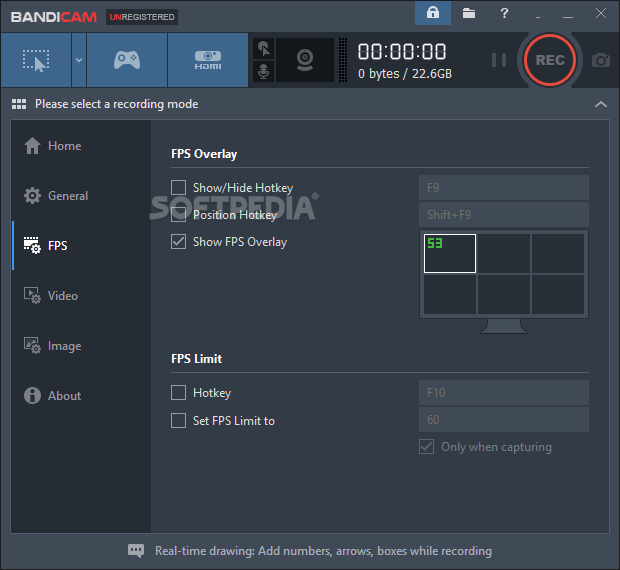
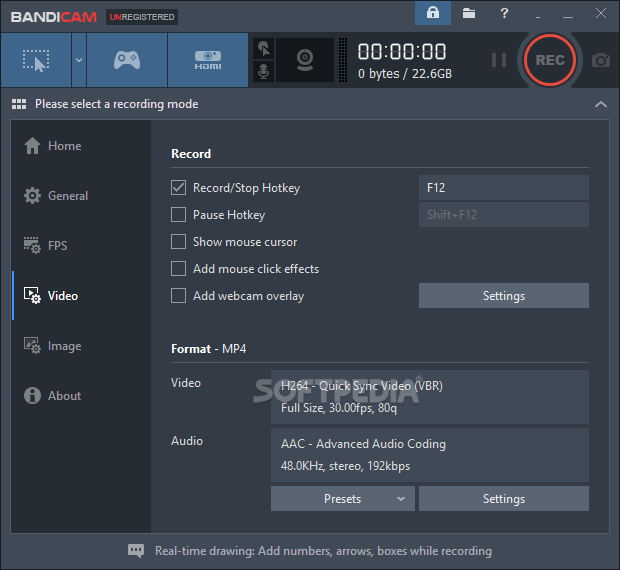
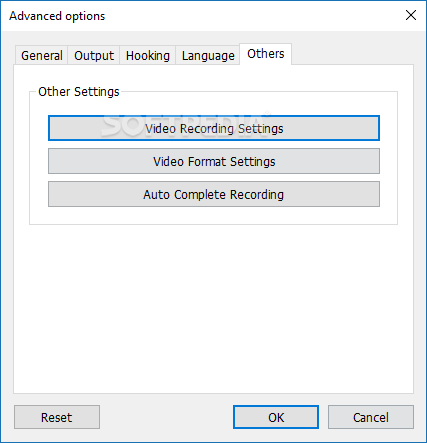
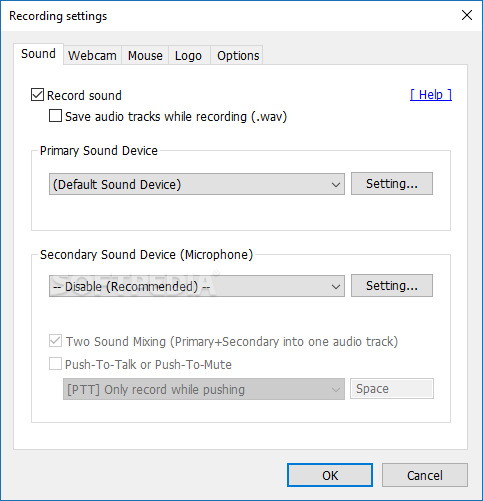
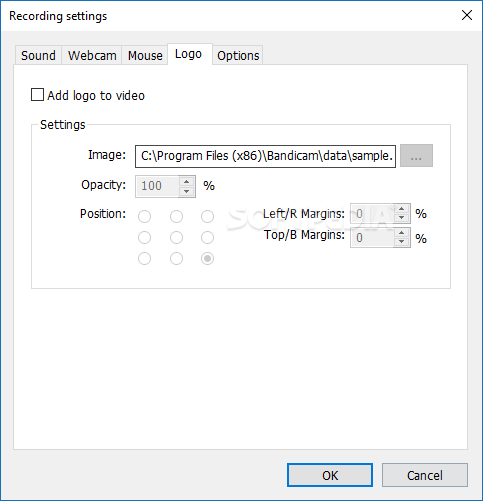
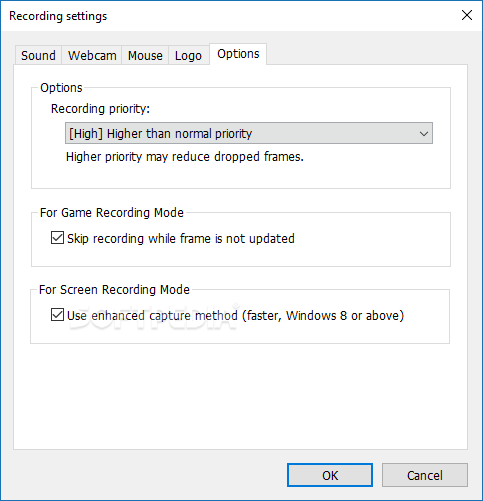
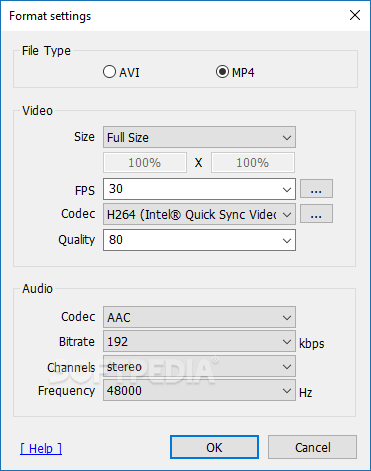
Bandicam offers settings based on your scenario. You can record parts of your screen, a full-screen or just around your cursor. Are you recording games? There is a specific setting for that. Make sure you've got the right tab selected. Video and Image spell out their functions simply by looking at their name. Video adjustments include frame settings, video quality, and file format. As far as images are concerned, you'll be pleased to see that adjustments can be made from a single menu. The audio format can also be adjusted for videos. All known formats are supported by the program, so there won't be any issues with other project integration.
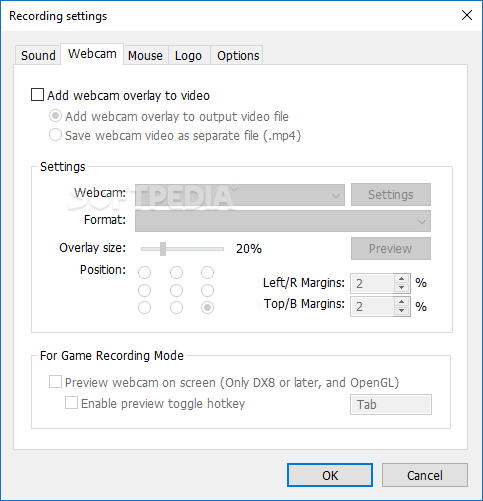
Keep track of your recording's size in the upper-right corner. Also, begin recording with the help of the big, red button. Pausing the recording process, as well as stopping it, can also be triggered from the same area. Combine your screen recording with a live, webcam-driven contribution. You'll soon come to realize that Bandicam is more like a recording studio than a screen recorder.
Download Hubs
Bandicam is part of these download collections: Make Screenshot
Bandicam 7.1.1 Build 2158
 Softpedia Editor's Pick
add to watchlist
add to download basket
send us an update
REPORT
Softpedia Editor's Pick
add to watchlist
add to download basket
send us an update
REPORT
- runs on:
-
Windows 11
Windows 10 64 bit
Windows 8 64 bit
Windows 7 64 bit - file size:
- 31.5 MB
- filename:
- bdcamsetup.exe
- main category:
- Multimedia
- developer:
- visit homepage
Windows Sandbox Launcher

paint.net

Zoom Client

Bitdefender Antivirus Free

4k Video Downloader

7-Zip

calibre

IrfanView

ShareX

Microsoft Teams

- IrfanView
- ShareX
- Microsoft Teams
- Windows Sandbox Launcher
- paint.net
- Zoom Client
- Bitdefender Antivirus Free
- 4k Video Downloader
- 7-Zip
- calibre