
Monitor and log user activity in an efficient manner by turning to this lightweight application that can help you achieve adequate results. #Activity Monitor #Log Activity #Computer Surveillance #Keylogger #Monitor #Surveillance

It is a well-known fact that, with the proper knowledge, almost all activities on a computer can be tracked and monitored.
This is due to tiny traces of data that remain active and can be accessed and exploited towards surveillance means, regardless of most of our efforts to cover our tracks,
This said, All in One Keylogger is a straightforward and very powerful piece of software designed from the ground up to make it possible for you to monitor and log all activities on any computer.
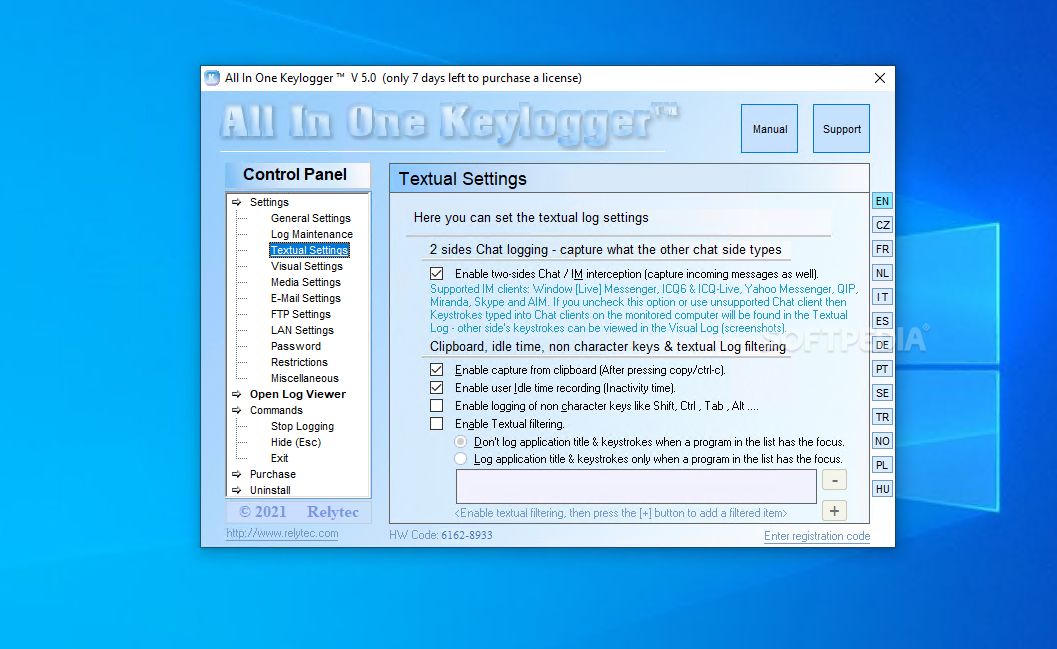
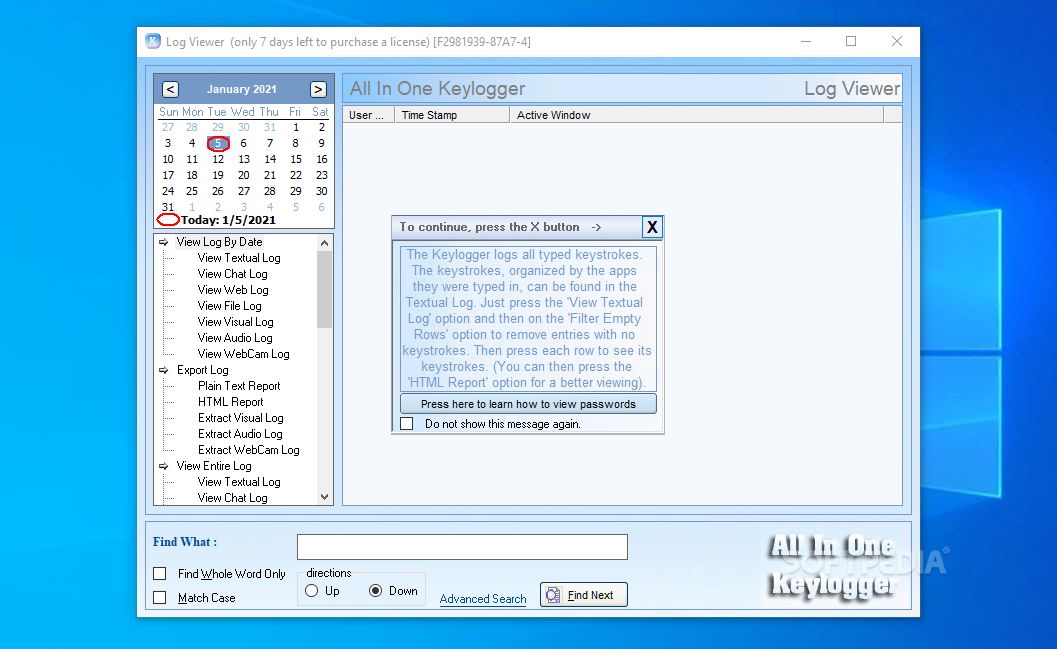
More specifically, All in One Keylogger enables you to view the typed keystrokes, chat conversations, name of files that were created, deleted or renamed, visited websites, printed documents and sent e-mail messages, in a few words, almost every activity on your computer.
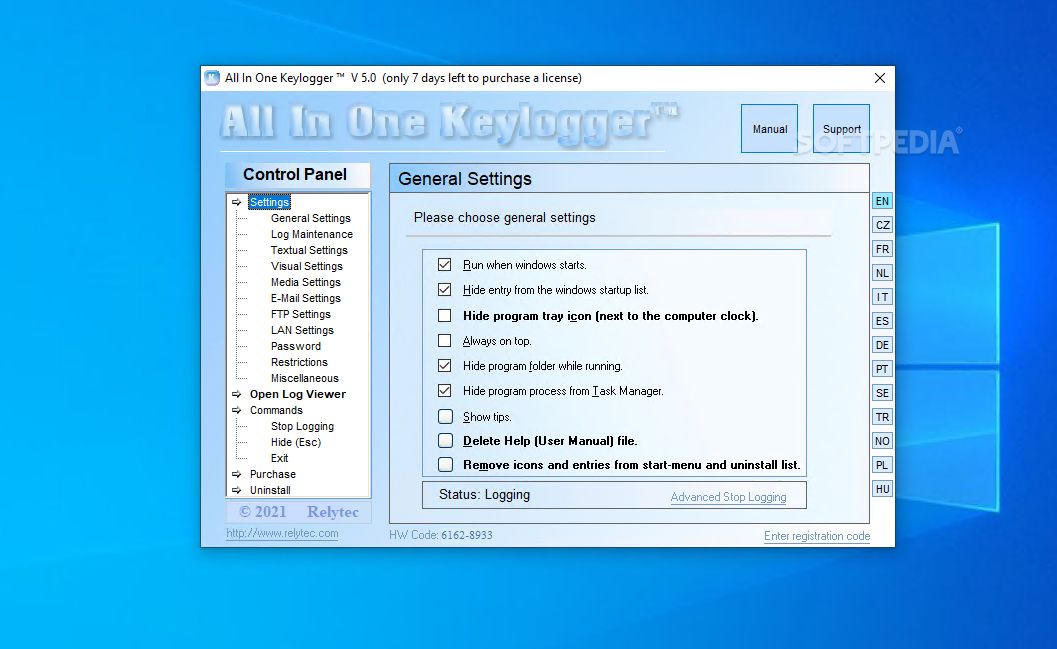
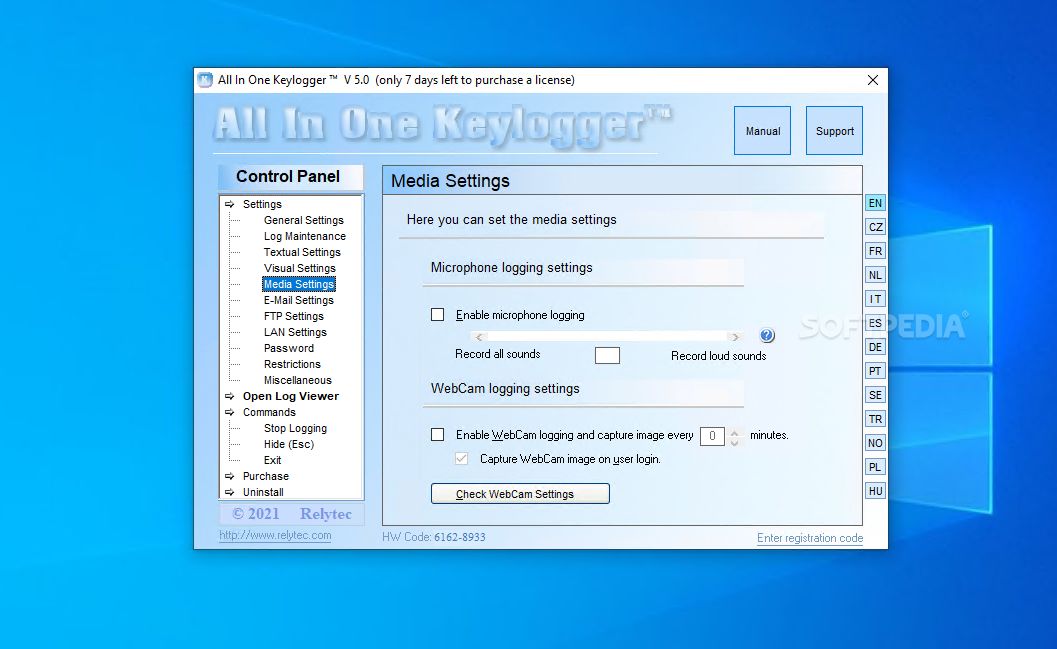
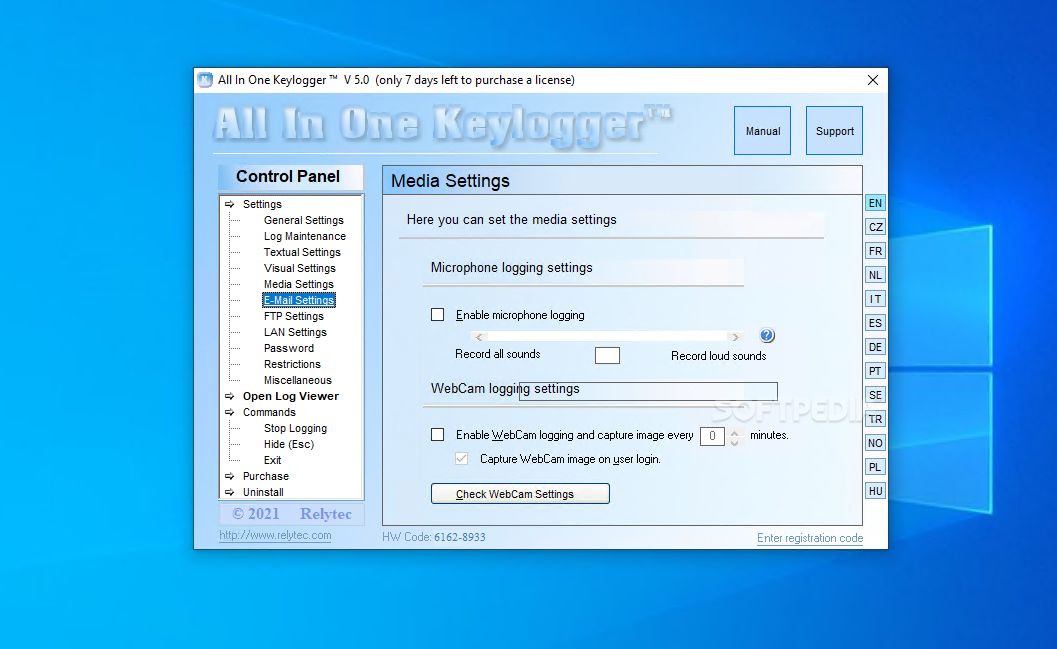
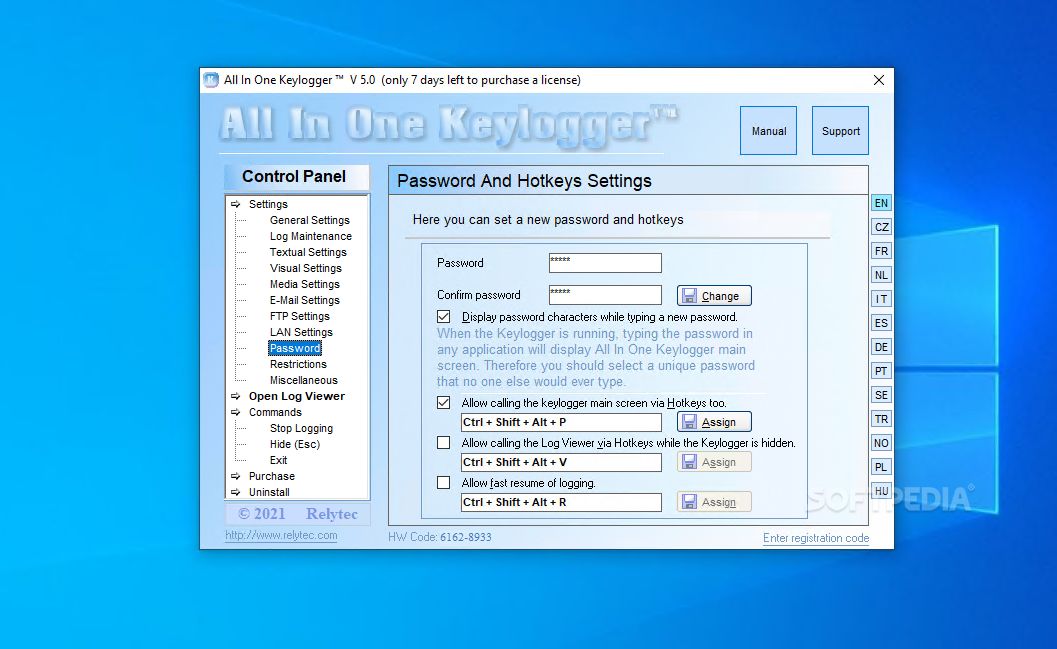
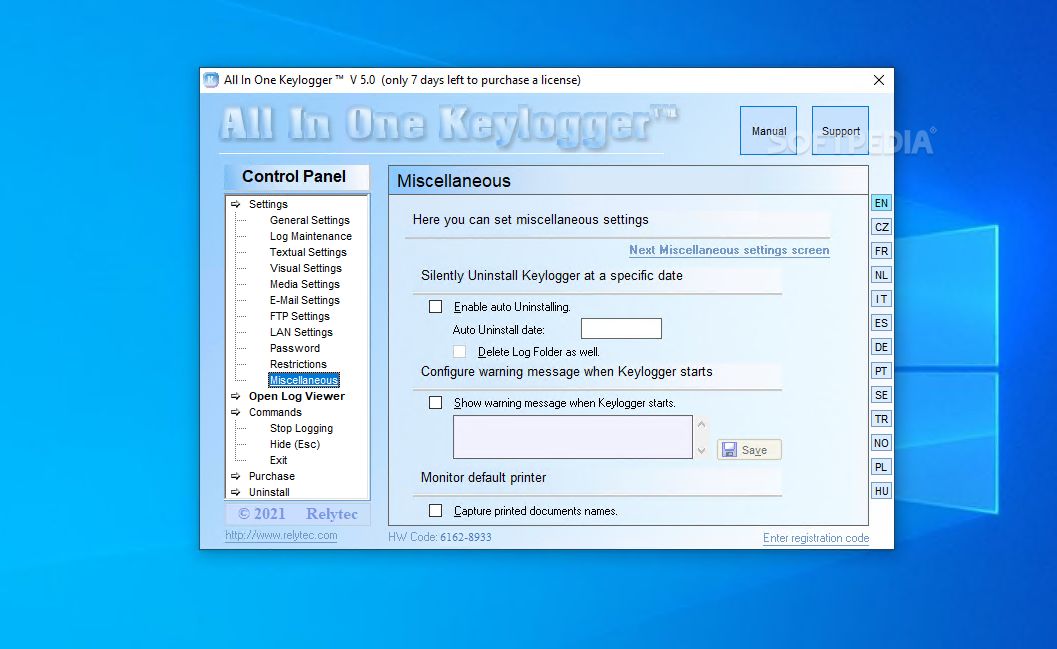
Subsequent to its installation and upon first launching the app, you are met by a non-intimidating and compact main window that offers you direct access to all the app's features. In terms of looks, All in One Keylogger si clearly not a fit candidate for beauty contests, but it does not need to be, as it is designed to be as pragmatic and as efficient as possible.
While it may look unassuming, when it comes to outright features, All in One Keylogger is nothing short of well-equipped. It soon becomes evident that with its advanced Log Viewer and other logging features, this is an application that is well-recommended for surveillance purposes above anything else.
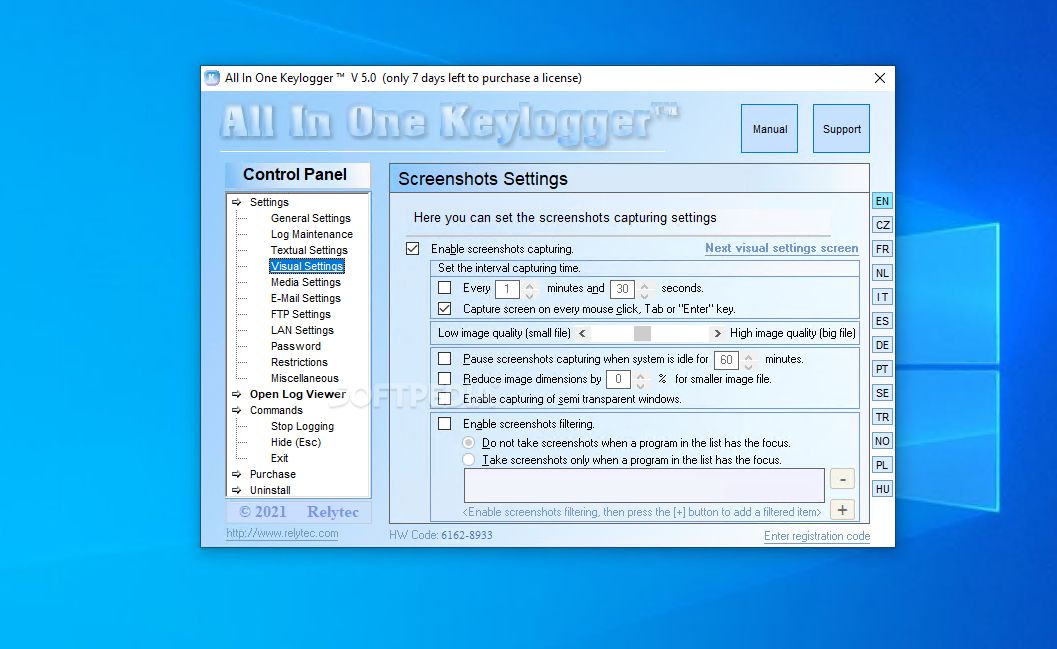
Besides keystroke, chat, microphone, printing, file and directory and even user idle time logging capabilities, as well as chat and web activity recording functions, the app also comes with advanced security features.
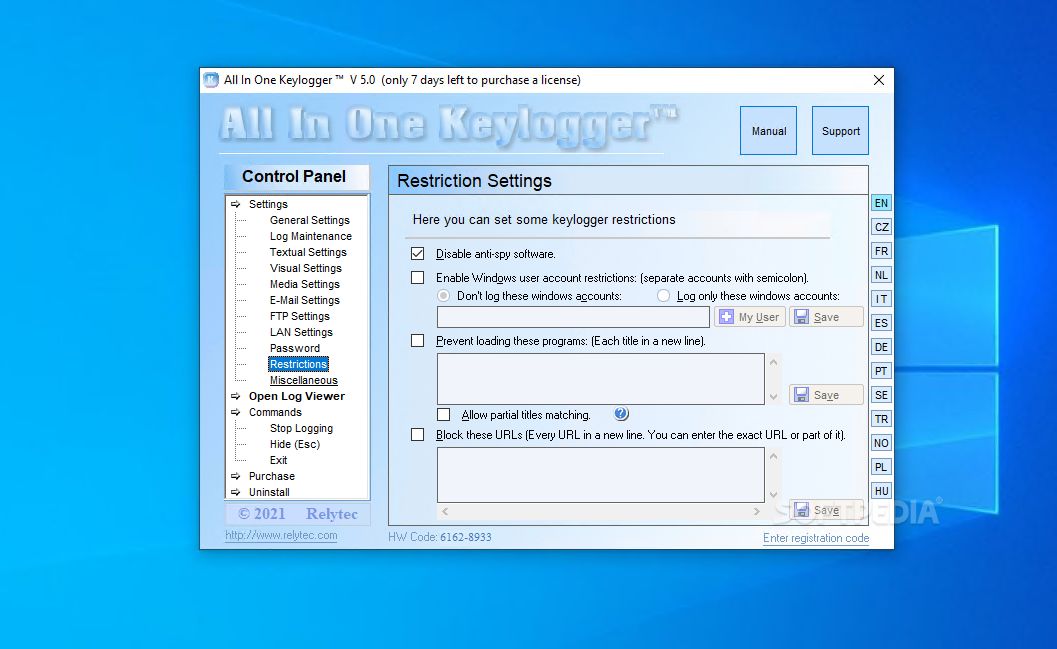
For example, you can rest assured that you privacy stays intact as the utility encrypts your logs automatically. You can also take advantage of its password protection feature and the anti-spy protection engine.
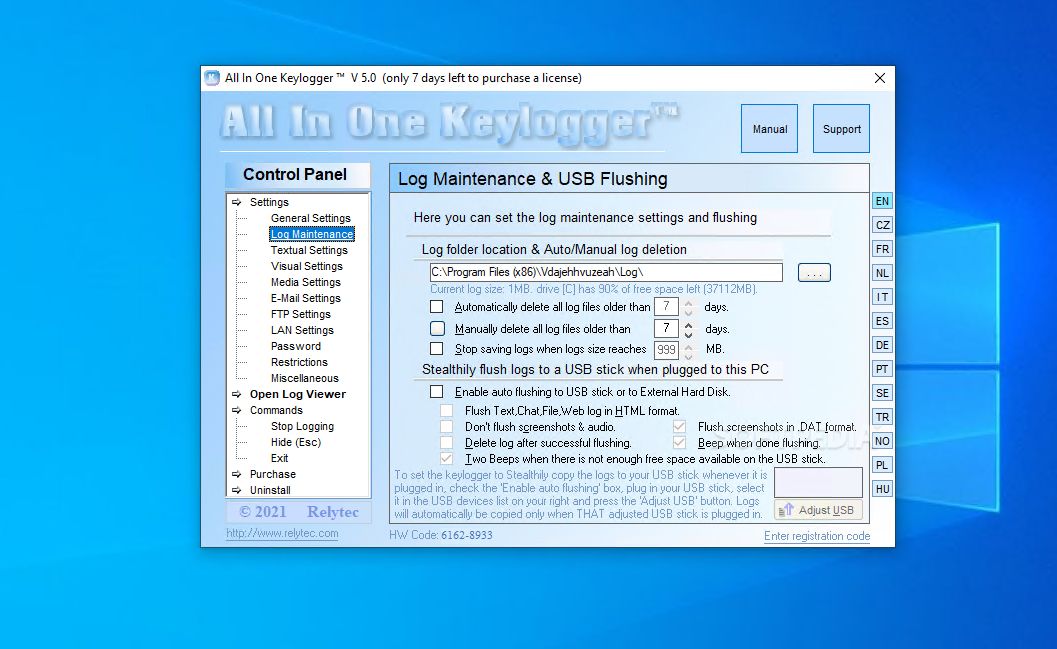
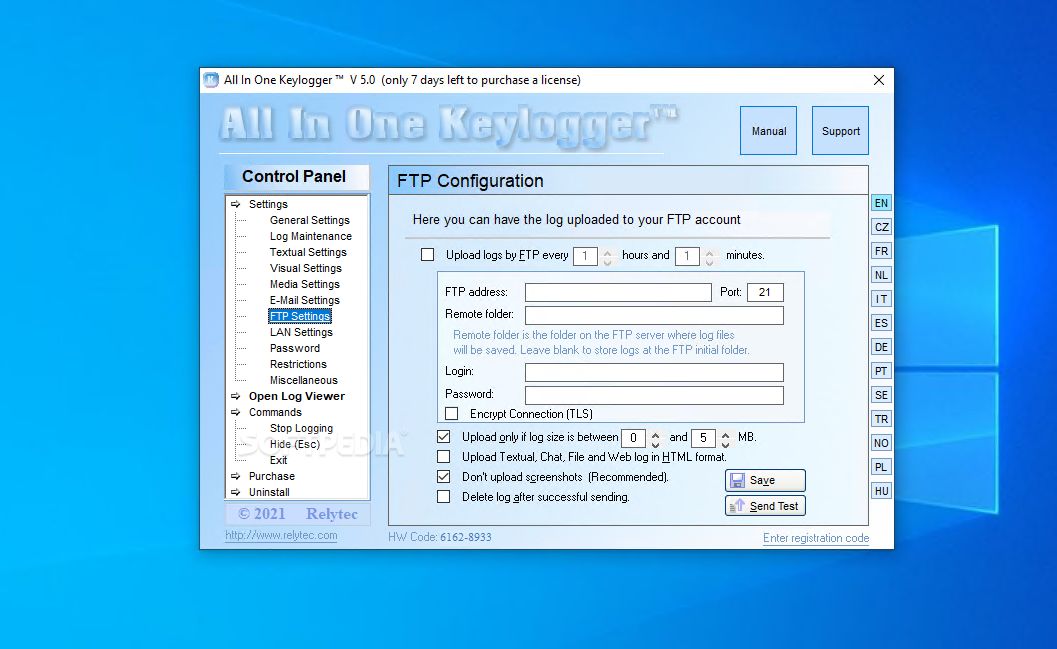
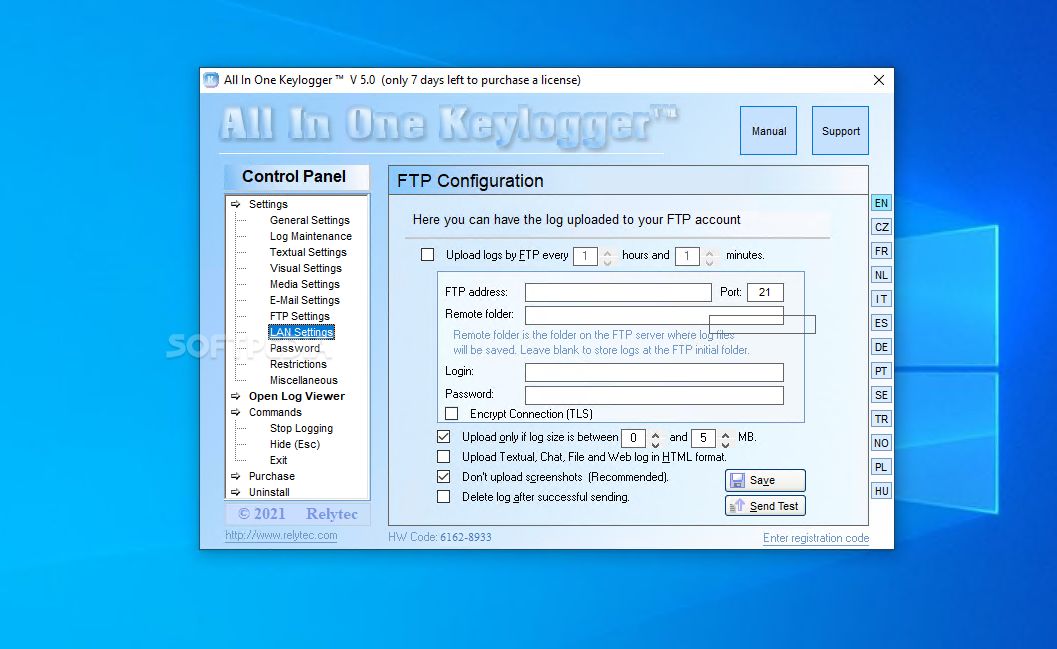
A very neat feature is the fact that All in One Keylogger can deliver your logs in a wide variety of ways. You can opt for email, FTP or LAN delivery and even have your logs automatically uploaded to any stick or external drive whenever it is plugged in your computer.
Last but not least, the software solution enables you to restrict access to certain programs, block or filter unwanted URLs, as well as choose that accounts you want to monitor or not.
Regardless if you perform surveillance actions on your employees in order to prevent fraud and reduce the idle time or monitor your child's web activity to ensure its well-being, it is safe to say that All in One Keylogger has it all covered.
The application comes with a well documented manual, a plethora of advanced features and a fairly intuitive interface that makes monitoring activities on your computer seem a walk in the park.
All In One Keylogger 5.3
add to watchlist add to download basket send us an update REPORT- runs on:
-
Windows 11
Windows 10 32/64 bit
Windows 8 32/64 bit
Windows 7 32/64 bit
Windows Vista 32/64 bit
Windows XP 32/64 bit - file size:
- 5.2 MB
- main category:
- Security
- developer:
- visit homepage
4k Video Downloader

Bitdefender Antivirus Free

IrfanView

7-Zip

Windows Sandbox Launcher

Zoom Client

Context Menu Manager

Microsoft Teams

ShareX

calibre

- Microsoft Teams
- ShareX
- calibre
- 4k Video Downloader
- Bitdefender Antivirus Free
- IrfanView
- 7-Zip
- Windows Sandbox Launcher
- Zoom Client
- Context Menu Manager