
An intuitive application designed to run in the background and monitor the user activity on your computer, such as accessed programs and keystrokes. #Computer Monitor #Record Keystrokes #Activity Logger #Tracker #Logger #Capture
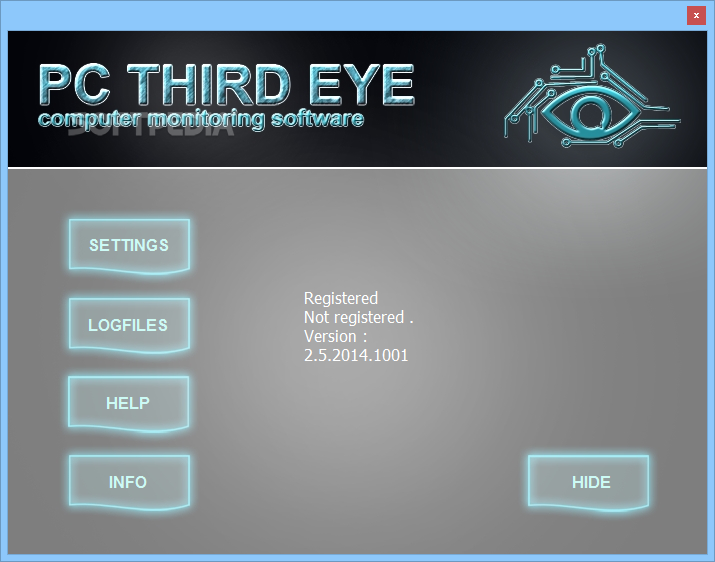
PC Third Eye is a powerful computer monitoring software that enables you to enable silent surveillance over the computer activity. The software can record the user’s movements, from keystrokes, applications to webpages or files he/she accesses. The software runs silently in the background, as a system process.
PC Third Eye is a suitable surveillance tool that you can use in order to monitor a user’s activity on your computer. You can easily use it for your home PC, especially if it is a shared computer, or at work, in order to monitor your employees’ movements. The software runs silently, in the background, recording the entire activity.
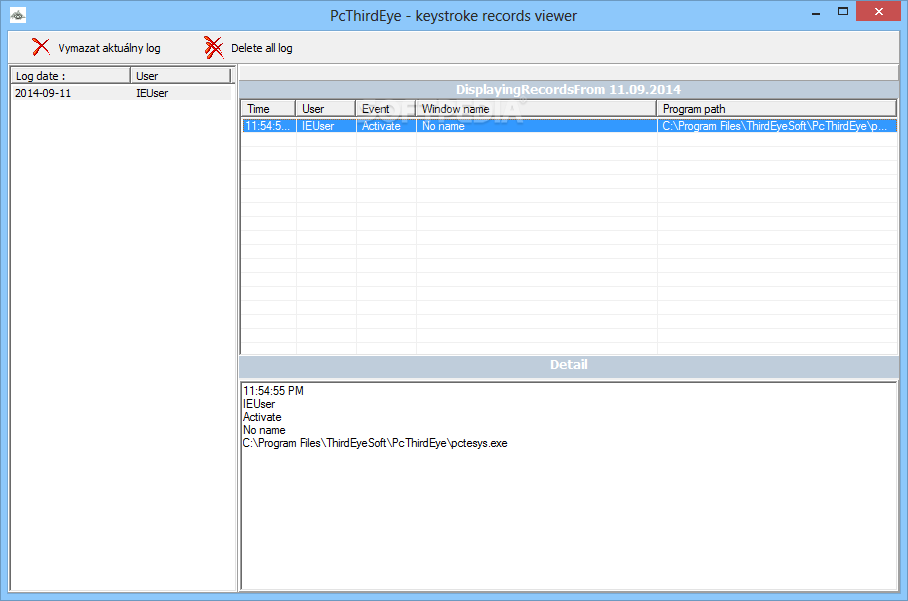
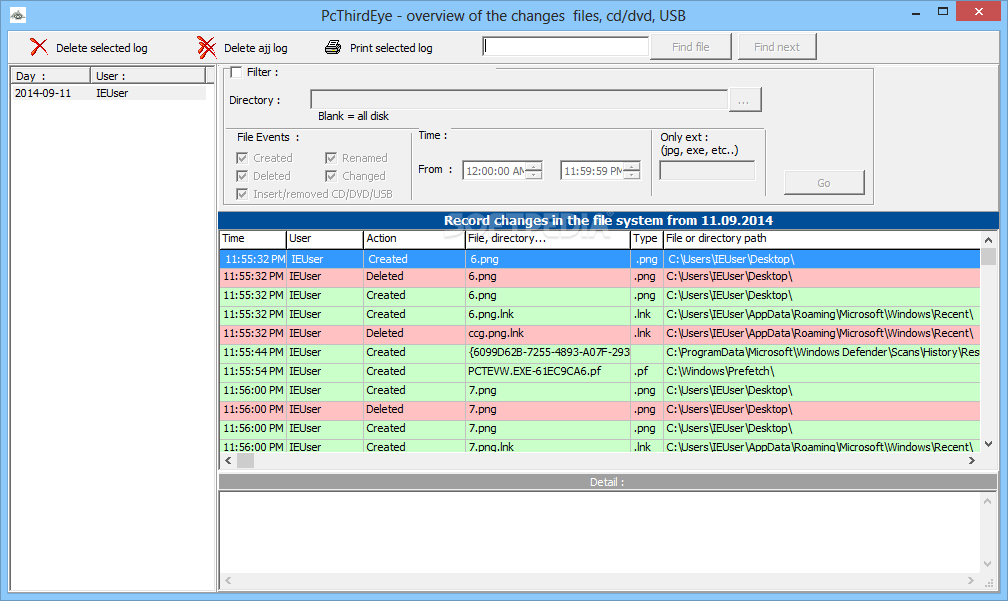
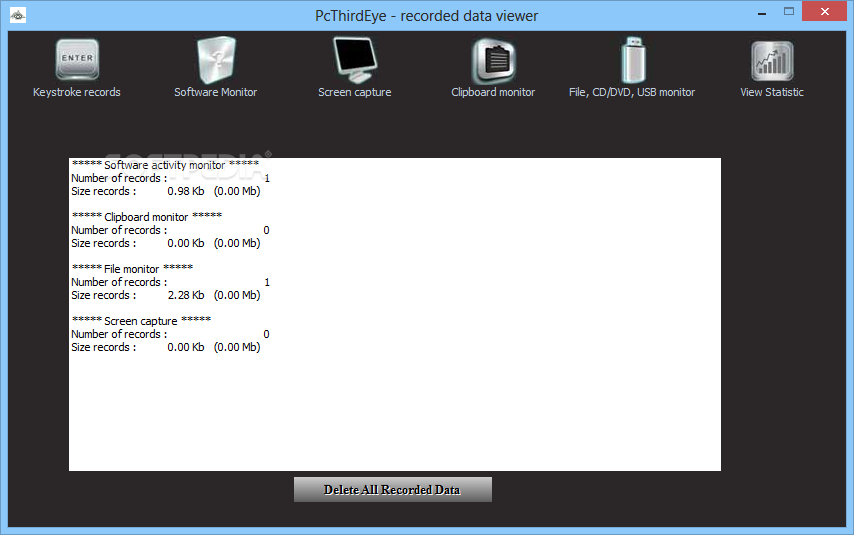
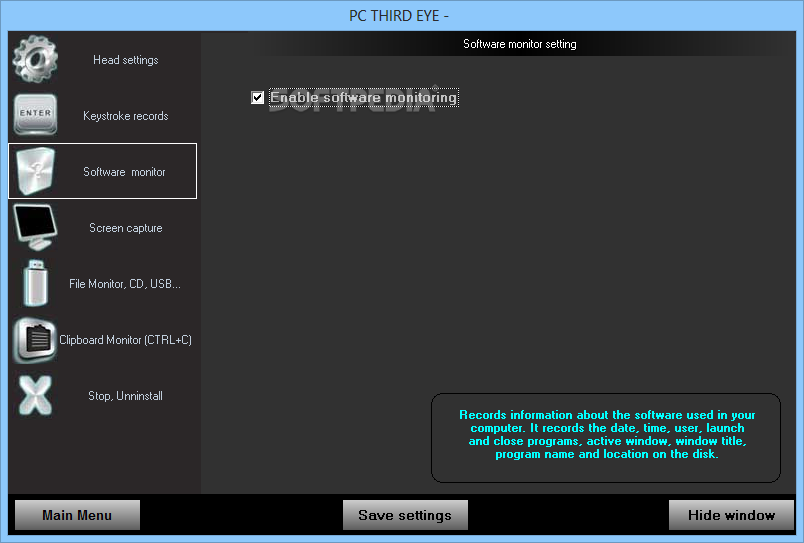
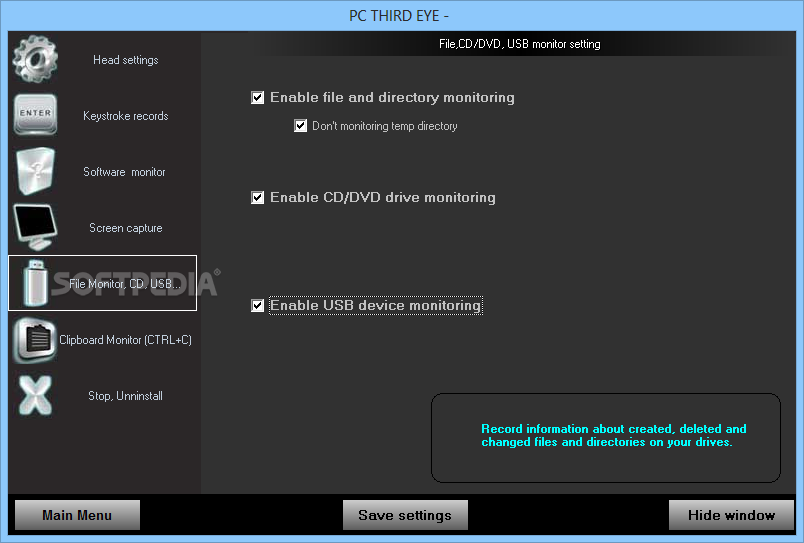
It can record keystrokes, monitor clipboard, application access, visited websites, opened files, as well as CDs, DVDs or USB drives that are connected to the station. Moreover, the software can capture screen shots at given time intervals, that depict the entire desktop, even the active windows. The software starts automatically, with Windows, runs in the background and it can only be accessed with a pre-set key combination.
Each activity log and screenshot can be saved in hidden locations, sorted into categories. The software saves and stores them to a local folder, instead of sending them to you via email. The reason this happens is not to alert the antivirus, which might detect this action as a malicious attempt to your computer’s security.
Using PC Third Eye, you can monitor the children’s, employees’ or unauthorised users’ activity on your computer. Simply open the software, then access the log area and view the records: you can discover which application was installed and at what time, which websites were visited or even passwords.
PC Third Eye is reliable, lightweight and it is designed so that conflict with any antivirus software installed on your computer can be avoided. It is a suitable surveillance tool that you can use to monitor the user activity on your computer. Moreover, it requires a small amount of resources, thus allowing the computer to run as it normally does.
PC Third Eye 2.7.2014.1003
add to watchlist add to download basket send us an update REPORT- runs on:
-
Windows 10 32/64 bit
Windows 8 32/64 bit
Windows 7 32/64 bit
Windows Vista 32/64 bit
Windows XP 32/64 bit - file size:
- 2 MB
- filename:
- pcthirdeye_2_7.exe





- main category:
- Security
- developer:
- visit homepage
Bitdefender Antivirus Free

Microsoft Teams

IrfanView

Zoom Client

7-Zip

ShareX

4k Video Downloader

Windows Sandbox Launcher

calibre

paint.net

- Windows Sandbox Launcher
- calibre
- paint.net
- Bitdefender Antivirus Free
- Microsoft Teams
- IrfanView
- Zoom Client
- 7-Zip
- ShareX
- 4k Video Downloader