Softpedia
 

WINDOWS CATEGORIES:


GLOBAL PAGES >>
SOFTPEDIA REVIEWS >>
MEET THE EDITORS >>
WEEK'S BEST
  • Sticky Password FR...
  • Parallels Workstat...
  • ESET NOD32 Antivir...
  • BitDefender Total ...
  • WinPatrol 24.6.201...
  • PerfectDisk Free D...
  • Adobe Photoshop CS...
  • PerfectDisk Profes...
  • Windows 8 Consumer...
  • Atlantis Word Proc...
  • Home > Windows > Security > Lockdown
     Report malware

    DeviceLock 7.2.0 Build 37813 Beta 1 / 7.1.0 Build 36106

    Softpedia Pick Award
    download button

    Downloads: 11,058  Tell us about an update
    User Rating:
    Rated by:
    Good (3.0/5)
    44 user(s)
    Developer:

    License / Price:

    Size / OS:

    Last Updated:

    Category:

    Trial / USD 45.00 buy button
    323 MB / Windows NT / 2K / XP / 2003 / Vista / Vista64 / 7 / 7 x64
    [view history]
    C: \ Security \ Lockdown

     Read user reviews (0)  Send to friend   Follow (1 user)

    DeviceLock description

    Access control solution to floppy, CD-ROM, USB and other mobile devices.

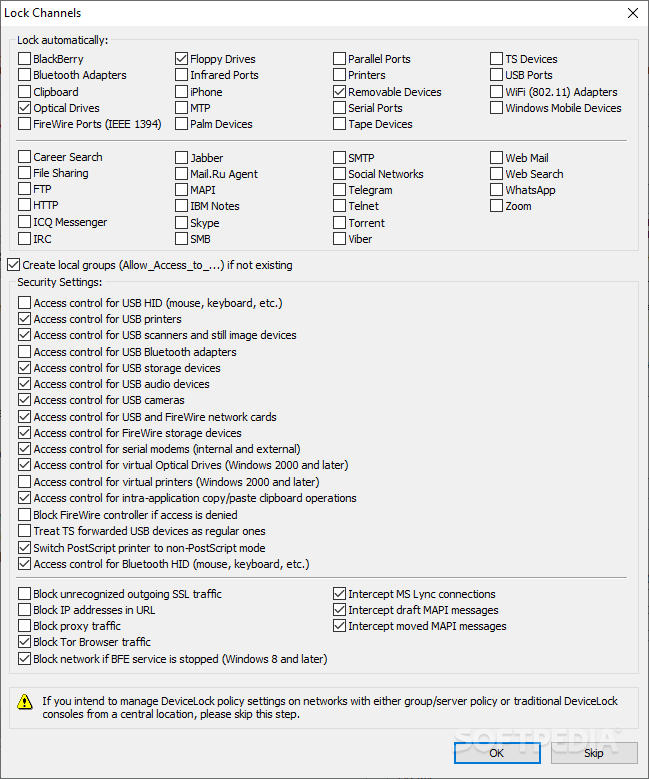
    DeviceLock will allow network administrators to control which users can access the system's devices (floppies, serial and parallel ports, Magneto-Optical disks, CD-ROMs, USB and FireWire drives, Bluetooth, ZIPs, etc.) on a local computer. Once DeviceLock is installed, administrators can control access to floppies, CD-ROMs, USB or any other device, depending on the time of day and day of the week.

    DeviceLock enhances access control for Windows System Administrators and helps control removable disk usage. It can protect network and local computers against viruses, trojans and other malicious programs often injected from removable disks. Network administrators can also use DeviceLock to flush a storage device's buffers. Remote control is also available.

    Keep in mind that almost 80% of all security breaches come from the inside! DeviceLock is a best solution to secure NT and protect your network computers against attack from the inside.

    Here are some key features of "DeviceLock":

    · Control which users or groups can access USB and FireWire ports, WiFi and Bluetooth adapters, PDAs, CD-ROMs, floppy drives, other removable devices
    · Control access to devices depending on the time of day and day of the week
    · Authorize only specific USB devices that will not be locked regardless of any other settings
    · Grant users temporary access to USB devices when there is no network connection (you provide users with the special access codes over the phone that temporarily unlock access to requested devices)
    · Uniquely identify a specific DVD/CD-ROM disk by the data signature and authorize access to it, even when DeviceLock has otherwise blocked the DVD/CD-ROM drive
    · Protect against users with local administrator privileges so they can't disable DeviceLock Service or remove it from their computers, if they are not in this list of DeviceLock administrators
    · Set devices in read-only mode
    · Protect disks from accidental or intentional formatting
    · Detect and block hardware keyloggers (USB and PS/2)
    · Deploy permissions and settings via Group Policy in an Active Directory domain
    · Use the standard Windows RSoP snap-in to view the DeviceLock policy currently being applied, as well as to predict what policy would be applied in a given situation
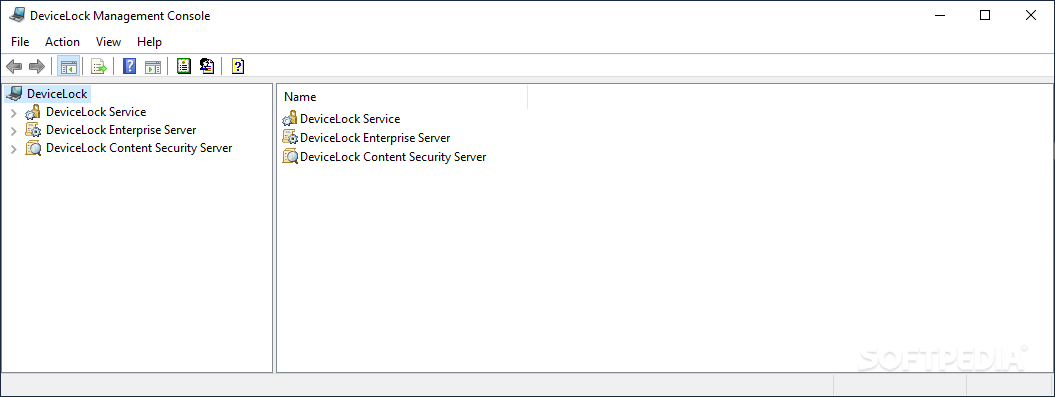
    · Control everything remotely using the centralized management console
    · Get a complete log of port and device activity, such as uploads and downloads by users and filenames in the standard Windows Event Log that stores locally and/or in the special protected log that sends to DeviceLock Enterprise Server for centralized storage
    · Mirror all data (shadowing) copied to external storage devices (removable, floppy, DVD/CD-ROM) and transferred via COM and LPT ports
    · Store shadow data and audit logs on a centralized component of an existing server and any existing ODBC-compliant SQL infrastructure
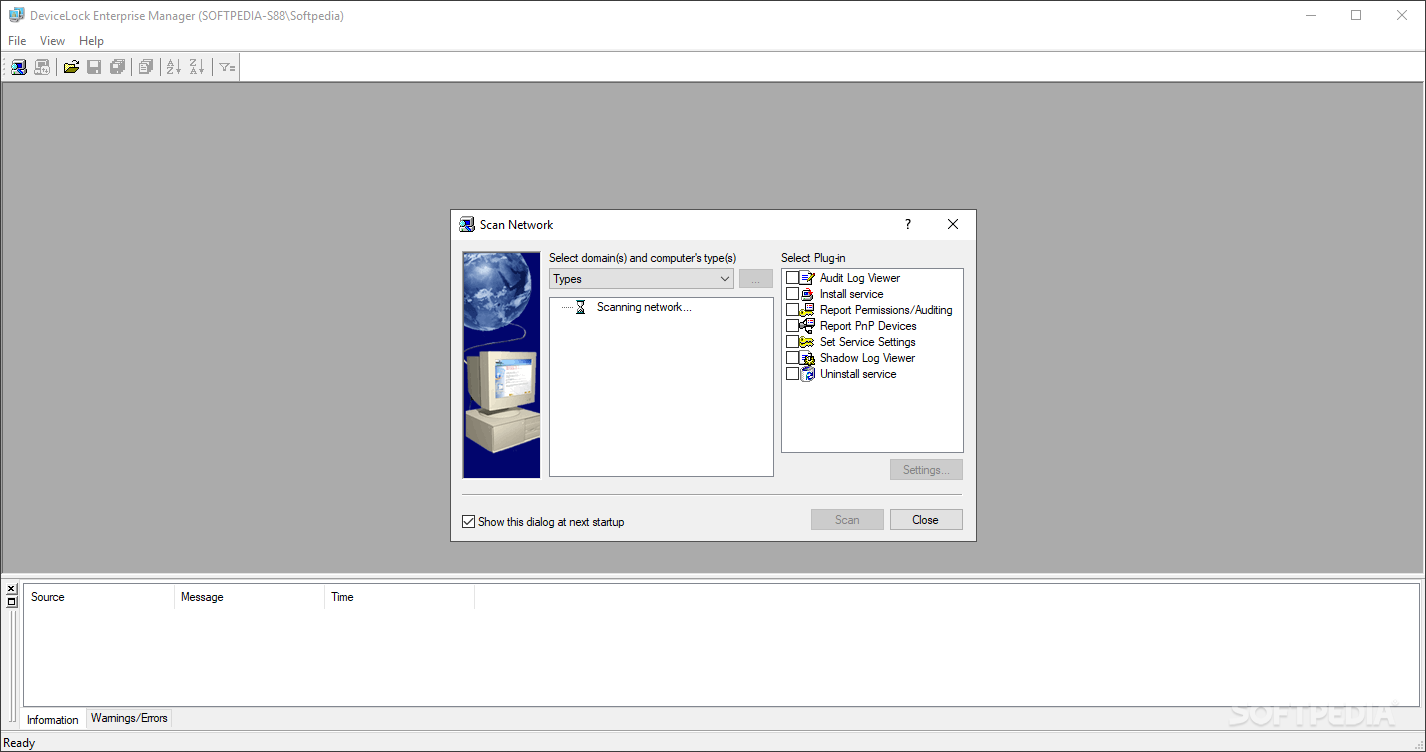
    · Generate a report concerning the permissions and settings that have been set
    · Generate a report displaying the USB, FireWire and PCMCIA devices currently connected to computers and those that were connected
    · Install and uninstall it automatically.

    Requirements:

    · 64 MB RAM
    · 4 Mb disk space

    Limitations:

    · 30 days trial
    · nag screen

    What's New in This Release: [ read full changelog ]

    · NetworkLock: Added new protocol: “MAPI” for handling Microsoft Exchange email transactions using the Microsoft Outlook client.
    · NetworkLock: Added new protocol: “File Sharing” for web-based file exchange
    · and synchronization services. “File Sharing” supports controlling, shadowing
    · and content analysis of RapidShare, DropBox, Narod.ru and iFolder file-exchange services.
    · NetworkLock: Added new protocol: “Skype”. “Skype” support blocking, allowing, shadowing and content analysis of incoming and outgoing instant messages.
    · NetworkLock: Added support for social networks Tumblr and LiveInternet.
    · NetworkLock: Added support for Facebook API and Vkontakte API.
    · NetworkLock: Added support for controlling, shadowing and content analyzing
    · of outgoing files sent via supported Instant Messengers. Incoming files can
    · also be audited and shadowed.
    · NetworkLock: Added new feature: “IP Policy”. “IP Policy” can block TCP
    · connections via protocols not otherwise supported by NetworkLock’s list of
    · m...

     Softpedia guarantees that DeviceLock 7.2.0 Build 37813 Beta 1 / 7.1.0 Build 36106 is 100% CLEAN, which means it does not contain any form of malware, including spyware, viruses, trojans and backdoors. [read more >]


    TAGS:

    control access | network administrator | protect network | protect | controller | lock


    HTML code for linking to this page:


    Go to top

    WindowsGamesDriversMacLinuxScriptsMobileHandheldNews

    SUBMIT PROGRAM   |   ADVERTISE   |   GET HELP   |   SEND US FEEDBACK   |   RSS FEEDS   |   UPDATE YOUR SOFTWARE   |   ROMANIAN FORUM