
Create databases for storing password information by relying on this lightweight application that comes with multiple configuration options. #Password manager #Organize password #Store password #Password #Organize #Organizer
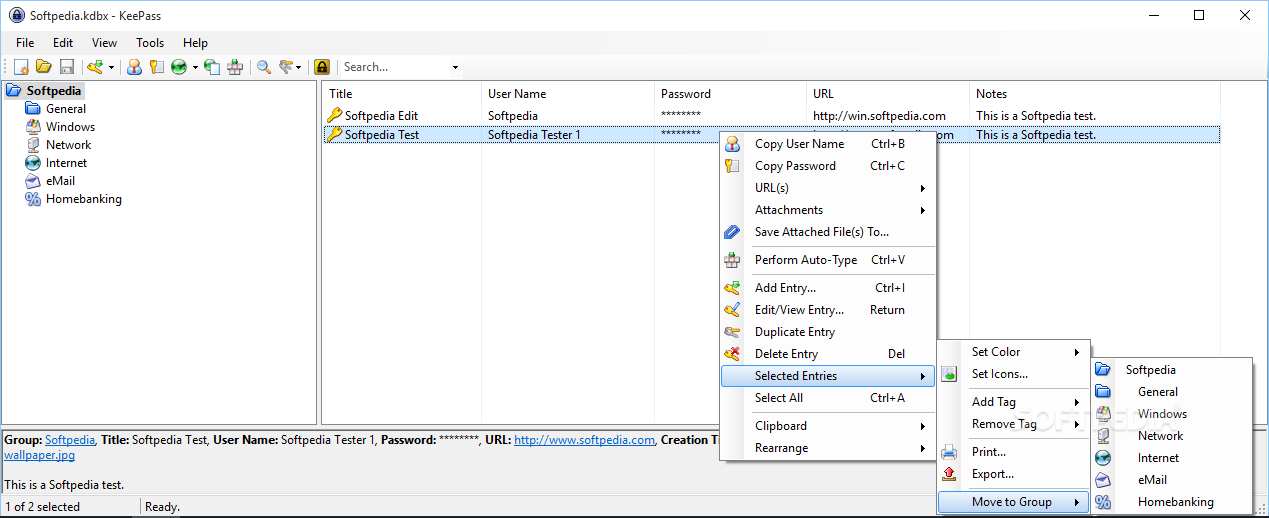
KeePass Password Safe is a compact but powerful application built to help you store and manage credentials for online accounts as well as protect them from unauthorized access.
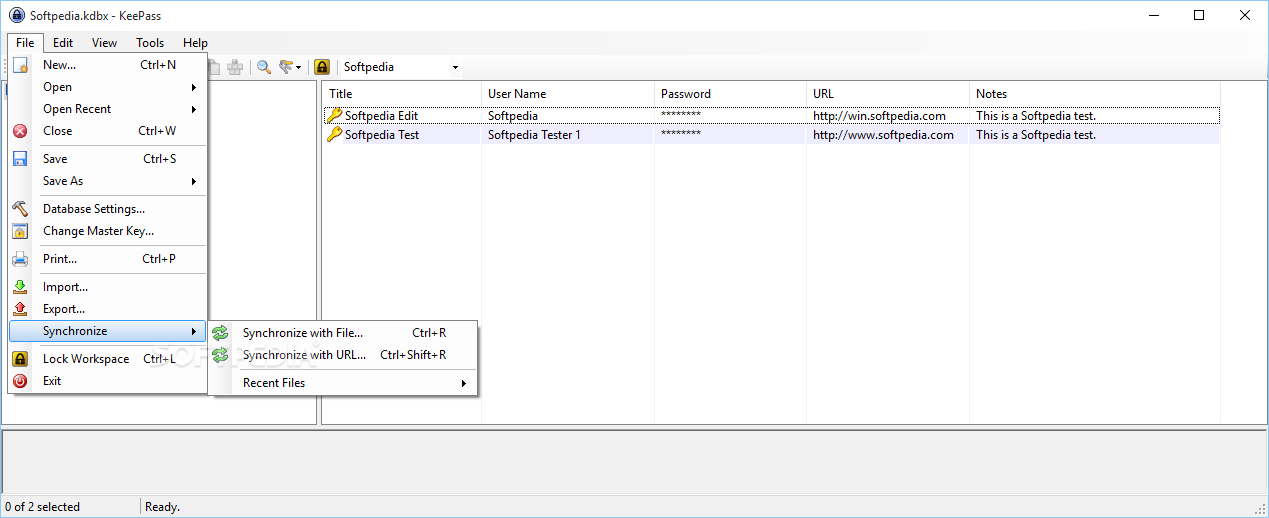
In order to use the program you need to create the database that stores all your log-in accounts. It is mandatory to protect the content with a master password, a key file or at least the information of the current user account.
Using the master password can be safer than the other two methods, since a person that has access to your computer account can also gain access to the database content. For maximum protection you can combine all three security measures.
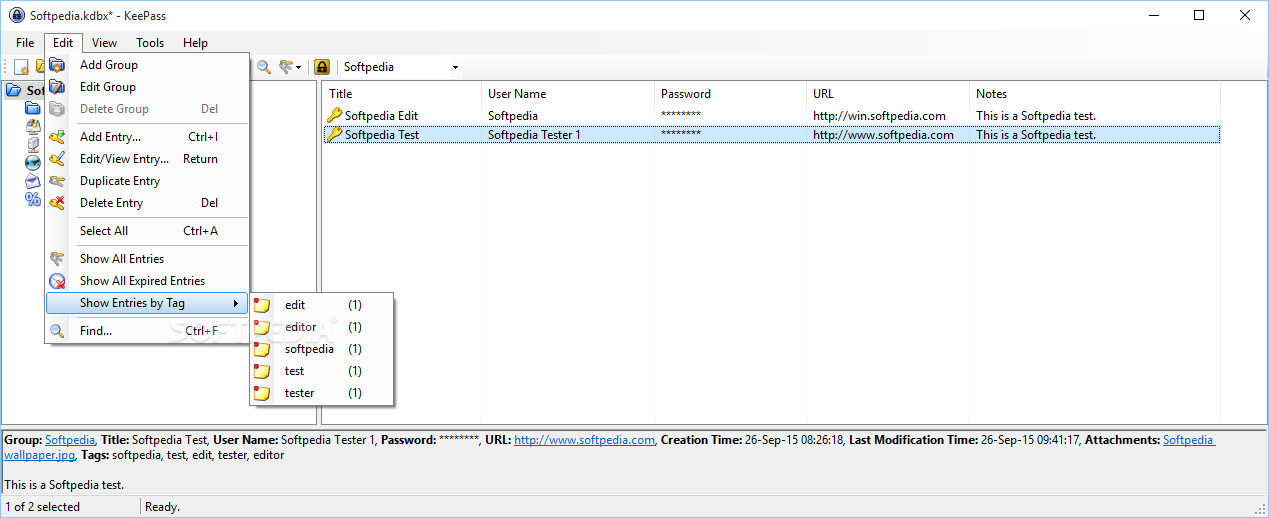
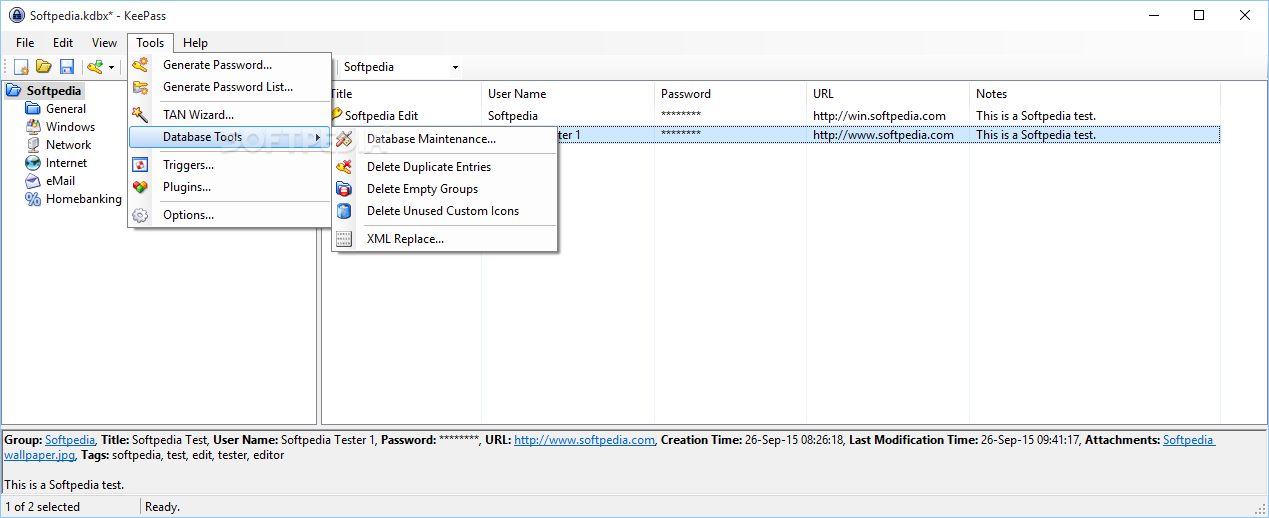
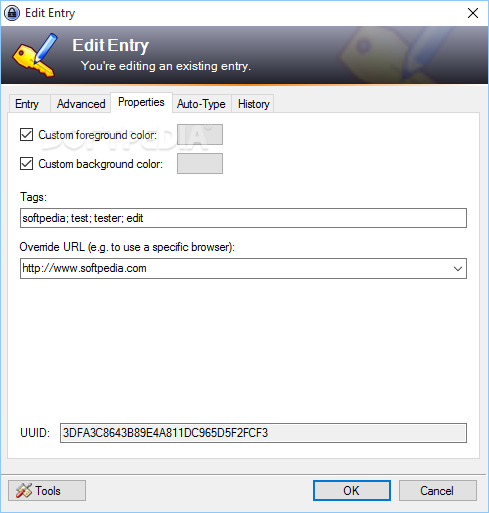
The database structure is flexible and allows you to create folders or subfolders in order to organize the items. You can also personalize the entries by changing the background color, the icon or by adding a tag.
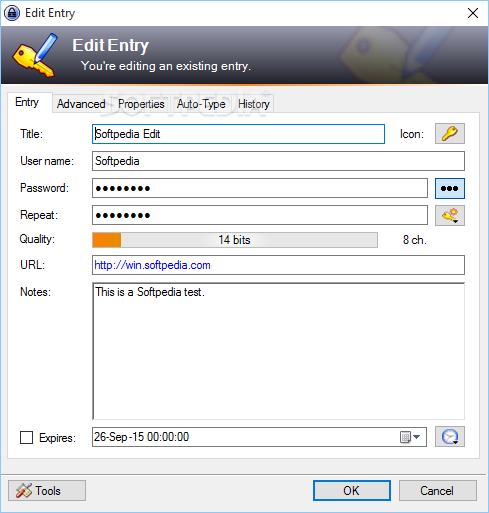
Every entry in the database allows you to enter the basic login details such as account description, user, password and website address. If you need to store more details, you can easily create new fields such as "bank account number" or "shipping address."
The application also allows you to attach any file to an item from the database in order to view them quickly. The program can handle images, text files and HTLM files that can be previewed without using external programs.
An interesting and useful feature of the program is the Auto-Type function that allows you to go directly to a website and to automatically enter the information that is stored in the database. This allows you to login to any website almost instantly, without having to type the username and the password.
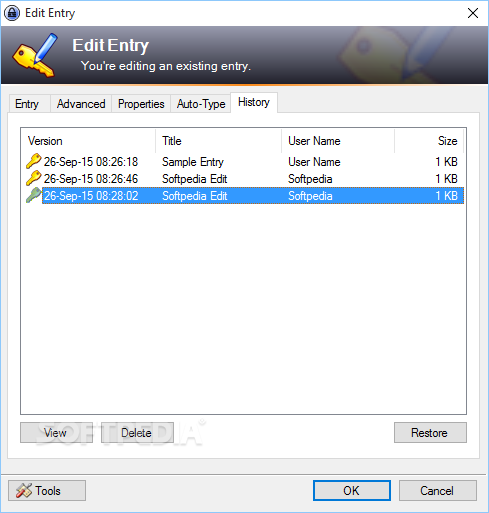
All the modifications made to the database are stored by the program that also allows you to view the time the Auto-Type feature was used. The program includes a powerful password generator that allows you to create multiple passwords that are saved as different entries in your database.
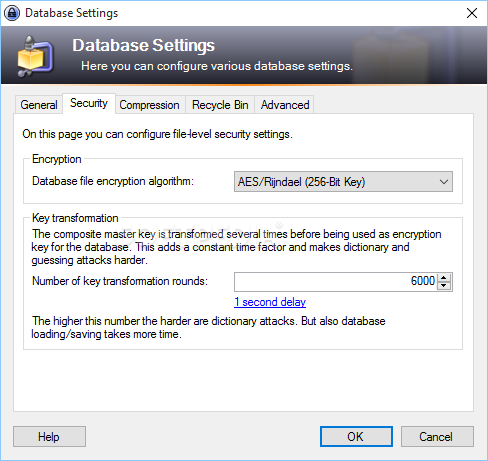
Overall, KeePass Password Safe is a reliable solution to keep your data safe thanks to the easy-to-use interface and the 256-bit algorithm used for encrypting the content of your database.
Download Hubs
KeePass Password Safe is part of these download collections: Password Generators, Password Managers, Create Passwords
What's new in KeePass Password Safe 2.56:
- New Features:
- Added search box in the options dialog (keyboard shortcut Ctrl+F).
- When pressing the Enter key in the group tree of the main window, the entries of the group are displayed now (this can be useful for instance when the entry list is displaying search results).
KeePass Password Safe 2.56 / 1.42 Classic Edition
add to watchlist add to download basket send us an update REPORT- PRICE: Free
- portable version
- KeePass Password Safe Portable
- runs on:
- Windows All
- file size:
- 4.2 MB
- filename:
- KeePass-2.56-Setup.exe




- main category:
- Security
- developer:
- visit homepage
paint.net

IrfanView

7-Zip

ShareX

Zoom Client

Windows Sandbox Launcher

calibre

4k Video Downloader

Microsoft Teams

Bitdefender Antivirus Free

- 4k Video Downloader
- Microsoft Teams
- Bitdefender Antivirus Free
- paint.net
- IrfanView
- 7-Zip
- ShareX
- Zoom Client
- Windows Sandbox Launcher
- calibre