Softpedia
 

WINDOWS CATEGORIES:


GLOBAL PAGES >>
SOFTPEDIA REVIEWS >>
MEET THE EDITORS >>

WEEK'S BEST

  • DAEMON Tools Pro (...
  • FlashFXP [ DISCOUN...
  • PowerISO 4.9
  • WebcamMax [DISCOUN...
  • Zemana AntiLogger ...
  • System Mechanic Pr...
  • Glary Utilities Pr...
  • All My Movies [DIS...
  • Ad-Aware Internet ...
  • Atlantis Word Proc...
  • Home > Windows > Security > Password Managers & Generators
     Report malware

    Password Manager XP 3.1 Build 560

    download button

    Part of the Password Managers download hub (+1 other)
    Downloads: 29,657  View global page  Tell us about an update
    User Rating:
    Rated by:
    Very Good (4.2/5)
    299 user(s)
    Developer:

    License / Price:

    Size / OS:

    Last Updated:

    Category:

    Trial / USD 29.95 buy button
    2 MB / Windows All
    [view history]
    C: \ Security \ Password Managers & Generators

     Read user reviews (0)  Send to friend   Follow (2 users)

    EDITOR'S RATING

    Softpedia Editor's Review for Password Manager XP

    Store your passwords securely on local computer and USB flash drives

    Written by Elena Opris on January 12th, 2012

    Password Manager is a tool that allows you to safely store your passwords on your hard drive or external device.

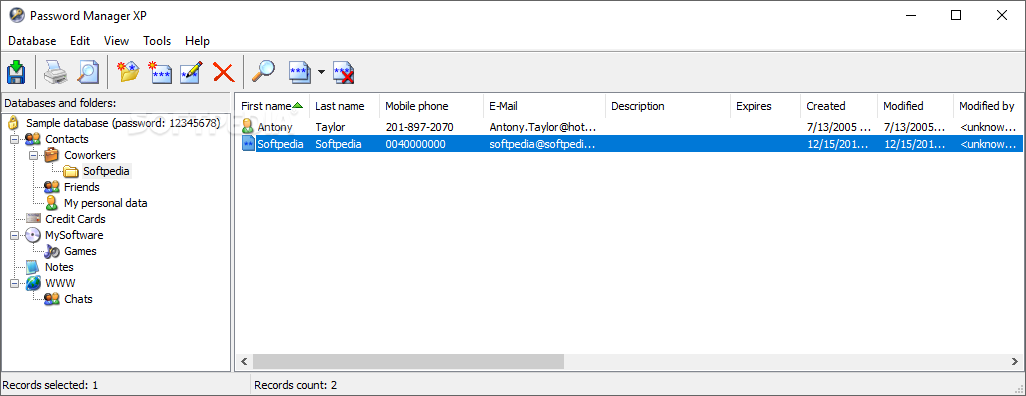
    The interface of the application is plain and simple. You can get started by creating a database.

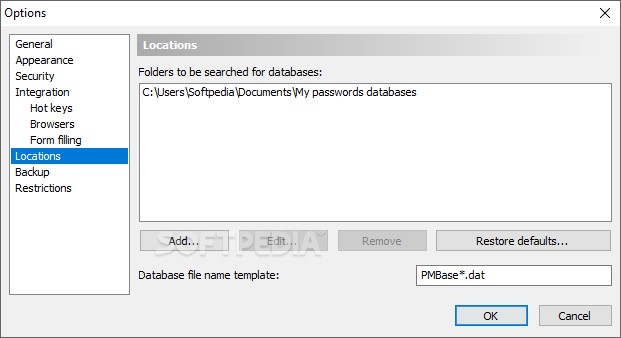
    So, you can give your new database a name and description, assign it a password, set its output directory, as well as add users and groups.

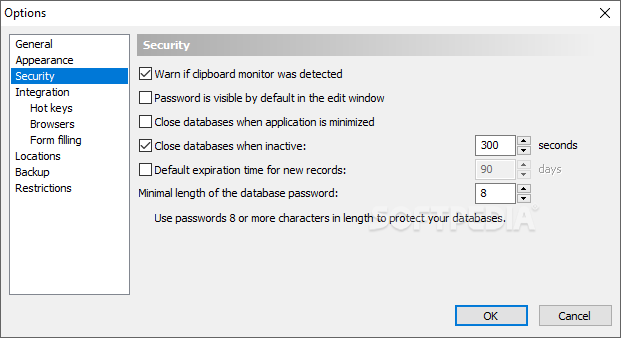
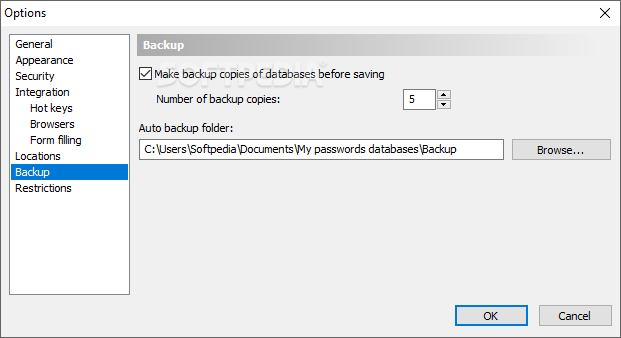
    Furthermore, you can select the encryption algorithm that will have the role of protecting your database (e.g. 384-bit key, 128-bit key), configure parameters (e.g. concurrent write access, remember data sort order, override global automatic closure timeout) and set backup options (you can use global settings or customize them).

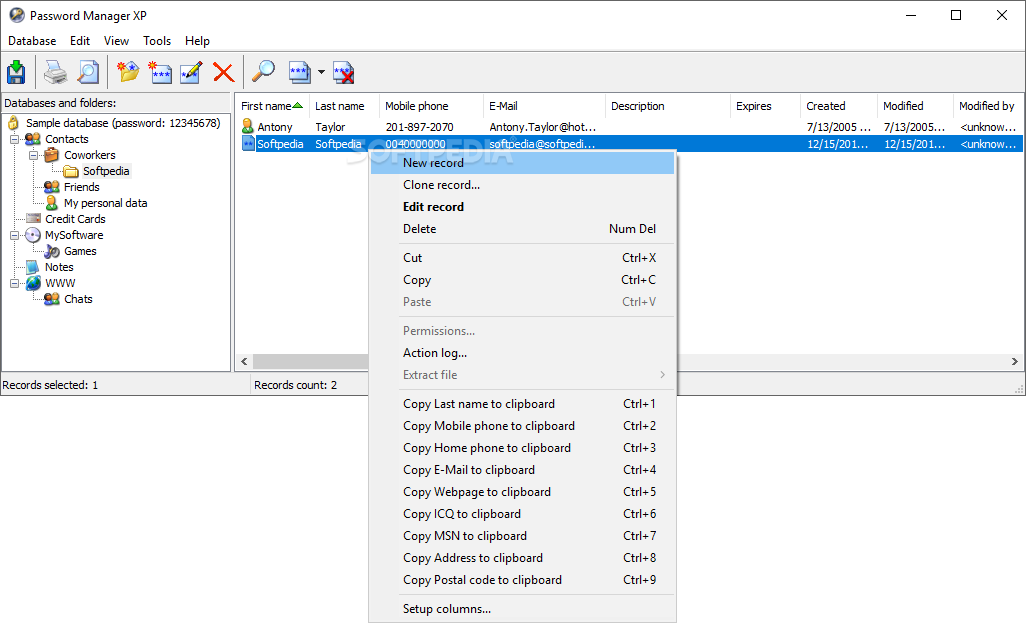
    Once your database has been created, you can add a new record by specifying general attributes (title, user name, account, URL, password), along with advanced ones (e.g. date of creation, modification and expiration, user who modified it) and options concerning files (attach, extract, remove, view properties).

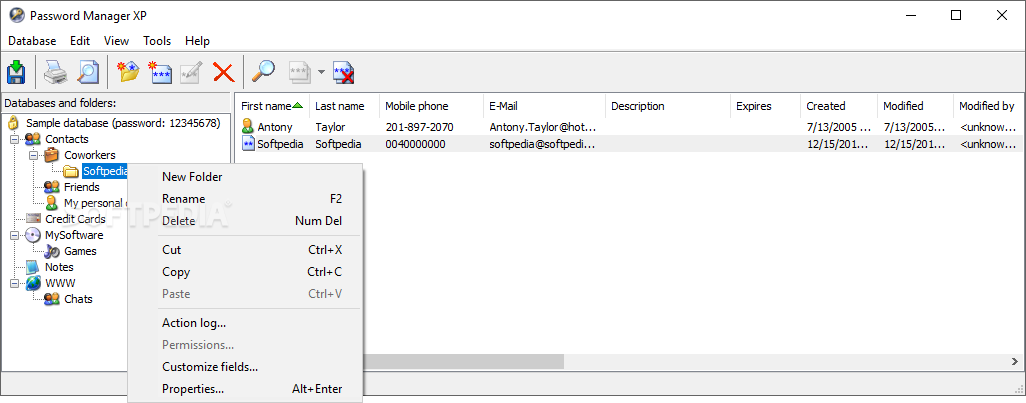
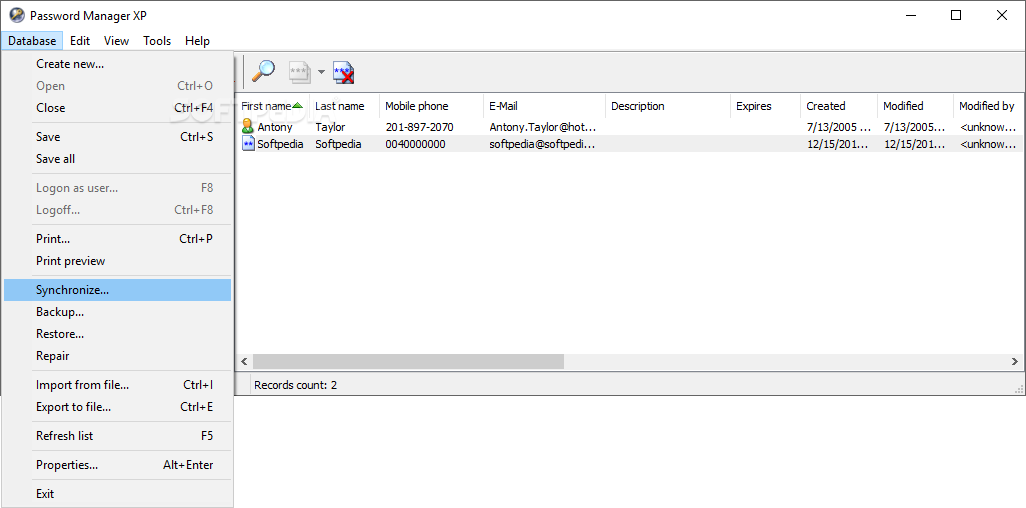
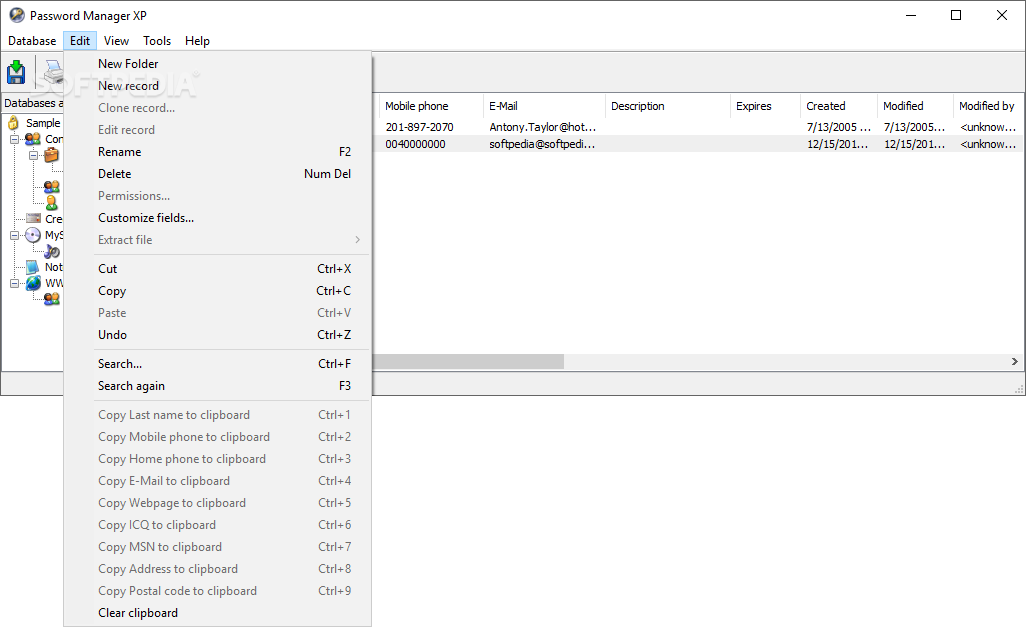
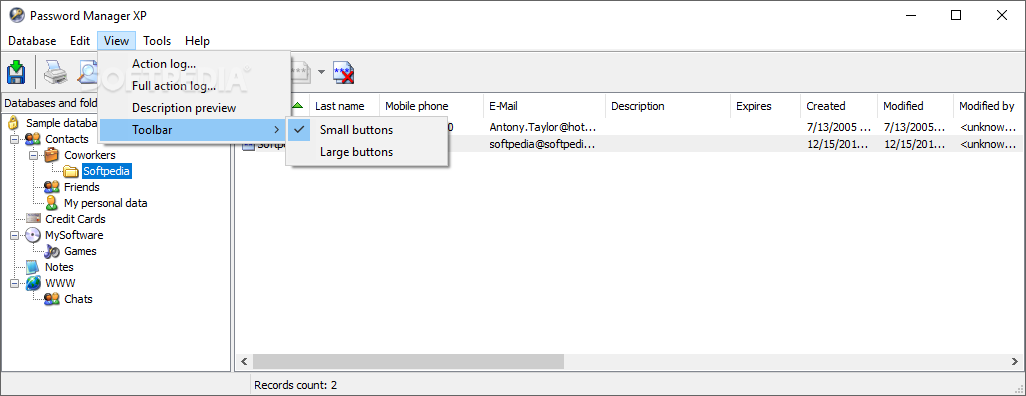
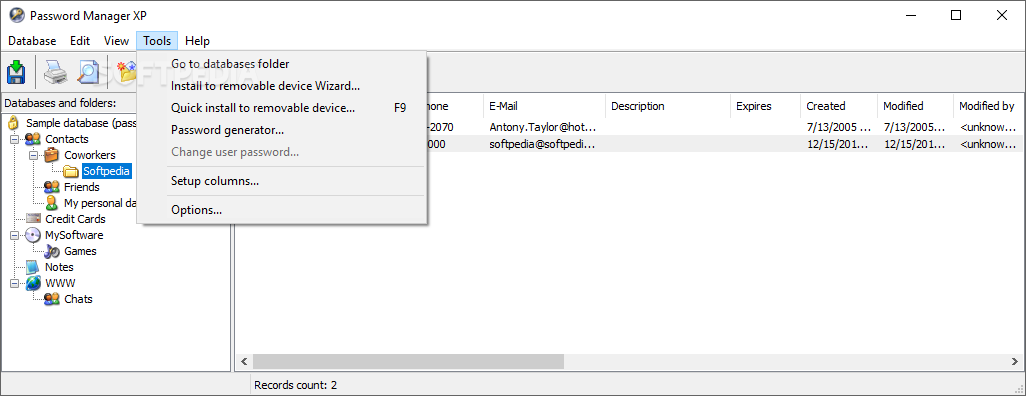
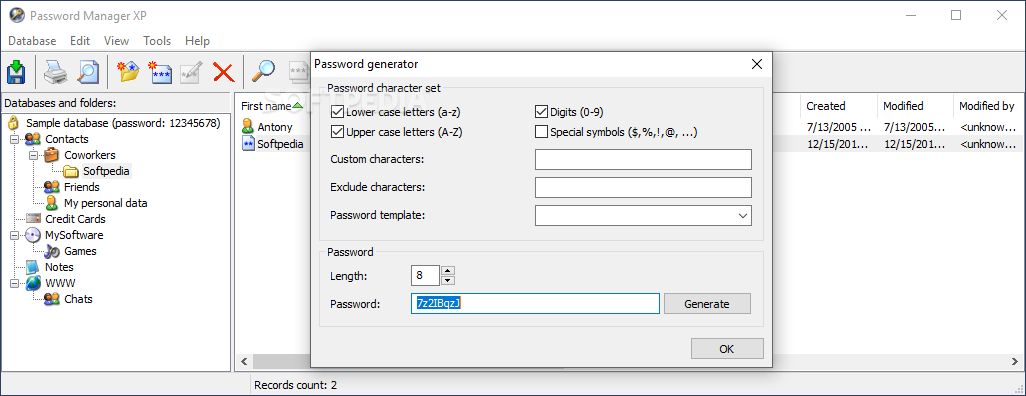
    In addition, you can set up columns, copy information to the clipboard, synchronize a new database, use a backup and restore system, remove corrupted file attachments, import and export records, customize fields, set permissions, use a search function and a random password generator, view logs, and more.

    Password Manager uses a very low amount of system resources and includes a complete help file with guidelines and snapshots. We haven't come across any problems during our tests. Since this software is able to please both beginners and experienced users, we strongly recommend it for anyone who wishes to preserve a secured environment for their secrets.


    Read an in-depth analysis in our professional review for Password Manager XP

    Password Manager XP description

    Here are some key features of "Password Manager XP":

    · Support of the following encryption algorithms (can be used together): Blowfish, 3DES, Rijndael, Tea, Cast128, RC4, Serpent, Twofish;
    · No unencrypted temporary files ever created;
    · Memory blocks are cleared when no longer needed;
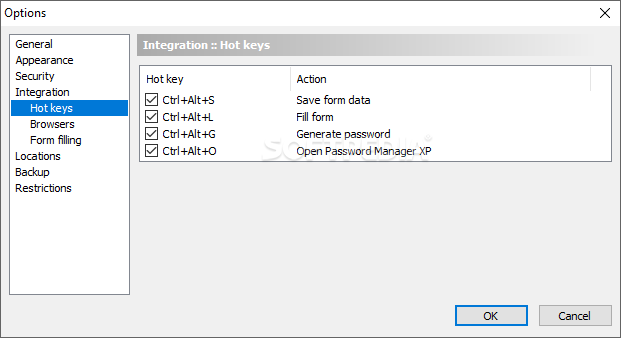
    · Built-in password generator;
    · Support for multiple databases;
    · Ability to access passwords databases from multiple computers across the network;
    · Adjustable user privileges per given database;
    · Permissions can be set for folders or even individual records;
    · Concurrent write access to a database for multiple users;
    · NT authentication support;
    · Logging of all data changes;
    · Printing and ability to create custom print templates;
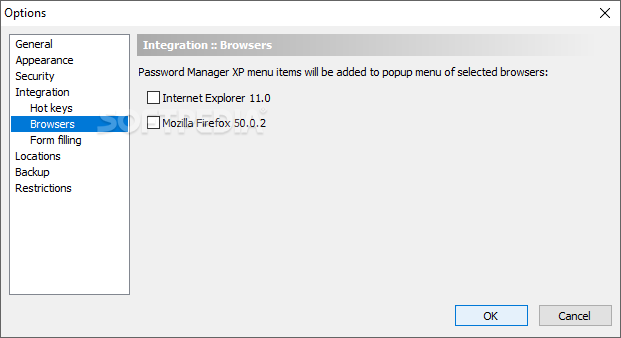
    · Integration into Microsoft Internet Explorer;
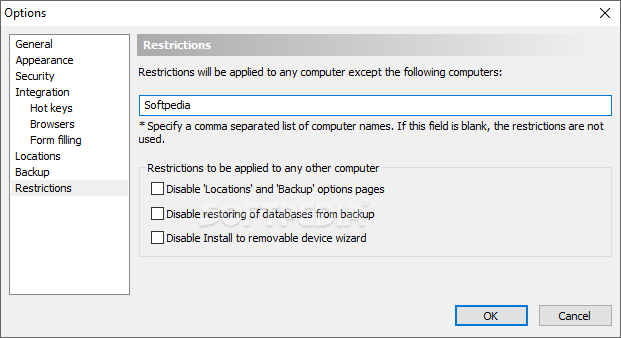
    · Ability to store passwords databases and the program itself on the removable devices such a USB flash drives;
    · Backup and restoring of passwords databases;
    · Export and import to/from CSV and TXT files;
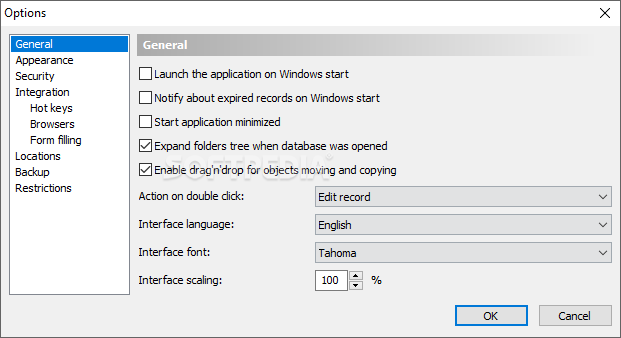
    · Ability to check for the expired passwords on Windows start;
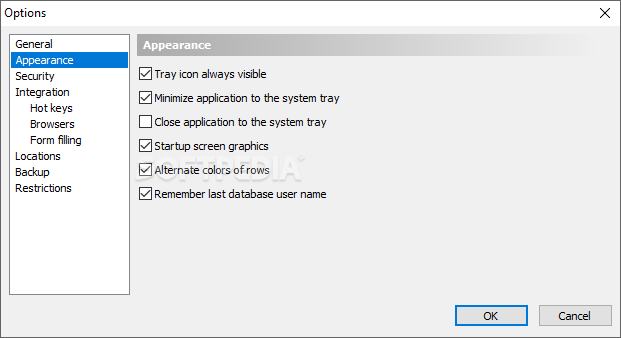
    · Program can be minimized to system tray;
    · Information sorting options;
    · Handy and easy adjustable interface;
    · Multilingual user interface (English, German, French, Italian, Spanish, Dutch, Swedish, Norwegian, Lithuanian, Chinese, Korean, Danish, Czech, Slovak, Slovenian, Hungarian, Greek, Croatian, Polish, Portuguese (Brazil), Hebrew, Turkish, Farsi, Romanian, Russian, Ukrainian);
    · XP themes support.

    Requirements:

    · CPU P100
    · 16Mb RAM

    Limitations:

    · 30 days trial period
    · You'll be able to create only 2 databases with maximum 10 password records in each, and trial reminder will be shown at the program startup
    · Nag screen

    What's New in This Release: [ read full changelog ]

    · new: Firefox 4, 5, Google Chrome, Opera support.
    · updated: Better support for Windows Vista and Windows 7.
    · fixed: Stability issues of Internet Explorer integration.

       Softpedia guarantees that Password Manager XP 3.1 Build 560 is 100% CLEAN, which means it does not contain any form of malware, including spyware, viruses, trojans and backdoors. [read more >]


    TAGS:

    store password | encrypt data | protect information | password | manager | protect


    HTML code for linking to this page:


    Go to top

    WindowsGamesDriversMacLinuxScriptsMobileHandheldNews

    SUBMIT PROGRAM   |   ADVERTISE   |   GET HELP   |   SEND US FEEDBACK   |   RSS FEEDS   |   UPDATE YOUR SOFTWARE   |   ROMANIAN FORUM