
Securely store and organize all your passwords, as well as instantly generate new ones by relying on this Electron-based, intuitive app. #Password Manager #Generate Password #Store Password #Password #Passkey #Generator

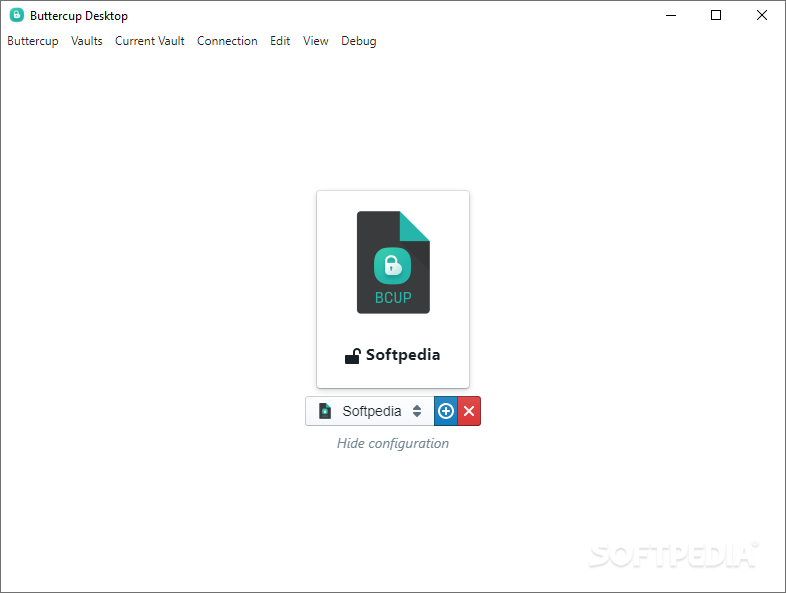
With the every-growing number of web services within our lives, password managers have become a necessity for most of us. If cloud password managers don't float your boat, then you can always employ the services of local ones, for example, Buttercup.
In just a few words, Buttercup is a simplistic, Electron-based piece of software that allows you to securely and locally store and manage your passwords.
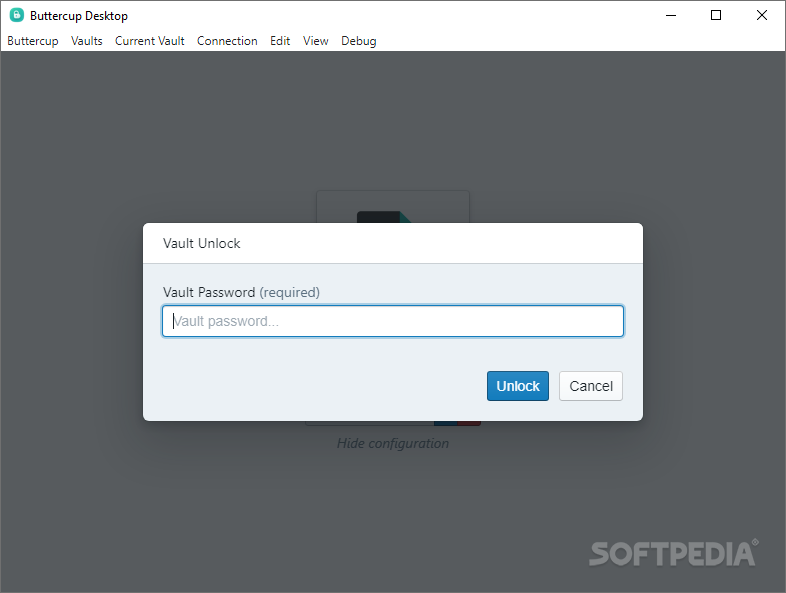
Upon first launching Buttercup, you are prompted to provide the app with a master password, which, alongside an AES-256bit algorithm, is used to encrypt the password archive.
Regarding the overall number of features, we would like to urge you not to set your expectations too high, just yet. You do not get fancy features like profiles for online shopping, the possibility to share passwords or auto-changing passwords. You are, however, provided with an intuitive environment for managing passwords, a modern-looking, clean user interface and a competent Password Generator.
You also get to import your passwords and credentials directly from a KeePass archive. If you don't have a KeePass archive, start off by creating a new group and continue by adding the first entry. Add the title, username, and an already existing password, or generate a new one on the spot.
The Password Generator allows you to choose the length of your password and to decide whether it should contain just characters, numbers, symbols or all at once. As expected, your passwords are stored in separate entries, which can be easily organized in groups and can be swiftly moved from one group to another with the help of the contextual menu.
By now, you should have a clear idea about Buttercup. It's definitely not the most feature-packed password manager out there but thanks to its combination of simple features and a modern user interface, it might be very useful for users who want an unpretentious, local password manager for their Windows or Linux PCs, as well as for their Macs.
What's new in Buttercup 2.27.0:
- Pre-release channel support
- Disable updates via launch args
- Show vault title in unlock prompt
- Update Italian language
Buttercup 2.27.0
add to watchlist add to download basket send us an update REPORT- PRICE: Free
- runs on:
-
Windows 11
Windows 10 64 bit
Windows 8 64 bit
Windows 7 64 bit - file size:
- 71.9 MB
- filename:
- Buttercup-win-x64-2.27.0-installer.exe
- main category:
- Security
- developer:
- visit homepage
Zoom Client

IrfanView

Bitdefender Antivirus Free

paint.net

calibre

Microsoft Teams

Windows Sandbox Launcher

7-Zip

ShareX

4k Video Downloader

- 7-Zip
- ShareX
- 4k Video Downloader
- Zoom Client
- IrfanView
- Bitdefender Antivirus Free
- paint.net
- calibre
- Microsoft Teams
- Windows Sandbox Launcher