Softpedia
 

WINDOWS CATEGORIES:


GLOBAL PAGES >>
SOFTPEDIA REVIEWS >>
MEET THE EDITORS >>
WEEK'S BEST
  • Sticky Password FR...
  • Parallels Workstat...
  • ESET NOD32 Antivir...
  • BitDefender Total ...
  • WinPatrol 24.6.201...
  • PerfectDisk Free D...
  • Adobe Photoshop CS...
  • PerfectDisk Profes...
  • Windows 8 Consumer...
  • Atlantis Word Proc...
  • Home > Windows > Security > Password Managers & Generators
     Report malware

    Sticky Password FREE [SOFTPEDIA EXCLUSIVE] 6.0.2.323

    Softpedia Pick Award
    download button

    Part of the Password Managers download hub (+1 other)
    Downloads: 229,498  Tell us about an update
    User Rating:
    Rated by:
    Good (3.6/5)
    78 user(s)
    Developer:

    License / Price:

    Size / OS:

    Last Updated:

    Category:

    Freeware / $0
    9.4 MB / Windows XP / Vista / 7
    [view history]
    C: \ Security \ Password Managers & Generators

     Read user reviews (1)  Send to friend   Follow (2 users)

    Softpedia Editor's Review for Sticky Password FREE [SOFTPEDIA EXCLUSIVE]

    EDITOR'S RATING:

    The FREE version of the only password manager and online form filler you'll need

    Written by Bogdan Popa on May 22nd, 2012

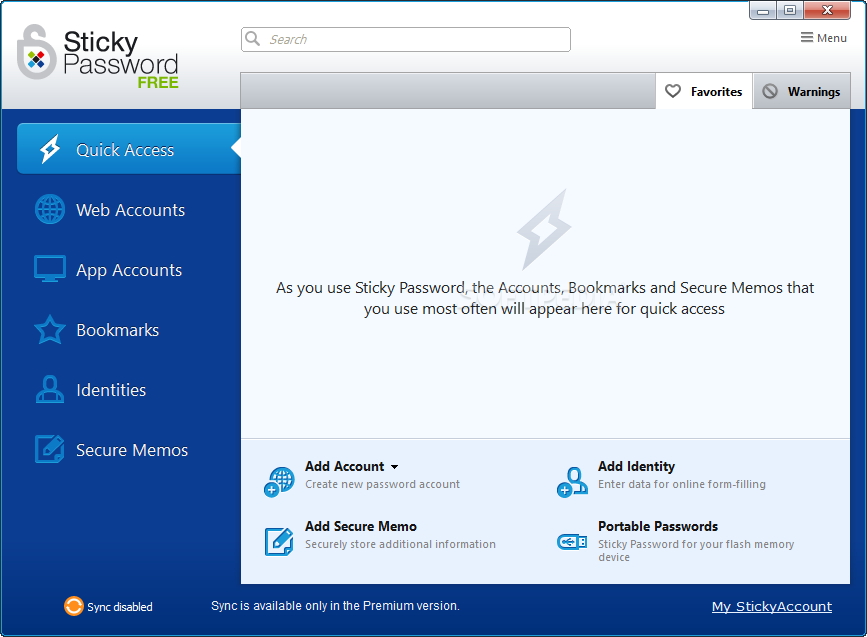
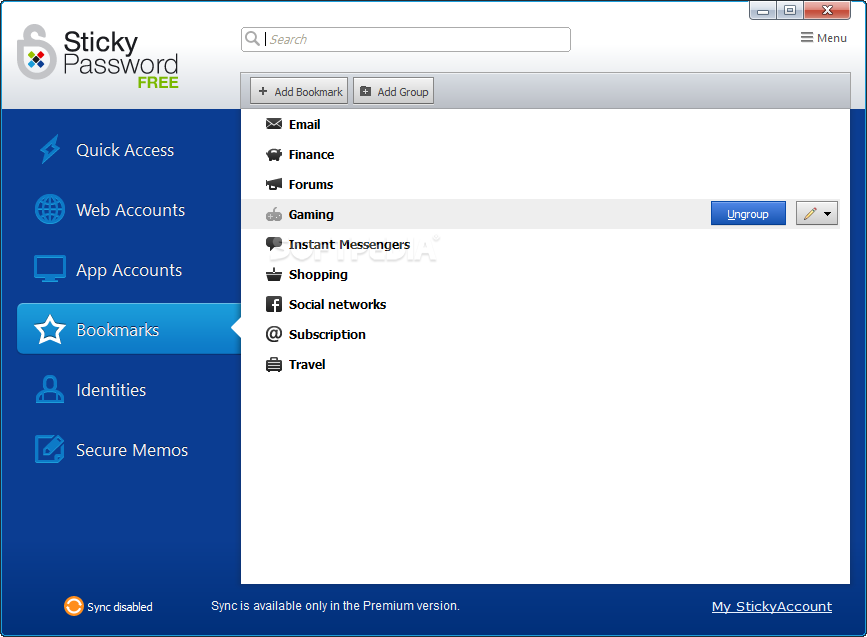
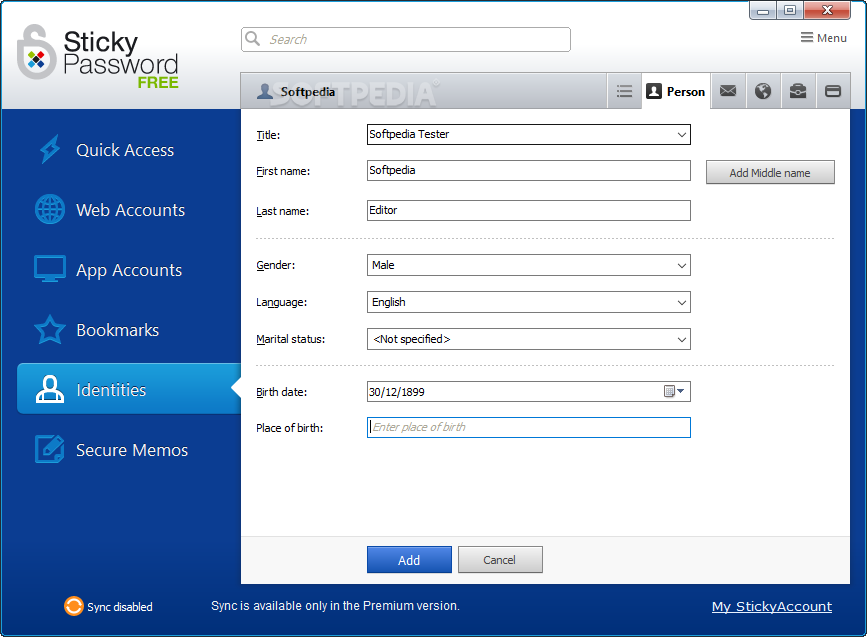
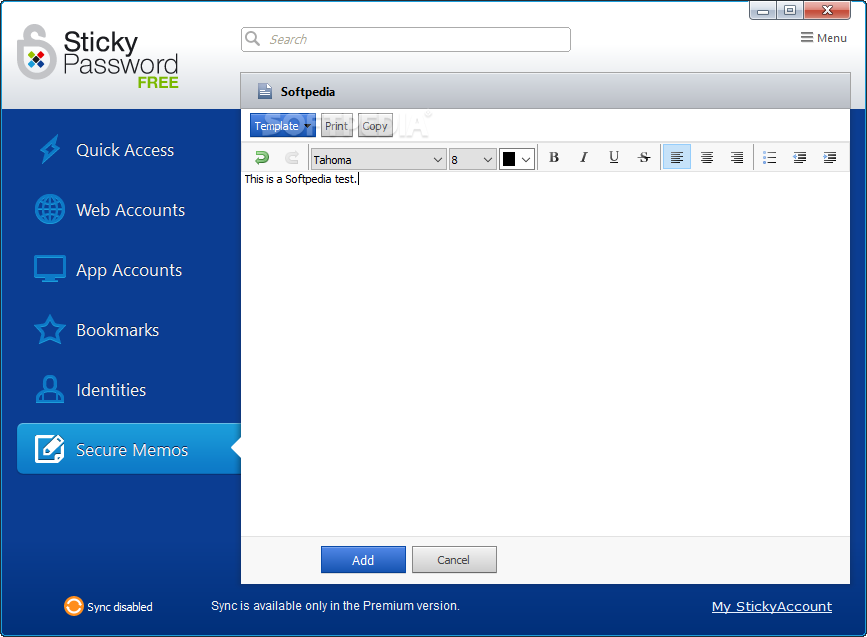
    Sticky Password FREE is a password manager that can help you with keeping your countersigns safe and, at the same time, have easy access to them. Apart from passwords the application can also store bookmarks, identity details and secure memos.

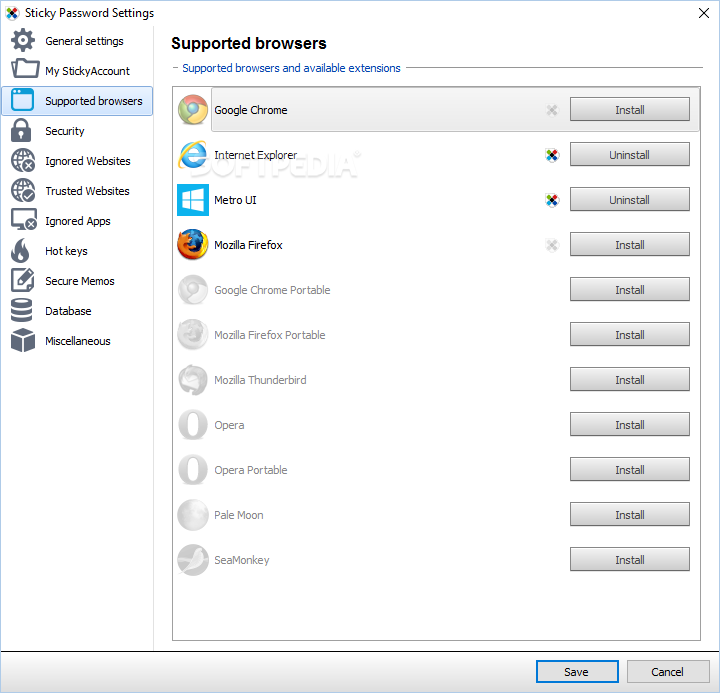
    In order to make everything easy to use, the developer includes the possibility to integrate the application into all popular web browsers (FirefoxOperaSafari,Google ChromeMaxthon and Internet Explorer ), as well as less popular ones, through the “caption button”. This is practically an add-on that sits in the top right corner of the web browser and besides offering quick access to stored entries it is also responsible for detecting form fields and capturing the credentials for adding them to the database.

    Working with the program is pretty easy because the moment you punch in the user name and password to log into a web account Sticky Password prompts you to store the credentials. The moment you need to log in again it fills the required fields automatically. This happens regardless of the web browser you use, as long as the “caption button” is installed.

    Sticky Password can be used as a portable application, which can be carried on a removable device. Thus, you have access to all log-in credentials, bookmarks and identities on the go.

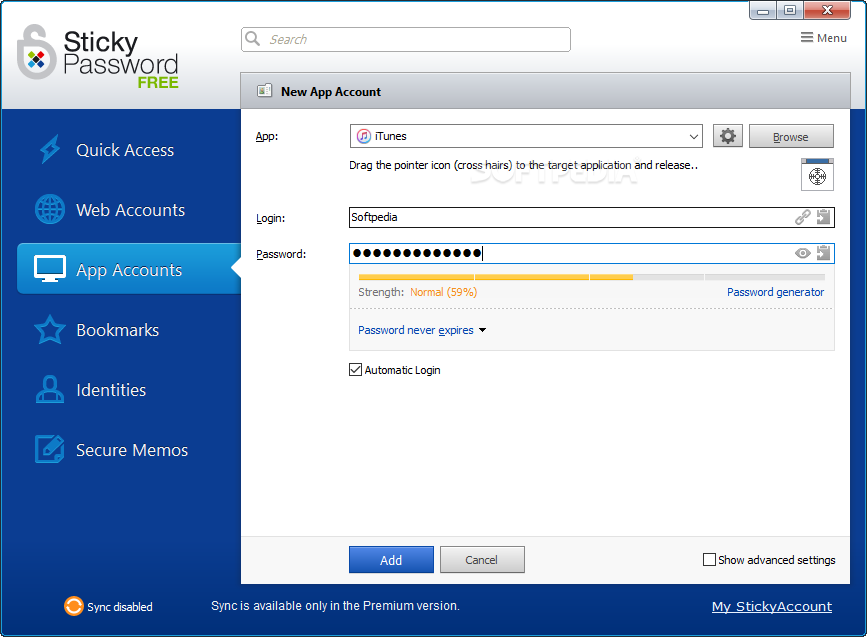
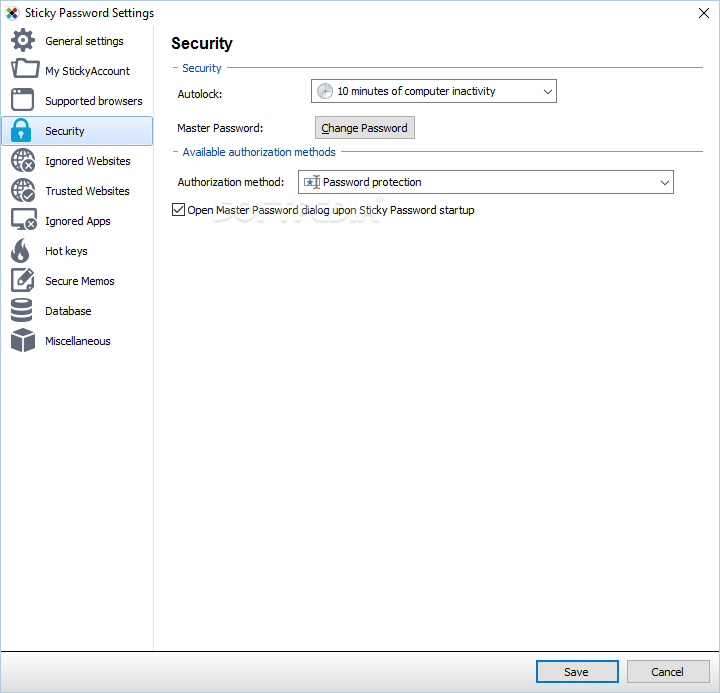
    Access to the data can be protected through a master password, which is evaluated on the spot in terms of strength.

    However, this being the free version, there are some limitations, and these apply to the amount of entries that can be stored in the database. The maximum number of accounts it can hold is 15 while identities are restricted to only one. For most average users this should be quite enough, though. The trial for the full application is avaialble here.


    Read an in-depth analysis in our professional review for Sticky Password FREE [SOFTPEDIA EXCLUSIVE]

    Sticky Password FREE [SOFTPEDIA EXCLUSIVE] description

    Here are some key features of "Sticky Password FREE [SOFTPEDIA EXCLUSIVE]":

    Save time with Sticky Password:
    · Sticky Password recognizes your password-protected sites and logs you in automatically.
    · One-click form filling! Sticky Password fills in tedious online forms quickly and accurately.
    · Sticky Password integrates with your browser and applications so your passwords and data are always ready when you need them.
    · No more lost or forgotten passwords, Sticky Password gets them right the first time and even logs you in automatically.
    · The Installation Wizard imports your passwords automatically from browsers and other password manager programs on your computer.
    · Take advantage of the automatic update feature to ensure that you always have the latest build or version of Sticky Password.

    Protect yourself against identity theft and online threats:
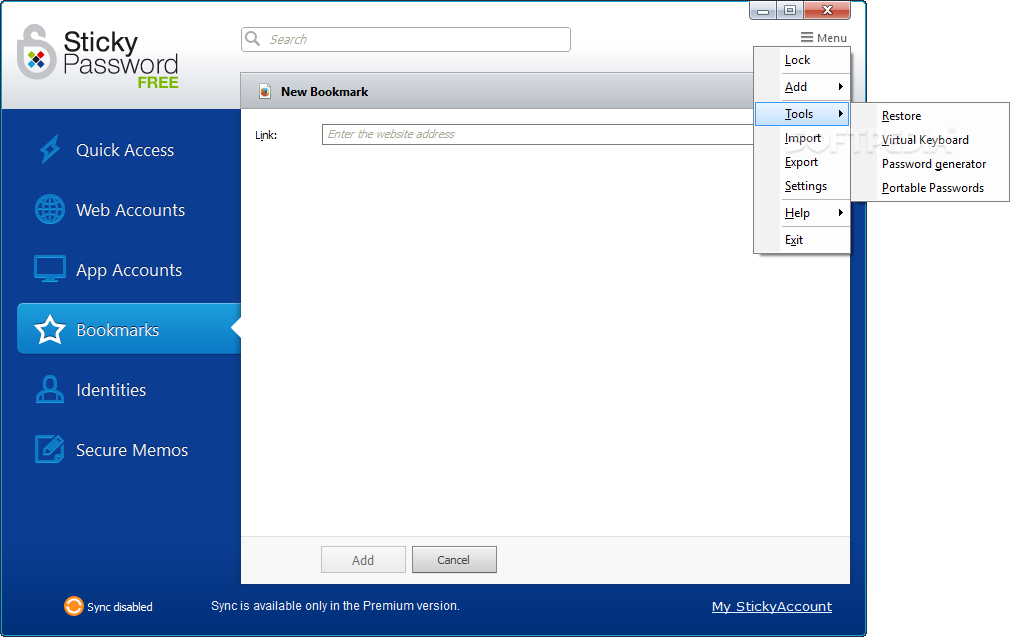
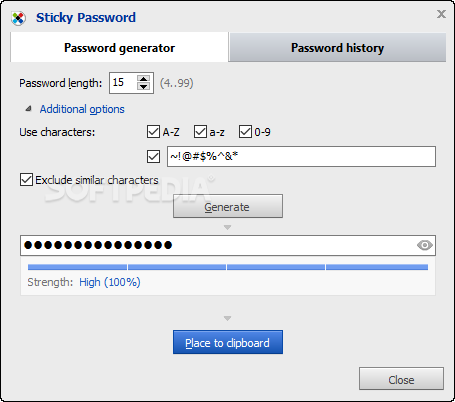
    · Sticky Password creates the strongest passwords possible and manages them for you. With Sticky Password’s password generator, you’re just a click away from another strong password.
    · The database is encrypted with the strongest encryption algorithms available in the industry, including the military-grade AES algorithm.
    · You’ll be protected from phishing scams, because Sticky Password won’t send your login and password to fake websites!
    · Multiple levels of protection against key-loggers. Sticky Password’s automatic login and form filling ensure that there is nothing for key loggers to record. And the Virtual Keyboard also ensures that not even someone peaking over your shoulder will know what you’re typing.
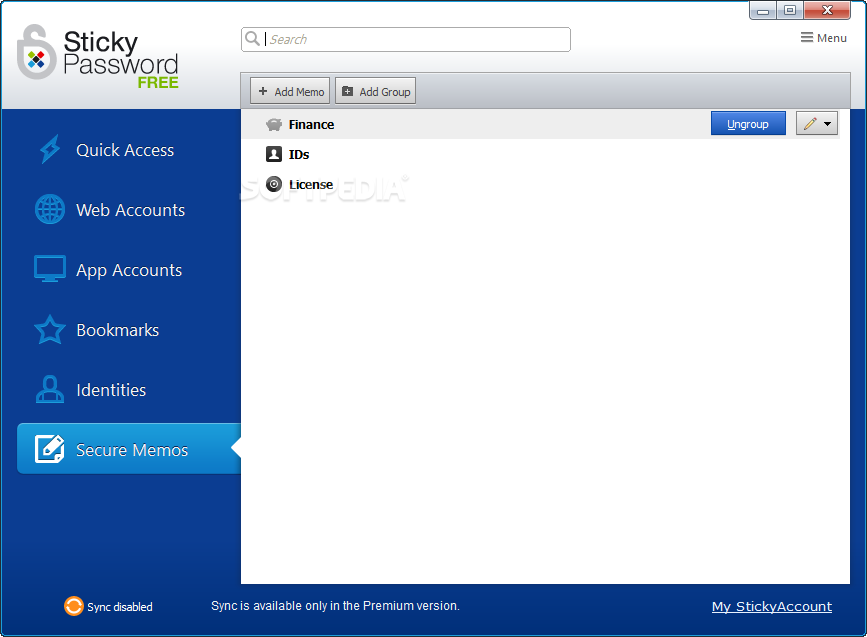
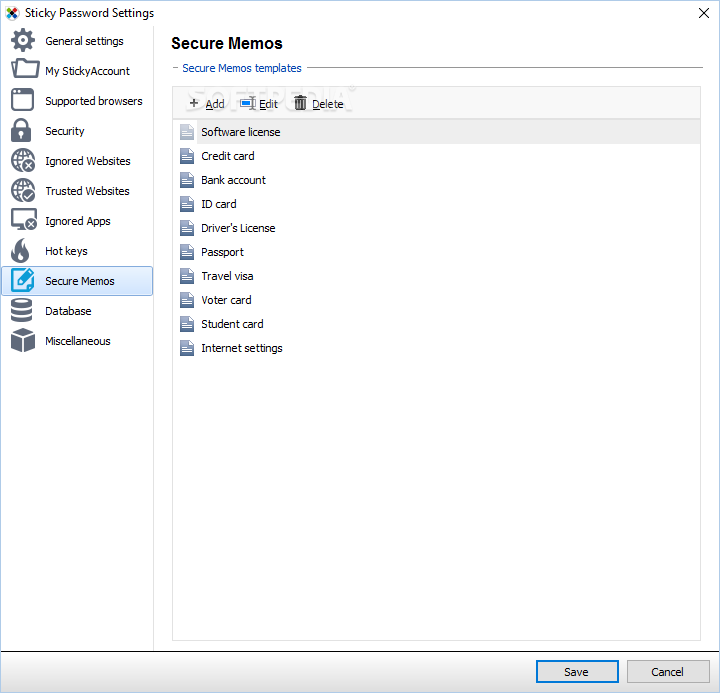
    · Use the new Secure Memos to store even more of your important data in the secure encrypted database.
    · Sticky Password is safer than browsers. When stored in a browser, your passwords can be used by anyone using the computer, and are also more at risk to being stolen by computer viruses than when they are securely stored in Sticky Password’s encrypted database.

    Get organized – passwords and website accounts under control:
    · Sticky Password puts strong passwords under your control. Your Master Password is the only password you’ll need to remember.
    · Sticky Password fills in all those online forms for you.
    · No toolbars required: located in the title bar, the Caption Button is your access point to Sticky Password functions. No one else has it.
    · Each Sticky Password license includes the Sticky Password Portable Version, so you’ll always have your passwords when you need them.
    · Sticky Passwords supports secure export and other collaboration options.
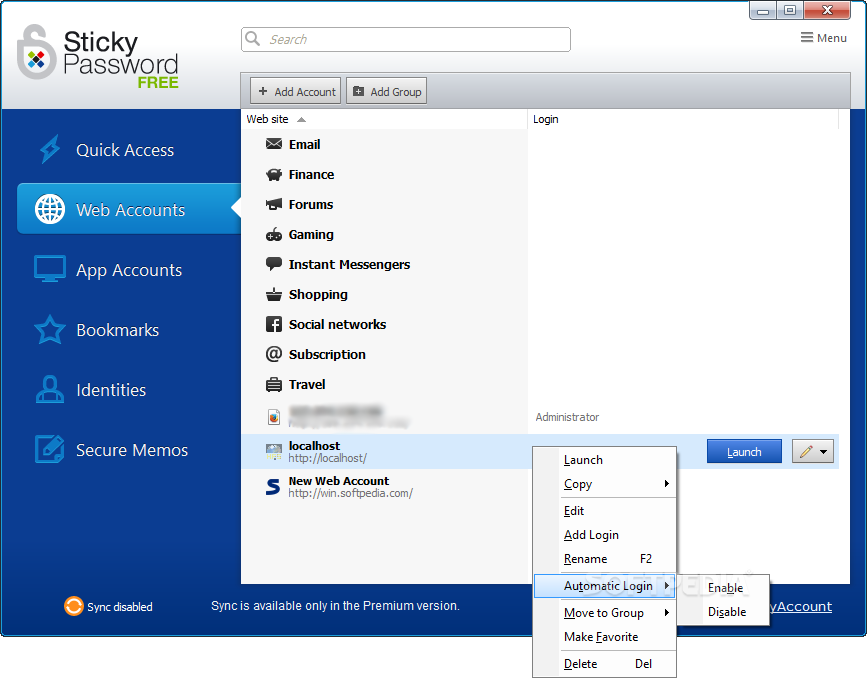
    · Your password Accounts will be organized the way you want with our enhanced groups.
    · Keep your passwords and data in synch! Easy synchronization between your PC and Portable versions.
    · Support for the browsers you use. Sticky Password works with Internet Explorer, Firefox, Google Chrome and more, so you’re not tied to any single browser.

    Requirements:

    · 256 MB RAM
    · 15 MB free space on the hard drive

    Limitations:

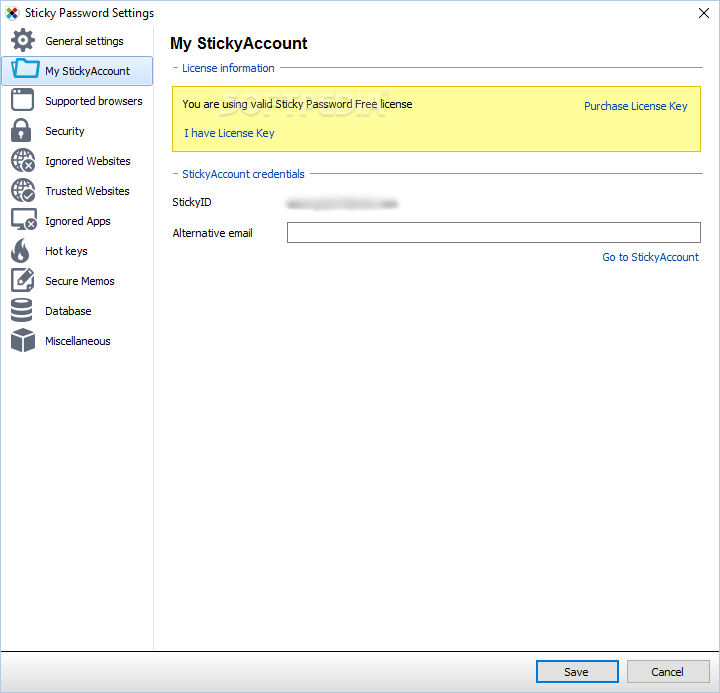
    · The free version enables you to add up to 15 accounts and 1 identity

    What's New in This Release: [ read full changelog ]

    New Sticky Password features include:
    · new user interface
    · bookmarks support
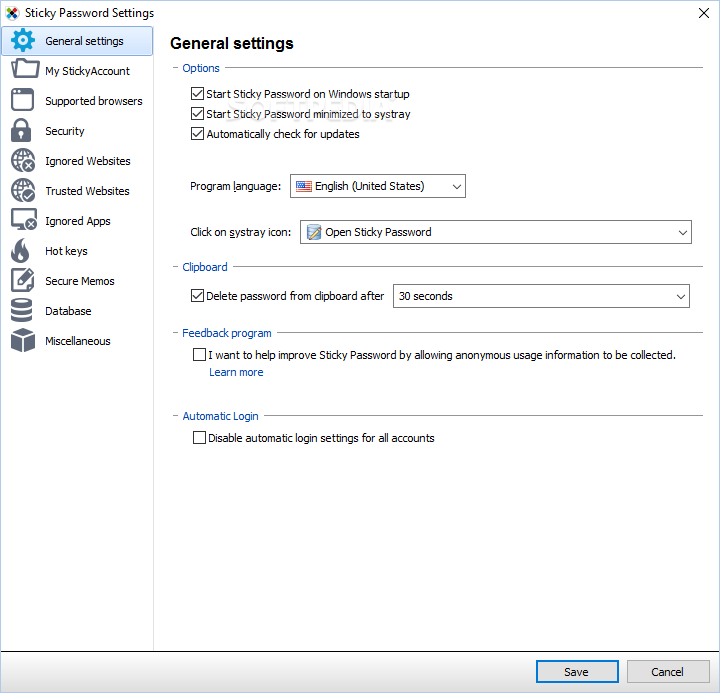
    · clipboard protection
    · illumination of login/registration fields in browsers
    · password generator is now launched from the web field
    · storing history of generated passwords
    · automatic Identity creation after submitting registration form
    · account sharing
    · password expiration - reminder for Account password change
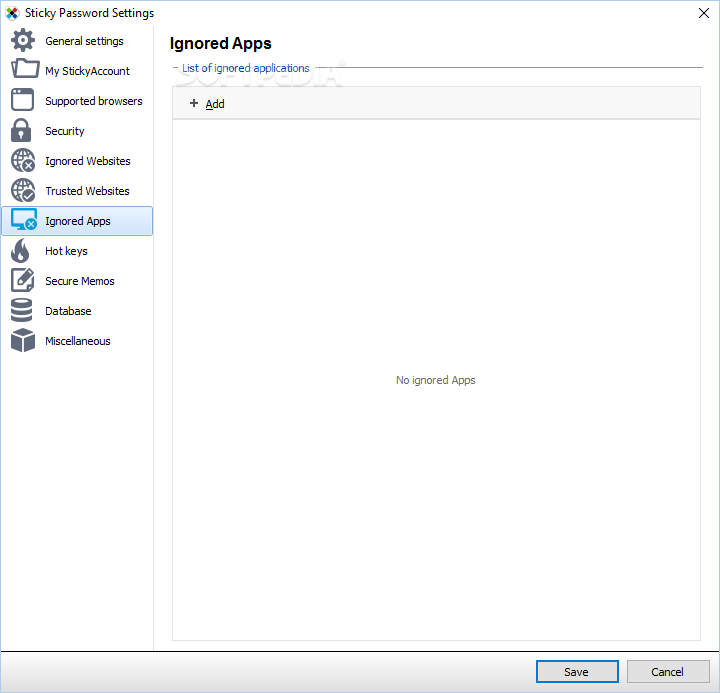
    · possibility to ignore specified application integration
    · support for accounts with login only
    · default browser for every Account
    · one-click printing of Secure Memos
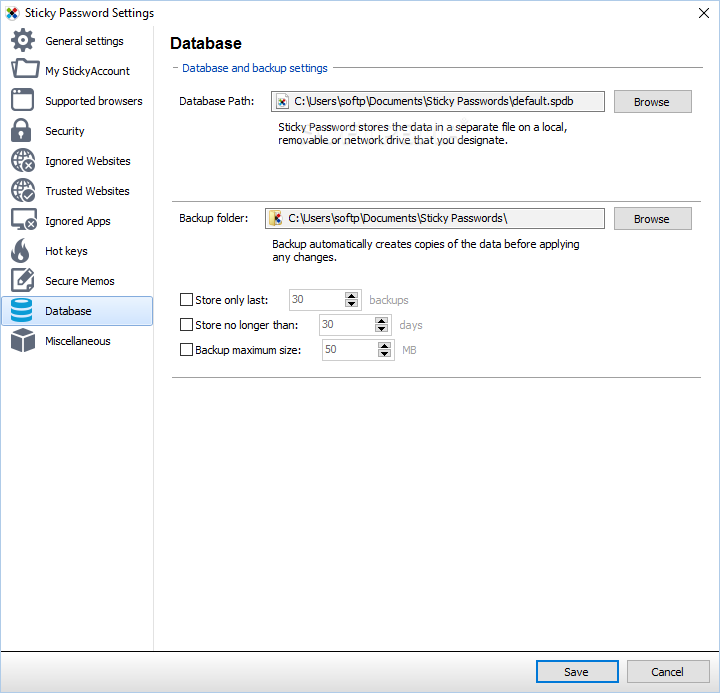
    · possibility to limit the size of backup folder/versions
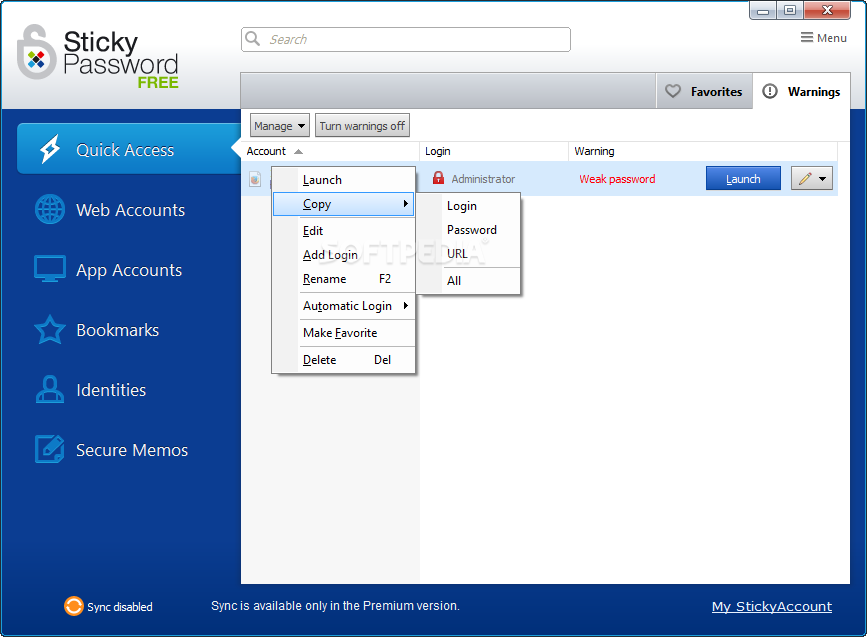
    · warnings - displaying Accounts with weak passwords
    · multiple items selection in the database
    · search function available also for Secure Memos
    · right-click context menu in Internet Explorer fields for autofill actions
    · added possibility to undo last action (adding/deleting/editing item). It's accessible from the Sticky Password application menu
    · Sticky Password now notifies user if ...

       Softpedia guarantees that Sticky Password FREE [SOFTPEDIA EXCLUSIVE] 6.0.2.323 is 100% FREE, which means it does not contain any form of malware, including spyware, viruses, trojans and backdoors. [read more >]


    TAGS:

    password manager | form filler | remember password | password generator | password | filler


    HTML code for linking to this page:


    Go to top

    WindowsGamesDriversMacLinuxScriptsMobileHandheldNews

    SUBMIT PROGRAM   |   ADVERTISE   |   GET HELP   |   SEND US FEEDBACK   |   RSS FEEDS   |   UPDATE YOUR SOFTWARE   |   ROMANIAN FORUM