Search Perform an advanced search query SOFTPEDIA
 
SOFTPEDIA
Updated one minute ago
HomeSubmit a program for being reviewedAdvertise on our websiteGet help on surfing our websitesSend us your feedbackGet information about our XML/RSS backend and how to use itBrowse the news archiveVisit our discussion forumVizitati forumul in limba romana


Program Finder NormalFreeware onlyShareware only

Ashampoo UnInstaller 3.0.5 / Platinum 2.81 Report spyware 

Click to download Ashampoo UnInstaller Platinum Suite
View more Ashampoo UnInstaller screenshots (14)
 Downloads: 5,322
Rating: Good (3.8/5) | Rated by: 48 user(s)
Add to download basket     Send us update information
 Developer: ashampoo GmbH and Co KG | More programs by this producer
 License: Trial , 49.99 $ to buy 
 Size / OS: 6.14 MB, Windows 2K/XP/Vista
 Last Updated: April 23rd, 2008, 06:11 GMT
 Category: C: \ Security \ Secure cleaning
 Read user reviews (2) Add a review Refer to friend Subscribe
    Download Ashampoo UnInstaller Platinum Suite

Ashampoo UnInstaller Platinum Suite description
Keep your Windows clean! It’s quick, it’s easy and it works.

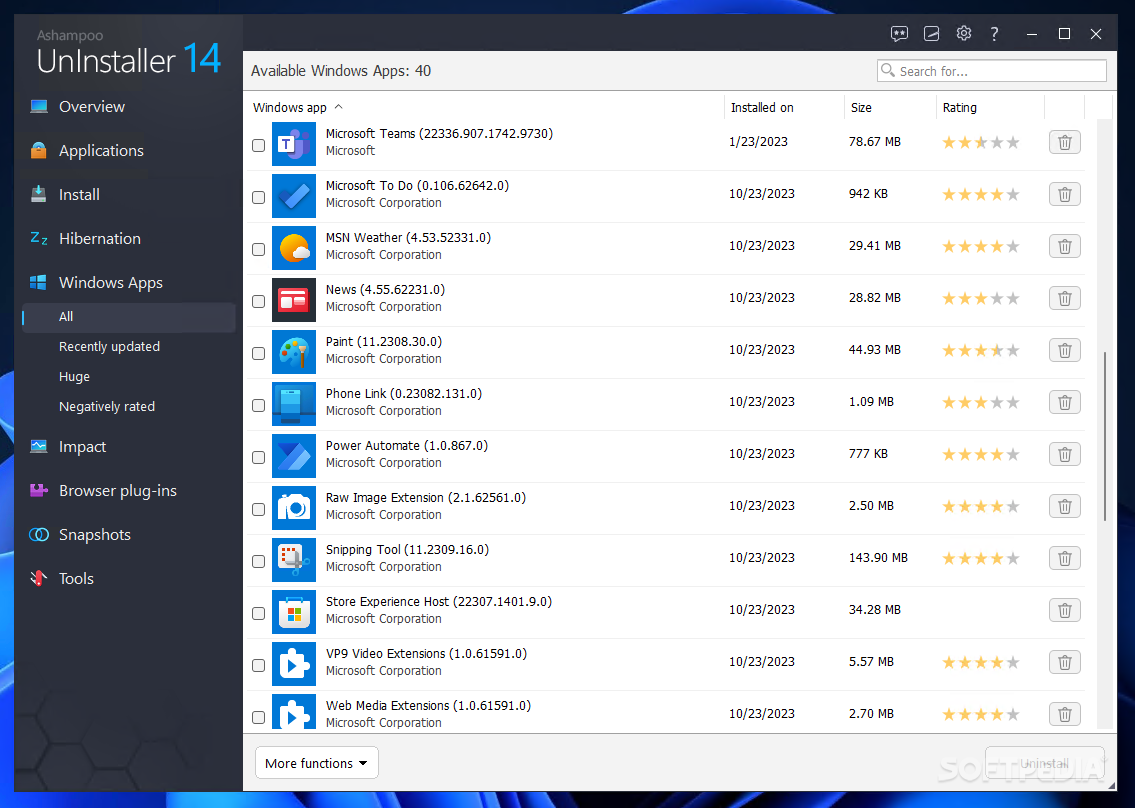
Don’t you hate it that Windows gets slower and slower the longer you use it? One of the main reasons for this is that software is almost never uninstalled completely. Most application programs don’t provide enough information for the Windows Add/Remove Programs tool to be able to uninstall them properly. So every time you test a program and then remove it you have a little more junk left over clogging up your computer. After a while your Windows operating system is like a back yard full of rusty bicycles, old beer cans and broken bathtubs.

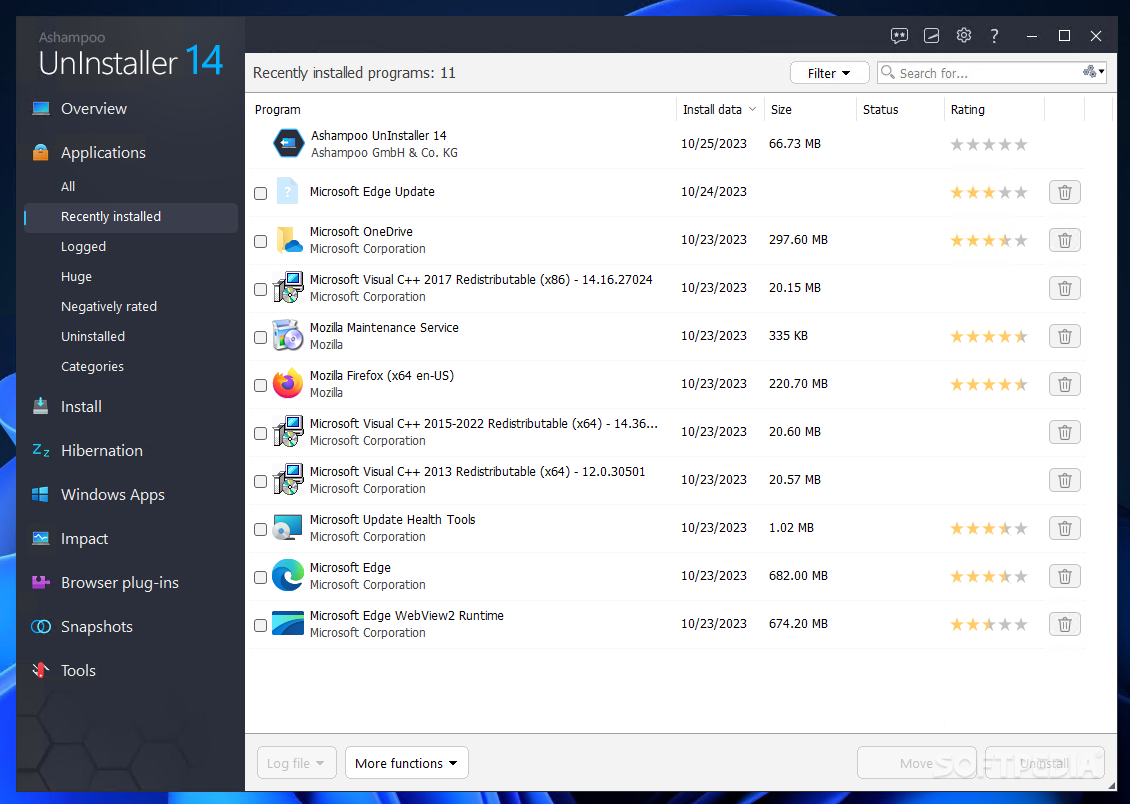
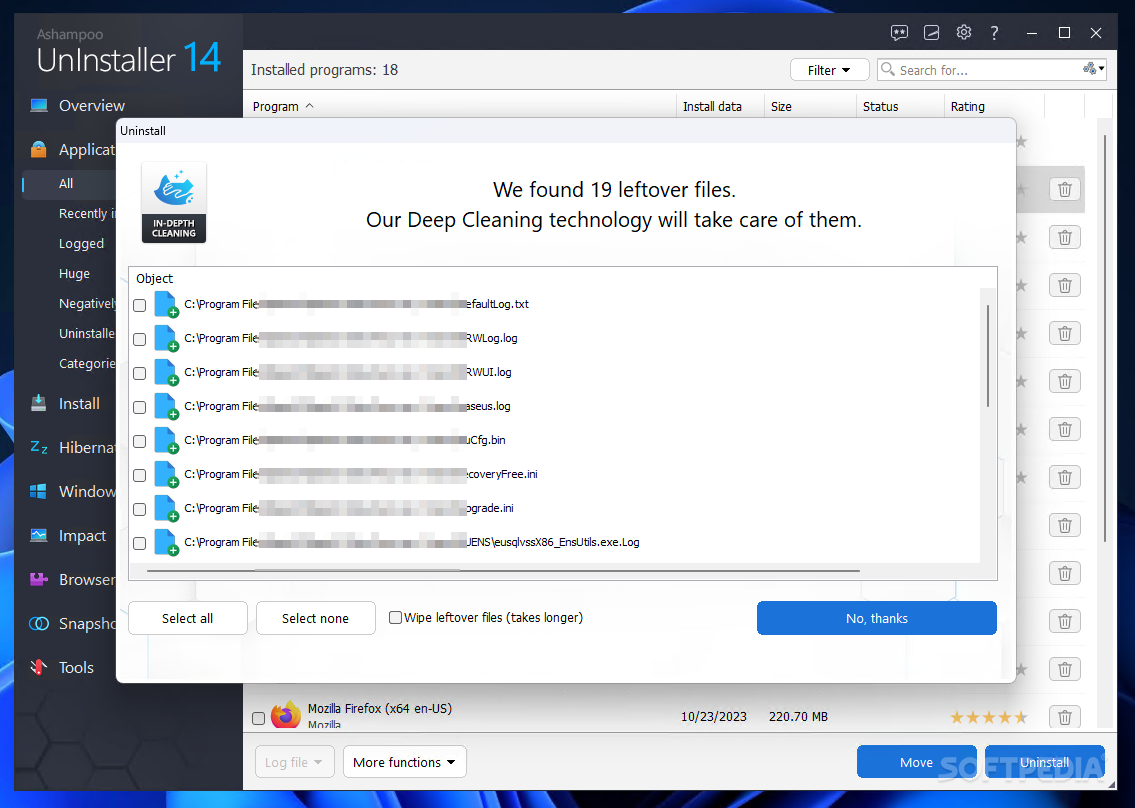
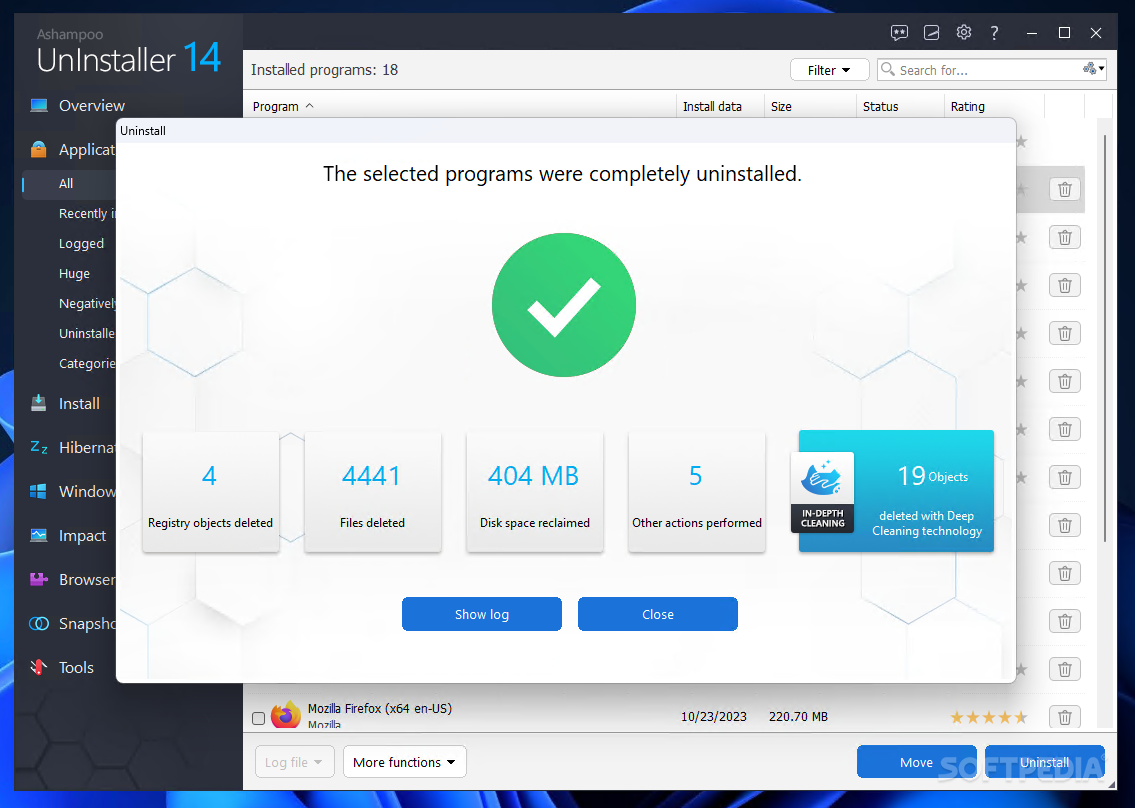
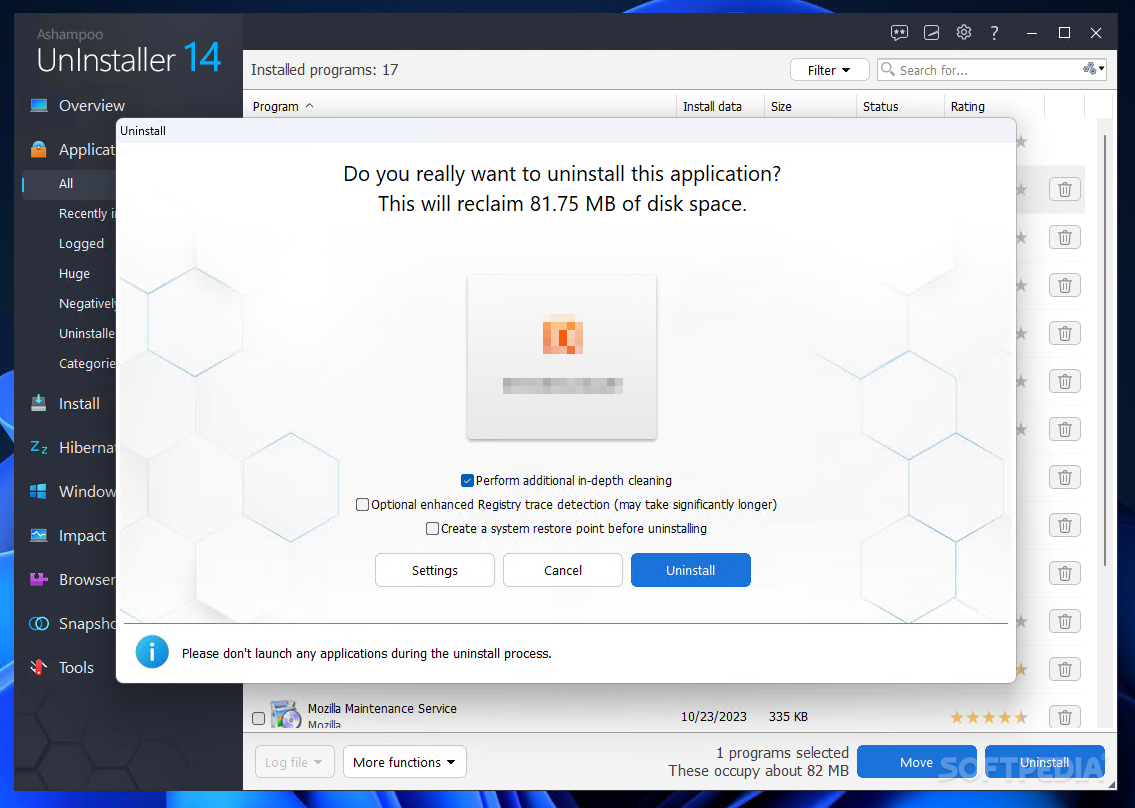
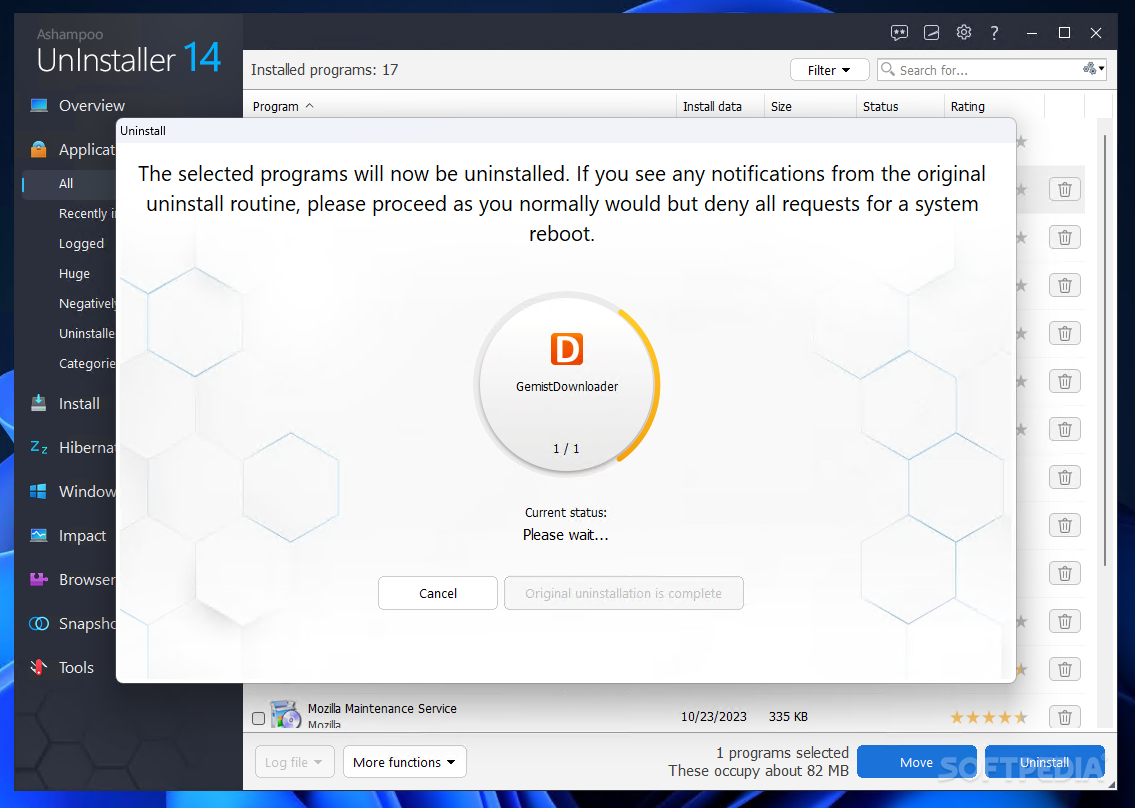
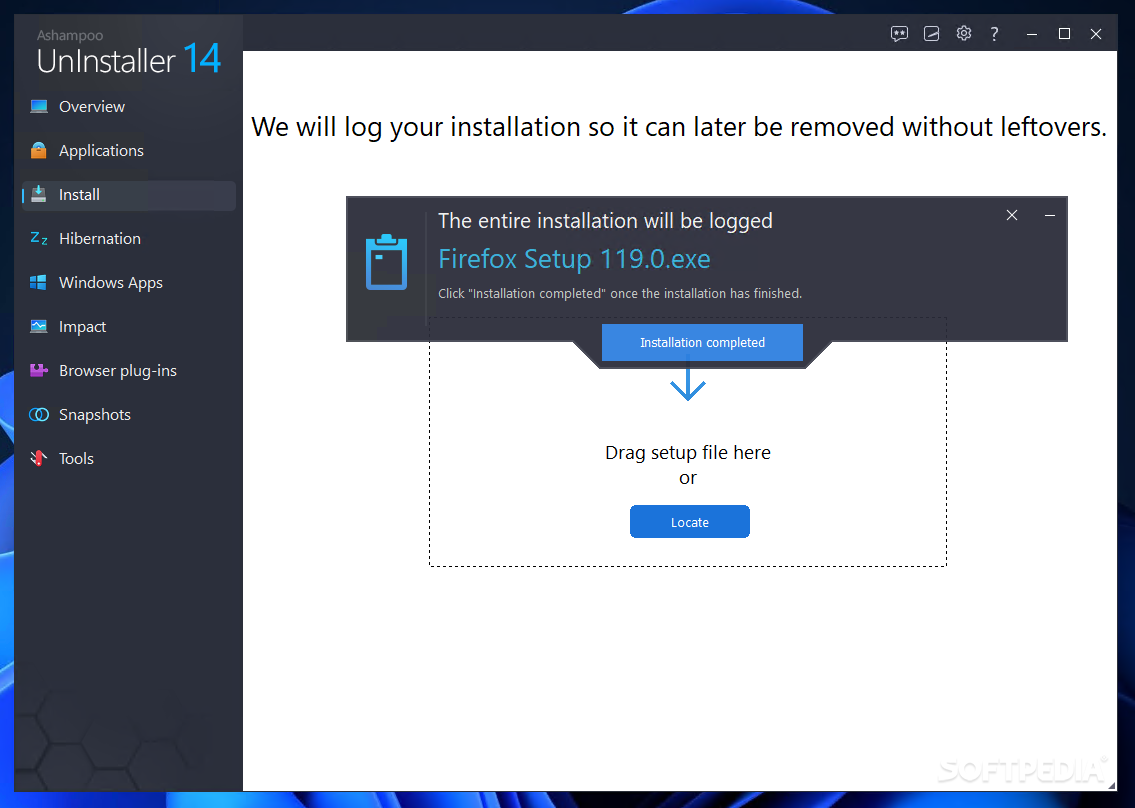
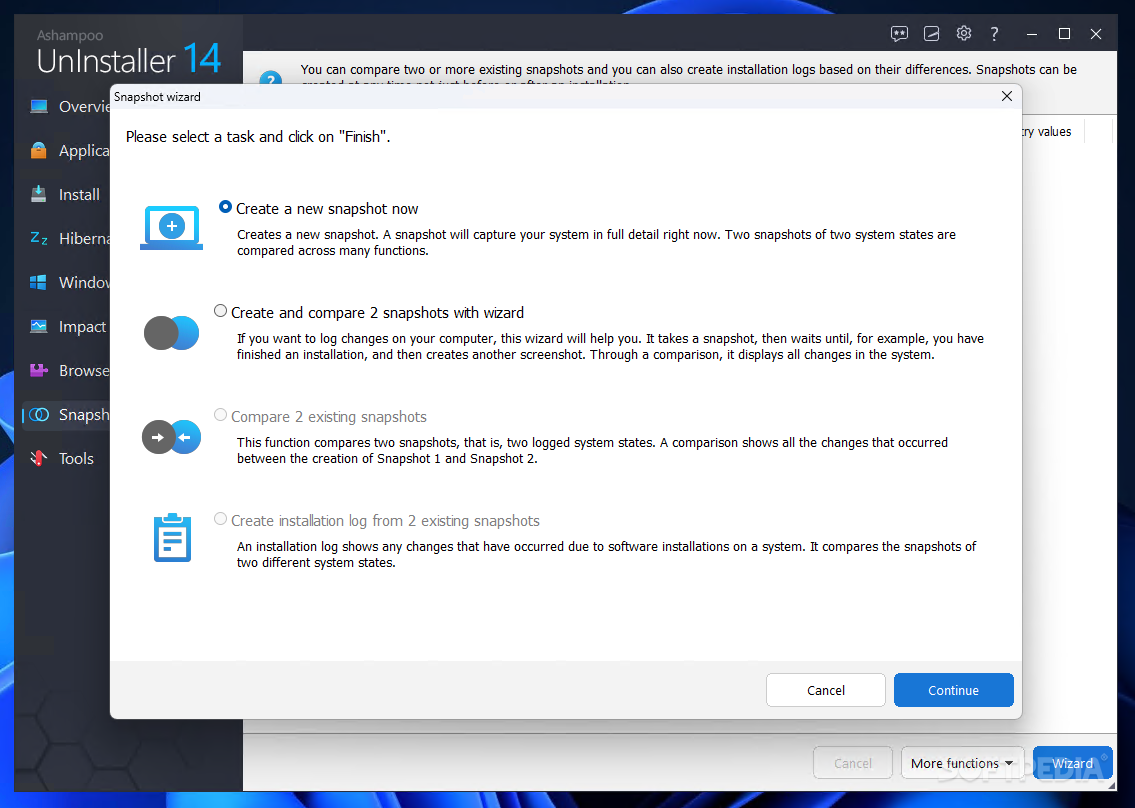
The Ashampoo UnInstaller application was designed to remove programs from your system without a trace, allowing you to test software with confidence because you know it’s not going to “dirty” your computer. It makes this easy, monitoring the installation of new programs automatically and enabling you to remove them completely with a couple of clicks.

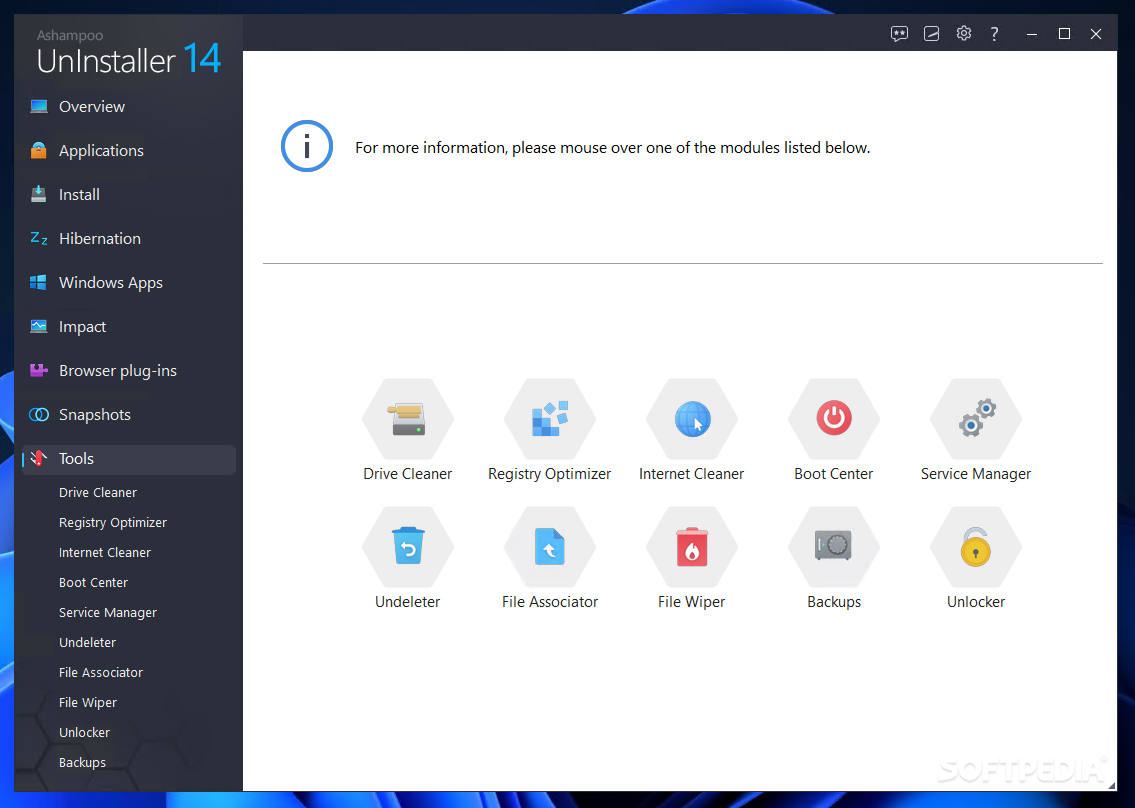
But that’s not all – the new version also comes with over a dozen equally easy-to-use tools to help you keep your Windows system as snappy and streamlined as the first day you installed it.

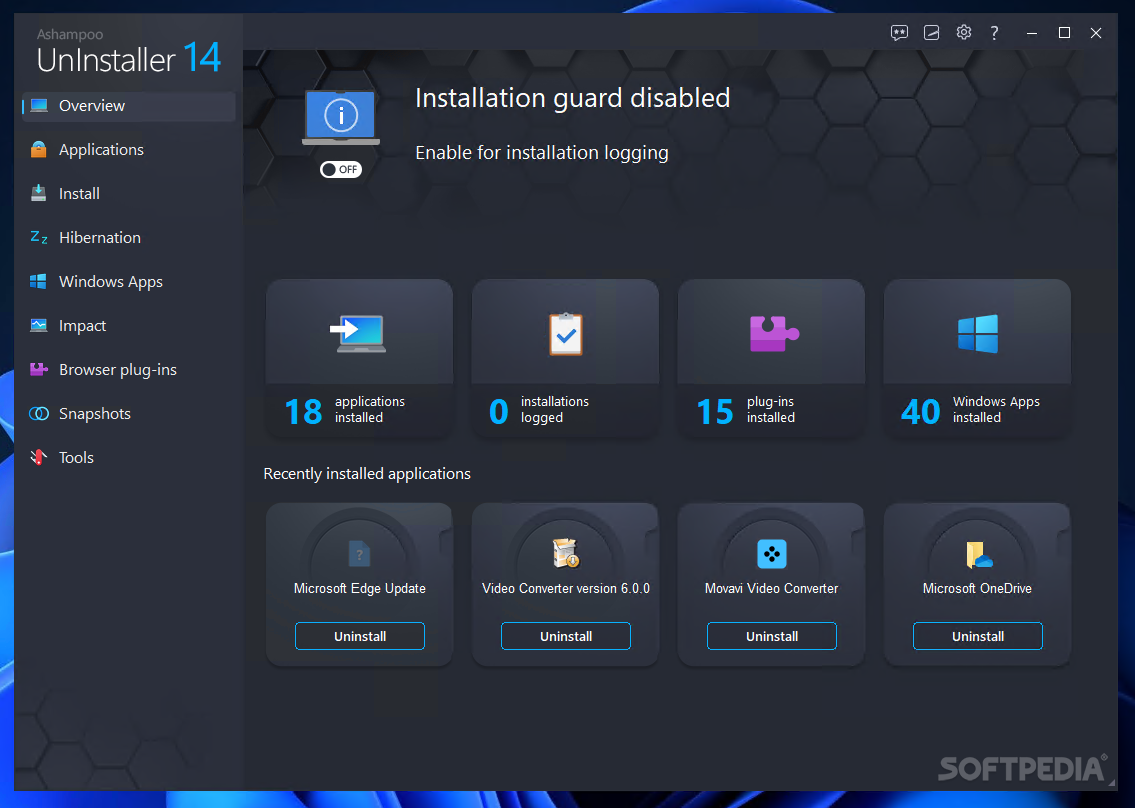
The brand-new Ashampoo UnInstaller 3 is packed with new modules and features, but the most striking change is the completely new user interface. It’s attractive and modern and it makes the program faster, easier and more fun to use than ever before. Everything is easy to find and he program guides you through all operations, with clear explanations on every step of the way.

Most users will never have to consult the help – all the information you need is displayed in the program itself where you need it and when you need it.

Here are some key features of "Ashampoo UnInstaller Platinum Suite":

· Monitor program installation automatically and manually
· Uninstall programs completely, without a trace
· Uninstall programs not monitored by Ashampoo UnInstaller
· Reinstaller – reinstall programs you have uninstalled
· Drag & Drop uninstaller
· Find/Delete Duplicate Files
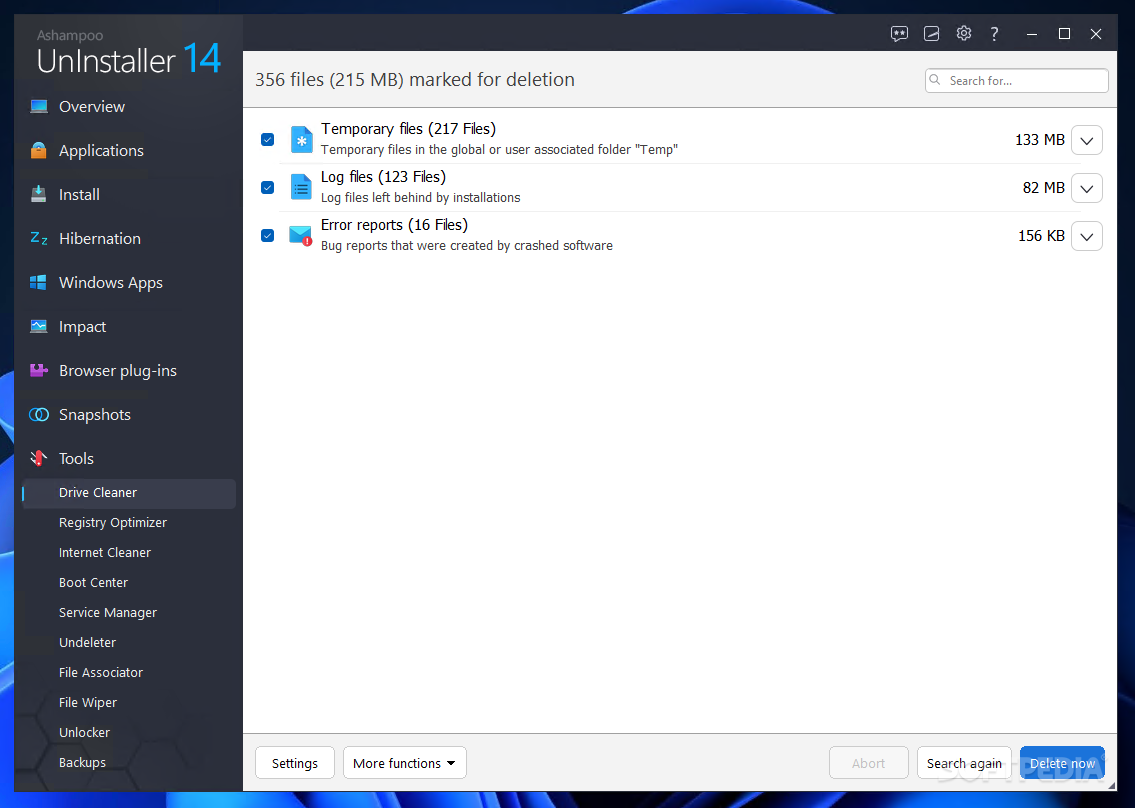
· Find/Delete Temporary Files
· Find/Delete Empty Folders
· Start Menu Cleaner
· Manage Windows Services
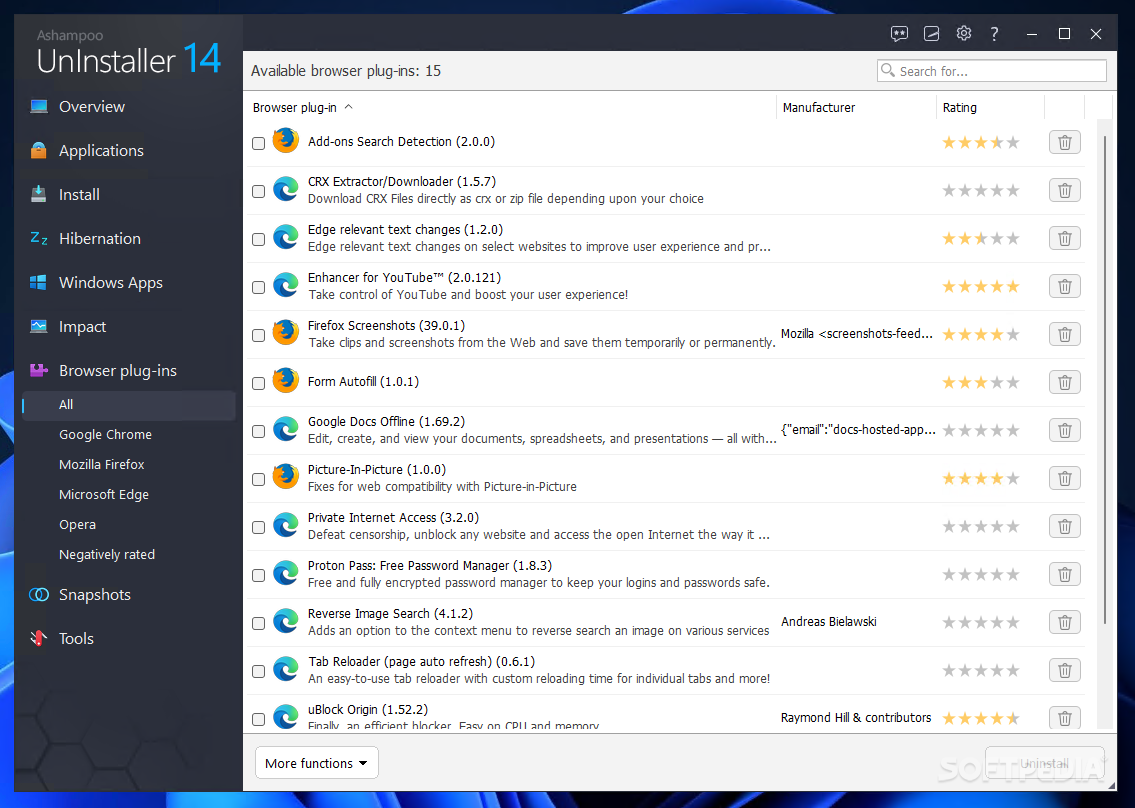
· Manage Internet Explorer Add-Ons
· File Backup


Four new Windows maintenance tools
In addition to uninstalling programs, Ashampoo UnInstaller 3 now comes with over a dozen easy-to-use tools for keeping your Windows system clean and snappy. The following four tools are
new:

Manage Restore Points

Windows XP and later can create backups called “restore points” that enable you to return your system to a previous state without losing any personal data (text documents, email messages, browser history and so on). This new tool makes using restore points easy. You can switch automatic restore points on and off, create restore points manually and load restore points to return your system to an earlier state.

Defragment Hard Drives

Keeping your hard drive defragmented speeds up Windows and can help to prevent errors. This new module uses Ashampoo’s widely-praised defragmentation technology to keep your drives tidy so they deliver maximum performance. It’s fast, reliable and easy to use. Just select the drive and go, and you can interrupt or abort the process safely at any time.

Registry Cleaner

The Registry is the database where Windows and application programs store most of their settings. This is one of the main places where junk from partially-uninstalled programs collects and clogs up your system. The Registry Cleaner finds and deletes this garbage, including the junk left by programs removed before you started using Ashampoo UnInstaller.

Check Installed Programs Entries

Sometimes you will find entries for programs that no longer exist in Add/Remove Programs in the Windows Control Panel. This new module finds and allows you to delete these orphaned entries, including the ones that are not even displayed but are still wasting space and resources on your system.

Other new functions and improvements

In addition to all the improvements in the main program functions several of the other tools have also been updated:

Internet Cleaner

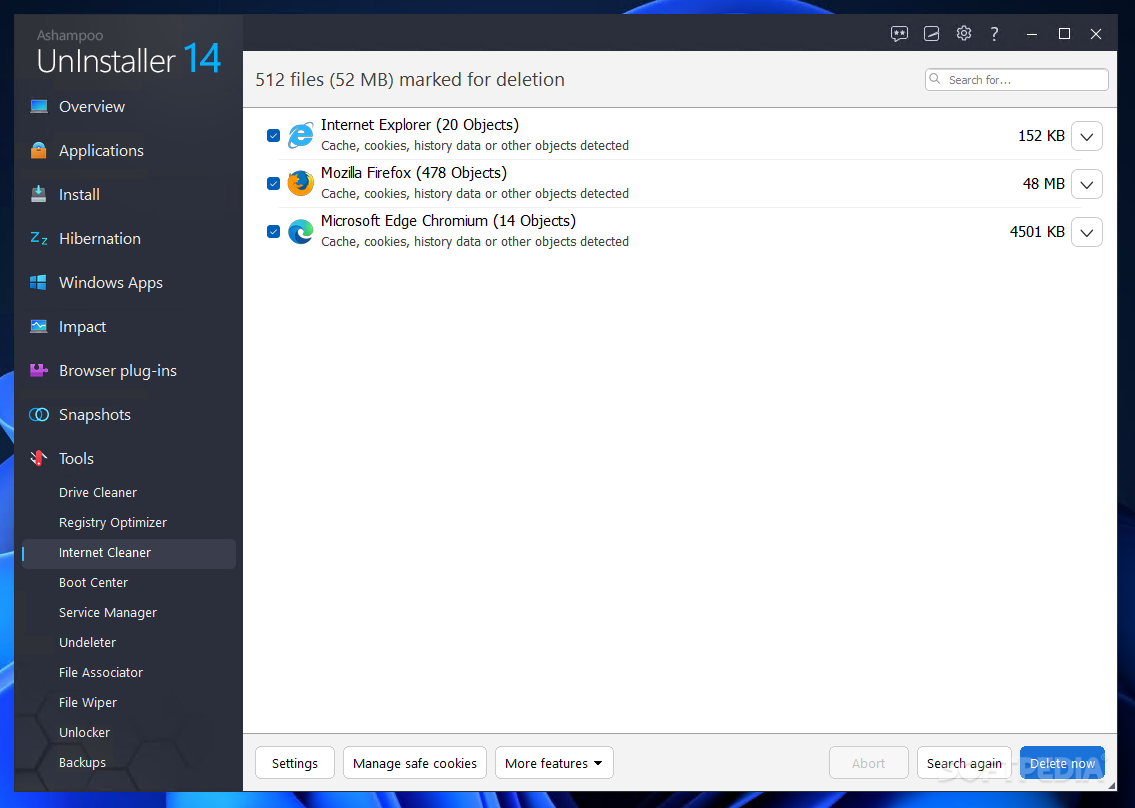
This tool deletes all traces of your browsing activities and your browser’s temporary Internet files (copies of everything you have viewed online). You can also view and delete cookies (little data files for tracking and settings) that sites you have visited have stored on your hard drive. The new version now supports Firefox as well as Internet Explorer and finds more browsing data.

No more Easy/Expert mode switch

The program is now so user-friendly that there is no more need to switch between beginners’ and experts’ modes. Experienced users still have full access to all the powerful functions they need.

Manage Fonts

By popular demand the Manage Fonts tool that was removed in version 2 has been reinstated. You can view all the fonts installed on your system along with all the specifications information for each font and remove any fonts you no longer need.

Step-by-Step Assistant update

The popular Step-by-Step assistant that guides you through installing and uninstalling programs has been updated and is now even easier to use.

Standard features and functions
Of course the new version also includes everything that has made Ashampoo UnInstaller so popular with savvy Windows users ever since the first version:

Installation Monitor

A taskbar program that automatically activates when you install a new program and logs the installation so that you can remove it completely with Ashampoo

UnInstaller later.
Reinstaller


Changed your mind about removing a program? The Reinstaller restores the removed installation in seconds – you don’t have to waste your time going through the entire complex installation procedure again.

Drag & Drop Desktop Uninstaller

Get rid of programs fast by dragging them onto the UnInstaller icon on the deskop. Great for programs you were just testing.

Windows management tools

In addition to the four new tools, Ashampoo UnInstaller 3 also comes with Internet Cleaner, Find/Delete Duplicate Files, Find/Delete Temporary Files, Find/Delete Empty Folders, Start Menu Cleaner (locate invalid entries in the Windows Start menu), Manage Windows Services (display, activate and deactivate Windows services), Manage Internet Explorer Add-Ons and File Backup (make backups of files and folders).

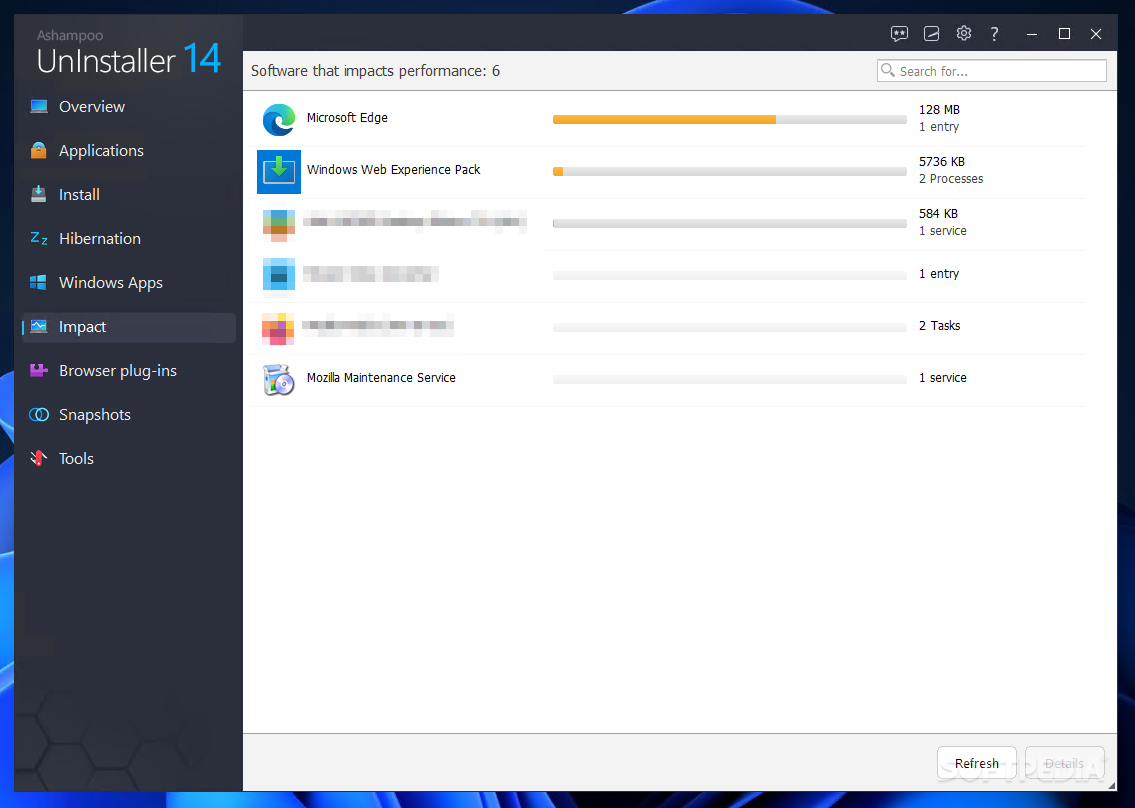
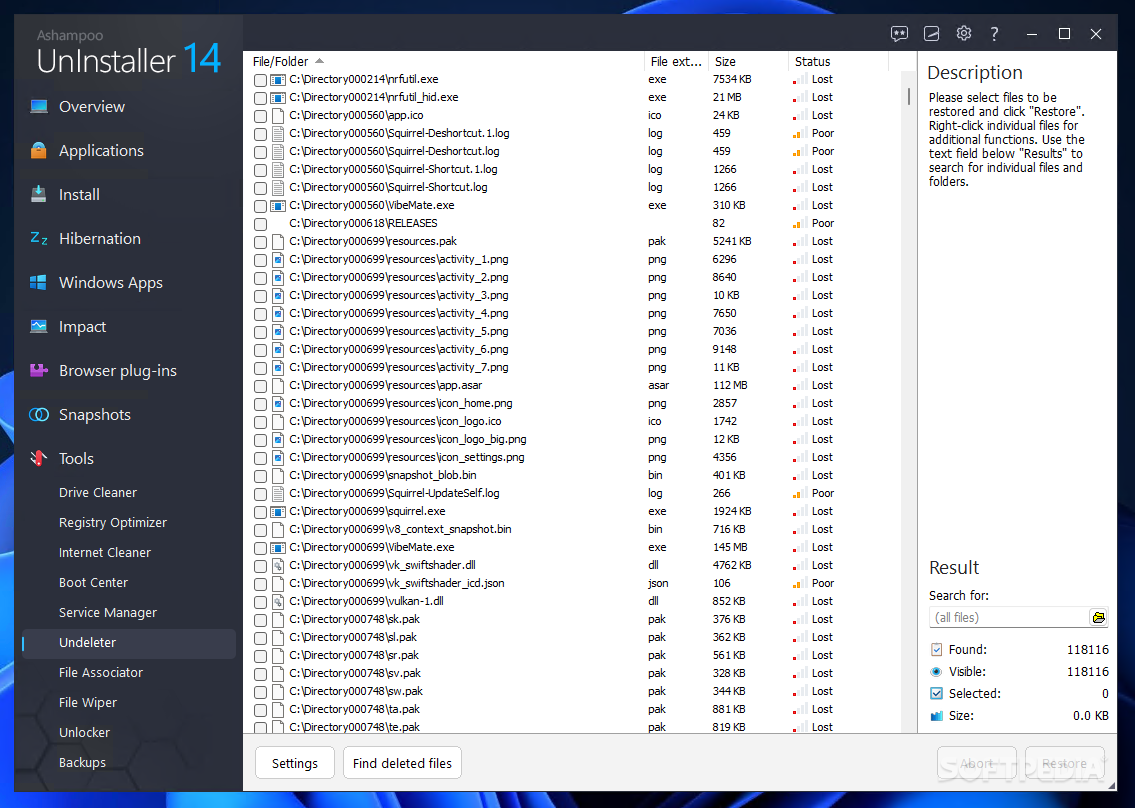
Monitor program activity

Requirements:

Computer:
· Any computer capable of running the Windows version you are using. A graphix adapter with a minimum screen resolution of 1024 x 768 pixels and at least 256 colors is recommended but not absolutely necessary for functionality. Sufficient memory to run your version of Microsoft Windows.
· RAM and disk space:
· Approx. 20 MB for the program files.
Software:
· Full administrative rights are required to use the program. Internet Explorer 6.0 or higher required.


Limitations:

· 10 days trial


What's New in This Release:

· Beautiful new design with scalable displays
· Much more intuitive user interface
· Improved interactive guides
· Full Vista compatibility
· Manage Restore Points
· Hard Drive Defragmenter
· Registry Cleaner
· Check Installed Program Entries
· More powerful Internet Cleaner with Firefox support
· Manage Fonts tool included again
· Basic functions and features:
· Monitor program installation automatically and manually
· Uninstall programs completely, without a trace
· Uninstall programs not monitored by Ashampoo UnInstaller
· Reinstaller – reinstall programs you have uninstalled
· Drag & Drop uninstaller
· Find/Delete Duplicate Files
· Find/Delete Temporary Files
· Find/Delete Empty Folders
· Start Menu Cleaner
· Manage Windows Services
· Manage Internet Explorer Add-Ons
· File Backup... [ read full changelog ]


Softpedia guarantees that Ashampoo UnInstaller 3.0.5 / Platinum 2.81 is 100% CLEAN, which means it does not contain any form of malware, including but not limited to: spyware, viruses, trojans and backdoors.

This software product was tested thoroughly and was found absolutely clean, therefore it can be installed with no concern by any computer user.

However, it should be noted that this product will be retested periodically and the award may be withdrawn, so you should check back on this page from time to time. (click here for more information)


Related downloads IT News Popular downloads New additions   Latest reviews  
Uninstall Plus! 4.1
This application helps you completely uninstall programs, scan, identify and correct registry errors
Best Uninstaller 2.12
Tired of the slow Windows Add/Remove Programs? Try the Best Uninstaller!
Uninstaller for Total Commander 1.7.3d
Enhanced Total Commander plugin for uninstalling different software
QuikUninstall 1.1
QuikUninstall - An extremely compact and fast replacement for the add/remove programs functionality
Add/Remove Pro 2.09
Add/Remove Pro is a program that displays the entries in the Add/Remove Programs list of Windows Registry
AlwaysUp 6.7.3.45
Runs your application as a Windows Service, managing and monitoring it constantly to ensure 100% uptime.
ZipInstaller 1.21
The ZipInstaller utility installs and uninstalls programs and utilities that do not provide an internal installation application
CapiDog 1.46
CapiDog - ISDN monitor program showing busy channels in system tray and pops up numbers
Rapid Repeater 1.0.0.10
Rapid Repeater is a free and simple software which allows the user to select a file or program to be monitored and restarted
LspCleaner 1.0
Uninstall some programs that were incompletely uninstalled

go to top Use the following code to link to this page:


Welcome!
Hello, Guest

Login if you have a Softpedia.com account.

Otherwise, register for one.

Main categories:
  • Antivirus
  • Compression tools
  • CD/DVD Tools
  • Office tools
  • Programming
  • Authoring tools
  • File managers
  • Desktop Enhancements
  • Internet
  • Network Tools
  • IPOD TOOLS
  • Mobile Phone Tools
  • Multimedia
  • Tweak
  • System
  • Security
  • Others
  • Science / CAD
  • UNIX
  • Windows Widgets
  • PORTABLE SOFTWARE

  • Week's best:
  • Adobe Media Player 1...
  • Registry Mechanic 8....
  • BitSpirit 3.3.2.263
  • AnyDVD 6.4.5.6
  • Firefox 3.0.1 / 2.0....
  • AutoCAD 2009
  • Norton AntiVirus 200...
  • Norton Internet Secu...
  • The Bat! Professiona...
  • WinRAR 3.80 Beta 3 /...
  • GMail Drive shell ex...
  • DAEMON Tools Lite 4....
  • UBCD4WIN 3.2.0
  • Adobe Reader 9.0.0 /...
  • Total Commander Ulti...
  • System Mechanic 8.0....
  • Adobe Acrobat Profes...
  • iPhone PC Suite 1.0....
  • Portable Firefox 3.0...
  • MPlayer for Windows ...
  • Vista Codec Package ...
  • Windows Live Messeng...
  • WinBubble 1.73
  • Kaspersky Anti-Virus...
  • Malware Removal Tool...
  • Royale Noir Theme fo...
  • IBM Lotus Symphony 1...
  • Adobe Dreamweaver 10...
  • Adobe Fireworks 10.0...
  • BitDefender Total Se...
  • © 2001 - 2008 Softpedia. All rights reserved.
    Softpedia™ and Softpedia™ logo are registered trademarks of SoftNews NET SRL.
    Copyright Information | Privacy Policy | Terms of Use | Contact Softpedia | Update your software | Archive