
Keep your privacy intact with the help of this software solution that makes it possible for you to clear your history and many traces of your online activity. #Erase cookie #Junk remover #Trace remover #Cleaner #Cookie #Delete

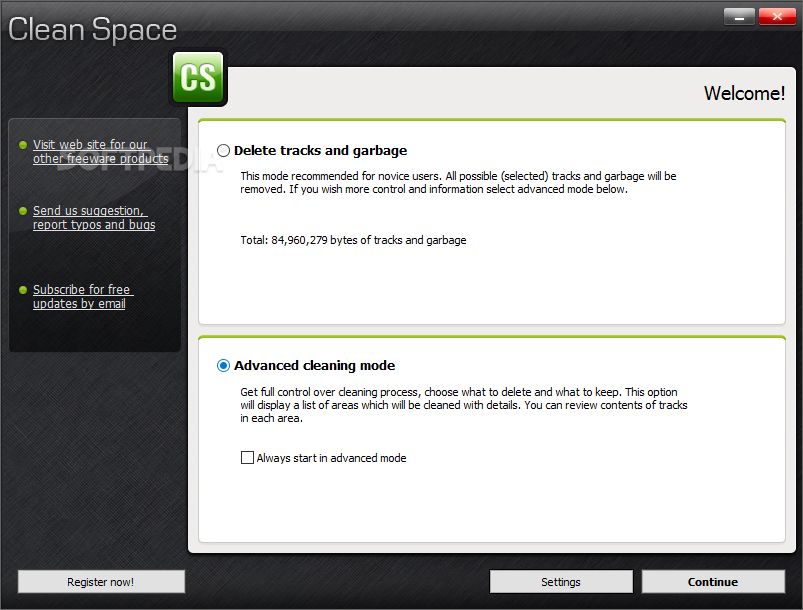
Clean Space is a tool that you can use to tidy up your computer and delete your traces by eliminating unnecessary files.
Upon initialization, Clean Space automatically performs a scan job on your computer. Its interface is clean and simple to follow. Clean Space can be easily used by individuals of any experience level. You can set the tool to automatically delete tracks and garbage by following a set of predefined rules or you can enter advanced cleaning mode and make your own changes.
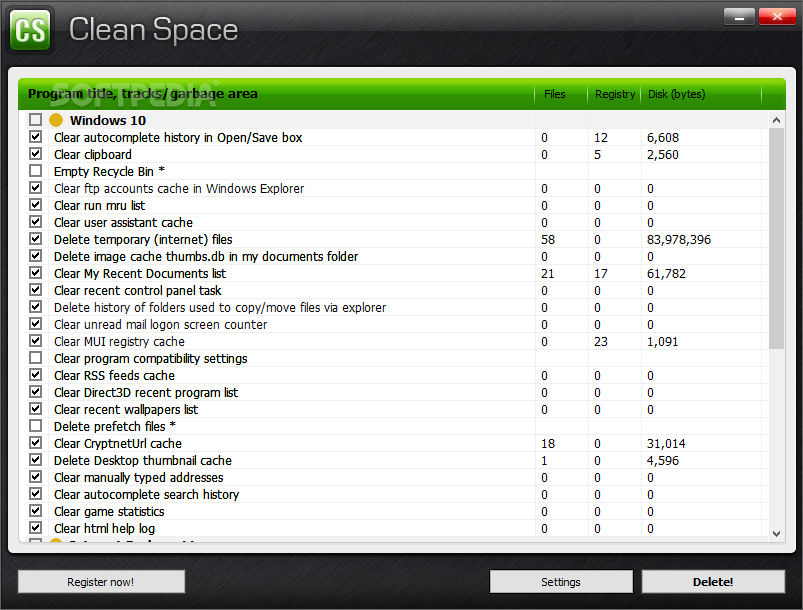
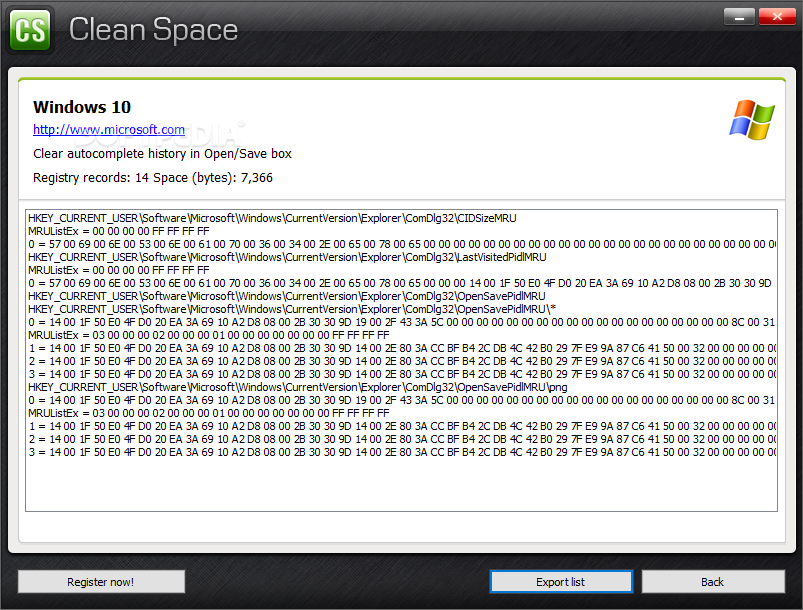
You can check out the program title and disk size, along with the total number of files and registry keys. Clean Space can clear the autocomplete history in the Open/Save box, clear the clipboard and empty the Recycle Bin.
But it can also delete prefetch files, clear the RSS feed case and recent wallpapers list, remove the history of folders that were used to copy or move files via Explorer, clear history records in Winamp and the album artwork cache in VLC Media Player, and more.
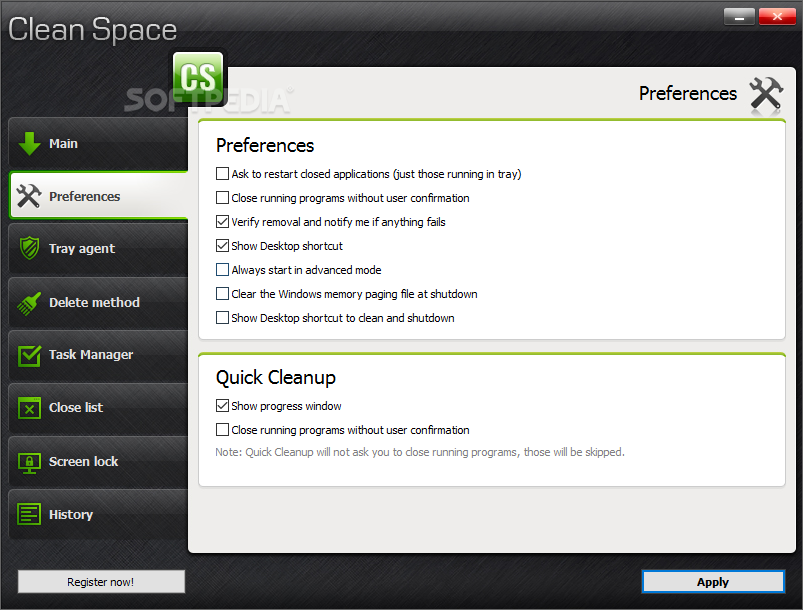
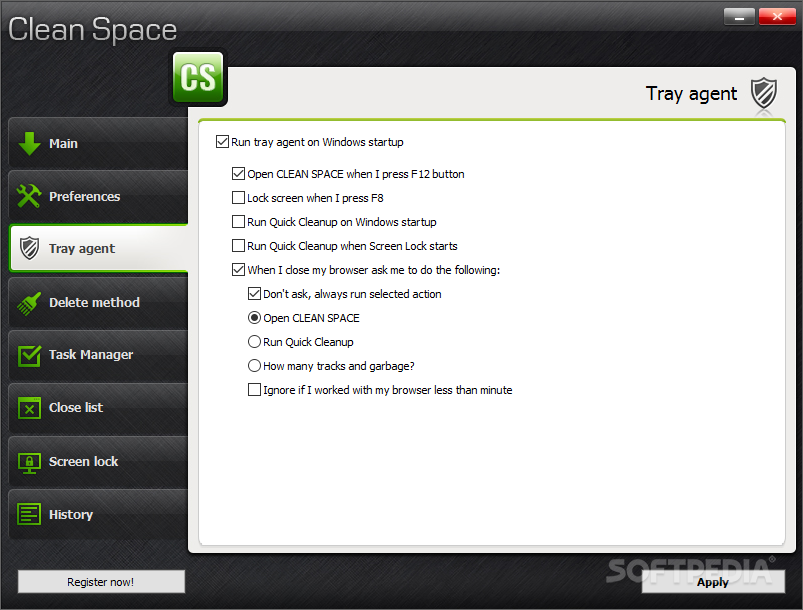
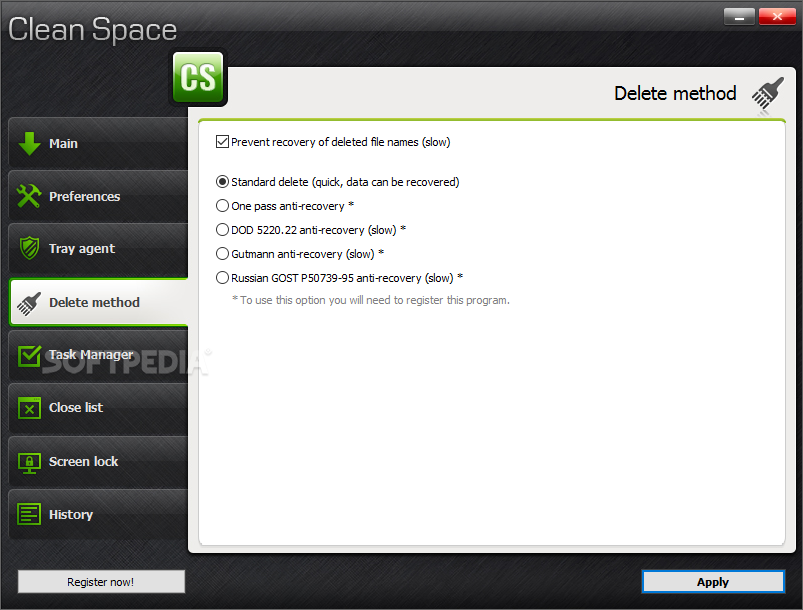
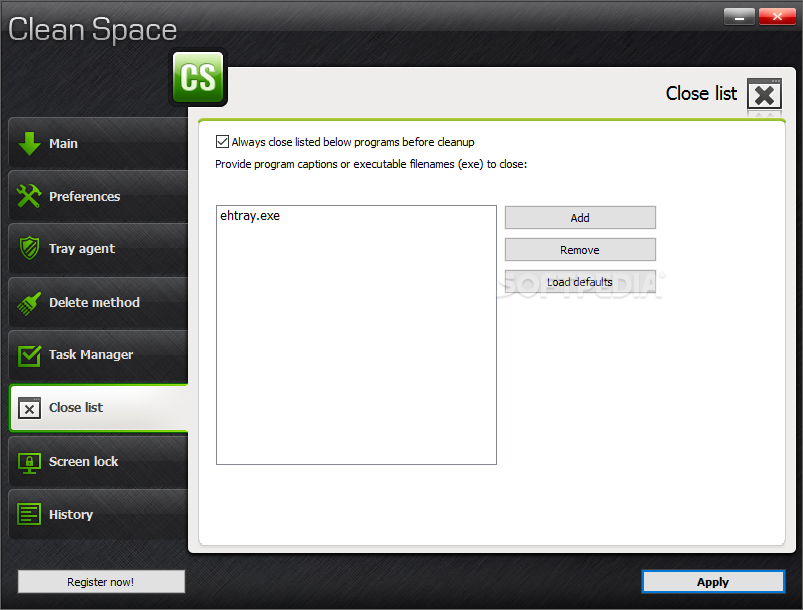
During the cleaning process you can check out the current file count, registry records and space, as well as delete method. Plus, you can enable Clean Space to always start in advanced mode and to run a tray agent on Windows startup. You can select the delete method (e.g. standard, one-pass anti-recovery), terminate currently running processes, input program captions or executable file names to close, lock the screen with a password, and others.
The program takes up a moderate amount of system resources and is very thorough when it comes to scanning and cleaning. We haven't encountered any kind of issues during our tests. Too bad there is no help file available. But, even so, we strongly recommend Clean Space to all users.
What's new in Clean Space 2017.00:
- Added new code signing certificate, please update the program, because the old certificate will expire at the end of March. Added support for FireFox browser version 51 and 52.
Clean Space 2017.00
add to watchlist add to download basket send us an update REPORT- runs on:
- Windows All
- file size:
- 5.1 MB
- filename:
- setup_clean_space.exe


- main category:
- Security
- developer:
- visit homepage
Microsoft Teams

IrfanView

calibre

Windows Sandbox Launcher

Zoom Client

4k Video Downloader

7-Zip

ShareX

paint.net

Bitdefender Antivirus Free

- ShareX
- paint.net
- Bitdefender Antivirus Free
- Microsoft Teams
- IrfanView
- calibre
- Windows Sandbox Launcher
- Zoom Client
- 4k Video Downloader
- 7-Zip