
A very useful Internet Explorer and privacy information cleaner. #Privacy data remover #Internet privacy #Clean history #Privacy #Clean #History

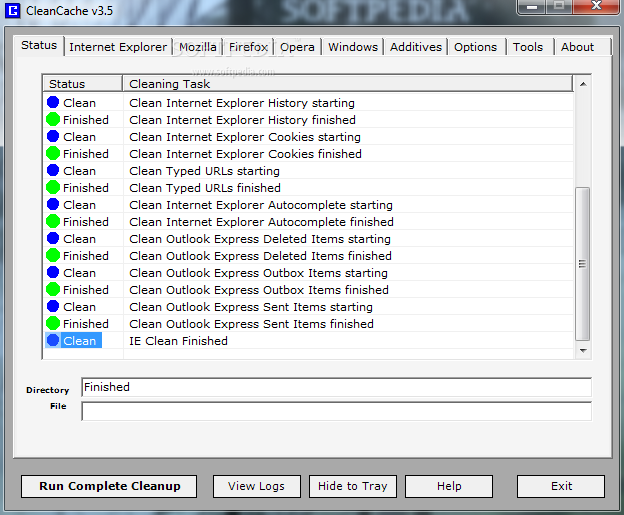
CleanCache is an application that can help you delete private information found in your web browsers.
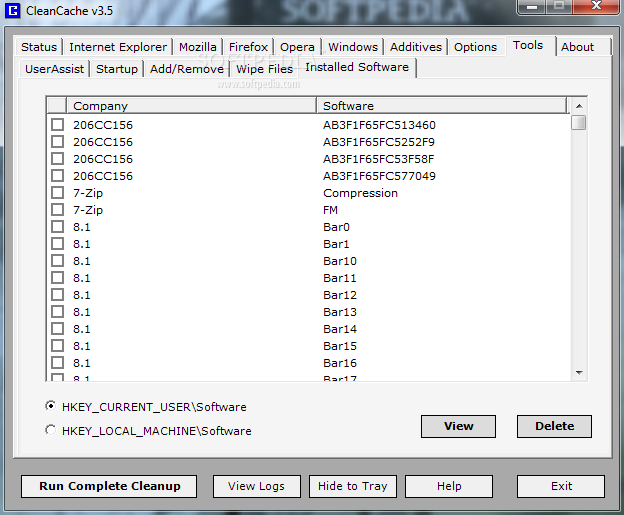
The user interface of the program consists of a standard window in which you can access a few tabs.
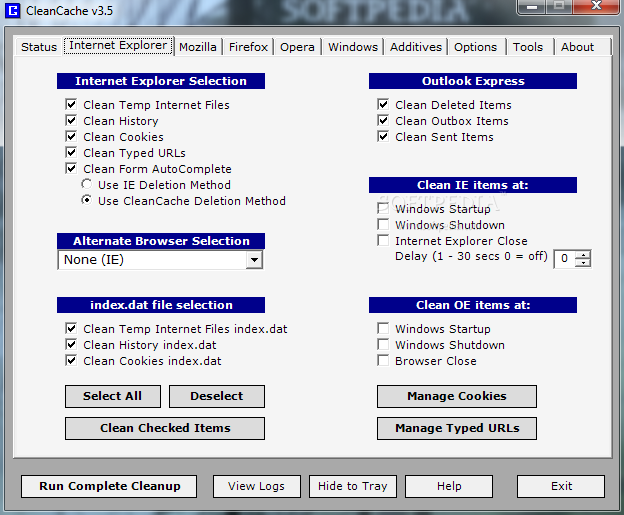
This tool allows you to clean temporary Internet files, history, cookies, typed URLs, Form AutoComplete (use IE or CleanCache deletion method).
But you can also select an alternative browser (e.g. Avant Browser, Maxthon), clean the index.dat file found in temporary Internet files, history and cookies.
You can clean outbox and sent items in Outlook Express, as well as Internet Explorer and OE items at Windows startup, shutdown or when IE closes (you can set a delay time). Plus, you can manage cookies and typed URLs.
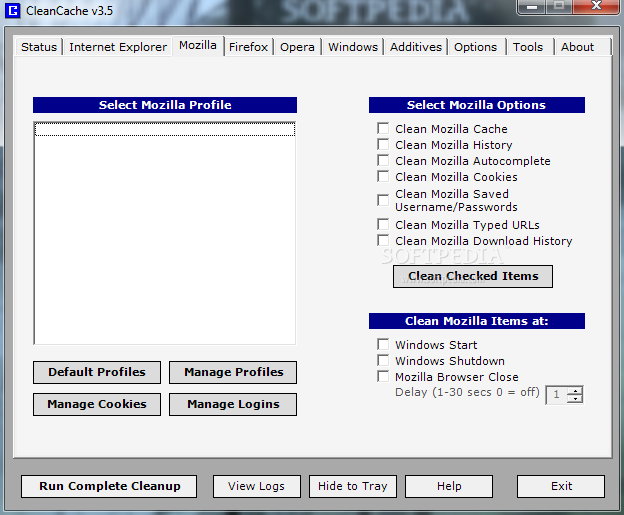
You can select a Mozilla profile and delete cache, history, AutoComplete, cookies, saved username and passwords, typed URLs and download history.
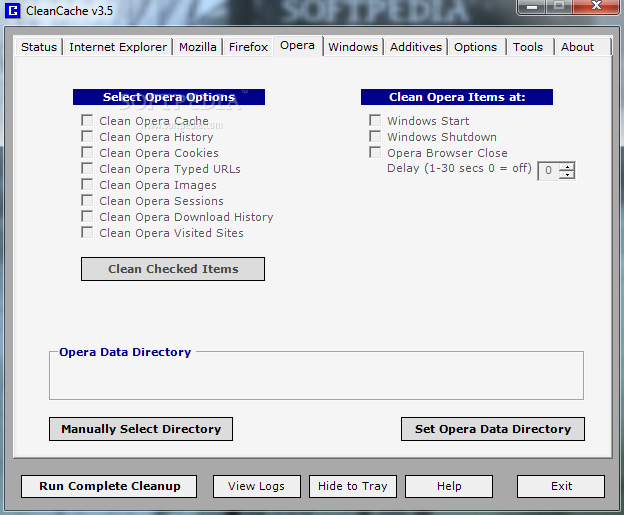
In the case of the Opera browser, you can clean cache, history, cookies, typed URLs. images, sessions, downloaded history and visited websites.
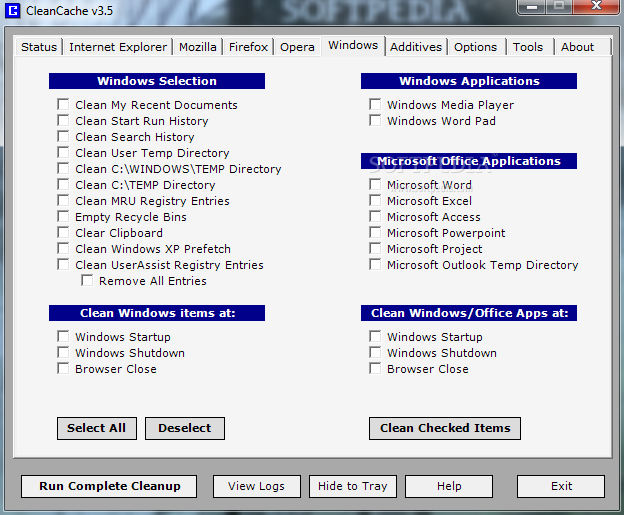
You can get rid of Windows content when it comes to recent documents, start run and search history, user temporary directory, MRU registry entries, Recycle Bin, clipboard, XP Prefetch, UserAssist registry entries, Media Player, Word Pad, Office applications, and more.
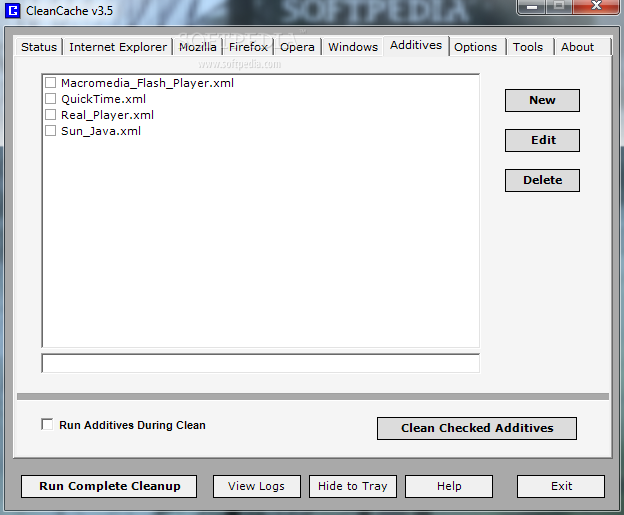
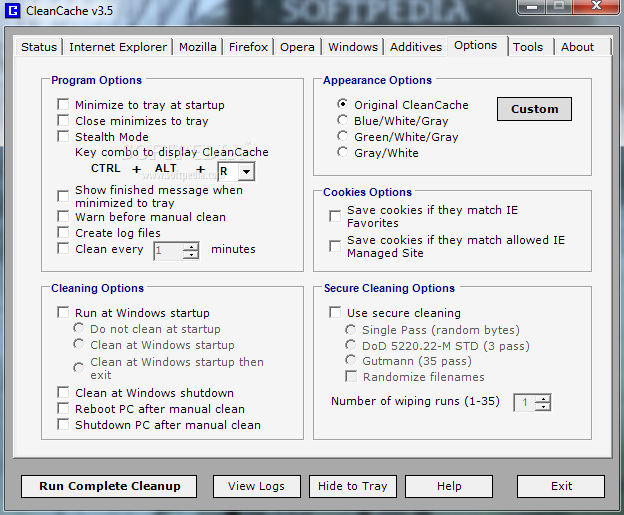
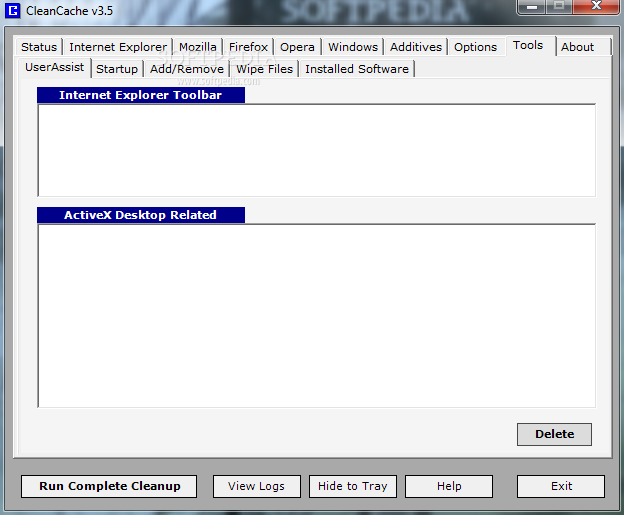
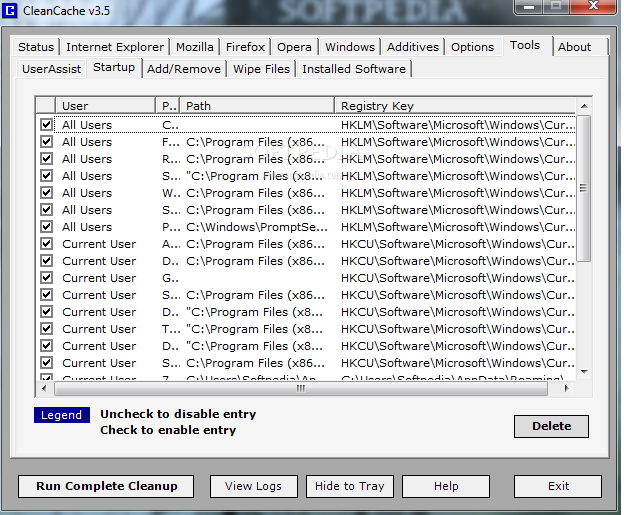
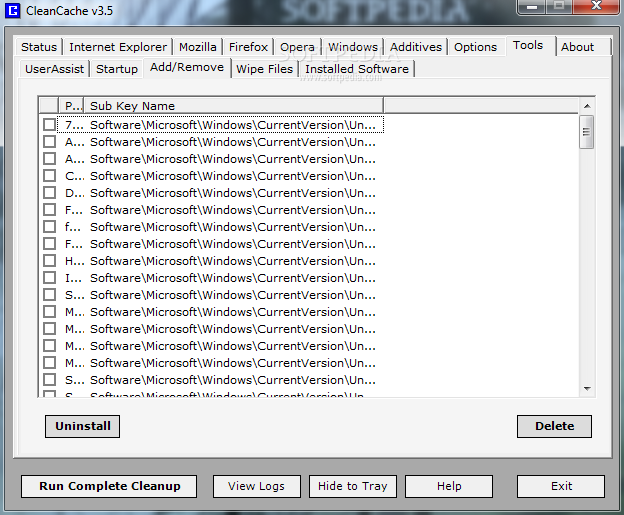
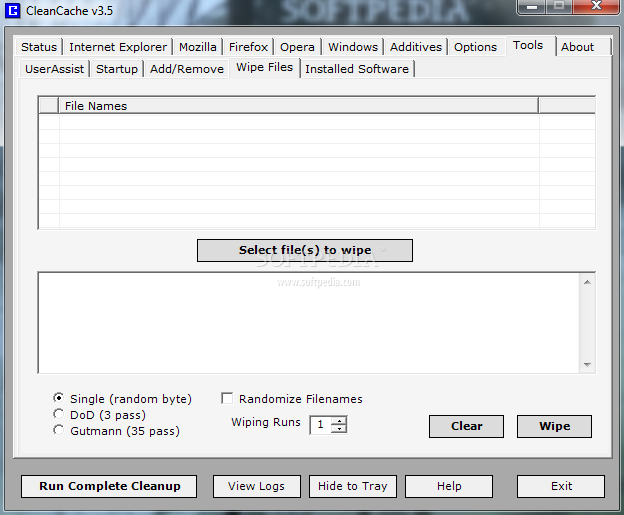
Last but not least, you can create a new additive or edit an existing one, manage programs that automatically run at system startup, wipe files, uninstall apps, enable stealth mode for CleanCache, set it to run at Windows startup and to create log files, reboot or turn off PC after a manual clean, use secure cleaning, and others.
The program takes up a low-to-moderate amount of system resources and includes a comprehensive help file with snapshots. Except for an error that popped up when we accessed "Tools" ("Cannot open registry key"), we haven't found anything wrong with CleanCache. It just needs to improve its interface. We highly recommend it to all users.
CleanCache 3.5
 Softpedia Editor's Pick
add to watchlist
add to download basket
send us an update
REPORT
Softpedia Editor's Pick
add to watchlist
add to download basket
send us an update
REPORT
- runs on:
-
Windows 7 32/64 bit
Windows Vista
Windows XP - file size:
- 1.2 MB
- filename:
- CleanCache3.exe
- main category:
- Security
- developer:
Zoom Client

7-Zip

paint.net

Windows Sandbox Launcher

Bitdefender Antivirus Free

Microsoft Teams

IrfanView

ShareX

calibre

4k Video Downloader

- ShareX
- calibre
- 4k Video Downloader
- Zoom Client
- 7-Zip
- paint.net
- Windows Sandbox Launcher
- Bitdefender Antivirus Free
- Microsoft Teams
- IrfanView