
Clean up browsing history, typed URL addresses, passwords and temporary files in a secure manner with the help of this intuitive application. #Cache eraser #Delete cache #Remove history #Erase #Remove #Delete

With the increasing prevalence of online services and transactions, individuals share a significant amount of personal information, including sensitive data like financial details, addresses, and contact information. Protecting this data is essential to prevent identity theft, financial fraud, and other forms of cybercrime.
Privacy Eraser Free is a user-friendly solution designed to protect your privacy by removing traces of your online activities.
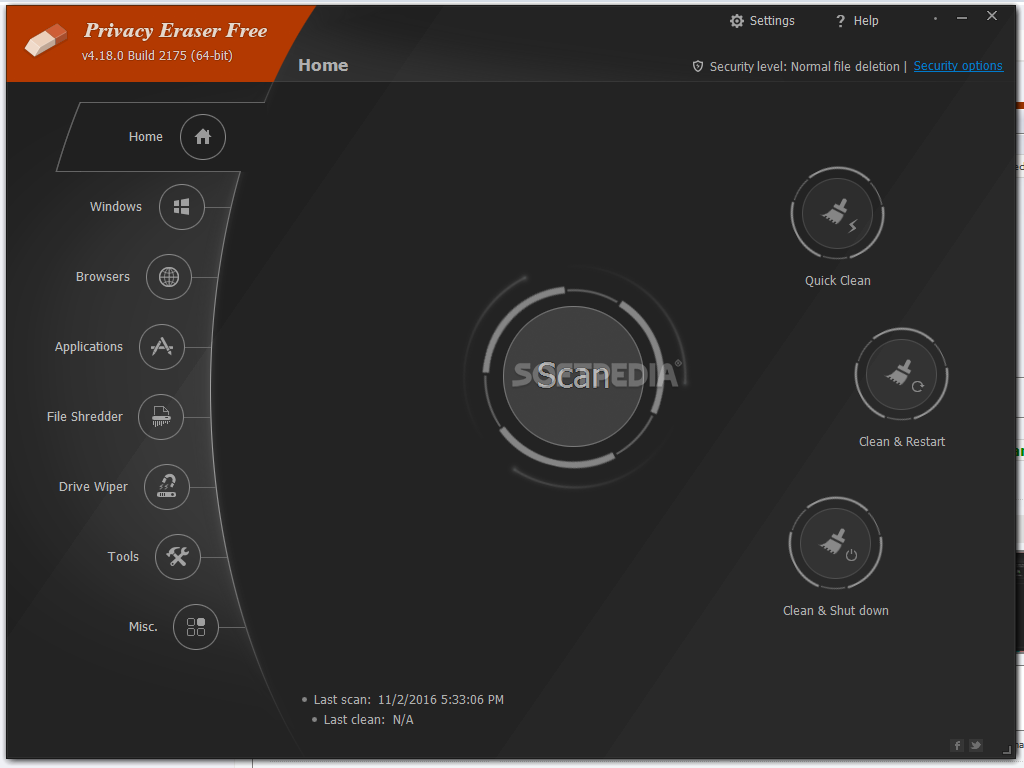
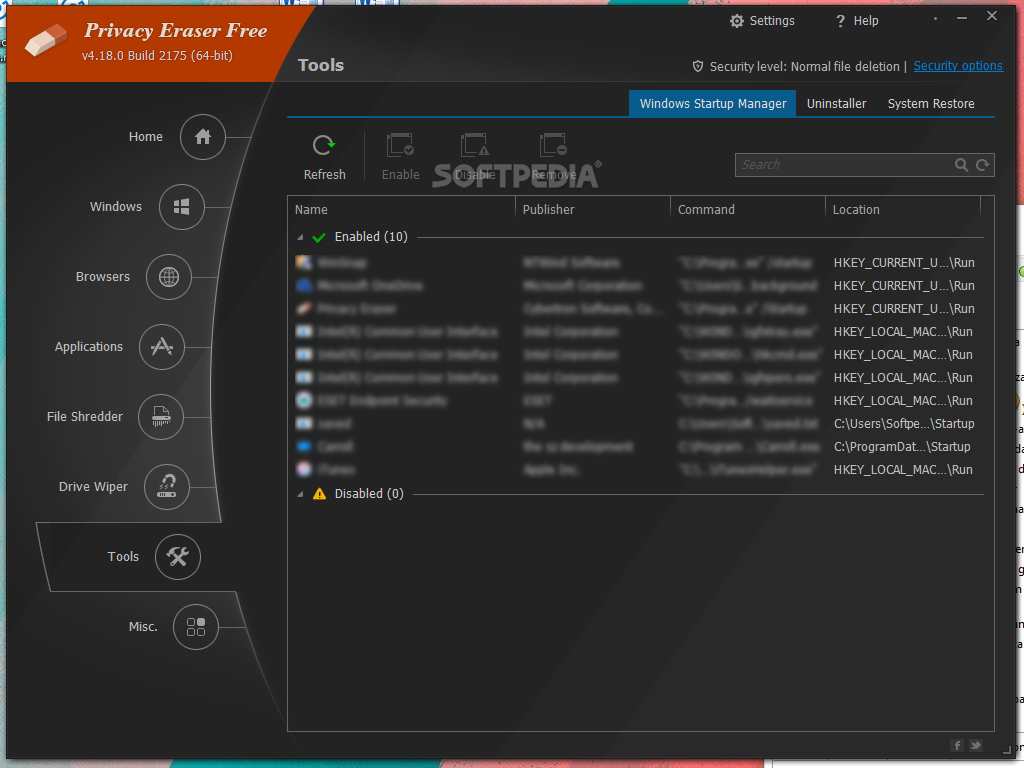
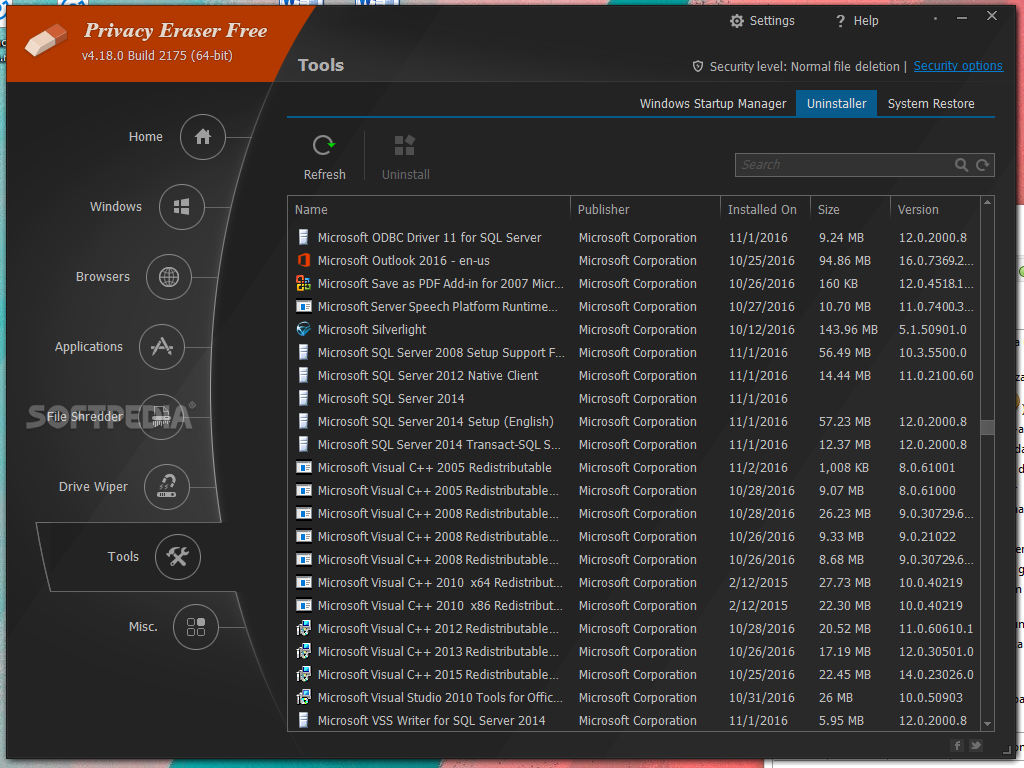
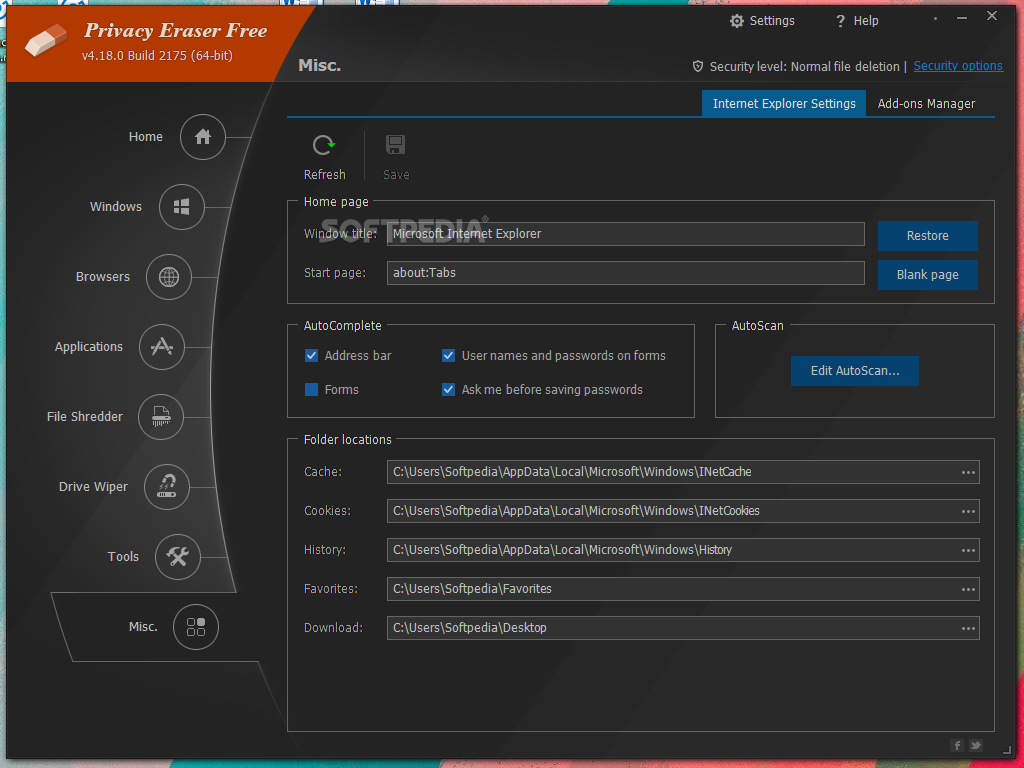
The app comes with a sleek and stylish interface designed as a dashboard with the main features easily accessible to the left side. You can get started by hitting the Scan button, but you should know that it takes some time to do a full scan of your PC.
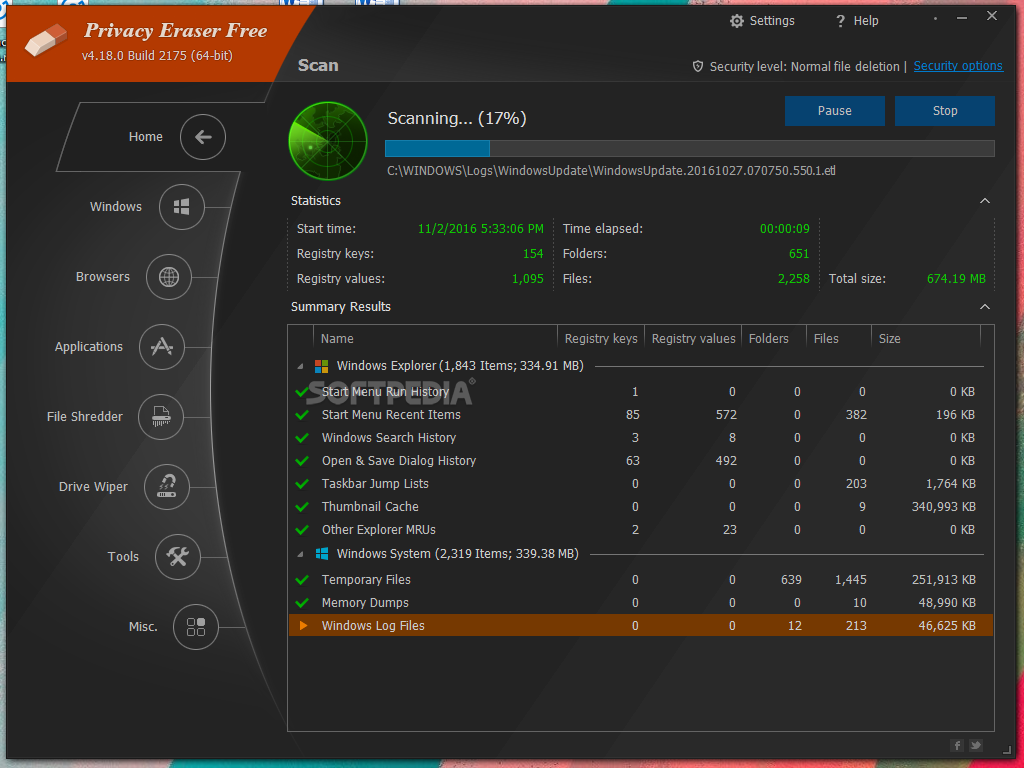
While I could cancel the scan, I appreciated that when I relaunched the operation it accounted for the previous progress. During the scan, I can view various details related to the number of files and registry keys processed as well as the browsers already checked.
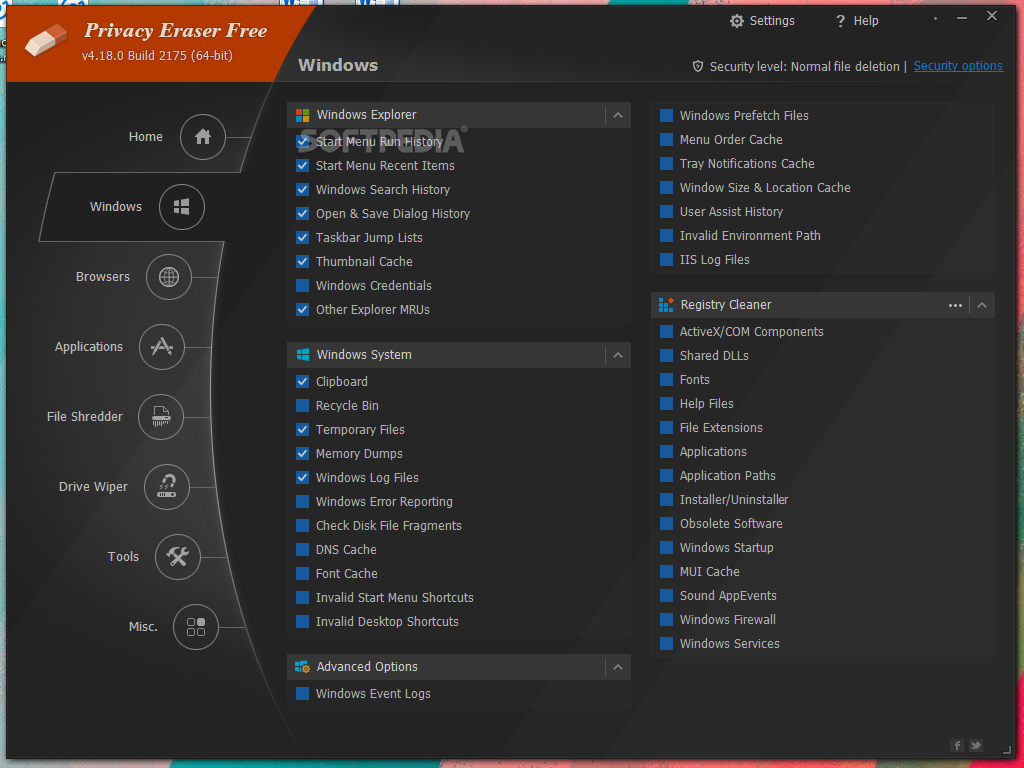
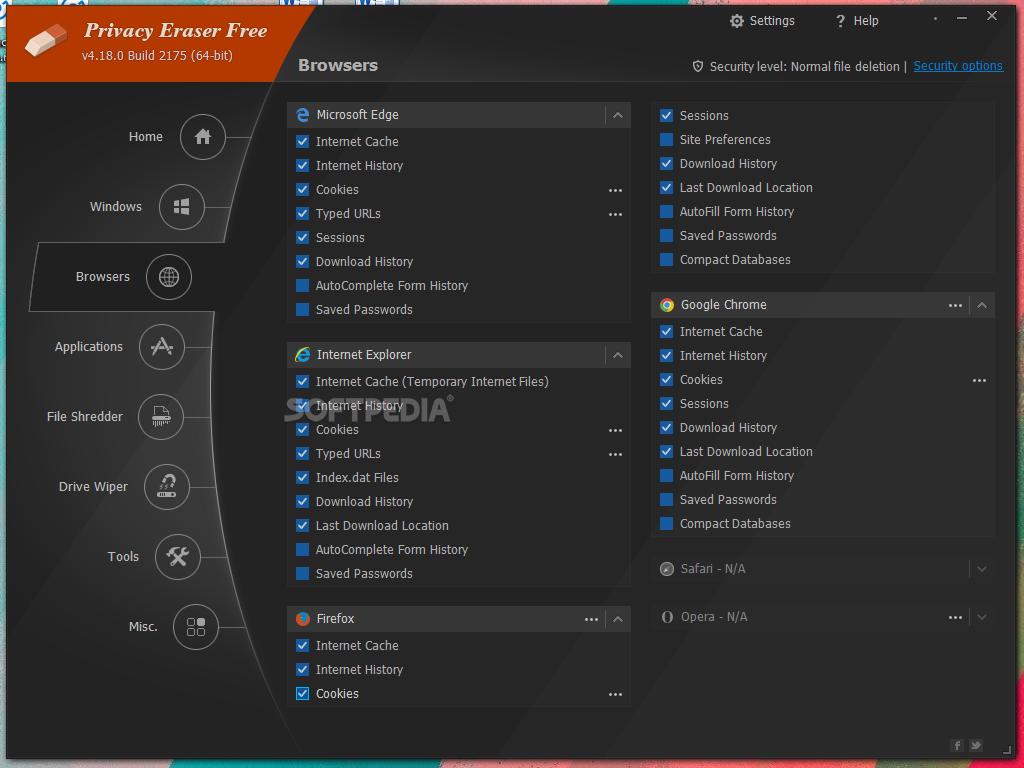
Once you get the results, you can decide how to deal with various types of data, including browsing history, cookies, cache, typed URLs, download history, saved passwords, autocomplete form history, and more.
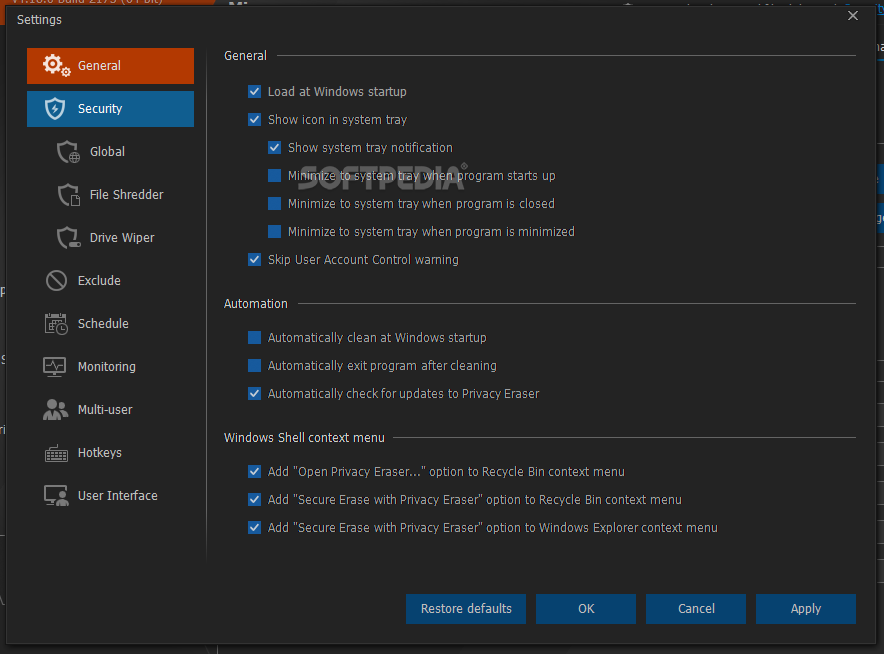
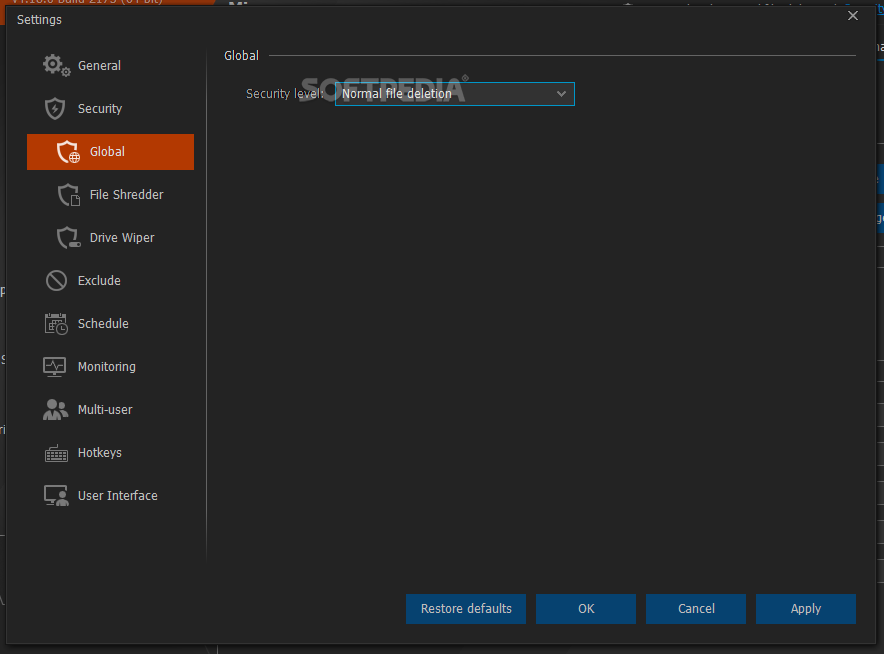
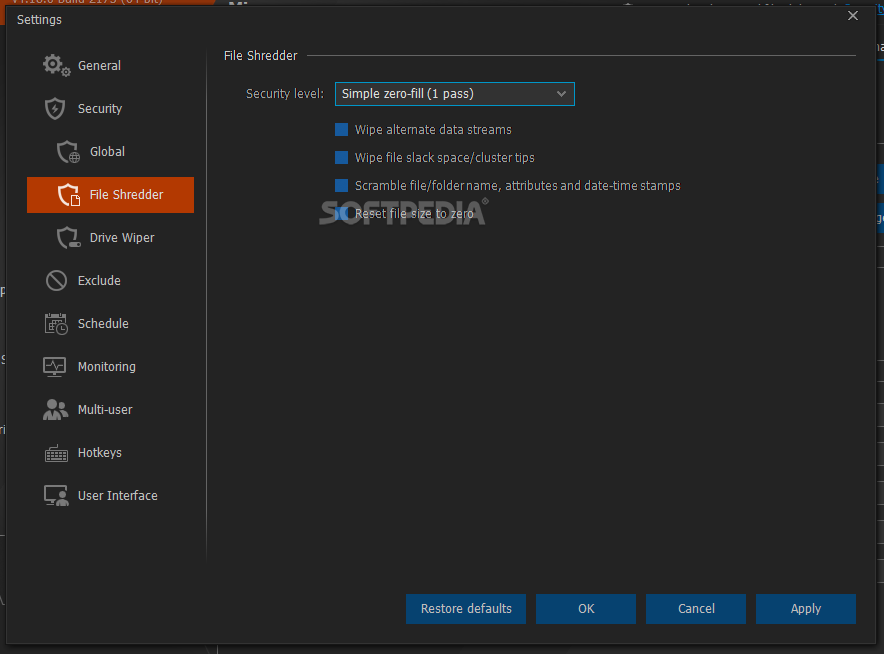
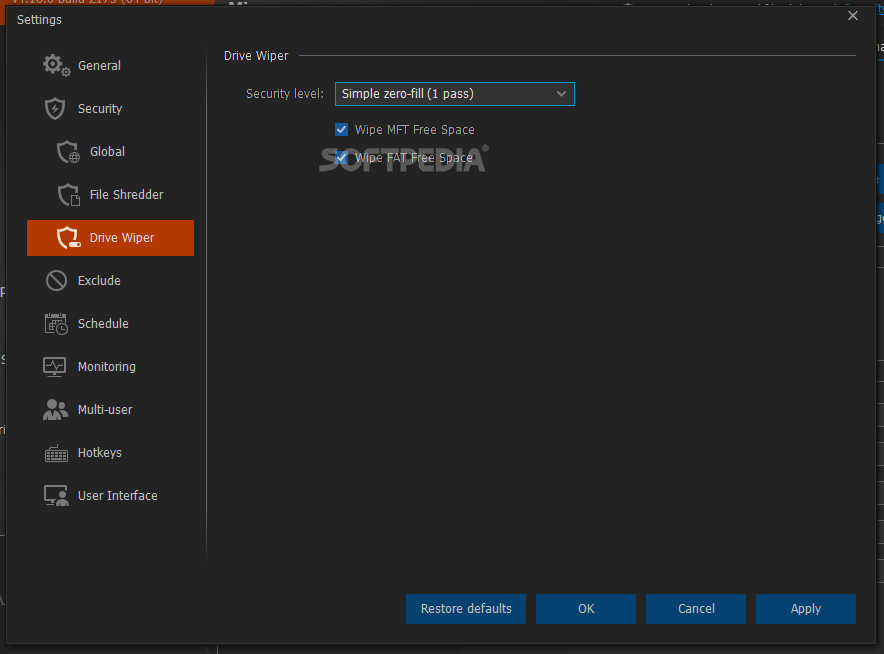
If you decided to delete the data, then the app offers various security levels for data wiping, including Simple zero-fill (1 pass), US DoD 5220.22-M (3 passes), US DoD 5220.22-M (ECE) (7 passes), Peter Gutmann (35 passes), and custom wipe methods.
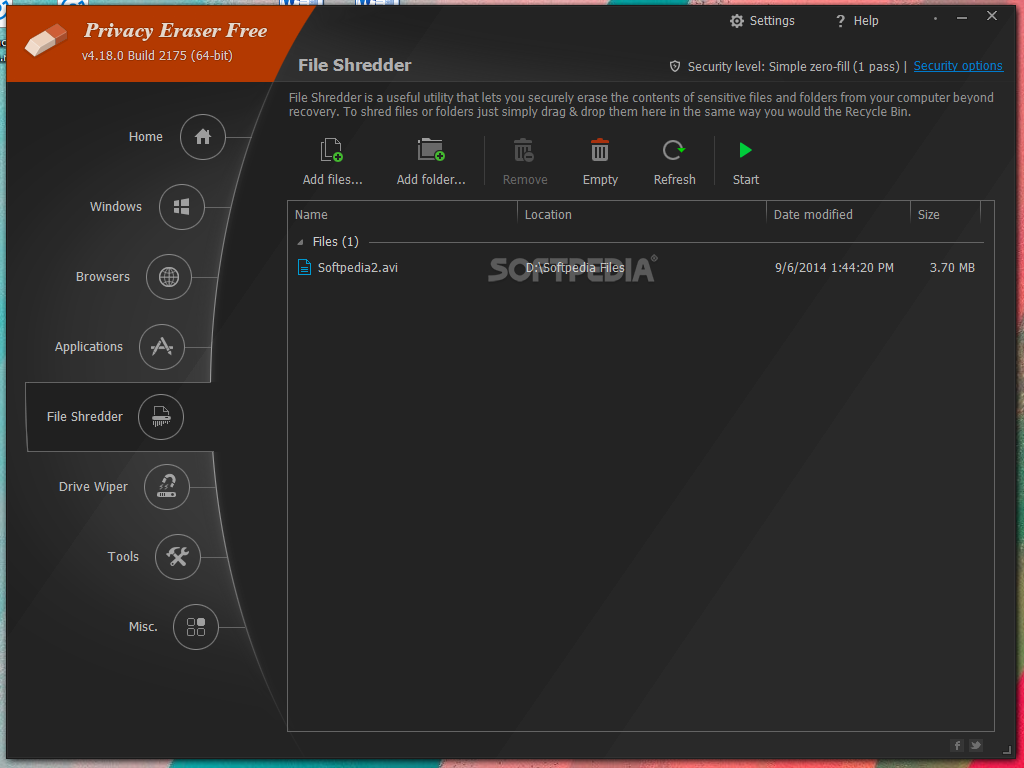
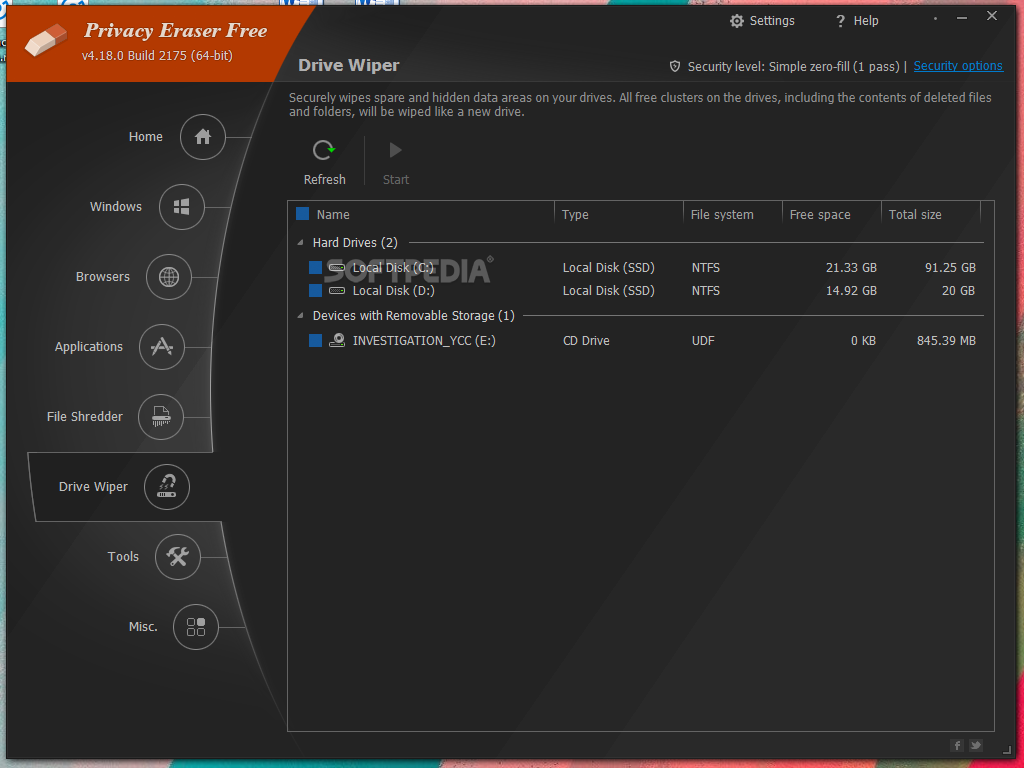
It also features a file shredder for permanently erasing specific files and folders beyond recovery, and a drive wiper for securely wiping spare and hidden areas on drives, ensuring data confidentiality and preventing unauthorized access.
The privacy coverage can also be extended to hundreds of popular programs that you are likely to have on your computer. Thanks to pre-configured plugins, you can clean traces left by popular applications such as ACDSee, Adobe Reader, Microsoft 365, WinZip, WinRAR, Windows Media Player, VLC Media Player, BitTorrent, Google Toolbar, and many others.
Privacy Eraser Free benefits individuals who prioritize their online privacy and seek to protect their personal information from unauthorized access and exploitation.
Download Hubs
Privacy Eraser Free is part of these download collections: Cookies Cleaner
Privacy Eraser Free 6.5.4 Build 4886
 Softpedia Editor's Pick
add to watchlist
add to download basket
send us an update
REPORT
Softpedia Editor's Pick
add to watchlist
add to download basket
send us an update
REPORT
- portable version
- Portable Privacy Eraser Free
- runs on:
-
Windows 11
Windows Server 2022
Windows 10 32/64 bit
Windows Server 2012
Windows 8 32/64 bit
Windows 7 32/64 bit - file size:
- 10.2 MB
- filename:
- privacy-eraser-setup.exe
- main category:
- Security
- developer:
- visit homepage
7-Zip

IrfanView

4k Video Downloader

ShareX

calibre

Zoom Client

Microsoft Teams

Windows Sandbox Launcher

paint.net

Bitdefender Antivirus Free

- Windows Sandbox Launcher
- paint.net
- Bitdefender Antivirus Free
- 7-Zip
- IrfanView
- 4k Video Downloader
- ShareX
- calibre
- Zoom Client
- Microsoft Teams