
Complex utility for monitoring and saving log files regarding one or multiple computers, designed for displaying a complete overview of evemts.. #Log monitor #Eventlog message #Event monitor #ODBC #Log #Monitor
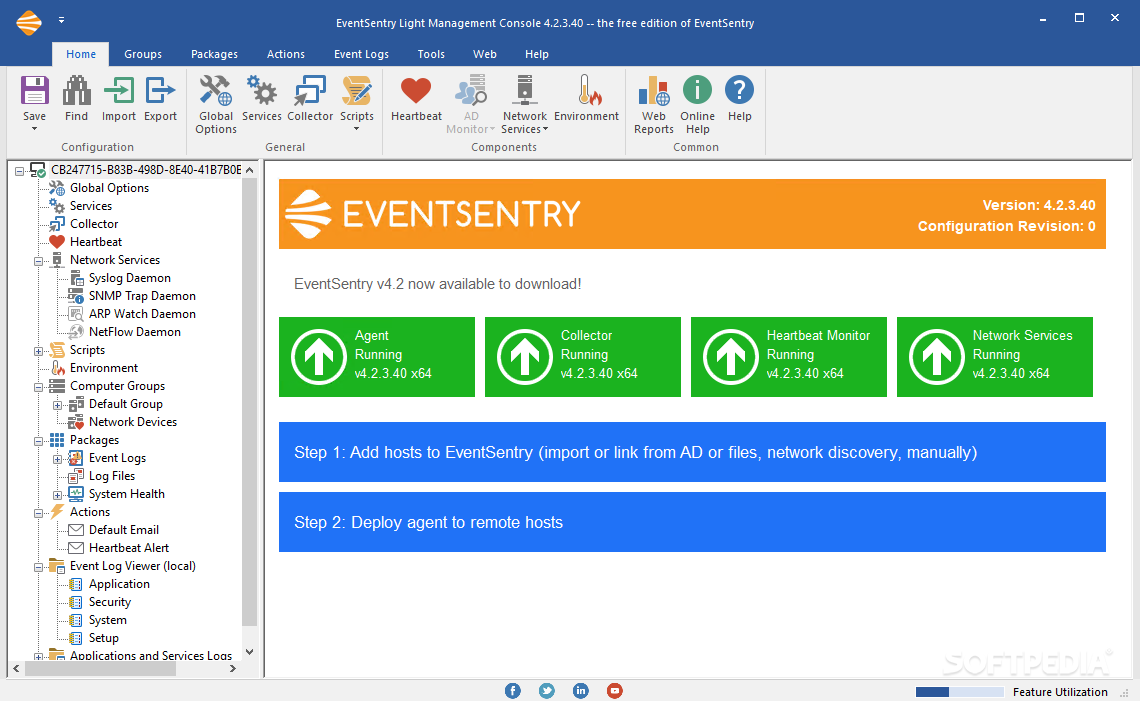
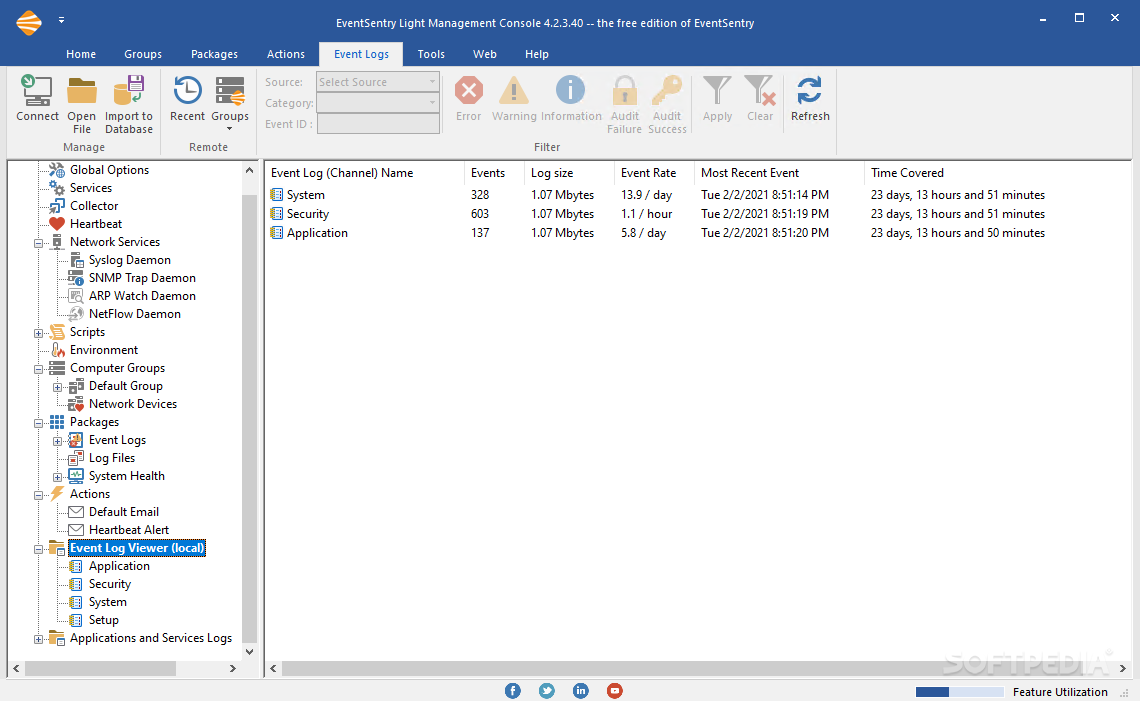
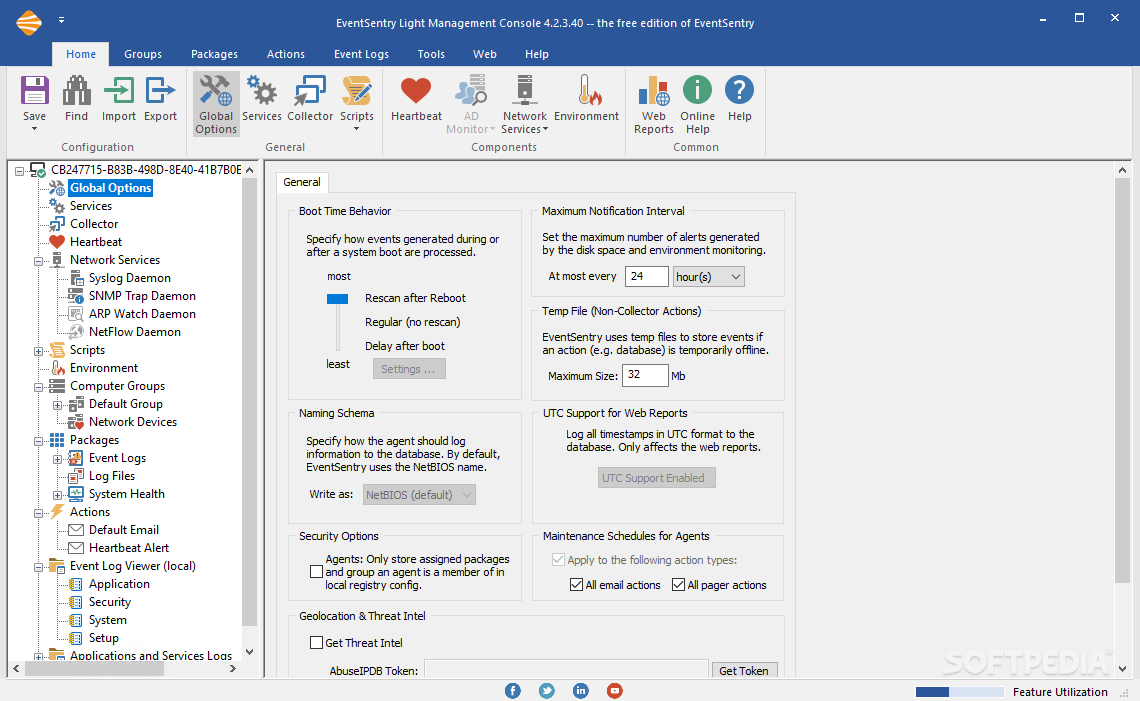
EventSentry Light is an advanced software designed for converging important event logs from one or more computers, based on specific set filters. It is a very powerful program for setting up specific filters and notifications in case events occur on the monitored computers.
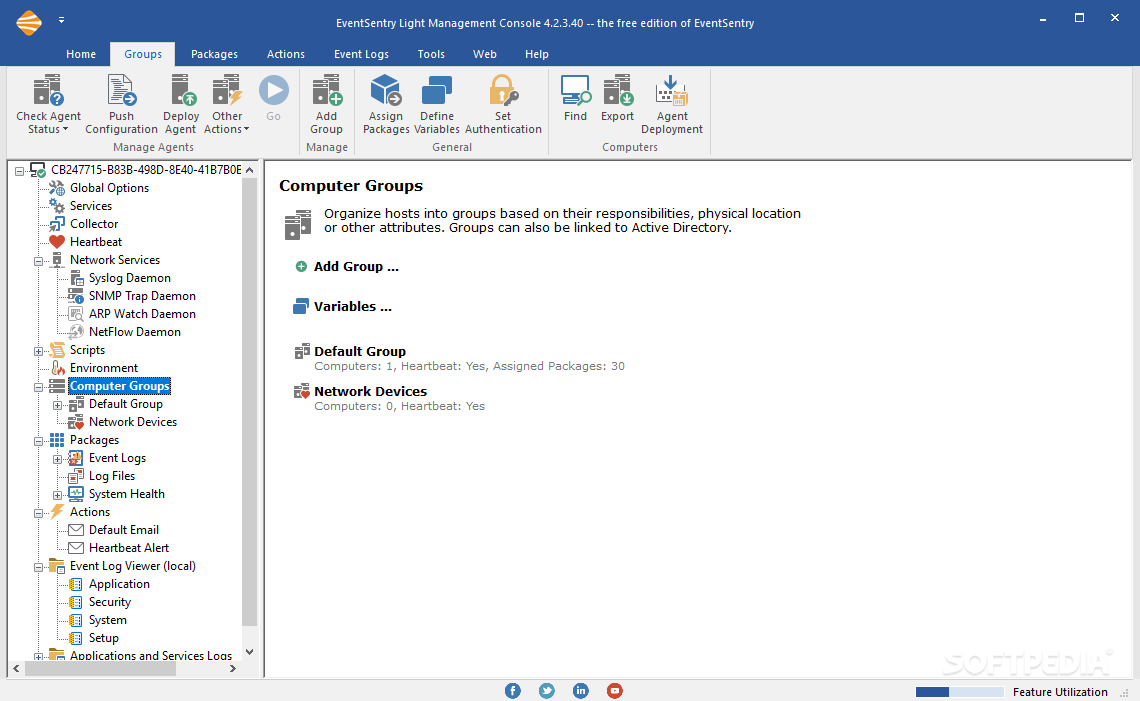
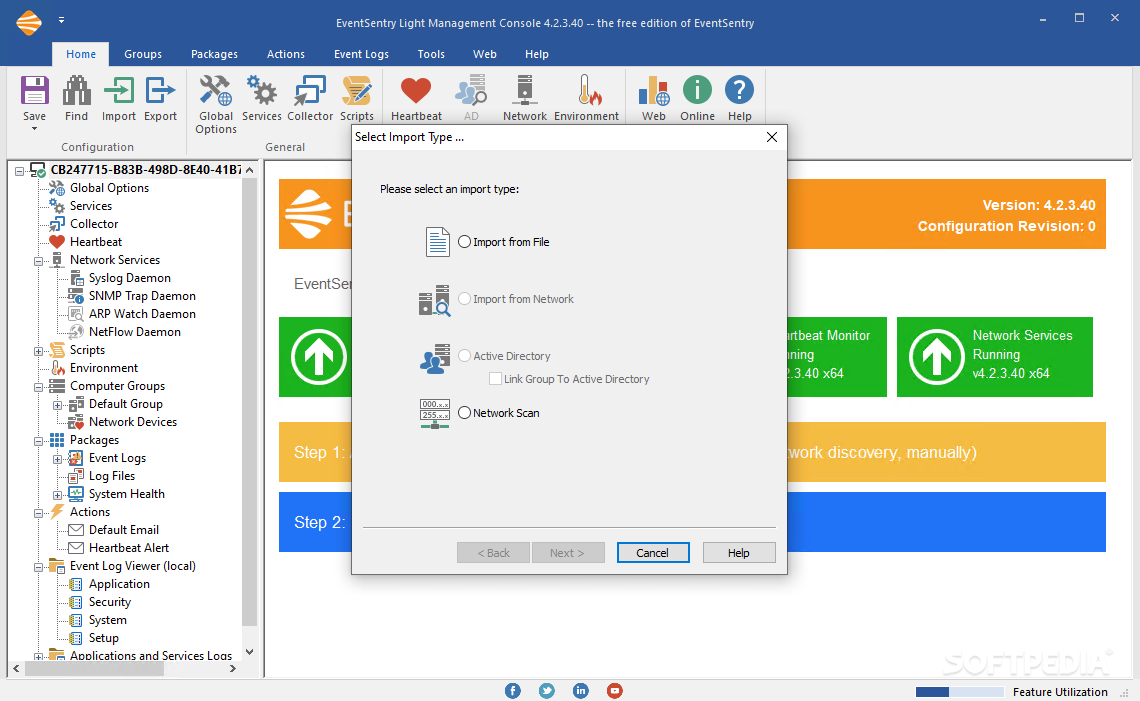
An useful feature of the program is the ability to work on entire networks. You can always select which computers you wish to receive logs of events from. These can be organized into groups of computers, based on the tasks they are conducting or simply by location.
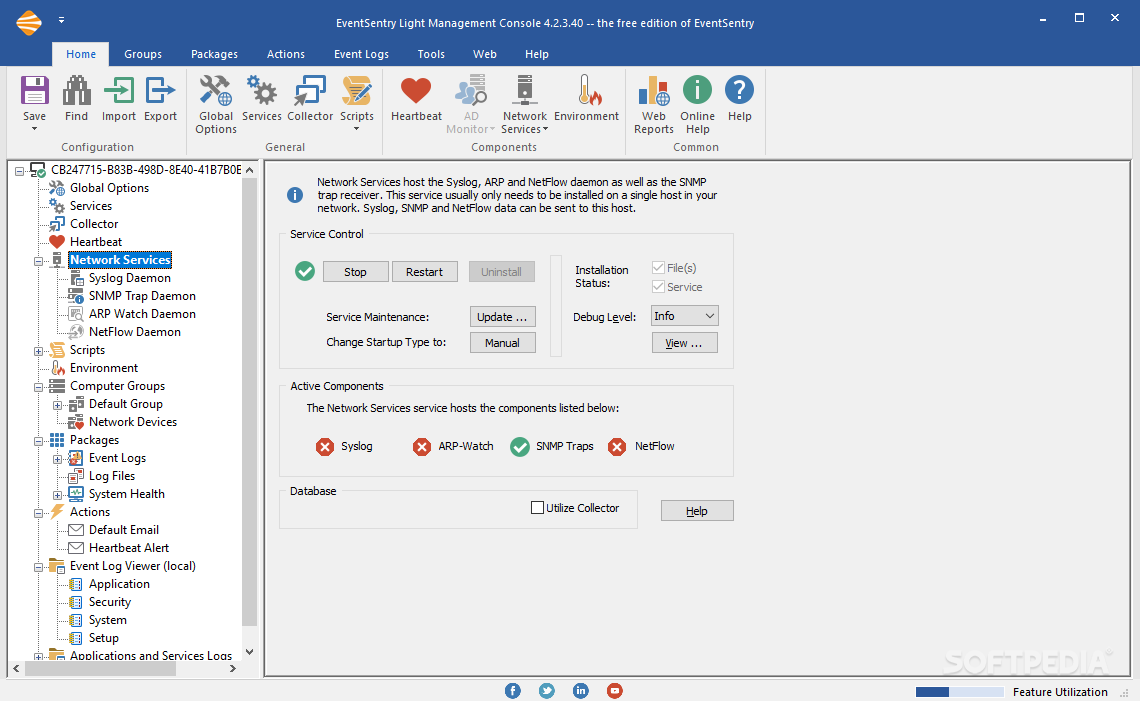
For security reasons, you can allow EventSentry Light to monitor safety systems, like humidity or temperature sensors, and be notified in case a set limit is reached. The program is able to receive logs from motion sensor detectors as well, and even smoke sensors.
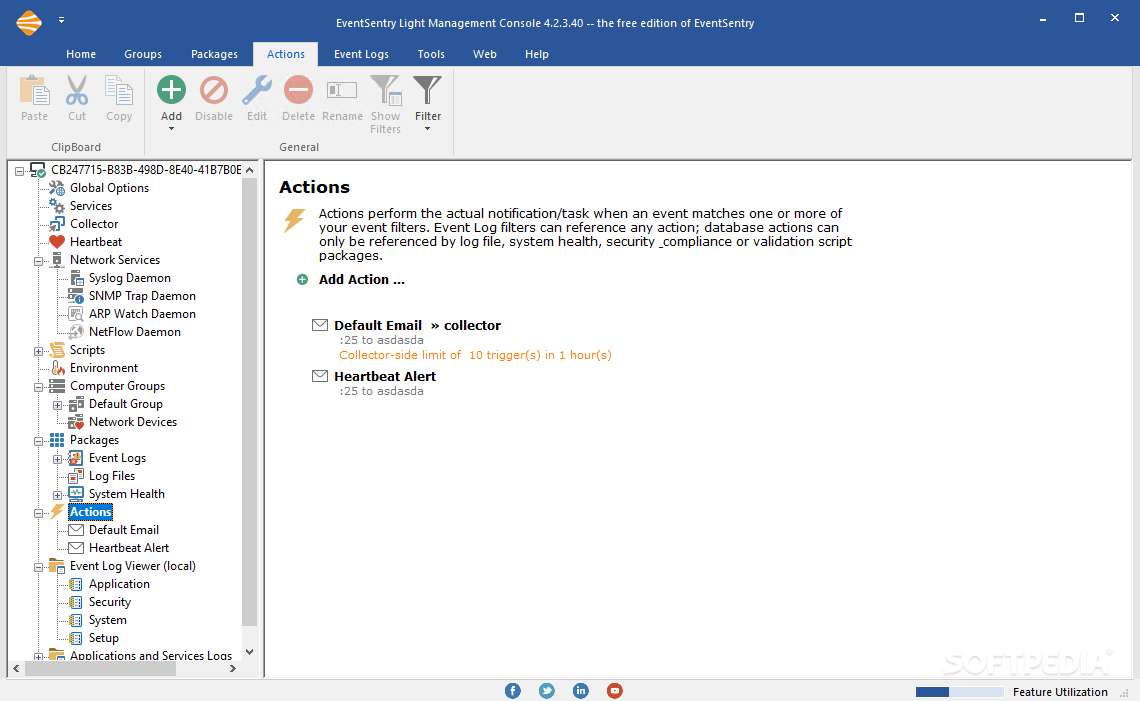
In case of an emergency, notifications can be sent to specified e-mail addresses. You can even set the program to send alerts via SMS to a specified phone number. If anything happens to the monitored machines, the logs are centralized by the program and can be stored to a remote server, creating a backup of the occurred events.
A multitude of events can be tracked by EventSentry Light. Every anti-virus alert, system failures, e-mail notification, or system health issue can be monitored and noted in log files.
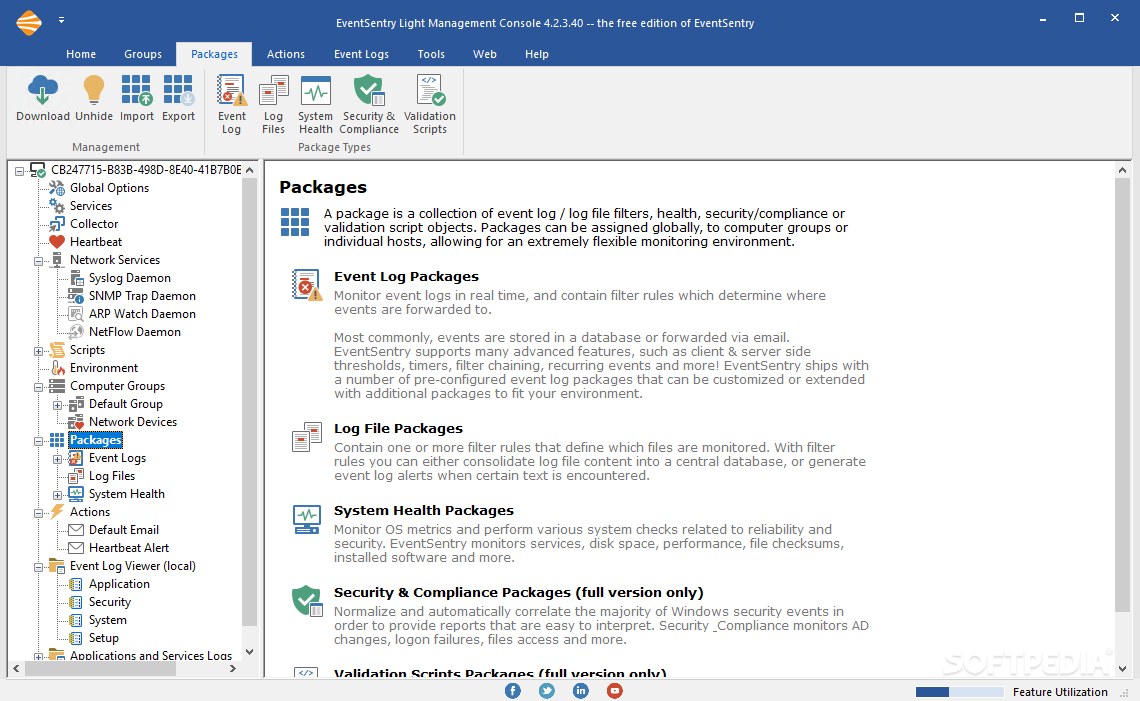
EventSentry Light offers collections of event log filters, system health tracking objects or compliance monitoring items. These can be activated any time on specific computers.
If the standard packages are not complete or contain features you don't find useful, you can customize them as you wish. Also, you can create your own package of filters, settings, notifications, which you can save to disk and apply to any monitored computer.
To summarize, EventSentry Light is a complex monitoring utility, designed to keep track on a wide range of events that occur on multiple computers. The only downside of having a multitude of customizable features is that sometimes they can lead to minor software errors and malfunctions. But overall, a potent and useful application.
What's new in EventSentry Light 5.1.1.90:
- Bugfixes:
- Agent: Fixes regression bug from build 5.1.1.82 that may prevent disk space data from being recorded
- Agent: Minor fixes and improvements
EventSentry Light 5.1.1.90
add to watchlist add to download basket send us an update REPORT- runs on:
-
Windows NT
Windows 11
Windows Server 2019
Windows Server 2016
Windows 10 32/64 bit
Windows Server 2012 R2
Windows Server 2012
Windows 2008 R2
Windows 2008 32/64 bit
Windows 2003
Windows 8 32/64 bit
Windows 7 32/64 bit
Windows Vista 32/64 bit
Windows XP 32/64 bit
Windows 2K - file size:
- 115 MB

- main category:
- Security
- developer:
- visit homepage
IrfanView

Windows Sandbox Launcher

Zoom Client

Bitdefender Antivirus Free

Context Menu Manager

7-Zip

ShareX

4k Video Downloader

calibre

Microsoft Teams

- 4k Video Downloader
- calibre
- Microsoft Teams
- IrfanView
- Windows Sandbox Launcher
- Zoom Client
- Bitdefender Antivirus Free
- Context Menu Manager
- 7-Zip
- ShareX