
Manage your CCTV systems with this powerful digital workstation that supports working with multiple recording devices, as well as generating motion maps. #Video surveillance #Surveillance system #CCTV system #Surveillance #CCTV #Camera
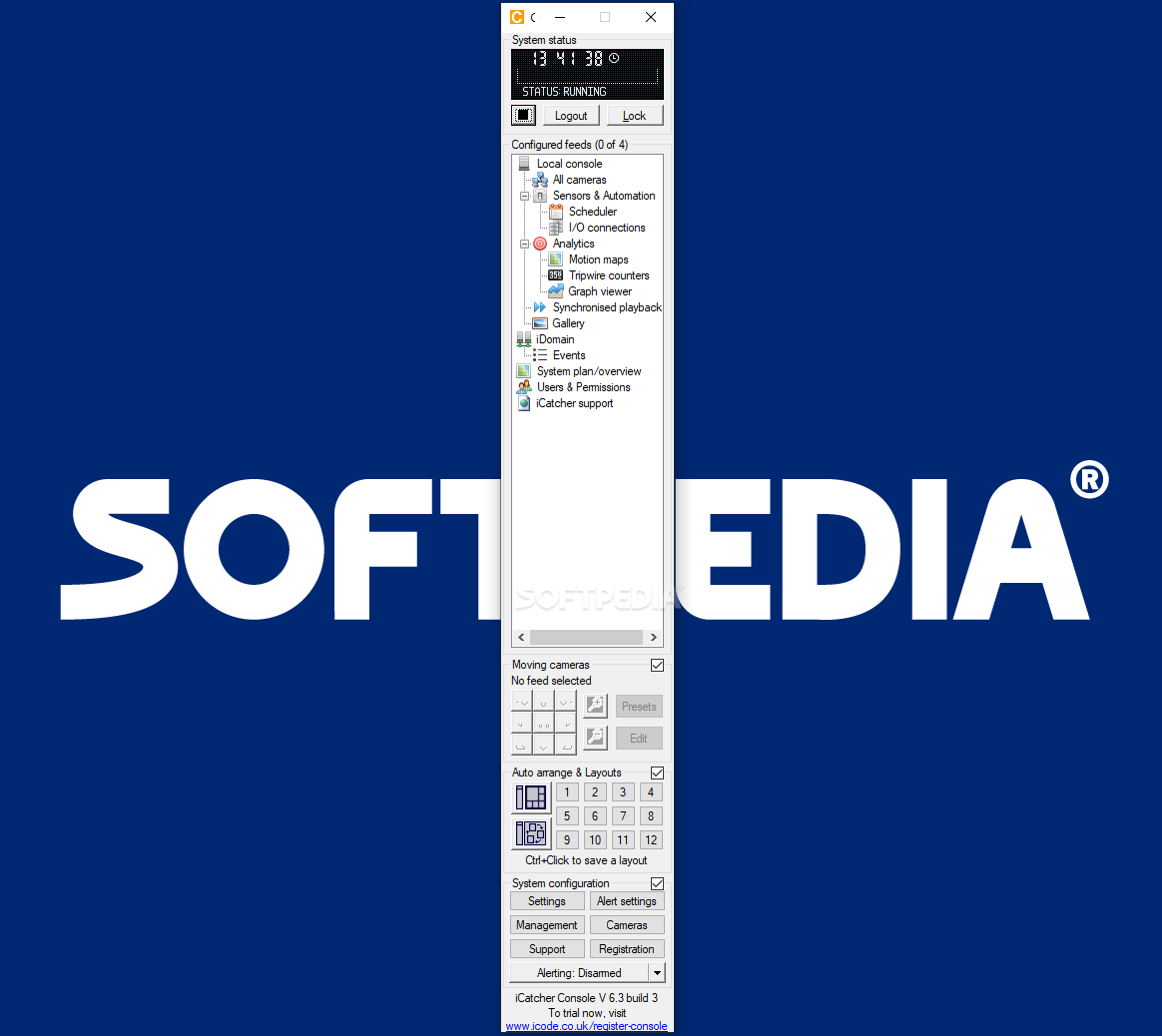
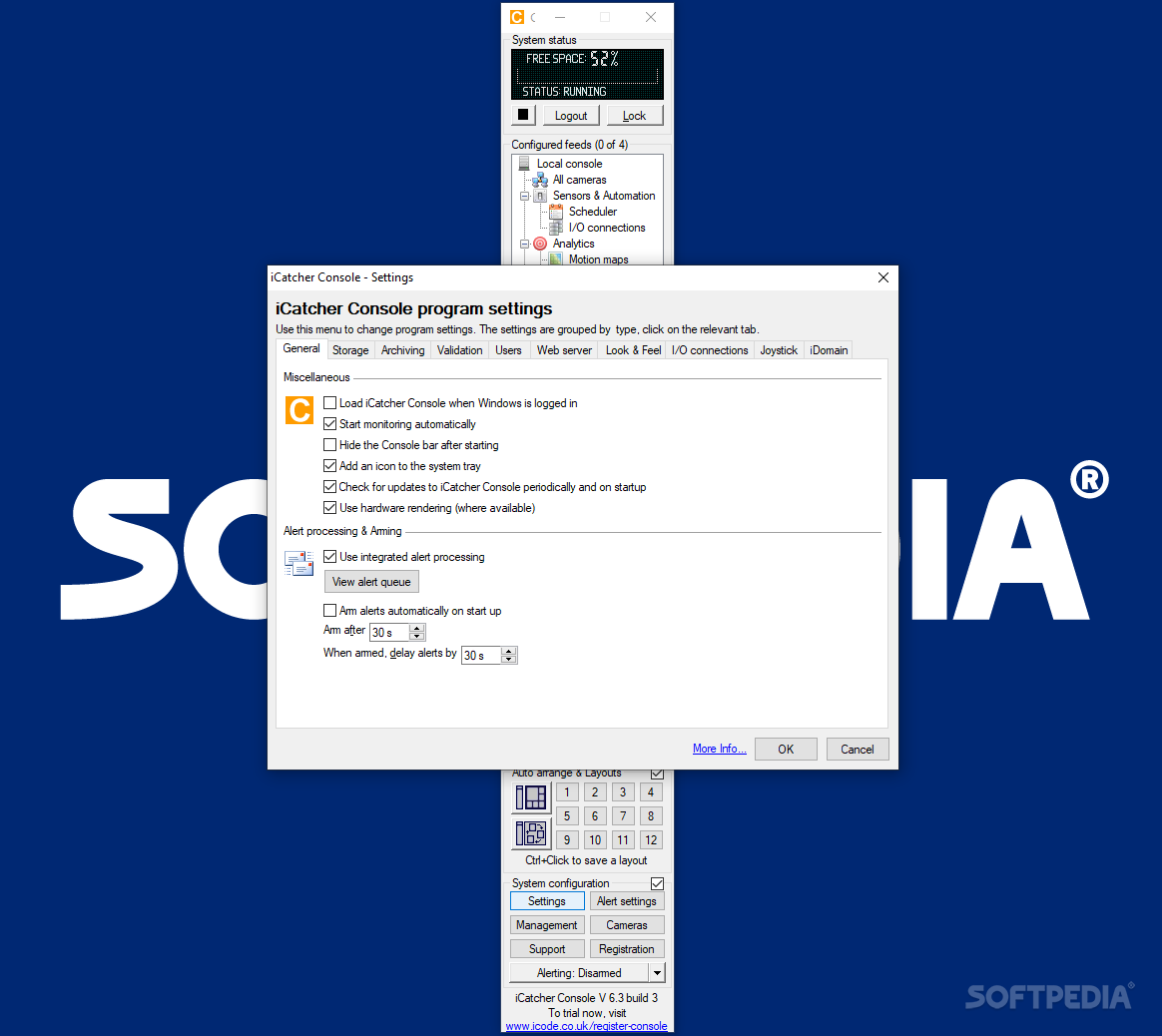
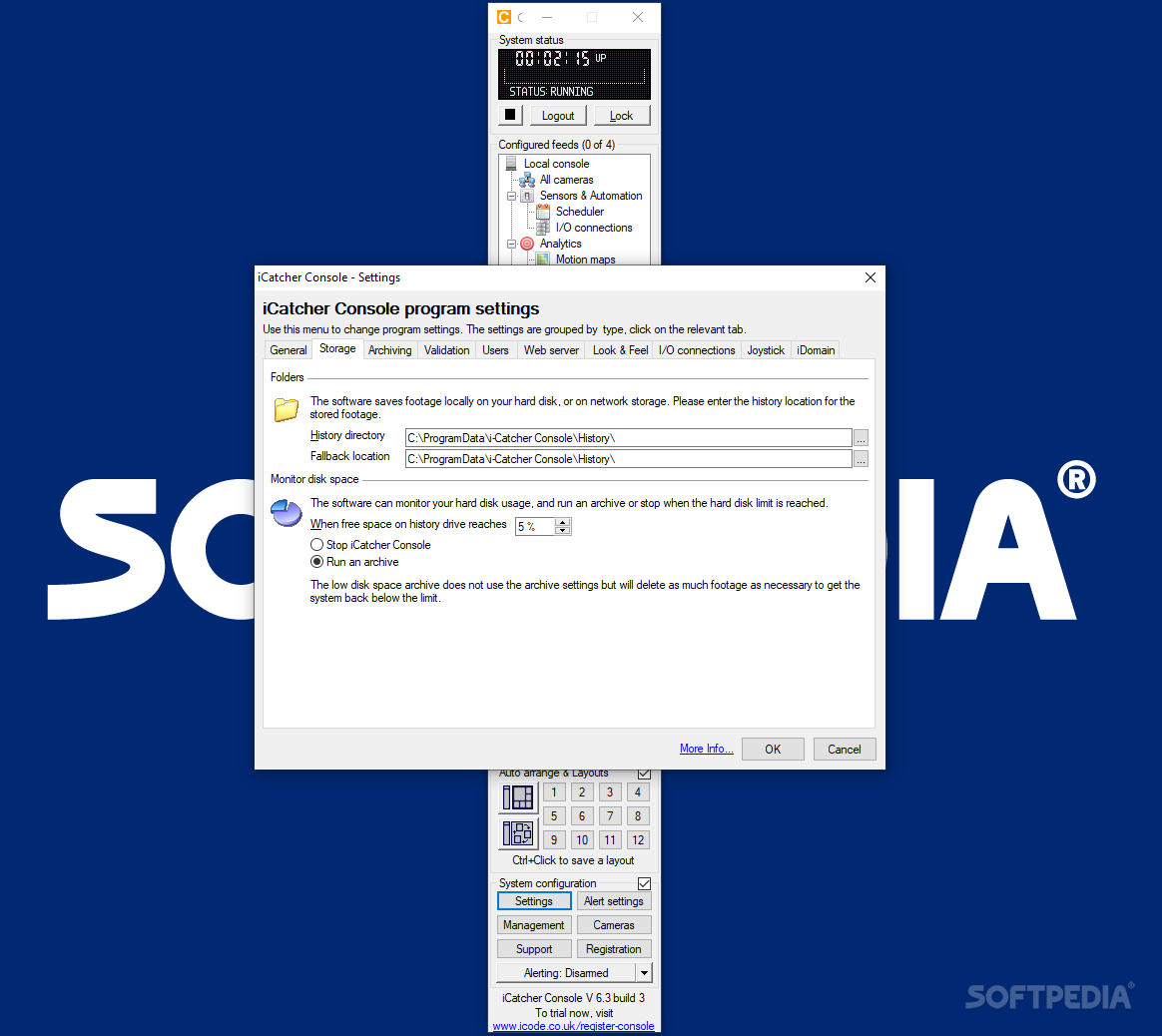
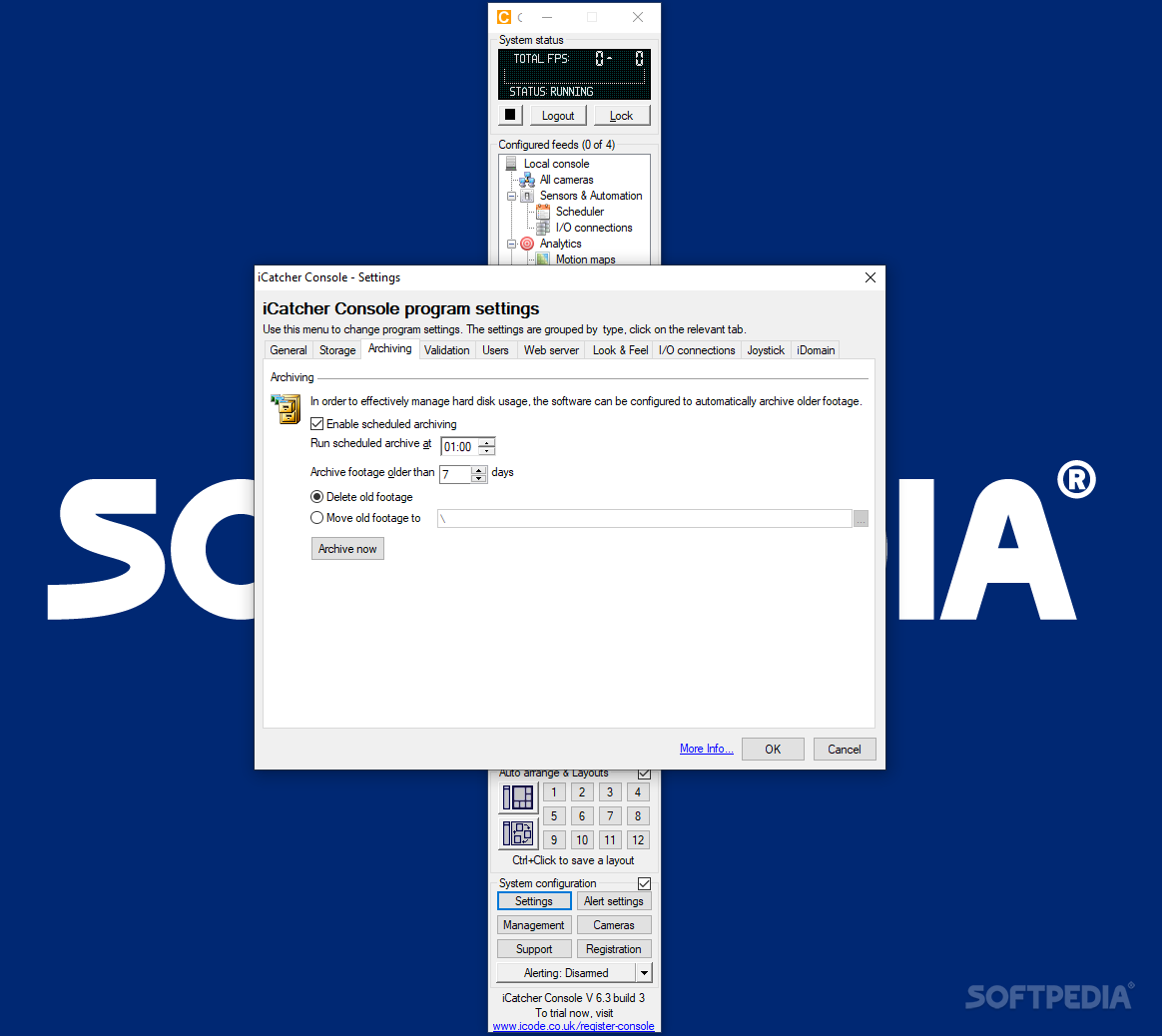
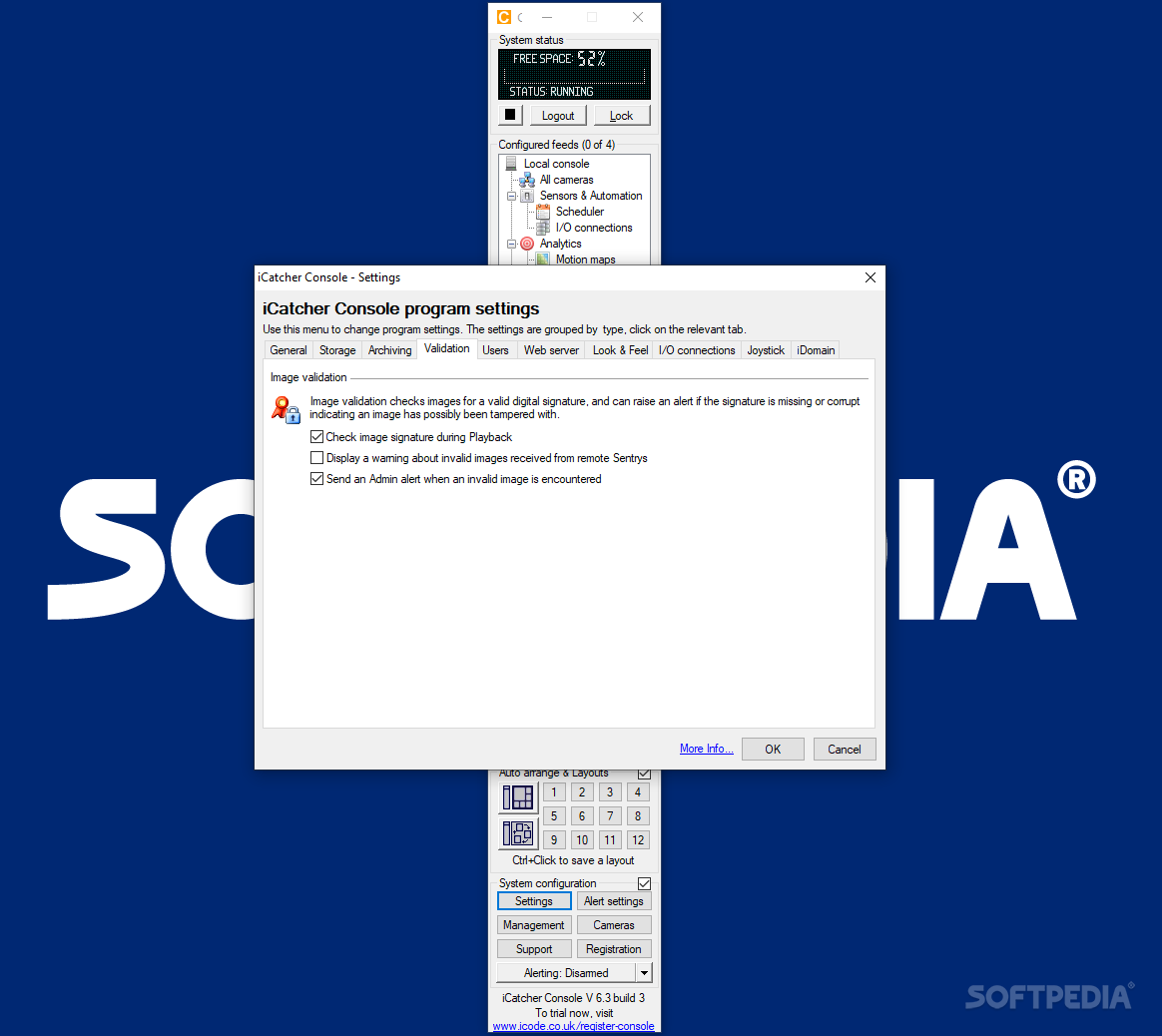
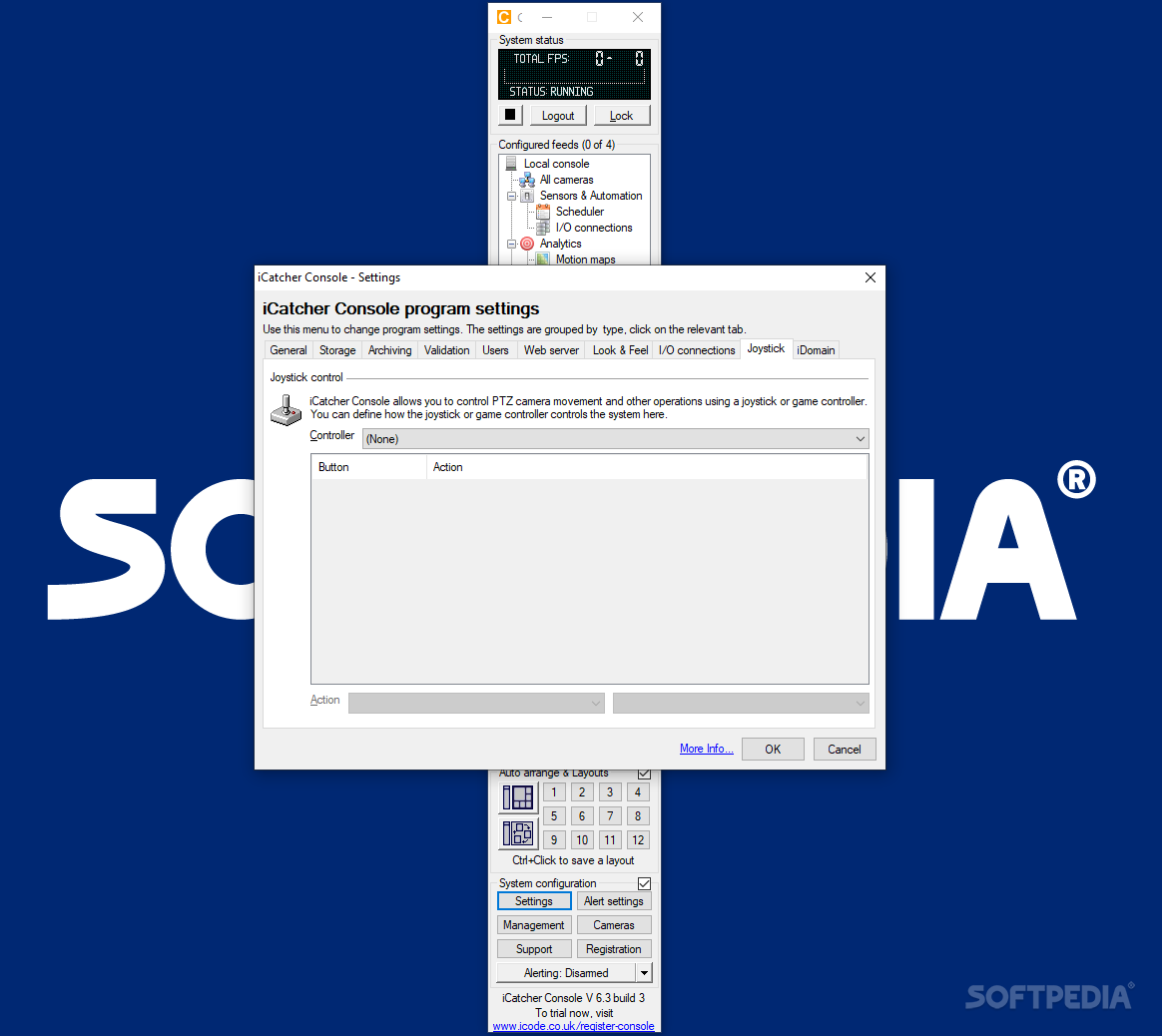
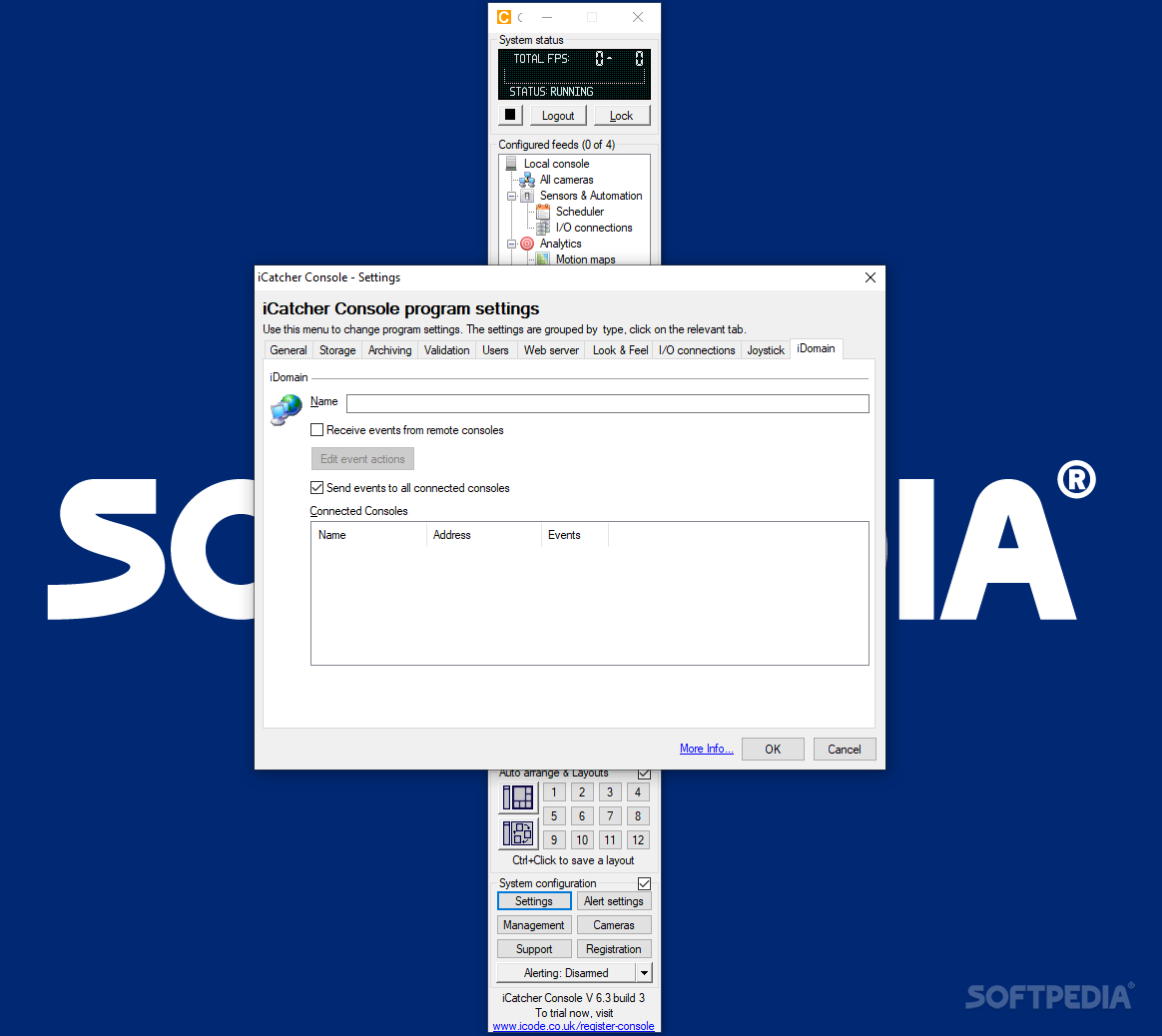
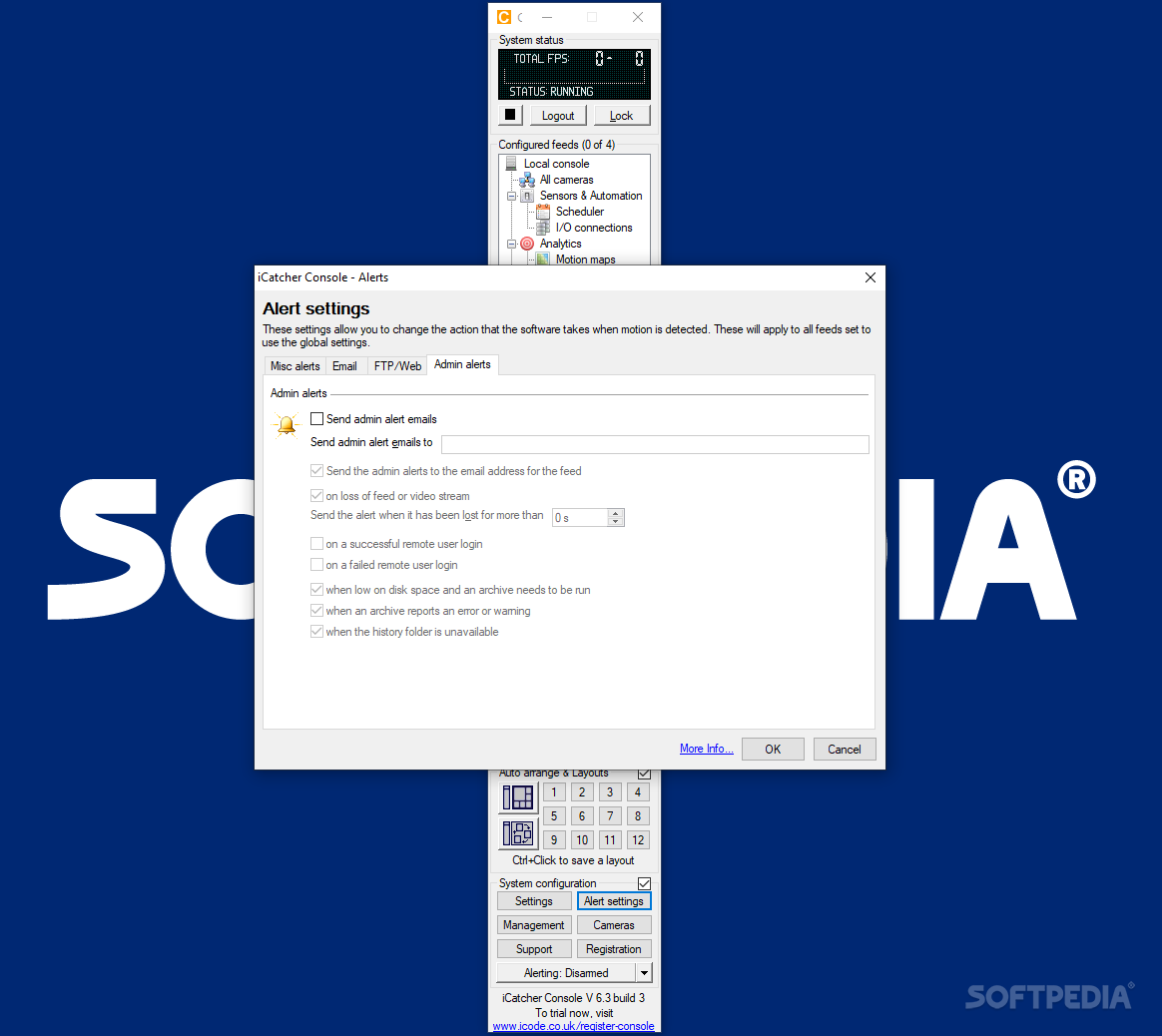
CCTV systems are employed all over the world to ensure material integrity to goods, houses and offices. They are used for personal protection just as well, and numerous digital managers have been conceived to allow users to extract the most benefits out of their surveillance devices. i-Catcher Console allows its users to manage single or multiple cameras thoroughly, define automatic alerts, and create recording masks to avoid wasting resources.
The program is compatible with most cameras, from simple USB webcams to complex security architectures involving numerous local, batch FTP or network devices. That being said, performance relies largely on the recording camera and, more specifically, on the quality of the output clips.
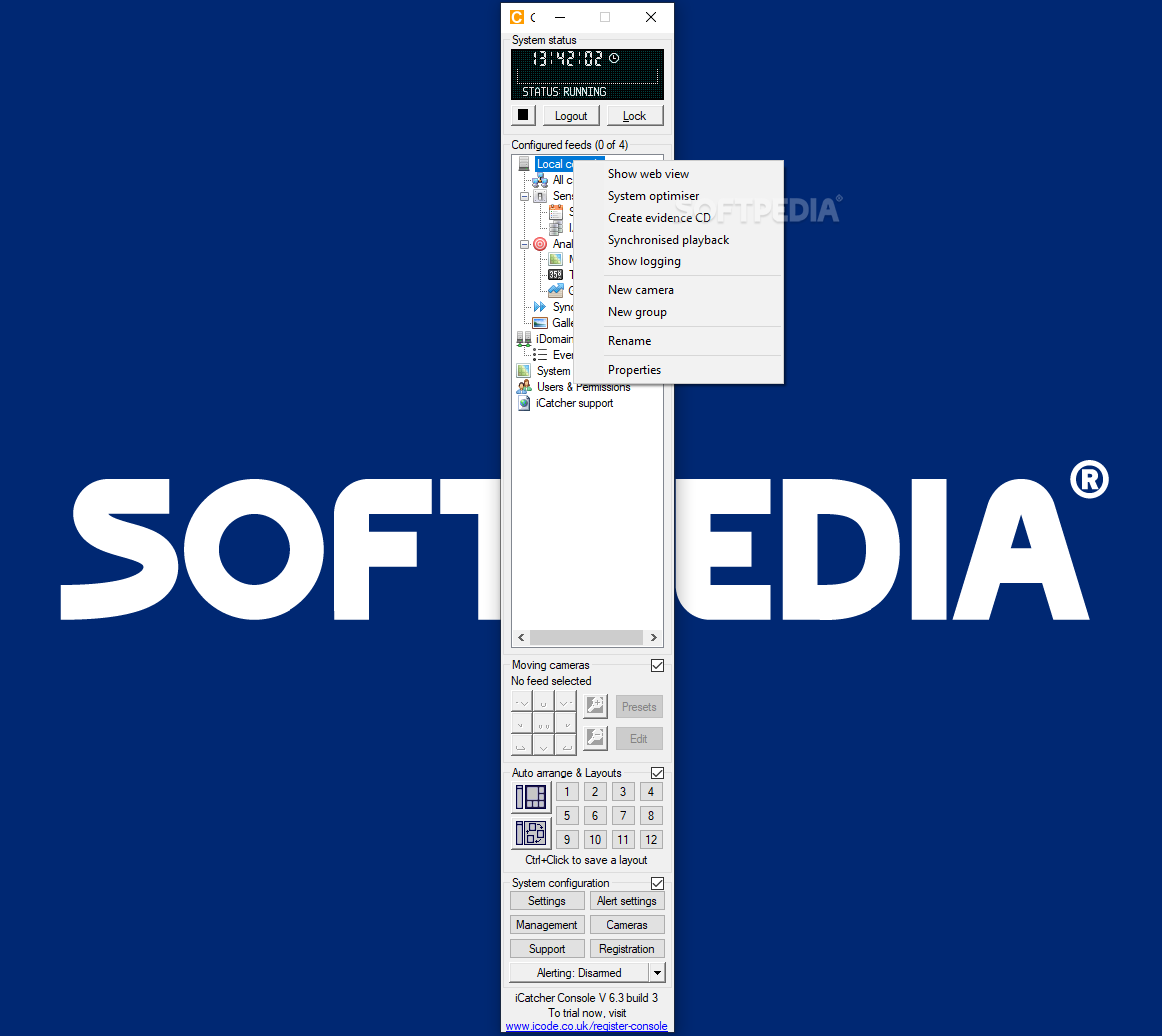
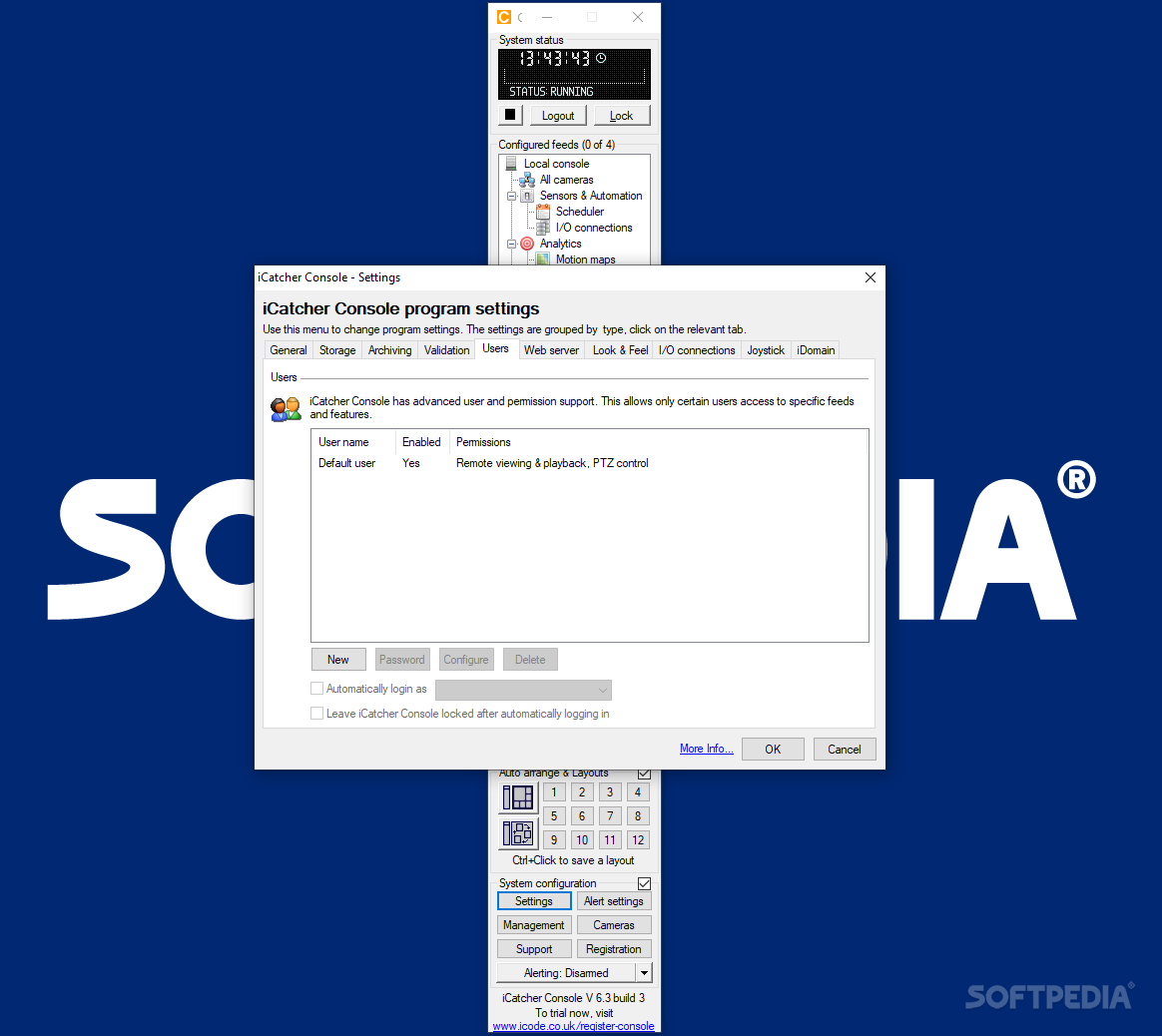
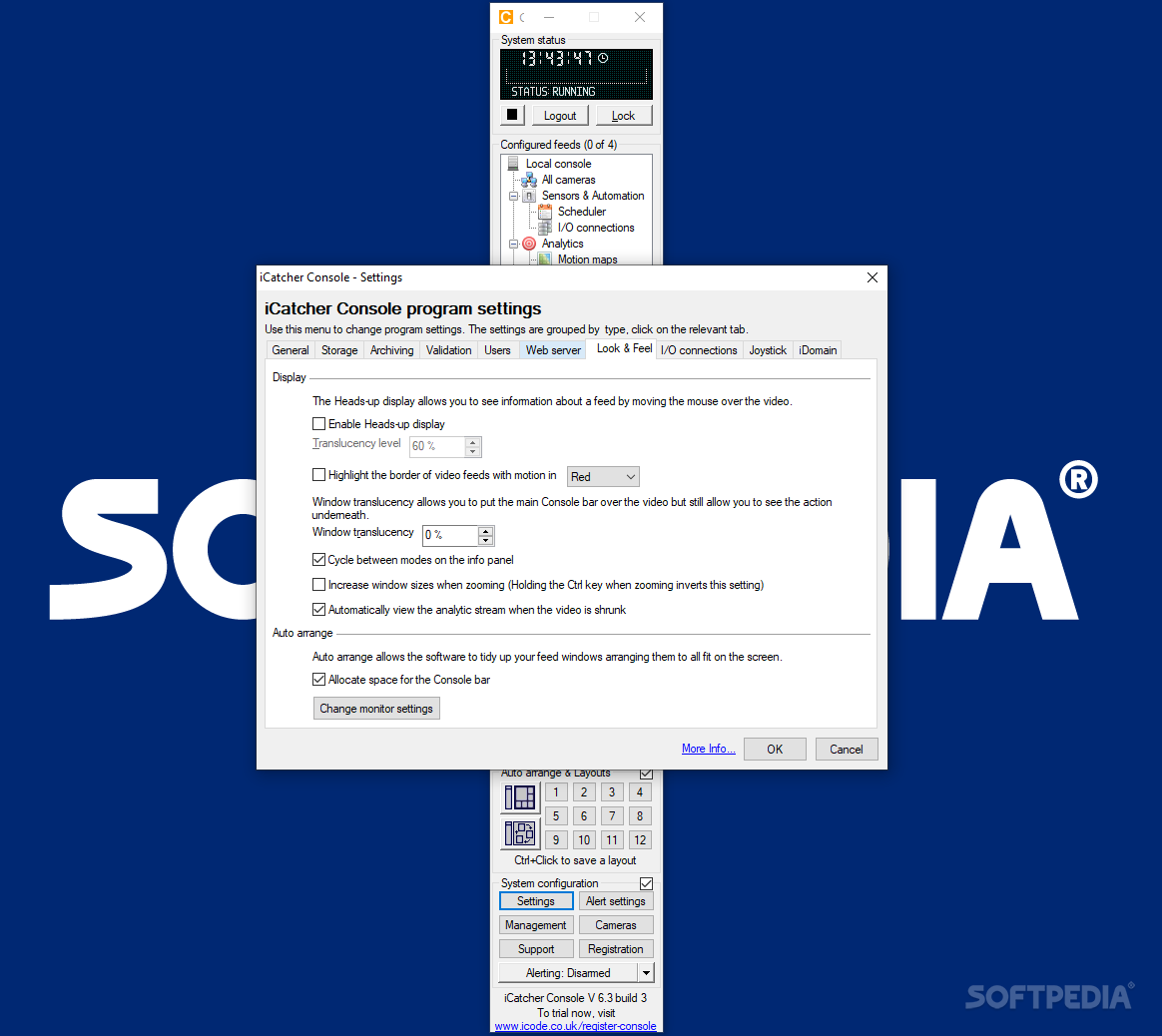
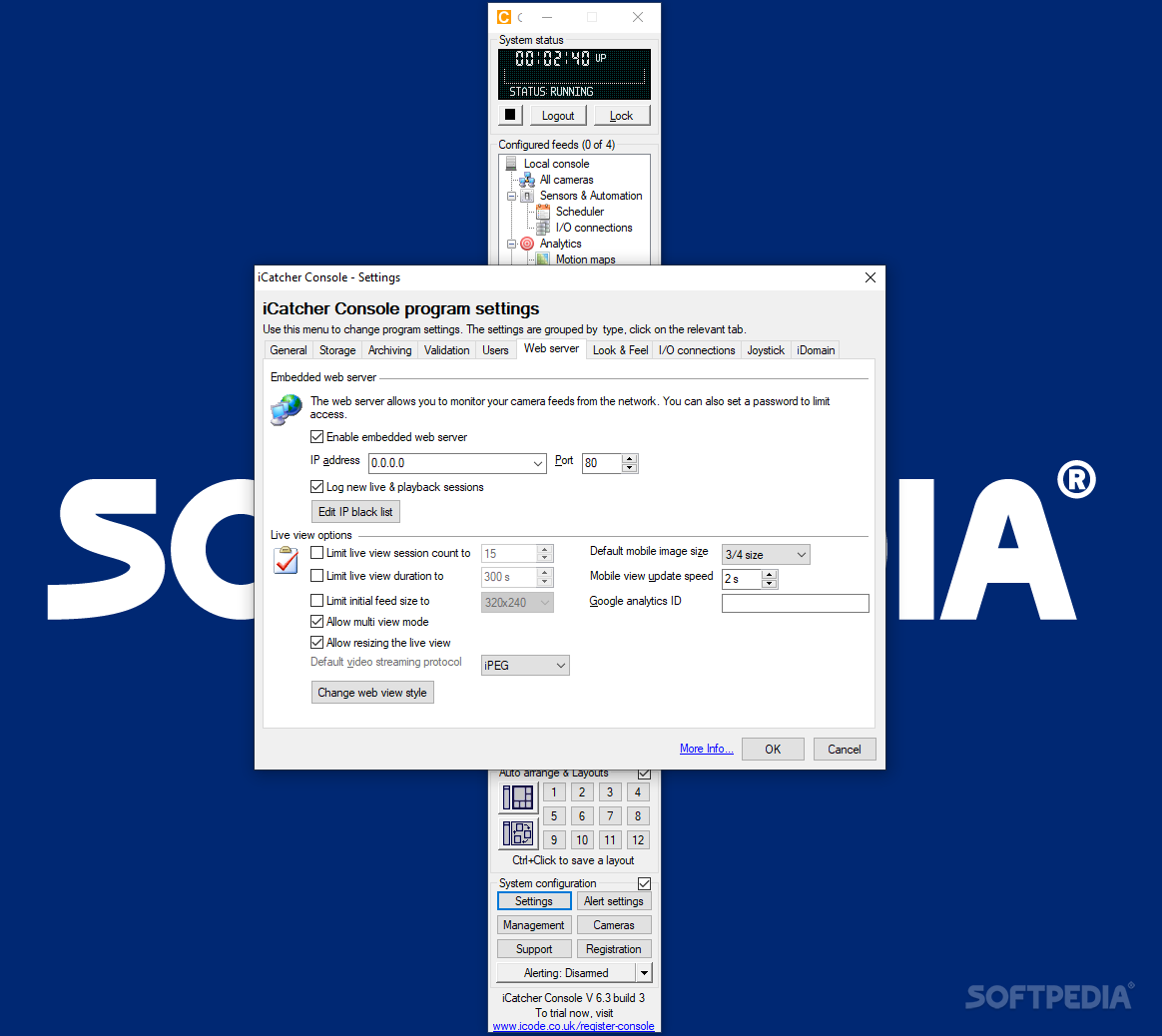
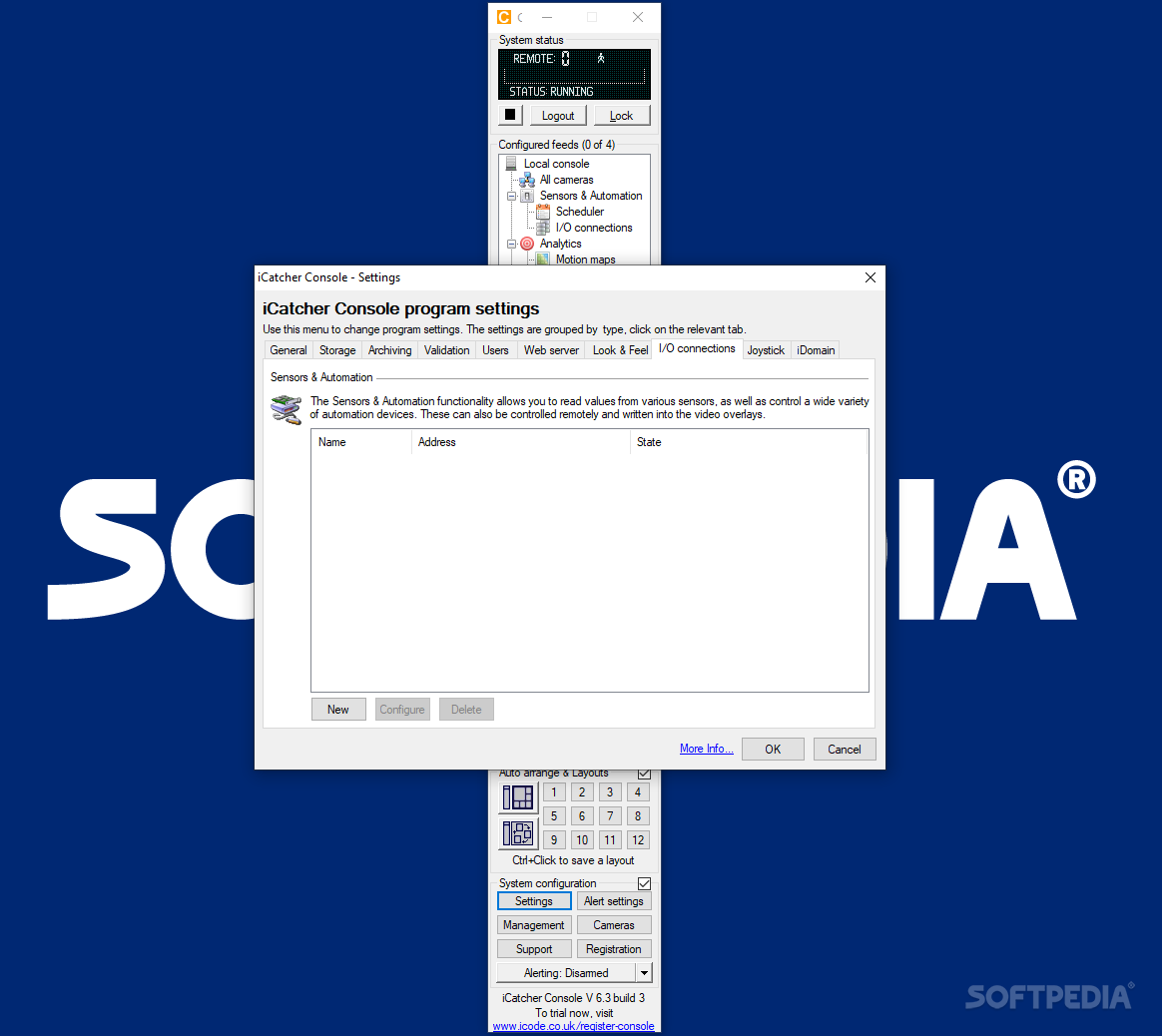
Configuring the program is a very straightforward job, as the application automatically recognizes all the recording devices installed on the Windows OS. Users are free to link one or multiple devices to the console and one of the notable features is the ability to customize options for each item.
This setup ensures that one avoids false alarms; for example, one can configure a garden camera to feature a rather relaxed alerting system, while indoor units can be kept on maximum protection settings. Other than this multi-layered setup, several complementary tools can be employed to ensure very good results.
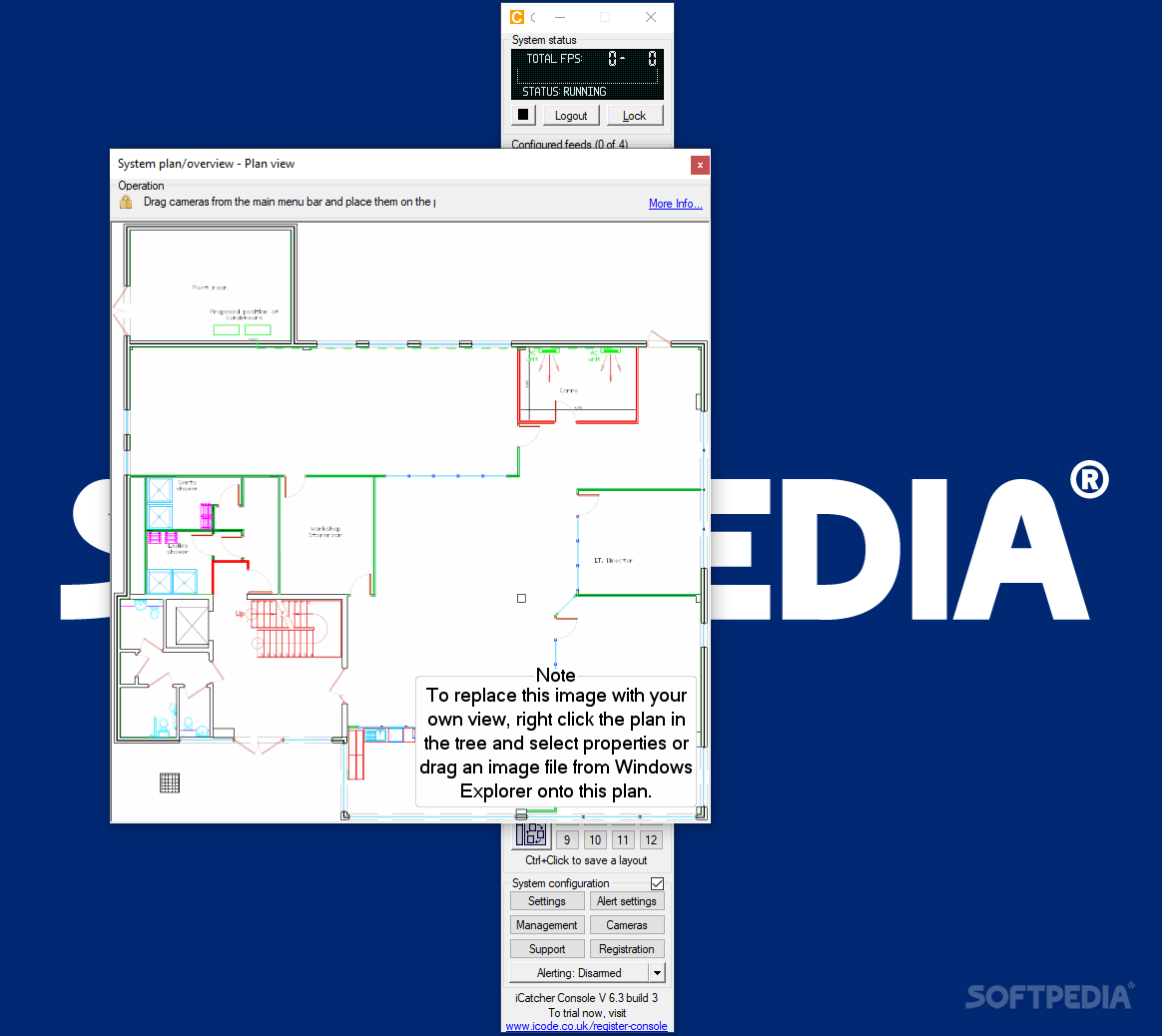
A built-in motion detector automatically recognizes movement and can be tied to the comprehensive alerting module to issue email or phone notifications. The responsiveness of the sensors can be adjusted to meet most needs and ensure false alarms are avoided. At the same time, when dealing with multiple recording devices, one can display synchronized playback views of several items.
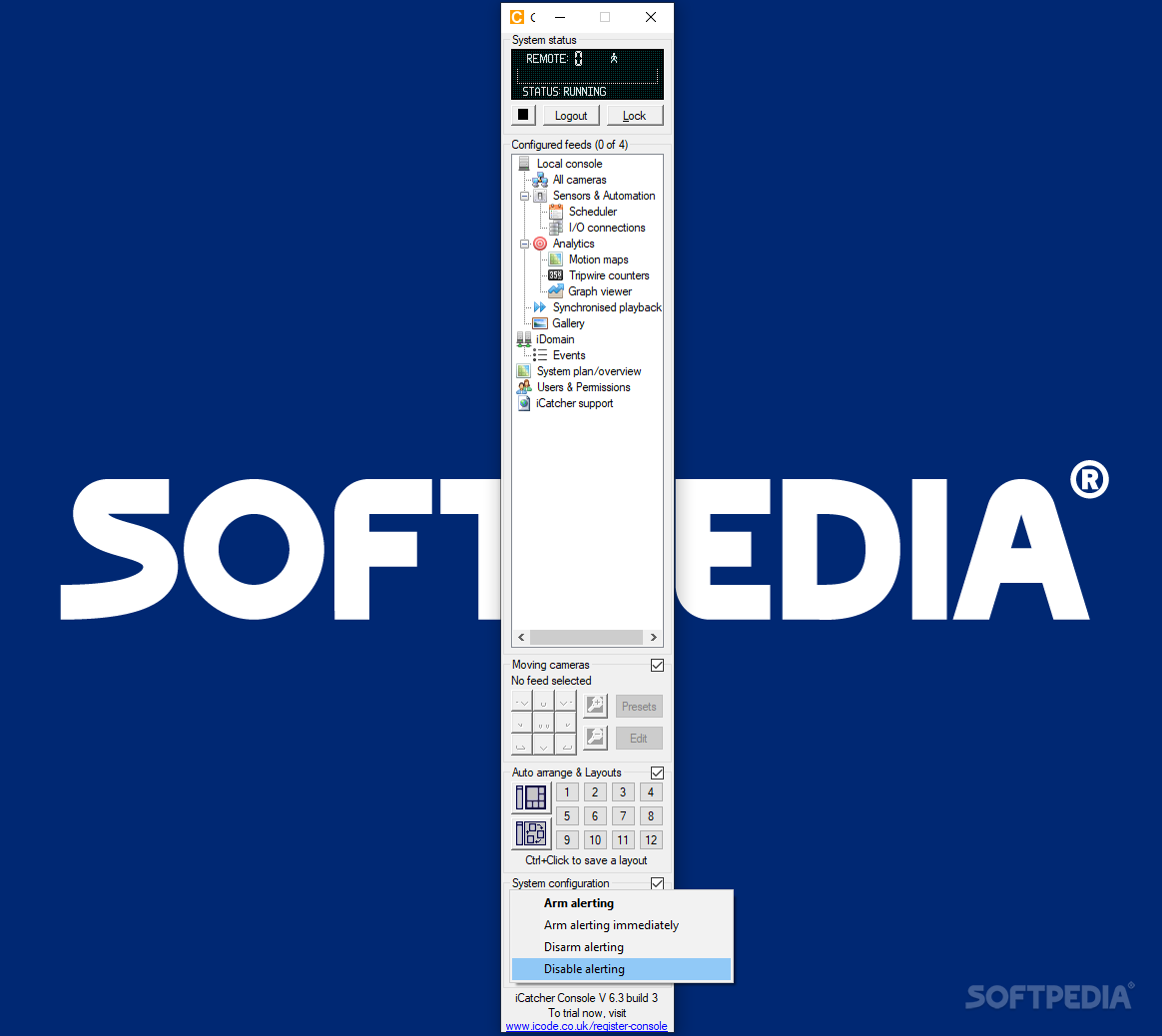
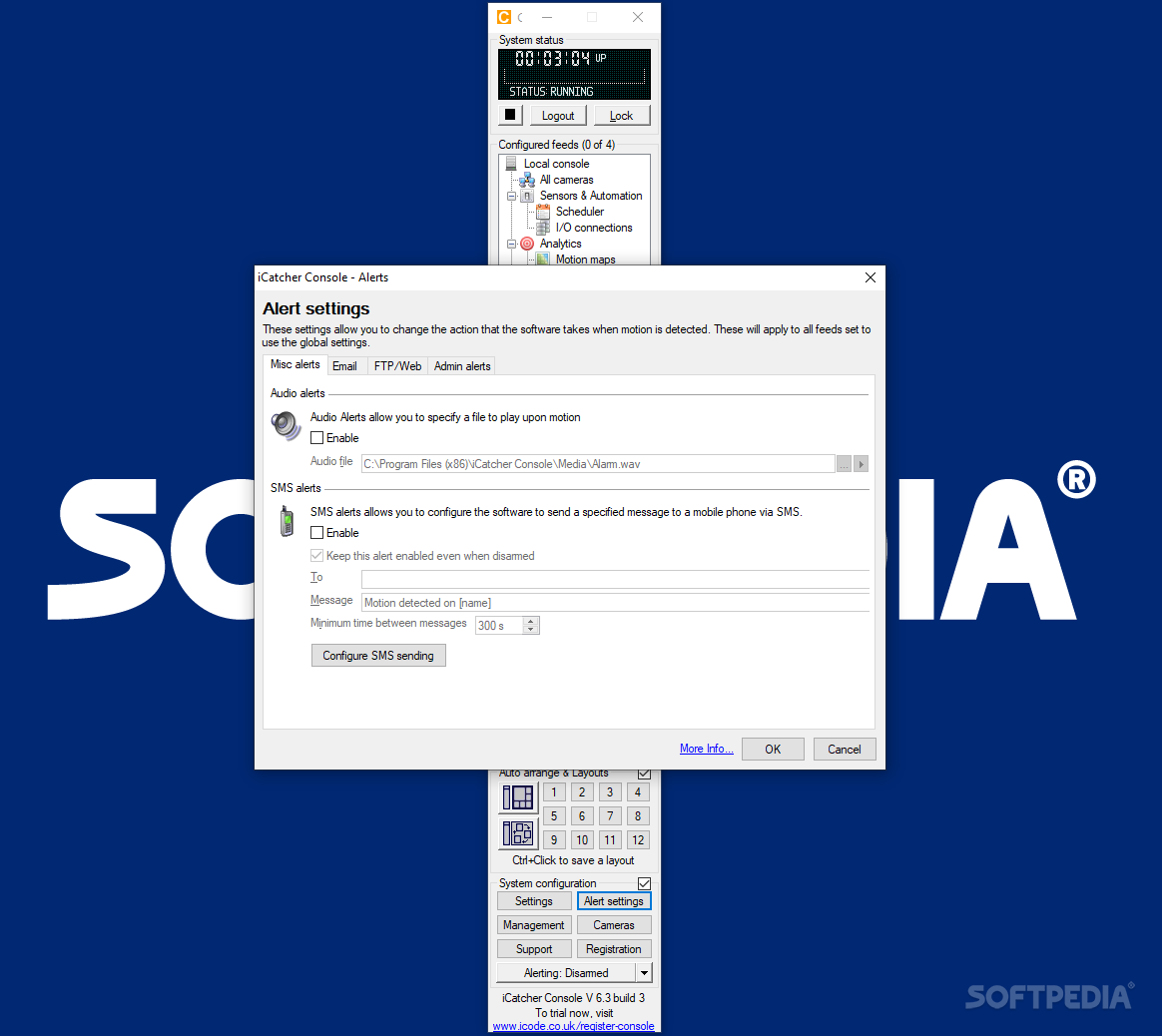
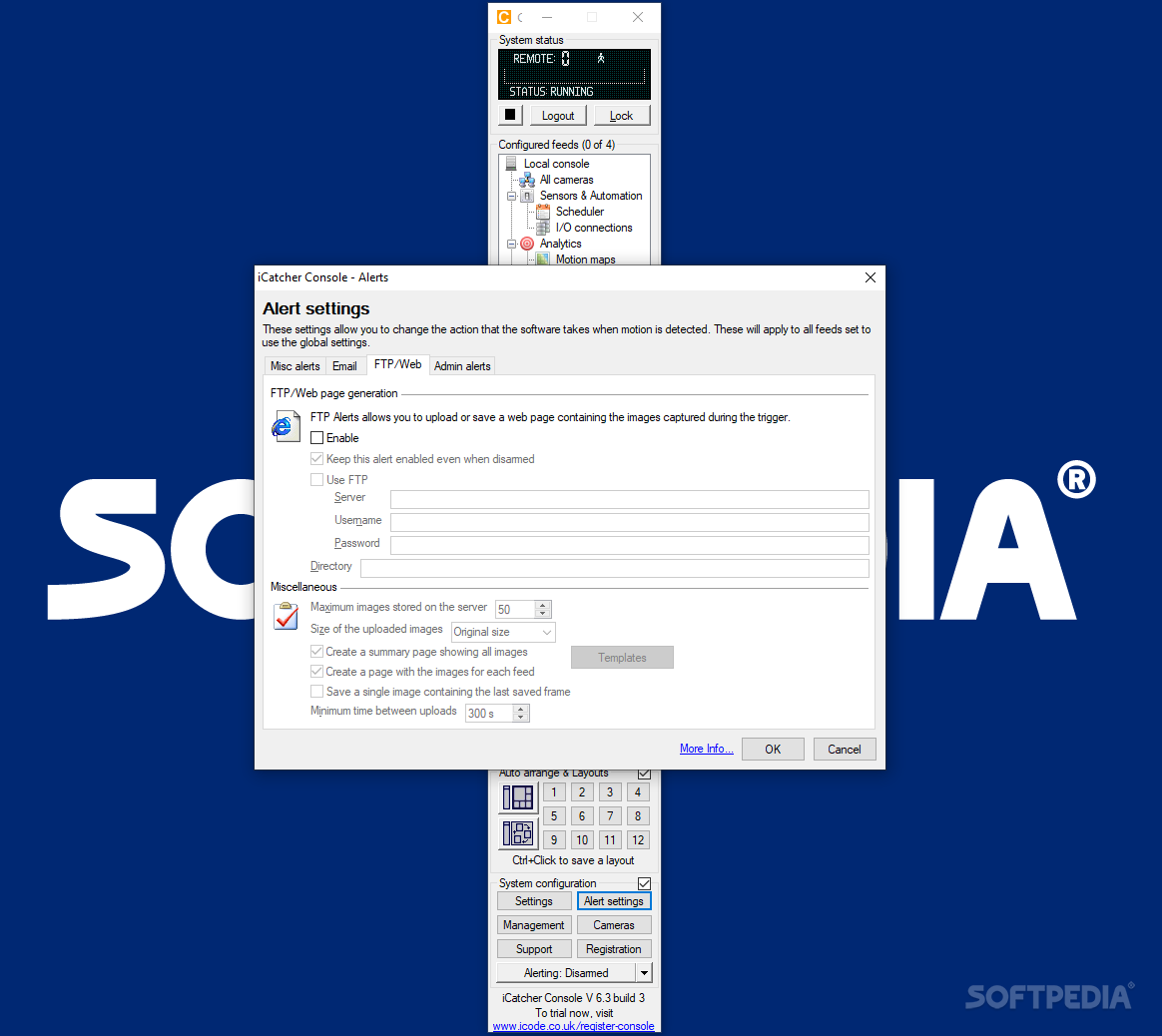
The “Alert” module is also notable for its potency and flexibility, as one can configure the utility to play WAVs when motion is detected; other options include the ability to issue SMS, email, and web or FTP alerts.
Summing up, i-Catcher Console is an asset for anyone running multiple cameras for security reasons and in need of a comprehensive software solution to pair with the hardware setup. The program features advanced alert options based on adjustable tripwire thresholds and supports motion detection or synchronized camera playback.
What's new in i-Catcher Console 6.3 Build 3:
- Security fixes
- Improved handling of Hikvision cameras with third stream
- Improvements to web server for PCI compliance
i-Catcher Console 6.3 Build 3
add to watchlist add to download basket send us an update REPORT- runs on:
-
Windows 10 32/64 bit
Windows 2003
Windows 8 32/64 bit
Windows 7
Windows Vista
Windows XP - file size:
- 17.1 MB
- filename:
- Console.exe
- main category:
- Security
- developer:
- visit homepage
Microsoft Teams

Bitdefender Antivirus Free

IrfanView

Windows Sandbox Launcher

7-Zip

Zoom Client

4k Video Downloader

paint.net

ShareX

calibre

- paint.net
- ShareX
- calibre
- Microsoft Teams
- Bitdefender Antivirus Free
- IrfanView
- Windows Sandbox Launcher
- 7-Zip
- Zoom Client
- 4k Video Downloader