WINDOWS CATEGORIES:


NEWS ARCHIVE >>
SOFTPEDIA REVIEWS >>

WEEKLY HIGHLIGHTS

DVD Cloner45
Spyware Doctor40
1Click DVD Copy40
Apollo DVD Copy40
ABC Amber BlackBer...45
Protected Music Co...40

7-DAY TOP DOWNLOAD

#
Program
Avira AntiVir
Personal - Free
Antivirus 8.1.0.331

132,412
Windows Live
Messenger 2009
14.0.5027.908

80,861
Windows Live
Messenger
8.5.1302.1018

64,961
Internet Download
Manager 5.14 Build 5

46,441
DVD Shrink 3.2.0.15
44,310
Y! Multi Messenger
8.x and 9.x

40,971
Vista Transformation
Pack 8.0.1

38,581
Microsoft Office
2007

37,716
Uxtheme
Multi-patcher 6.0

33,804
Nero 7 Premium
7.11.10.0

33,017

WEEK'S BEST

  • Opera 9.60 Build 1...
  • DAEMON Tools Pro B...
  • Advanced X Video C...
  • WinRAR 3.80 Stable
  • Nero 9 9.0.9.4
  • Net Transport 2.64...
  • Advanced SystemCar...
  • Windows Live Messe...
  • Acronis True Image...
  • ImTOO DVD Ripper S...
  • Combined Community...
  • Fastream IQ Web/FT...
  • VirtualDub 1.8.6 B...
  • Super DVD Creator ...
  • Deluge 1.0.0.32
  • Adobe Flash Player...
  • WinPatrol 15.9.200...
  • Trend Micro Intern...
  • COMODO Internet Se...
  • WinZip 12.0 Build ...
  • Real Alternative 1...
  • Camfrog Video Chat...
  • iTunes 8.0.1.11
  • QuickTime 7.55.90.70
  • SiSoftware Sandra ...
  • Opera 9.60 Build 1...
  • EVEREST Ultimate E...
  • Google Chrome 0.3....
  • BS.Player 2.31 Bui...
  • WinRAR 3.80 Stable
  • Home / Windows / System / Back-Up and Recovery
     Report spyware

    BackupAssist 4.2.0


    Downloads: 1,836  Add to download basket  Tell us about an update
    User Rating:
    Rated by:
    Good (3.2/5)
    21 user(s)
    Developer:

    License / Price:

    Size / OS:

    Last Updated:

    Category:
    BackupAssist | More programs
    Trial / USD 176.00 | BUY the full version
    11.9 MB / Windows NT / 2K / XP / 2003 / Vista
    September 12th, 2008, 07:41 GMT [view history]
    C: \ System \ Back-Up and Recovery

     Read user reviews (1)  Add a review  Refer to a friend  Subscribe


    BackupAssist description


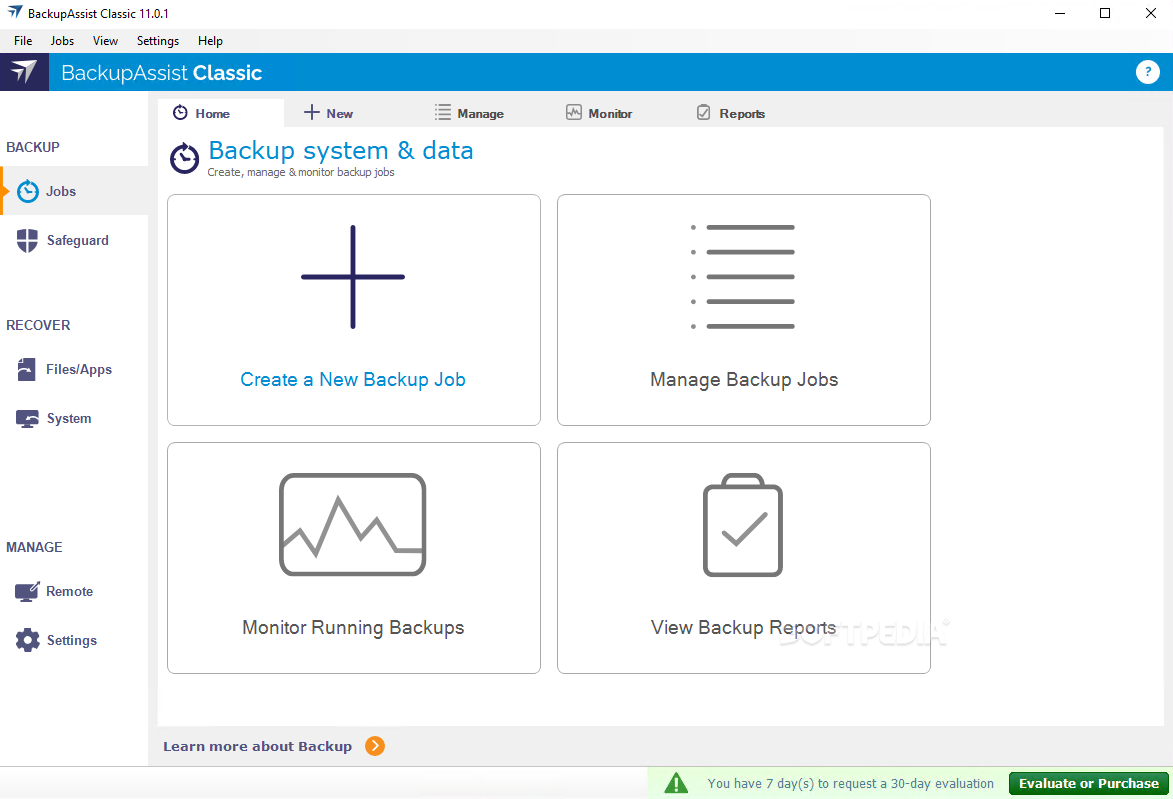
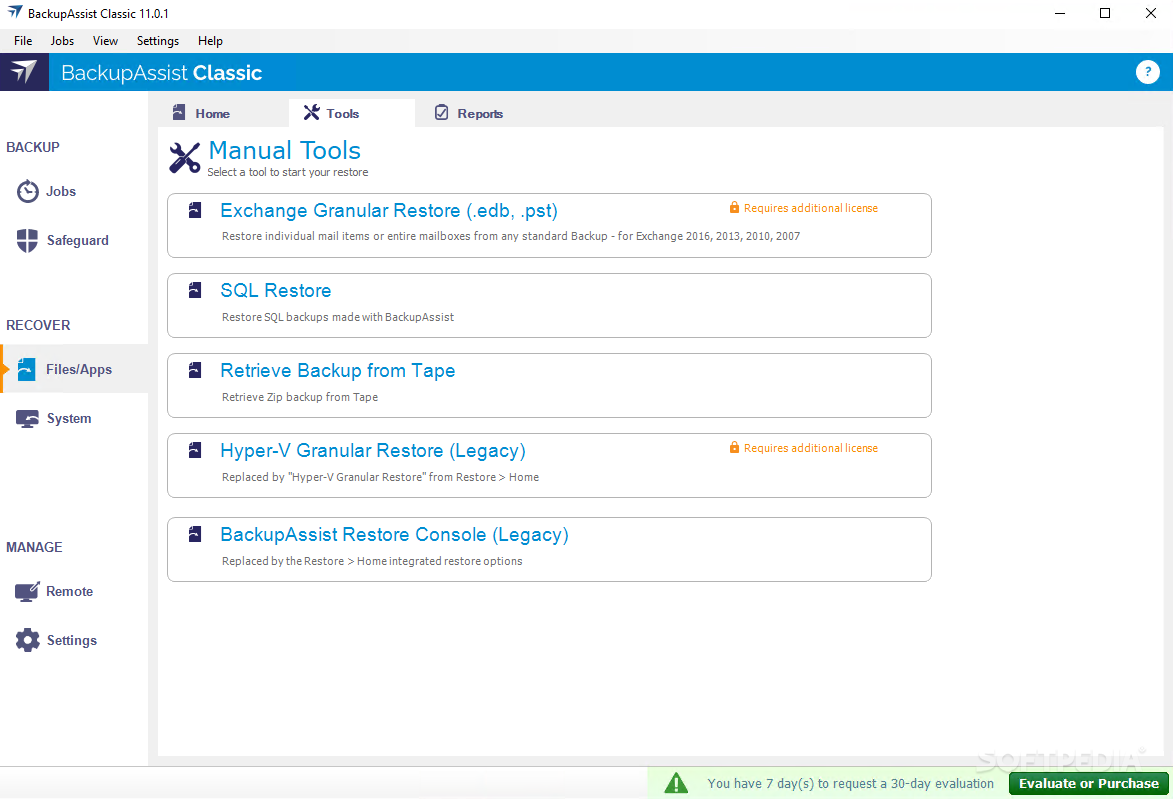
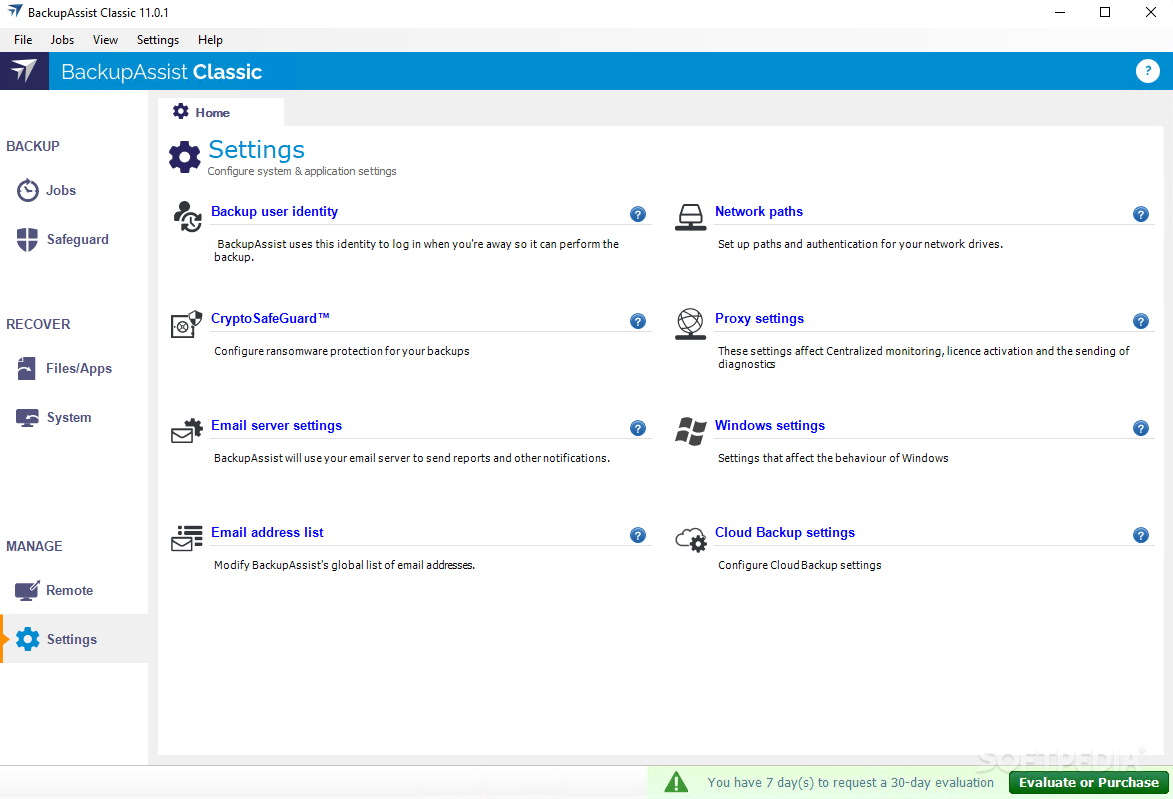
    This software will perform scheduled, automatic backups of Windows servers to tape, HDD, CD/DVD, REV drive, NAS and other media

    BackupAssist is a simple, affordable and useful backup utility for the servers of small and medium business.

    BackupAssist makes business data protection painless and automatic in 5 ways: it schedules your backups (full, incremental or differential), implements media rotation, notifies you of backup results through email, sends you reminders to load/change media, and makes it easy to perform advanced tasks like custom scripting.

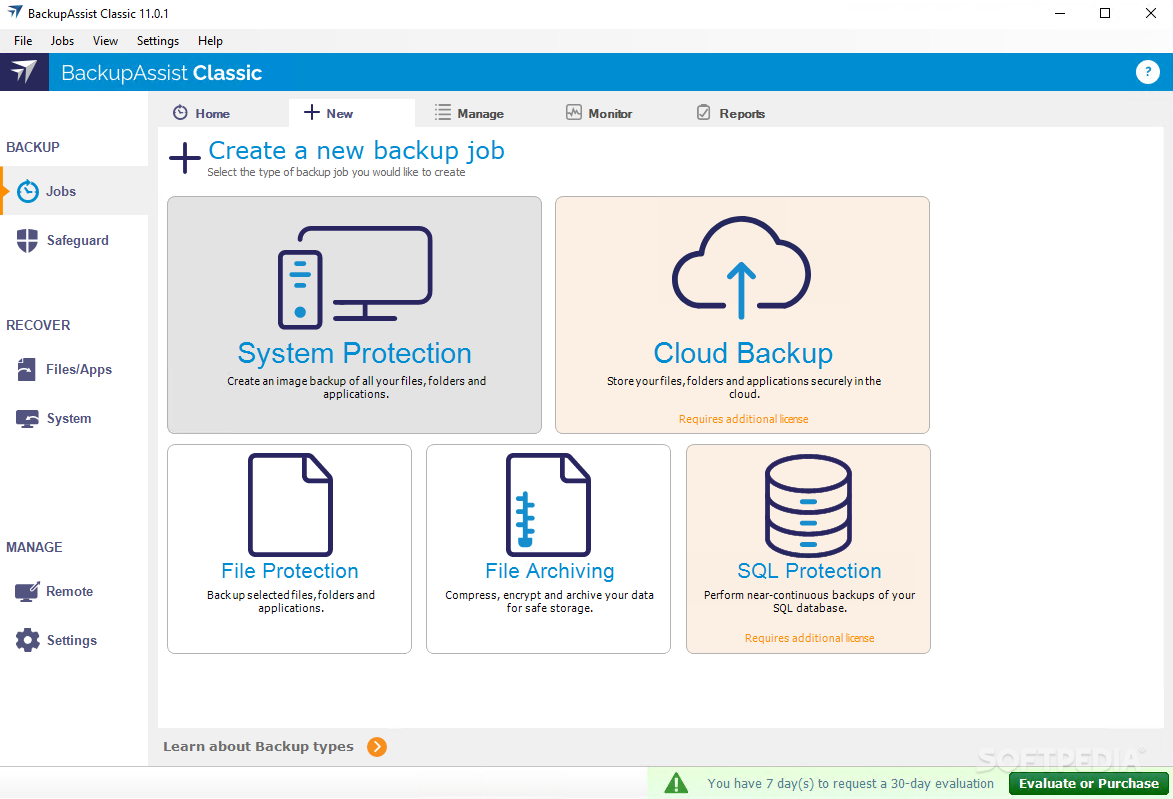
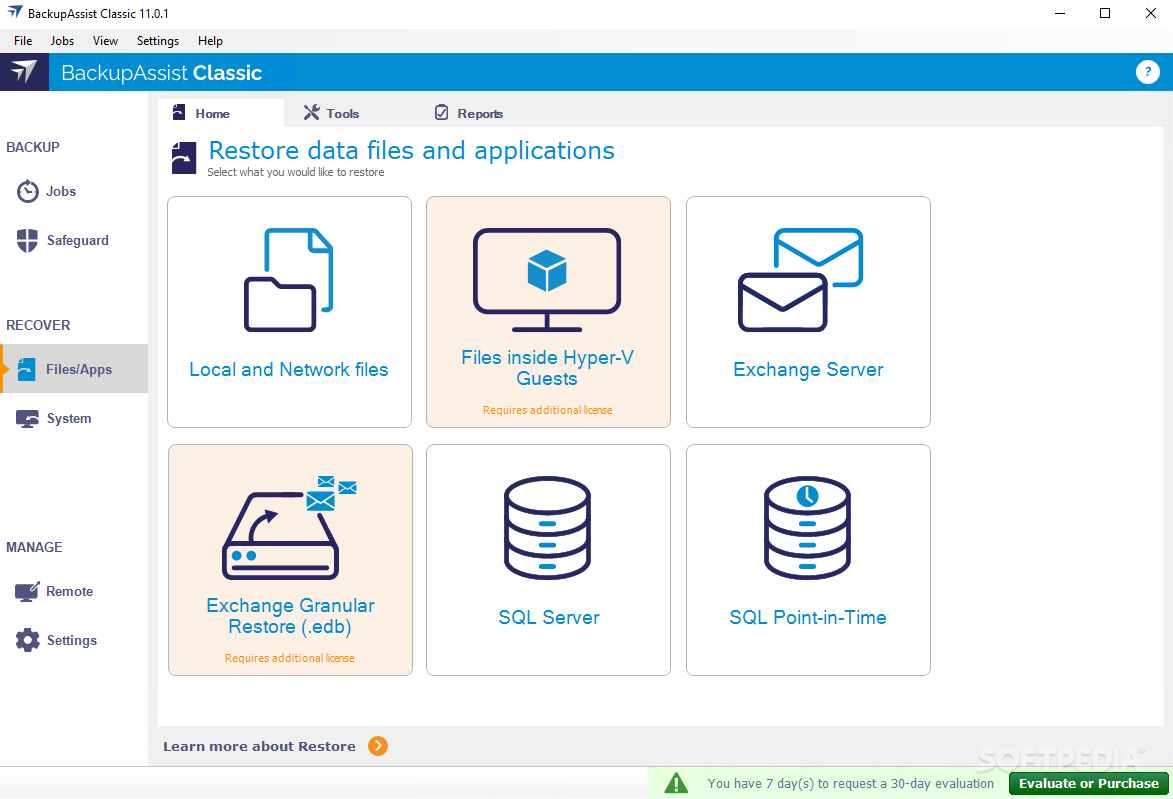
    You can backup your files, Windows Servers, Exchange Servers and SQL Servers to a variety of different media including Tape, REV, Disk, NAS, DVD and other devices. BackupAssist provides business-class data protection and is a true alternative to products costing many times more.

    Here are some key features of "BackupAssist":

    · Open File backup
    · Simple scheduling wizards
    · Industry-standard tape / disk rotation schemes
    · User-friendly setup and configuration interface
    · Live Exchange Server backup
    · Live SQL Server backup (optional add-on)
    · Exchange Individual Mailbox backup (optional add-on)


    Limitations:

    · 30-day trial

    What's New in This Release: [ read full changelog ]

    · Enhanced: Installer now works properly on Vista and the other new OS's
    · Enhanced: The Activation form now has a Manual button enabling users to choose this option directly if they don't have an Internet connection
    · Enhanced: The ASR option is no longer available for users running Windows 2000 (where there is no ASR capability)
    · Fixed: NTBackup advanced option Additional Command Line Parameters now working
    · Fixed: Annoying domain handling when setting up the Backup User Identity
    · Fixed: The SQL restore wizard won't complete if no databases have been selected
    · Enhanced: schedules that allow selection of days of the week in a checkbox list now start with the culture-specific first day of the week
    · Fixed: Multiple minor validation issues and other UI issues
    · Fixed: When network authentication fails, the domain is now retained instead of being reset to the default
    · Enhanced: If the console is started when the service isn't running, the user is asked if they want the service to be started
    · Enhanced: ntbackup log file handling has been improved such that delays in the file showing up and temporary locks on the file (eg. antivirus software) don't prevent BackupAssist from being able to locate and read the log file
    · NEW: All jobs may now be cancelled via the Monitor window during the main engine execution stage. The remaining steps of cancelled jobs are skipped, and the job list shows the job status as Cancelled
    · Enhanced: The Exmerge and SQL engines now display more information during the backups via the Monitor window.
    · Fixed: SQL backup filenames are no longer formatted using the local sql pseudonyms "." and "(local)", so that restores to the server don't have to be performed from the local server, but pre-existing filenames are still valid for SQL Restore
    · Enhanced: If the Exmerge engine fails for a given period, it will no longer try to backup further periods
    · NEW: The Exmerge engine offers a number of configurable options, including whether to delete original messages off the server during the export, whether to exclude specific directories from the export, whether or not to attempt to set mailbox rights before the backup, and how to handle setting the optional Domain parameter passed to Exmerge.
    · Fixed: The scheduling conflict causing ntbackup jobs to fail if another job finishes during execution has been resolved by forcing ntbackup jobs to only run .one-at-a-time for the entirety of the job, and by executing jobs for other engine types without using DesktopRights.exe
    · Fixed: The conventional file copy how uses an entirely new subdirectory of the user-specified working directory in order to avoid accidentally removing user files and/or backing up incidental user files.
    · Fixed: NTBackup verify failure messages such as "Difference encountered in alternate file data." are now handled properly.
    · Fixed: The should no longer fault when editing email addresses from the dropdown list.
    · NEW: Now support sending emails via secure (SSL/TLS) smtp servers such as gmail (smtp.gmail.com) using a secondary mail component.
    · Enhanced: Those experiencing issues with the default mail component may find that selecting to use the secondary mail component gives better results.
    · Fixed: Configuration file saving has been improved, such that the rare issue where files are corrupted causing the service to fail should no longer occur.
    · Fixed: The KnowledgeBase link for failure conditions is once again visible in emailed reports.
    · Fixed: Network connections are how handled sensibly when running a job, such that the network path is tested before and after attempting to connect, thus avoiding failures from trying to connect to an already-available connection.
    · Enhanced: Failures during RSM functions caused by system changes performed during installation of certain other backup software are now detected and reported specifically.
    · NEW: Burning of discs can now be performed using an alternate burning component that can be used if the default component is not giving good results.
    · Fixed: In rare cases the scheduler has been known to suddenly halt and hence fail to start scheduled jobs, while the remainder of the functionality was unaffected. The scheduler now includes code to detect this condition and recover silently.
    · Fixed: Sometimes temporary files are left behind after a Destination Check. This problem has been fixed.
    · Fixed: Out of range figures should no longer end up in the Media Usage Report.
    · Fixed: System State only backups are now detected properly during the selection check.
    · Fixed: The bug where the Destination Check could fail, but in some circumstances not show what the problem was, has now been fixed.
    · Fixed: International characters now show up correctly in script logs.
    · Fixed: Bug where large amounts of script output could cause the backup to hang.
    · Fixed: System State-only jobs (with no other selections) now pass the selection check on the monitor screen (used to show Error)
    · Enhanced: Added logging to assist with debugging errors with the RSM service
    · Fixed: Bug where ordinals were showing up incorrectly in the monthly scheduling for maintenance notifications
    · Script exit codes (using “exit ”) are now taken into account, zero is success, anything else failure
    · The RSM service status check now assumes (hopes) unknown failures (like unauthorized access) won’t cause problems with detect

     Softpedia guarantees that BackupAssist 4.2.0 is 100% CLEAN, which means it does not contain any form of malware, including spyware, viruses, trojans and backdoors. [read more >]


    TAGS:

    automatic backup | schedule backup | restore backup | backup | restore | schedule

    Related downloads IT News Popular downloads New additions   Latest reviews  
    Cucku Backup 1.20.26008.861
    Backup files first to your PC's hard drive, and then to a trusted friend.
    Duplicati 0.5 Alpha
    A tool that helps users to create and restore backups
    MeVeN Backup Configuration Manager 1.0.0.0
    A small tool that will help you backup a specified location
    IPB Safe 1.1.0.2
    Intellectual Properties Backup Storage And File Encryption
    mdBackup 3.1 build 63
    An easy to use tool for file backup


    HTML code for linking to this page:


    Go to top


    SUBMIT PROGRAM   |   ADVERTISE   |   GET HELP   |   SEND US FEEDBACK   |   RSS FEEDS   |   ENTER NEWS SITE   |   ENGLISH BOARD   |   ROMANIAN FORUM