
This program can help users back up their data to their internal or external drives, or to cloud storage, and offers several facilities to do so: filters, backup scheduling, and more. #Synchronize files #Backup folder #Synchronize FTP #Synchronize #Synchronizer #Encrypt


It's never a bad idea to back up your files, and while doing it yourself is perfectly doable — if not a bit cumbersome — software solutions purposely geared towards helping users with such a task exist to make life easier. Such tools are usually not at all complicated, which means that anyone looking to preserve their files can start doing so right now.
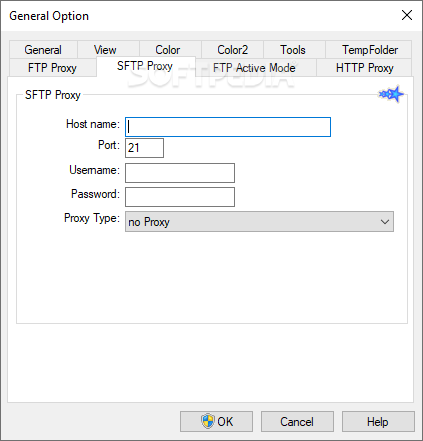
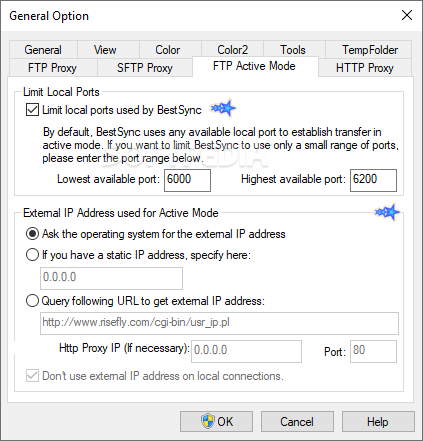
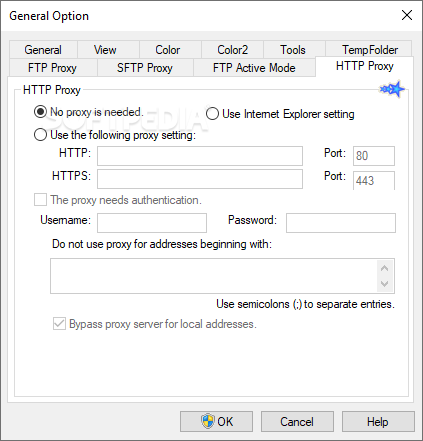
BestSync may not seem like much: the interface looks like quite the departure from the more modern ones we're used to, so at first glance, one might tend to dismiss this program — though, the numerous options herein are hardly antiquated.
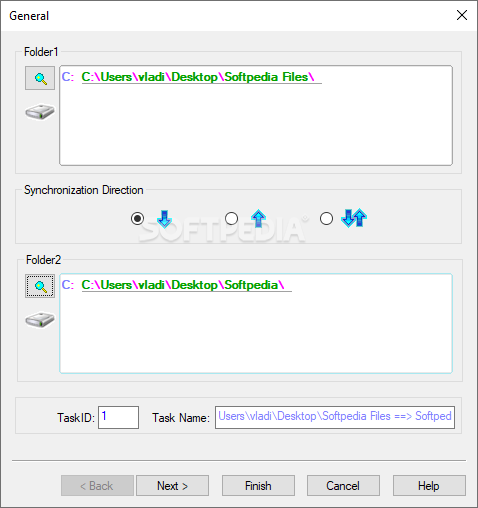
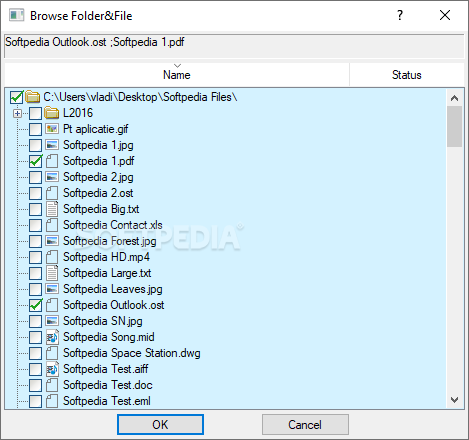
The first window that'll greet you upon opening the program will be the synchronization one: simply put, you'll have to select a source and a target for your backup. There's more than one way to go about this: while a backup between your internal or external drives is a tried-and-tested way to successfully preserve your data, cloud backups can also be performed. Users can also choose between one and two-way synchronization.
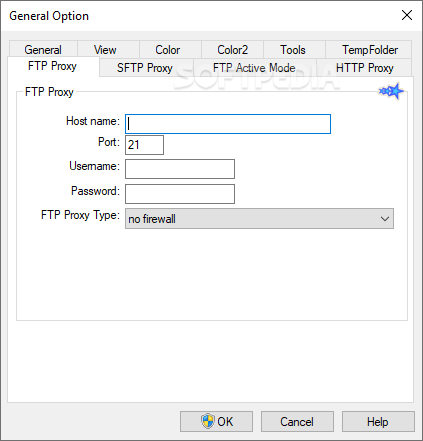
Network shares, WebDAV, FTP, SFTP, Amazon S3, Azure, Dropbox, and many other solutions are all present, and can be backed up to, and from, right through the interface. An interesting option to find was the Android synchronization function, which is supposed to sync your data with an Android device.
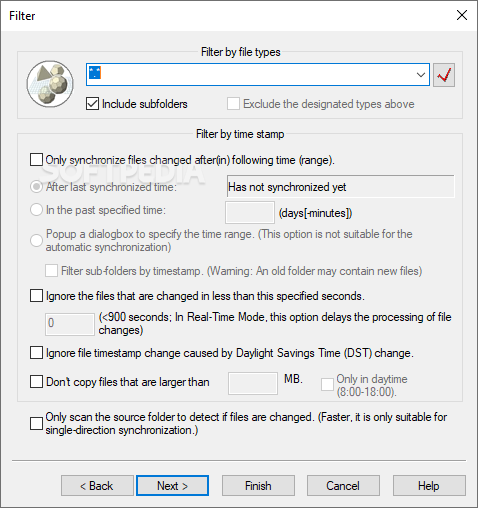
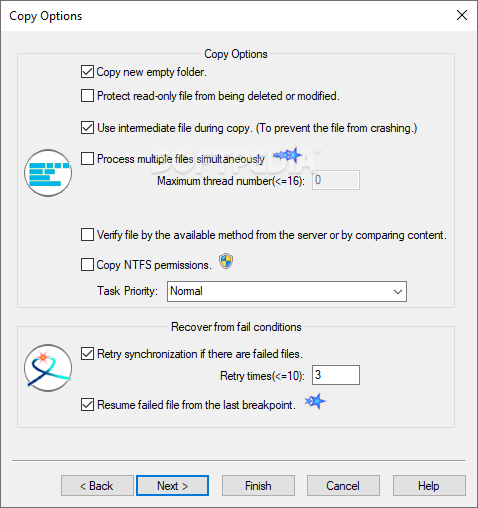
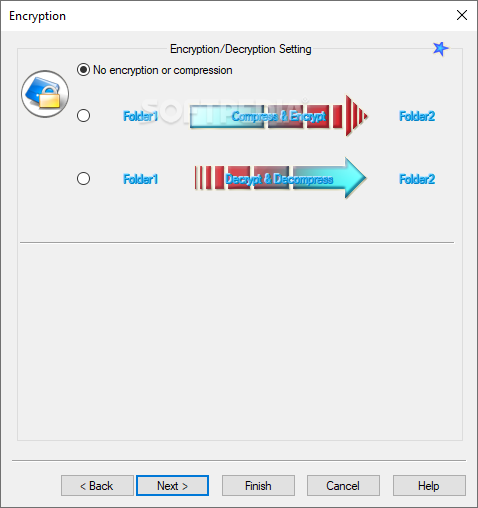
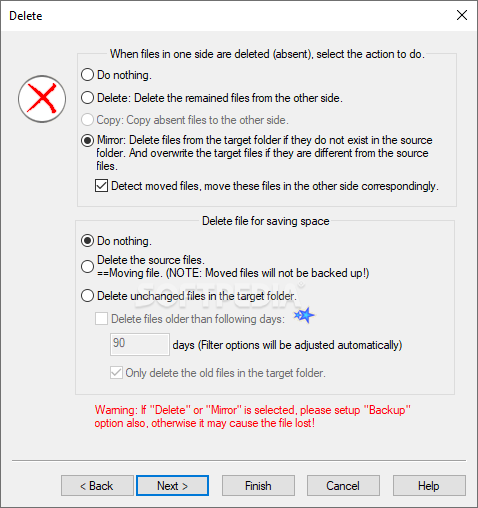
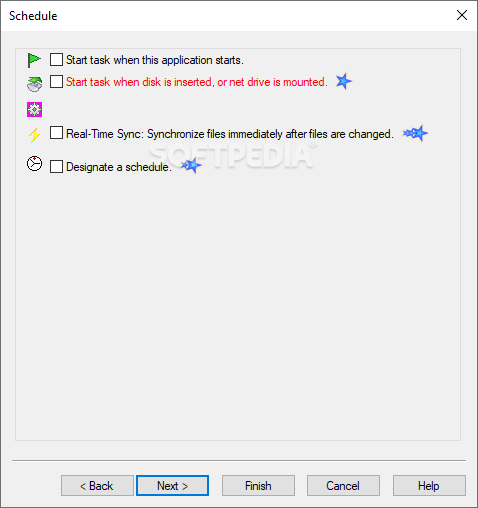
Double-clicking a backup task will bring up a set of options that can be readily tapped into: you can enable backup archiving, exclude certain folders and extensions through filters, tweak the encryption settings, and set up a schedule for regular backups.
You can schedule backups to take place during certain time ranges, and also have the program automatically start backing up your data upon launch. Alternatively, the program is also able to automatically back up your files once it recognizes a change.
In addition to that, the Application menu allows users to set up a program to run before commencing synchronization. As a rough idea, you could set a disk checker software to run while BestSync is backing up your data, in order to check for bad sectors on your drives, or something of the sort.
BestSync prioritizes function over form, and that's not necessarily a negative. While a design revamp would most certainly make the program seem much more welcoming, there's nevertheless a good amount of depth to be found here.
What's new in BestSync 2024 (19.0.1.2):
- Fixed a real-time synchronization problem when using VSS (Volume Shadow Copy).
BestSync 2024 (19.0.1.2)
add to watchlist add to download basket send us an update REPORT- portable version
- BestSync Portable
- runs on:
-
Windows 11
Windows Server 2022
Windows Server 2019
Windows Server 2016
Windows 10 32/64 bit
Windows Server 2012 R2
Windows Server 2012
Windows 2008 32/64 bit
Windows 8 32/64 bit
Windows 7 32/64 bit - file size:
- 31.7 MB
- filename:
- SetupBestSync.exe




- main category:
- System
- developer:
- visit homepage
ShareX

Windows Sandbox Launcher

7-Zip

calibre

Bitdefender Antivirus Free

IrfanView

4k Video Downloader

Microsoft Teams

paint.net

Zoom Client

- Microsoft Teams
- paint.net
- Zoom Client
- ShareX
- Windows Sandbox Launcher
- 7-Zip
- calibre
- Bitdefender Antivirus Free
- IrfanView
- 4k Video Downloader