
An intuitive and reliable software solution for automatic file backup and recovery, thus helping you make sure your documents are safe. #File backup #Backup folder #Schedule backup #Backup #Recovery #Syncronize
Securing your priceless data becomes a mandatory task nowadays and protecting them from system crashes or virus attacks is a main reason why you need to backup important documents.
External drives do their work too by allowing you to store your files, but when they get infected with a Trojan or malware, you need to format the drive, ergo loosing all your data.
Whether is about valuable information gathered in months due to complex analysis and searches or just your personal images, data loss carries a huge cost in time.
Performing regular backups on your data should be a habit nowadays. Storing your documents to cloud storages or simply backup them to other partitions you can rest assured that if you even run into a virus attack or system crash, your files are secured.
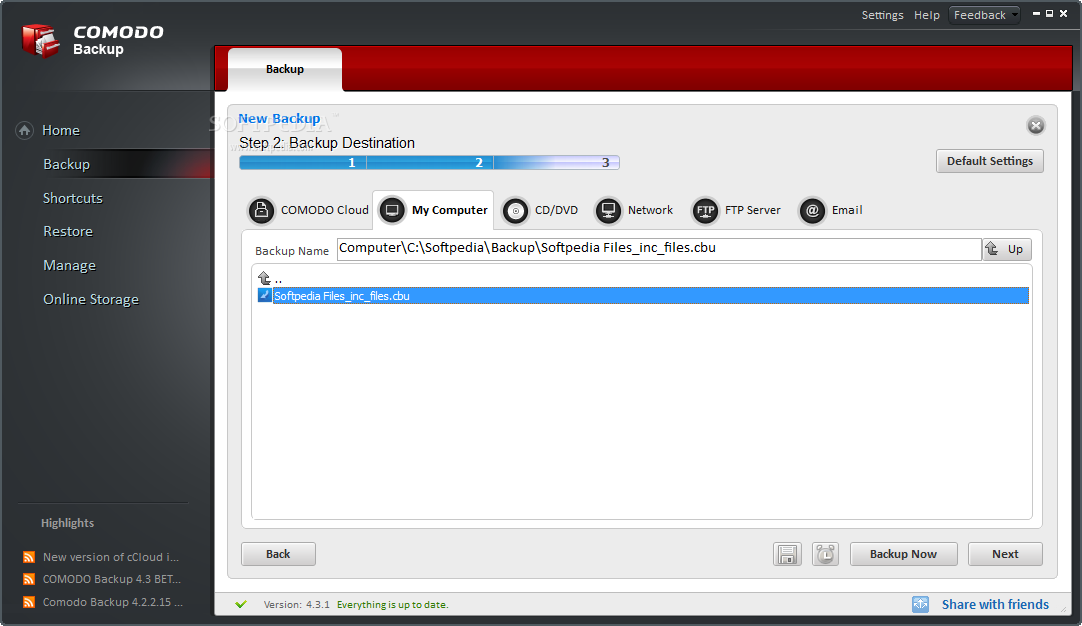
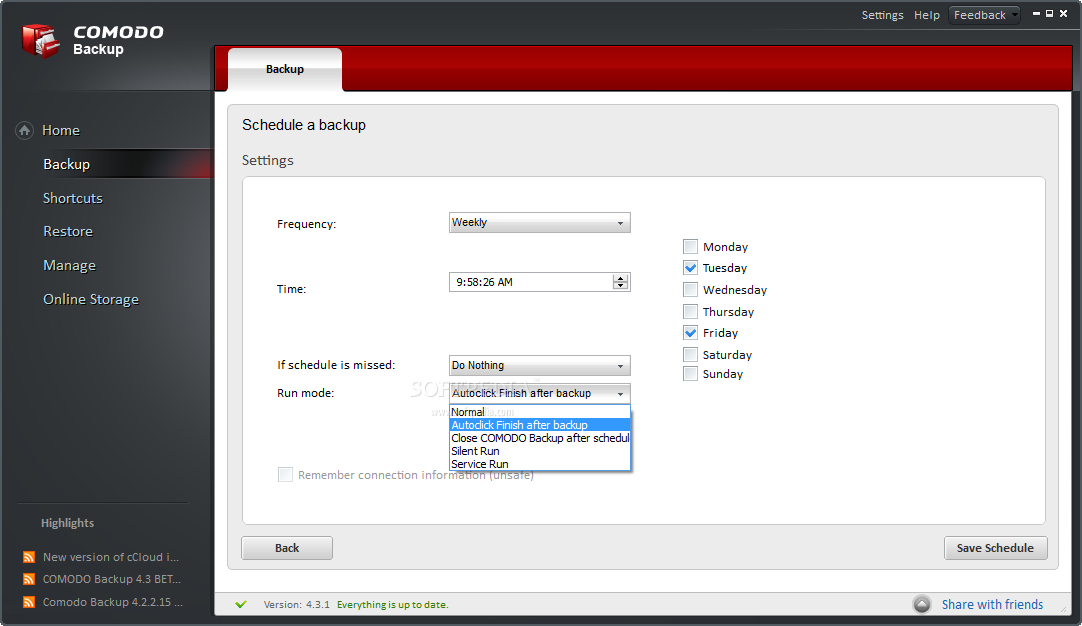
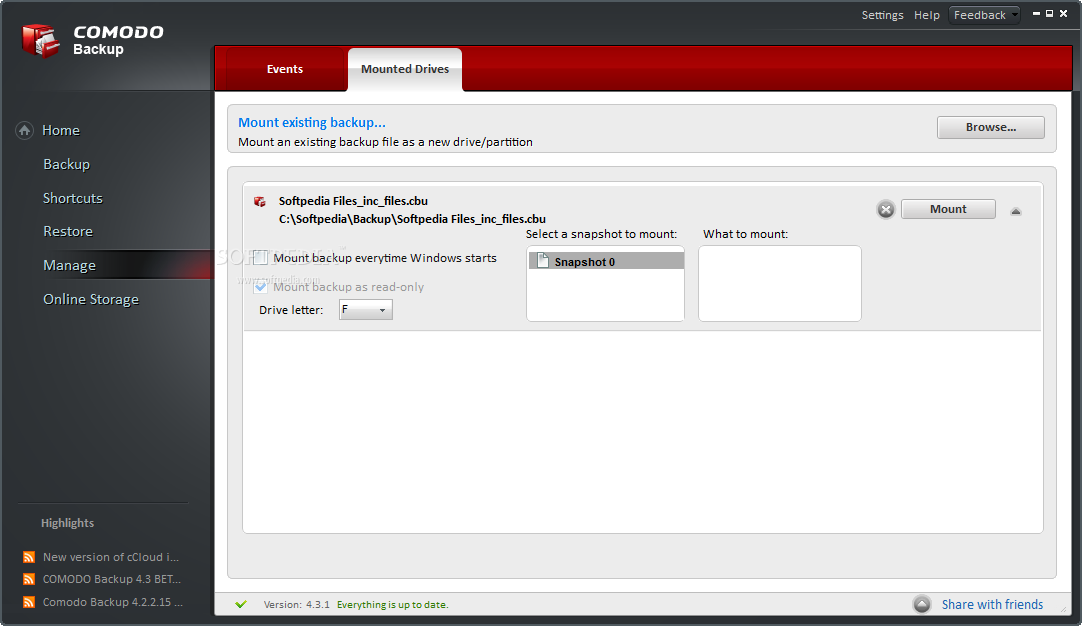
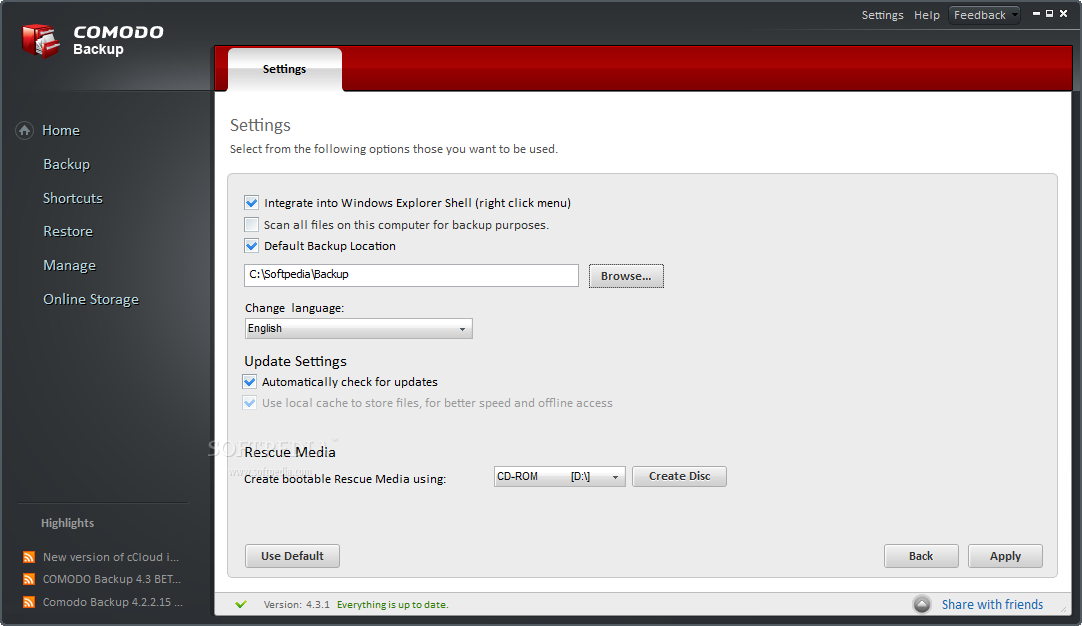
Comodo BackUp is a straightforward and reliable software solution that boasts advanced features while keeping its interface intuitive and task oriented so even novice users can perform their first backup job.
Because it comes with an embedded utility, namely CCloud, you have the possibility to drag and drop any file or folder you want to easily backup it.
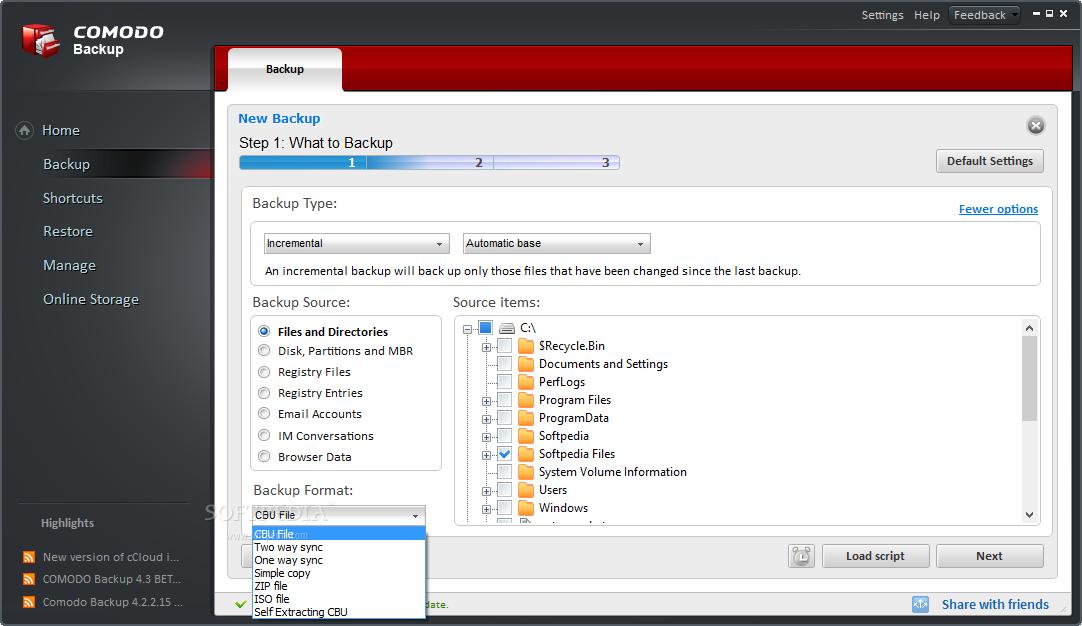
What’s more, the utility provides you with various compression and encryption algorithms so you can keep your data secured. Another feature that makes Comodo BackUp easy-to-use is the integration with Windows Explorer. Simply navigate to the file you want to and send it to your cloud storage.
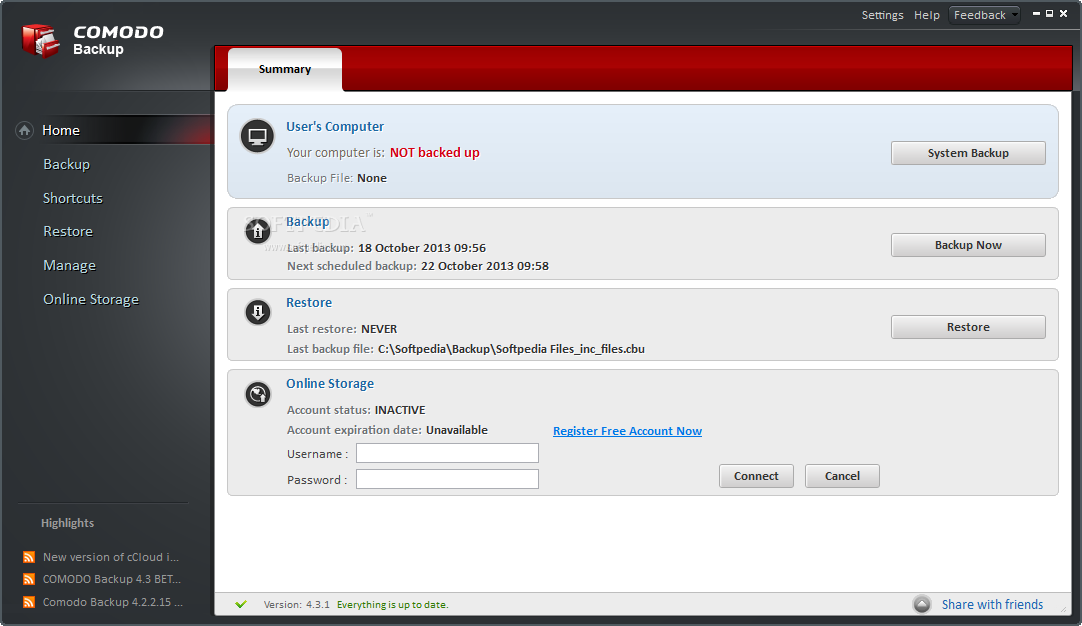
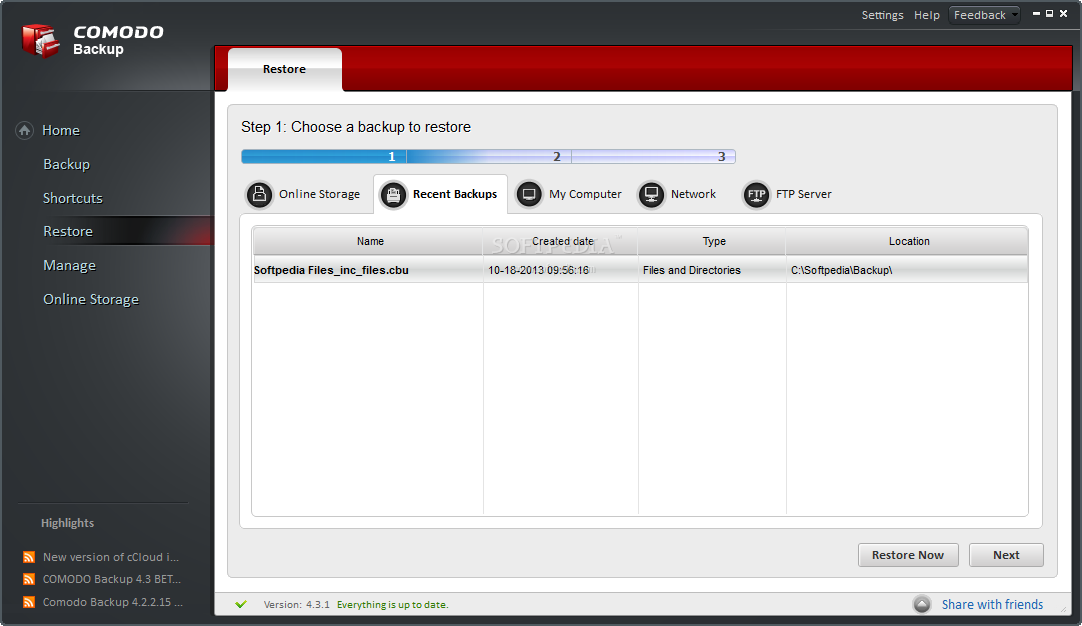
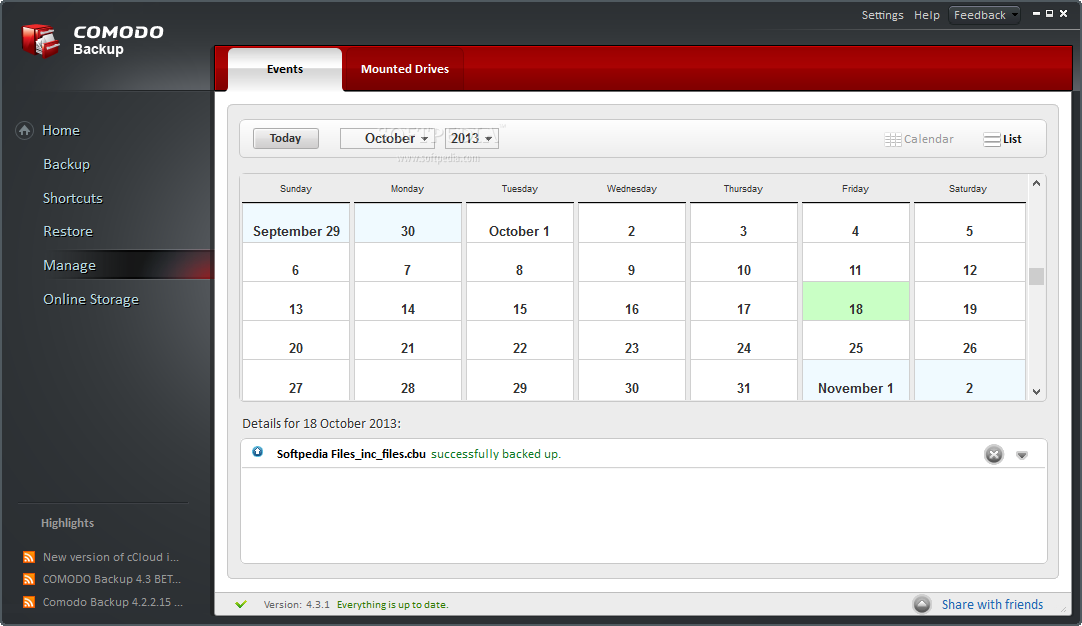
Its main interface enables you to view the last backup job you performed and if the online storage is still active. You can easily browse for your files and restore the ones you are interested in.
Thus, by using Comodo BackUp you can get quick access to your files through web and mobile by using your account and secure download and upload processes.
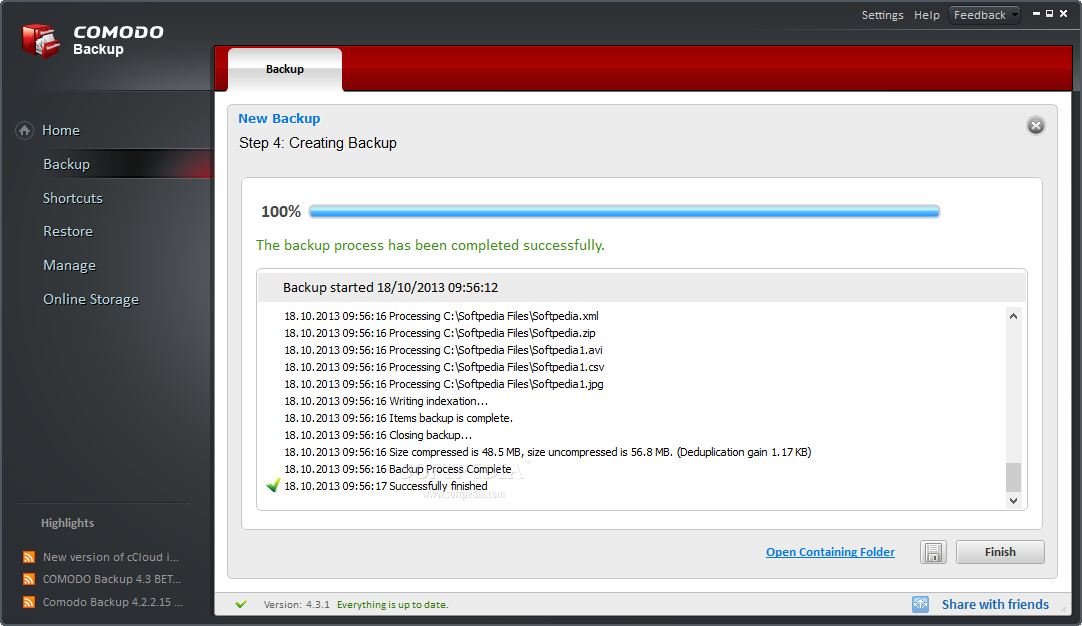
All things considered, Comodo BackUp enables you to quickly backup your files in a secure cloud storage providing you with multiple ways to access your documents.
Comodo BackUp 4.4.1.23
add to watchlist add to download basket send us an update REPORT- runs on:
-
Windows 2008
Windows 2003
Windows 8 32/64 bit
Windows 7 32/64 bit
Windows Vista 32/64 bit
Windows XP 32/64 bit - file size:
- 21.3 MB
- filename:
- CB_setup.exe
- main category:
- System
- developer:
- visit homepage
4k Video Downloader

7-Zip

IrfanView

paint.net

Windows Sandbox Launcher

ShareX

Bitdefender Antivirus Free

Zoom Client

Microsoft Teams

calibre

- Zoom Client
- Microsoft Teams
- calibre
- 4k Video Downloader
- 7-Zip
- IrfanView
- paint.net
- Windows Sandbox Launcher
- ShareX
- Bitdefender Antivirus Free