
Put any physical device, logical drive or disk image under the scope with the possibility to access binary data and attempt to recover lost or removed files. #Disk editor #Data recovery #Partition editor #Recover #Partition #Recovery
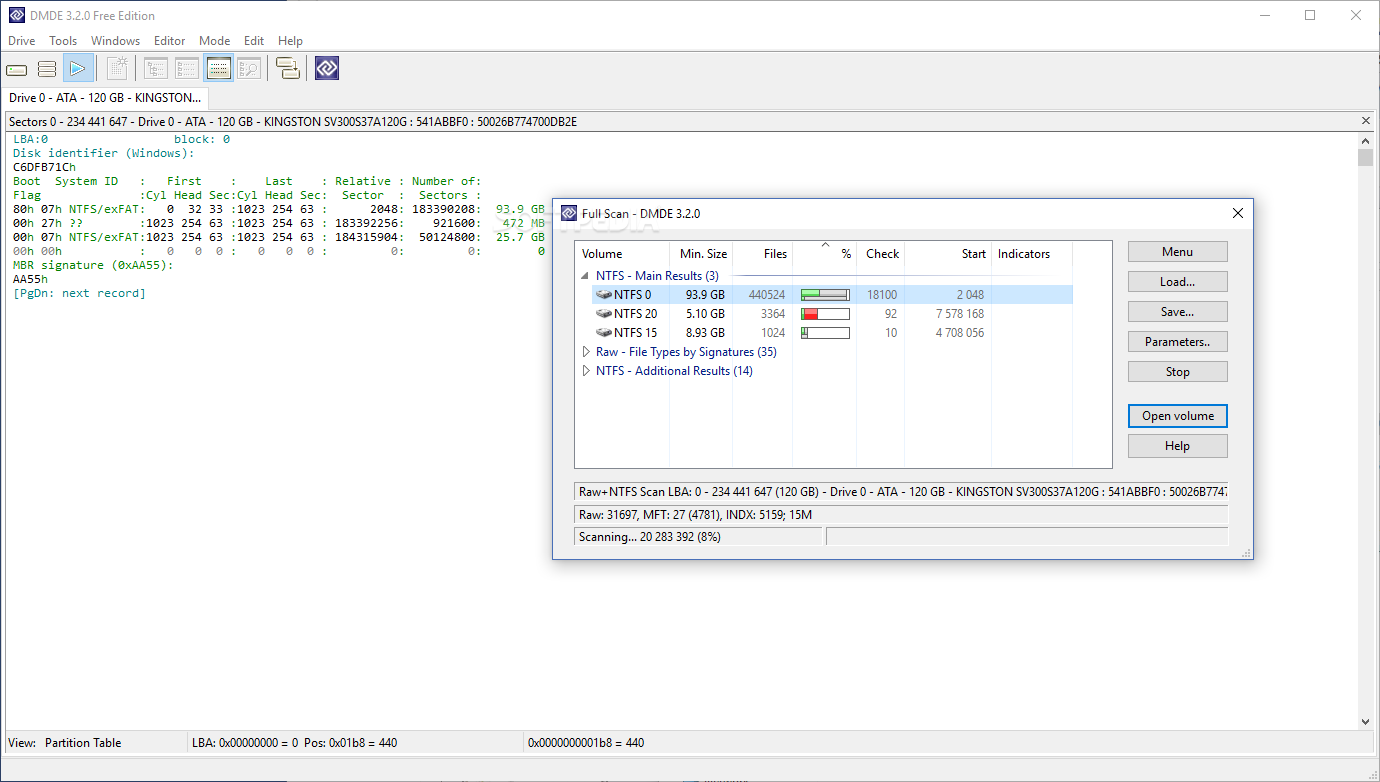
Data can become inaccessible, corrupt or even lost due to various reasons ranging from virus infections to simple lack of attention. However, with the advancement in computer technology, dedicated recovery applications started to flourish, with tools like DMDE being a suitable candidate when it comes to putting drives under the scope, read data thoroughly and attempt to recover lost files.
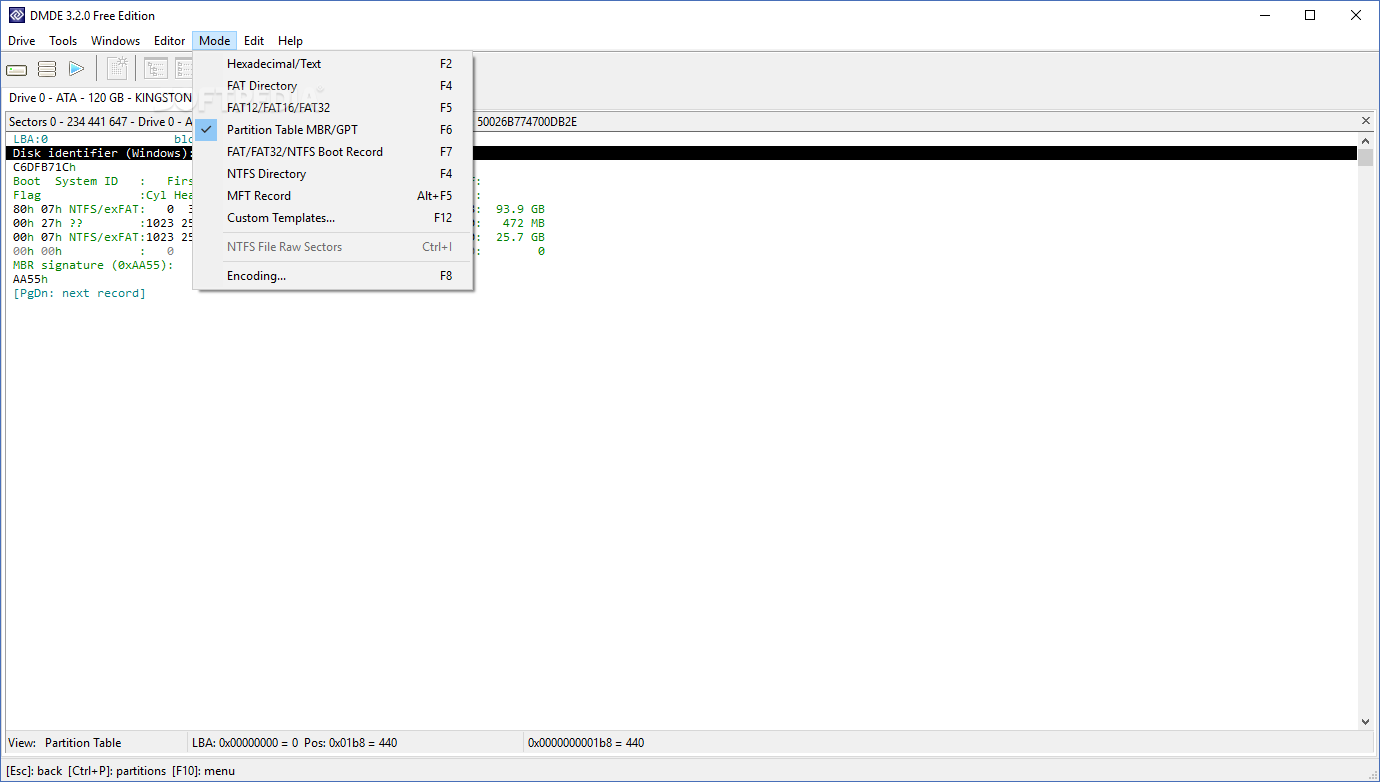
When you first run the application you might notice it's not your ordinary two-click recovery solution. The application comes packed with an abundance of tools that give you the possibility to analyze binary data for both FAT and NTFS file systems.
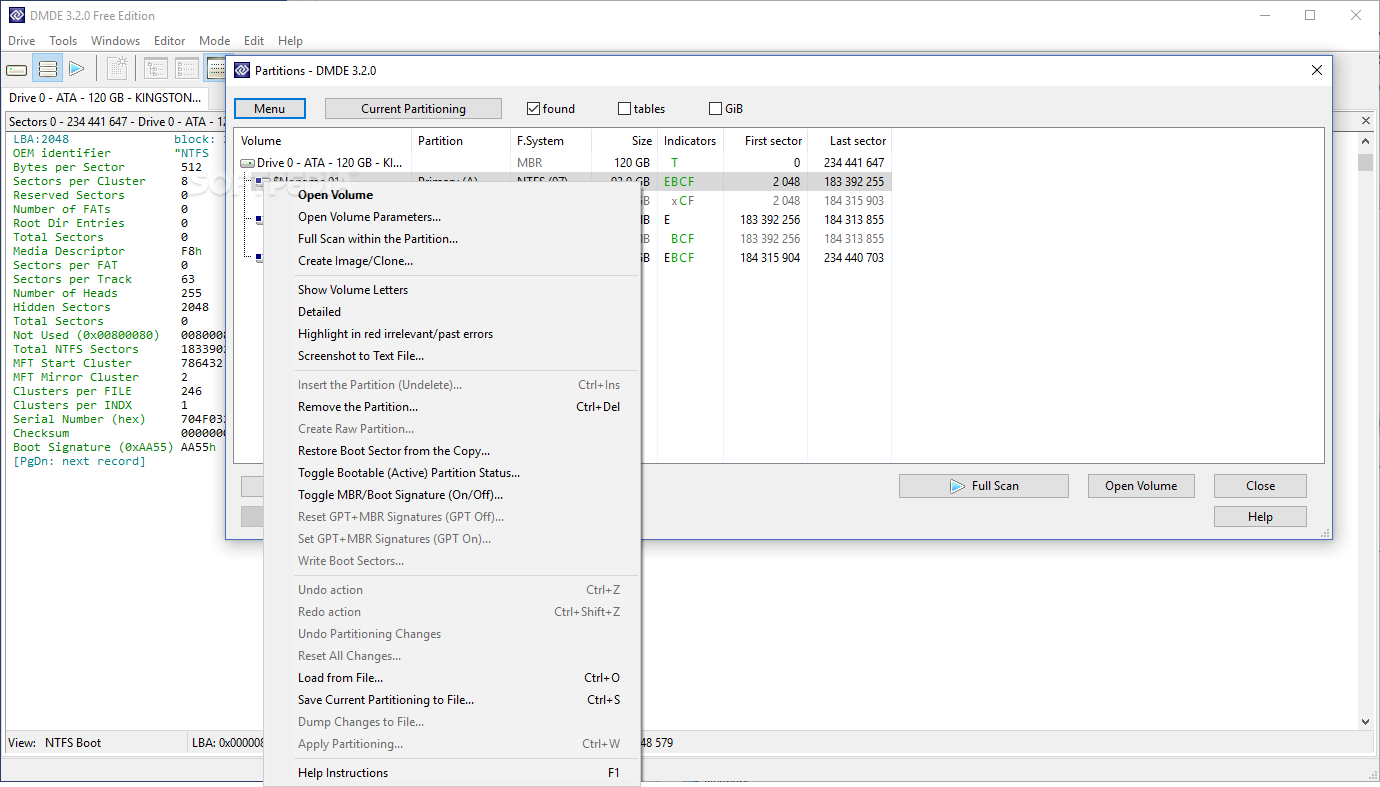
The main window is cleverly structured in panels that let you easily access all sections of the selected drive, a file navigation panel with elements enlisted along with corresponding details, as well as a thorough list containing sector data.
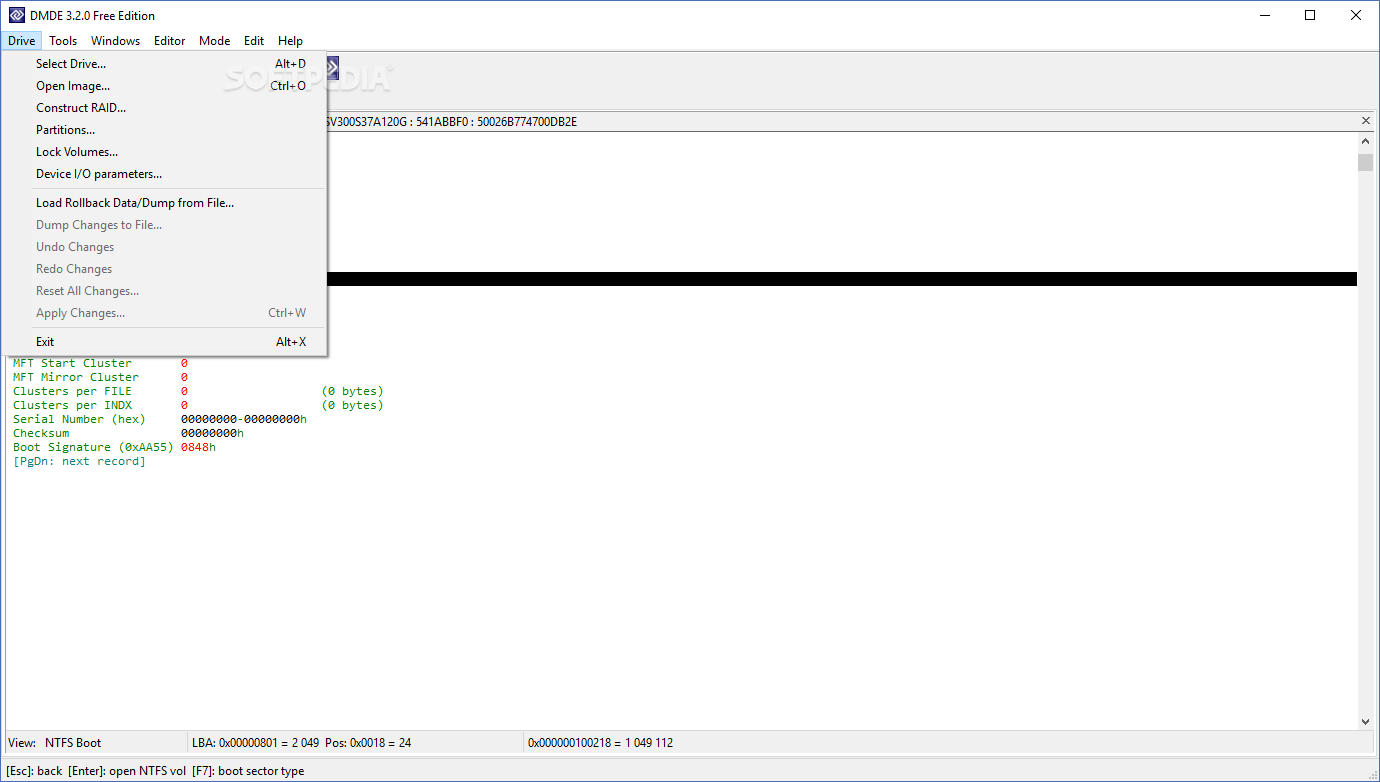
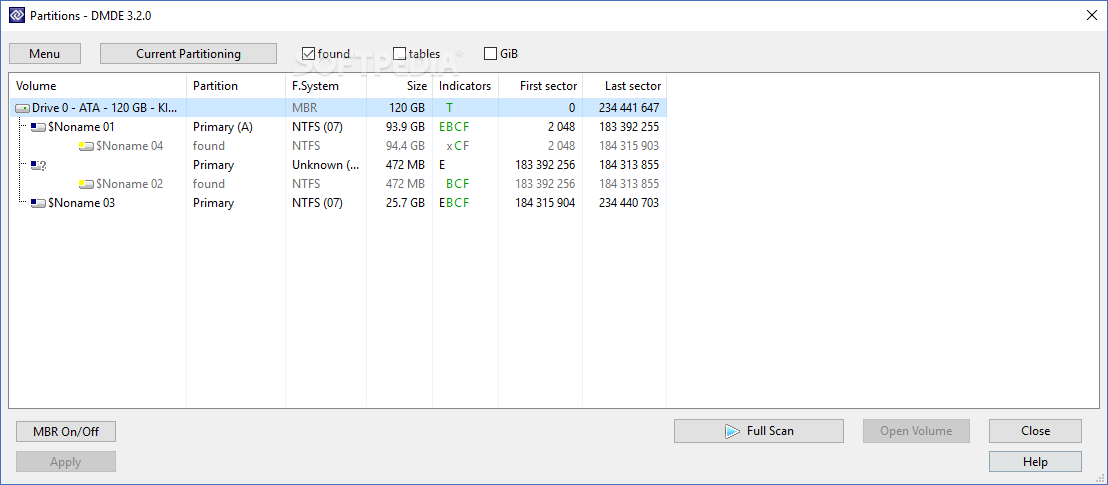
Selecting a target drive is fairly simple, with a dedicated window popping up when you first run the application. All memory units detected are organized in categories that can be physical devices, logical disks, disk images, as well as RAID.
In case you're trying to recover from a damaged drive, several parameters can be specified before the initial scan process is triggered. Interface options let you adjust Bps, LBA size and C:H:S values, with additional options to skip I/O errors, choose to have bad sectors filled and more.
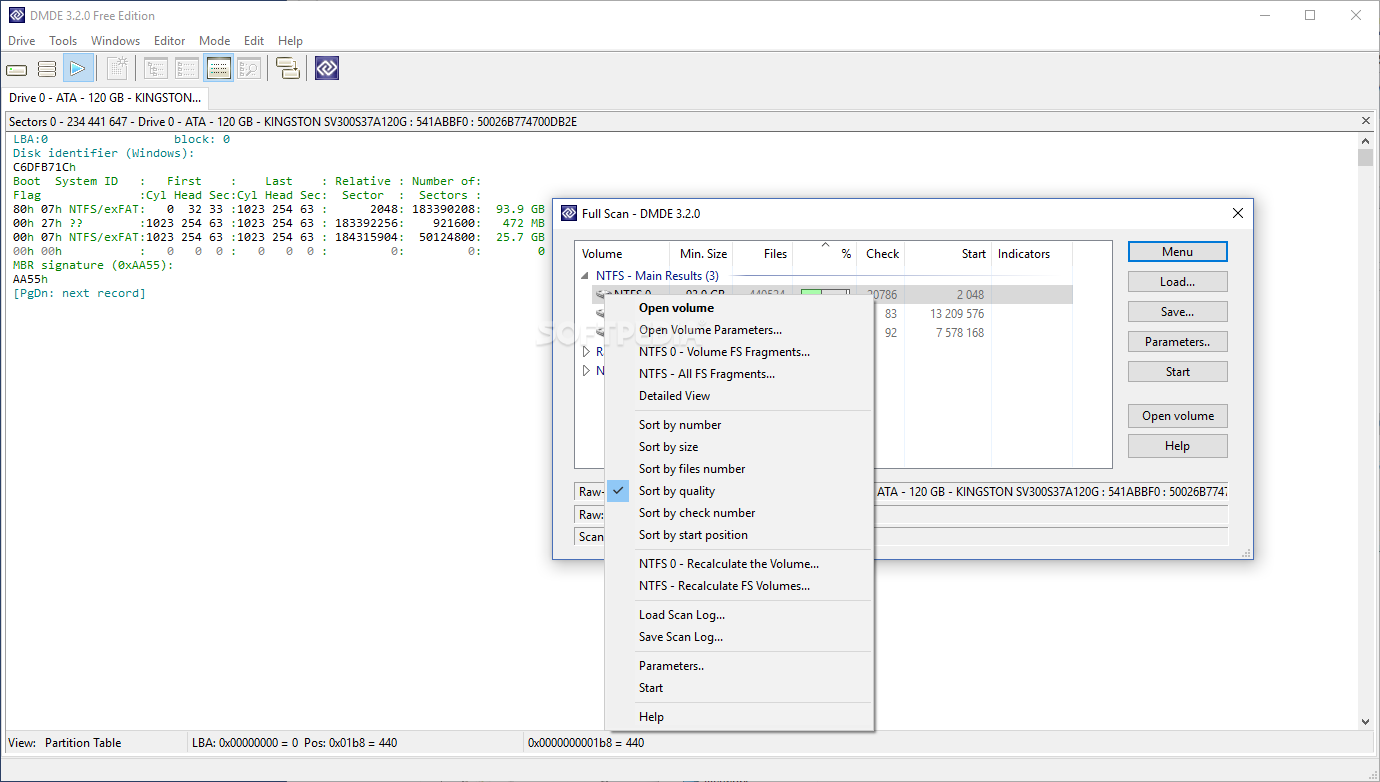
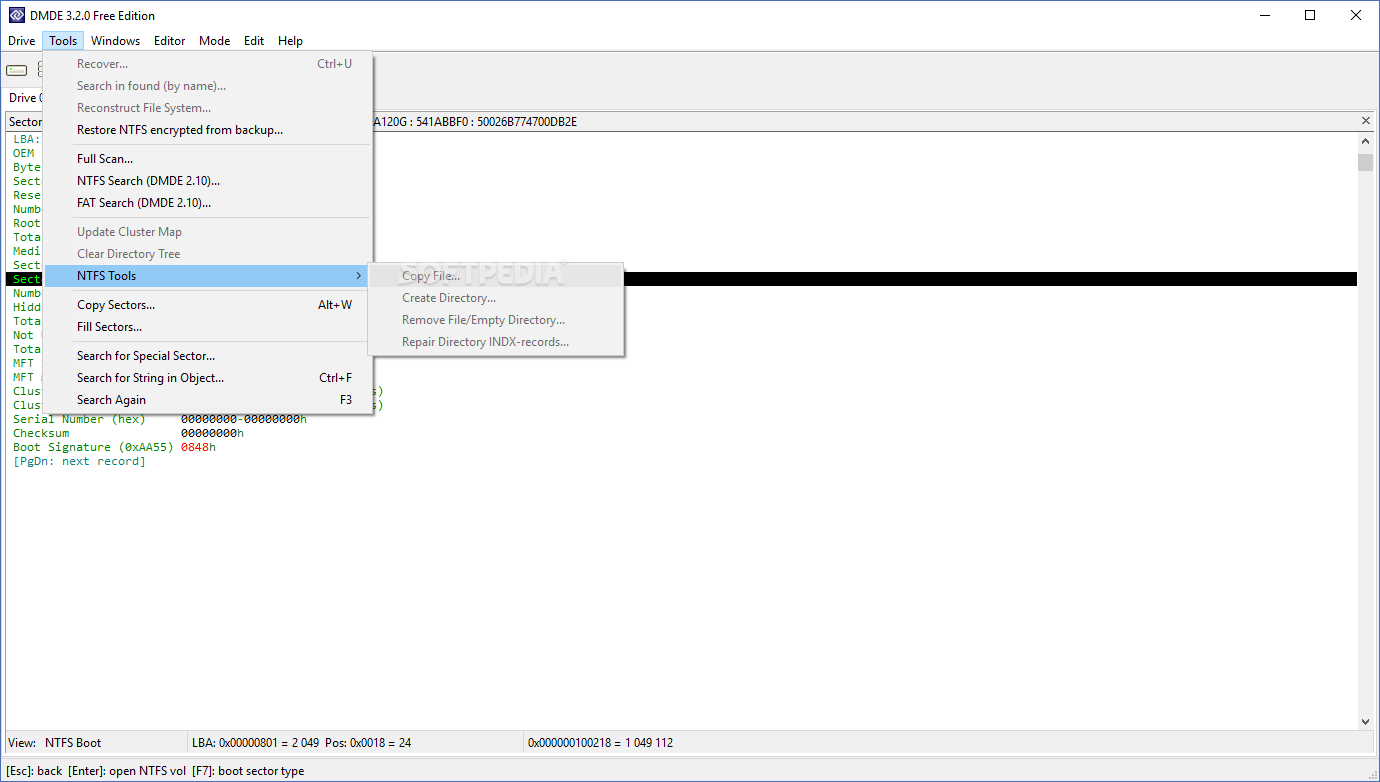
Enthusiasts that have no luck with common recovery applications get a sense of accomplishment when stumbling upon the set of tools put together in this application. Several operations can be performed in an attempt to refresh the drive, such as reconstructing the file system or updating the cluster map, as well as the possibility to access and edit the cluster map or issue NTFS and FAT search processes.
Taking everything into consideration, we can say that DMDE is a powerful workstation that allows enthusiasts to put drives and images under the scope for thorough analysis. With the set of tools the application comes equipped with, you'll be able to gather binary data, explore the cluster map and save the majority of files once removed or declared lost.
What's new in DMDE 4.0.6.806:
- Fix:
- Broken log support when copying sectors in Linux/macOS
- Broken RAID calculation in 64-bit versions for Windows
- Btrfs reconstruction possible critical bug
DMDE 4.0.6.806
add to watchlist add to download basket send us an update REPORT- runs on:
- Windows All
- file size:
- 1.6 MB
- filename:
- dmde-4-0-6-806-win32-con.zip
- main category:
- System
- developer:
- visit homepage
ShareX

Microsoft Teams

paint.net

4k Video Downloader

7-Zip

Windows Sandbox Launcher

Zoom Client

IrfanView

calibre

Bitdefender Antivirus Free

- IrfanView
- calibre
- Bitdefender Antivirus Free
- ShareX
- Microsoft Teams
- paint.net
- 4k Video Downloader
- 7-Zip
- Windows Sandbox Launcher
- Zoom Client