
Take care of your virtual contents on any machine, making sure to grab back what might have been lost or thought to have been in the first place. #Data recovery #Partition recovery #Disk diagnostic #Recovery #Undelete #Recover

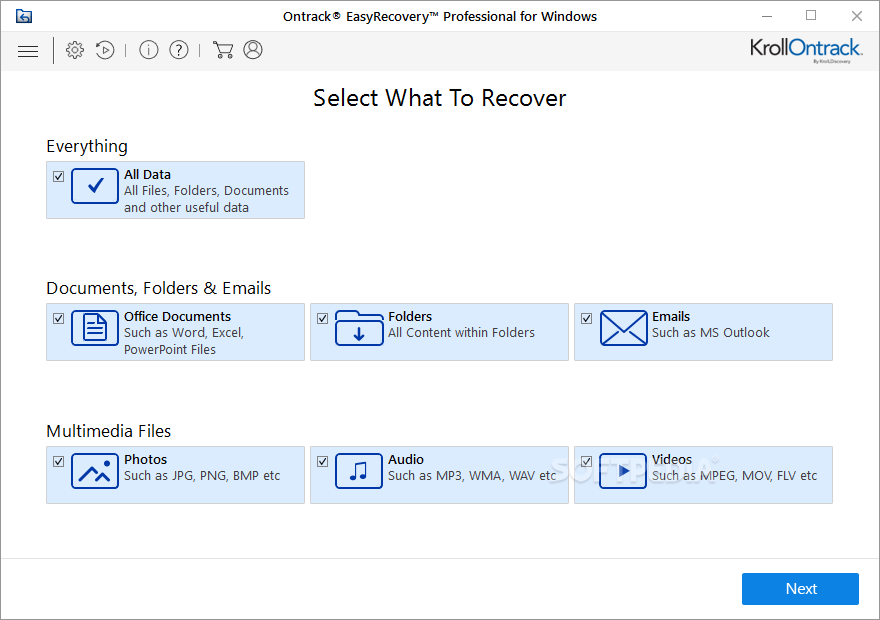
Ontrack EasyRecovery Professional does exactly what the name indicates. It helps users recover various items that might have been lost, allegedly forever. Its interface is very friendly, so you might be surprised, like I was, at how accessible its features are.
Still, recovery software rarely gives 100% results, so be prepared, as this could prove to be the solution you're looking for or it might not. In my case, it worked well, which means I recovered what I had lost, a song remix, to be precise.
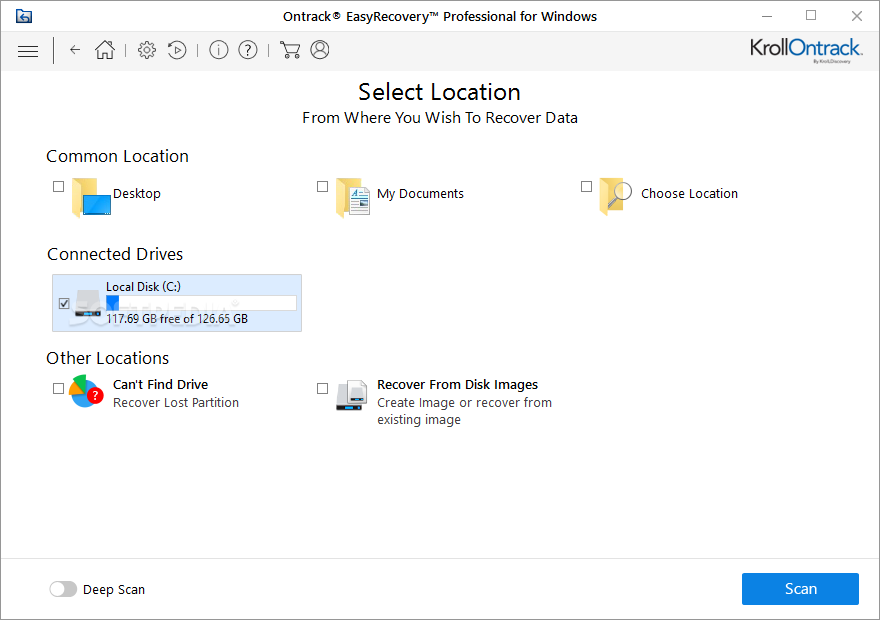
The program asks you from the start what your final recovery goal is. What exactly do you plan on recovering? Is it just general data, office documents, folders, emails, or media files? Your answer depends on your independent quest for glory, in other words, on what you need or want.
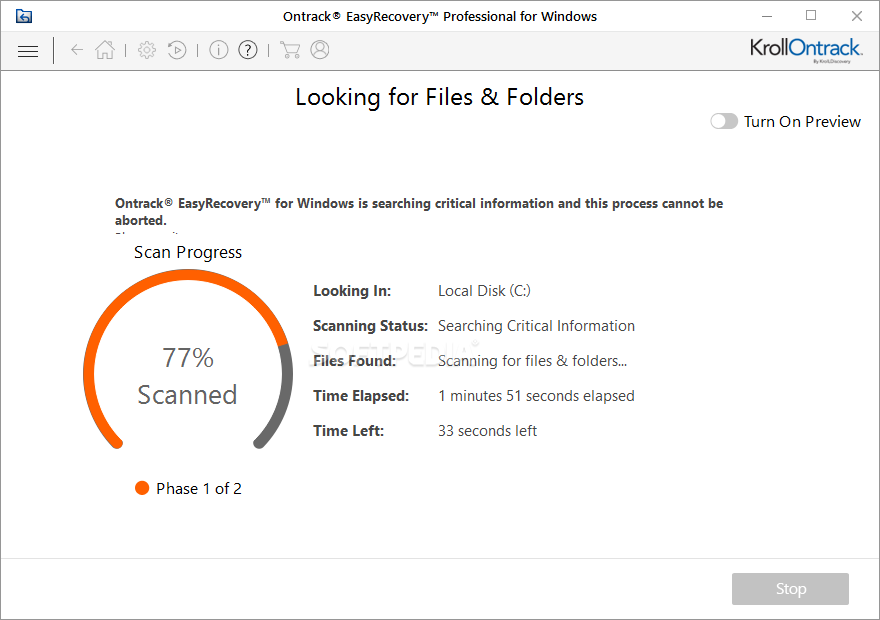
Once you're sure about what it is that the app should look for, you can click on the search button and the program will start its scanning procedure. It will show the time elapsed on this particular action and time left, the phase it is currently handling, and where it is actually looking for stuff.
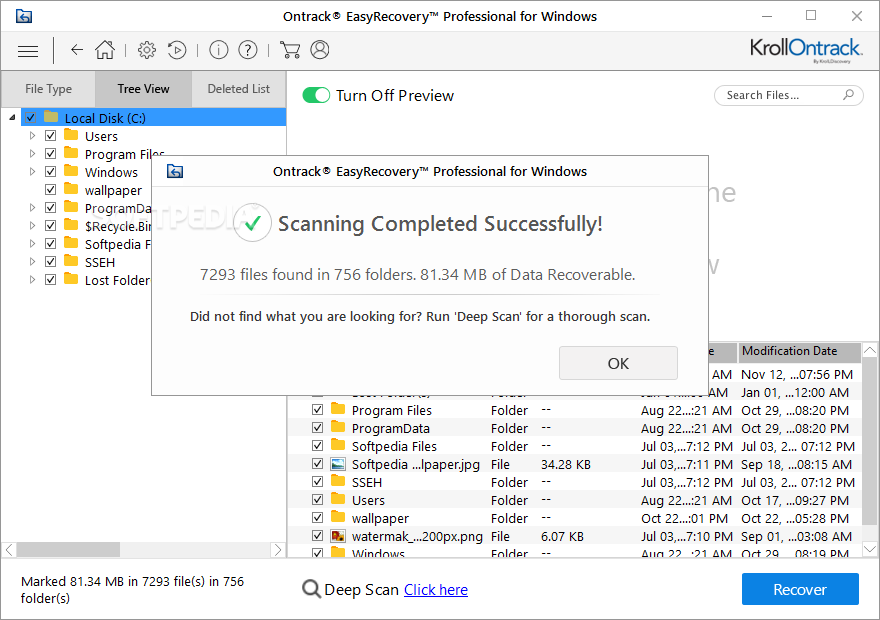
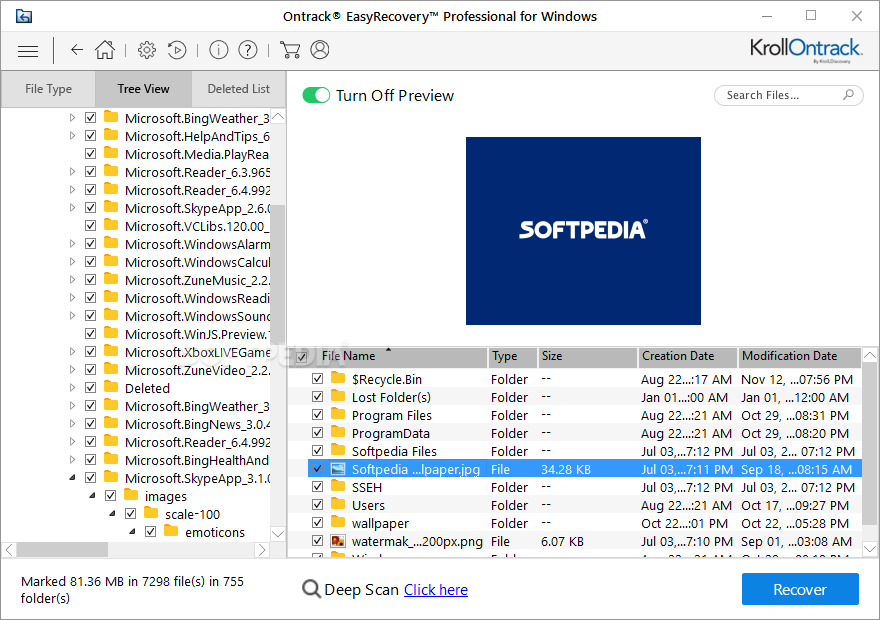
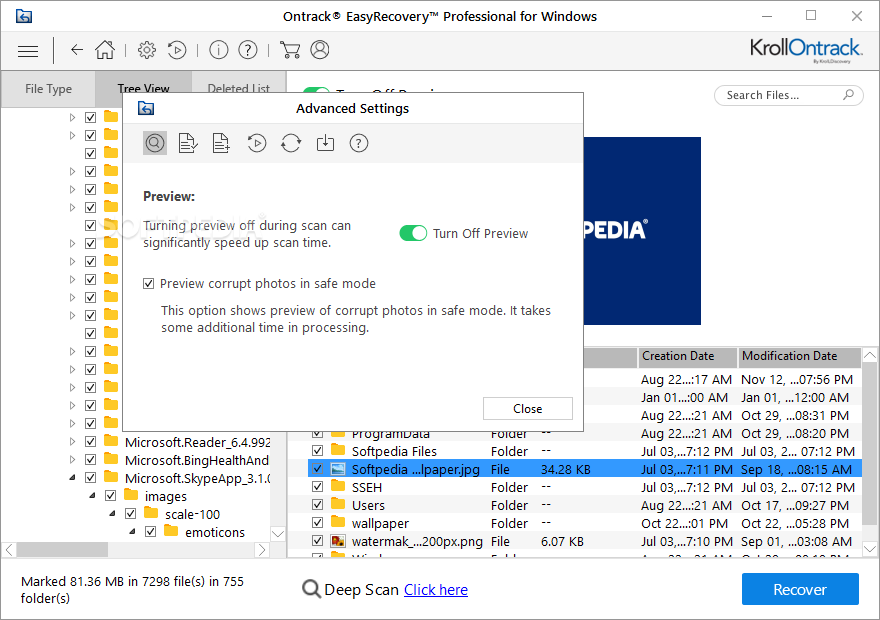
A nice feature is indeed the possibility to check out if recovered files are indeed what you were looking for, of course before attempting a restore procedure. Once the scan of a particular area has been completed, the program will show you the results.
In other words, it will let you know what it has scanned, the amount of files it found in that place, and what part of it is recoverable. In terms of communication with the user, this app is straightforward. There is not much you'll have to do. I know I have literally directed the app like you would a dog towards a ball, and it jumped instantly searching in that direction.
Download Hubs
Ontrack EasyRecovery Professional is part of these download collections: File Recovery, Recover Partition
Ontrack EasyRecovery Professional 16.0.0.2
add to watchlist add to download basket send us an update REPORT- runs on:
-
Windows 11
Windows 10 32/64 bit
Windows 2003
Windows 8 32/64 bit
Windows 7 32/64 bit
Windows Vista 32/64 bit
Windows XP 32/64 bit - file size:
- 335.3 MB
- filename:
- OntrackEasyRecoveryProfessionalforWindows.exe
- main category:
- System
- developer:
- visit homepage
paint.net

IrfanView

calibre

Windows Sandbox Launcher

7-Zip

Microsoft Teams

4k Video Downloader

ShareX

Zoom Client

Bitdefender Antivirus Free

- ShareX
- Zoom Client
- Bitdefender Antivirus Free
- paint.net
- IrfanView
- calibre
- Windows Sandbox Launcher
- 7-Zip
- Microsoft Teams
- 4k Video Downloader