
Identifies and recovers all lost or forgotten passwords to FTP accounts, featuring support for exporting found information to file. #FTP Password #Password Recovery #Sniff Password #Password #Recovery #Sniffer

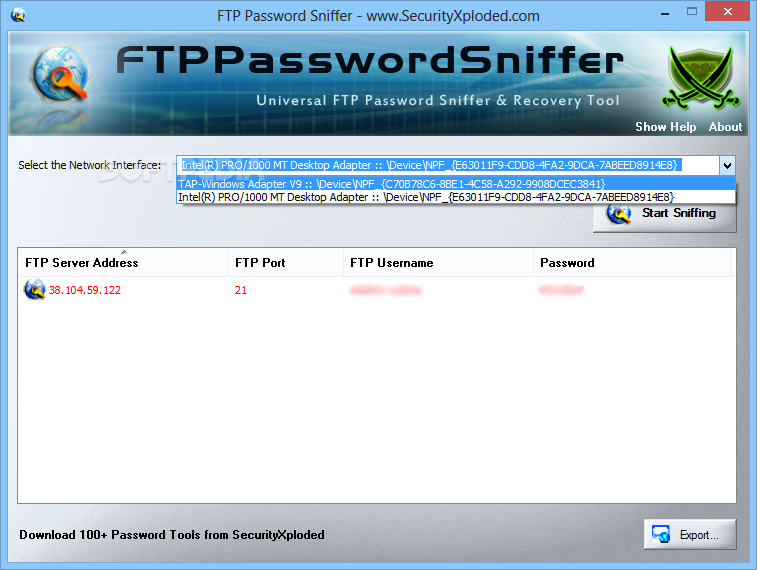
FTP Password Sniffer is an approachable piece of software designed to retrieve lost or forgotten keys to FTP accounts. It offers support for FileZilla, Classic FTP, FTP Voyager, CuteFTP and LeechFTP, among many other utilities.
Installing the app takes little time. However, users should be careful when going through the wizard steps, as FTP Password Sniffer offers to download and install third-party components that it does not need to work properly.
It sports a clean and intuitive interface that shouldn't be difficult to figure out, even by inexperienced users. All you have to do is select a network interface and click a button to retrieve all keys.
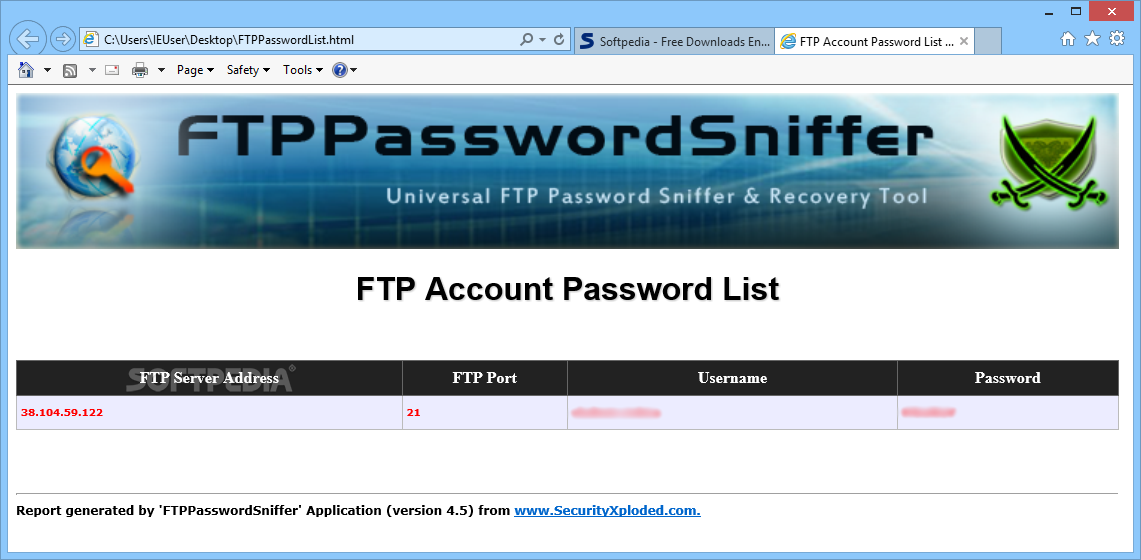
FTP Password Sniffer shows the FTP server address, port, user name and password for each identified account. This information can be exported to an external file for closer examination and safekeeping. There are no other notable options available here.
The tool is undemanding when it comes to CPU and RAM, so it does not hog system resources. We have not come across any unpleasant surprises throughout our evaluation, as FTP Password Sniffer did not freeze, crash or pop up error messages. In a nutshell, this app quickly recovers passwords saved in FTP applications, and it can be easily used.
What's new in FTP Password Sniffer 6.0:
- New feature added to Installer to dynamically download latest version
FTP Password Sniffer 6.0
add to watchlist add to download basket send us an update REPORT- runs on:
-
Windows 10
Windows 2003
Windows 8
Windows 7
Windows Vista
Windows XP - file size:
- 3.7 MB
- main category:
- System
- developer:
- visit homepage
ShareX

Zoom Client

Microsoft Teams

Context Menu Manager

7-Zip

Windows Sandbox Launcher

Bitdefender Antivirus Free

IrfanView

calibre

4k Video Downloader

- IrfanView
- calibre
- 4k Video Downloader
- ShareX
- Zoom Client
- Microsoft Teams
- Context Menu Manager
- 7-Zip
- Windows Sandbox Launcher
- Bitdefender Antivirus Free