Search Perform an advanced search query SOFTPEDIA
 
SOFTPEDIA
Updated one minute ago
HomeSubmit a program for being reviewedAdvertise on our websiteGet help on surfing our websitesSend us your feedbackGet information about our XML/RSS backend and how to use itBrowse the news archiveVisit our discussion forumVizitati forumul in limba romana


Program Finder NormalFreeware onlyShareware only

Image for Windows 2.13 Report spyware 

Click to download Image for Windows
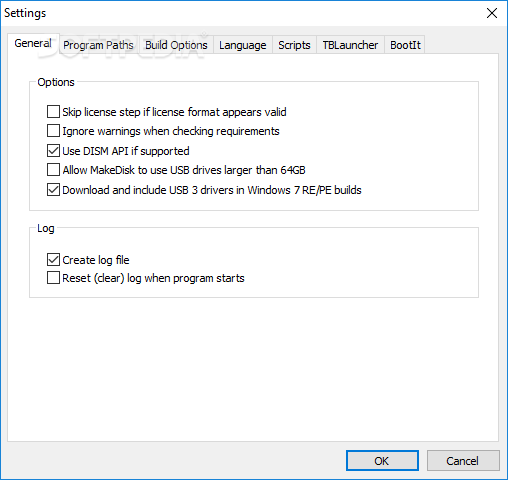
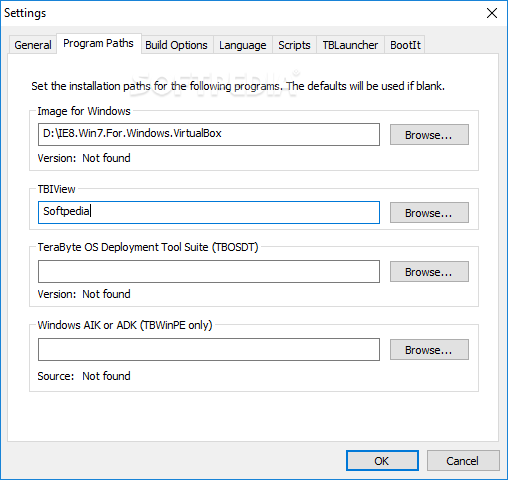
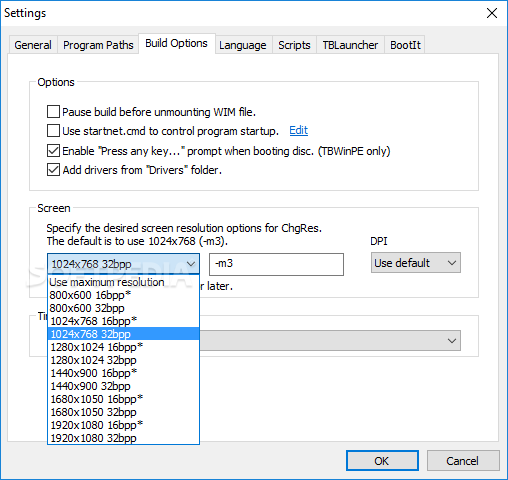
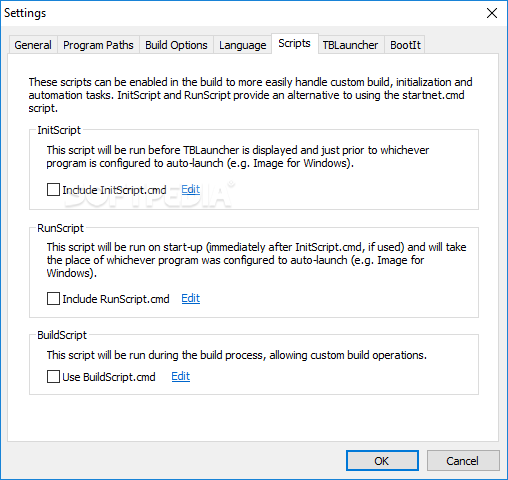
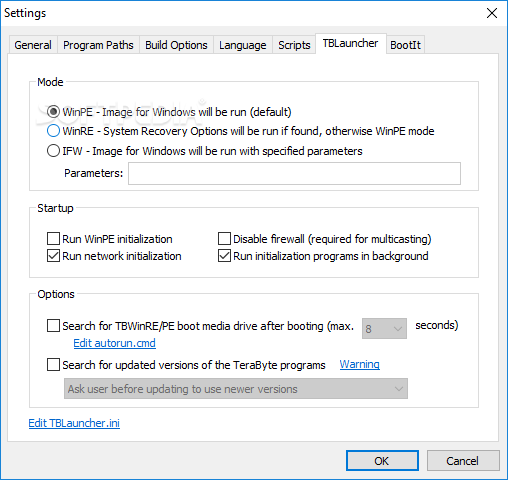
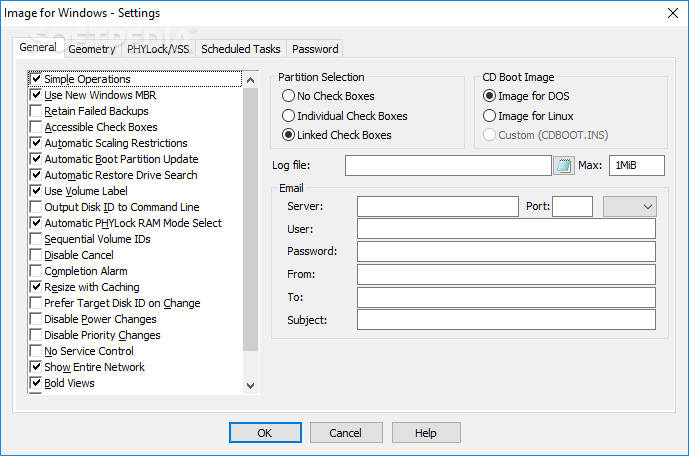
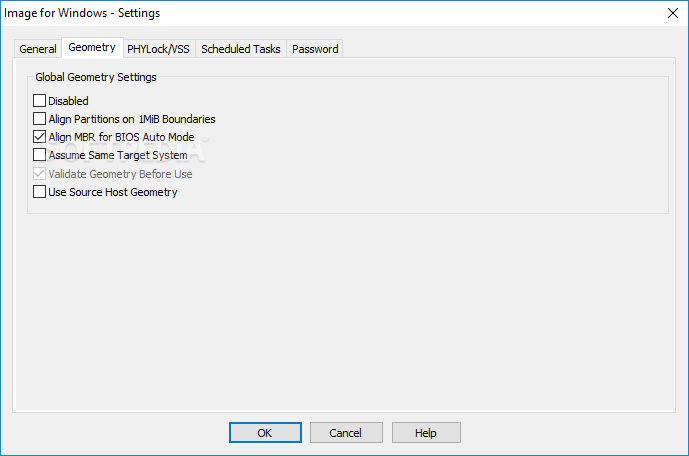
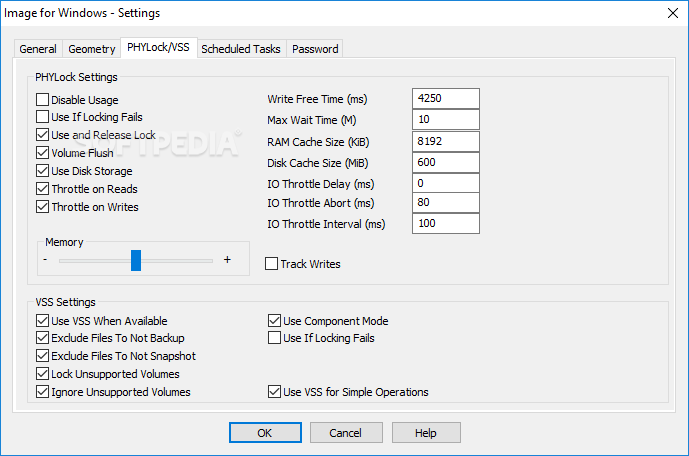
View more Image for Windows screenshots (6)
 Downloads: 13,287
Rating: Good (3.7/5) | Rated by: 56 user(s)
Add to download basket     Send us update information
 Developer: TeraByte Unlimited | More programs by this producer
 License: Trial , 38.94 $ to buy 
 Size / OS: 4.86 MB, Windows All
 Last Updated: June 30th, 2008, 06:45 GMT
 Category: C: \ System \ Back-Up and Recovery
 Read user reviews (2) Add a review Refer to friend Subscribe
    Download Image for Windows

Image for Windows description
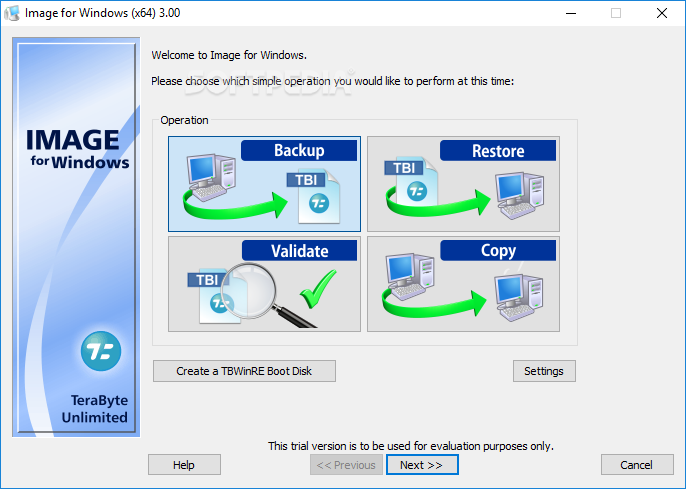
A Win32 based backup and restore utility that creates a snapshot of an entire partition or volume

Image for Windows is an affordable and reliable drive image backup and restore utility. Drive imaging from Windows is an easy and convenient way to backup all your hard drive's data and operating system partitions.

Image for Windows it creates snapshots of the partitions and is able to backup and restore data.

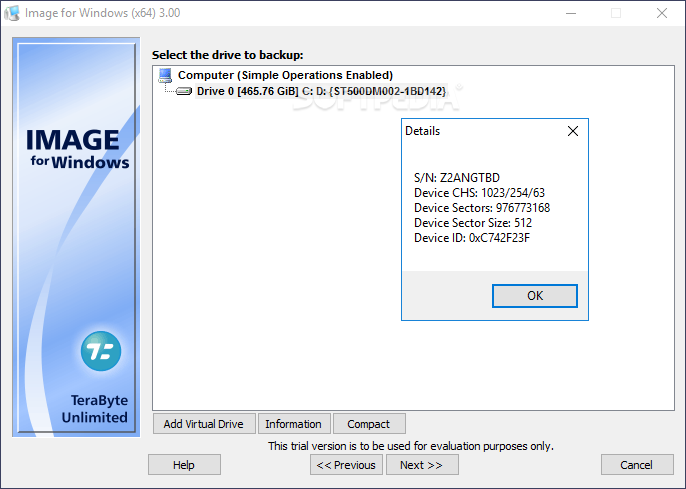
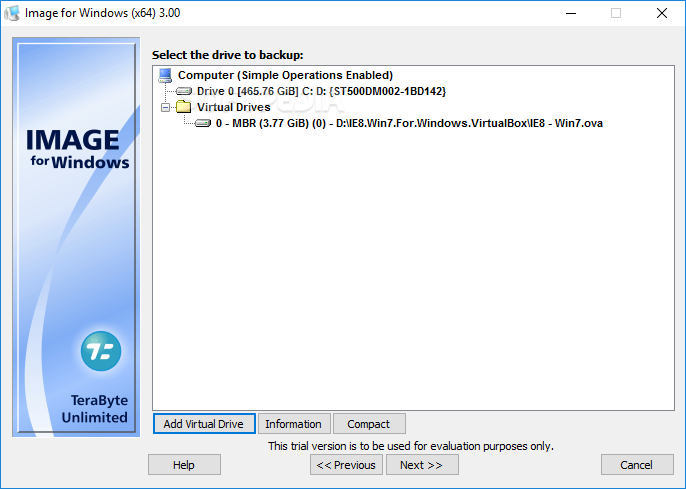
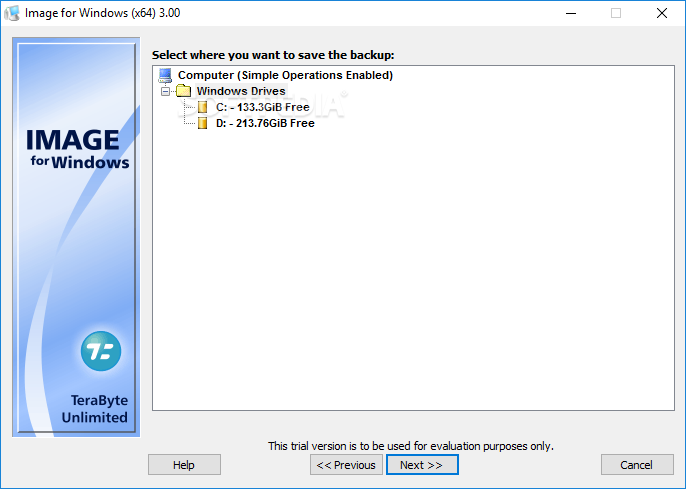
Your backups can be saved to a set of files on local or network drives, or directly to most CD or DVD drives. Backups saved directly to CD/DVD are bootable by default, making a convenient recovery disc. Simply restore the the partition(s) you need to recover, and they will be completely restored back to the way they were when the backup was created.

Image for Windows utilizes the technology available in the included PHYLock add-on utility. PHYLock allows you to continue using your computer while the backup is locked to a point-in-time. This eliminates the inconsistencies typically experienced while backing up a partition that is in use.

As its name implies, Image for Windows runs on the Windows operating system, but it can backup or restore any partition, including those of DOS or Linux. Image for Windows can also image to or restore from just about any drive letter, including network drives.

The drive image files are compatible across all TeraByte Unlimited disk imaging products of the same major version number (i.e. all 1.x products are compatible with other 1.x products). This makes it easy to restore the disk images even when Windows isn't available.

Bonus: Every purchase of Image for Windows includes a copy of Image for DOS and Image for Linux. Image for DOS and Image for Linux support the same powerful drive image functionality without requiring a working Windows installation. It also includes
a licensed copy of the TeraByte OS Deployment Tool Suite (TBOSDTS). TBOSDT contains a set of powerful utilities that, among other things, will help you deploy Windows to completely different hardware.

Here are some key features of "Image for Windows":

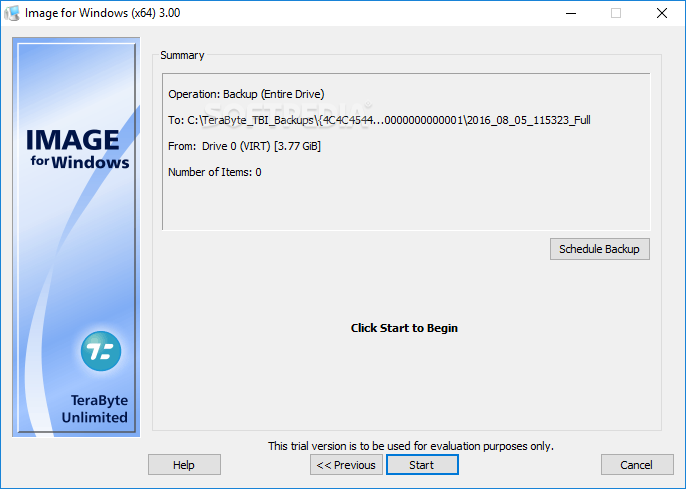
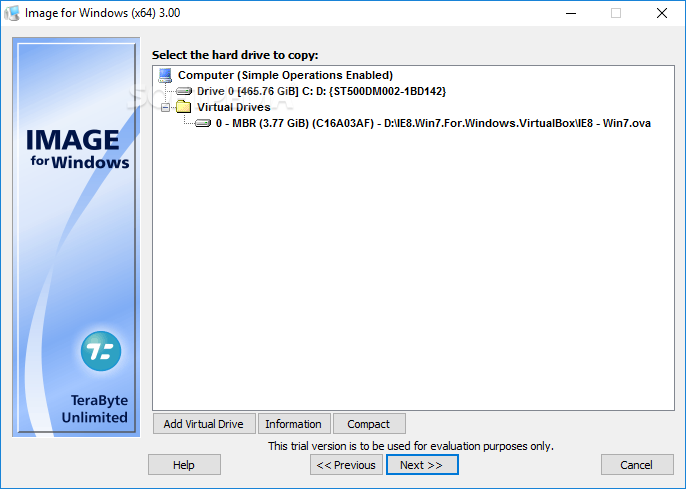
· Simple, Wizard-Driven interface - Easy to use the first time, and every time.
· Total Reliability - Provides the option to verify each and every byte it backs up.
· Convenience - Runs directly from Windows and when used with the free PHYLock add-on, it can create a true image of the Windows partition itself, without requiring a reboot.
· Maximum Compression - By default, maximum compression is applied to the drive images you create.
· Maximum Speed - If backup speed is paramount, you can bypass compression entirely.
· Optical Drive Support - You can save directly to a CD or DVD disc.
· Bootable Rescue Discs - Whenever you save directly to a CD or DVD, it will automatically become a bootable restore disc.
· Restore Individual Files or Folders - Using the free TBIView add-on, you can view the contents of the drive image files, and optionally restore individual files or folders within them.
· Compatibility - Automatically recognizes and backs up used area of FAT16, FAT32, NTFS, Ext2, Ext3, ReiserFS, and XFS partitions. Partitions with other file system types can be backed up in their entirety.
· Cost Effectiveness - Includes Image for DOS and Image for Linux at no additional charge, making it a uniquely affordable and complete disk imaging solution.
· Flexibility - Restore partitions, regardless of the file system on the partition being restored. This gives you the power to restore NTFS partitions from Windows 98 or even DOS (as just a couple of examples).
· Wide-Ranging Device Support - Compatible with USB 2 and IEEE 1394 drives. Better yet, Image for DOS supports these drives directly, without requiring complicated driver installation. (Image for Windows simply uses the drivers already available under Windows.)
· Power - Using Image for DOS or Image for Linux (each of which is included with the purchase of Image for Windows) versions gives you the ability to recover your data, even if Windows won't start.
· Network Support - Save backups to any drive accessible to Windows itself.
· RAID Support - Works seamlessly with on-board hardware- and firmware-based RAID.
· Command Line Support - Powerful, complete command line support is built in, allowing you to automate backup or restore procedures.
· Image File Validation - Allows you to check the integrity of the disk image files, either as part of the backup process, or at any time thereafter.
· Restored Partition Expansion - When restoring an image, you can expand the restored partition to occupy any free space that would be left over.
· Selectable Image File Sizes - If desired, you can specify a maximum size for the disk image files that are created. This allows you to create image files that readily fit on the removable media of your choice.


Requirements:

· If you will be restoring outside of Windows, as most home users will, or you are running Windows 95/98/Me, your computer’s BIOS must provide access to the hard drive.
· IBM-compatible personal computer (i386 or newer)
· 32-MB RAM
· Recommended: External hard drive


Limitations:

· 30 days trial


What's New in This Release:

· Enhancements... [ read full changelog ]


Softpedia guarantees that Image for Windows 2.13 is 100% CLEAN, which means it does not contain any form of malware, including but not limited to: spyware, viruses, trojans and backdoors.

This software product was tested thoroughly and was found absolutely clean, therefore it can be installed with no concern by any computer user.

However, it should be noted that this product will be retested periodically and the award may be withdrawn, so you should check back on this page from time to time. (click here for more information)


Related downloads IT News Popular downloads New additions   Latest reviews  
NT File Recovery 1.0
NT File Recovery is an effective and quick solution that will help you restore accidentally deleted files from NTFS file system
RecoveryFIX for Windows 7.06.01
Works even when other data recovery software fail to retrieve the lost and inaccessible data
Kernel Tape 4.02
Nucleus Kernel for Tape - Recovers data from corrupt, damaged tapes
Amro Mousa's AMBackup 3.2
AMBackup is a free and simple utility designed to backup your data
Free Back Up Fix 2.1
Free PC Backup Fix will allow you to backup all your personal files with just a few clicks
Presto Transfer Palm 1.7
Presto Transfer Palm is an application designed to help automate the transferral of your Palm Desktop data
RecoveryFIX for BKF 4.02.01
RecoveryFIX for BKF restores data and files which were backed up but get corrupted due to unespected reasons

go to top Use the following code to link to this page:


Welcome!
Hello, Guest

Login if you have a Softpedia.com account.

Otherwise, register for one.

Main categories:
  • Antivirus
  • Compression tools
  • CD/DVD Tools
  • Office tools
  • Programming
  • Authoring tools
  • File managers
  • Desktop Enhancements
  • Internet
  • Network Tools
  • IPOD TOOLS
  • Mobile Phone Tools
  • Multimedia
  • Tweak
  • System
  • Security
  • Others
  • Science / CAD
  • UNIX
  • Windows Widgets
  • PORTABLE SOFTWARE

  • Week's best:
  • Adobe Media Player 1...
  • Registry Mechanic 8....
  • BitSpirit 3.3.2.263
  • AnyDVD 6.4.5.6
  • Firefox 3.0.1 / 2.0....
  • AutoCAD 2009
  • Norton AntiVirus 200...
  • Norton Internet Secu...
  • The Bat! Professiona...
  • WinRAR 3.80 Beta 3 /...
  • GMail Drive shell ex...
  • DAEMON Tools Lite 4....
  • UBCD4WIN 3.2.0
  • Adobe Reader 9.0.0 /...
  • Total Commander Ulti...
  • System Mechanic 8.0....
  • Adobe Acrobat Profes...
  • iPhone PC Suite 1.0....
  • Portable Firefox 3.0...
  • MPlayer for Windows ...
  • Vista Codec Package ...
  • Windows Live Messeng...
  • WinBubble 1.73
  • Kaspersky Anti-Virus...
  • Malware Removal Tool...
  • Royale Noir Theme fo...
  • IBM Lotus Symphony 1...
  • Adobe Dreamweaver 10...
  • Adobe Fireworks 10.0...
  • BitDefender Total Se...
  • © 2001 - 2008 Softpedia. All rights reserved.
    Softpedia™ and Softpedia™ logo are registered trademarks of SoftNews NET SRL.
    Copyright Information | Privacy Policy | Terms of Use | Contact Softpedia | Update your software | Archive