WINDOWS CATEGORIES:


NEWS ARCHIVE >>
SOFTPEDIA REVIEWS >>

WEEKLY HIGHLIGHTS

DVD Cloner45
Spyware Doctor40
1Click DVD Copy40
Apollo DVD Copy40
ABC Amber BlackBer...45
Protected Music Co...40

7-DAY TOP DOWNLOAD

#
Program
Avira AntiVir
Personal - Free
Antivirus 9.0.0.415

172,574
Windows Live
Messenger 2009
14.0.8089.726

144,415
Avira Antivir Virus
Definition File
Update November 30,
2009

130,339
Nexus Radio 4.2.2
125,058
FreeZ Online TV 1.30
94,763
Y! Multi Messenger
8.x and 9.x

75,235
Microsoft Office
2010 14.0.4536.1000
Beta / 2007

72,824
Windows Live
Messenger
8.5.1302.1018

51,138
DVD Shrink 3.2.0.15
50,317
AVG Free Edition 9.0
Build 707a1765

46,760

WEEK'S BEST

  • VirtualBox 3.1.0 r...
  • SiSoftware Sandra ...
  • Kaspersky Virus Re...
  • Faststone Image Vi...
  • Vuze (formerly Azu...
  • Softpedia Wallpape...
  • Softpedia Wallpape...
  • Softpedia Wallpape...
  • RSSOwl 2.0.1
  • Internet Explorer ...
  • Online Armor ++ 4....
  • cFosSpeed 5.01 Bui...
  • SONY Vegas Pro 9.0...
  • Firefox 3.6 Beta 4...
  • Nokia Photos 1.6.434
  • Windows Server 200...
  • Skype Portable 4.1...
  • Google Chrome Port...
  • PCMark Vantage Bas...
  • Kaspersky Anti-Vir...
  • Microsoft Virtual ...
  • Messenger Plus! Li...
  • WinX DVD Author [F...
  • SoftPerfect Networ...
  • System Mechanic Pr...
  • Ad Muncher 4.81 Bu...
  • Windows 7 Upgrade ...
  • Pidgin 2.6.4
  • OpenOffice.org Dev...
  • VirtualDub 1.9.7 B...
  • Home > Windows > System > Back-Up and Recovery
     Report spyware

    Super Flexible File Synchronizer 4.82 Build 296

    Download button

    Downloads: 8,305  Add to download basket  Tell us about an update
    User Rating:
    Rated by:
    Good (3.4/5)
    48 user(s)
    Developer:

    License / Price:

    Size / OS:

    Last Updated:

    Category:
    Super Flexible Software | More programs
    Trial / USD 59.90 | BUY the full version
    5.5 MB / Windows All
    November 28th, 2009, 21:57 GMT [view history]
    C: \ System \ Back-Up and Recovery

     Read user reviews (0)  Add a review  Refer to a friend  Subscribe


    Super Flexible File Synchronizer description


    The program can be used to back up data and to synchronize PCs, servers, and notebooks

    Super Flexible File Synchronizer is a great application used to back up data and to synchronize PCs, servers, and notebooks.

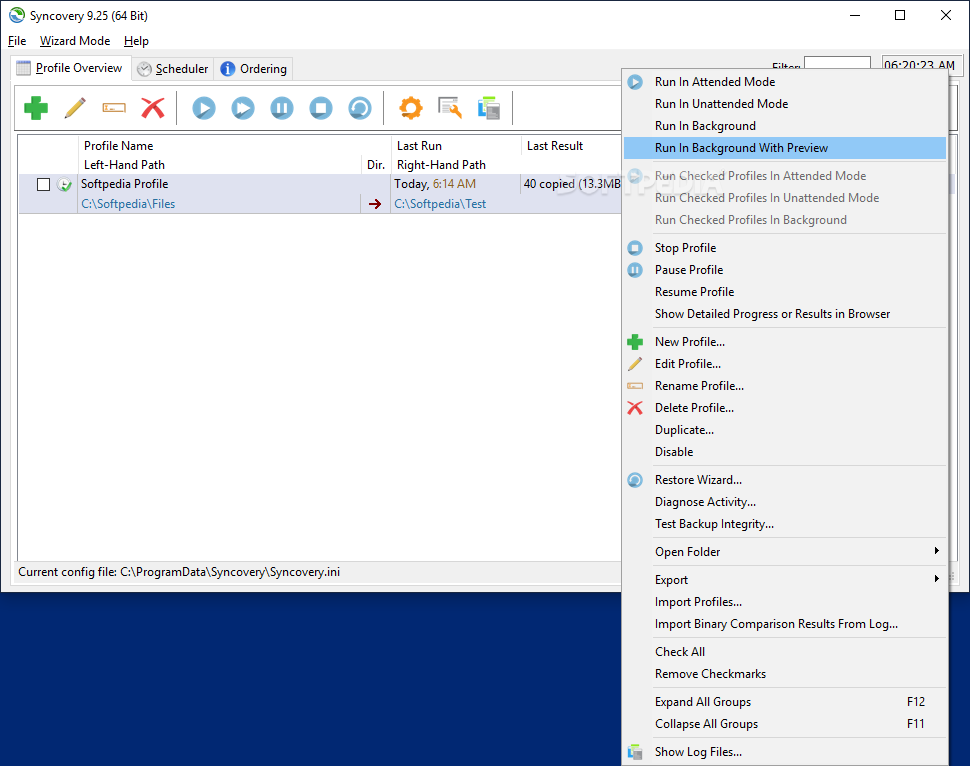
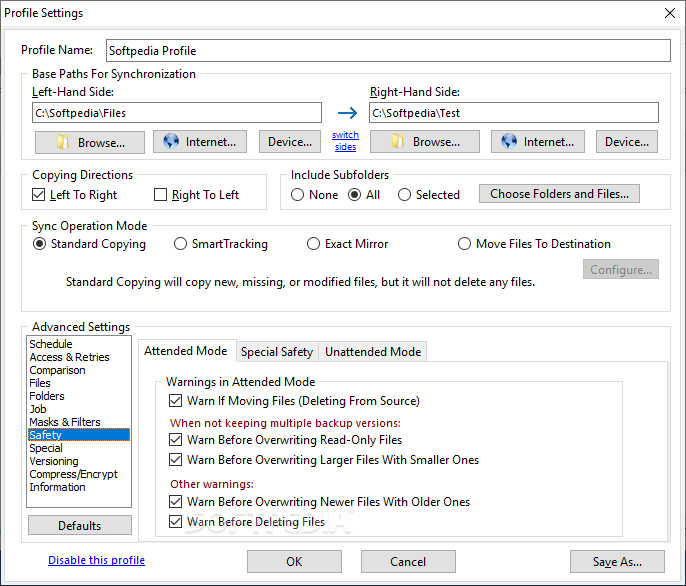
    Users can choose the user interface that suits them best: Wizard Mode or Advanced Mode.

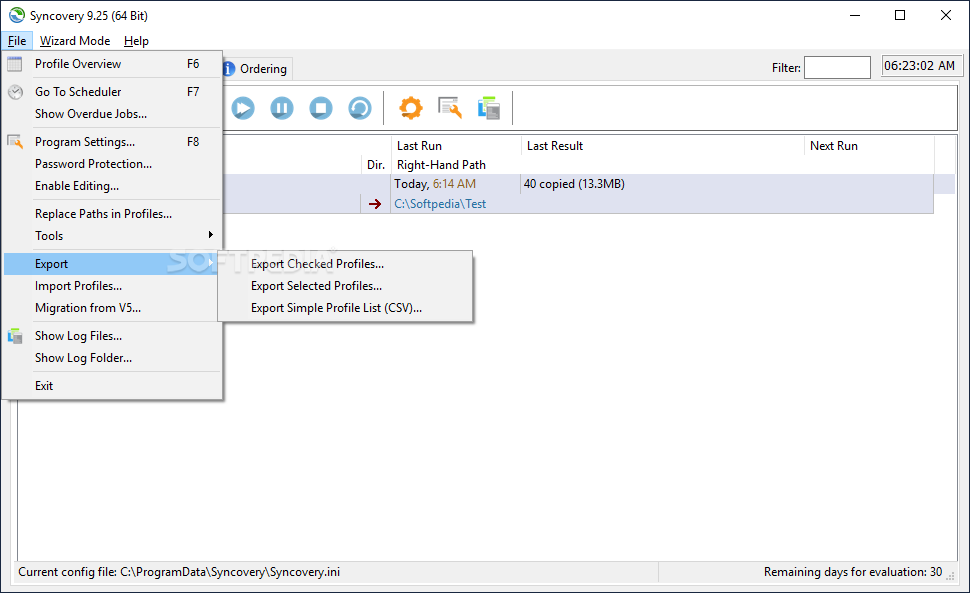
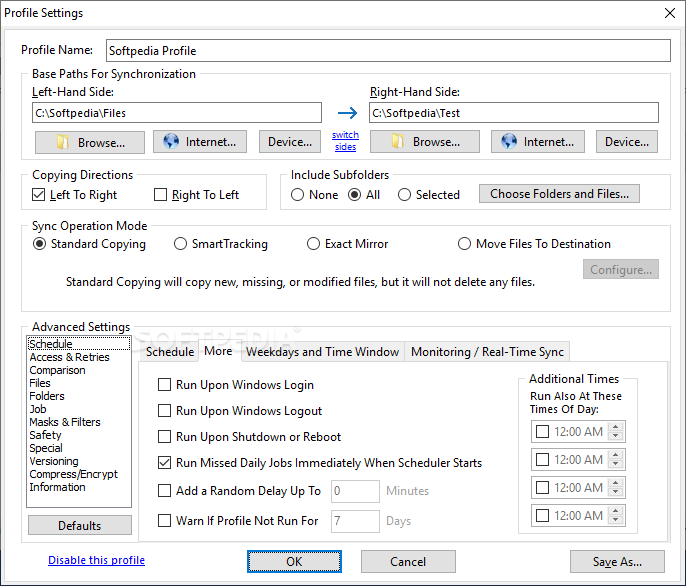
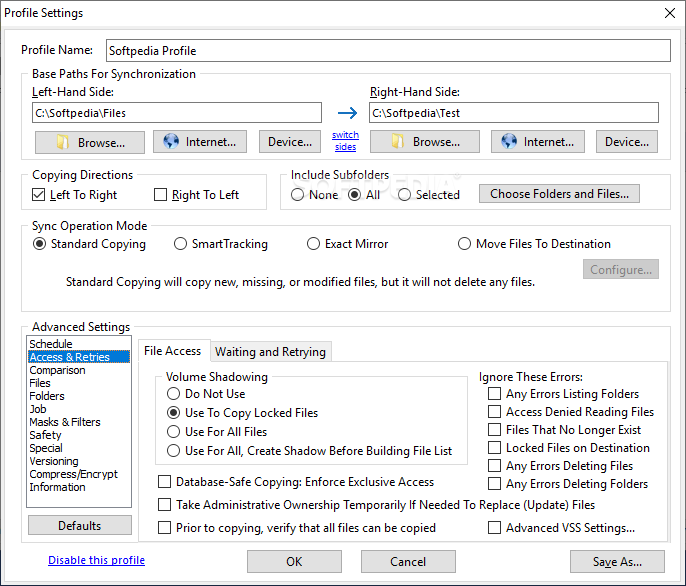
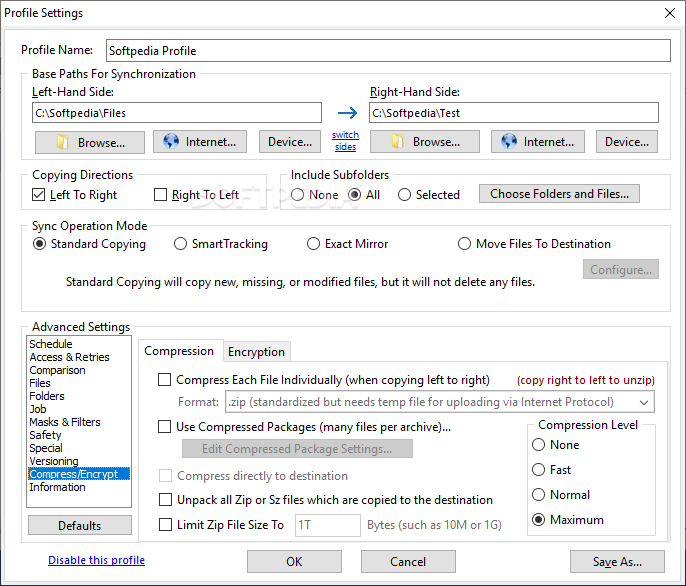
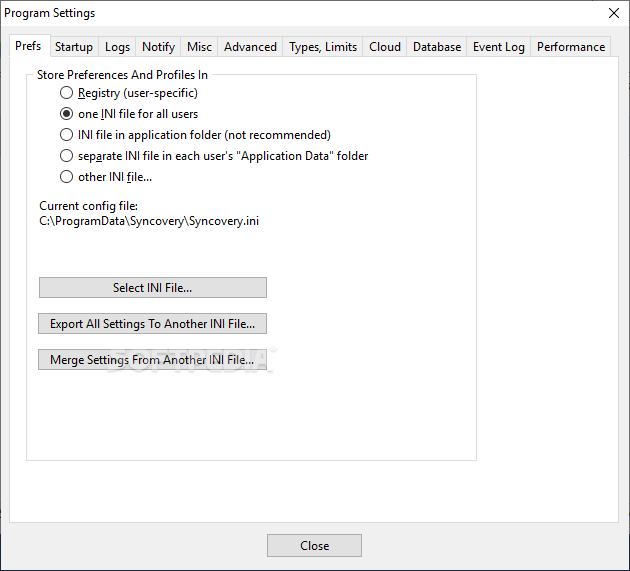
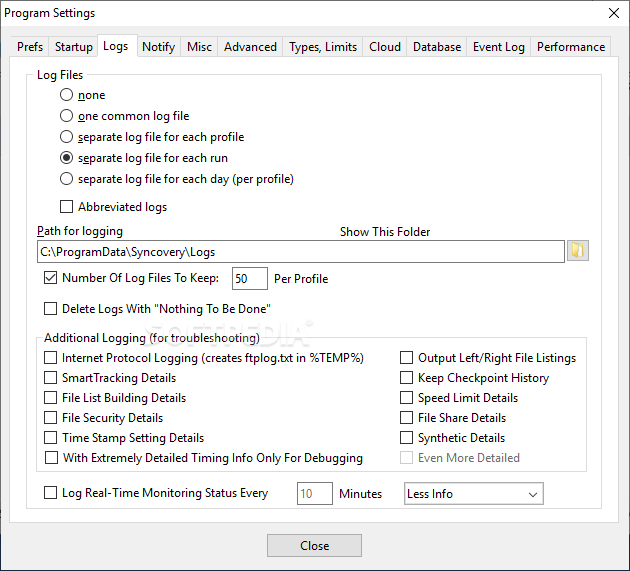
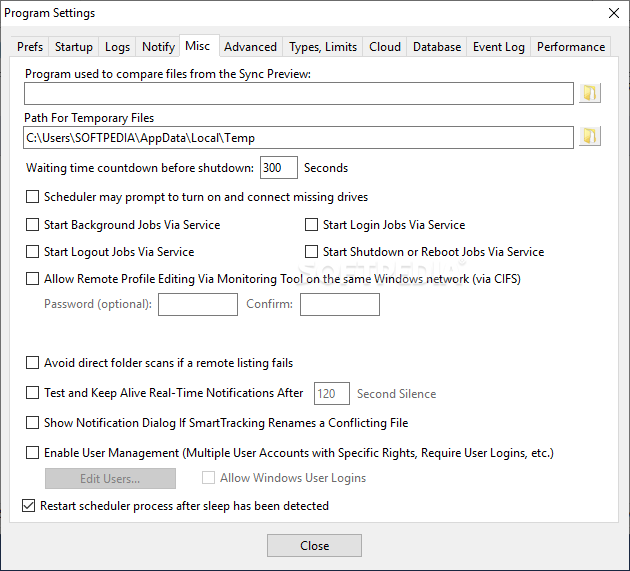
    The settings are stored in multiple profiles, and the software comes with support for FTP and secure FTP servers, SSH, WebDAV, Amazon S3, http, partial file updating, ZIP compression, data encryption, and a scheduler for automated backups. The scheduler can run as a service without users having to log on. On Windows XP or later, locked files can be copied using the Volume Shadow Service.

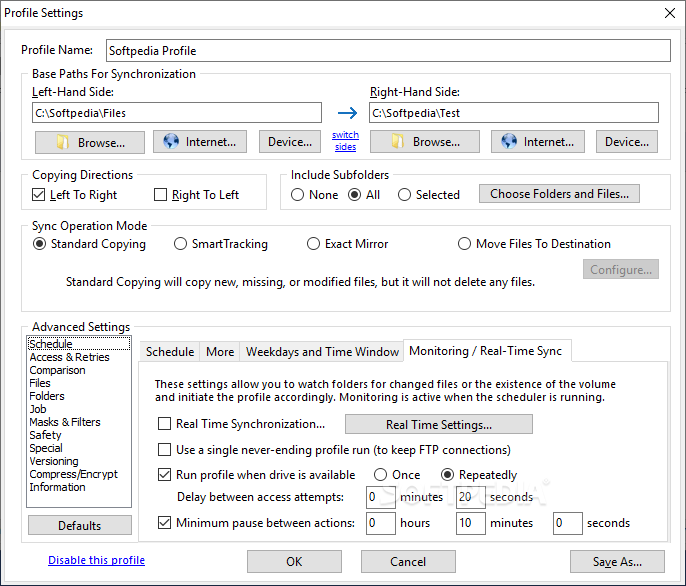
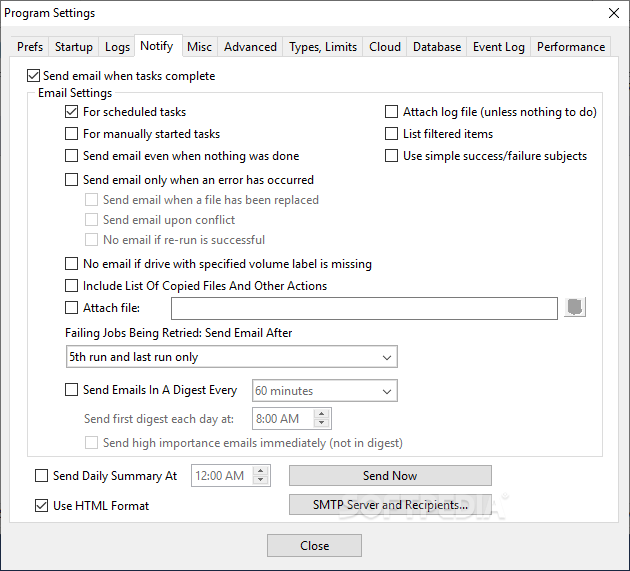
    This program features the ability to freely select files and folders across the whole folder hierarchy in a tree view, and it has support for e-mail notification, profile categories, and various filters. The software also supports Unicode characters in file names, file paths as long as 32767 characters, and much more. It also includes Real Time Synchronization (folder monitoring).


    Here are some key features of "Super Flexible File Synchronizer":

    · Synchronizes Files and complete folder structures in different locations, such as a PC and a laptop. 64-bit I/O ensures that files sizes greater than 4GB are supported.
    · Save complete sets of option settings as Profiles, with instant access to all saved settings. You can even Run Multiple Profiles with one command.
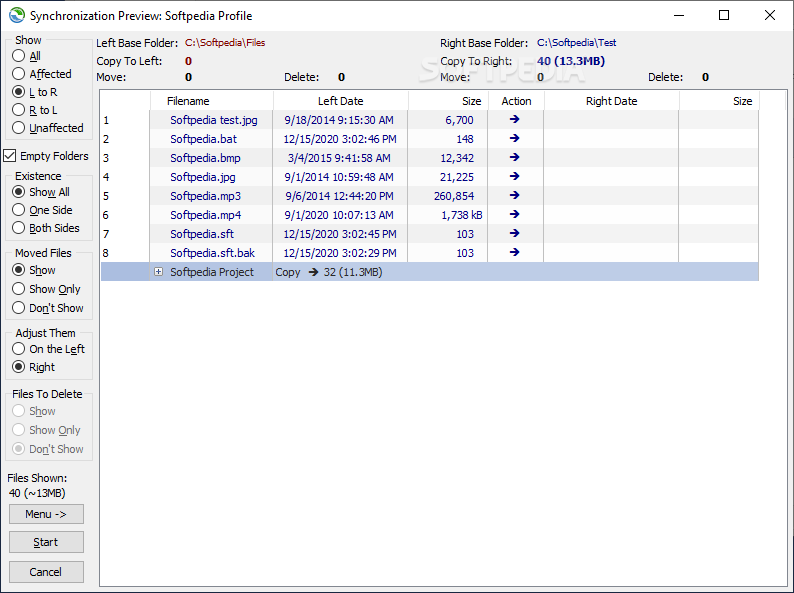
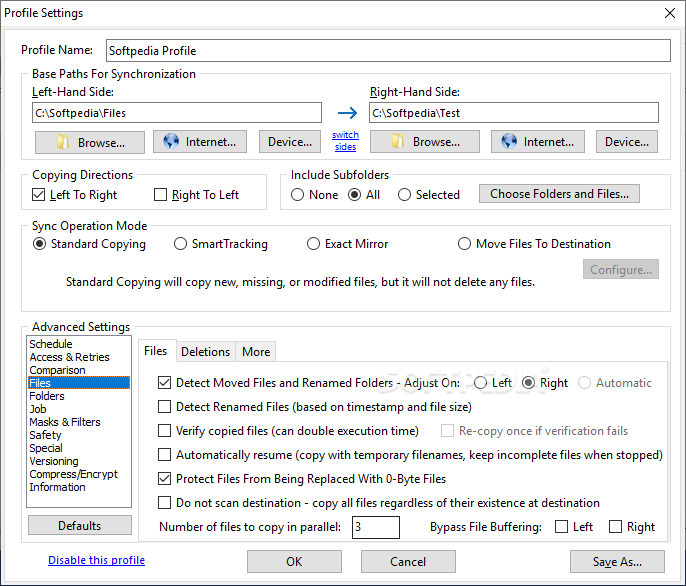
    · Detect Moved Files. If you reorganized your folders by moving files to different locations, the Super Flexible File Synchronizer will detect this and quickly perform the same moves, for example, on your laptop. No extraneous copying!
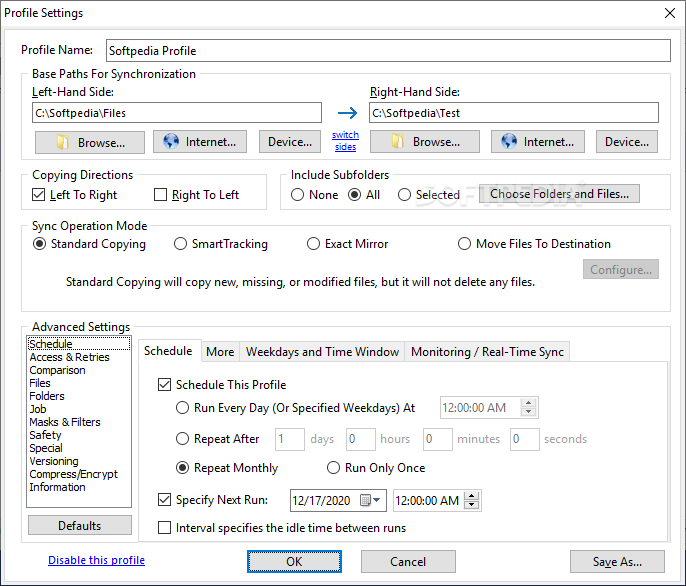
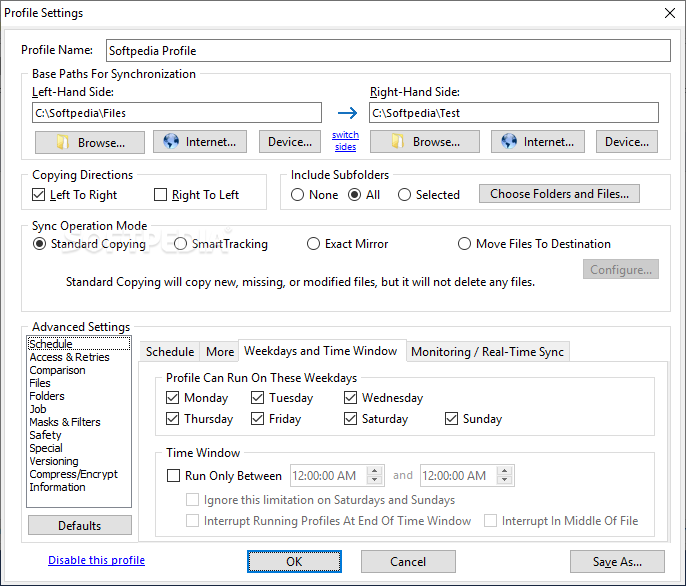
    · With Scheduler. Schedule the synchronization of your data on a backup hard disk at a convenient time each day or as frequently as you wish.
    · Smart and Flexible. If some files cannot be copied due to other software accessing these files, the synchronizer will continue copying the remaining files, and then retry all those files that were locked, until all files have been copied successfully. A limit for the time spent on retries can be specified. However, during the retry phase, the synchronizer uses only minimal CPU resources.
    · Keep Multiple Backup Versions Of Each File (optional) This feature doesn't overwrite the backup files but renames them, until a selectable number of different backup versions is reached. You can also specify where to put these older backup versions (in the same folder as the original, or in a subfolder thereof, or in just one subfolder for the complete profile).
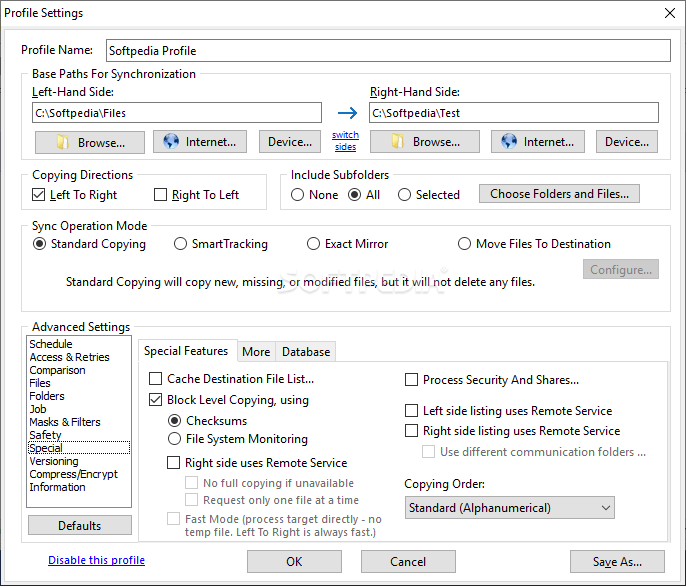
    · Database-Aware. A special technique prevents any data corruption when copying database files, including SQL server database files. The synchronizer will wait with the copying until it has totally exclusive access to the file. During the copying process, the database server will not be able to work with the file. So, a prerequisite for using this software as a backup tool for database files is that they are occasionally not used (for example, at night).
    · Can Use Recycle Bin for older versions of files that are overwritten. This is a fairly unique feature because most programs will permanently replace older versions of a file. Using Super Flexible File Synchronizer, you will have a chance of retrieving overwritten files if you select the appropriate options.
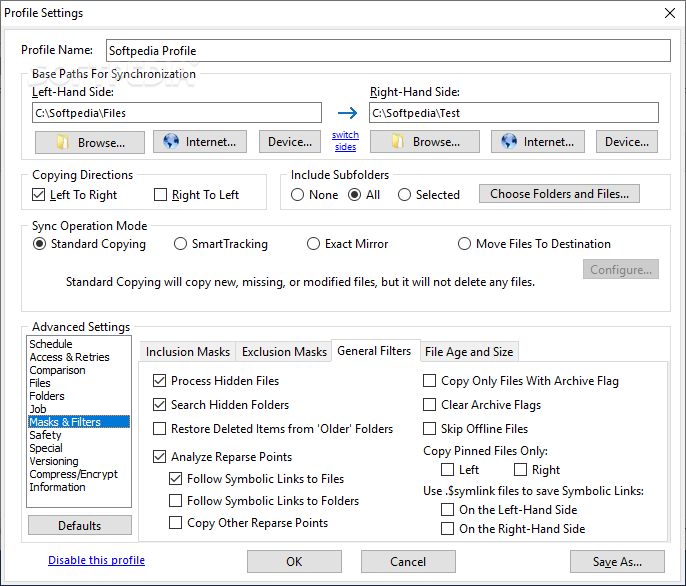
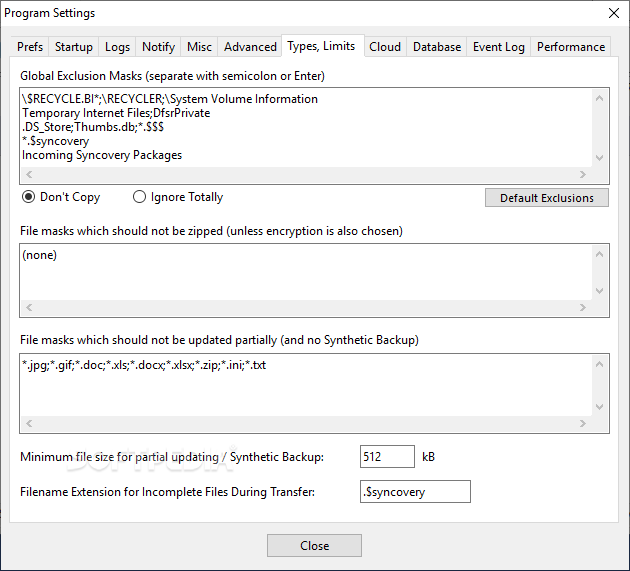
    · Multiple File Masks (Inclusion and Exclusion) File Masks are transparently (and swiftly!) processed. Even if you specify redundant file masks, there will be no strange side effects.
    · Select Base Folder Items. Want to synchronize only some folders? No need for separate runs for each folder. Just specify the base folder containing these folders, and then choose "Only Selected Items From Base Folders...".
    · Minimize Load Using Obsolete File Folders. If you occasionally move obsolete files to a specially designated folder, this usually causes trouble with traditional file synchronizers. They will copy the obsolete files back from your laptop right into the folders where you moved them out of. No longer! If you use the Select Base Folder Items option described above, you can place a grayed checkmark next to each folder for obsolete files. These folders are then taken into account for moving files into them, but not for copying files out. Thus, the synchronizer does the same moving of obsolete files on your laptop that you previously did on the PC, but it does not waste any time copying all obsolete files between the two machines.
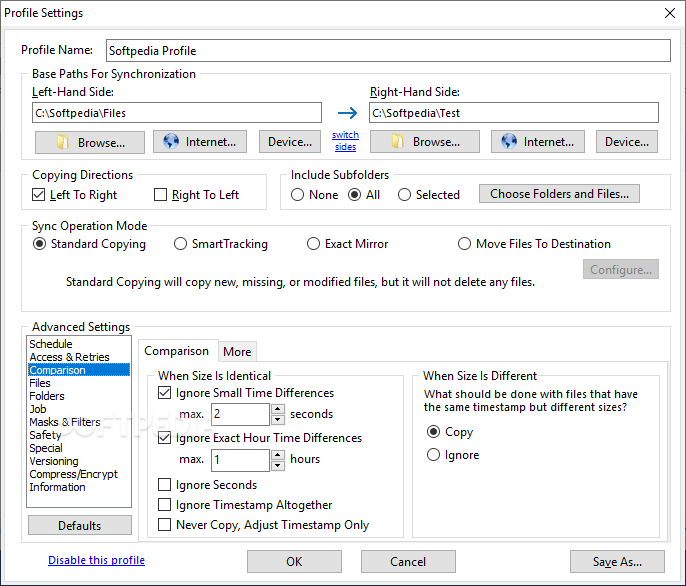
    · No More Trouble With Daylight Savings Time Since exact 1-hour time differences can be ignored if the file size matches, you won't have any more problems if the file systems of two computers are off by one hour. If this is true only for some files, fine! The ignoring of the offset is done in a flexible way rather than adding a fixed number to the hours on one side.
    · Easy Resuming On Disk Full. You simply make more space and ask the software to continue copying. It can pause right in the middle of a file until additional space is freed.
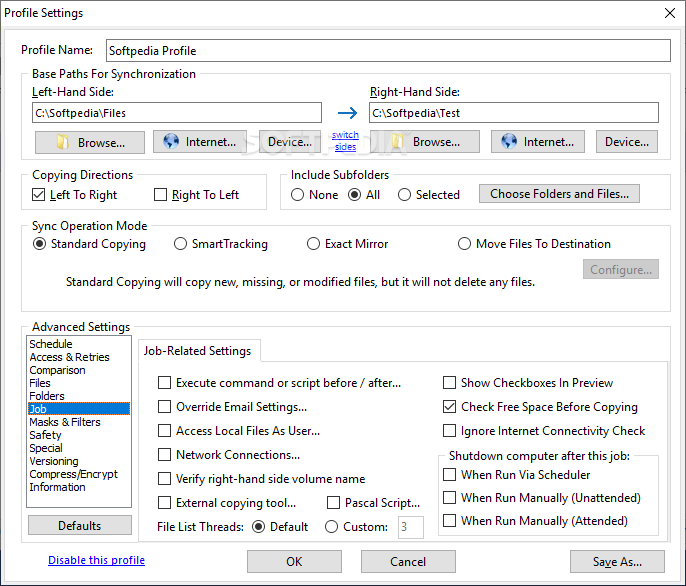
    · Unattended Mode. In this mode, no questions are asked. You can specify beforehand which kinds of files may be overwritten.
    · Optionally Create Exact Mirrors. If desired, you can optionally create an exact mirror of your data, even if this means that some files are deleted or replaced with older files.

    Requirements:

    · 128MB of RAM

    Limitations:

    · 30-day trial period

    What's New in This Release: [ read full changelog ]

    · When saving a profile, the program now asks to convert a mapped drive letter to a UNC path.
    · Added backwards compatibility for the Monitoring Tool.
    · More flexibility with inclusion masks, i.e. you can specify FolderFile.txt even if the txt extension is not included for the other folders.
    · Added a timeout of 10 minutes and better progress info for creating a volume shadow.
    · Fixes starting background jobs via service.
    · Fixes a hang creating the temporary work copy for Partial File Updating when copying from right to left with Remote Service.

     Softpedia guarantees that Super Flexible File Synchronizer 4.82 Build 296 is 100% CLEAN, which means it does not contain any form of malware, including spyware, viruses, trojans and backdoors. [read more >]


    TAGS:

    file synchronizer | backup tool | schedule synchronization | synchronizer | synchronize | backup


    HTML code for linking to this page:


    Go to top

    Windows tabGames tabDrivers tabMac tabLinux tabScripts tabMobile tabHandheld tabGadgets tabNews tab

    SUBMIT PROGRAM   |   ADVERTISE   |   GET HELP   |   SEND US FEEDBACK   |   RSS FEEDS   |   ENTER NEWS SITE   |   ENGLISH BOARD   |   ROMANIAN FORUM