|
|
|
|
Norton Ghost 15.0.0.35659
|
 |
|
|
|
|
Part of the Create Backup download hub (+1 other) |
|
|
User Rating: Rated by: |
Very Good (4.0/5) 832 user(s) |
|
|
|
Softpedia Editor's Review for Norton Ghost
|
Professional Grade Backup and Recovery
Written by Elena Opris on October 21st, 2011
Norton Ghost is a tool from Symantec which provides your files and folders with a high level of protection, through advanced back-up and recovery.
Installation can be done in standard mode (recommended for all users), or custom install mode (recommended for advanced users).
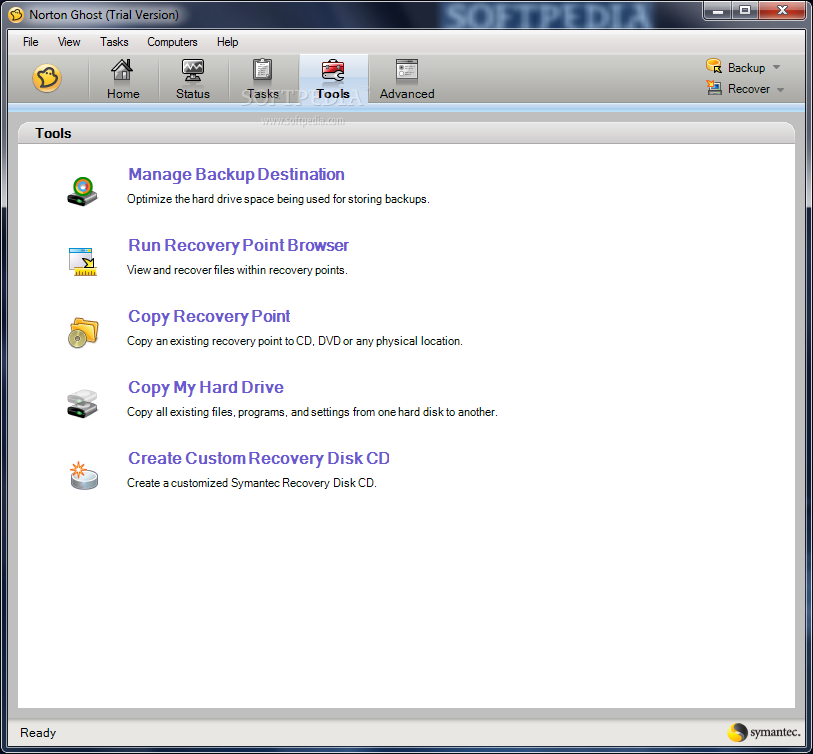
The full package contains the backup and recovery service, a recovery point browser, the user interface, CD and DVD support, and LiveUpdate.
At the end of the installation (after Norton requires you to reboot system), you can run LiveUpdate (automatically searches the latest updates), or launch Easy Setup (the first backup).
Don't panic if you see several Command Prompter screens appearing and disappearing during LiveUpdate - it seems that is normal, but it's probably best you stop performing any other actions on the computer system.
LiveUpdate took a while to download (for just one update pack) and it may require you to restart your operating system again (like it did in our case). Later we have learned that any major action performed on Ghost requires restarting the computer.
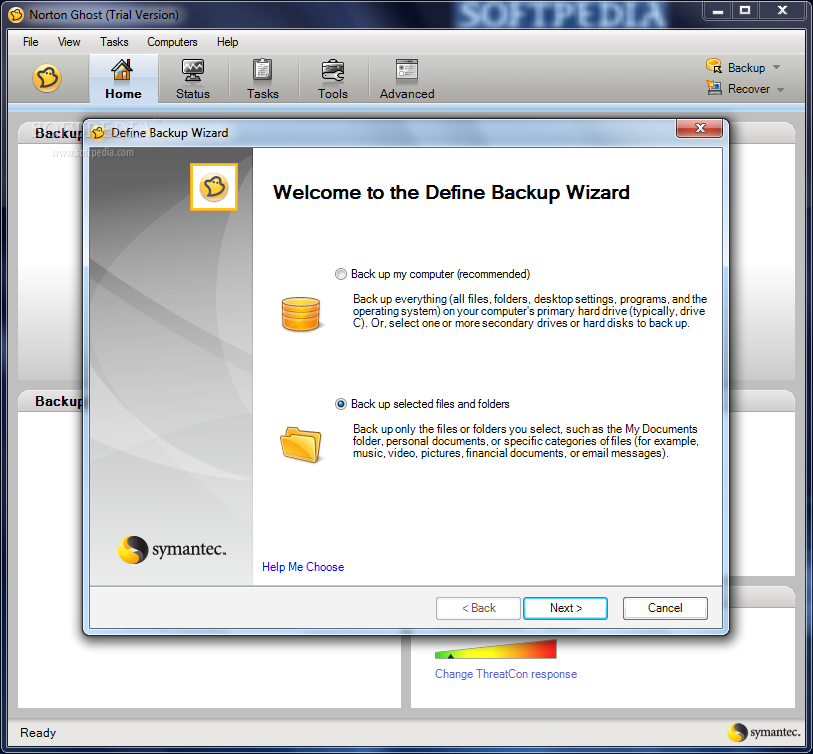
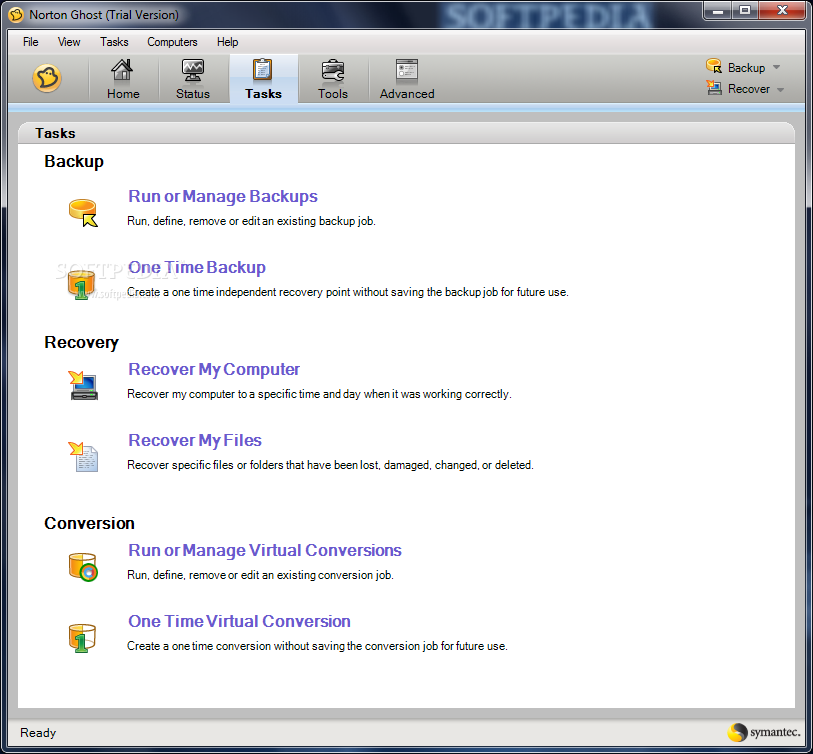
Norton Ghost automatically backs up your whole computer system, restores lost files, recovers the entire computer system, and automatically optimizes backup disk space.
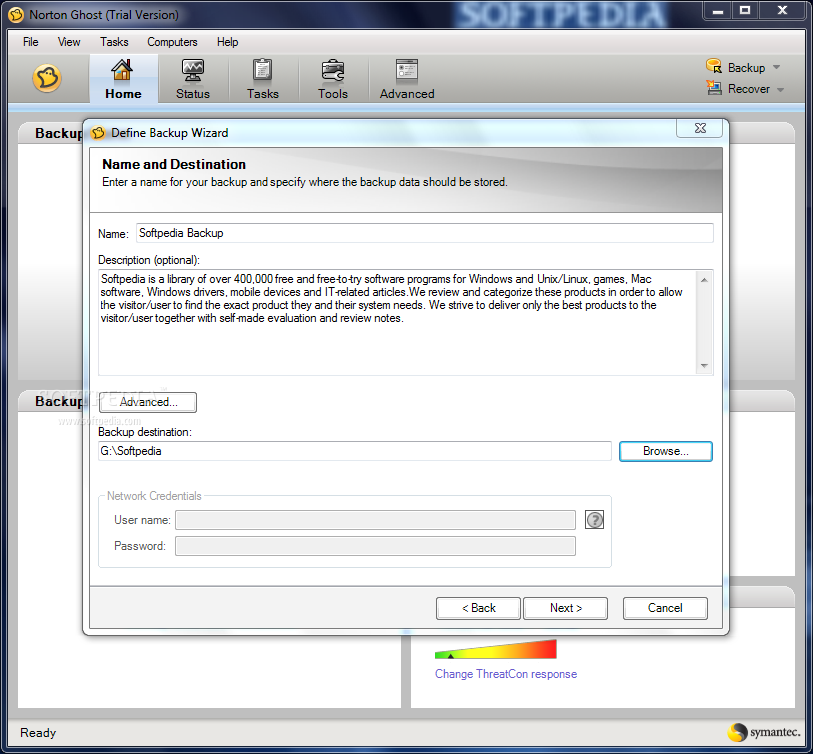
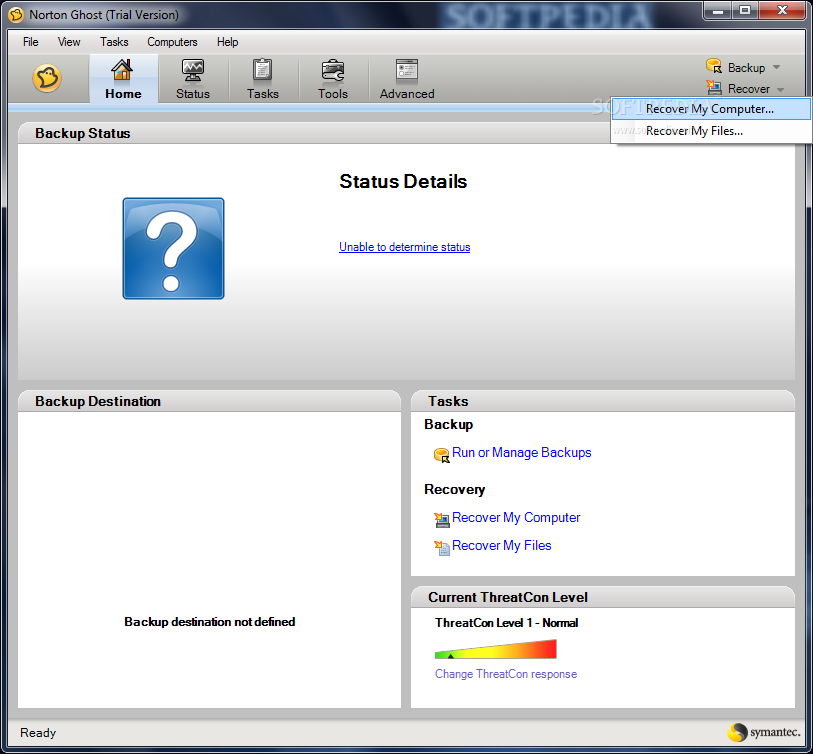
The interface is simple and eye-catching. There are several windows - status details (where you can track progress in time), backup destination, tasks, and the current ThreatCon level.
The running time for a backup is fair and it obviously depends on the size of your local drives. But no errors occurred during the process.
Norton Ghost is a healthier alternative to computer users who spend a great of time working on their personal computers, and need to constantly backup their data. If you're a fan of Symantec, then you'll probably need to add Ghost to your collection.
Read an in-depth analysis in our professional review for Norton Ghost
|
Norton Ghost description
|
Here are some key features of "Norton Ghost":
· Cold Imaging lets you back up files without installing Ghost.
· Blu-ray Disc allows you to back up large amounts of data to high-capacity Blu-ray Disc — up to 25 GB per disc (50 GB dual-layer).
· Windows 7 support including support for Bitlocker provides enhanced data protection through drive encryption and integrity checking.
· Symantec ThreatCon integration leverages intelligence from Symantec’s industry-leading security research organization to automatically backup files whenever ThreatCon reaches a specified threat level.
· Full system (disk image) backup lets you easily backup everything on a hard drive or partition.
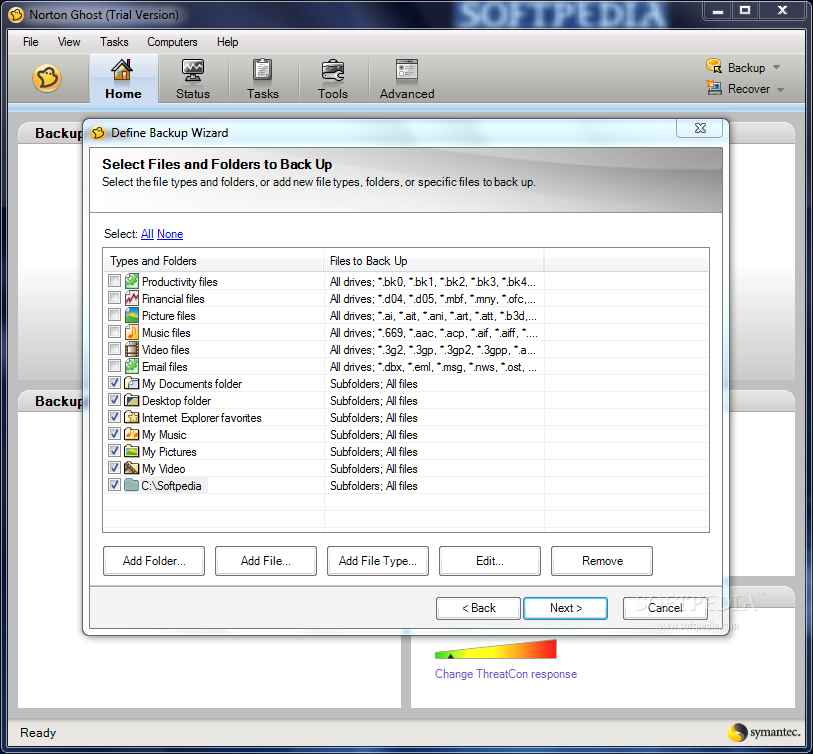
· File and folder backup lets you back up only the files and folders you choose, rather than backing up and entire disk.
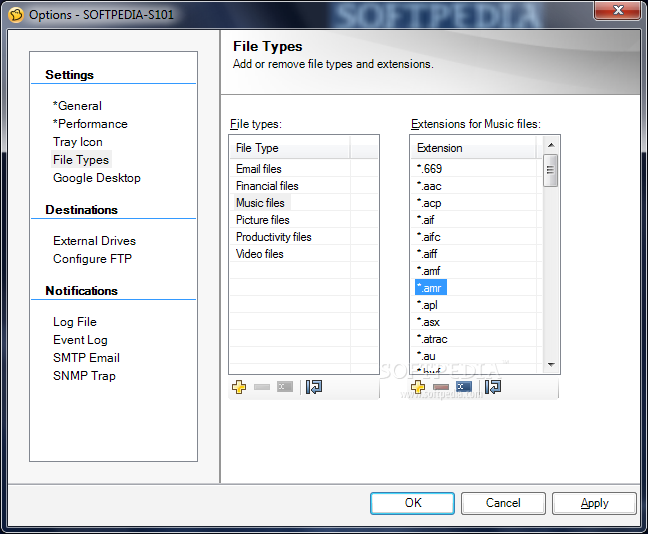
· File backup search finds and backs up only the types of files you choose, such as photos, MP3 files, and documents.
· Incremental backup copies only files that have changed for fewer, faster backups.
· Customizable, event-based backup triggers backups based on key events, such as when you install a new program or when there are sudden increases in data storage.
· Offsite backup copies recovery points to a FTP site for easier offsite backup management.
· NAS backup gives you the option of backing up your files to network-attached storage devices.
· Advanced compression automatically compresses files so you can store more files in less space.
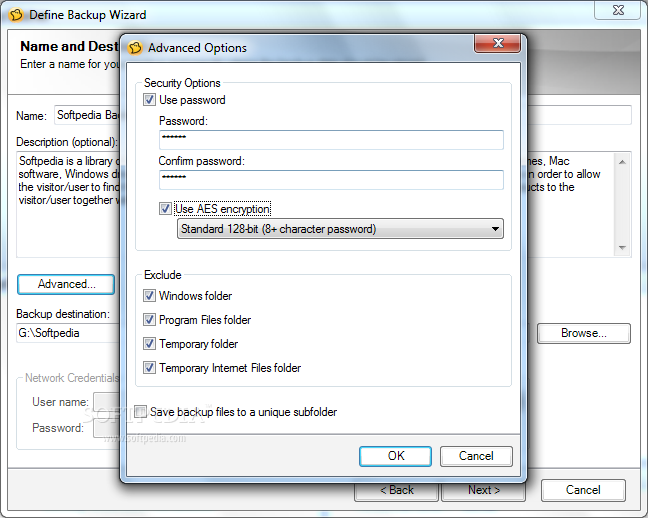
· Advanced encryption helps keep your sensitive documents safe from prying eyes.
· System protection lets you easily restore your system, applications and files even when you can’t restart the operating system.
· Google Desktop integration makes data recovery even faster with searchable backup indexes.
· LightsOut Restore lets you quickly restore your system without needing a bootable CD.
· Remote management lets you remotely control other Norton Ghost installations (12.0 and higher) on your local area network.
· Scheduled P2V allows you to automatically create a virtual disk from your most recent backup.
· Version support lets you restore older disk images made with Ghost 10, 12 and 14.
· Multiple storage options let you back up to almost any media, including Blu-ray Disc, CDR/RW and DVD+-R/RW drives, USB and FireWire (IEEE 1394) devices, network drives, and Iomega Zip and Jaz drives.
Requirements:
· Norton Ghost Agent: 512 MB RAM
· Norton Ghost user interface and Recovery Point Browser: 512 MB RAM
· Symantec Recovery Disk: 1 GB RAM minimum (dedicated)
· LightsOut Restore: 1 GB RAM
· When you install the entire product: Up to 430 MB is required for a full install, depending on the language of the product you select.
· Recovery points: Sufficient hard disk space on a local hard disk or network server for storing recovery points.
· The size of recovery points depends on the amount of data you have backed up and the type of recovery point that is stored.
· LightsOut Restore: 2 GB HDD space
· Microsoft .NET Framework 2.0 or later
· The following virtual platforms are supported: VMware Workstation 4, 5, and 6; VMware ESX 3.0, 3.5, and 4.0; VMware ESXi 3.5 and 4.0; VMware Server 1; Microsoft Virtual Server 2005 R2 and later; Microsoft Hyper-V 1.0 and 2.0;
Limitations:
· 30 days trial
· Nag screen What's New in This Release: [ read full changelog ]
Norton Ghost now includes support for the following virtual platforms:
· VMware ESX 3.5i and 4.0i
· VMware ESX 3.5 and 4.0
Norton Ghost now includes support for the following platforms:
· Windows 7 (all editions)
· Windows Vista with SP2 (includes Home Basic, Home Premium, Business-Retail, and Ultimate)
· You can now create independent recovery points using the new Back Up My Computer feature in Symantec Recovery Disk. Sometimes known as a cold backup or offline backup, you can create recovery points of a partition without the need to install Norton Ghost or its Agent.
· You can now create schedules to convert recovery points to VMware Virtual Disk and Microsoft Virtual Disks, or directly to a VMware ESX 3.5 server.
· You can now convert recovery points to Hyper-V format and also import recovery points to a Hyper-V server.
· Back up your computer directly to Blu-ray, DVD, or CD. Or, you can copy recovery points to Blu-ray, DVD, or CD.
· If you choose to delay installation of th...
|
|
 | |  | | Softpedia guarantees that Norton Ghost 15.0.0.35659 is 100% CLEAN, which means it does not contain any form of malware, including spyware, viruses, trojans and backdoors. [read more >] |
|
|
|