
A powerful benchmarking utility that stresses out your video card and lets you compare results with a large community across the Internet. #Performance benchmark #Graphics test #System benchmark #3D Mark #Benchmark #Performance

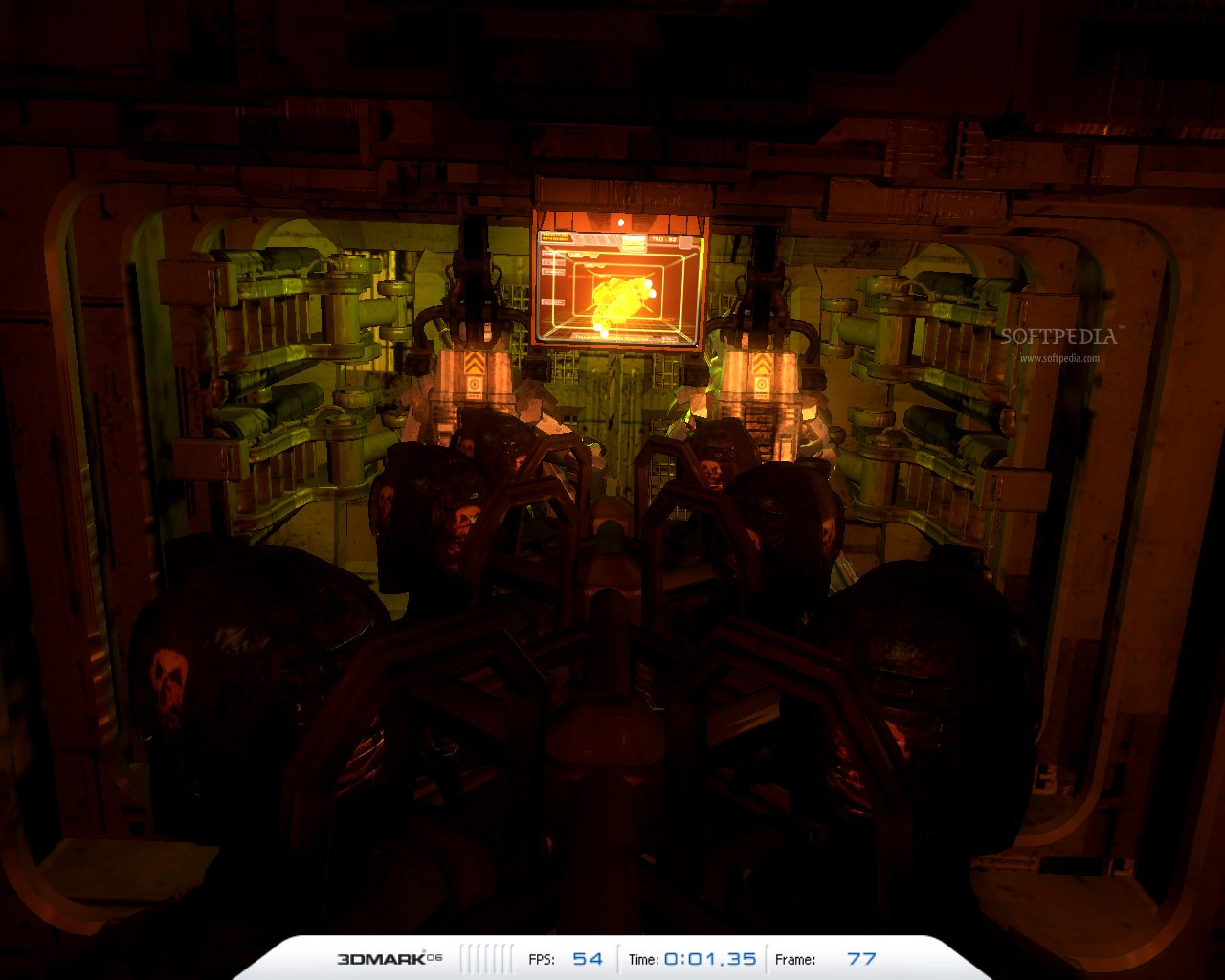
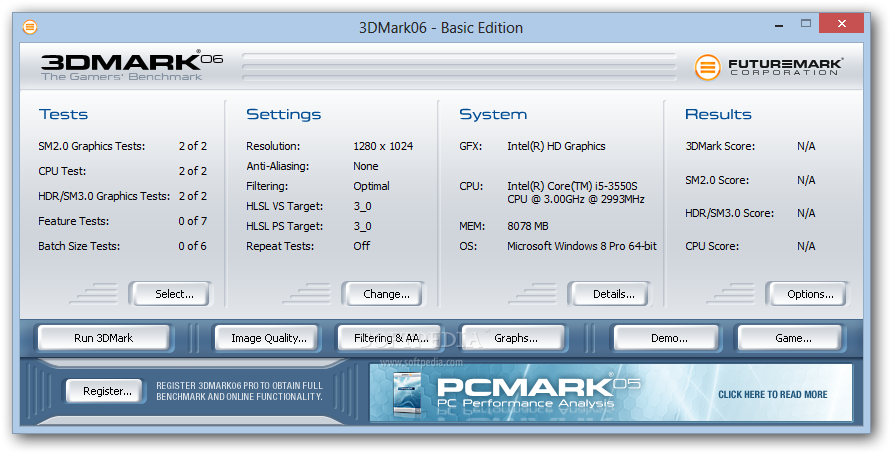
Before going ahead and running that long-awaited game, you might want to get an idea of how well it can run on your system. 3DMark06 is a benchmarking application designed to test DirectX9 video cards. It was designed to assess your computer’s 3D graphing rendering performance for game enthusiasts.
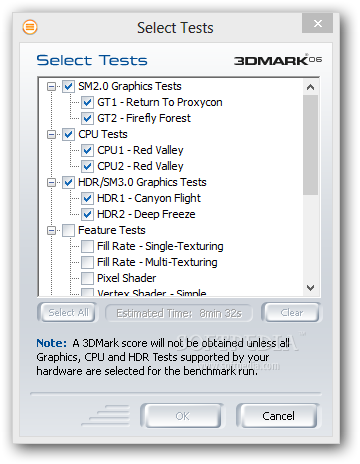
We're talking about a benchmarking tool that thoroughly analyzes your computer's performance by stressing it with a series of tests which are solely based on how well it handles video games. It can be deployed and run on devices such as desktops, notebooks, laptops and tablets running Windows XP.
The machine you plan on testing must be equipped with a DirectX 9.0c compatible video card in order for the tests to be launched and carried out successfully. The interface is user-friendly, intuitive and easy to understand.
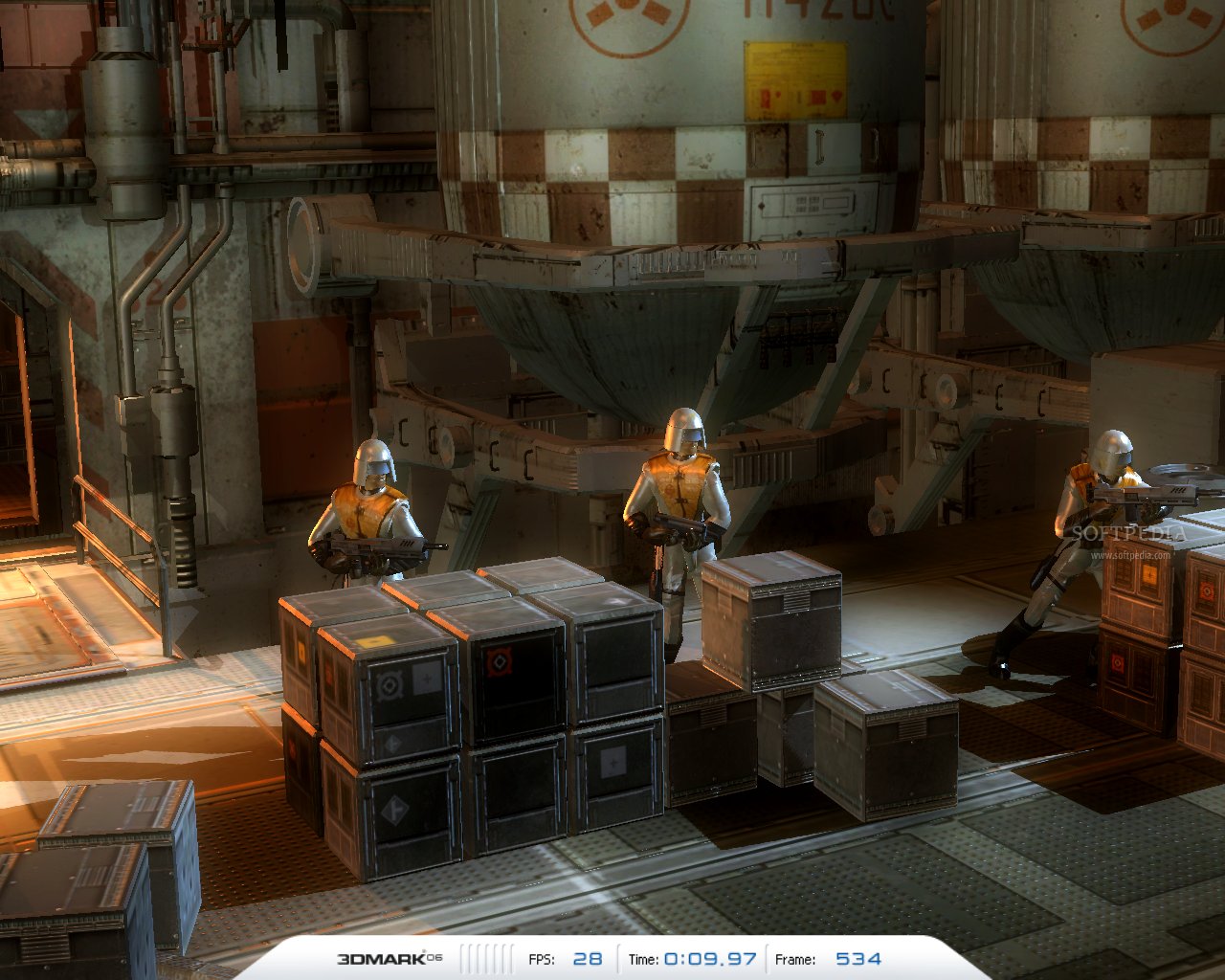
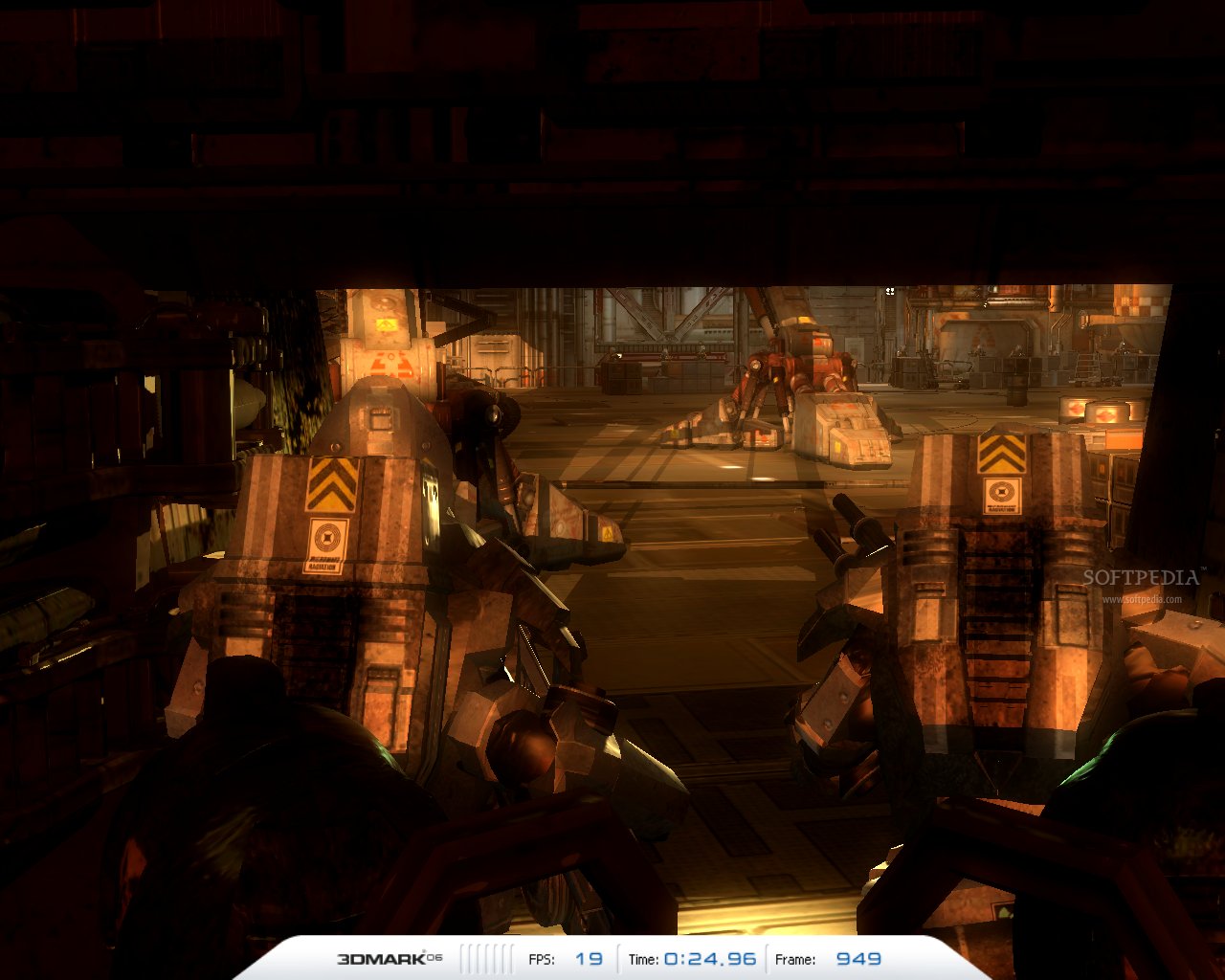
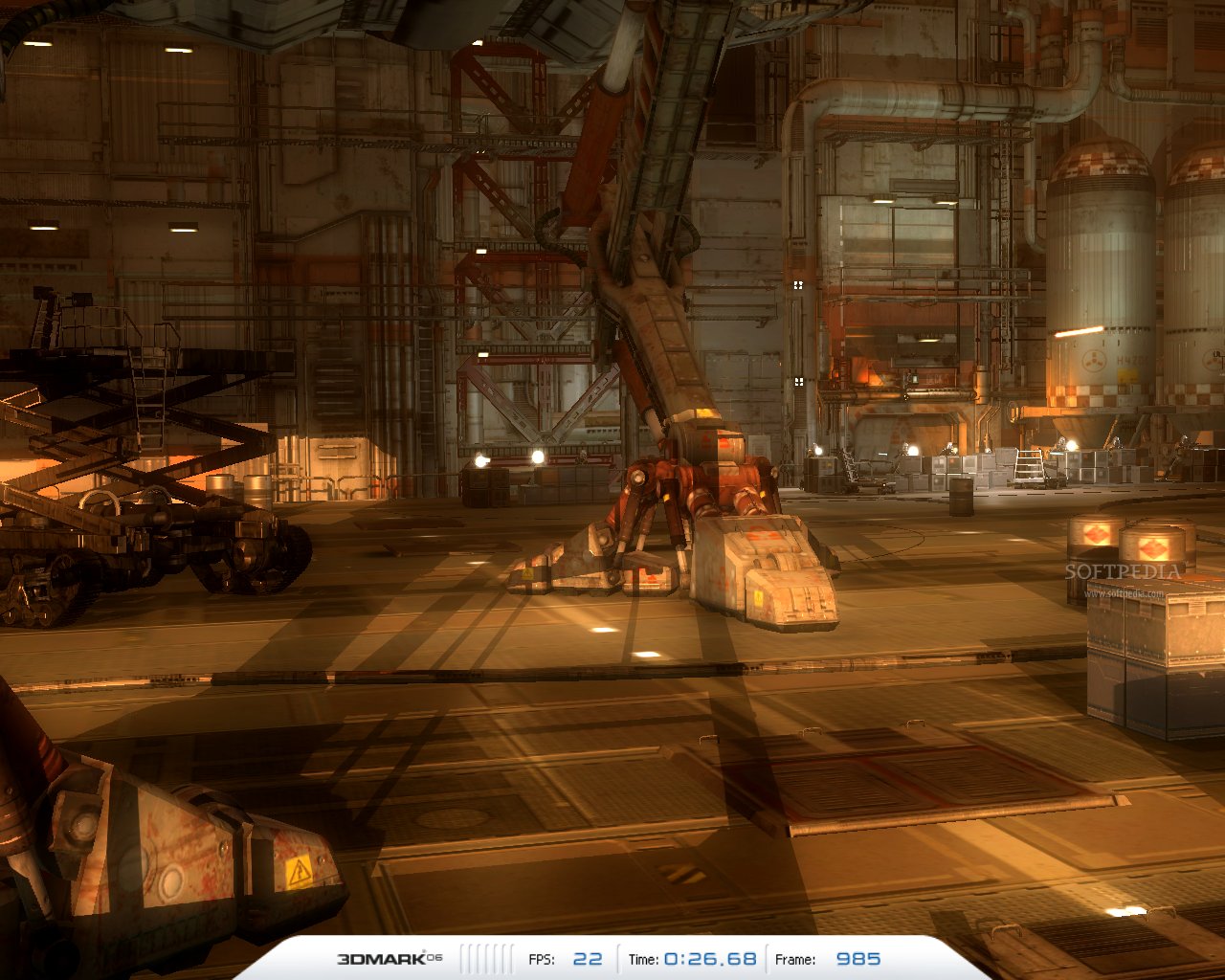
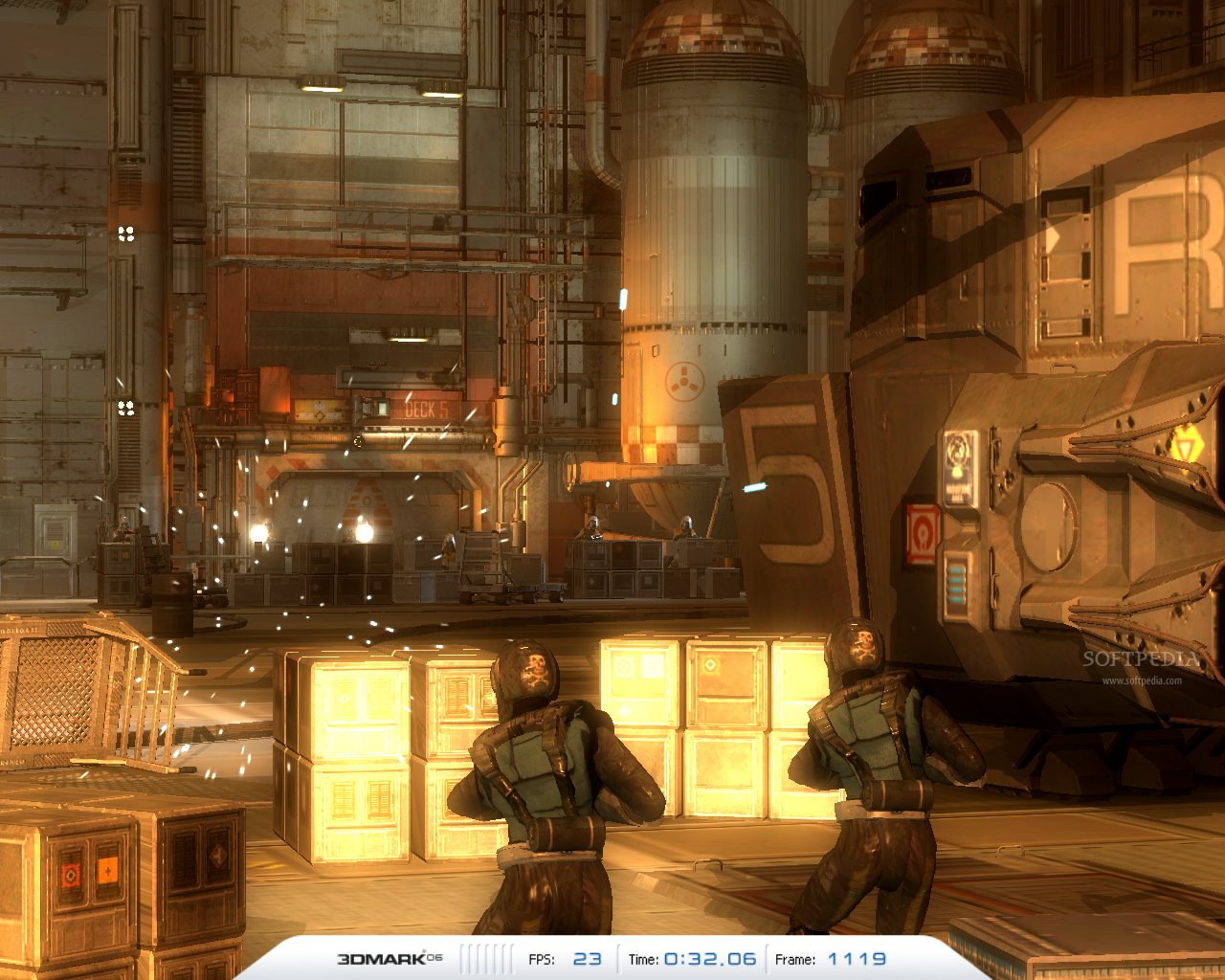
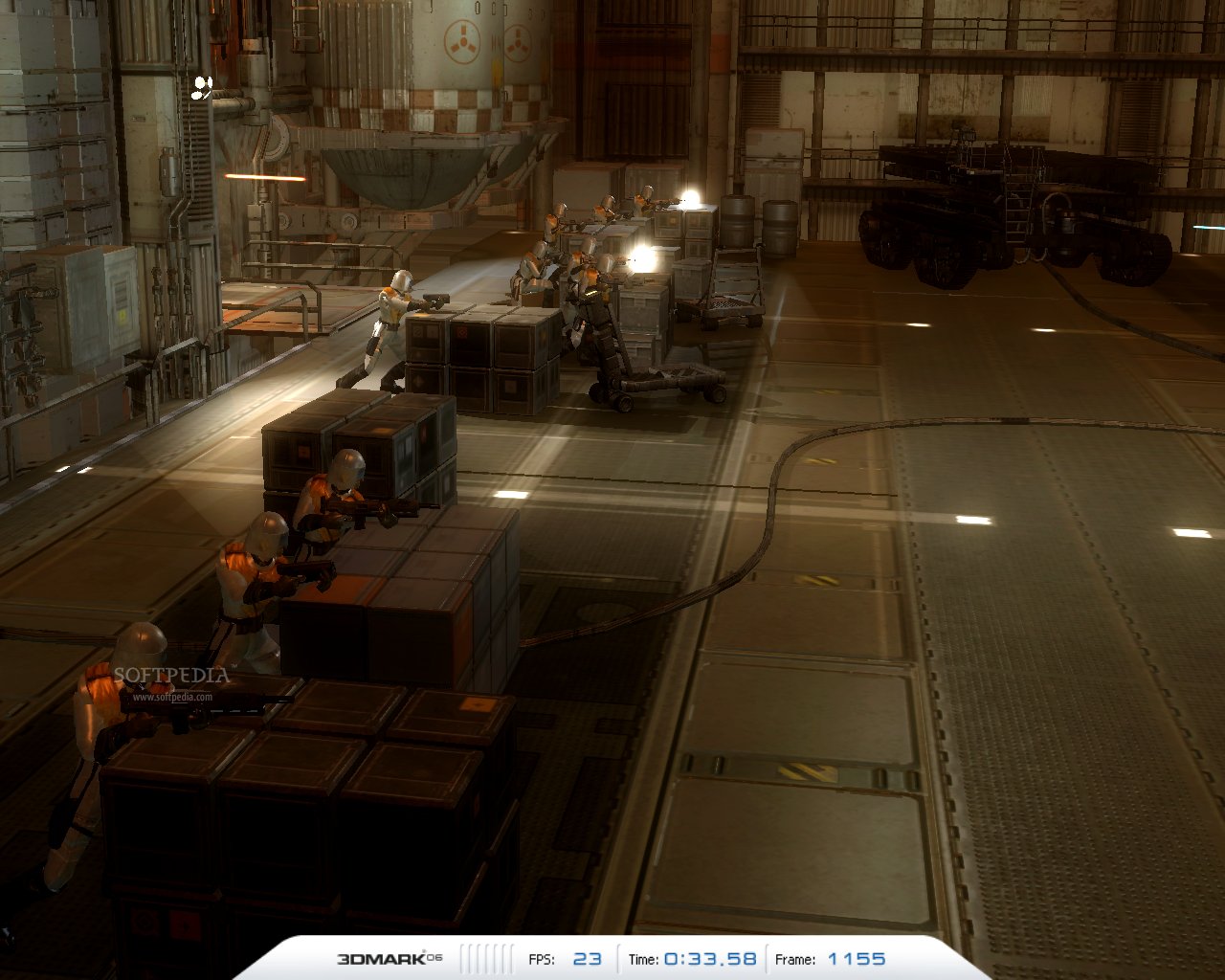
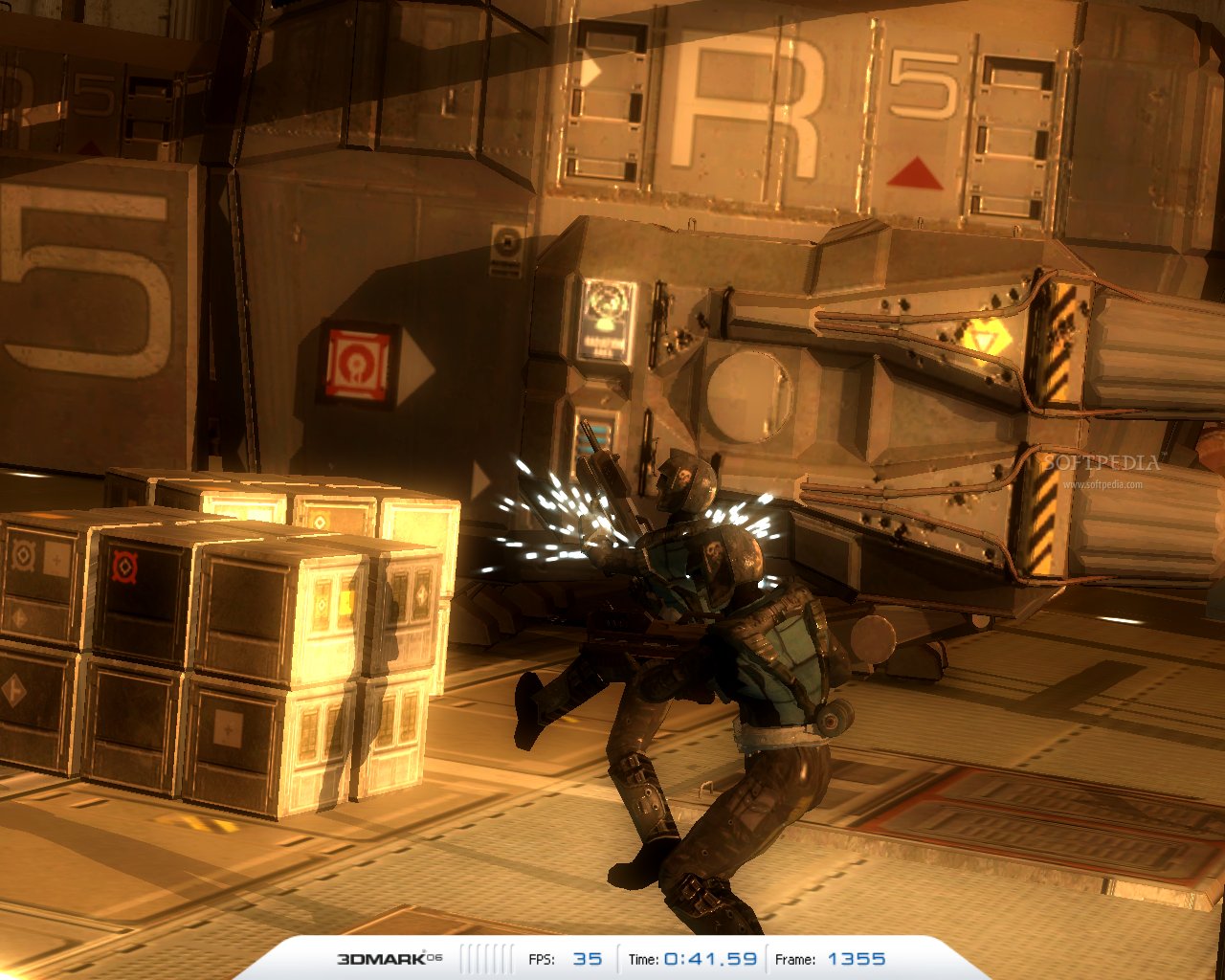
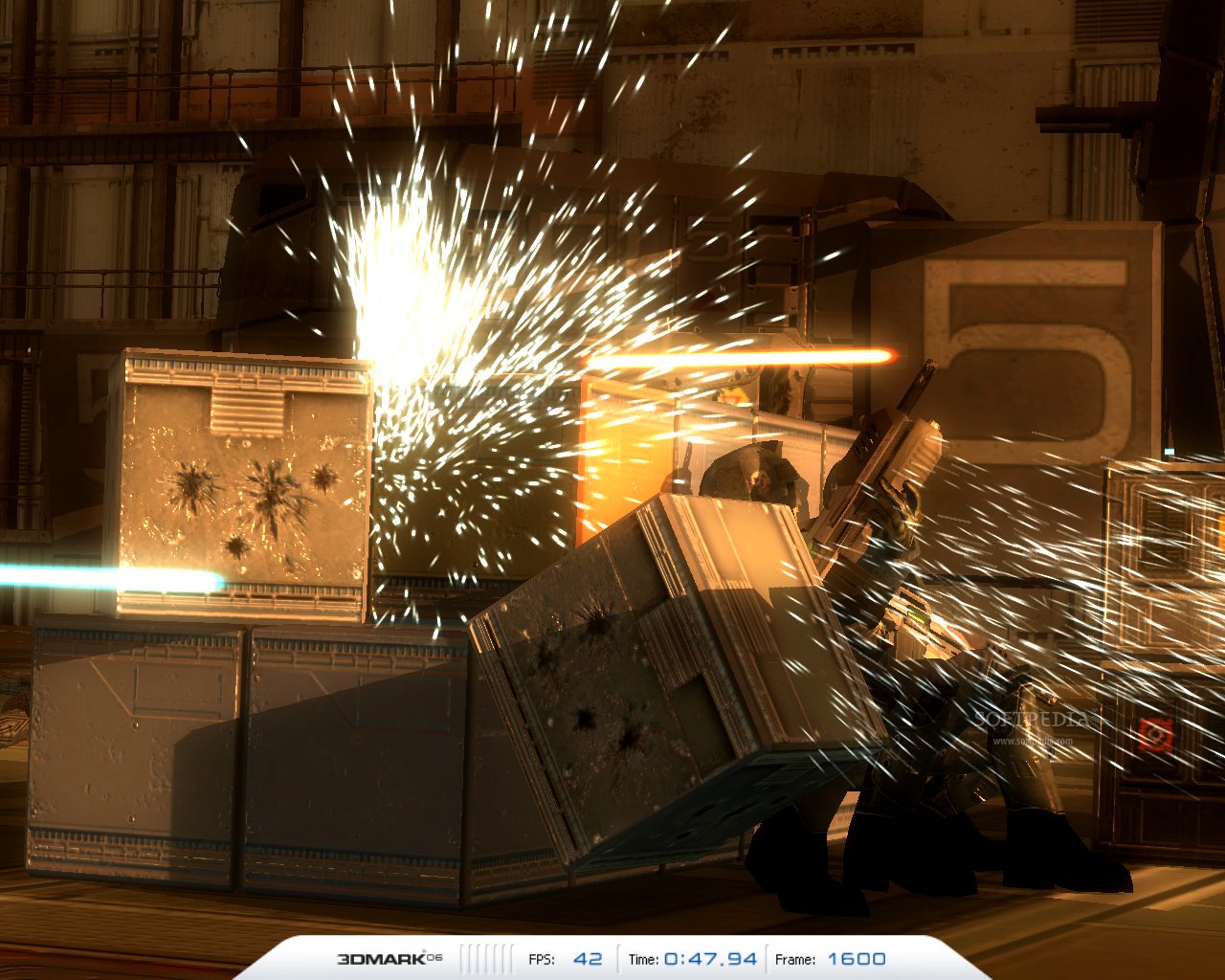
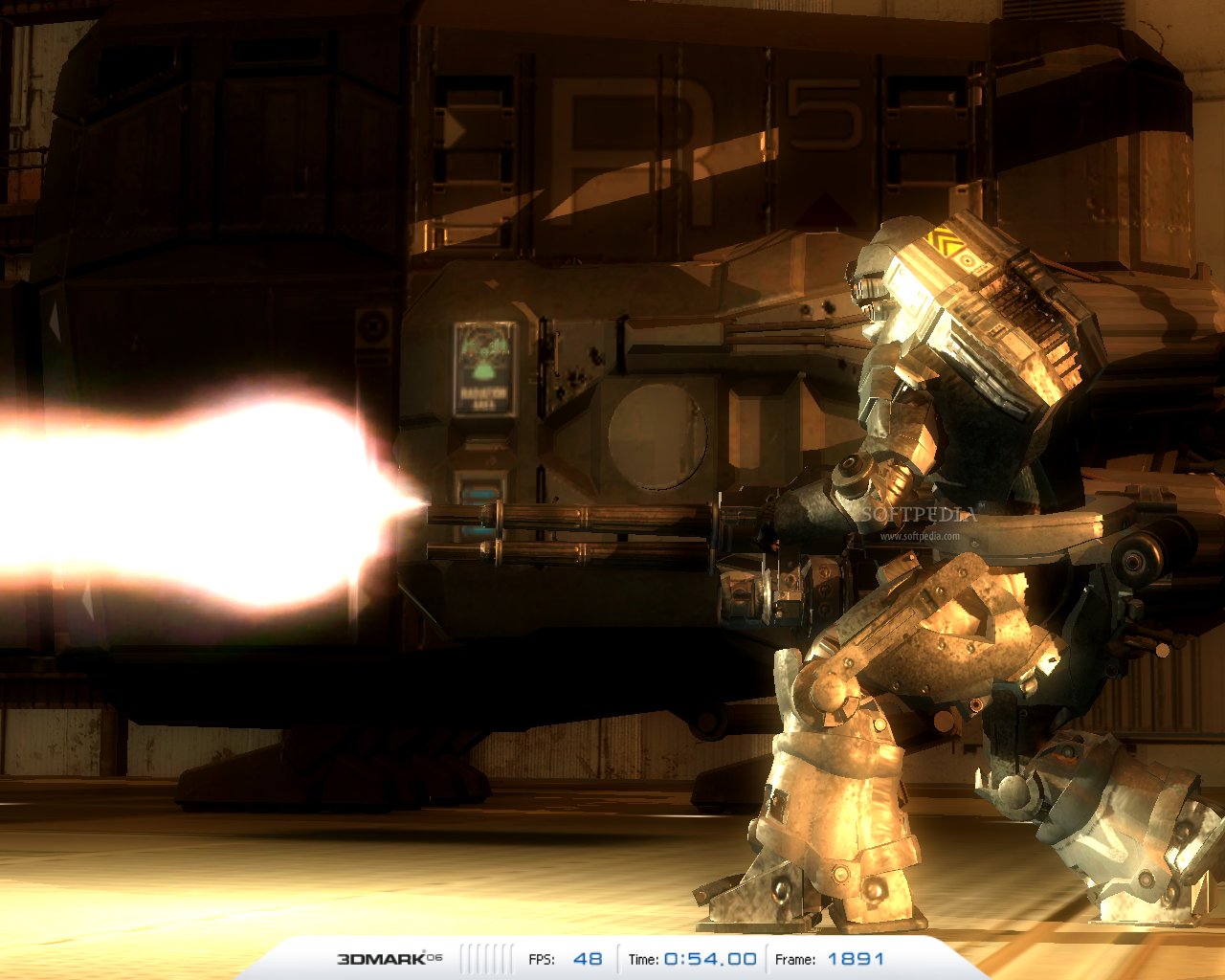
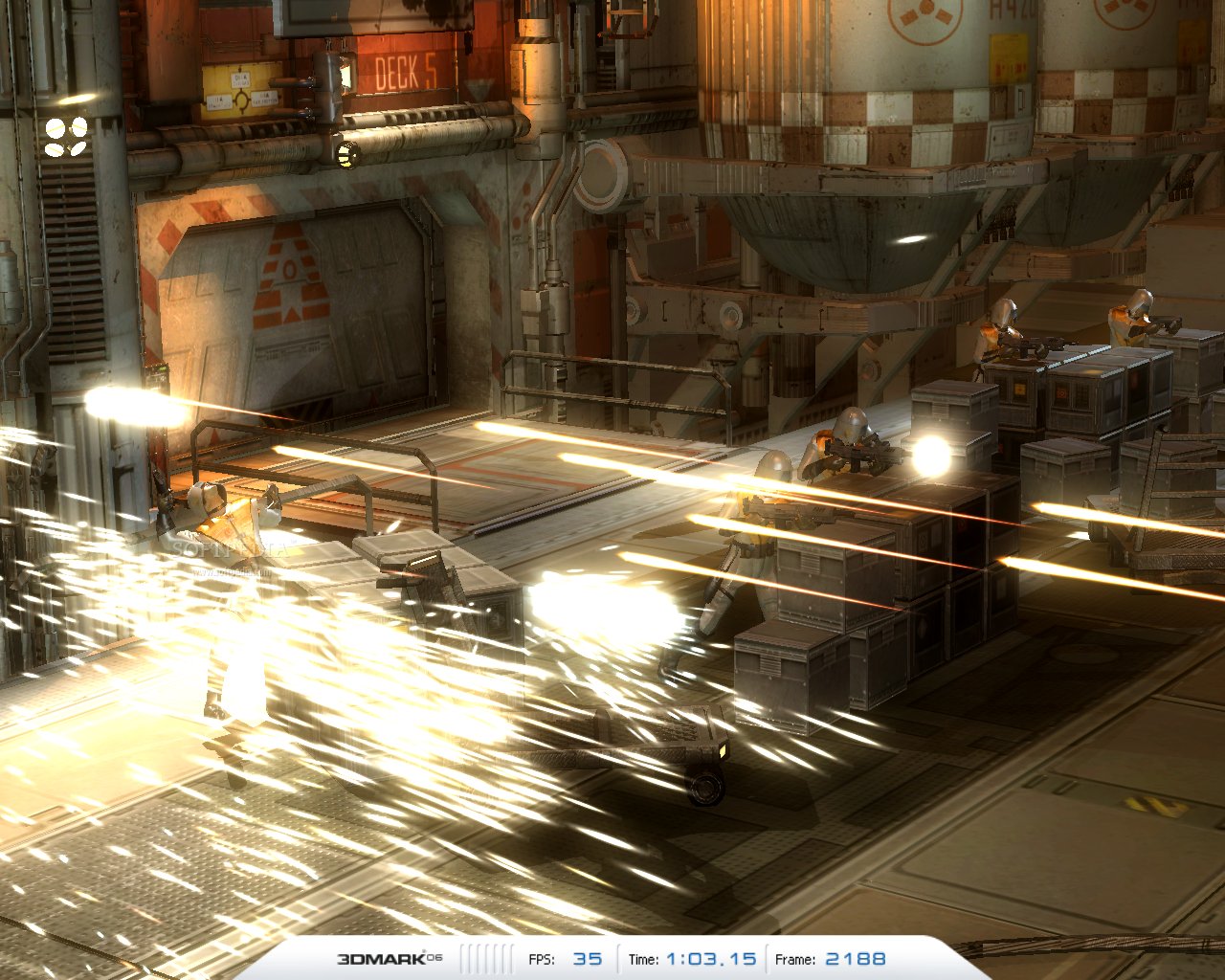
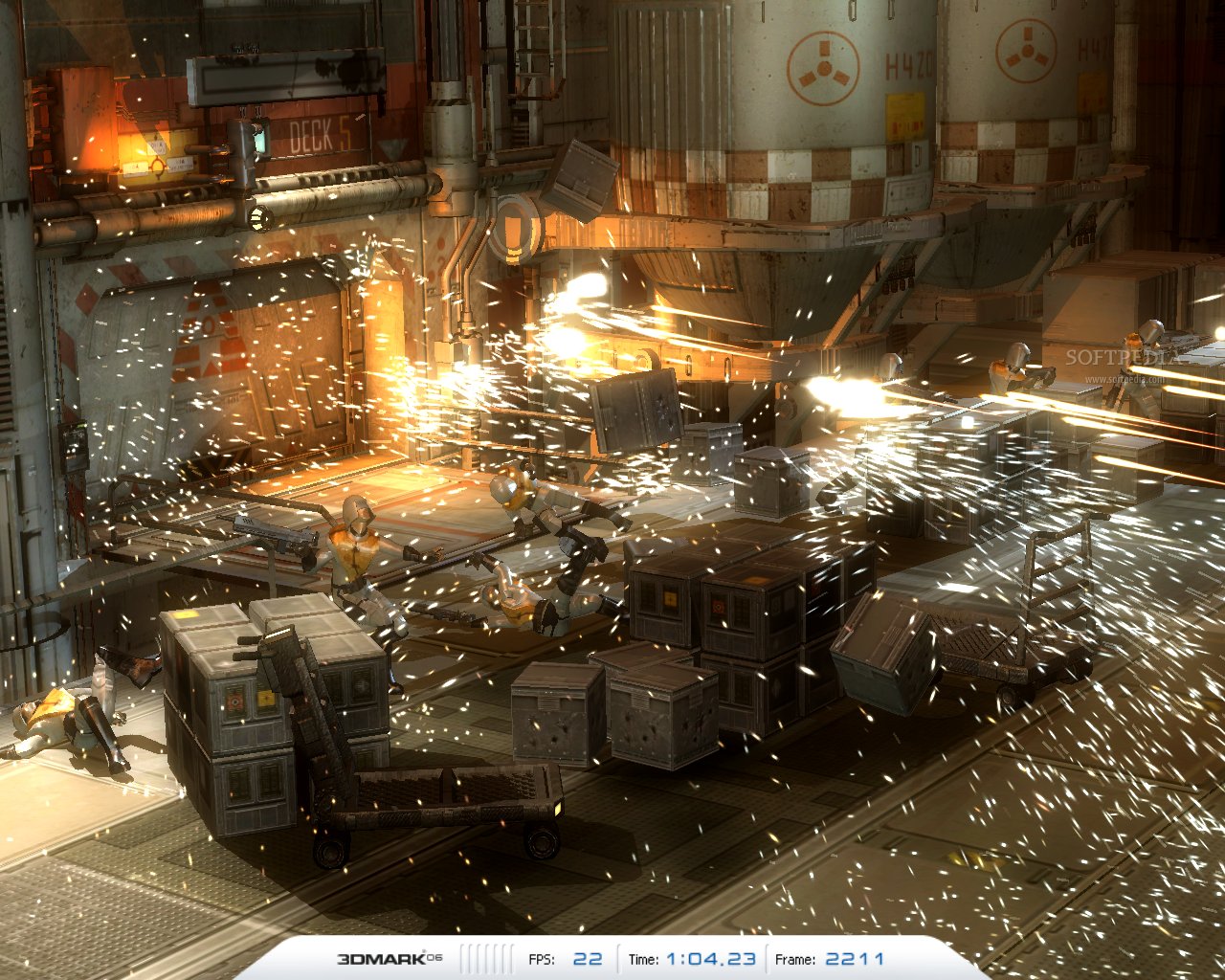
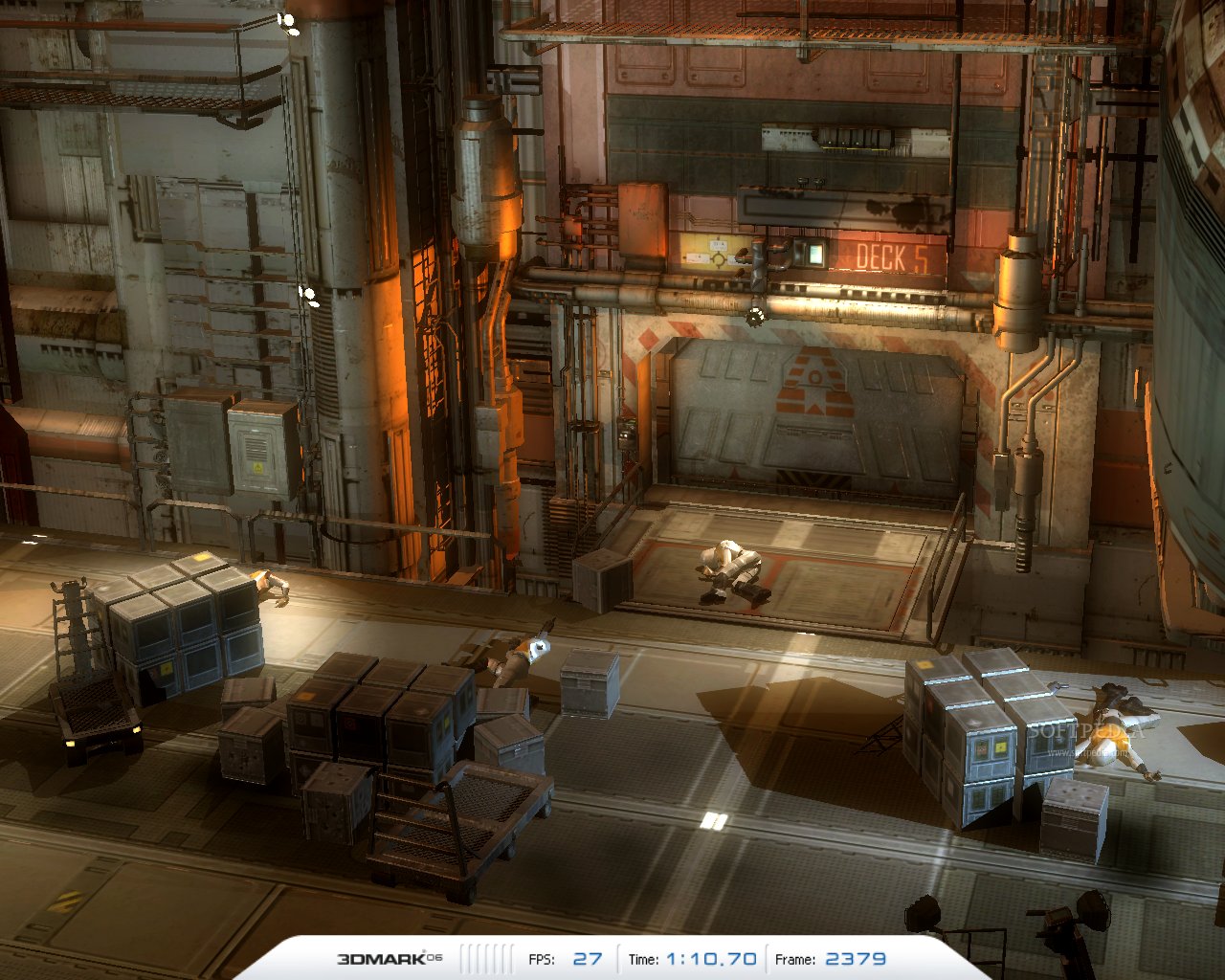
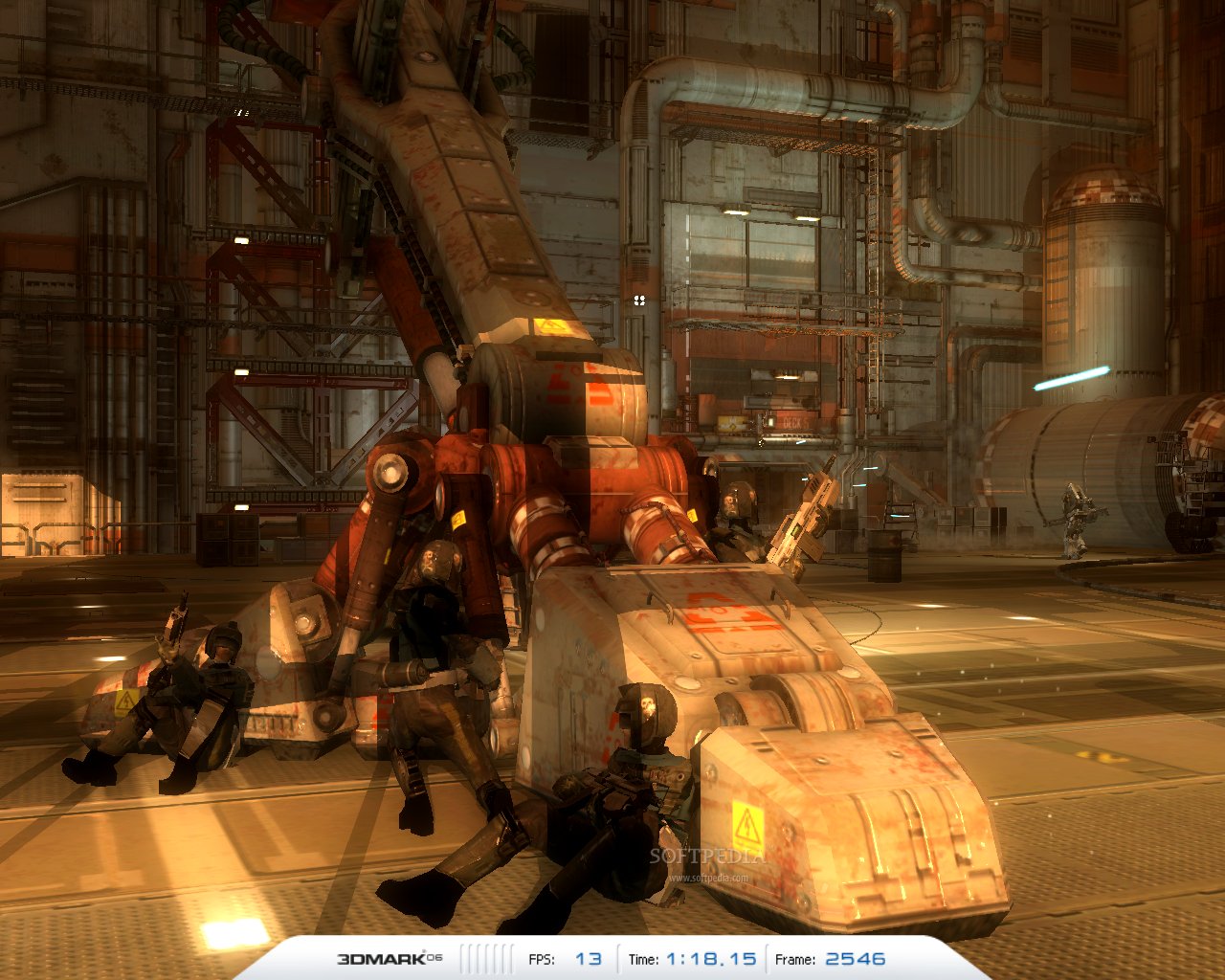
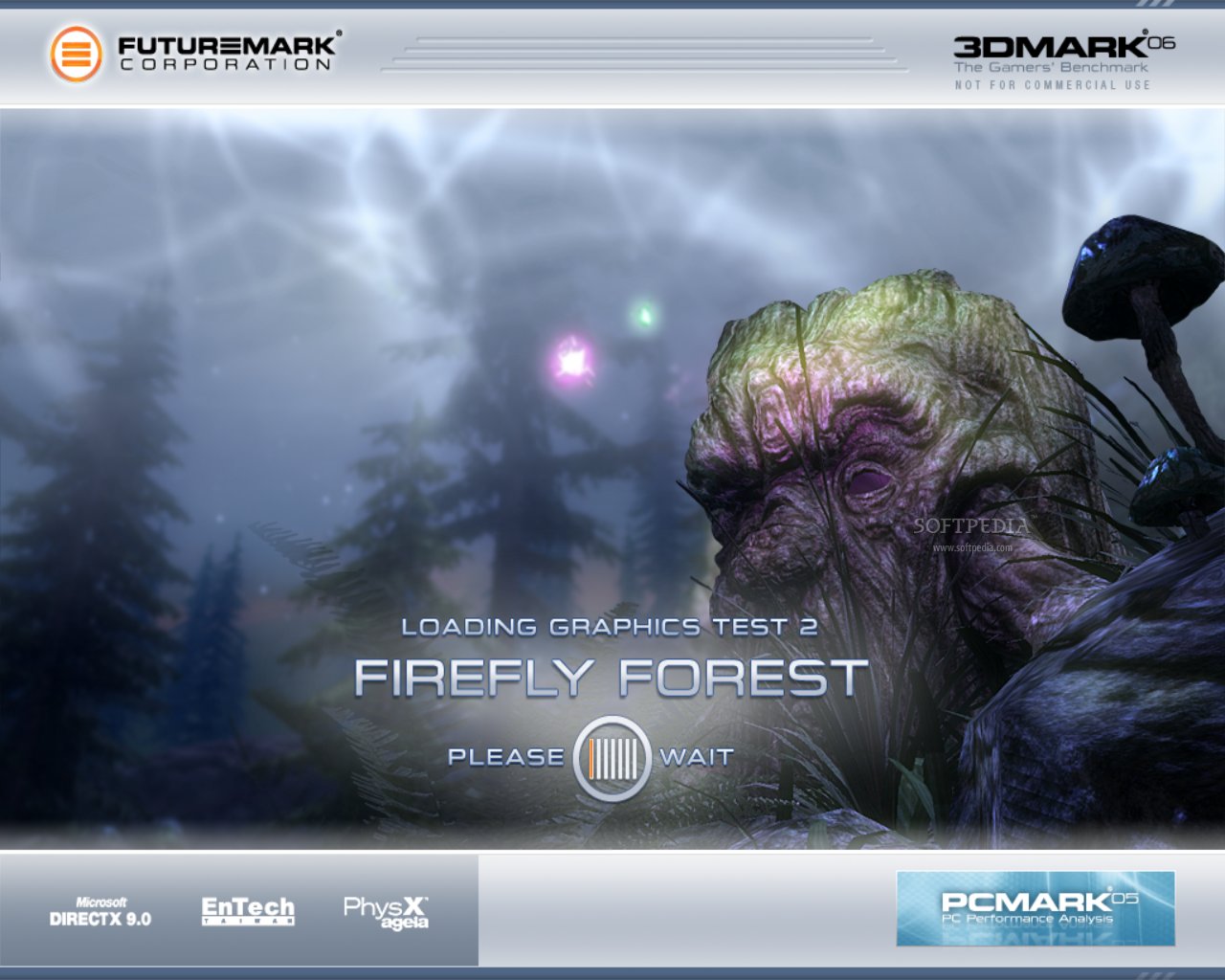
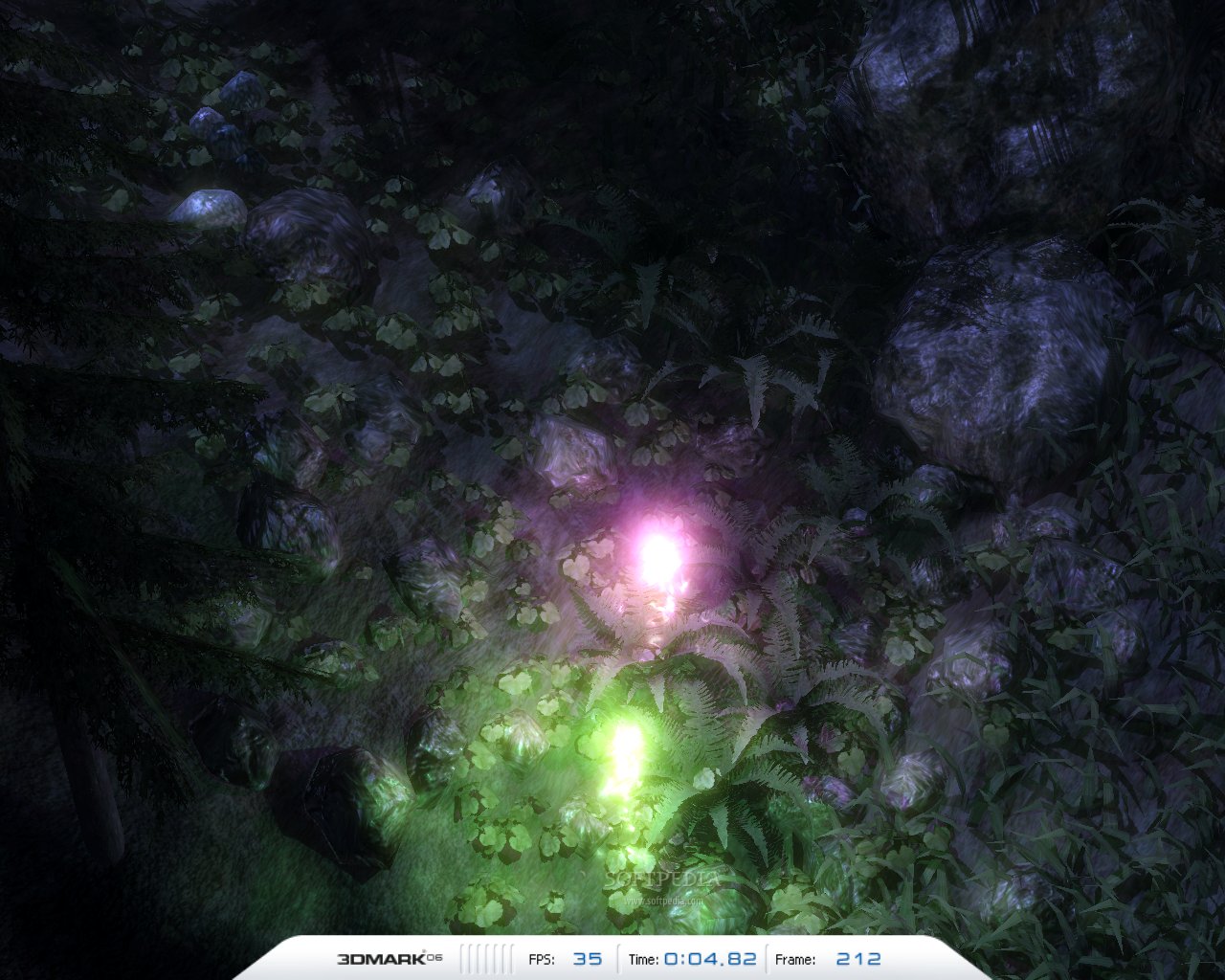
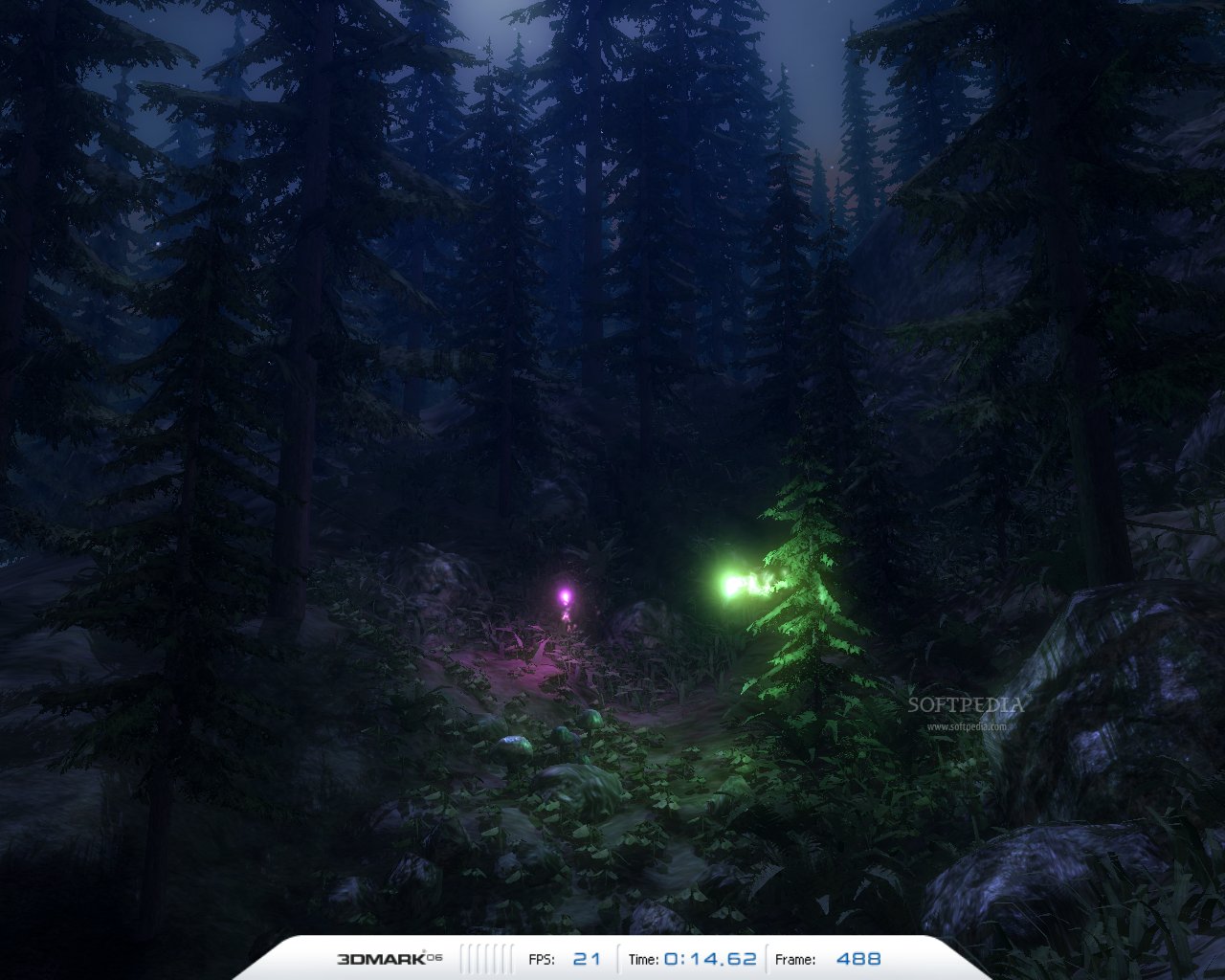
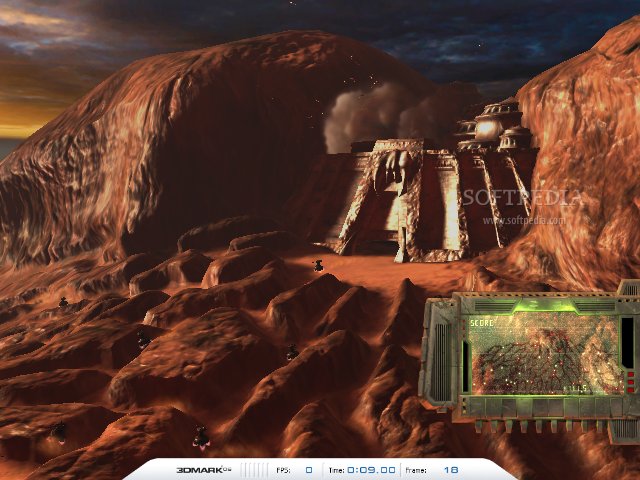
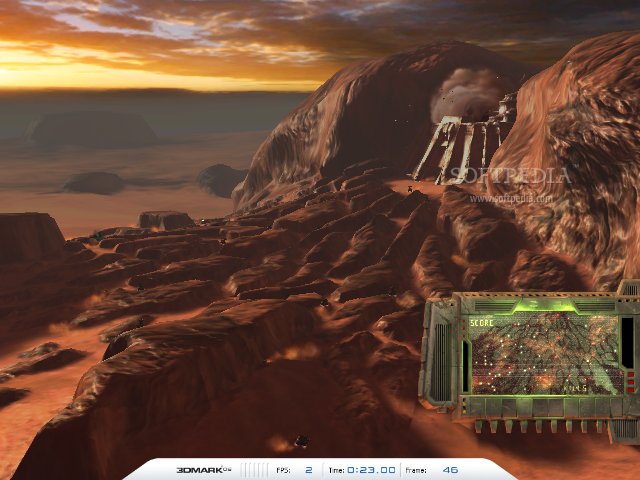
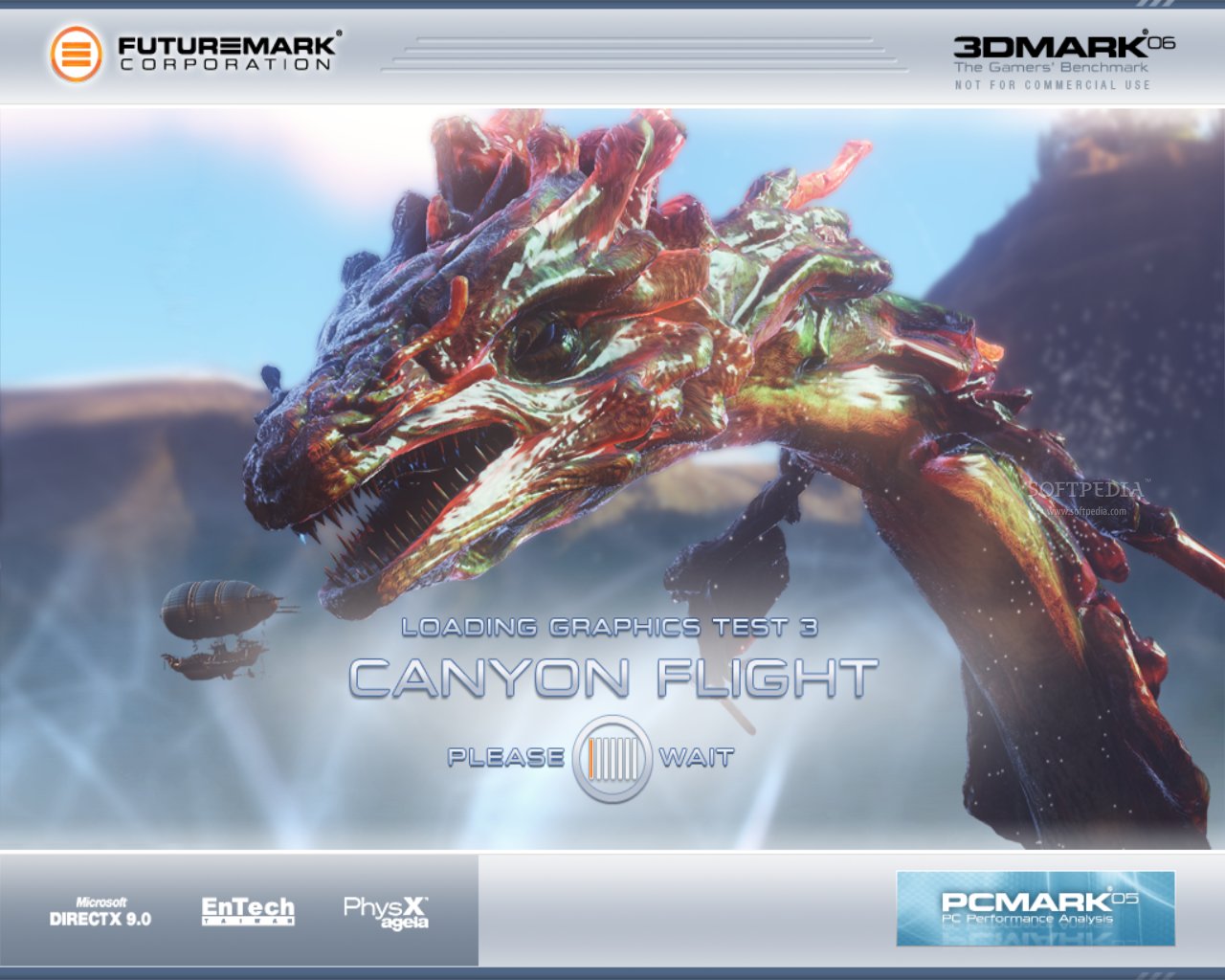
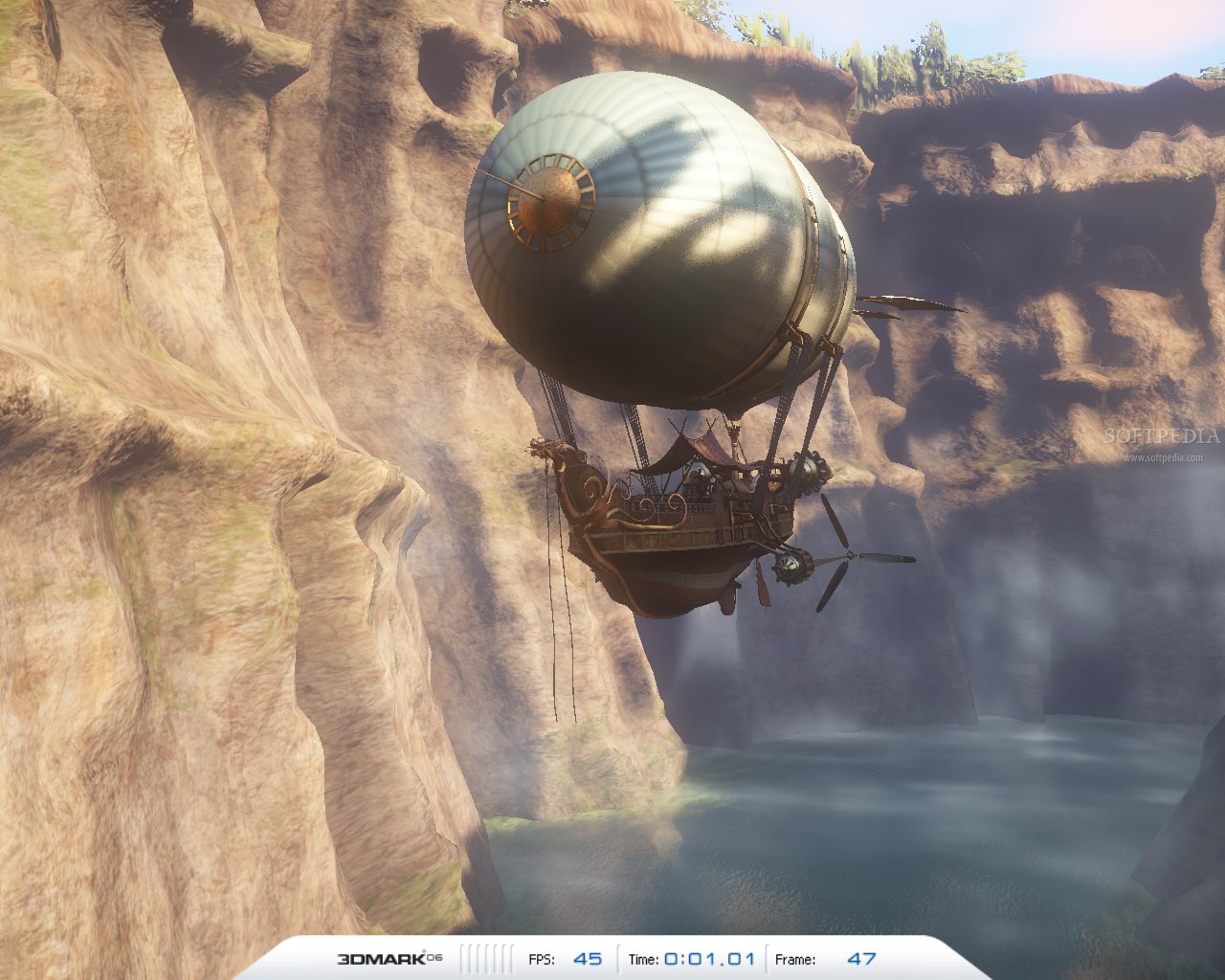
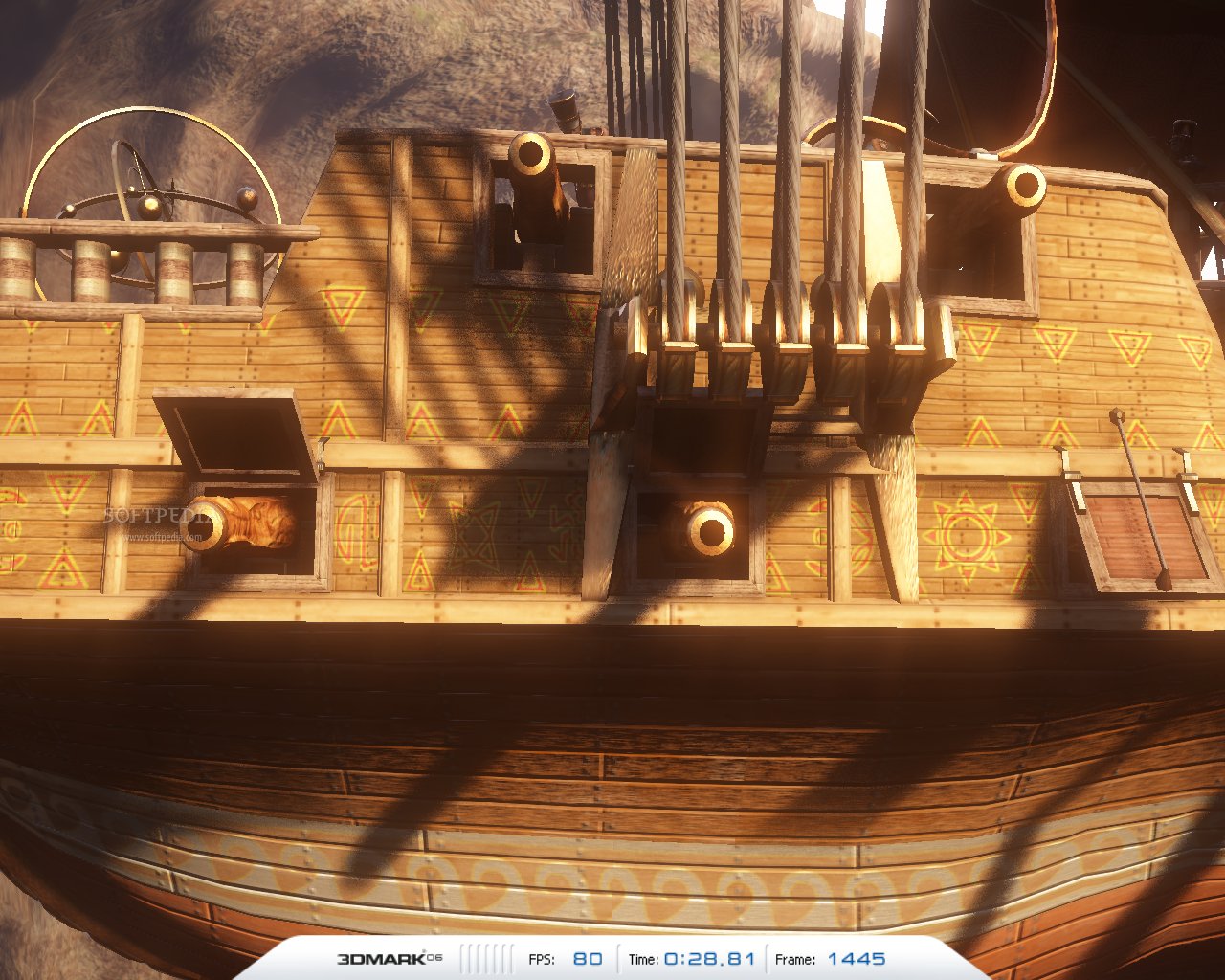
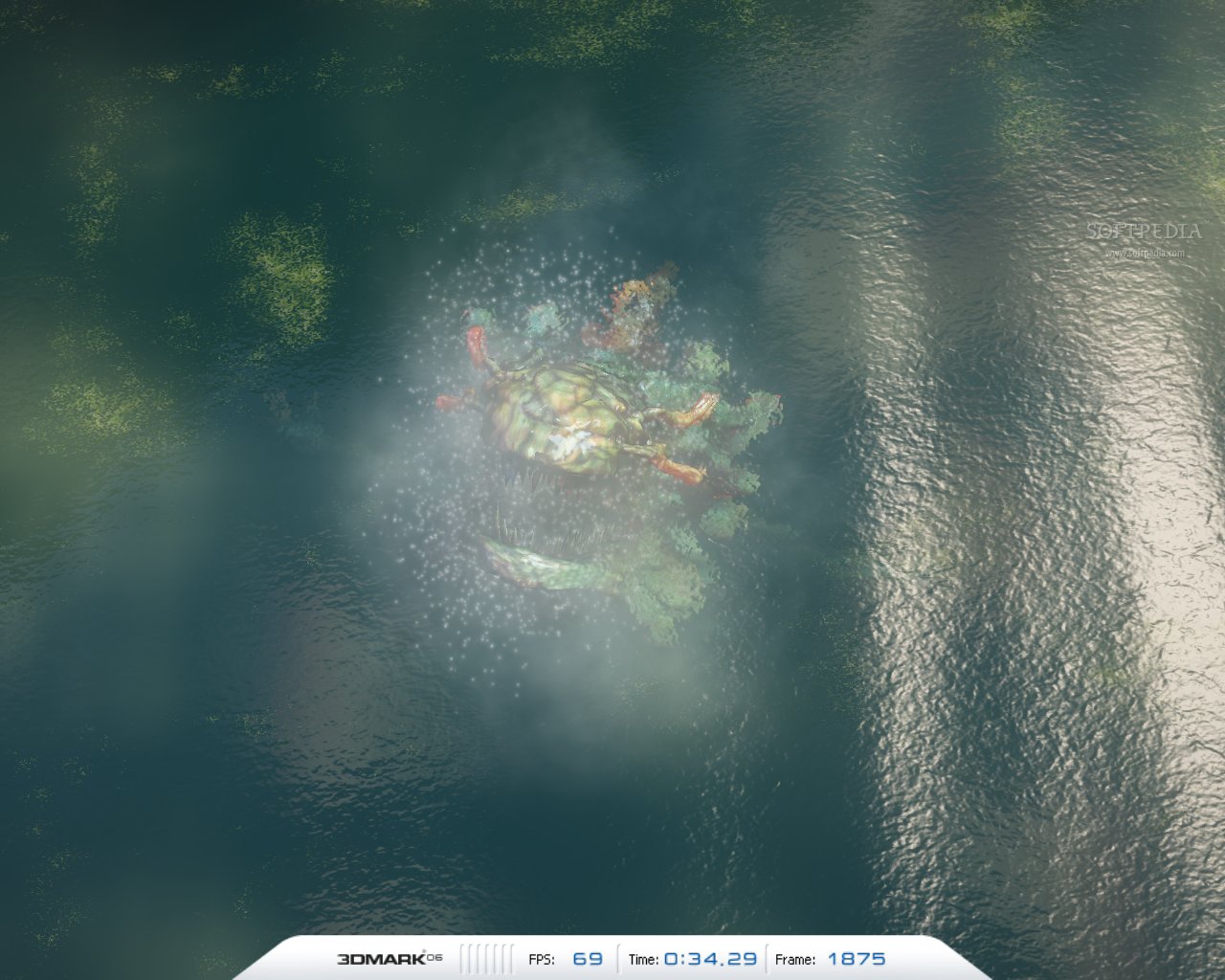
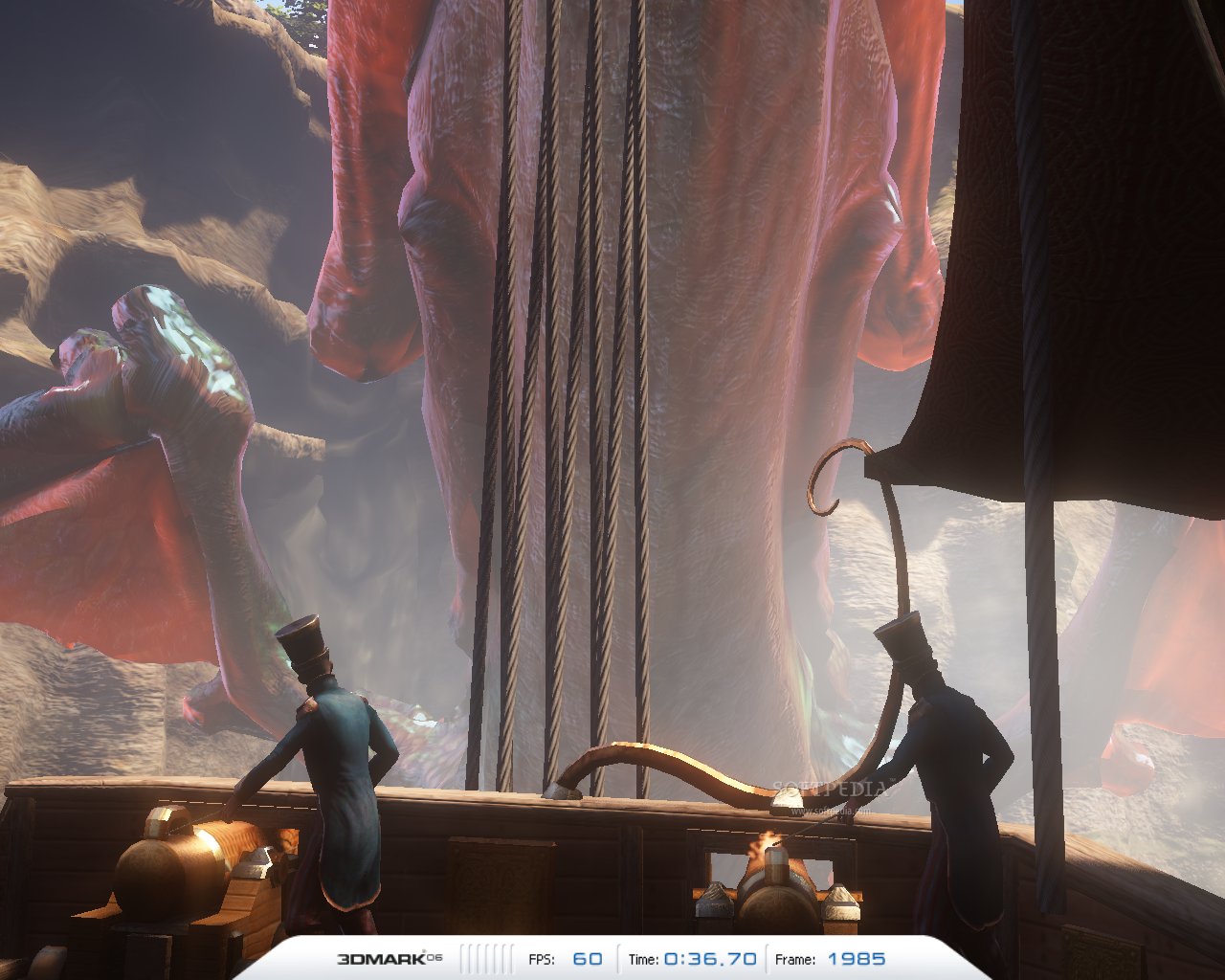
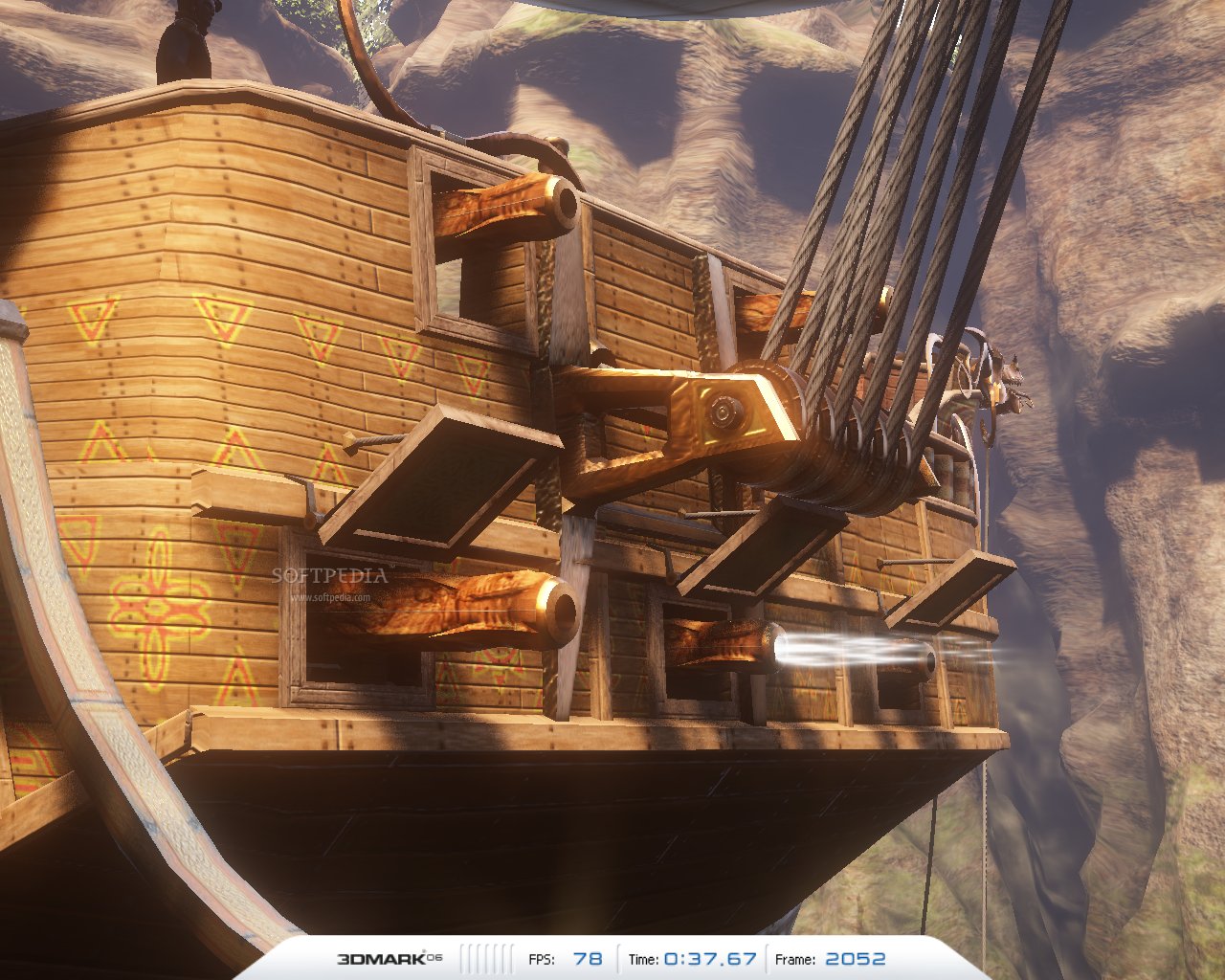
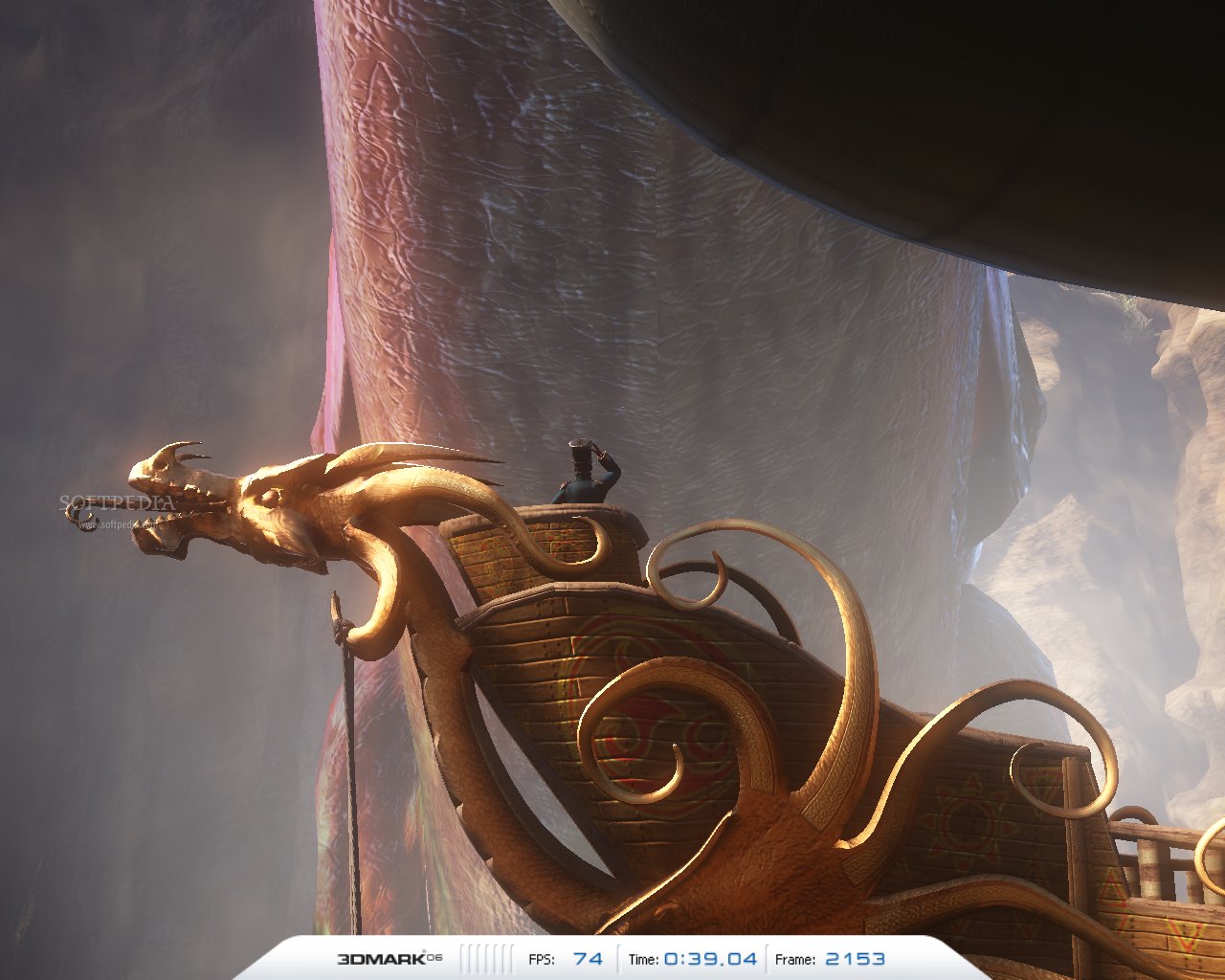
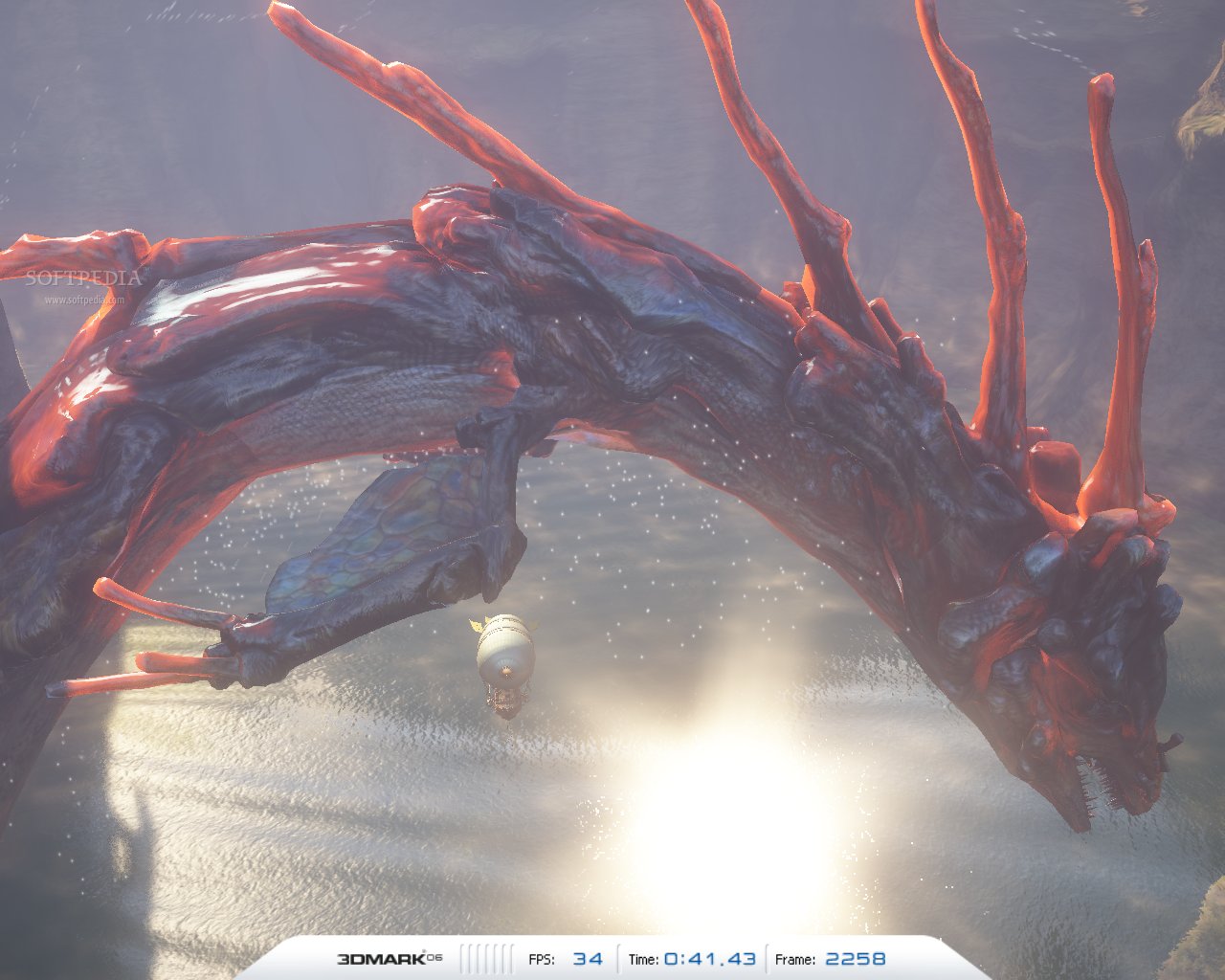
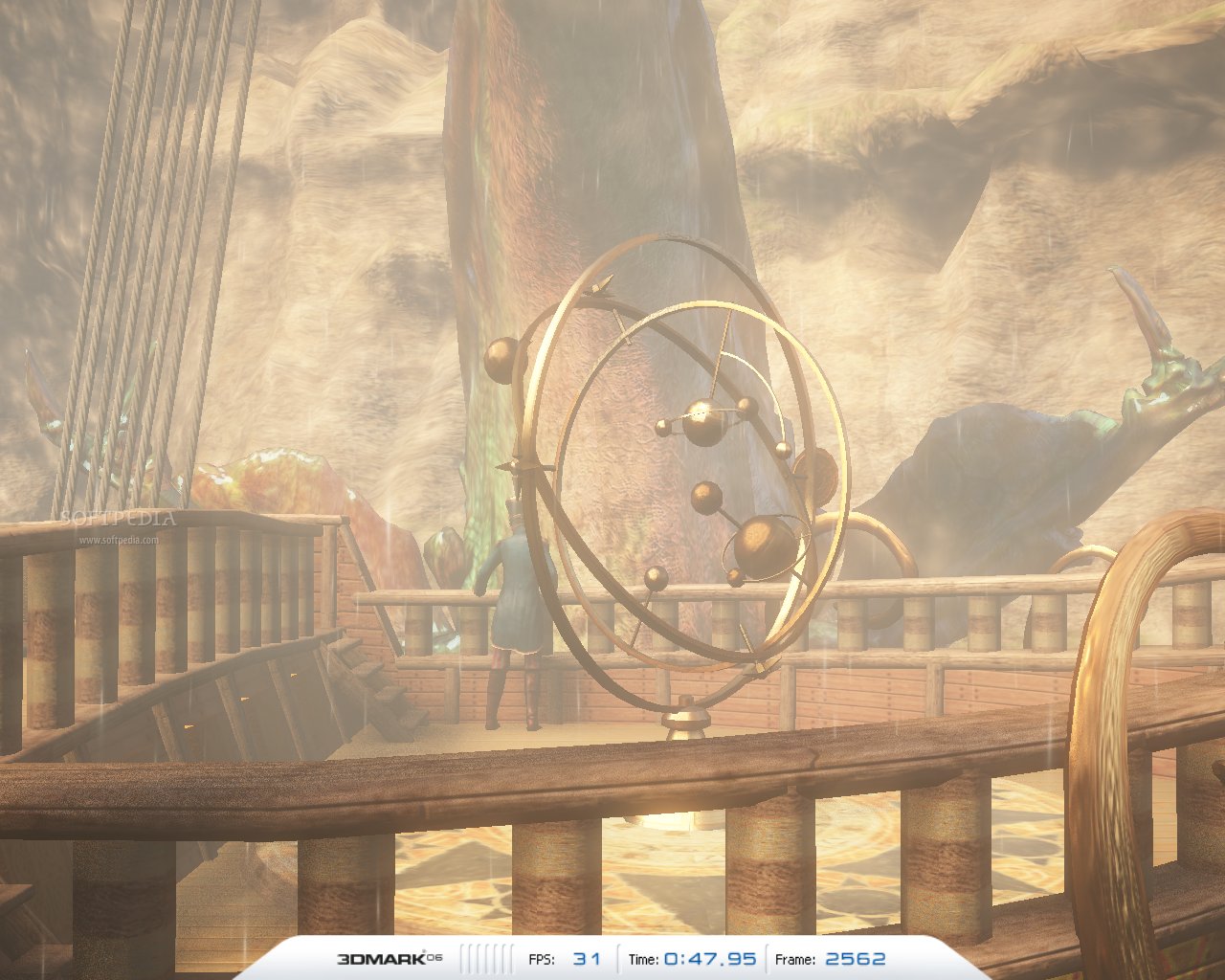
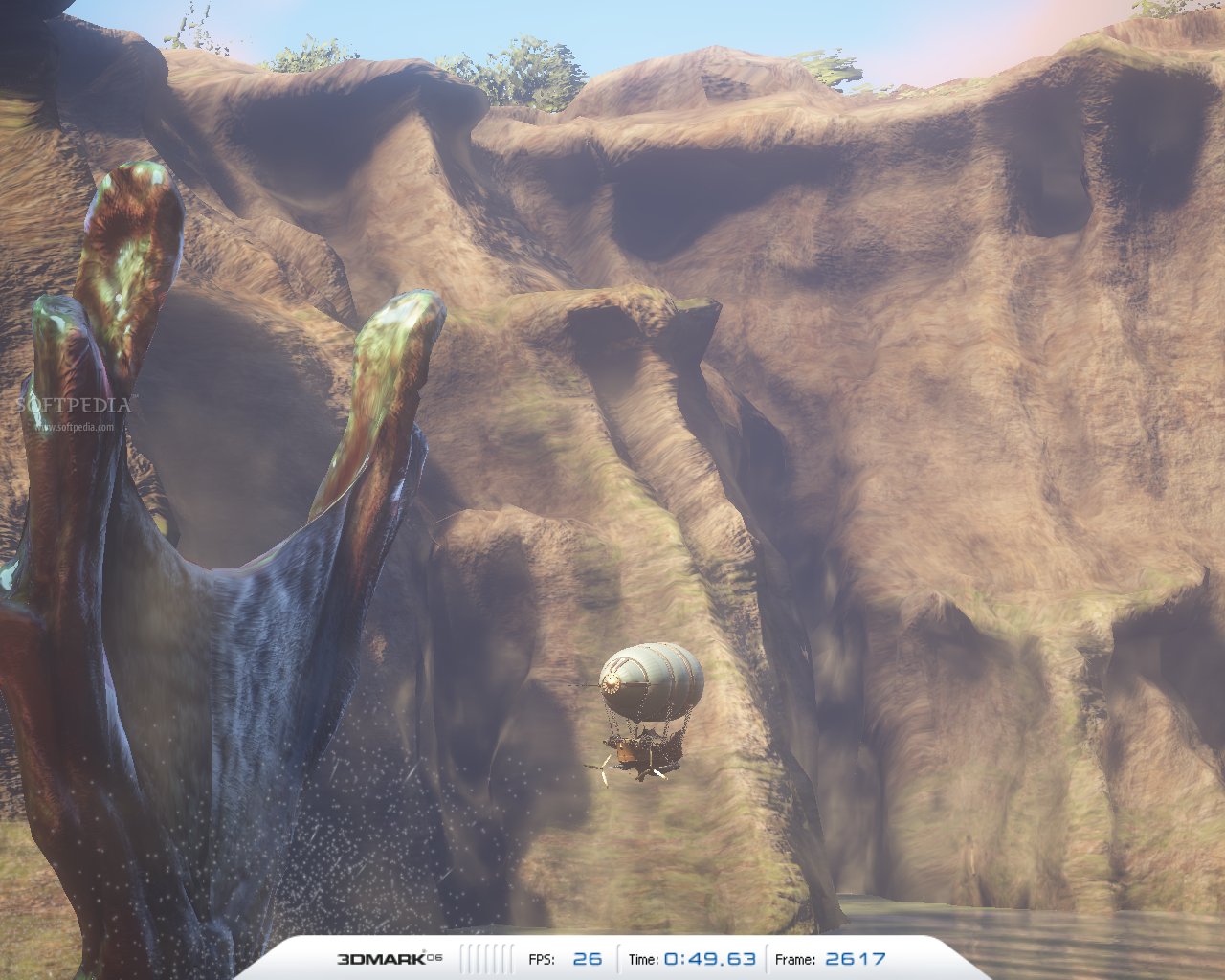
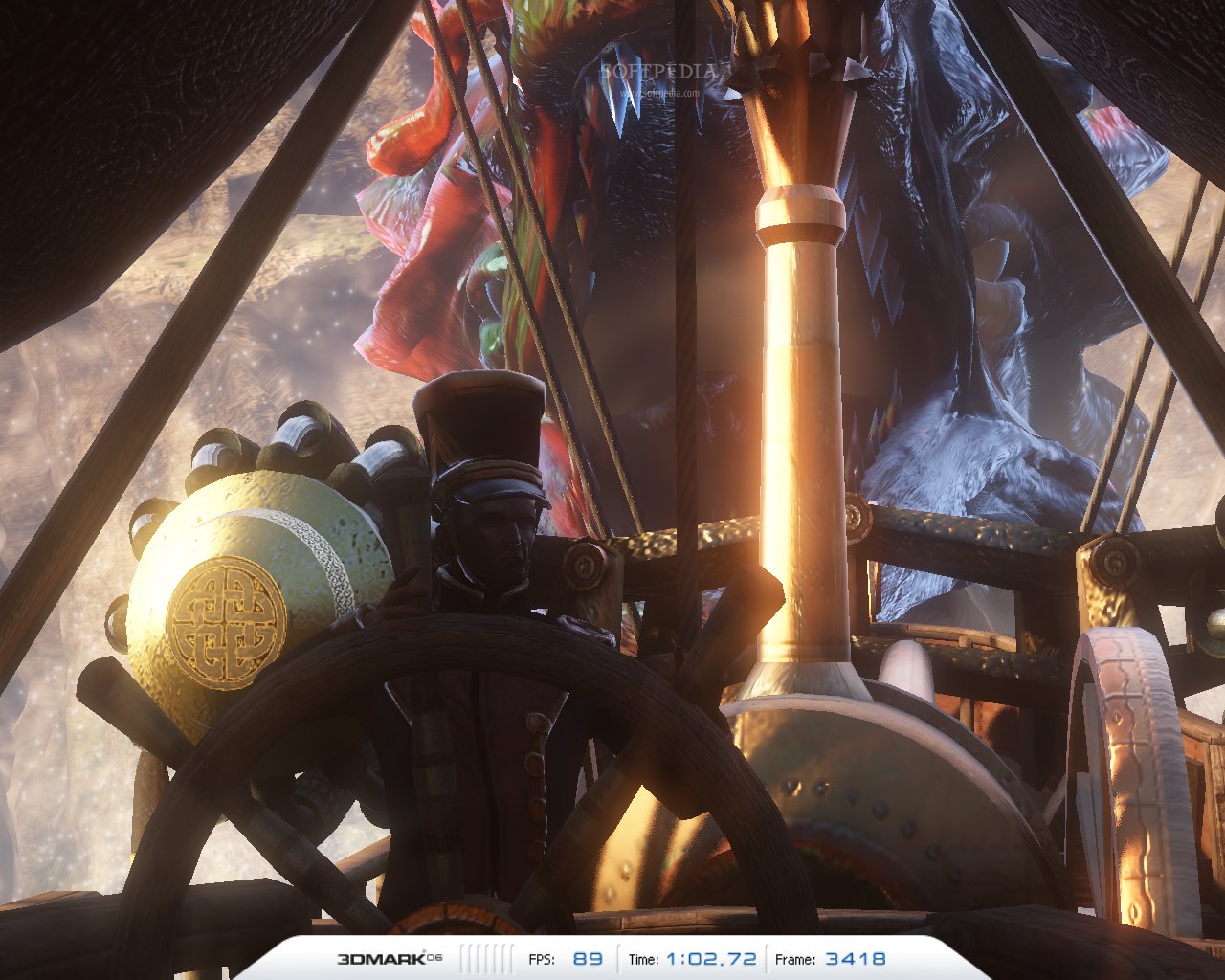
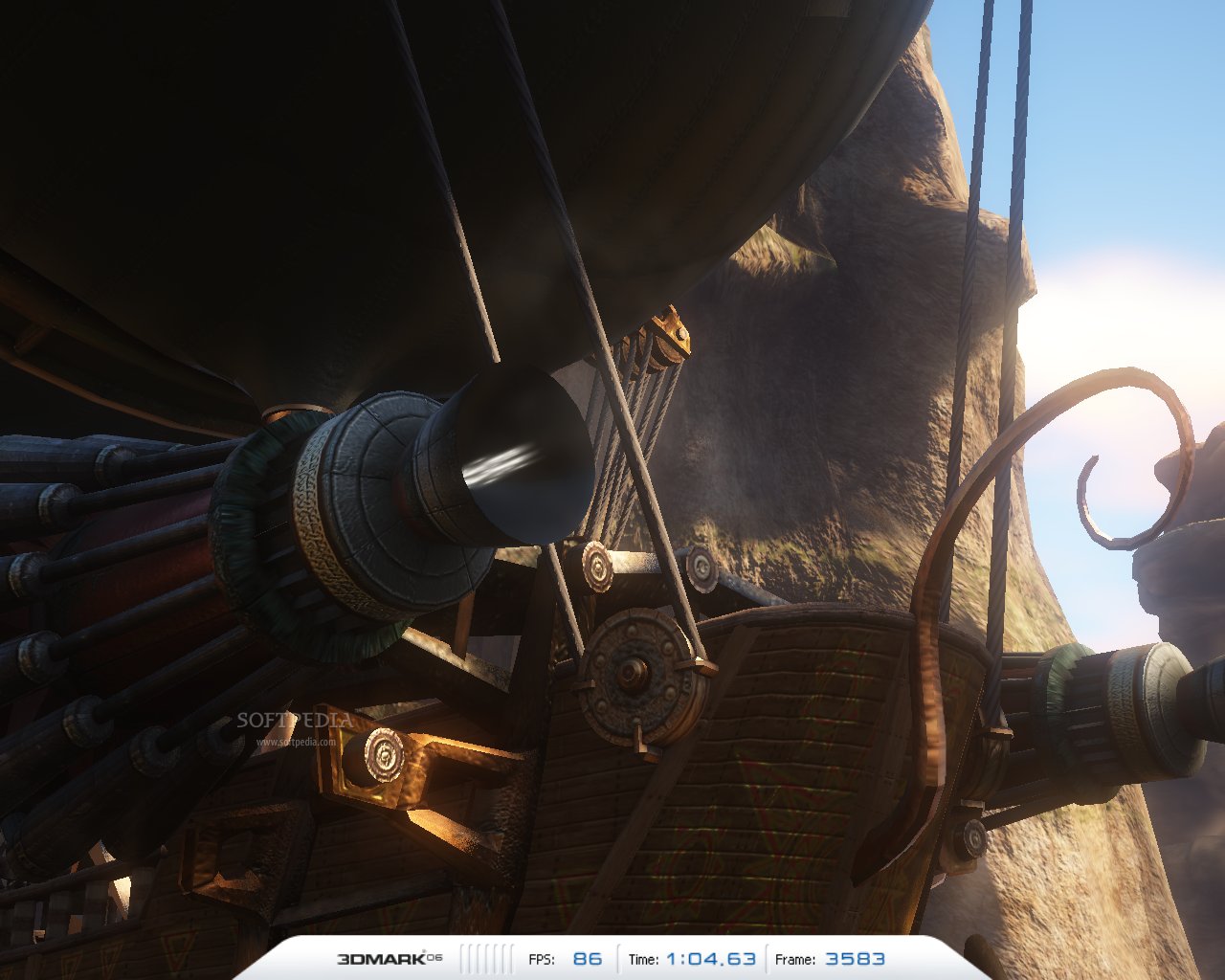
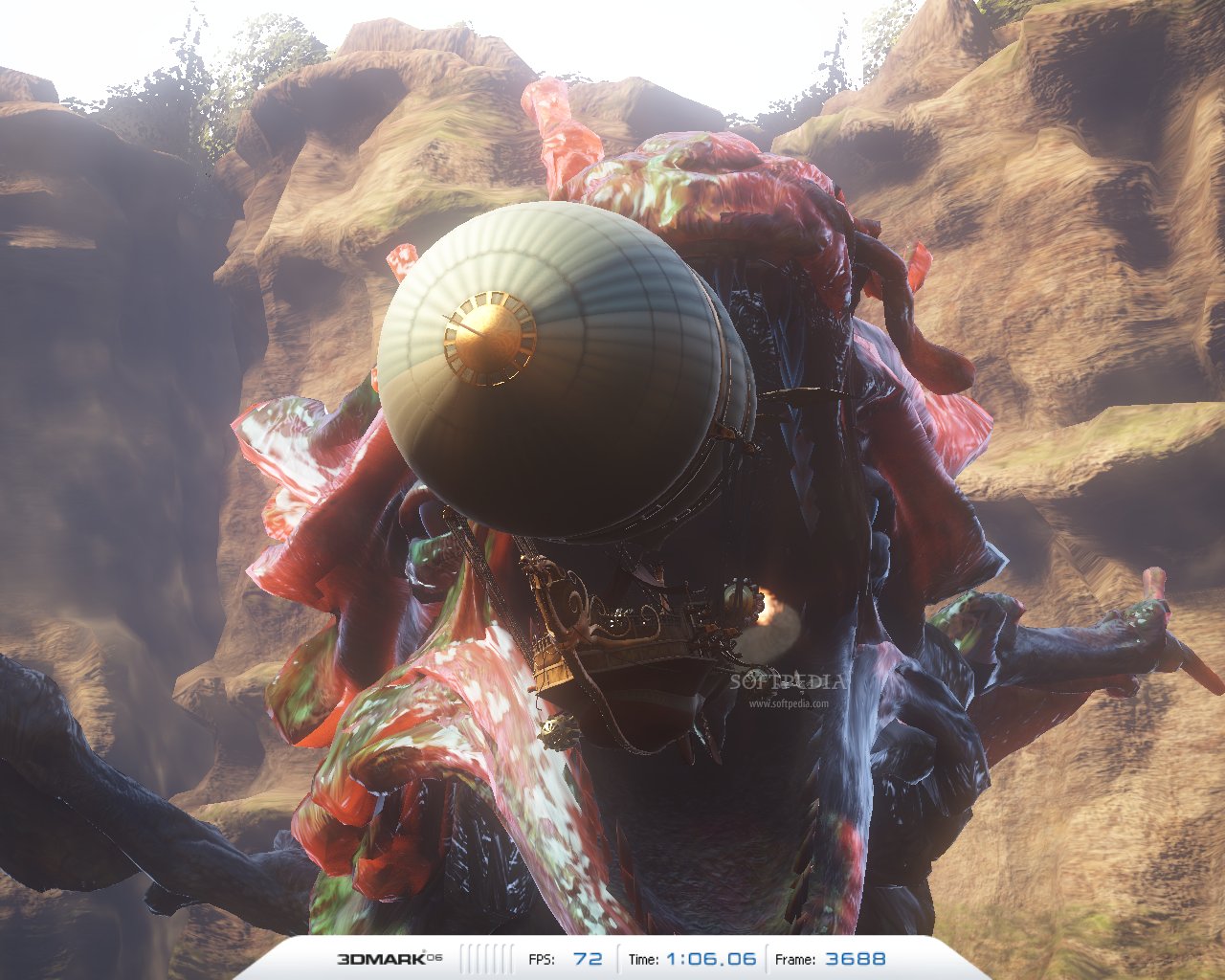
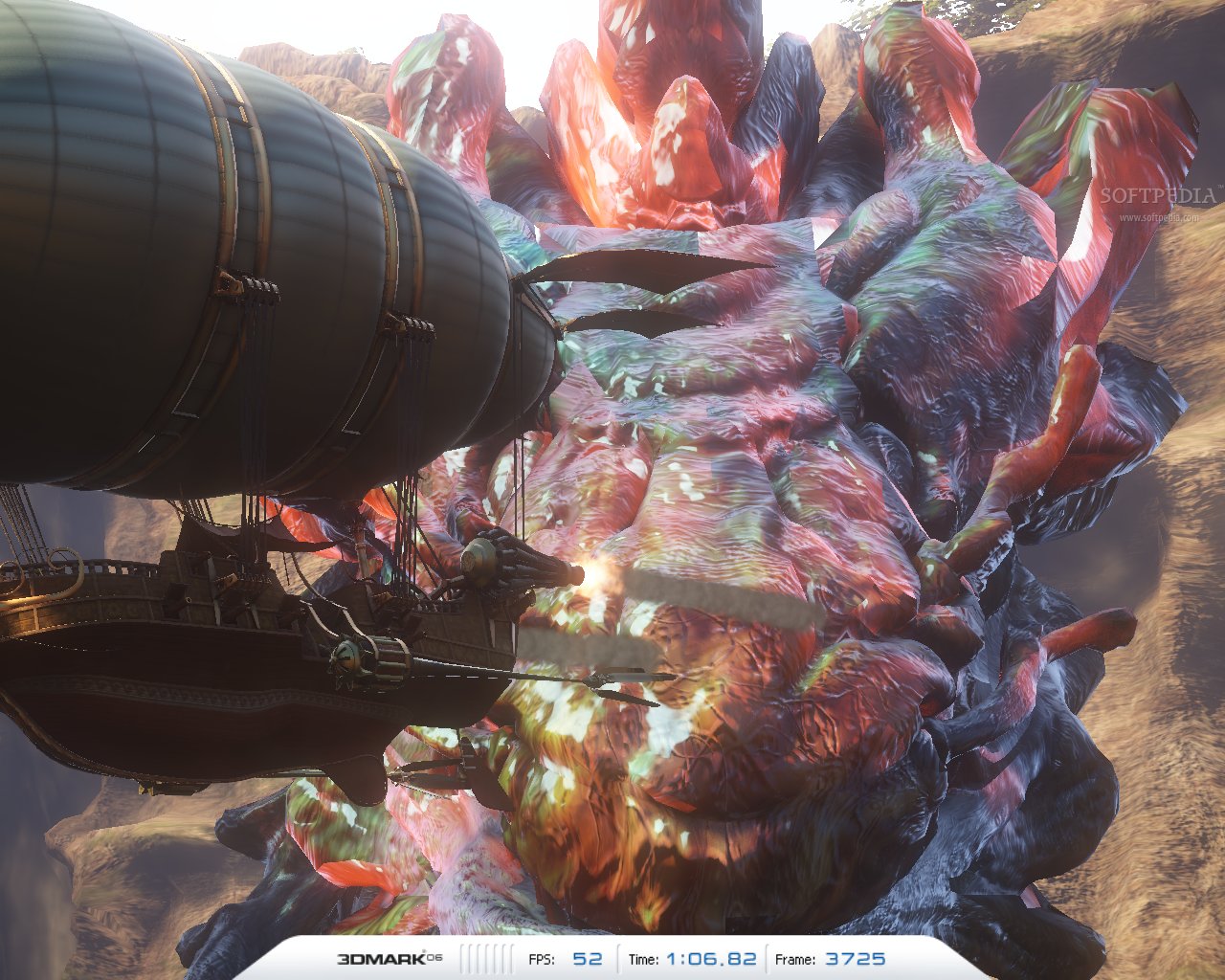
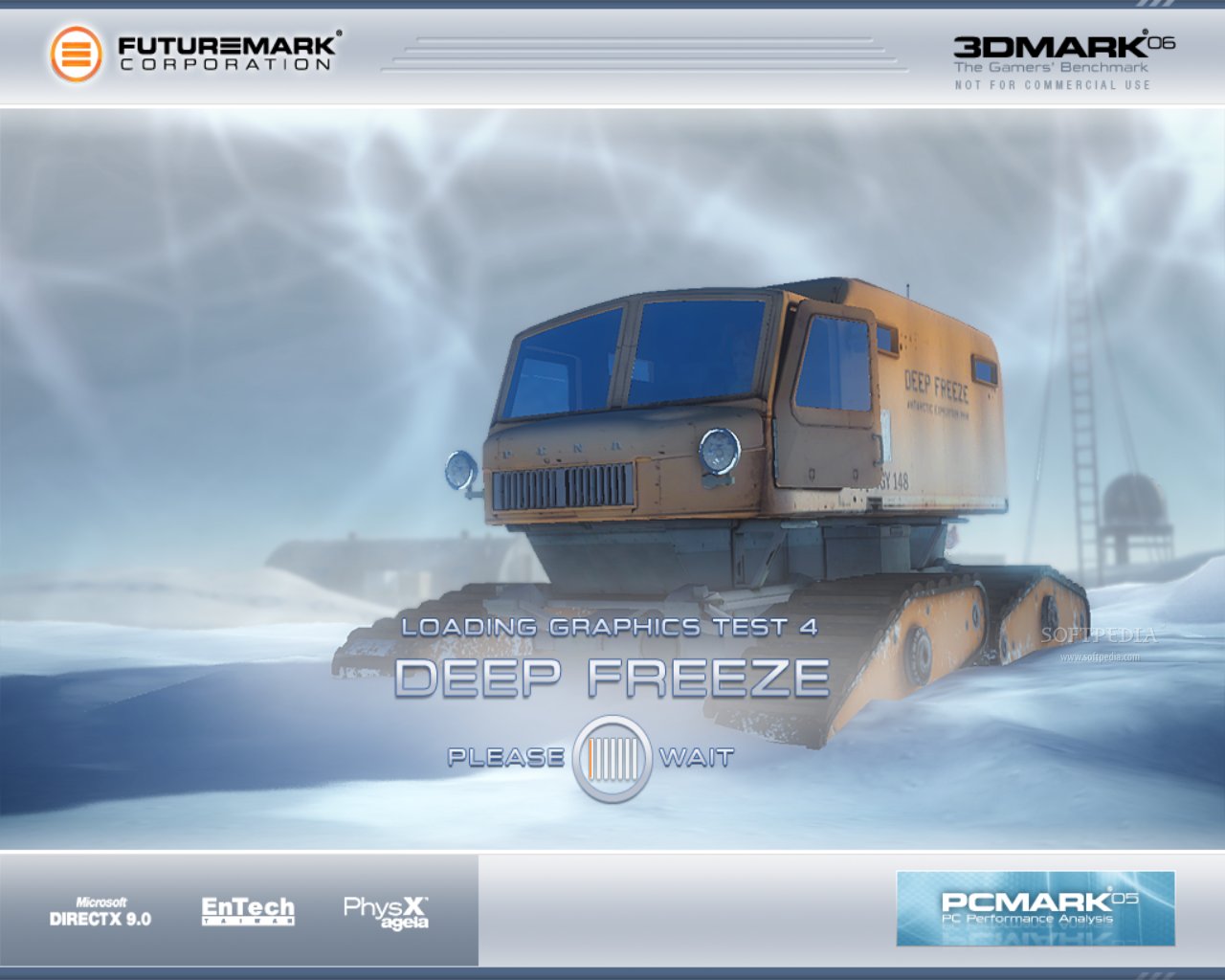
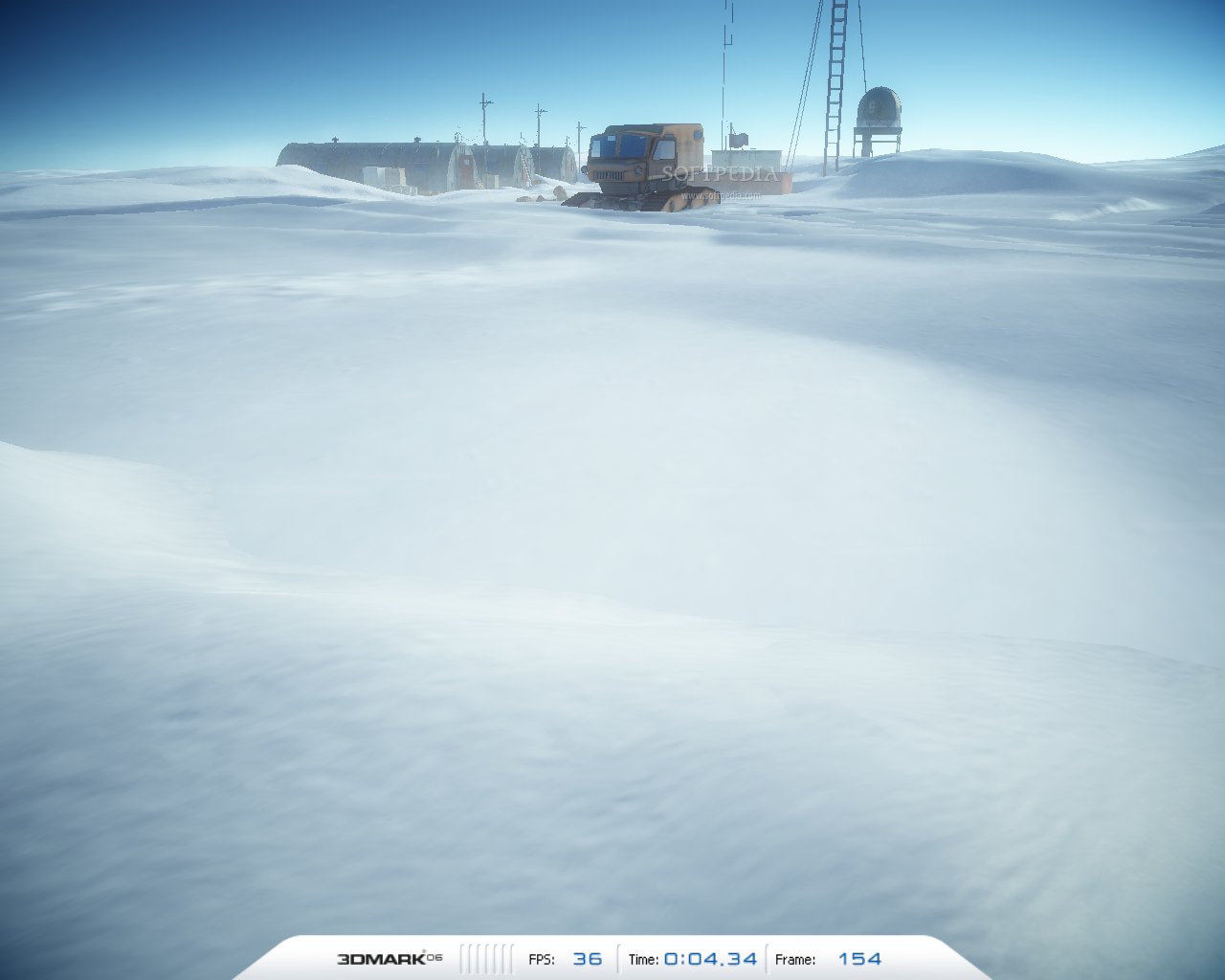
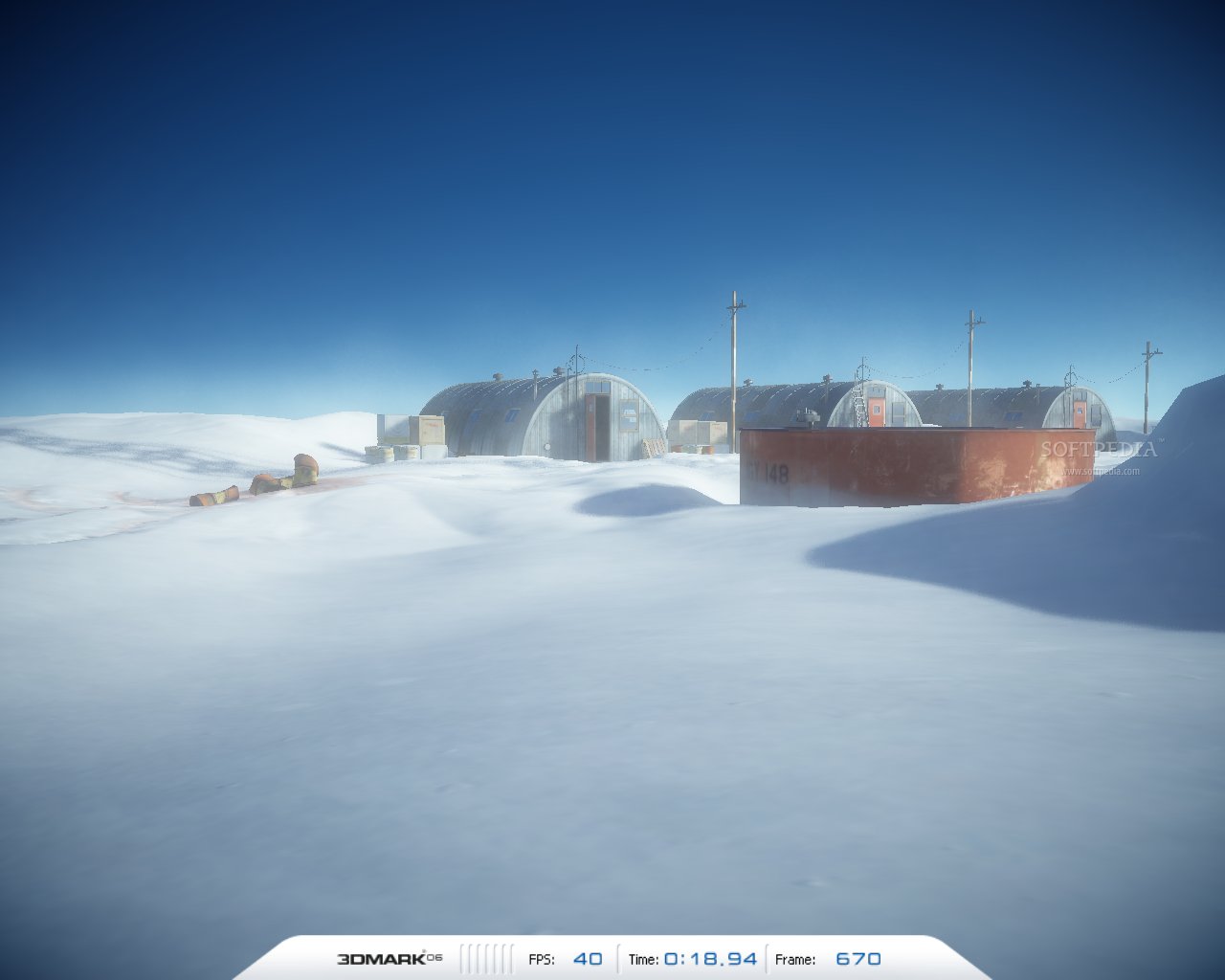
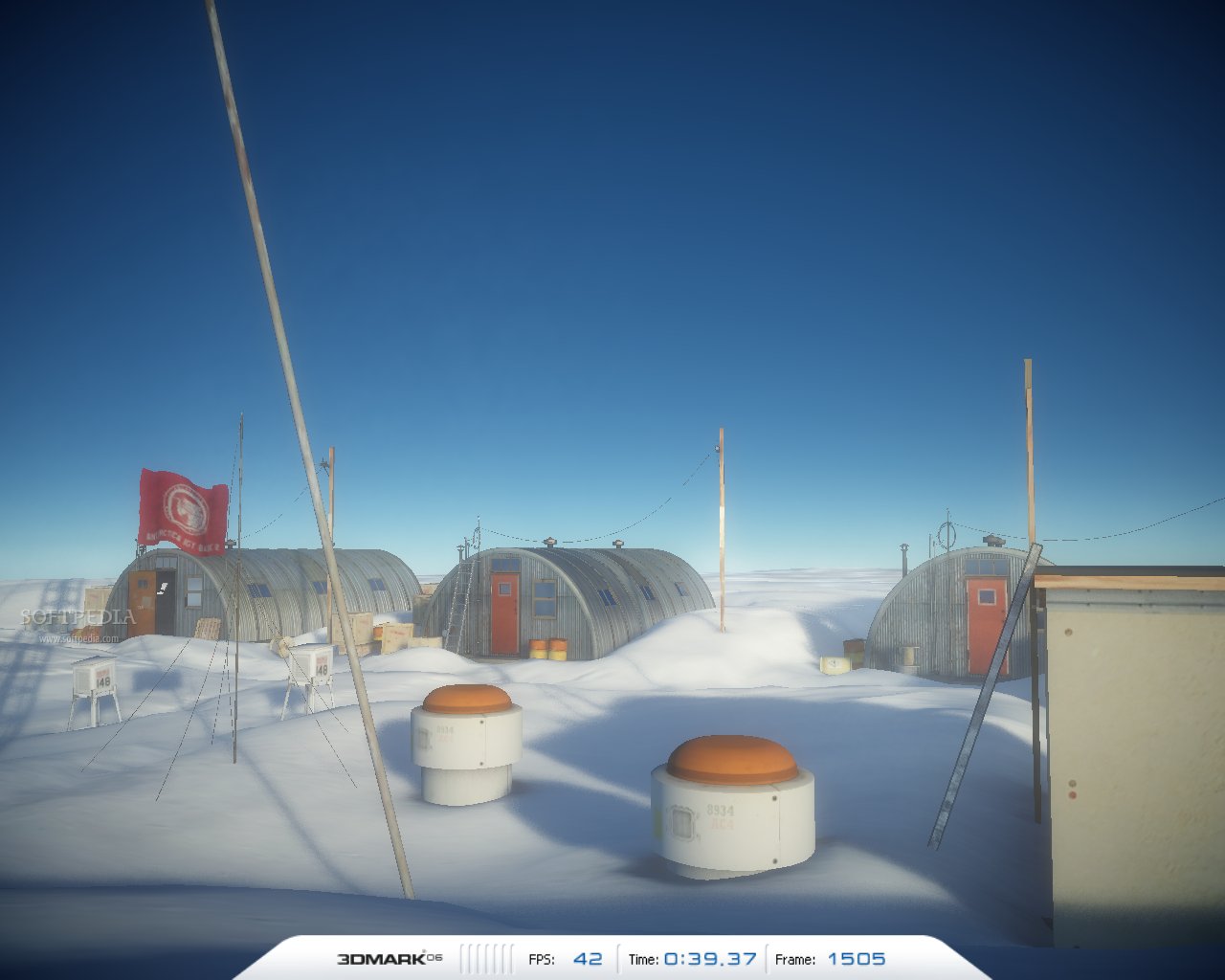
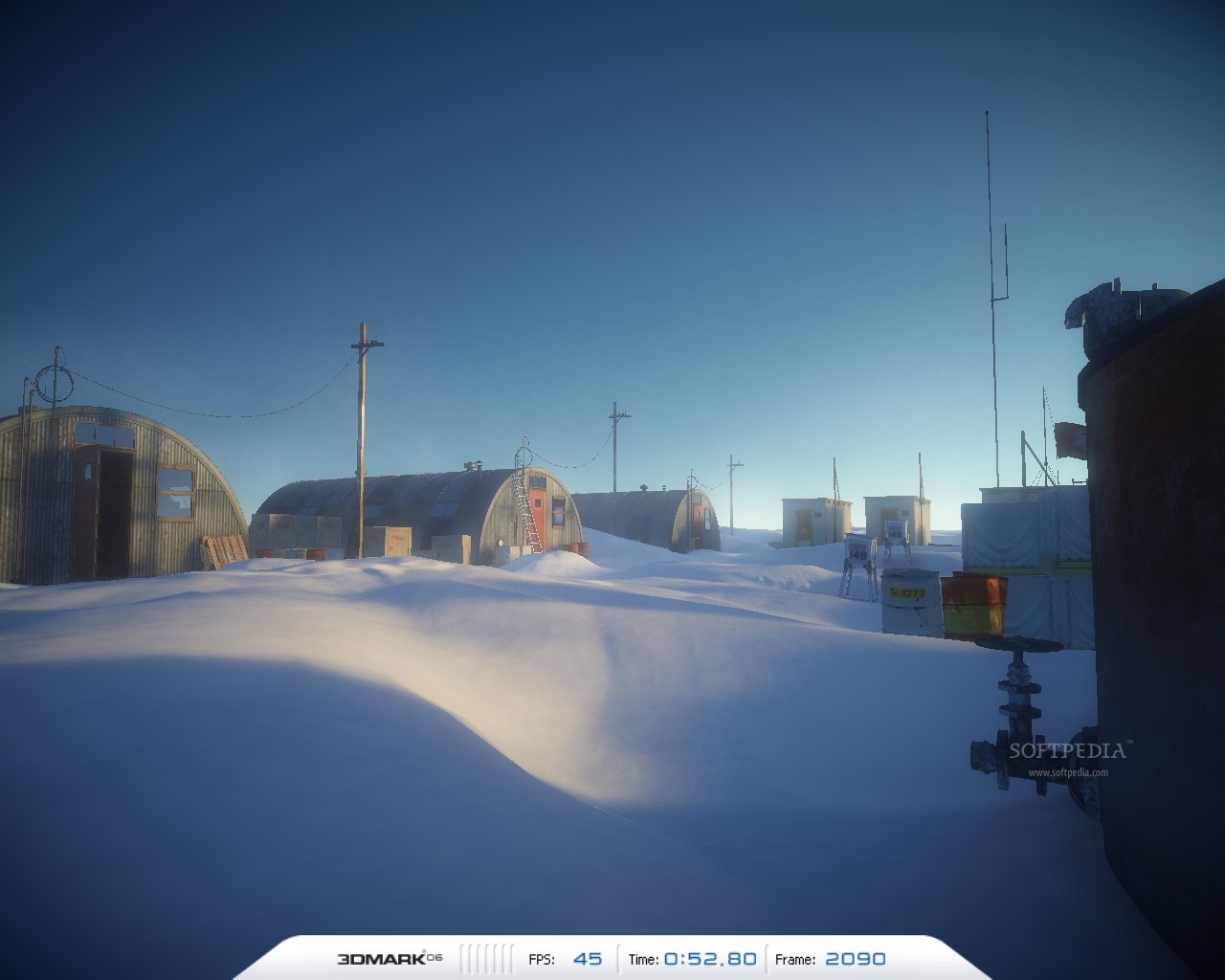
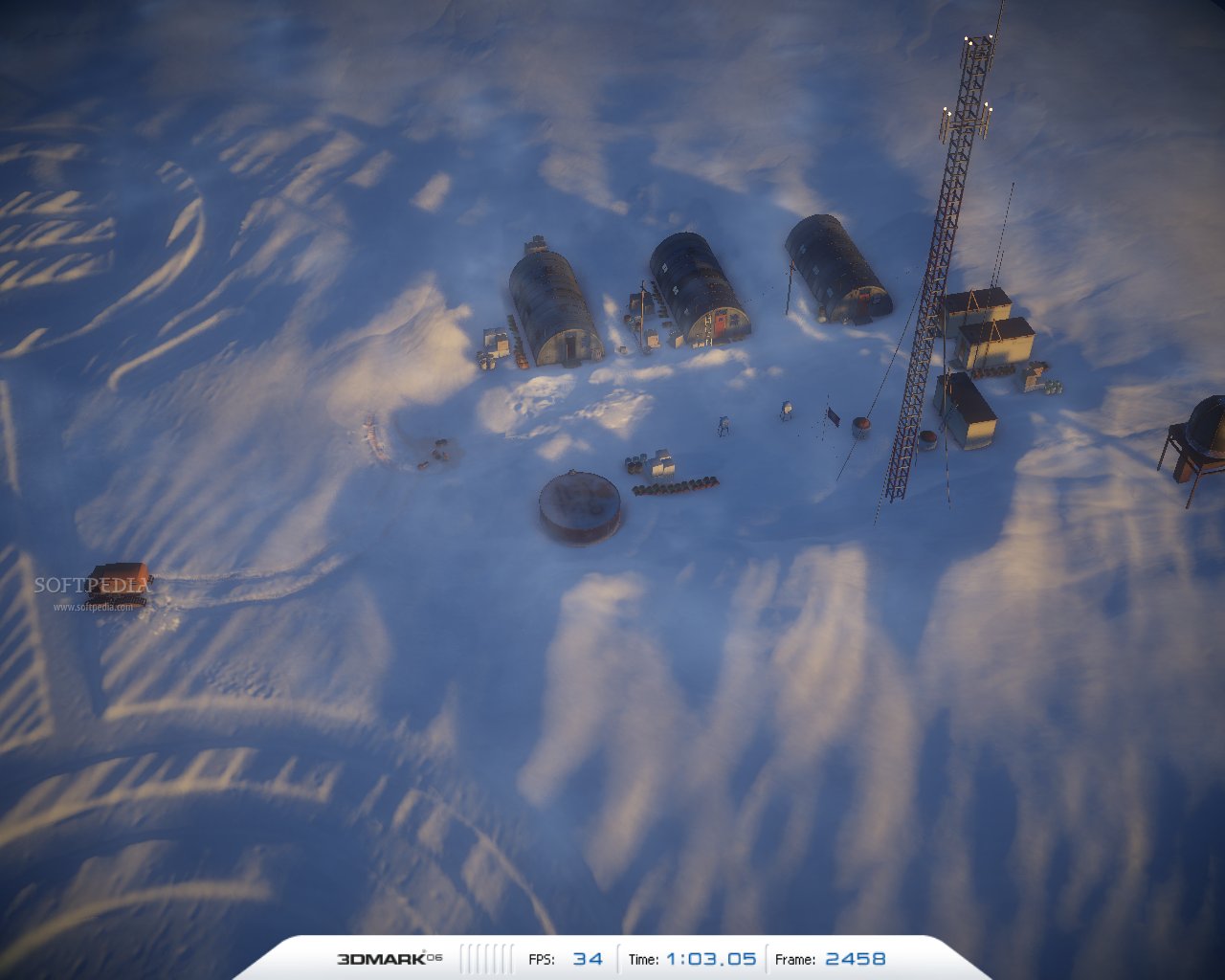
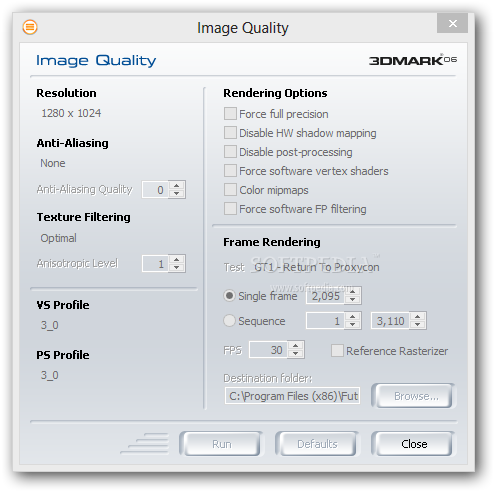
Here’s how it works: 3DMark06 launches a game (with impressive, but demanding graphics) that will actually test your video card. During this game, you can view elapsed time and frames, as well as FPS (frames per second). The better your graphic card is, the higher the FPS will be.
Press "Esc" at any time to abort the benchmark. There is also an option to view the test results online. Here, 3DMark06 provides you with a list of your computer’s shortcomings, while comparing it with other systems.
After extensive tests, 3DMark06 also grades your video card with a score – a higher rating indicates better performance, while a lower one is an indicative that your system may need upgrading.
The conclusion is that 3DMark06 is an excellent tool for game players, but also for game creators (for testing purposes). Regardless of the reason you are using it, it is an awesome benchmarking application that can tell you what your video card is capable of. Even though it may seem obsolete, it still provides support for older computers.
What's new in 3DMark06 1.2.1:
- SystemInfo component updated to 4.15
- OpenAL installer updated to latest version
3DMark06 1.2.1
add to watchlist add to download basket send us an update REPORT- PRICE: Free
- runs on:
-
Windows 10
Windows 8
Windows 7
Windows Vista
Windows XP - file size:
- 584 MB
- filename:
- 3dmark06.exe




















- main category:
- System
- developer:
- visit homepage
7-Zip

IrfanView

paint.net

ShareX

calibre

4k Video Downloader

Bitdefender Antivirus Free

Zoom Client

Microsoft Teams

Windows Sandbox Launcher

- Zoom Client
- Microsoft Teams
- Windows Sandbox Launcher
- 7-Zip
- IrfanView
- paint.net
- ShareX
- calibre
- 4k Video Downloader
- Bitdefender Antivirus Free