
A collection of utilities for flash memory devices, for fast and secure content backup, erasing, performance measurement, and extensive error checking. #Error Scaner #File Recovery #Memory Eraser #Recovery #Error #Scan


Flash Memory Toolkit is a collection of tools designed not only to provide valuable information regarding your USB flash drives, but also to offer a bunch of handy utilities such as file backup and recovery.
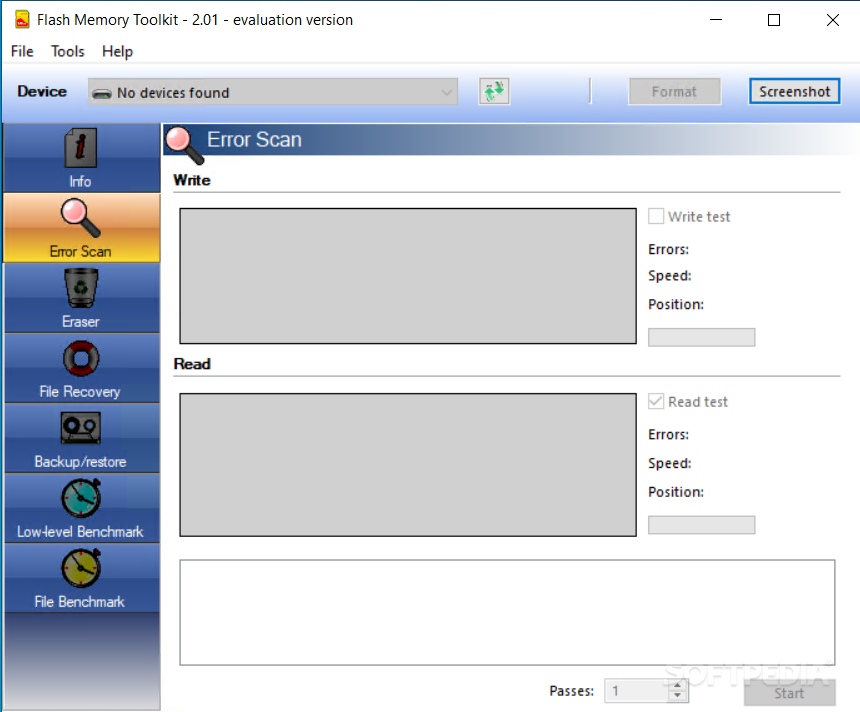
The application is quite user friendly and although by definition it's not addressed to beginners, it can serve virtually all types of users. Flash Memory Toolkit thus relies on a straightforward interface, with features listed on the left side.
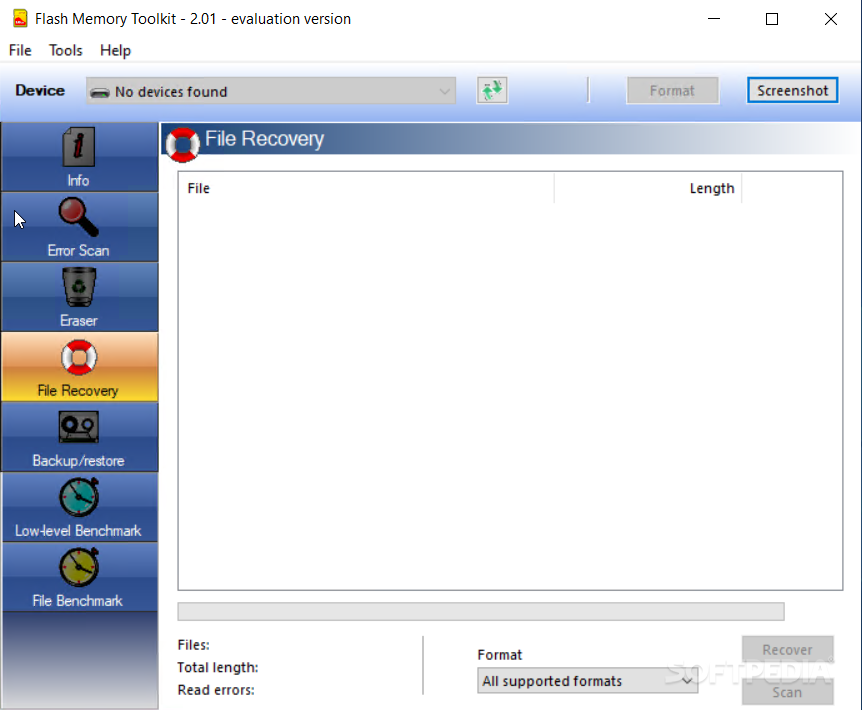
You can thus get info on the USB removable drive, scan it for errors, permanently remove some files, recover data, backup and restore content and perform two types of benchmarks, low-level and file.
The info screen is the one where you will see details such as capacity, used and free space, but also USB configuration.
While most of the tools come with intuitive names, the ones that can really put your USB device up to test are the two benchmarks. The user thus has the possibility to find average, minimum and maximum read and write speeds, along with some useful graphs to see the way your flash drives performed during the test.
The backup is saved with the FMT format but it isn't protected in any way, so anybody using Flash Memory Toolkit could restore the content using your very own backup file.
On the good side, it's pretty clear that we have to mention the bundle of tools this utility has to offer, managing to tackle several important issues for all USB flash drives owners.
Flash Memory Toolkit is a very useful software solution that has the power to serve its purpose in an impressive way, and with a few improvements here and there it could easily become a top product.
What's new in Flash Memory Toolkit 2.01:
- Low-level benchmark: fixed scale bug
Flash Memory Toolkit 2.01
add to watchlist add to download basket send us an update REPORT- runs on:
-
Windows 2003
Windows 7 32/64 bit
Windows Vista 32/64 bit
Windows XP 32/64 bit
Windows 2K - file size:
- 973 KB
- filename:
- FlashMemoryToolkit_trial_setup_201.exe
- main category:
- System
- developer:
- visit homepage
ShareX

IrfanView

Microsoft Teams

4k Video Downloader

7-Zip

Context Menu Manager

Bitdefender Antivirus Free

Zoom Client

calibre

Windows Sandbox Launcher

- Zoom Client
- calibre
- Windows Sandbox Launcher
- ShareX
- IrfanView
- Microsoft Teams
- 4k Video Downloader
- 7-Zip
- Context Menu Manager
- Bitdefender Antivirus Free