Softpedia
 

WINDOWS CATEGORIES:


GLOBAL PAGES >>
SOFTPEDIA REVIEWS >>
MEET THE EDITORS >>
WEEK'S BEST
  • Bitdefender Total ...
  • Hard Disk Sentinel...
  • FlashFXP [DISCOUNT...
  • Ocster Backup Pro ...
  • Kaspersky Internet...
  • DVDFab DVD Copy [D...
  • Avast! Internet Se...
  • Avira Internet Sec...
  • Webroot SecureAnyw...
  • McAfee Total Prote...
  • Home > Windows > System > Benchmarks
     Report malware

    PCMark Vantage 1.2.0.0

    download button buy button

    Downloads: 37,037  View global page  Tell us about an update
    User Rating:
    Rated by:
    Very Good (4.1/5)
    12 user(s)
    Developer:

    License / Price:

    Size / OS:

    Last Updated:

    Category:

    Ad-supported / $19.95 USD buy button
    667 MB / Windows Vista / 7 / 8 / 8 64 bit
    [view history]
    C: \ System \ Benchmarks

     Read user reviews (0)  Send to friend   Follow (7 users)

    Softpedia Editor's Review for PCMark Vantage

    EDITOR'S RATING:   4.0/5

    The first objective hardware performance benchmark

    Written by Elena Opris on March 18th, 2013

    PCMark Vantage is a software that you can use to test the capabilities of your computer.

    For example, if you are a hardcore gamer or web developer who regularly uses applications which put a strain on the computer, then PCMark Vantage can be of assistance in evaluating the performance of the PC.

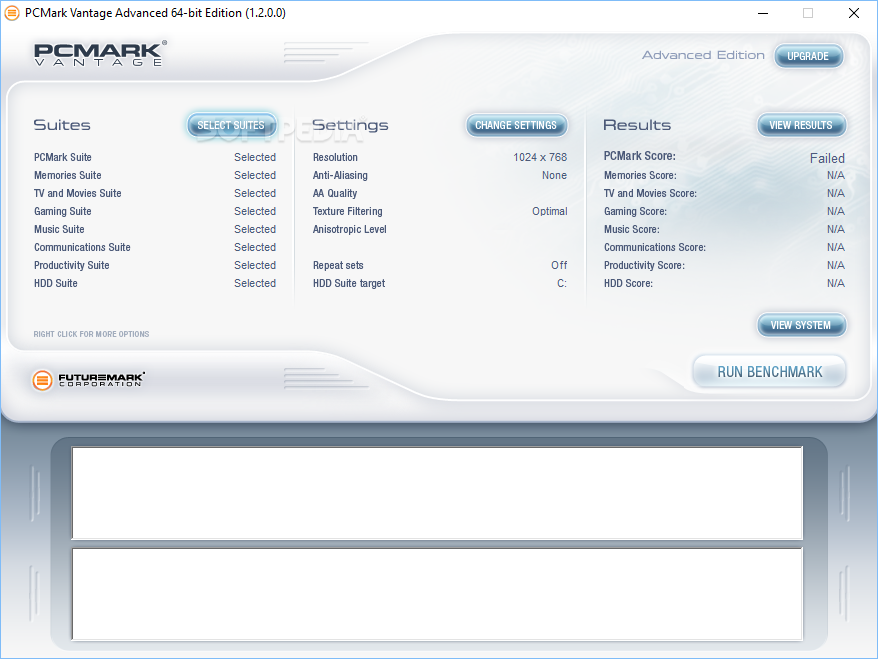
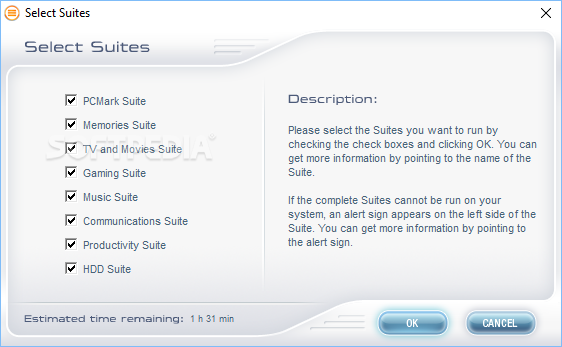
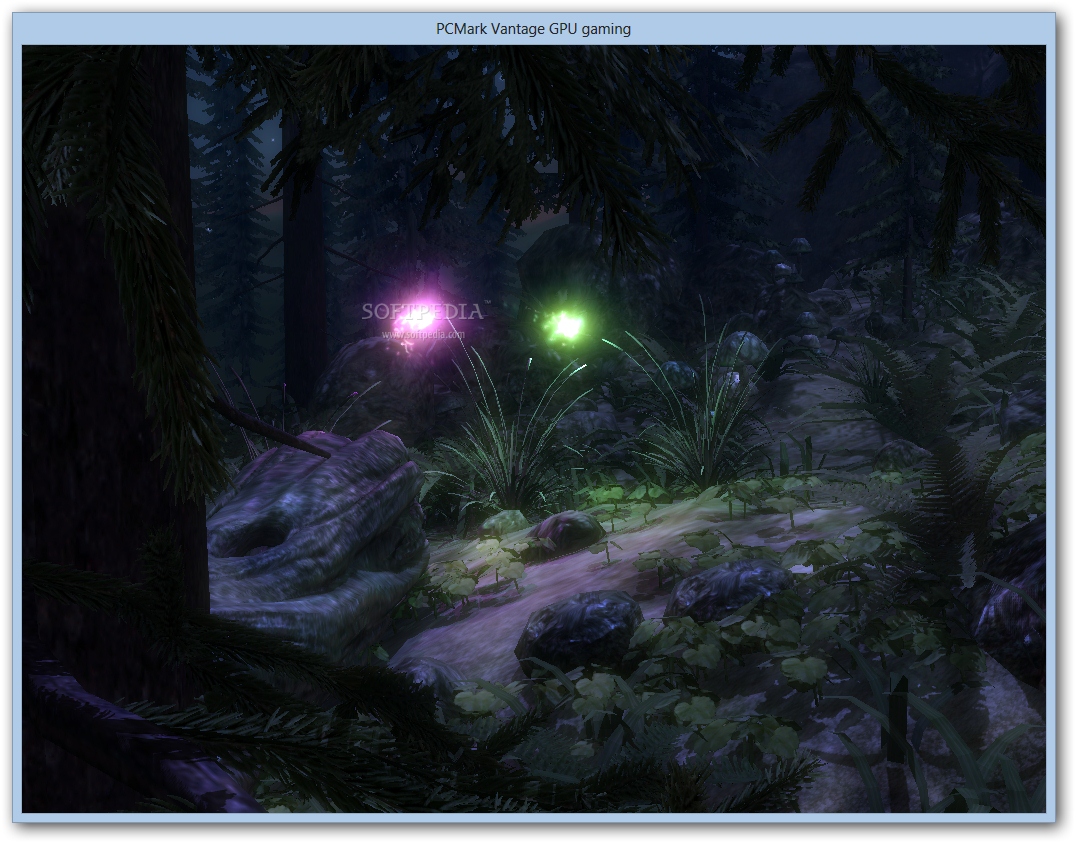
    Its user interface is very clean and intuitive. Once you have pressed the "Run benchmark" button, the program will perform several suites on your system, which consist of 'Memories', 'TV and Movies', 'Gaming', 'Music', 'Communications', 'Productivity' and 'HDD'.

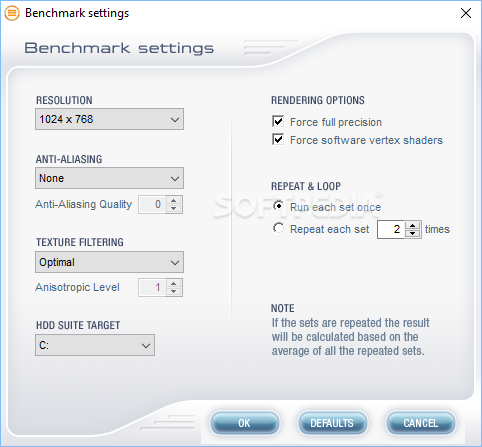
    In addition, you can view default settings - resolution, anti-aliasing, AA quality, texture filtering, anisotropic level, repeat sets and HDD suite target.

    You can also visualize the results and submit them online for comparison with other computers, or export them to an Excel file.

    The program uses a massive amount of system resources while it's running a benchmark (which is to be expected). Furthermore, PCMark Vantage takes a very long time to do a full checkup on your computer, during which you cannot perform any actions on other processes, since the software will automatically cancel the benchmark.

    The bottom line is that PCMark Vantage is a very good tool for analyzing your computer's inner workings. Nonetheless, we mainly recommend it to experienced users.

    PCMark Vantage description

    Here are some key features of "PCMark Vantage":

    · Multi-threaded test scenarios and support for the latest technologies
    · Multi-Core CPU's, and 3D GPU Shading
    · Test scenarios for High Definition TV and Movies, Gaming, Our Memories, Music, Communications and Productivity
    · Brand New HDD Suite of Tests for the latest Hard Drives
    · Pro online services

    Requirements:

    · Intel Pentium 4 or equivalent AMD processor: SSE2 support
    · Shader Model 2.0 compliant graphics card
    · 256MB of graphics memory
    · Shader Model 3.0 compliant graphics card for the GPU image manipulation test
    · 1.7GB of free hard disk space (NTFS File System)
    · 1GB of System Memory
    · Microsoft DirectX March 2009 Redistributable (included in the installation package).
    · Microsoft Visual C++ 2005 SP1 Redistributable x86/x64 (included in the installation package)
    · PCMark Vantage package requires approx. 800 MB of hard disk space and running the tests requires additional 800 MB space.
    · Modern CPU with SSE2 support.
    · SM2.0 compliant graphics card for the GPU gaming test.
    · SM3.0 compliant graphics card for the GPU image manipulation test

    Limitations:

    · Suites and Settings are not available in the Basic version

    What's New in This Release: [ read full changelog ]

    Improvements:
    · Trial edition removed. PCMark Vantage Basic Edition is now free and can be run an unlimited number of times without registration or restrictions.
    · The benchmark no longer tracks application focus, which helps avoid unintentionally ending the benchmark run. Using the PC for other tasks while running the benchmark will influence the benchmark score and should still be avoided.

    Compatibility:
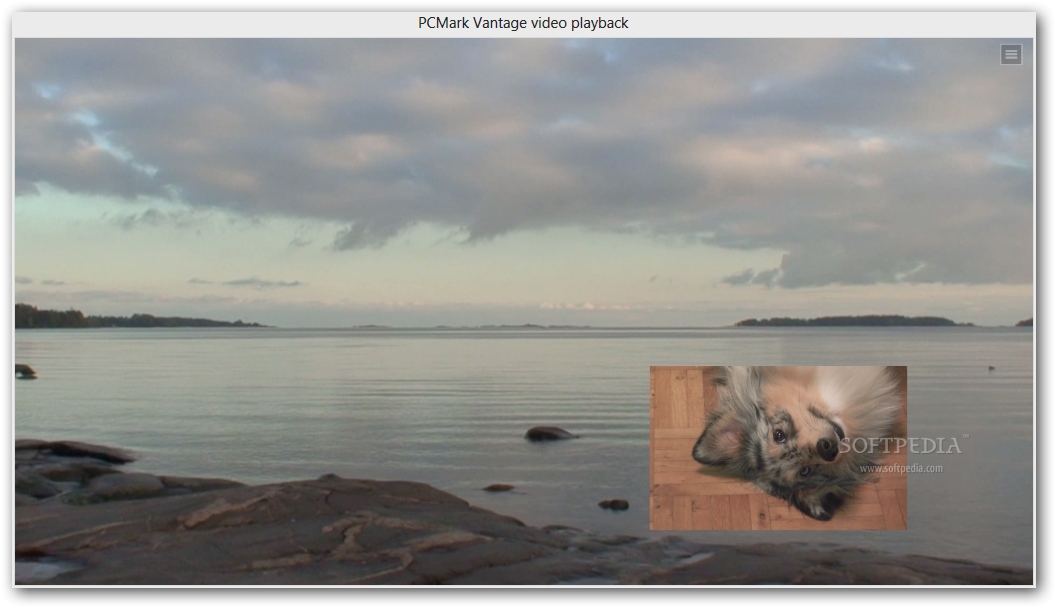
    · Now compatible with Windows 8, however, the TV and Movies suite requires DVD playback capability (MPEG2) which is not available in Windows 8 by default. The missing functionality can be added by purchasing the Windows 8 Media Center Pack from Microsoft. Without the Media Center Pack the TV and Movies suite is skipped with a score of 0.
    · Windows Mail test now works in Windows 8.
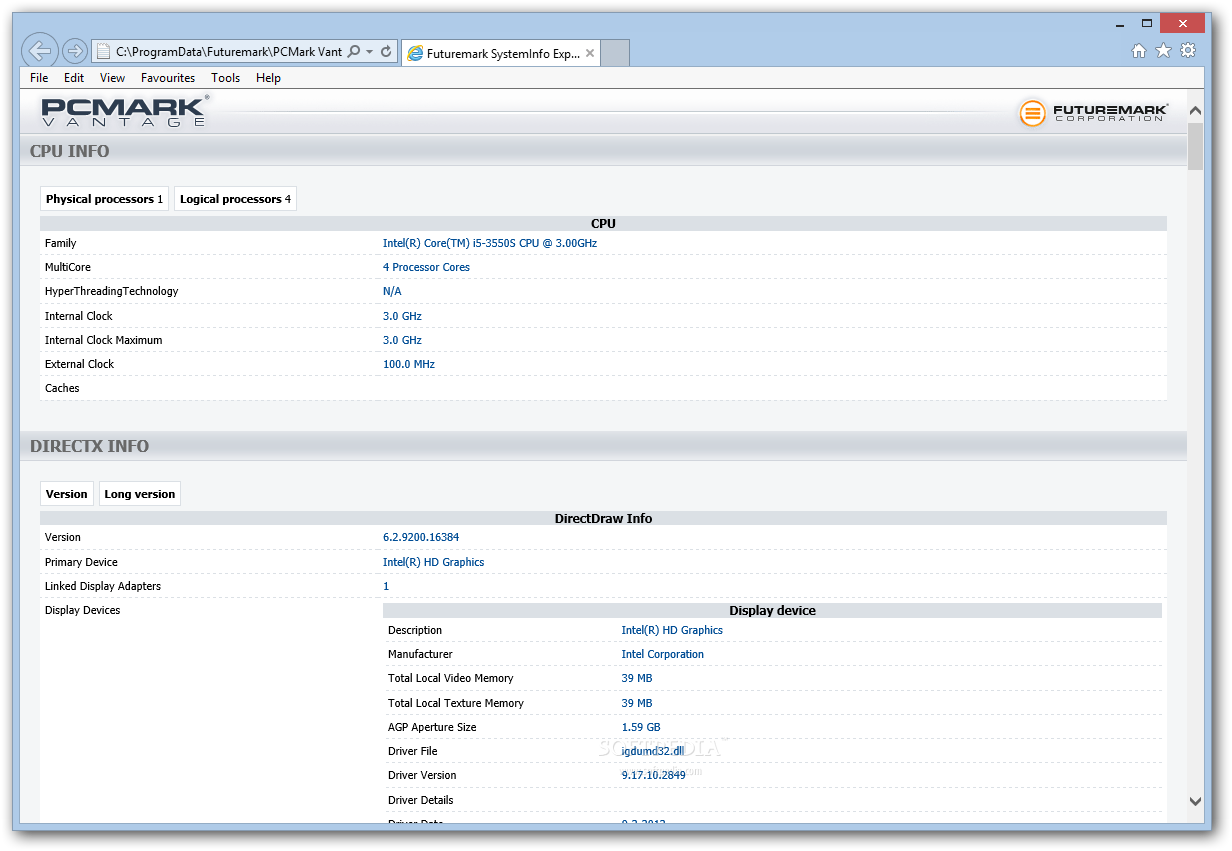
    · SystemInfo updated to version 4.15 for Windows 8 compatibility.

    Advanced and Professional Editions:
    · Fixed issues with opening saved benchmark result files.

    Users are advised to pay attention while installing this ad-supported application:

    · Displays ad banners or other types of advertising material during its runtime


    TAGS:

    hardware performance | performance benchmark | run benchmark | benchmark | performance | analyze

    Go to top

    WindowsGamesDriversMacLinuxScriptsMobileHandheldNews

    SUBMIT PROGRAM   |   ADVERTISE   |   GET HELP   |   SEND US FEEDBACK   |   RSS FEEDS   |   UPDATE YOUR SOFTWARE   |   ROMANIAN FORUM