
A .NET SFTP and FTPS library that enables developers to transfer files securely and efficiently with support for numerous protocols. #FTP library #FTP component #Secure FTP #FTP #Library #Component

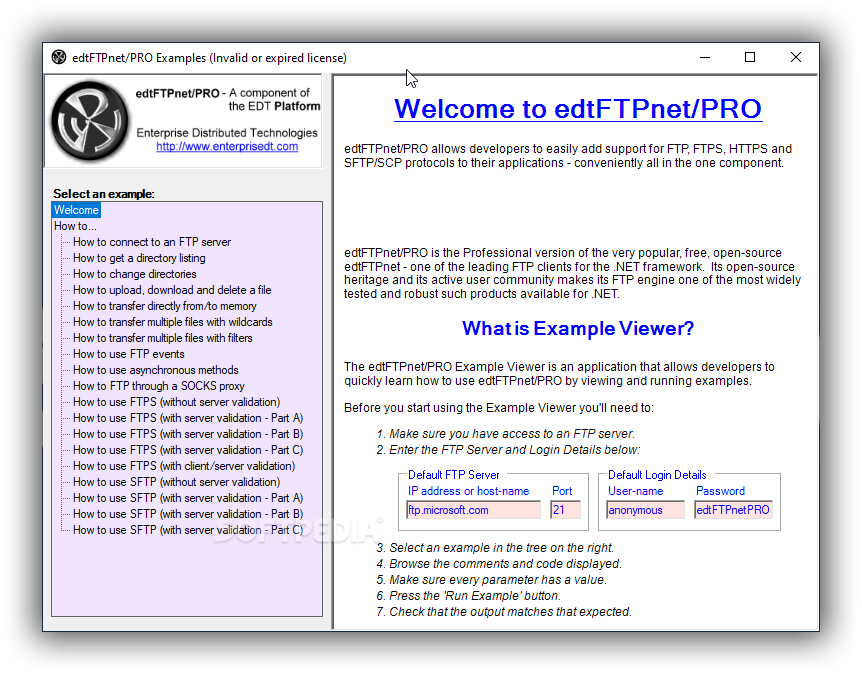
Implementing data transfer capabilities into new software can surely add a new dimension of flexibility and versatility to the resulting applications, and this can have a multitude of useful outcomes. Targeting such requirements for those whose work takes place in a .NET context, edtFTPnet/PRO is here to offer a helping hand to developers who wish to add FTP and FTPS capabilities to their software. The library comes equipped with a wide range of features and supports numerous protocols, which can aid in creating the preferred resulting software.
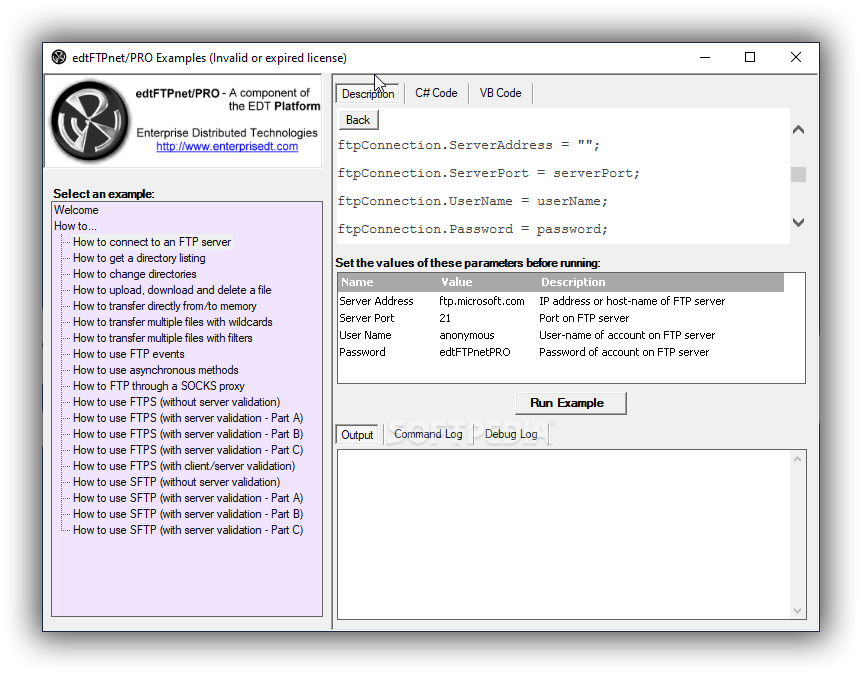
Just as its sibling, edtFTPj/PRO, which targets Java development, edtFTPnet/PRO also comes equipped with support for a multitude of transfer protocols, such as SFTP, and SCP, as well as all standard FTP operations.
We believe that this allows users a high degree of versatility when it comes to actually finding the right feature for their implementation scheme. Users will be able to add multiple authentication methods, such as password, public key, or even keyboard-interactive.
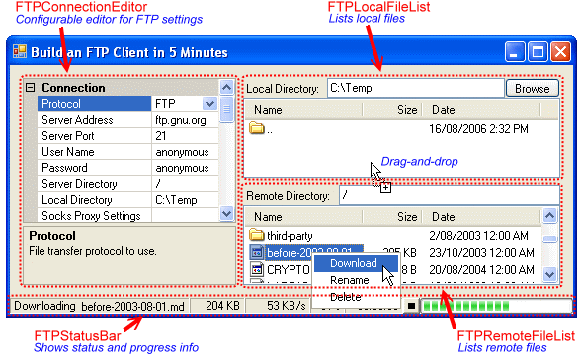
Due to the inherent build of the library and its package, users will be able to switch between the different protocols easily, and the way to do this will be the single call method. Incorporated into the FTP capabilities, also comes a dedicated FTP command shell, which will come in handy when running multiple tasks and wanting to perform batch processing.
Last but not least, an essential feature, directory synchronization is also provided, therefore ensuring an efficient data transfer.
With an approach that encompasses a broad spectrum of features, this library can provide a reliable pillar for constructing an implementation scheme for FTP transfer features when developing apps under the .NET framework.
What's new in edtFTPnet/PRO 12.1.1:
- Add support for ECDSA server certificates in TLS 1.2 (previously only in TLS 1.3).
edtFTPnet/PRO 12.1.1
add to watchlist add to download basket send us an update REPORT- runs on:
-
Windows 11
Windows 10 32/64 bit
Windows 8 32/64 bit
Windows 7 32/64 bit
Windows Vista 32/64 bit - file size:
- 6.5 MB
- filename:
- edtFTPnetPRO.exe
- main category:
- Programming
- developer:
- visit homepage
ShareX

Bitdefender Antivirus Free

Windows Sandbox Launcher

IrfanView

calibre

Microsoft Teams

4k Video Downloader

Context Menu Manager

7-Zip

Zoom Client

- Context Menu Manager
- 7-Zip
- Zoom Client
- ShareX
- Bitdefender Antivirus Free
- Windows Sandbox Launcher
- IrfanView
- calibre
- Microsoft Teams
- 4k Video Downloader
