
Rename multiple files in a snap by applying one of the numerous patterns supported by this straightforward and user-friendly application. #Batch Renamer #File Renamer #Change Name #Renamer #Batch #Change

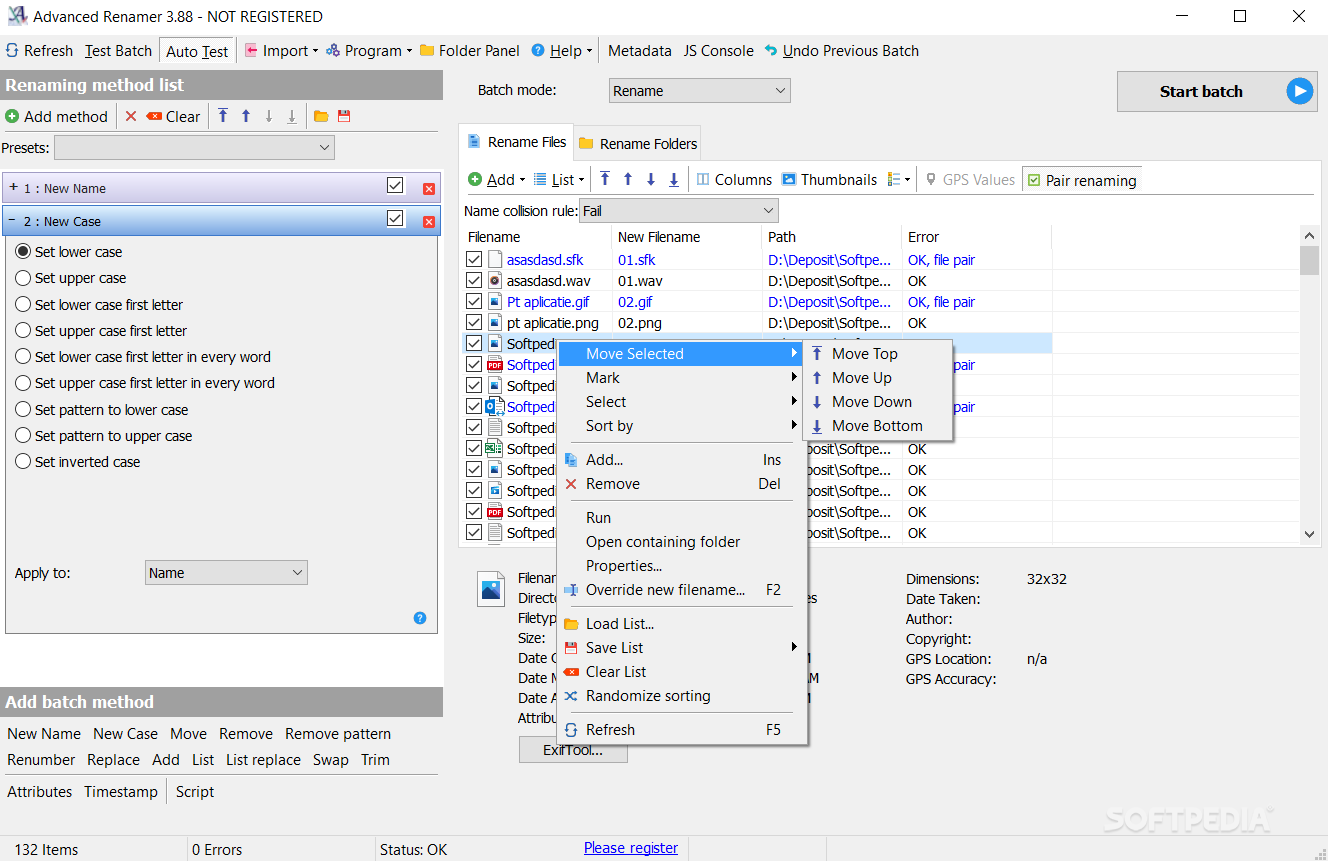
Advanced Renamer is a Windows application developed to rename multiple files at once.
The program can be used to move or copy entire batches of files or folders to another folder, all from a very well-organized and clean interface.
The GUI we are talking about however is based on a multi-panel design, so rookies may not know where to start at the first glance.
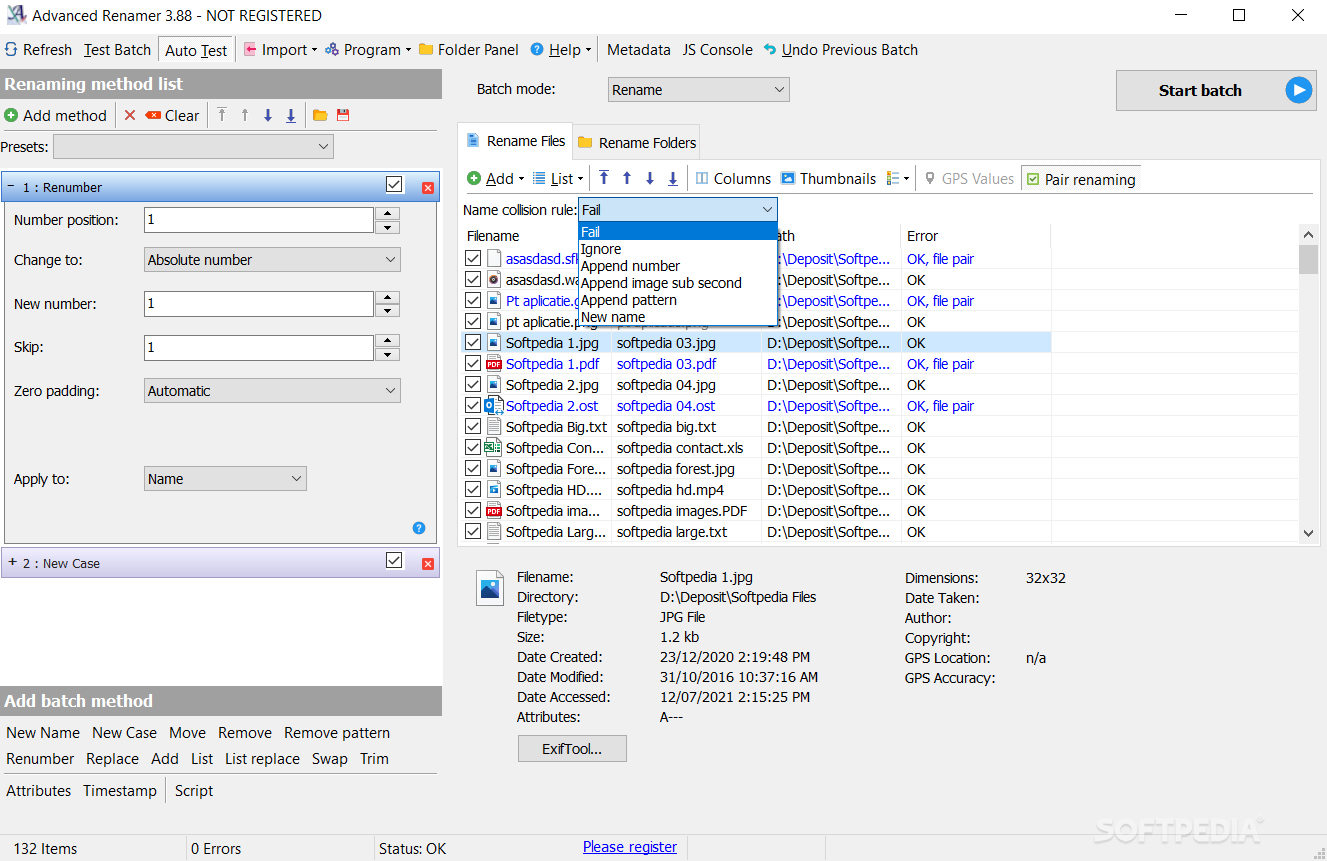
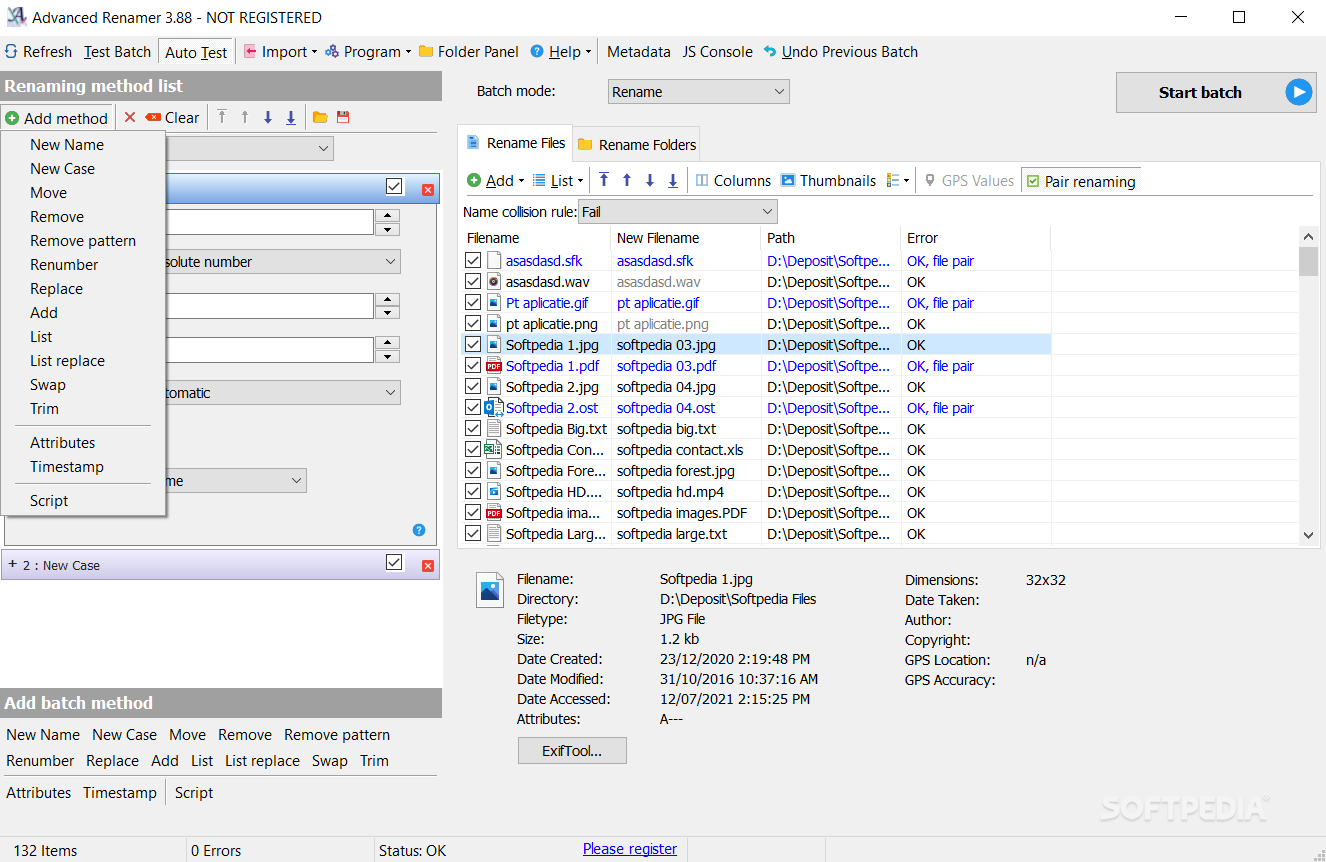
After adding the files or folders to be renamed to the process queue, Advanced Renamer requires users to configure new renaming methods, which include options such as remove pattern, renumber, replace, add, list, trim, new name and case, attributes and timestamp.
Of course, each of these options comes with its very own pack of settings, so the “replacing” tool for example asks you for the text to be replaced and the one to replace with, enable case sensitive and use regular expressions.
Advanced Renamer is most of the time a resource-friendly application, but we’ve discovered some problems during our testing. Whenever we tried adding more than 100 items to the file queue, the program crashed on Windows 7 workstations.
On the other hand, it works much smoother on older Windows iterations where it processes all files in no-time, without any issue when it comes to the number of files you wish to rename.
All things considered, Advanced Renamer is an app that does its job, but it still needs a couple of improvements. It has a well-organized interface, but a wizard to assist users throughout the entire process may come in very handy.
What's new in Advanced Renamer 3.95.4:
- New tags for fetching metadata from executables: <Exe Product>, <Exe ProductVersion>, <Exe FileVersion>, <Exe Company>, <Exe Description>
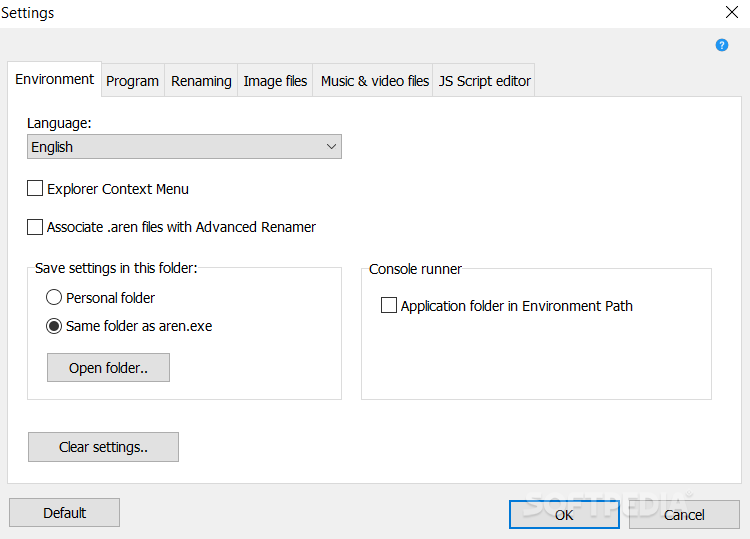
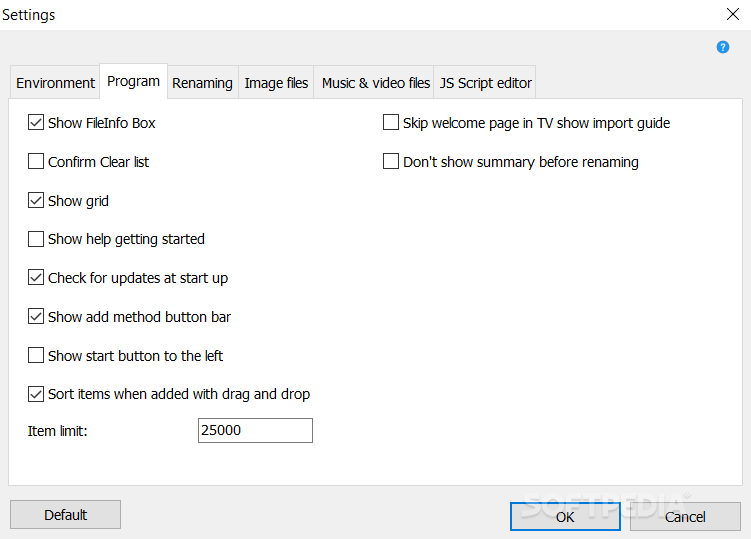
- New Setting (Program tab): Menu sizing. Values are normal, compact or super compact. Default: Compact
- New Setting (Program tab): Enable or disable menu group names. Disable group names for a more minimal user interface when using compact or normal menu sizing
- Help button layout changed
Advanced Renamer 3.95.4
add to watchlist add to download basket send us an update REPORT- portable version
- Advanced Renamer Portable
- runs on:
-
Windows 11
Windows 10 32/64 bit
Windows 8 32/64 bit
Windows 7 32/64 bit
Windows Vista 32/64 bit
Windows XP - file size:
- 12.3 MB
- filename:
- advanced_renamer_setup_3_95_4.exe
- main category:
- System
- developer:
- visit homepage
Microsoft Teams

calibre

Context Menu Manager

4k Video Downloader

IrfanView

Zoom Client

7-Zip

ShareX

Bitdefender Antivirus Free

Windows Sandbox Launcher

- ShareX
- Bitdefender Antivirus Free
- Windows Sandbox Launcher
- Microsoft Teams
- calibre
- Context Menu Manager
- 4k Video Downloader
- IrfanView
- Zoom Client
- 7-Zip