
Compare the contents of your files to back all of their elements properly, all with the help of this software, capable of intuitively showing you what's missing. #Folder synchronization #File synchronization #Backup folder #Synchronizer #Synchronization #Synchronize

Backing up can get tricky at times, especially when there are lots of files and folders involved. The process can get very busy because when you tend to work with multiple files and folders, you tend to inadvertently skip some.
The backup software available on the market is not of a small number. As cloud solutions have seen a sharp increase in popularity and demand, a good amount of services happen to primarily focus on that part. But what if you wanted to back your data up to a physical drive, wanted to check if anything is missing, and even get the option to sync between multiple cloud services? GoodSync looks to deliver on those aspects, and the Free version provides a peek into its capabilities.
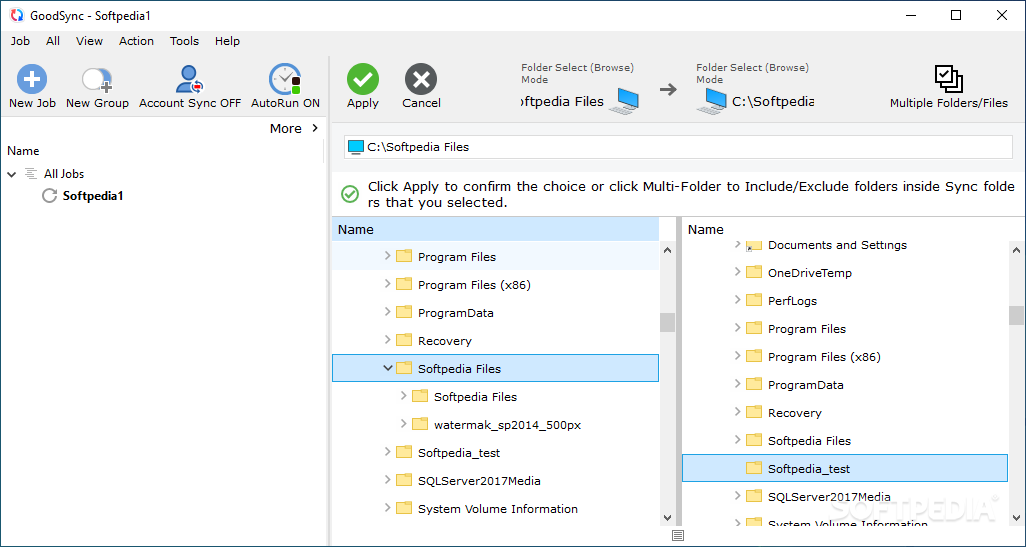
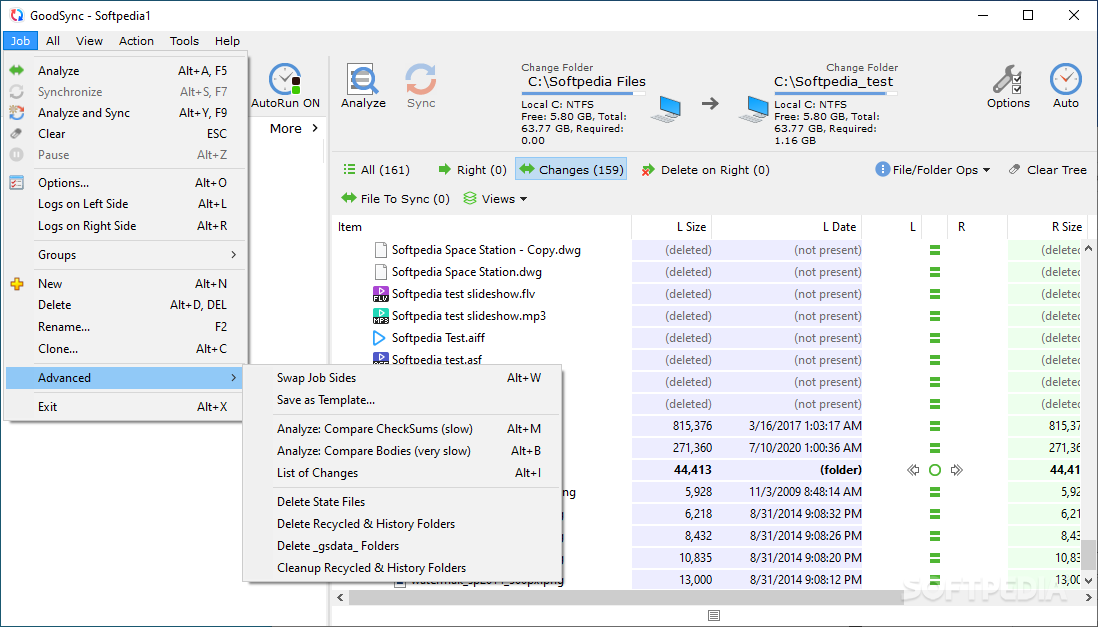
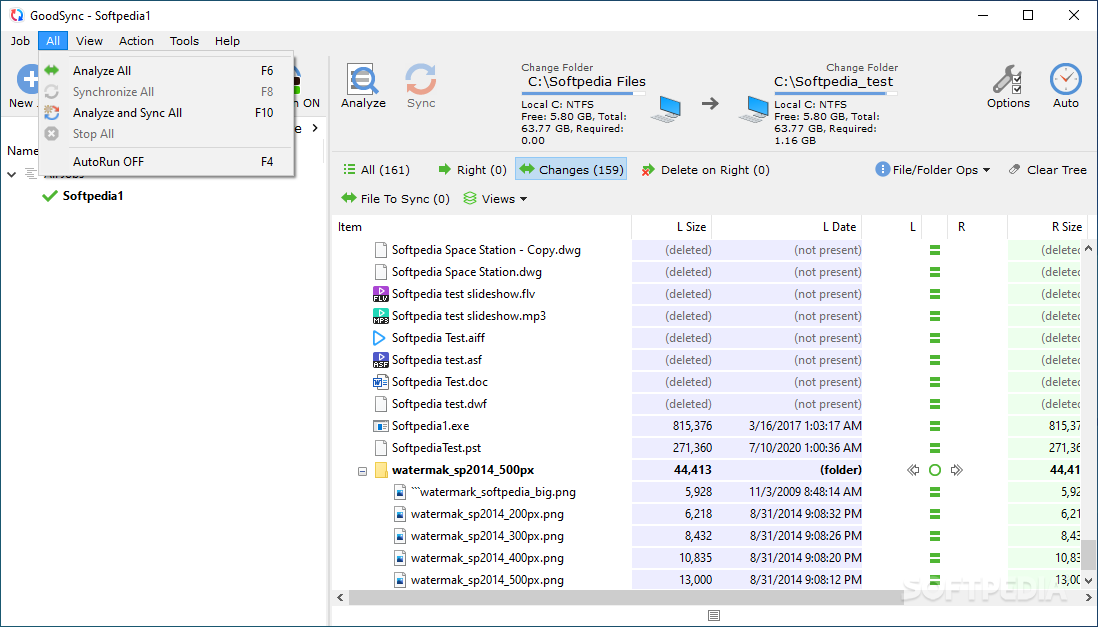
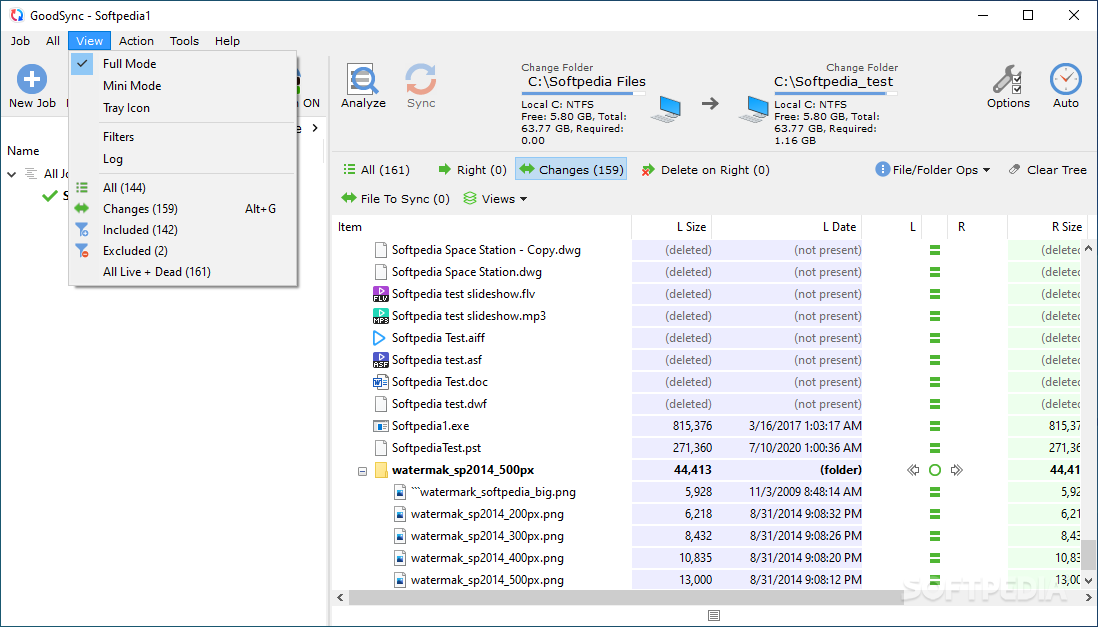
The layout of the app is simple, making it easy to get the hang of navigating through it. After you first boot it up, you will be prompted to enter two folders via the intuitively designed menu at the top.
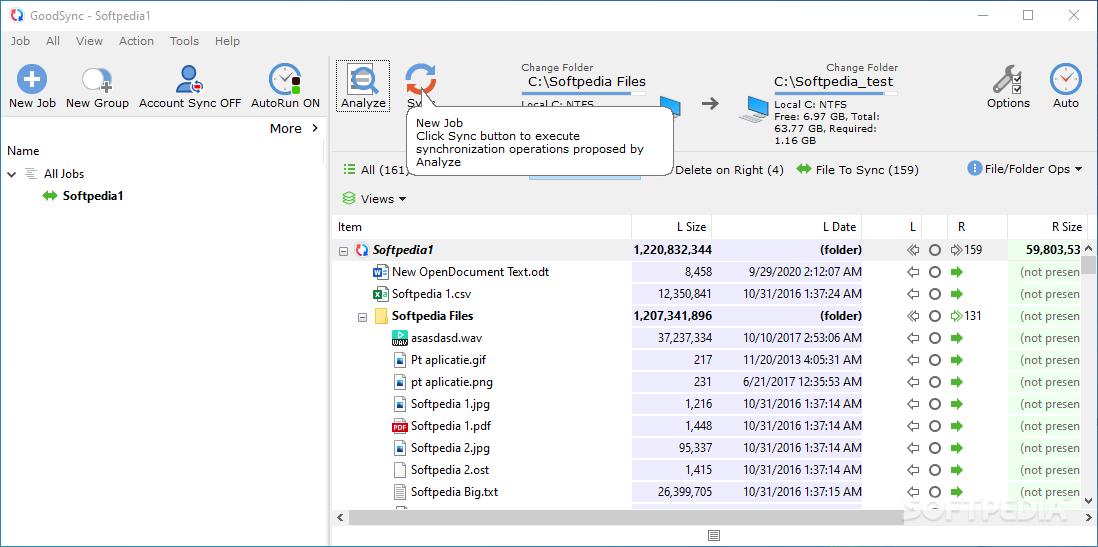
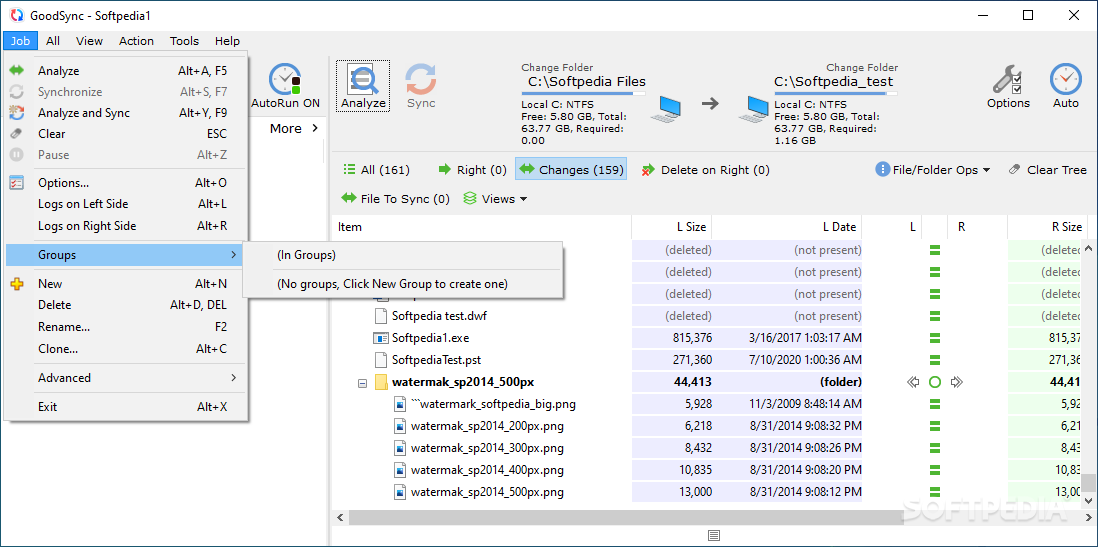
Clicking to analyze them will have the software proceed to parse through the contents you fed into it, looking for any file differences. This is so you don't miss any of a file's contents when you back it up to a drive. For instance, that can happen in the event that there were new additions to the source folder, while the backed-up version hadn't been updated.
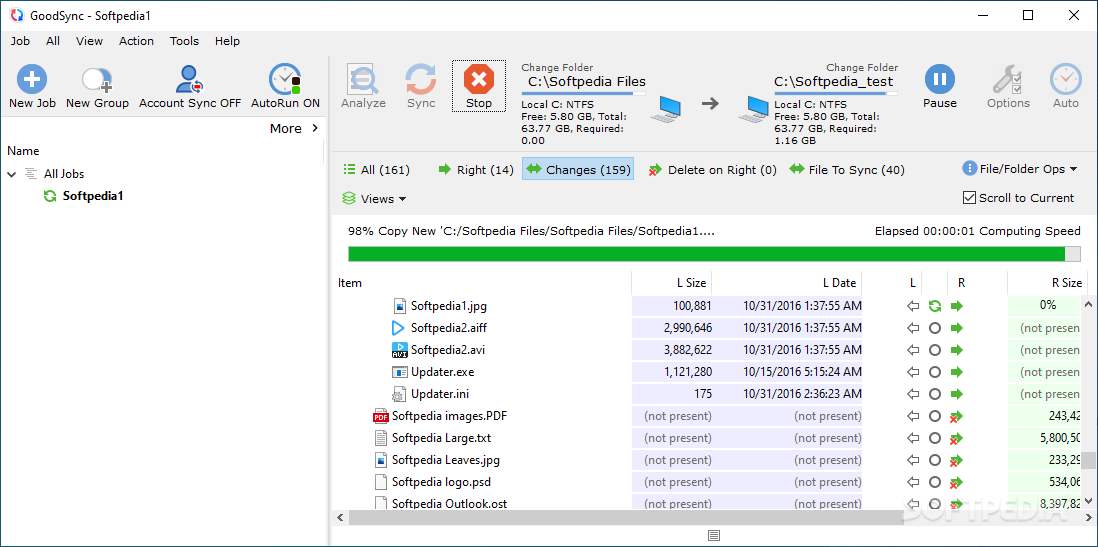
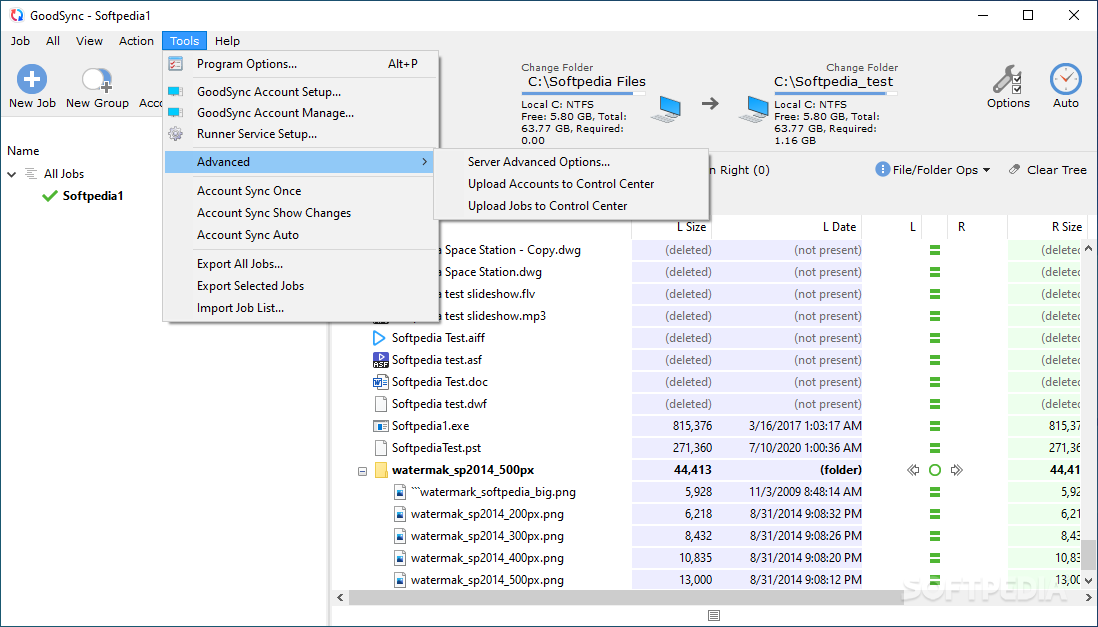
Thereafter, interacting with the Sync button will get the app to transfer the files that are not present in both folders. Integration with popular cloud services such as Google Drive, Dropbox, and more, is also available, the process being very much the same.
The software is indeed promising, but the limitations of the unpaid version may be enough to tide you over to pay or uninstall it altogether, due to the constraints. You're only allowed to use the app for 3 syncing jobs, and you may sync no more than 100 items.
The app is aptly named GoodSync, because it's easy to pick up and sync your contents without fault, but whether the Free version is enough for you is a question only you can answer.
Download Hubs
GoodSync is part of these download collections: Create Backup, Synchronize Folders, Make Backup
What's new in GoodSync 12.6.3.3:
- Sib-SMB: Fixed SMB2 share listing when extra-long DCE/RPC response requires PDU re-assembly.
- Azure: Added Initial Path and caption for it, to specify a specific Container.
- Unattended Job Runner GUI: Added showing Conflicts and Errors counts in GUI.
- AccountSync vs UnAttended Job Runner: Fixed AccountSync from GsRunner was not always correct.
GoodSync 12.6.3.3
add to watchlist add to download basket send us an update REPORT- portable version
- GoodSync2Go
- runs on:
-
Windows 11
Windows 10 32/64 bit
Windows 8 32/64 bit
Windows 7 32/64 bit
Windows Vista 32/64 bit - file size:
- 68 MB
- filename:
- GoodSync-vsub-Setup.exe
- main category:
- System
- developer:
- visit homepage
Context Menu Manager

Bitdefender Antivirus Free

4k Video Downloader

Microsoft Teams

Windows Sandbox Launcher

calibre

Zoom Client

IrfanView

7-Zip

ShareX

- IrfanView
- 7-Zip
- ShareX
- Context Menu Manager
- Bitdefender Antivirus Free
- 4k Video Downloader
- Microsoft Teams
- Windows Sandbox Launcher
- calibre
- Zoom Client