
Create batch file operations and automate tasks with a scheduler and triggers, using this feature-rich tool for hardcore PC users. #File management #Manage batch files #Manage bulk files #Management #Monitor #Automatic

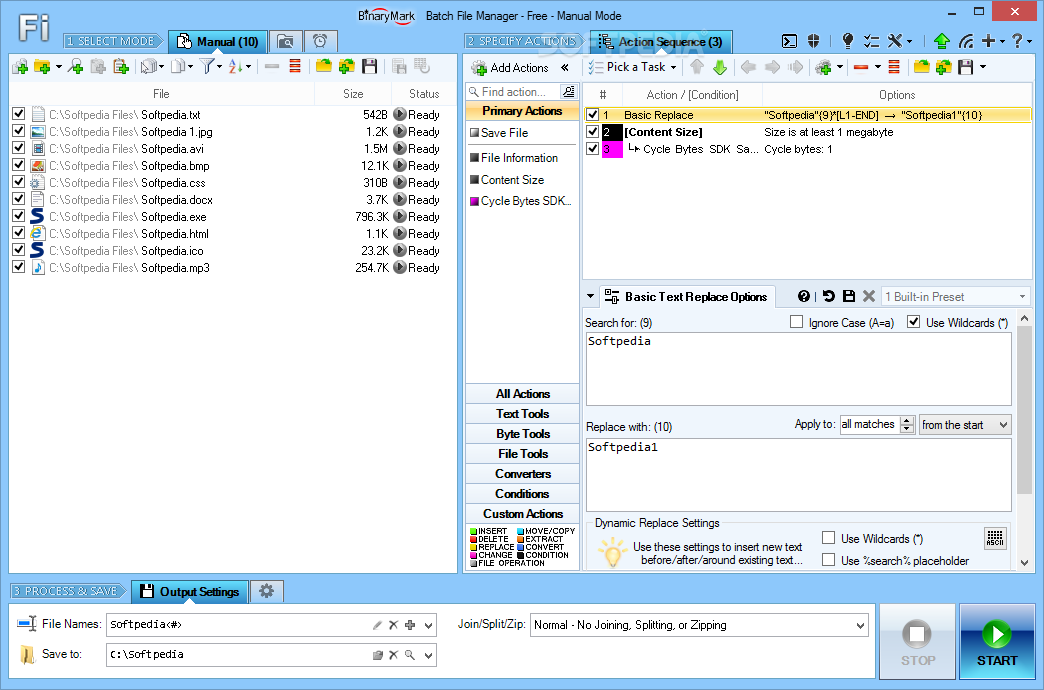
Batch File Manager is a feature-rich application that facilitates a wide range of file management options concerning search, rename, copy, move and delete operations. It gives you the possibility to set up automatic tasks for repetitive actions.
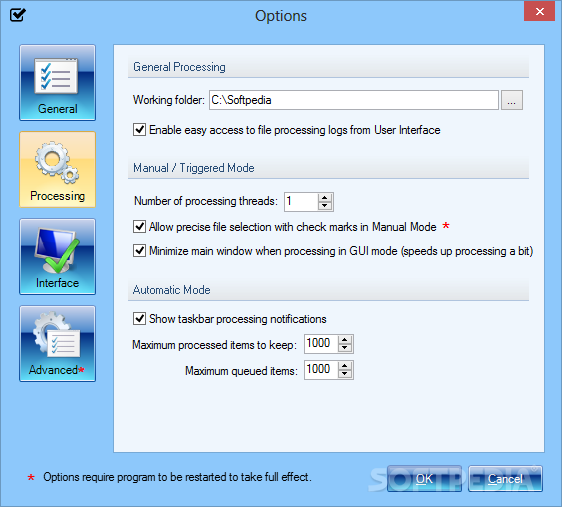
The setup procedure doesn't take long and the only notable aspect about it is that you need .NET Framework installed. Alternatively, you can run the tool in portable mode to keep all configuration settings in a single place.
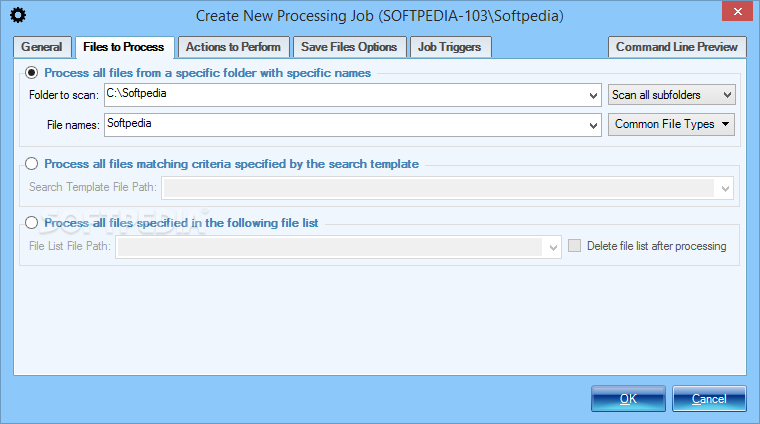
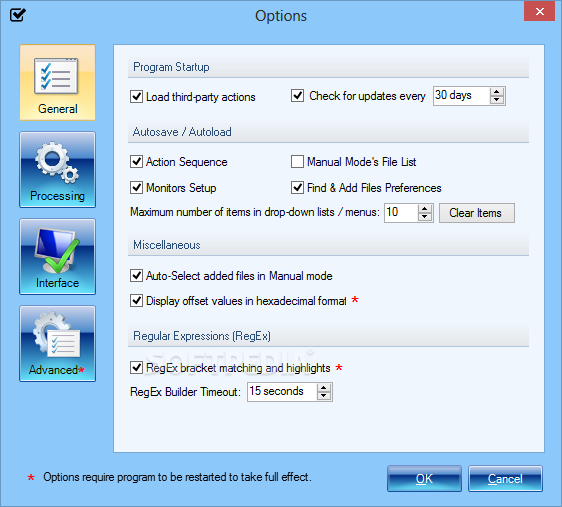
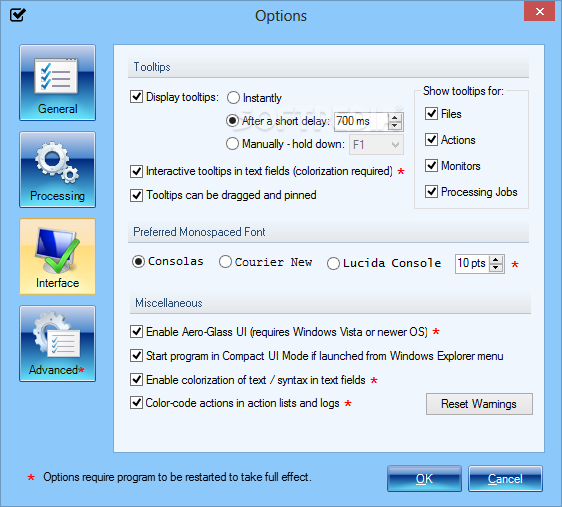
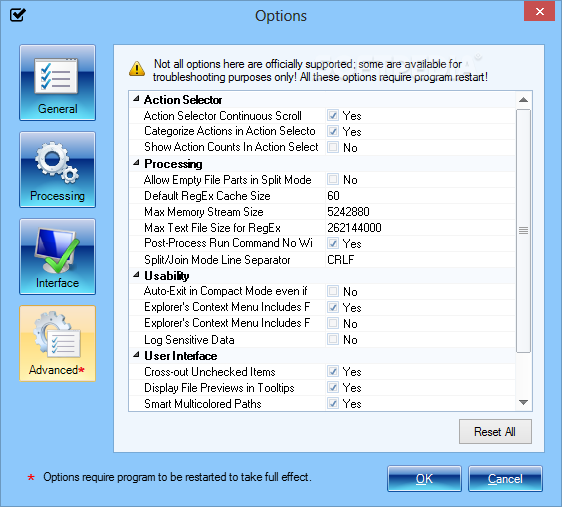
After firing it up for the first time, the main window may seem overwhelming, due to the fact that it integrates numerous elements. Thankfully, Batch File Manager makes sure to clarify the most important aspects, such as how to add files for processing, or how to perform actions.
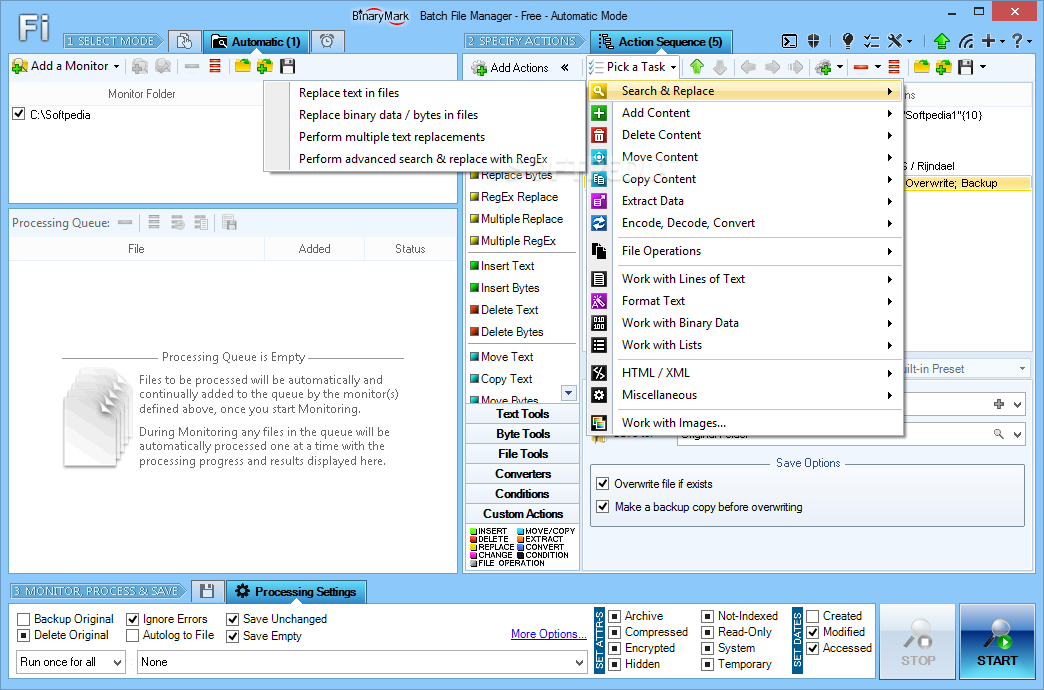
Once you put together a list with pending files, you can explore the wide array of tasks involving search and replace (e.g. replace text or binary data), add content (e.g. insert text at the start or end), delete, move or copy content (e.g. first or last given number of lines), extract data (e.g. unique links or email addresses), as well as encode, decode and convert data (e.g. convert HTML to plain text, or binary to Base64).
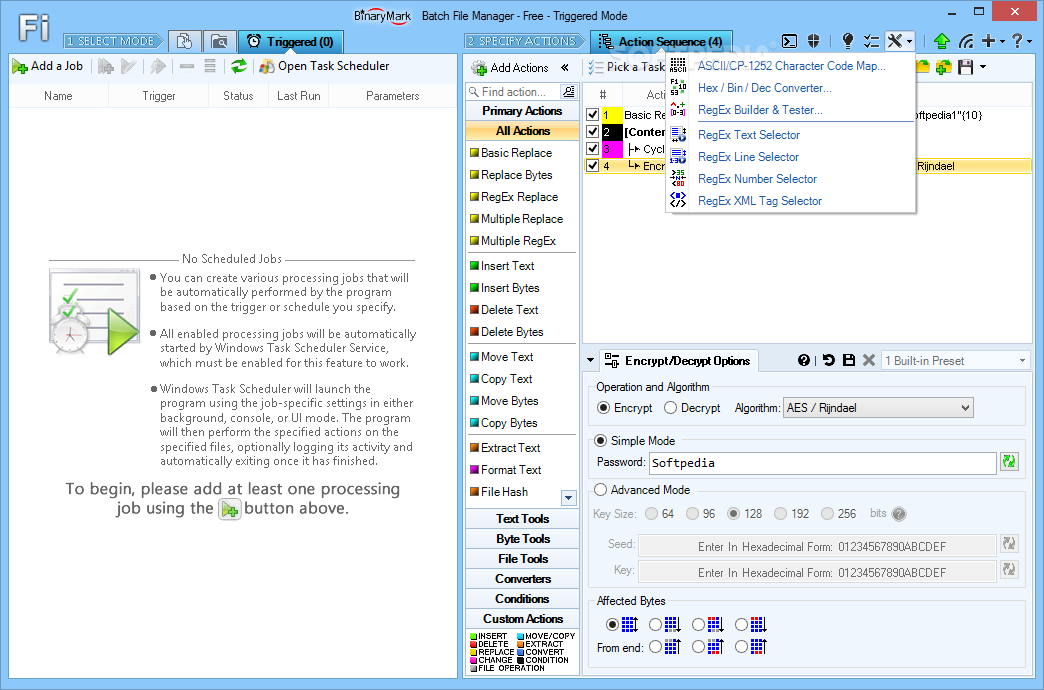
Other kinds of operations focus on finding, renaming, copying, moving, deleting, backing up, joining, splitting, encrypting and decrypting files, as well as setting file attributes and computing checksums. You can work with lines of text, like trimming all lines, sorting them in ascending or descending order, adding line numbers, or removing line breaks.
Additional features are implemented for converting text case (e.g. capitalize all or specific text, first letters of every word, all HTML tags), processing binary data (e.g. insert or replace bytes from file), removing duplicates from lists and reversing the order of items, as well as changing attribute values from specific HTML/XML tags, among others.
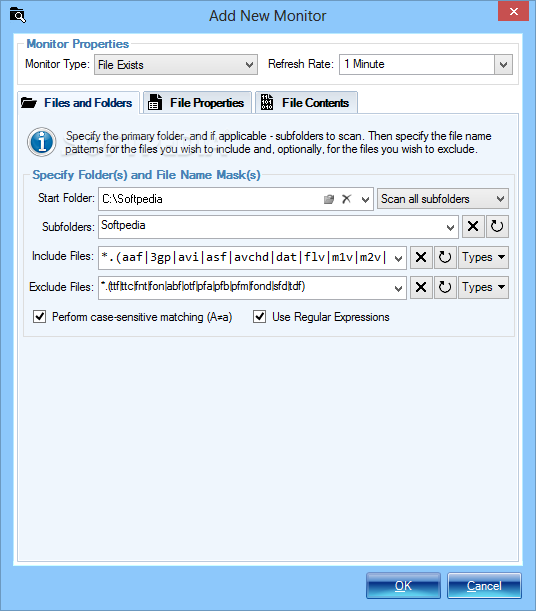
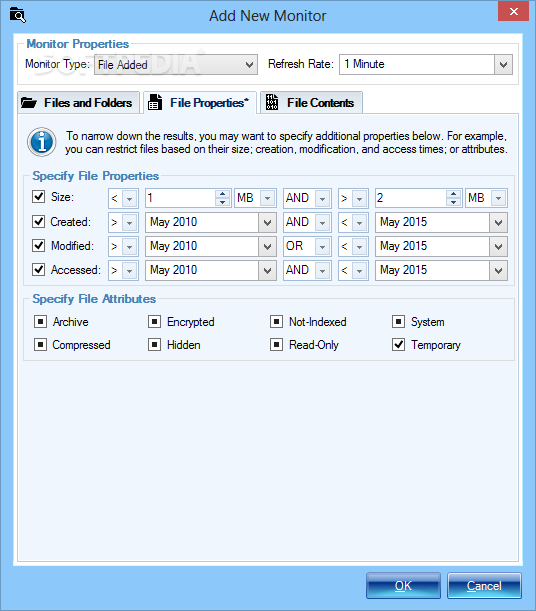
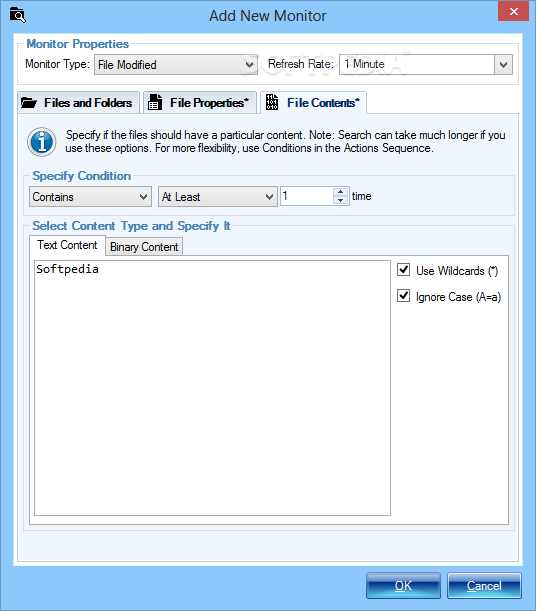
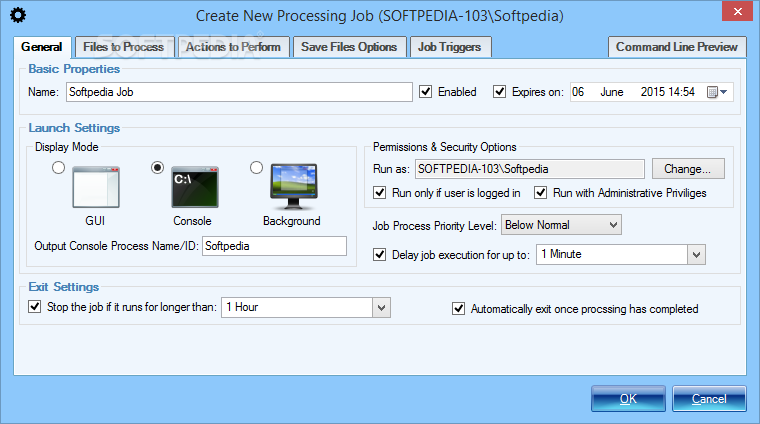
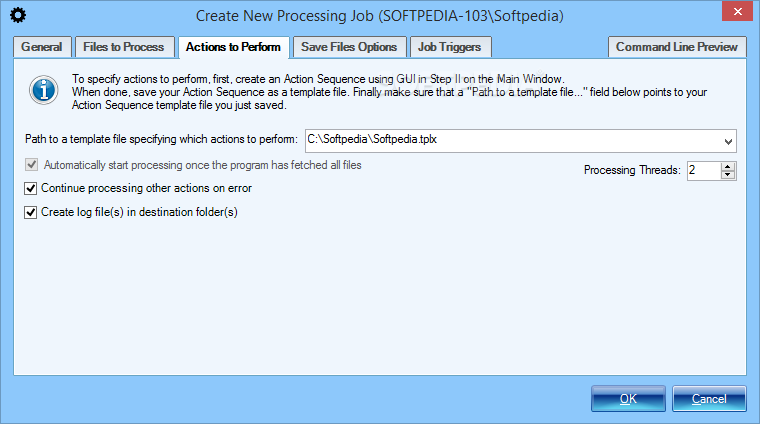
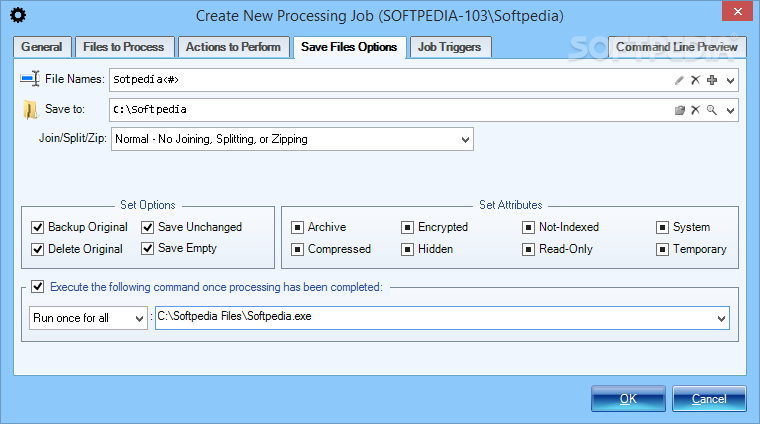
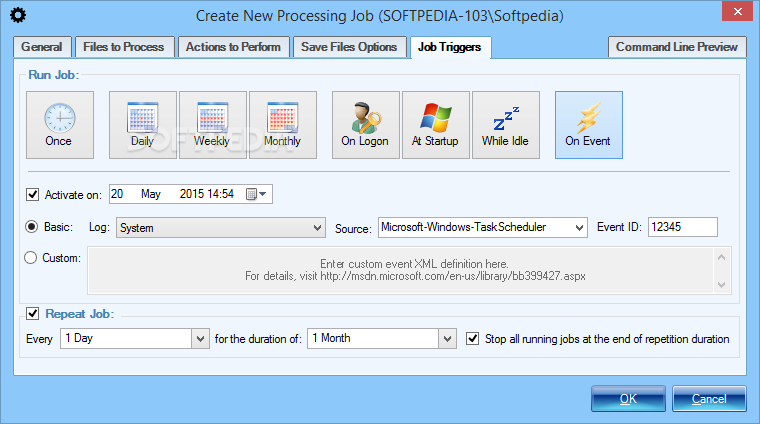
The pending files can be filtered by name and type. Plus, tasks built with Batch File Manager can be automated by creating a watchlist, scheduled time, and other triggers, such as system startup or logon, idle state, or application launch.
Batch File Manager is certainly comprehensive, packing more features than we expected. Naturally, it takes a while to get familiarized with the environment (there's also a help manual and online tutorial available). However, once you get the hang of it, you can put together repetitive tasks, similar to recording macros to simplify your workload.
Batch File Manager 5.0.7.0
add to watchlist add to download basket send us an update REPORT- runs on:
-
Windows 10 32/64 bit
Windows 2008 32/64 bit
Windows 2003
Windows 8 32/64 bit
Windows 7 32/64 bit
Windows Vista 32/64 bit
Windows XP 32/64 bit - file size:
- 4.4 MB
- filename:
- BatchFileManSetupT.exe
- main category:
- System
- developer:
- visit homepage
Zoom Client

4k Video Downloader

Windows Sandbox Launcher

Bitdefender Antivirus Free

ShareX

paint.net

Microsoft Teams

calibre

7-Zip

IrfanView

- calibre
- 7-Zip
- IrfanView
- Zoom Client
- 4k Video Downloader
- Windows Sandbox Launcher
- Bitdefender Antivirus Free
- ShareX
- paint.net
- Microsoft Teams